---
title: Free HTML Form Creator | Paperform
description: Easily generate an HTML code for your form with our simple, free form creator tool.
url: "https://paperform.com/tools/free-html-form-creator"
type: static
generatedAt: "2026-10-12T00:04:57.403Z"
---
## Free HTML Form Creator
Create HTML forms seamlessly with our intuitive HTML Form Creator. Designed for everyone, from beginners to seasoned developers, this tool simplifies the process of crafting professional, responsive forms for any purpose.
Want beautiful forms without writing code?
Paperform lets you create stunning forms, surveys, and landing pages — no coding needed.
[Try Paperform Free](https://paperform.co/register?utm_source=form-builder-tool&utm_medium=cta)
## Frequently Asked Questions
### 1. How does this HTML form creator work?
Our form creator allows you to quickly build HTML forms by adding your questions, configuring options, and generating the code. Simply input your desired fields, customize as needed, and copy the resulting HTML, JS, or TSX code.
### 2. Is this form creator really free?
Yes, our HTML form creator is completely free to use. There are no hidden charges or premium features locked behind a paywall.
We have an entire [free tools directory](https://paperform.com/tools/). Some of our most popular tools are:
- [Dubble: Free Step-by-Step Software Documentation Creator](https://dubble.so/) - Record your actions and Dubble automatically writes step-by-step guides and screen recordings you can share instantly.
- [Papersign: Free eSignature solution](https://papersign.com/) - send and sign PDFs to multiple people for free.
### 3. What types of form fields can I create?
You can create various field types including text inputs, checkboxes, radio buttons, dropdowns, file uploads, URLs, and more. Each field type can be customised to suit your needs.
If you're looking for more advanced field types like Scheduling (calendars), payments, products, subscriptions or live calculations, then [try out Paperform for free.](https://paperform.co/register/)
### 4. Can I style the generated forms?
While the generator produces basic HTML, you can easily add your own CSS to style the form.
### 5. Are the generated forms responsive?
The basic HTML structure is responsive. However, for optimal responsiveness across all devices, you may need to add some custom CSS or use a CSS framework.
### 6. Can I save or edit my forms later?
Currently, we don't offer a save feature. However, you can always recreate your form quickly using our intuitive interface. We recommend keeping a copy of your generated code for future reference.
### 7. How do I handle form submissions in HTML?
The generator focuses on creating the form structure. You'll need to add your own backend logic to process form submissions. We provide basic examples of how to handle submissions in popular languages.
If you're looking for a forms solution that takes the pain out of receiving submissions, then [try Paperform](https://paperform.co/register/) to automatically support storing, processing, and distributing submissions via email, or direct integrations with 1000s of other apps like Google Sheets, MailChimp or Trello.
## Tired of wasting hours hand coding forms, and building integrations?
Say goodbye to writing forms by hand in HTML - Use Paperform instead to create beautiful, responsive and flexible forms that anyone on your team can update. [Try Free Now](https://paperform.co/register/) 
## Enterprise-grade security & compliance.
Paperform takes your company's security seriously. We're SOC2 Type 2 and GDPR compliant.
Find out more in our [Trust Center](https://trust.paperform.app).
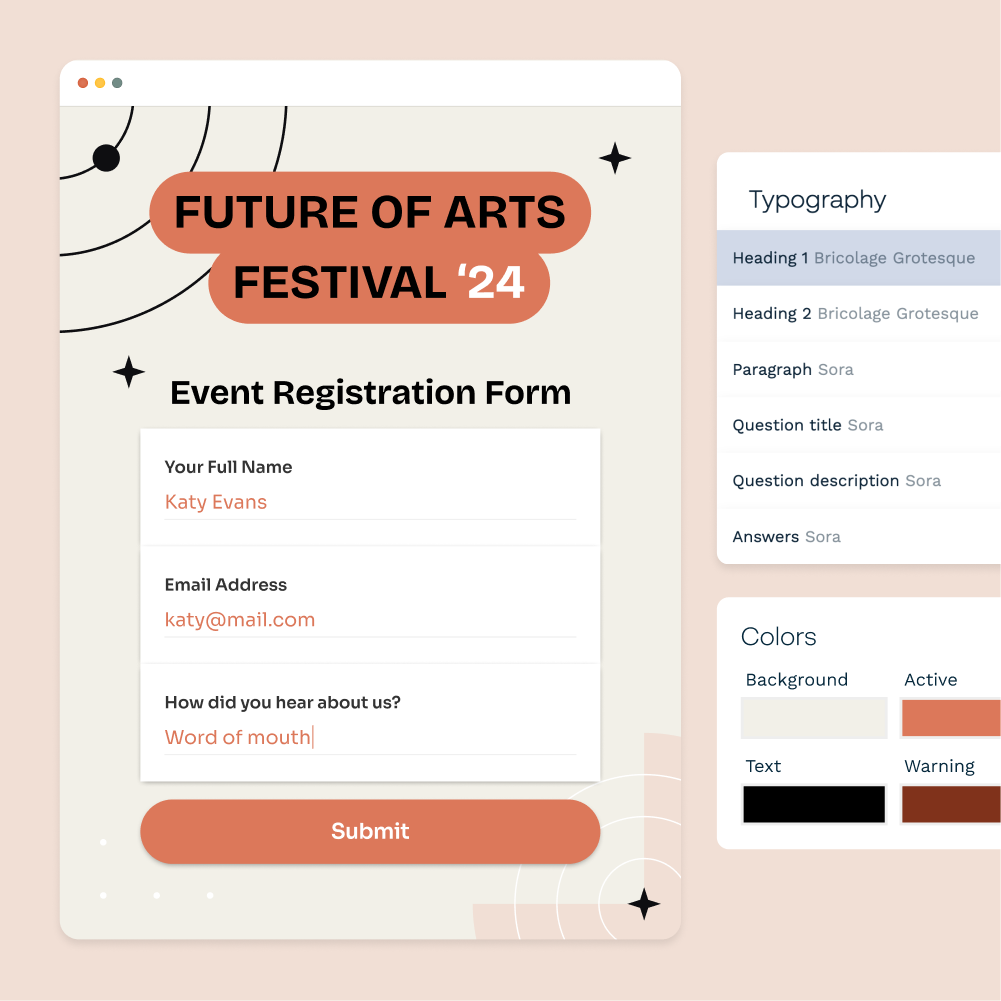
## Effortless forms. No code.
With 22 question types to choose from, Paperform has you covered for everything from a simple name and email address, to scheduling a time on your calendar or selling products.
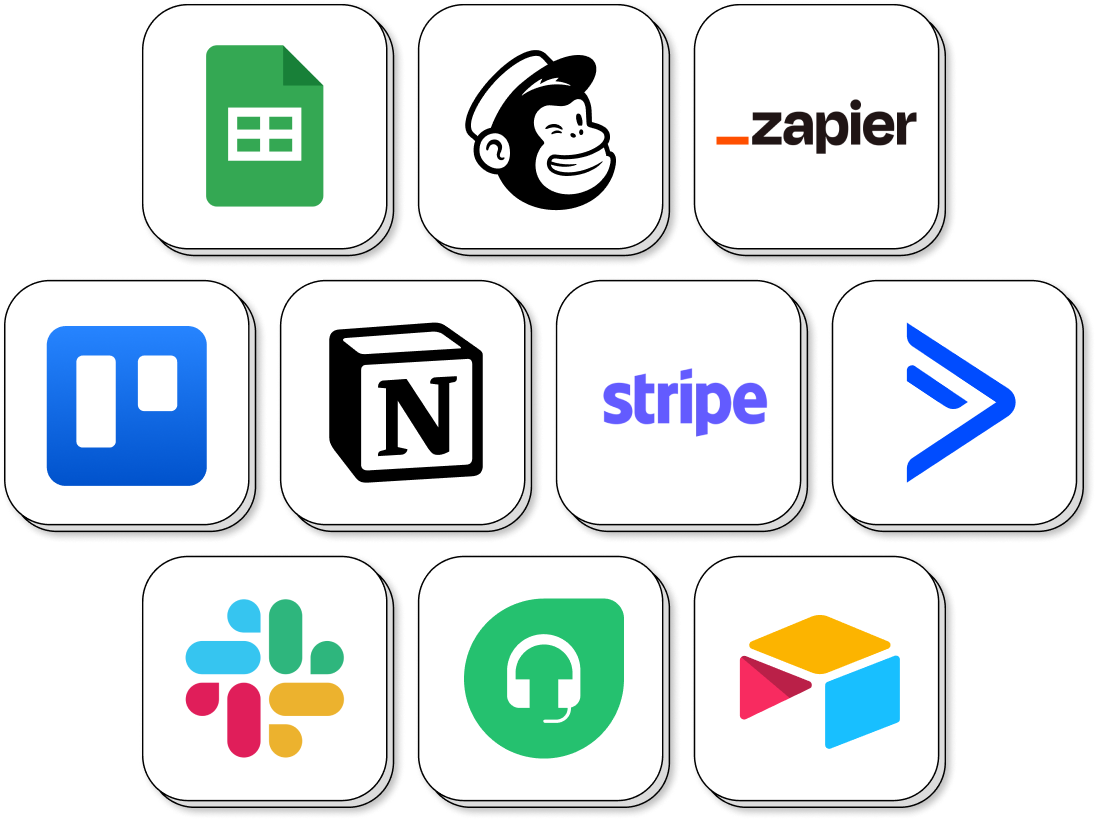
## Never hand code an integration again
Paperform provides direct integrations with over 30 different apps directly like Google Sheets, Notion, Airtable and , and thousands of others via Zapier and Make.
With a powerful API, and webhooks you can also easily integrate Paperform into your own systems.

## Share your forms anywhere
With our flexible embedding options, you can place your web forms anywhere on the web—from your website to an individual blog post. Optimized for desktop and mobile, our forms are ready to engage your audience and gather vital information, anytime, anywhere.
## Create Beautiful Smart Forms, Fast.
[Start your free account](https://paperform.co/register) Trusted By Thousands of Organizations Across the Globe. 