Build Small Improvements forms with Paperform

Paperform connects to Small Improvements through Zapier.

How Small Improvements connects to Paperform

Small Improvements connects through Zapier, which need their own account.

Zapier

Third party

Connect your form to Small Improvements with a Zap. Zapier needs its own account and plan.

  1. In the form editor, go to After Submission → Integrations & Webhooks and choose Zapier.
  2. Create a Zap with Paperform’s “New Submission” trigger and a Small Improvements action.
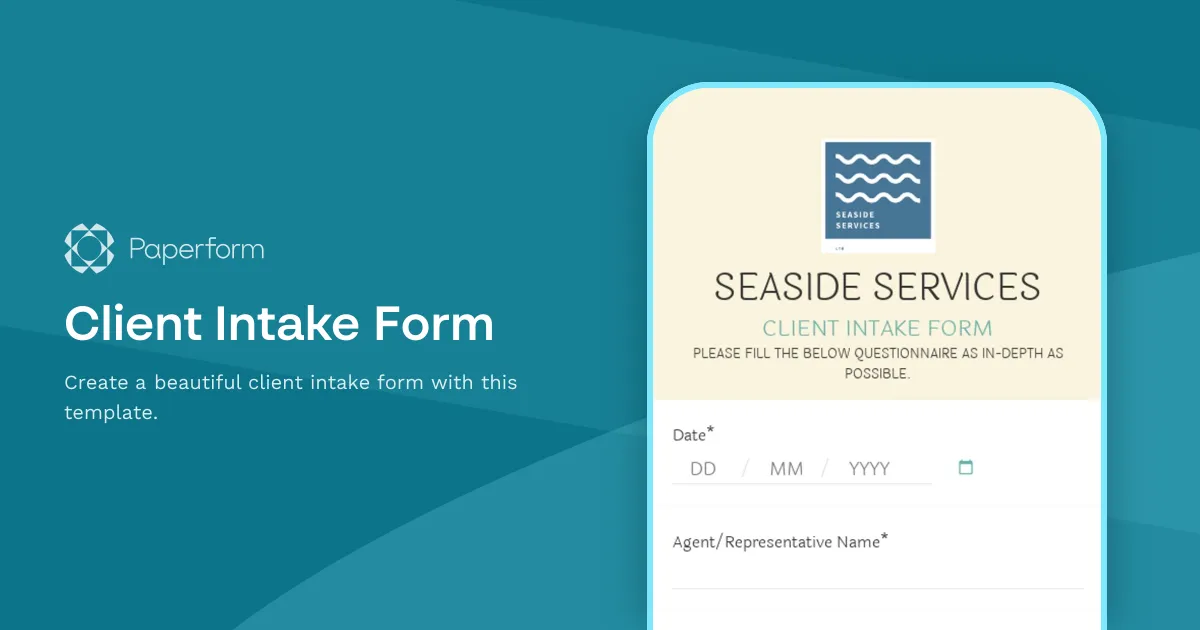
Start from a template

Pick a template, then connect it to Small Improvements. There are 30,000+ in the templates directory.

Related

More hr & recruiting integrations

Questions

Bring us the workflow that keeps breaking

Start with the one form whose data never quite lands where it should. Connect the rest when you're ready.

Start building