Online Quiz Maker
Build knowledge quizzes, lead quizzes and personality quizzes with automated scoring, branching logic and custom results screens, then send every result where it needs to go.
Every plan covers forms, e-signatures and workflows.
An online quiz scores each answer and shows a result based on the total — a grade, a personality type or a product recommendation. Paperform handles scoring automatically, branches questions with conditional logic, and shows a custom results screen for each score range.
How it works

Start from a template
Pick one of the quiz templates, or start with a blank form.
Set scoring and results
Give each answer a point value and build a results screen for each score range.

Send results to your tools
Pass each result to your email tool or CRM, and follow up based on the score.

Share it
Send a link, embed it on your site, or open it as a popup.
Everything you need to build better quizzes
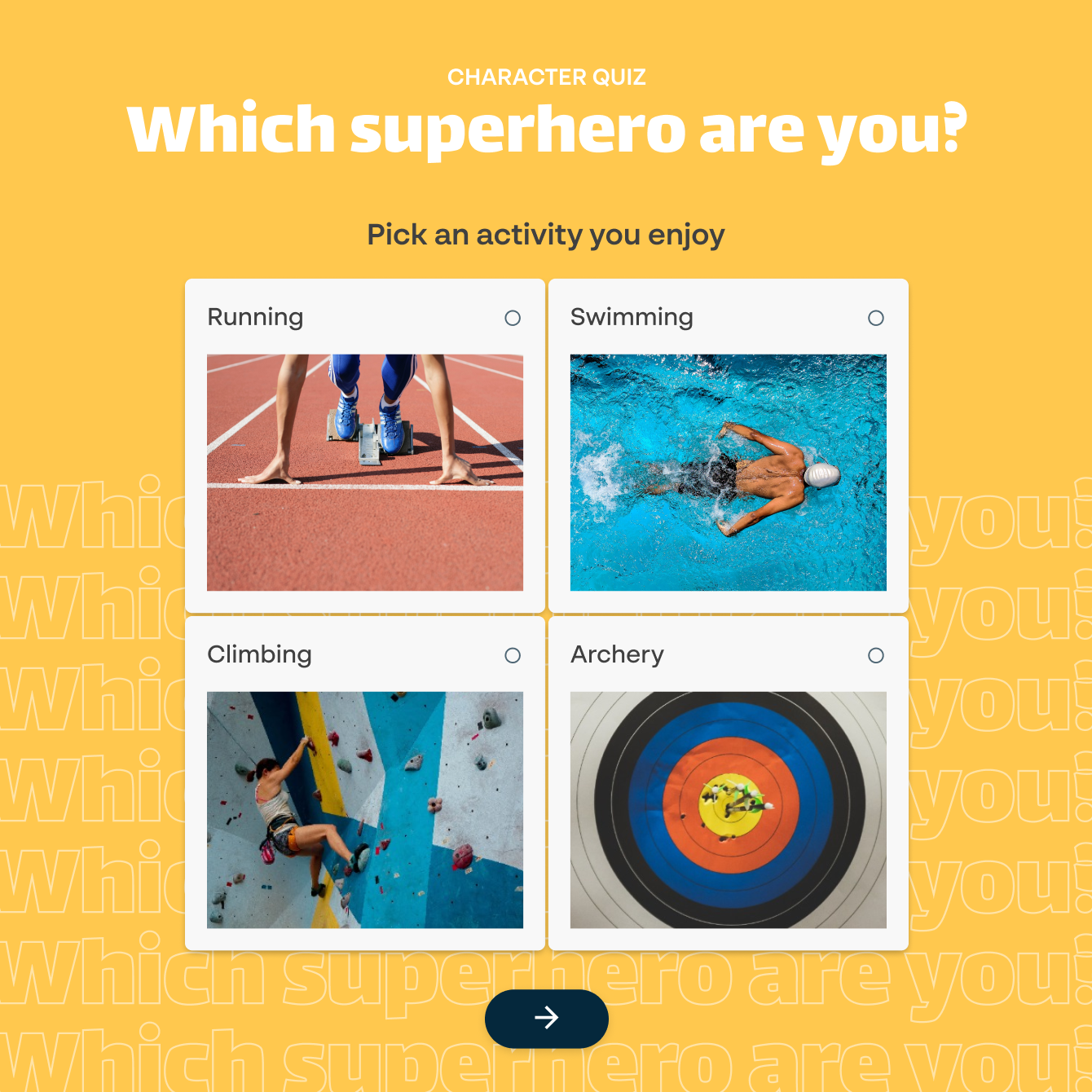
15+ question types for any quiz format
Choose from multiple choice, picture choice, ranking, matrix, short text, dropdown, slider, star rating, and more — mix types within a single quiz on any device. Use multiple choice for factual questions, open text for written responses, and star ratings for opinion sections.
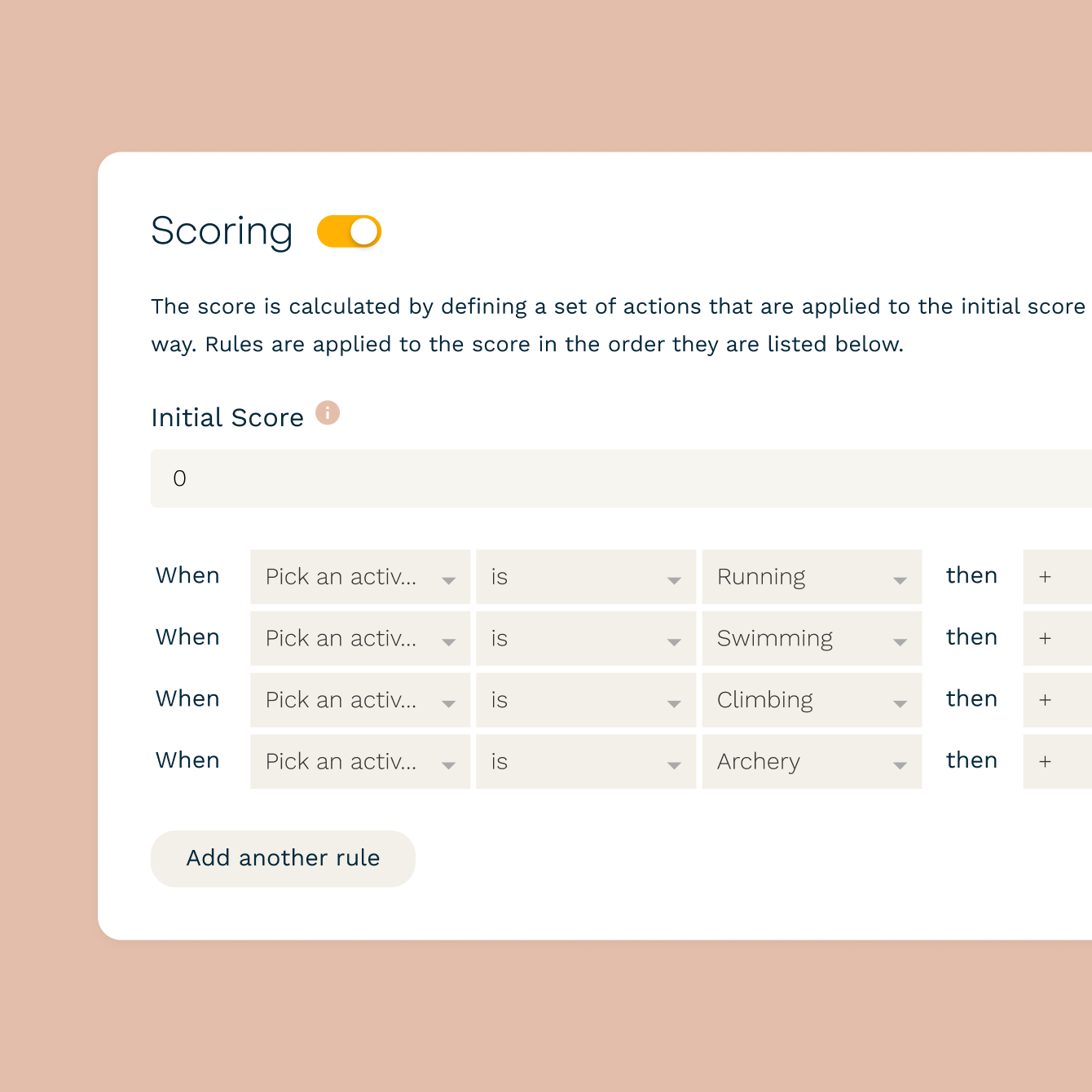
Automated scoring with instant results
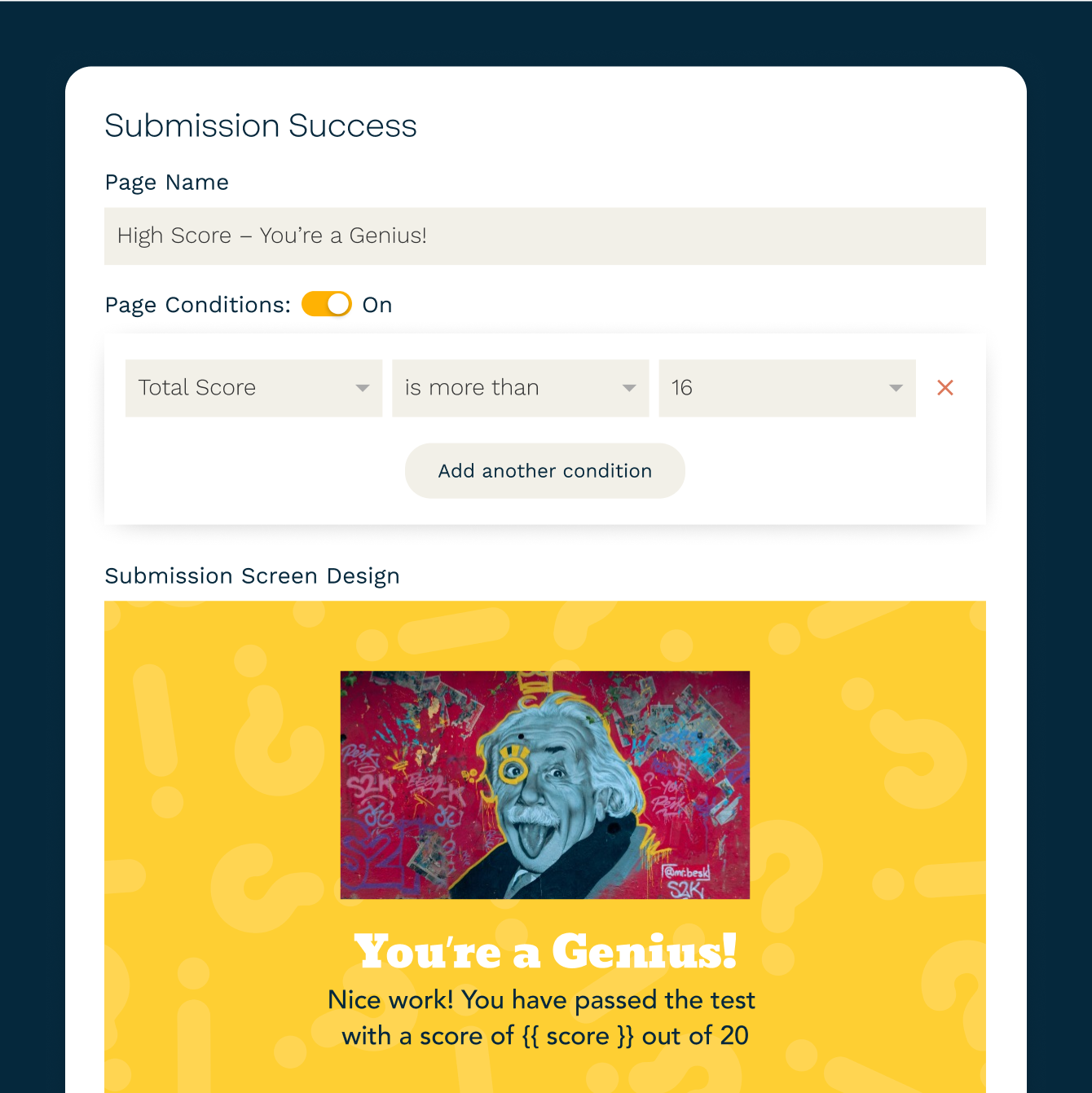
Mark correct answers and assign point values to any question — Paperform calculates scores automatically on submission, no manual grading needed. Set score thresholds to show different pass/fail messages, custom feedback by range, or redirects to different pages.
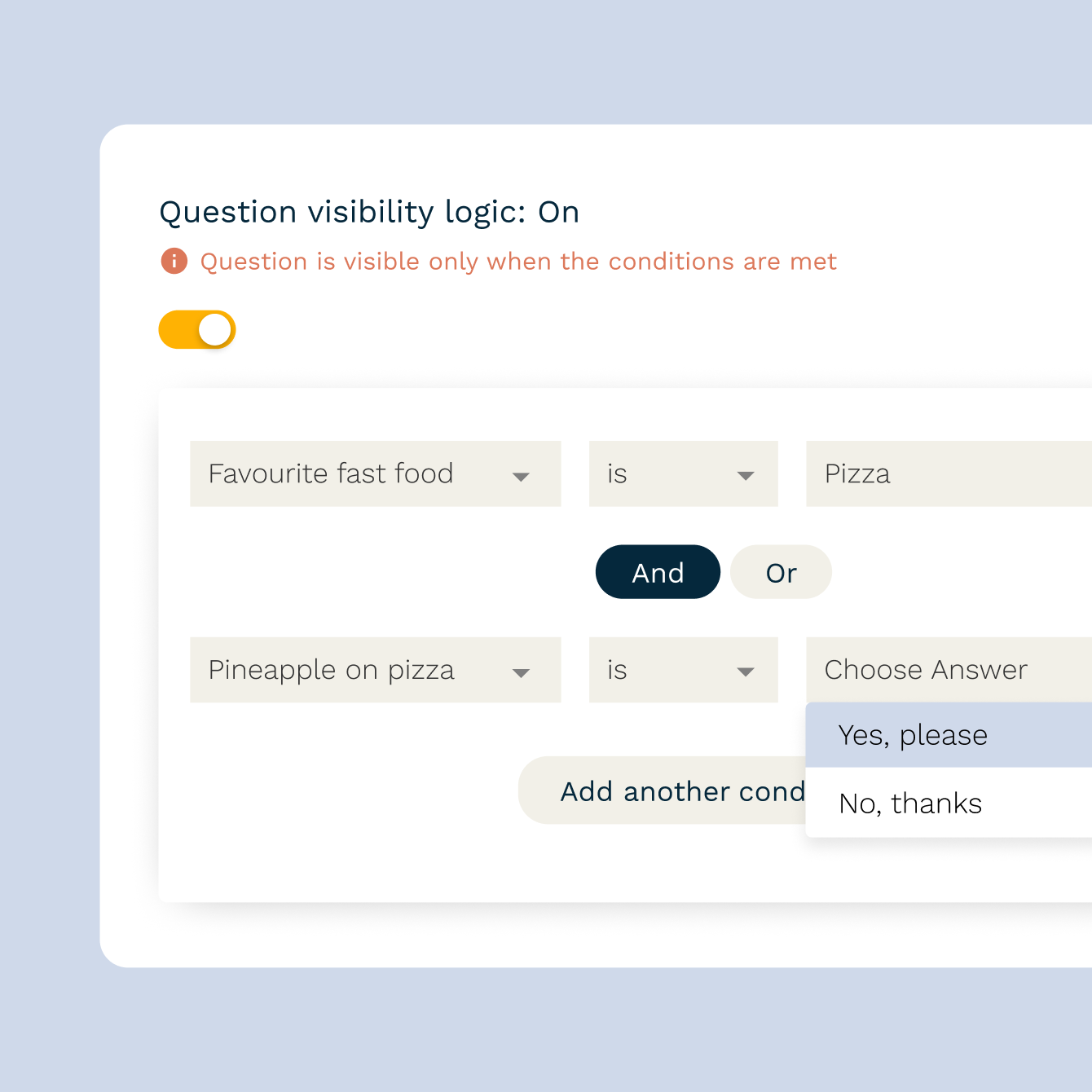
Conditional logic that adapts to every respondent
Show or hide questions based on previous answers, so a marketing quiz can branch by industry and a knowledge check can skip questions already answered correctly. Logic rules stack — combine multiple conditions per question for as much control as you need.
Custom results screens by score range
Show different results to different respondents based on their final score — a personality quiz can display one of four outcome cards, a training quiz can show a pass or retake screen. Each results screen has its own copy, images, and CTAs.
Collect leads before or after showing results
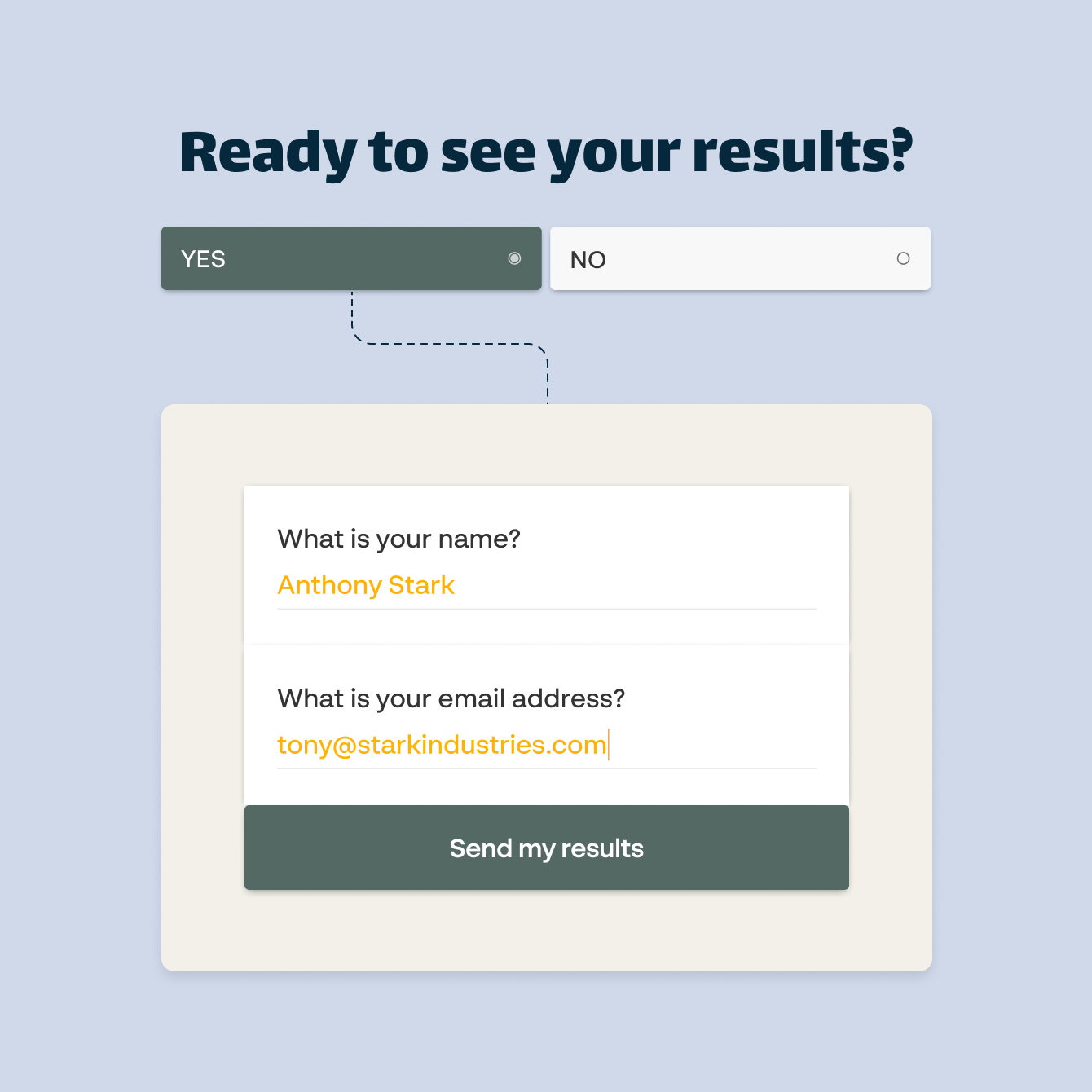
Gate quiz results behind an email capture field — ask for a name and email before revealing the score, or after to let respondents opt in to follow-up content. Every submission goes into your dashboard and can push to Mailchimp, HubSpot, or any CRM.
Full design control with your own branding
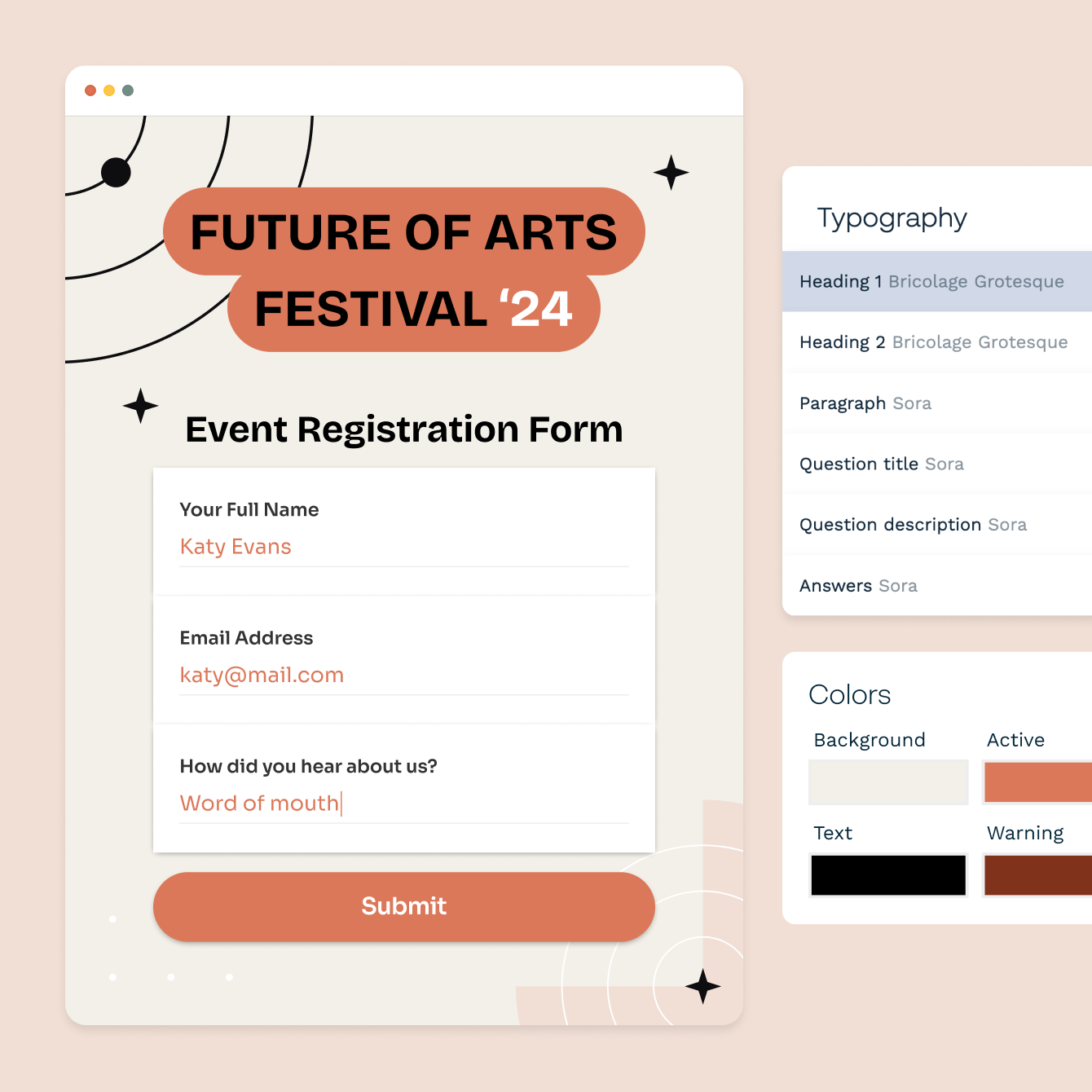
Set your own background, pick from hundreds of fonts, upload your logo, and style button colours to match your brand. Set a custom domain so the quiz URL matches your brand, not ours.
Quiz templates to start from
Product recommendations, personality quizzes, knowledge tests and assessments.
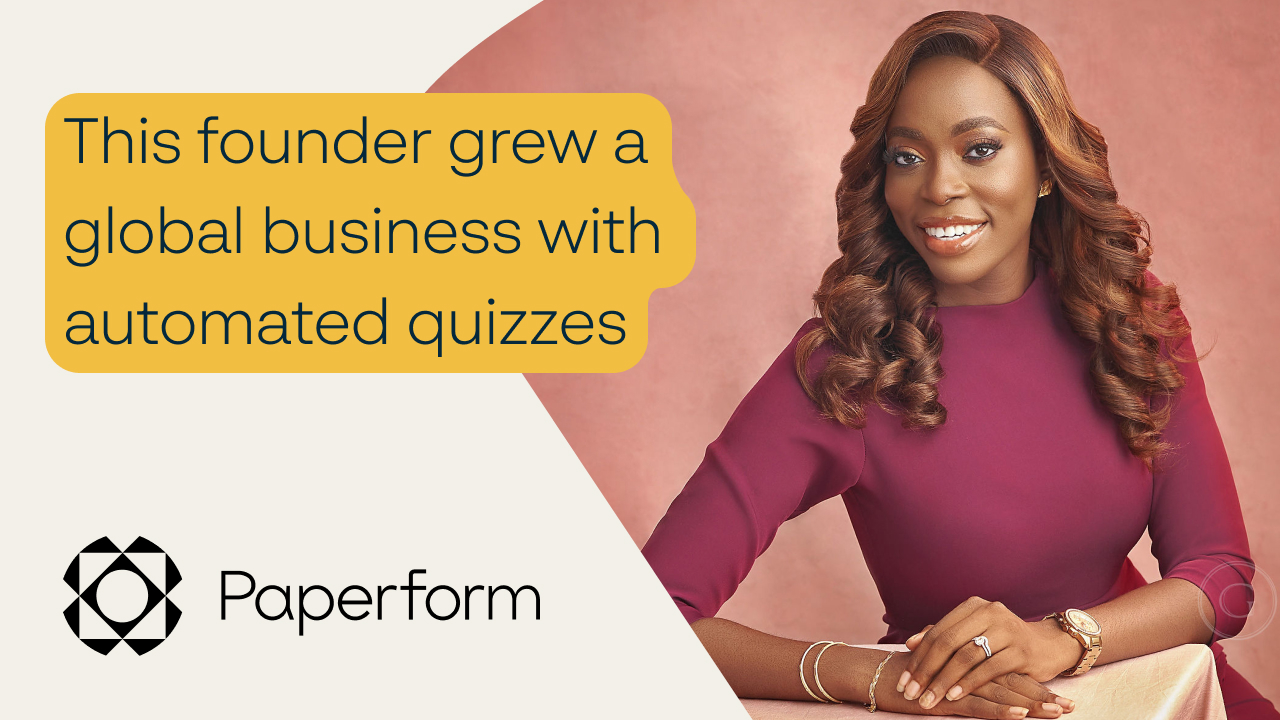
“There's no day when I wake up and I don't see an email saying someone just took my quiz. People are taking my quiz in my sleep.”
How this founder built a global business and saved 4 hours/day using automated quizzes with Paperform
Read case study
Sync quiz results to Mailchimp, HubSpot, Google Sheets, and more
Every quiz submission flows automatically into the tools you already use. Connect Mailchimp or ActiveCampaign to add leads to nurture sequences the moment they finish your quiz. Sync responses to HubSpot, or to Salesforce through Zapier, for CRM follow-up. Send data to Google Sheets for analysis or Notion for team review. Paperform connects directly with 9,800+ apps via Zapier and Make.
Quiz Maker FAQs
1. What types of quizzes can I build with Paperform?
Paperform supports knowledge quizzes with automated scoring, personality quizzes with outcome-based results, lead generation quizzes that capture emails before or after results, product recommendation quizzes, and training or compliance assessments. You can mix question types, multiple choice, ranking, matrix, picture choice, open text, within any quiz.
2. Does Paperform support automated quiz scoring?
Yes. You can mark correct answers and assign point values to any question. Paperform calculates the score automatically on submission. You can also set score thresholds to trigger different results screens, for example, a "passed" message for scores above 80% and a "try again" message for anything lower.
3. Can I show different results based on quiz answers?
Yes. Paperform lets you create multiple custom results screens triggered by score ranges or specific answer combinations. A personality quiz can show one of several outcome cards. A product quiz can show a tailored recommendation. Each results screen has its own copy, images, and CTA links. Conditional logic can also branch the quiz itself, so each person only sees the questions that apply to them.
4. Can I collect email addresses through my quiz?
Yes. Add an email field anywhere in your quiz, at the start to gate the results, at the end to offer follow-up content, or mid-quiz as part of the flow. Submissions are stored in your Paperform dashboard and can sync automatically to Mailchimp, HubSpot, ActiveCampaign, or any connected tool.
5. Can I customise the design of my quiz?
Yes. Every Paperform quiz is fully customisable. Set background colours or images, choose fonts from the Paperform library, upload your logo, and adjust button styles. You can also add a custom domain to match your brand's URL structure.
6. How do I see quiz responses and scores?
All responses are collected in your Paperform dashboard, where you can view individual submissions, see scores, filter by date, and export to CSV. You can also connect to Google Sheets for a live-updating spreadsheet of all responses, or push data to a CRM or analytics tool via Zapier.
7. How does Paperform compare to Typeform for quizzes?
Typeform is designed for one-question-at-a-time conversational forms, which suits personality quizzes well. Paperform supports the same format (Guided Mode) but adds native scoring and graded results, payment collection for paid courses, branching by score, and full design control — without needing separate tools for each. See how Paperform compares to Typeform.
Build a quiz that does something with the result.
Automated scoring, branching logic and custom results screens, with every result sent to your email tool or CRM.
Build your quiz