Online Scheduling Forms and Booking Pages
Take bookings, collect intake details and take a deposit in one step. Paperform scheduling forms check your Google Calendar, send automated reminders and collect payment at the time of booking.
Every plan covers forms, e-signatures and workflows.
A scheduling form lets someone pick a time, give you their details and pay — all in one step. Paperform checks availability against Google Calendar to prevent double-bookings, converts time zones automatically and takes payment through Stripe or PayPal at booking.
How it works

Start from a template
Pick one of the scheduling templates, or start with a blank form.

Set services, times and questions
Add your services and time slots, and the intake questions you need answered before each booking.

Connect Google Calendar and payments
Sync availability with Google Calendar, and take a deposit or full payment through Stripe or PayPal.

Share it
Send a link, embed it on your site, or open it as a popup.
Everything you need to manage bookings online
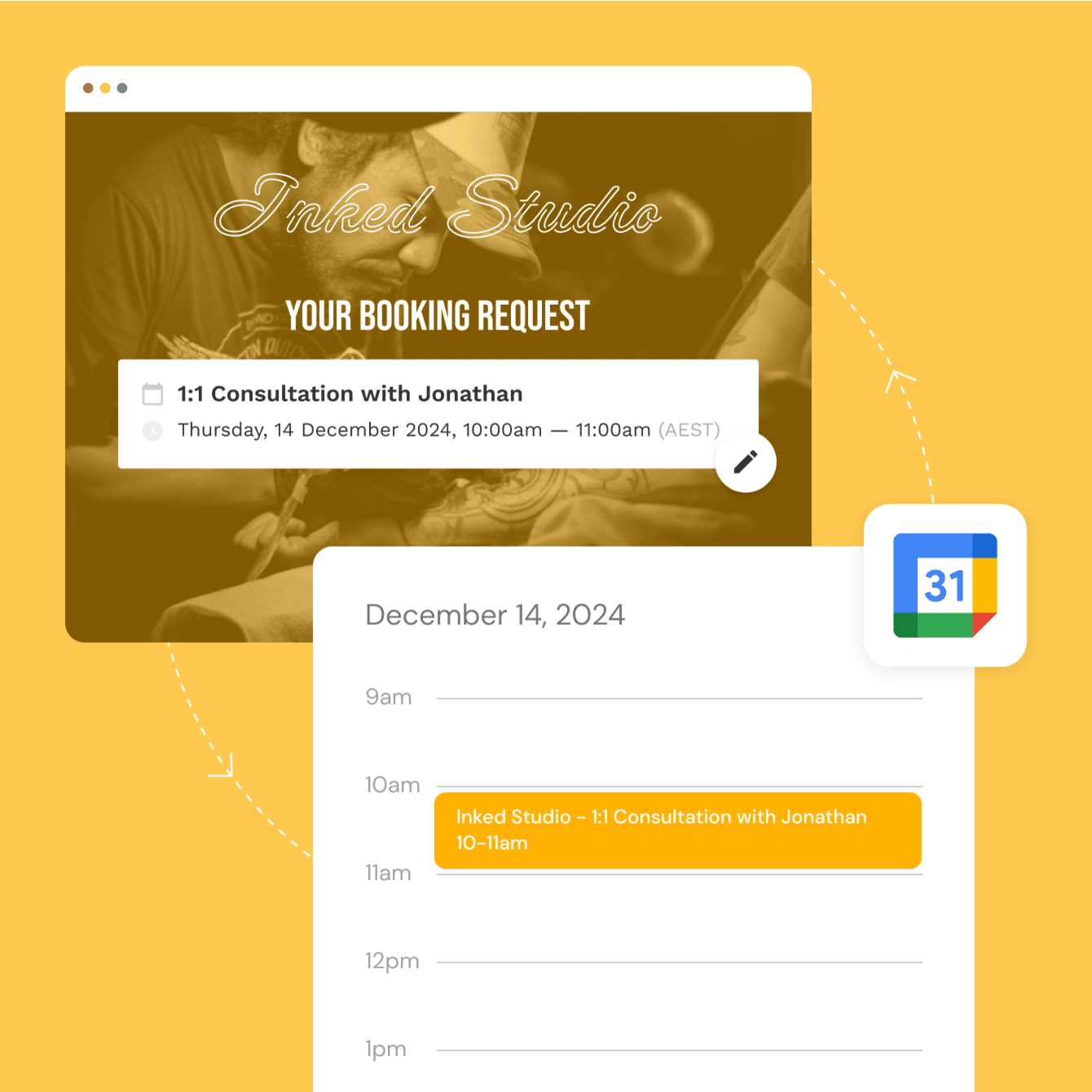
Sync with Google Calendar and stop double-booking
Connect your Google Calendar and Paperform checks your availability in real time — when a slot is taken, it's removed automatically. No manual updates, no double-bookings, no awkward reschedule emails.
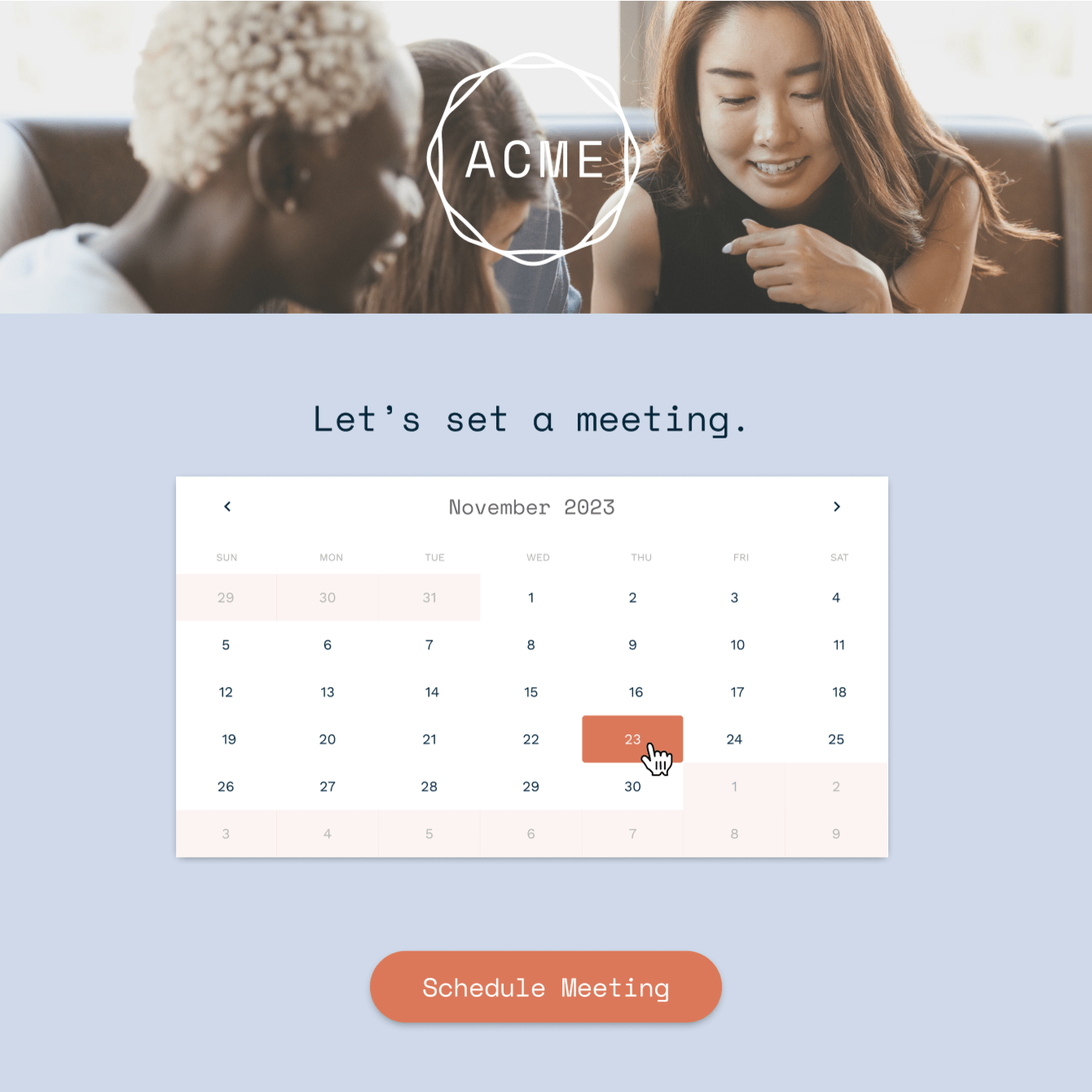
Send automated reminders and cut no-shows
Set up confirmation emails and reminder sequences that trigger automatically after each booking — remind clients 24 hours before, 1 hour before, or on any schedule you choose. Each email is personalised with their name and booking details.
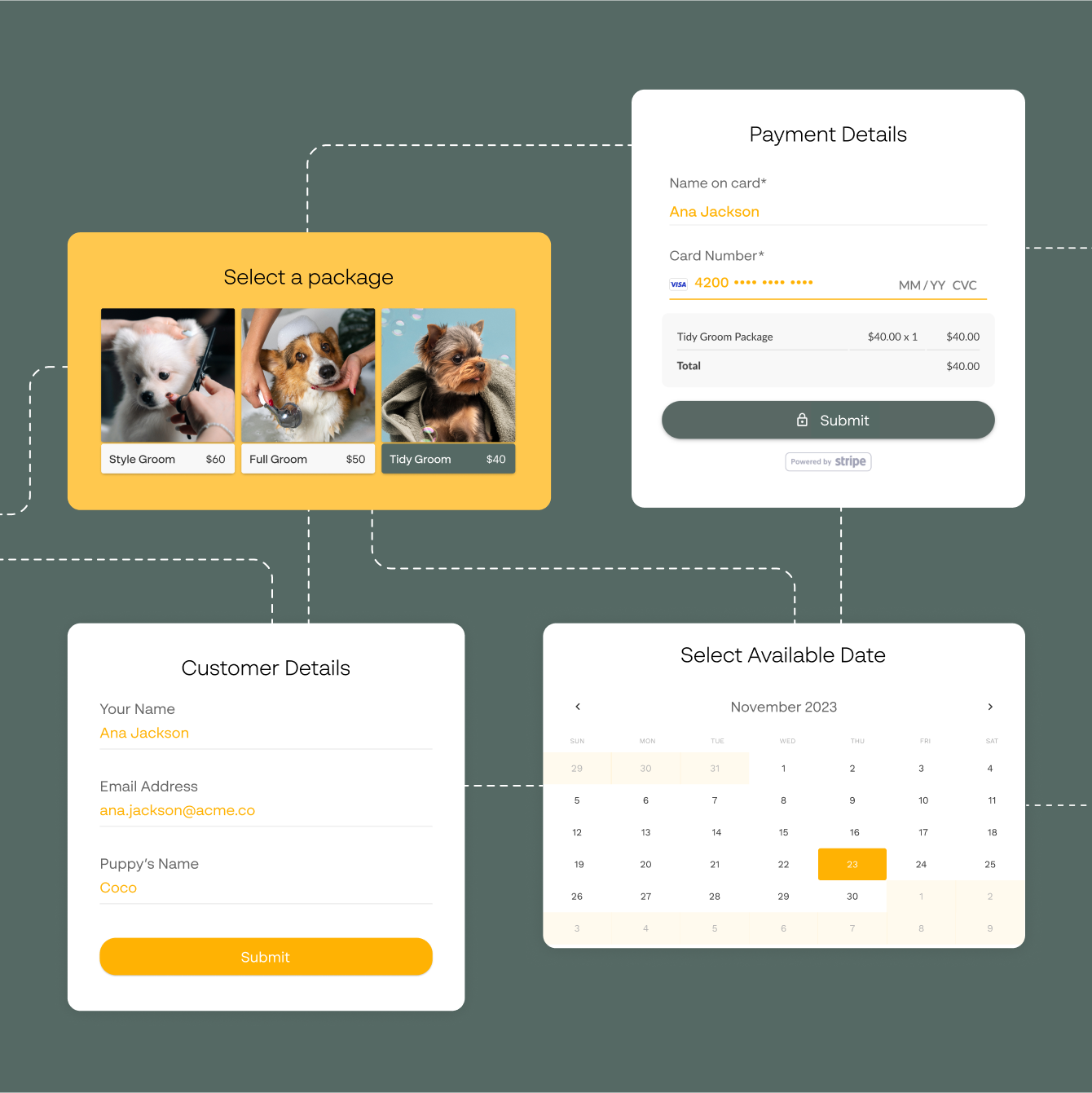
Handle time zones without the headache
Paperform detects your respondent's time zone and converts your available slots automatically — your client sees their local time, you see yours. No manual calculations or missed appointments from timezone confusion.
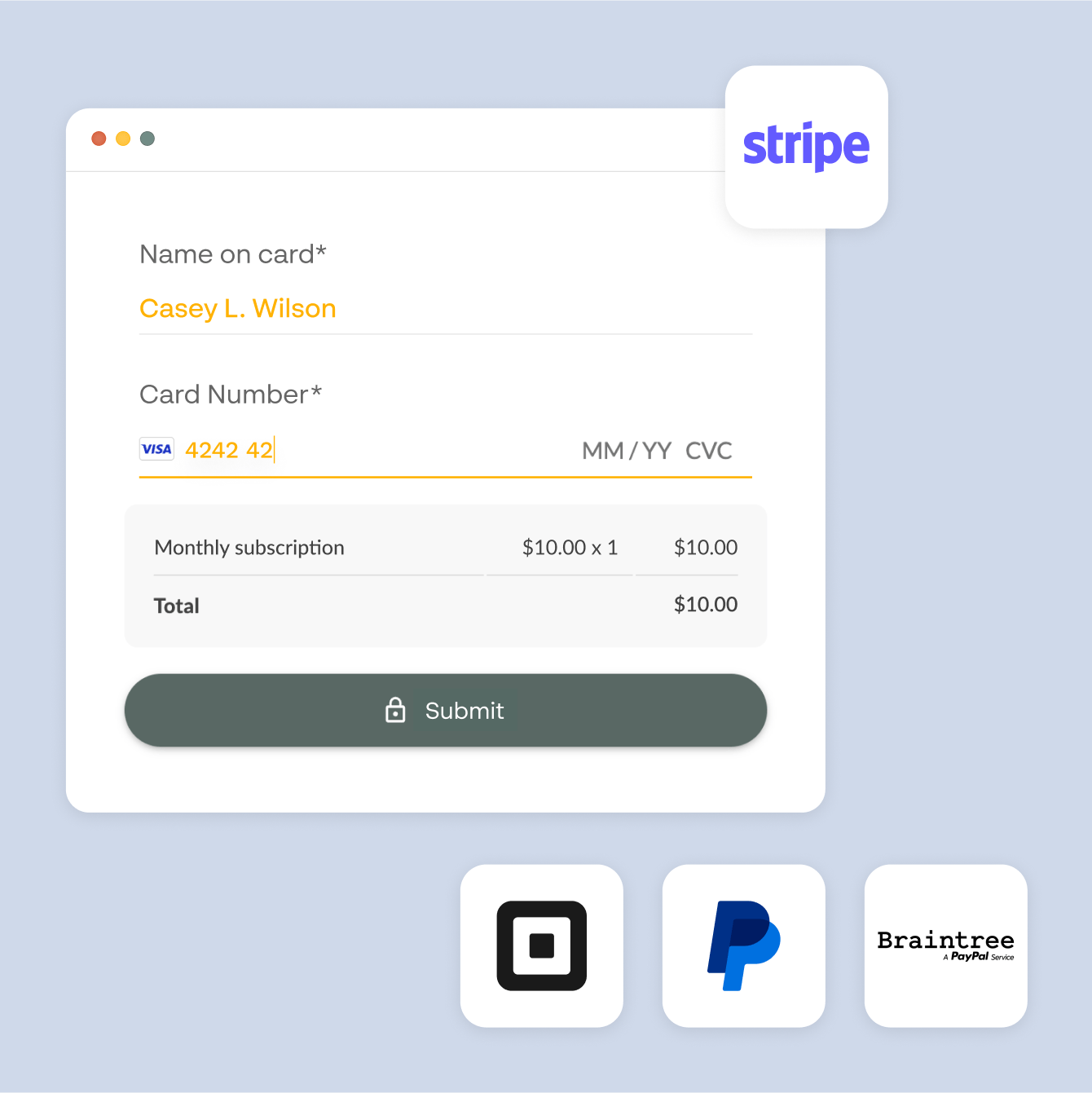
Collect payment at the point of booking
Charge a deposit or the full fee when someone books, before the appointment is confirmed. Add a Stripe or PayPal payment field directly to your booking form and set your price.
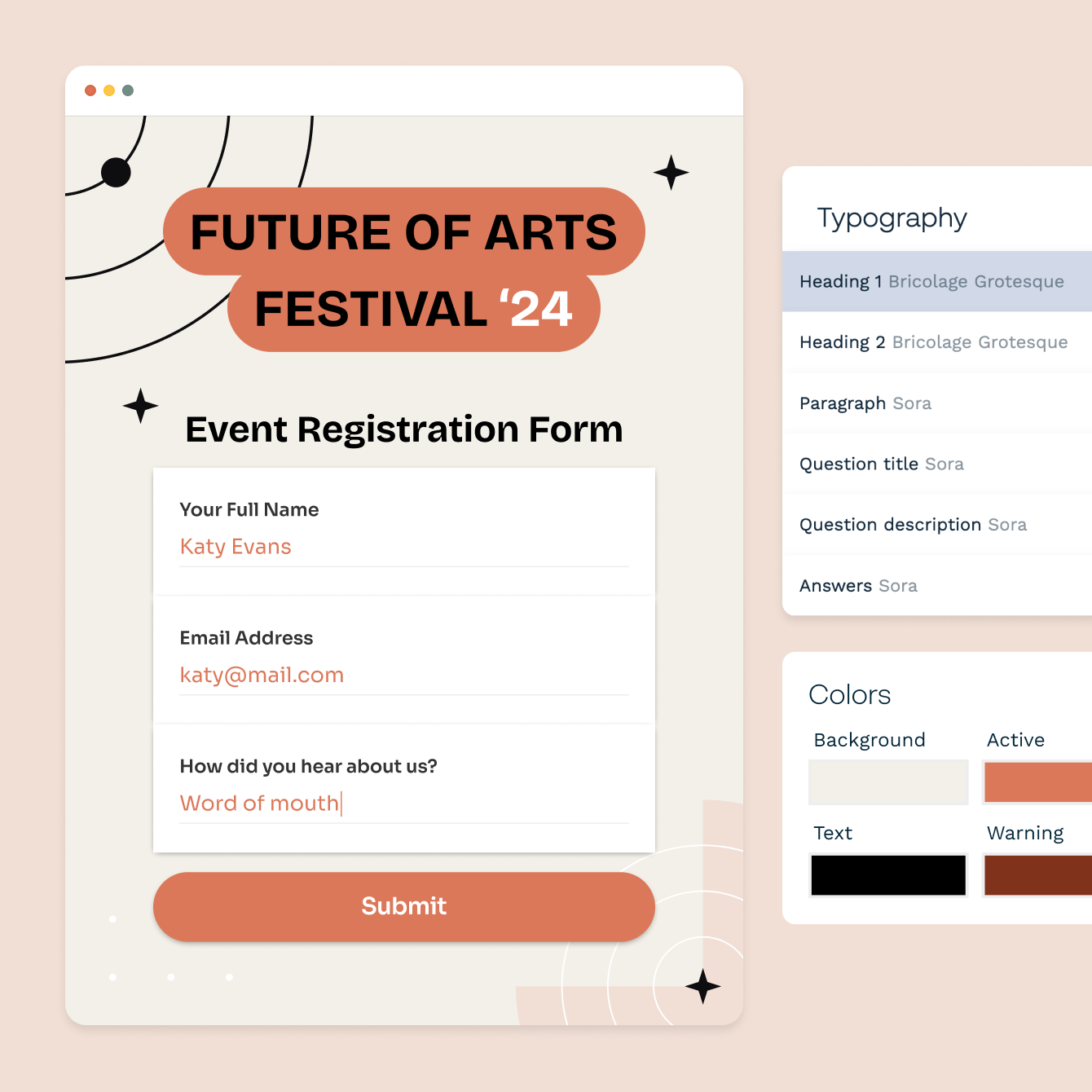
Build branded booking pages, not generic widgets
Add your logo, set a custom colour scheme, and write your own copy around the booking fields. Your page lives on a Paperform URL or embeds directly on your site — clients see your brand, not the tool you used to build it.
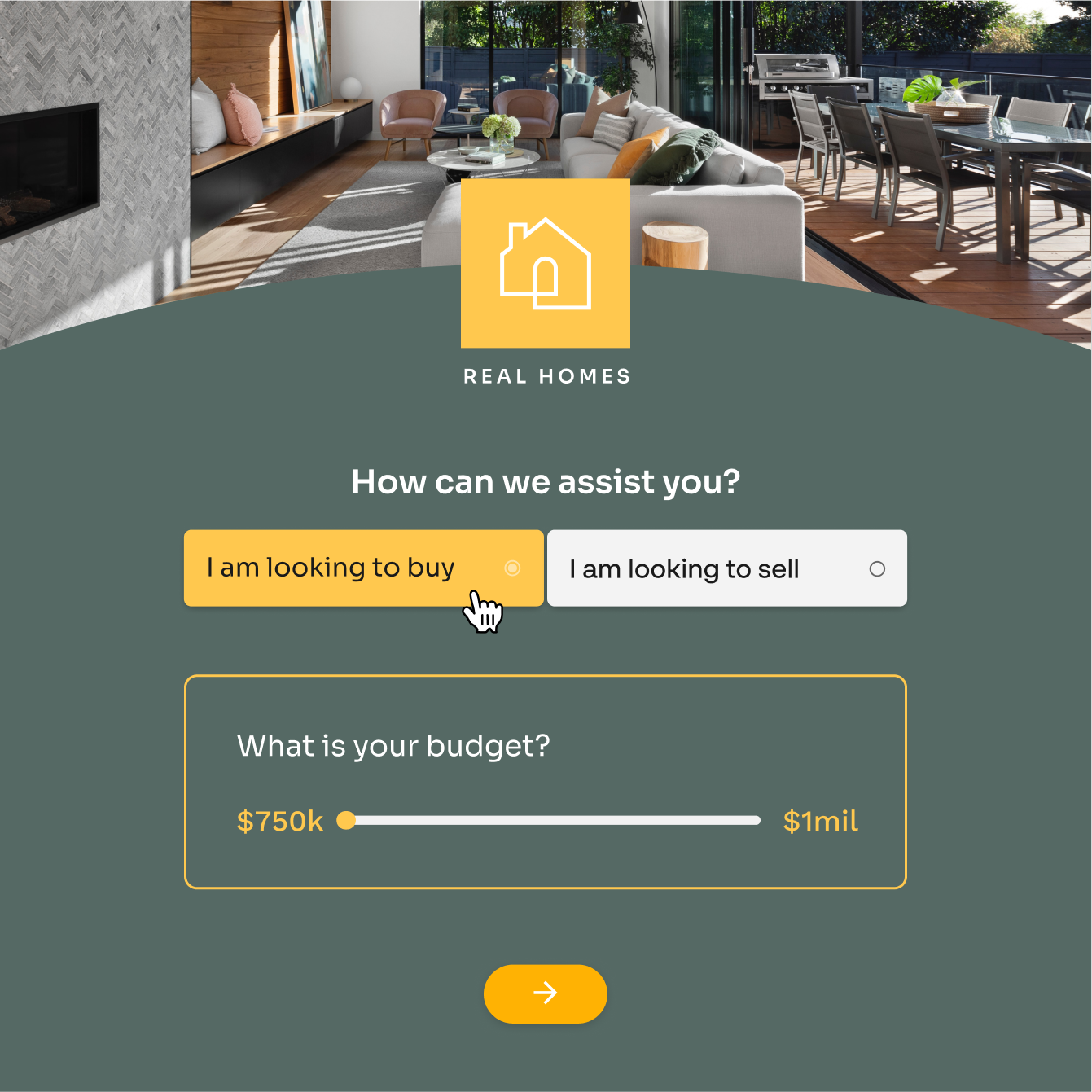
Show the right options based on what people choose
Use conditional logic to show different time slots, services, or follow-up questions based on earlier answers. One form handles many scenarios — no need to build separate pages for each service.
Scheduling templates to start from
Appointments, consultations, demos and class bookings, each with intake questions built in.

“Paperform simplified our booking process, increased profits, and improved customer experience.”
How Pronto Wedding simplified their booking process with Paperform
Read case study
Connect your booking forms to Google Calendar, Stripe, and 9,000+ tools
Paperform integrates directly with Google Calendar for live availability sync, Stripe and PayPal for payment at booking, Slack and email for instant booking notifications, and Google Sheets or Airtable to log every appointment automatically. Thousands more tools available via Zapier.
Scheduling Form FAQs
1. Does Paperform sync with Google Calendar?
Yes. Connect your Google Calendar and Paperform checks your availability in real time. Booked slots are automatically removed so respondents only ever see times that are actually free.
2. Can Paperform send automated booking reminders?
Yes. Set up confirmation emails and reminder sequences that trigger automatically after each booking via Google Calendar or Stepper. Reminders go out on a schedule you control, 24 hours before, 1 hour before, or any interval you choose, and each one is personalised with the booking details from the form.
3. Does Paperform handle time zone conversion for bookings?
Yes. Paperform detects your respondent's time zone and converts your available times automatically. Your client sees and books in their local time; the appointment appears in your calendar in yours.
4. Can I collect payment when someone books an appointment?
Yes. Add a Stripe or PayPal payment field to your booking form to charge a deposit or full fee at the point of booking. You can apply conditional pricing if different services cost different amounts, the total updates in real time as the respondent fills out the form.
5. Can I show different time slots for different services?
Yes. Use conditional logic to show different availability, questions, or pricing based on what a respondent selects earlier in the form. Different services, staff members, or session lengths can each have their own set of options, all within a single booking form.
6. Can I collect intake information in the same form as the booking?
Yes. There's no separation between the booking and the intake, it's all one Paperform. Collect name, contact details, session notes, consent, or anything else you need in the same form where clients pick their time slot. Everything lands in one submission.
7. How does Paperform compare to Calendly for booking forms?
Calendly is excellent for simple one-on-one meeting scheduling with strong calendar integrations. Paperform suits bookings that need to happen alongside data collection, payment, or consent — gathering intake information, taking a deposit, and confirming the appointment all in one form without routing the client through separate tools. Compare Paperform to other scheduling and form tools.
Take the back-and-forth out of booking.
Google Calendar sync, intake questions, reminders and payment in one booking form.
Build your booking form