Student Registration & Enrollment Forms
Every term the same registration forms go out again, and the answers end up in a spreadsheet. Paperform puts registration, consent and fees in one form.
Every plan covers forms, e-signatures and workflows.
Paperform is a form and workflow platform that schools, colleges, childcare centers and course providers use to run registration and enrollment from one account. Registration, admissions, parent consent, permission slips and fees sit in one form, conditional logic asks follow-up questions only when they apply, and parents sign consent forms online. Schools with more than one campus can give each campus its own workspace.
Every registration and enrollment form your institution runs on
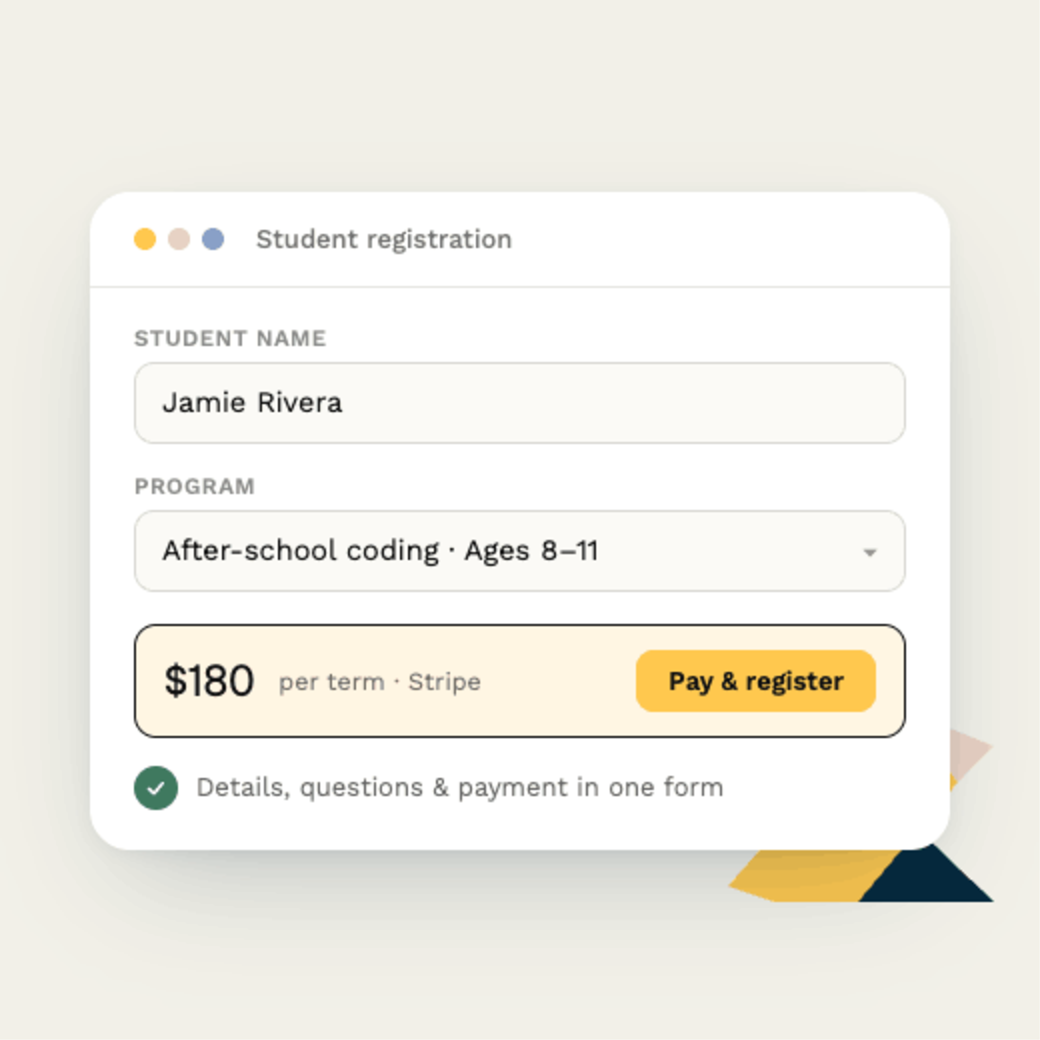
Collect student and school registrations online
Build a student registration form for your tutoring service or classes, or a school registration form for admissions, both collect contact details, background questions, and payment in one submission.
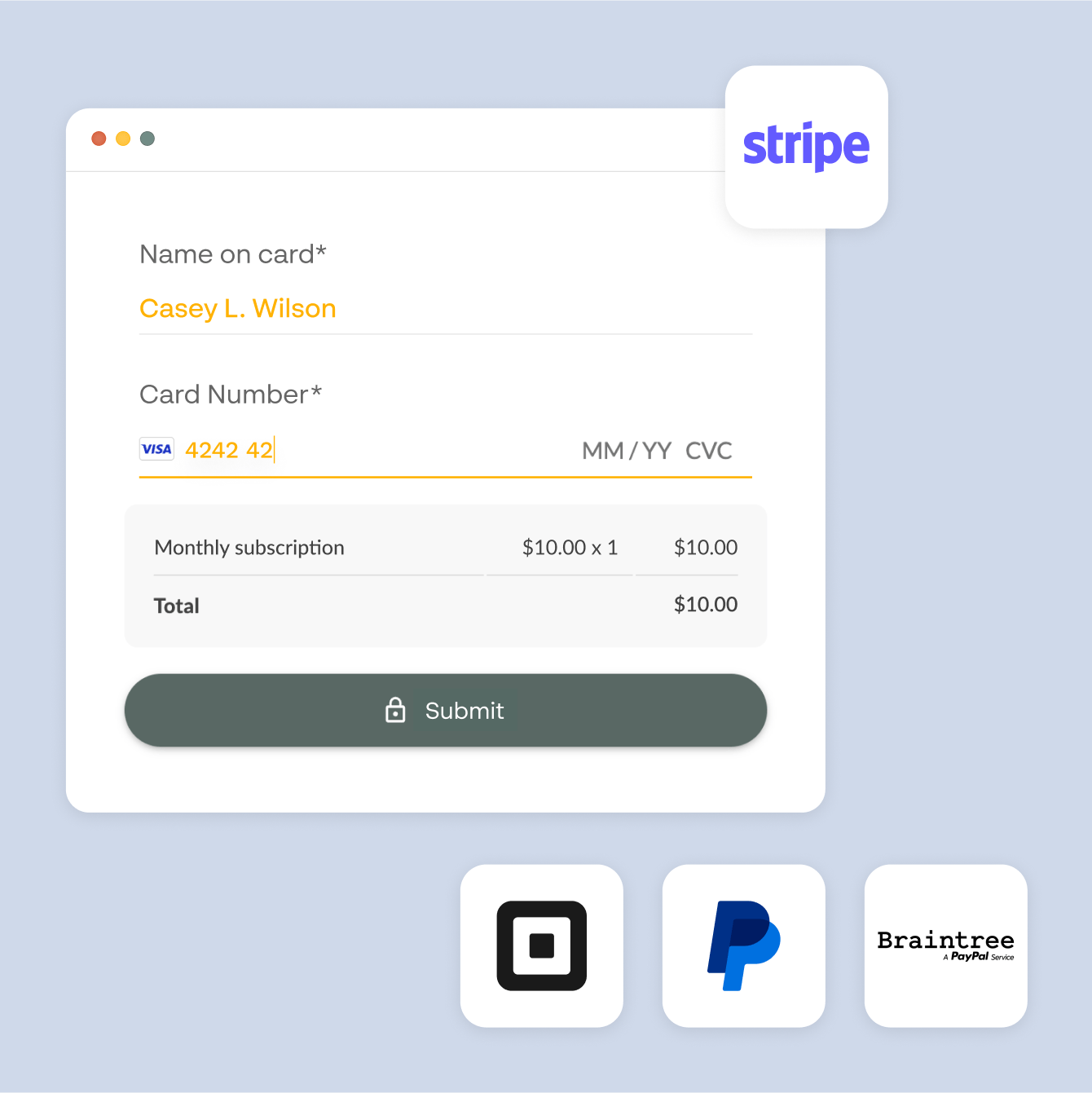
Enroll students and collect payment in the same form
Use an enrollment form that collects signup details and takes payment through Stripe, PayPal, Square, or Braintree at the same time, no separate invoice needed, and no extra fees from Paperform.
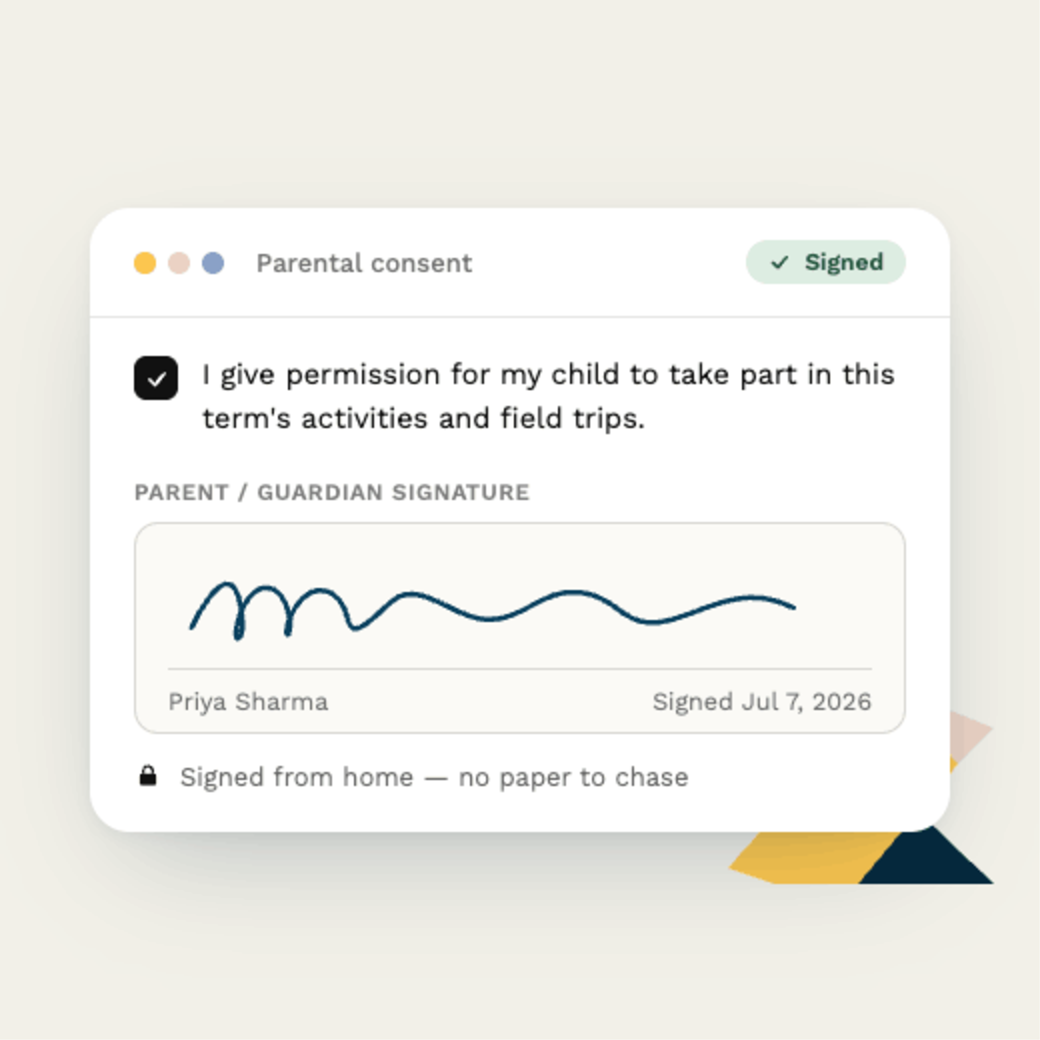
Get parent consent forms signed before the term starts
Send a parental consent form that outlines the terms of an activity and collects a parent or guardian's signature online, no paper forms to chase down or lose.
One account, every campus
Schools with more than one campus often run the same enrollment process with a different form at every site, and nobody's sure which version is current.
On the Business plan, Paperform gives each campus its own workspace, with its own forms, branding and access. Update the standard form once, and admins decide who can reach which forms, documents and workflows, member by member. Business includes 10 workspaces under one account and one subscription, and seats are unlimited, so adding office staff at another campus doesn't add to the bill.
Student registration and enrollment templates to start from
Start from registration, admission, enrollment and daycare templates for schools, colleges and childcare, then adjust them to match how each campus runs.
Connect registration forms to the tools you already use
Paperform connects directly with Google Sheets, Slack, and Mailchimp, and to course and LMS platforms via Zapier, so registrations, admissions, and enrollments flow straight into your records instead of a shared spreadsheet.
Student data, handled carefully
Registration forms carry health details, emergency contacts and information about children, so it matters where that data goes and who can see it. Every Paperform form is secured with TLS 1.2 SSL encryption, and Paperform is SOC 2 Type II and GDPR compliant. On the Business plan, admins choose which team members can reach each campus's forms and submissions. If a family asks for their information to be removed, you can permanently delete their submission from the submissions page. Your data is stored in the United States by default, and Enterprise plans can be hosted in the EU or Australia. The Trust Center has the details.
If your school works under FERPA, the responsibility for student records sits with the school. Check with whoever handles compliance that this setup meets your obligations before you collect student records.
Student Registration Form FAQs
1. Can each campus have its own forms?
Yes. On the Business plan, Workspaces give each campus its own forms, branding and access, managed from one admin account. Business includes 10 workspaces, with admin and user roles and per-member access to each product.
2. Can I collect payment for a class, course, or camp registration?
Yes. Add Stripe, PayPal, Square, or Braintree to your enrollment or registration form and collect payment as part of the same submission, no separate invoice needed.
3. Can parents sign a consent form online?
Yes. Use a parental consent form with Paperform's built-in signature field, so parents or guardians can sign from home instead of returning a paper form.
4. Can I delete a family's information if they ask?
Yes. You can permanently delete an individual submission from the submissions page, or delete submissions in bulk.
5. Does Paperform integrate with my school's LMS?
Not directly with major platforms like Canvas or Google Classroom. Paperform connects to smaller course and LMS platforms via Zapier, and directly with tools like Google Sheets and Mailchimp.
6. Is Paperform a learning management system?
No. Paperform isn't an LMS. It's the forms layer for registration, admission, enrollment, consent, and information collection that feeds into whatever system you use to actually run classes.
Paperform Pricing
Free | Pro $49/month Billed annually | Business $124/month Billed annually | Enterprise |
|---|---|---|---|
| Try Free Now No Credit Card Unrestricted 7-day free trial | Try Free Now No Credit Card Unrestricted 7-day free trial | Talk to Sales |
Less admin every term.
Start with the form your office chases most, then move the rest across when you're ready.
Build your enrollment workflow