Online Order Forms
Take orders, payments and follow-up in one form. Capture the order, collect payment and send the invoice automatically, for physical products, digital downloads or services.
Every plan covers forms, e-signatures and workflows.
An online order form takes the order and payment in the same step, without a full ecommerce platform. Paperform collects product choices, delivery details and payment, applies pricing rules for discounts and shipping, and sends a PDF invoice and confirmation automatically.
How it works

Start from a template
Pick one of the order form templates, or start with a blank form.

Add products and pricing
List your products, set pricing rules for quantities and discounts, and add shipping.

Connect payments and invoices
Connect Stripe, PayPal, Square or Braintree, and turn on automatic invoices and confirmations.

Share it
Send a link, embed it on your site, or open it as a popup.
Everything you need to take orders online

Capture customer details, delivery info, and product specs in one form
Collect name, shipping address, product variants, quantity, special instructions, and anything else you need — using dropdowns, checkboxes, file uploads, and free text. Every submission is stored in your dashboard and can be exported or piped to any connected tool.

Accept payments with Stripe, PayPal, Square, or Braintree
Collect payment right inside your order form — no redirects, no separate checkout page. Paperform works with Stripe, PayPal, Square, and Braintree, with no extra transaction fees from Paperform.
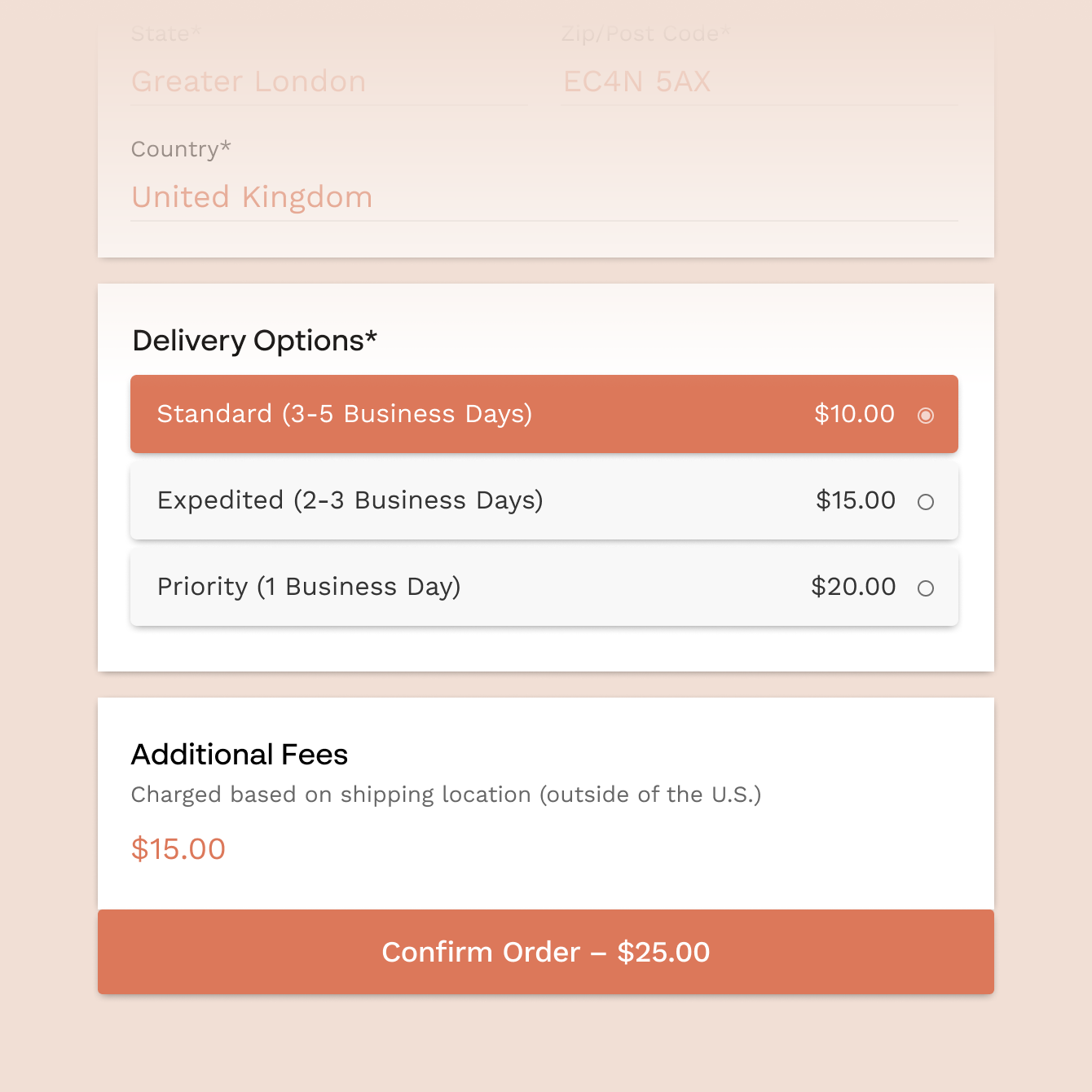
Charge the right amount automatically, every time
Set prices that adjust in real time as customers make selections — charge per variant, apply quantity discounts, add conditional shipping rates by location. Paperform's calculations feature handles taxes, add-ons, and promo codes so the total is always accurate.
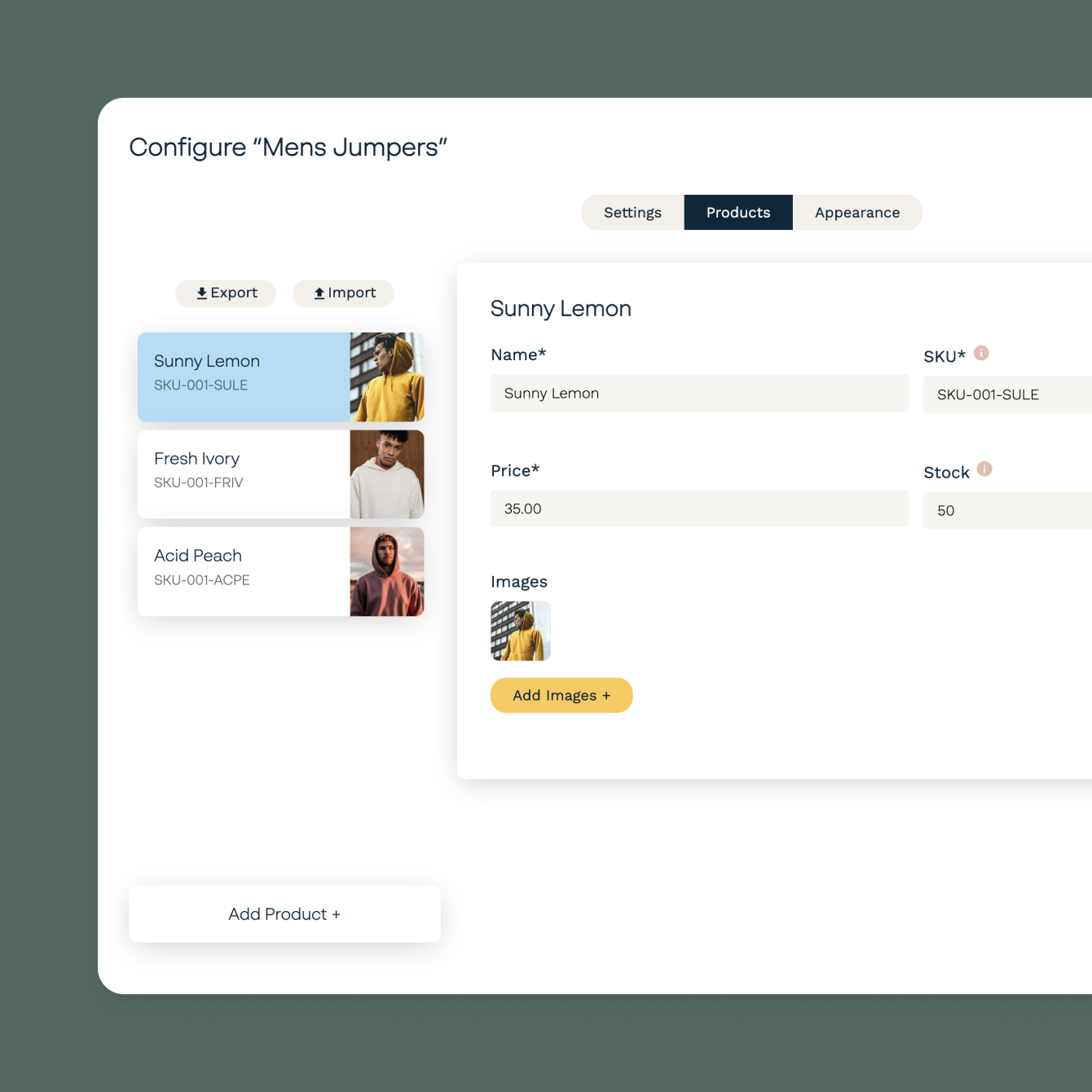
Send order confirmations and invoices automatically
The moment someone places an order, Paperform sends a branded confirmation email with their order details and generates a custom PDF invoice. Every email is personalised with the customer's name, chosen products, and shipping details — no manual follow-up needed.
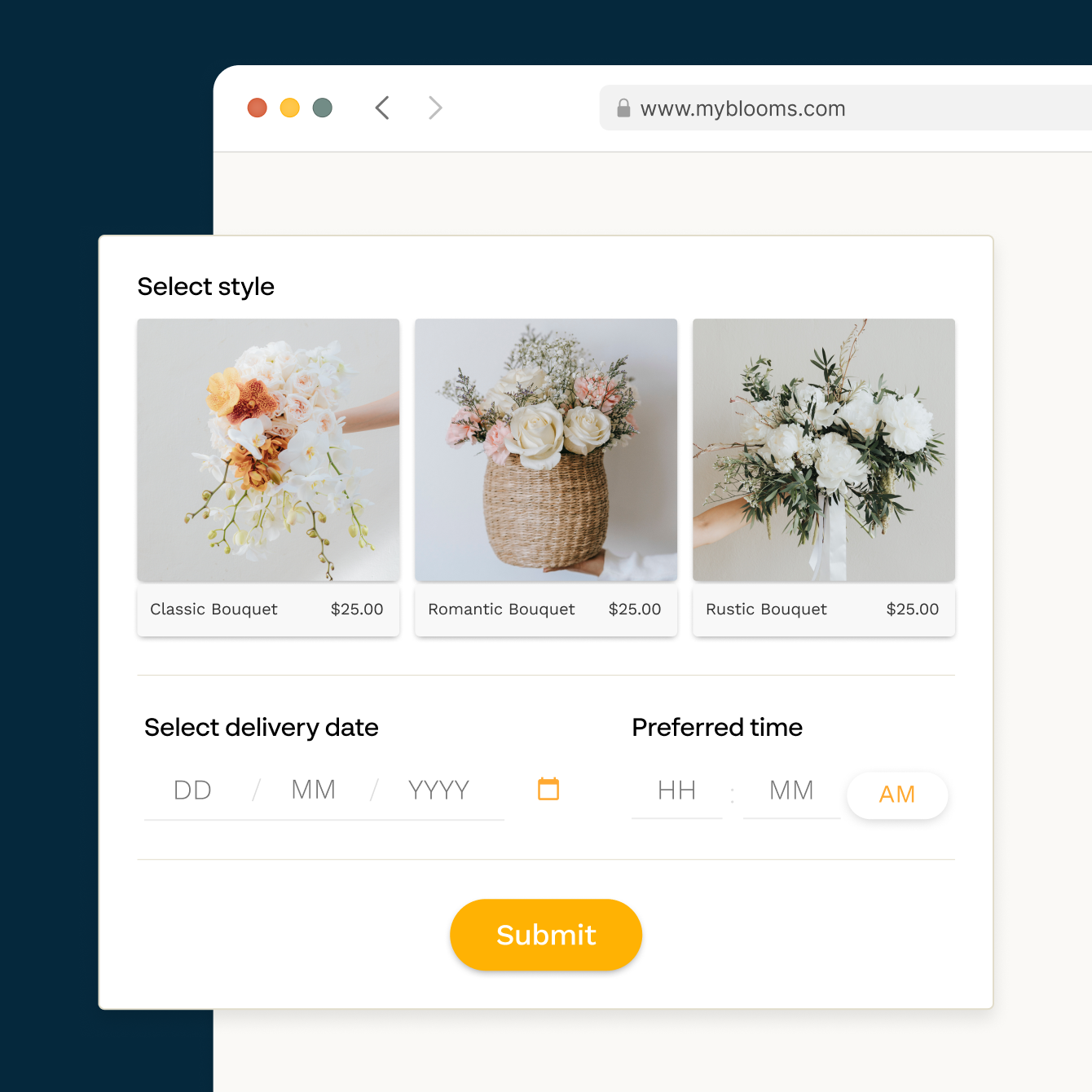
Sell physical products, digital downloads, or services
Order forms on Paperform aren't limited to physical goods — sell digital files with automatic delivery on submission, take service bookings, or run a pre-order campaign. Paperform handles the form, payment, and follow-up without a full ecommerce platform.
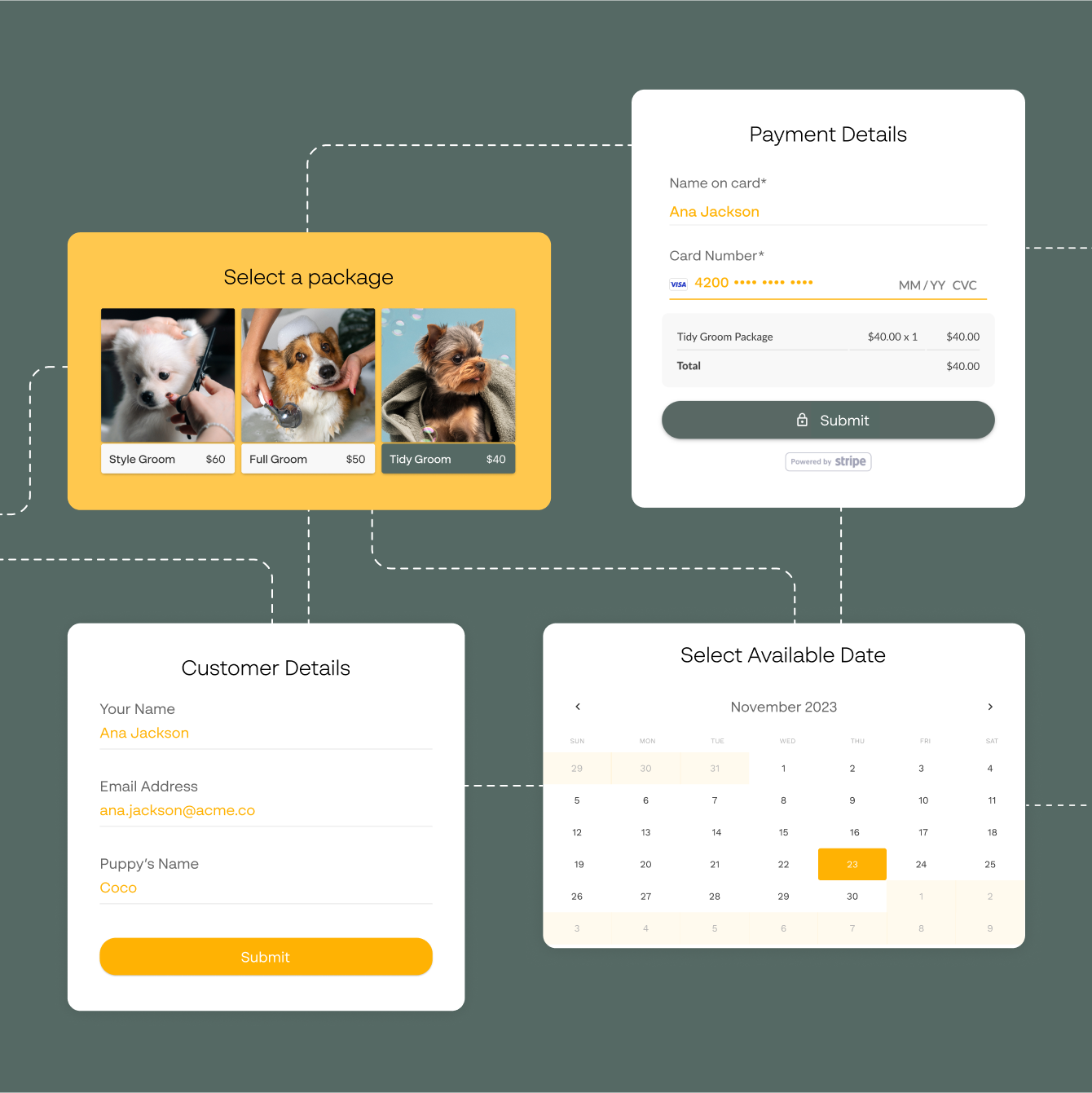
Embed your order form or share it as a standalone page
Embed your order form inline on any webpage, launch it as a popup, or share it as a standalone page with its own URL. All embed types support payment and work on mobile.
Order form templates to start from
Catering, apparel, bakery, wholesale, pre-order and custom request forms.

“I found most of them were either functional, but they just didn't look great. Or looked great but didn't have the power I needed. So when I came across Paperform, I instantly found what I'd been needing.”
How SmileBox Scaled to 30,000 Orders with Paperform
Read case study
Connect your order forms to Stripe, QuickBooks, and 9,800+ tools
Paperform connects directly with Stripe, PayPal, Square, and Braintree for payments, plus QuickBooks, Xero, Google Sheets, HubSpot, Mailchimp, and Slack for order management — and thousands more via Zapier. Every order placed through your form flows automatically into the tools you already use.
Order Form FAQs
1. What can I sell with a Paperform order form?
Paperform order forms support physical products, digital downloads (like files, presets, or templates), and services. You can run a product shop, a pre-order campaign, a pop-up store, or take bookings for services, all from a single form with integrated payment collection. Digital files can be delivered automatically after payment, with a download link in the confirmation email.
2. Which payment processors does Paperform support for order forms?
Paperform supports Stripe, PayPal, Square, and Braintree. Customers can pay by credit card, debit card, or PayPal balance depending on which processor you connect. No extra transaction fees from Paperform, you pay your platform fee and whatever your payment processor charges.
3. Can I set up custom pricing based on what someone selects in the form?
Yes. Paperform's calculations feature lets you set conditional pricing rules, charge different amounts per product variant, apply quantity discounts, add shipping rates based on location, or calculate a running total as customers build their order. The total updates in real time as they fill in the form. You can also create discount codes for a fixed amount or a percentage off, and limit them by date or product.
4. Can Paperform automatically send order confirmation emails?
Yes. Paperform sends a branded confirmation email to the customer the moment they place an order. You can include their order details, shipping information, and any other form data in the email. Custom PDF invoices can also be generated and attached automatically.
5. Does Paperform support inventory tracking or order management?
Paperform stores every order in your dashboard where you can view, filter, search, and export submissions. For inventory management, connect Paperform to tools like Google Sheets, Shopify, or your CRM via Zapier, orders flow in automatically, no manual data entry needed.
6. Can I charge shipping on top of product prices?
Yes. Add a shipping cost field and use Paperform's calculations feature to apply flat-rate or location-based shipping fees. The shipping cost can be conditional, for example, free shipping over a certain order value, or different rates per region.
7. How does Paperform compare to Shopify or WooCommerce for taking orders?
Shopify and WooCommerce are full ecommerce platforms with inventory management, fulfilment integrations, and storefront design built for high-volume retail. Paperform order forms suit businesses collecting orders without a full store — a custom product, a service booking, a low-volume digital product — where setup should take minutes rather than days. Compare Paperform to other form tools.
Start taking orders today.
Collect the order, the payment and the details in one form, then send the invoice and confirmation automatically.
Build your order form