Online Poll Maker
Ask a question, pick your format and share it in minutes. Paperform polls work on any device, support multiple choice and image-based answers, and show results in real time.
Every plan covers forms, e-signatures and workflows.
An online poll asks a quick question — or a few — and shows results as votes come in. Paperform polls support multiple choice, image choice and rating questions, work on any device, and update your dashboard in real time.
How it works

Start from a template
Pick one of the survey and poll templates, or start with a blank form.

Add your question
Pick multiple choice, image choice or a rating scale, and add follow-up questions if you need them.

Choose where results go
Watch results in your dashboard, or send them to Google Sheets or Slack as they come in.

Share it
Send a link, embed it on your site, or open it as a popup.
Everything you need to run better polls

Multiple question types, one simple builder
Paperform supports multiple choice, image-based answer lists, rating scales, NPS questions, dropdowns, and open text — all in the same poll. Mix and match question types to suit your audience, from a quick two-option vote to a multi-question feedback survey.
Conditional logic that keeps polls relevant
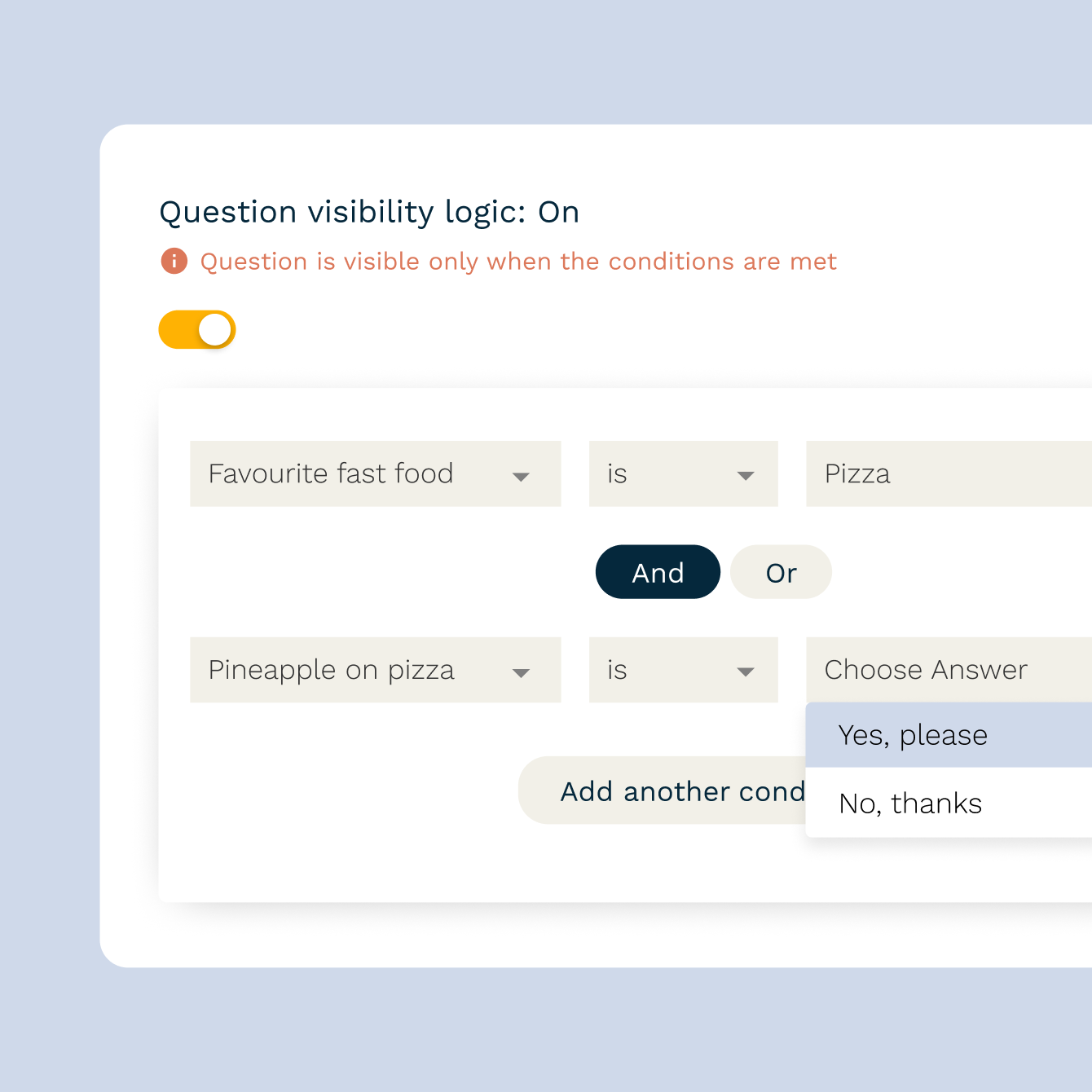
Show or hide follow-up questions based on how someone answers — route a 'No' to a follow-up, skip straight ahead for a 'Yes'. Conditional logic makes polls feel shorter and more relevant to each person, which means higher completion rates and sharper data.
Branded design that looks like you, not a generic form
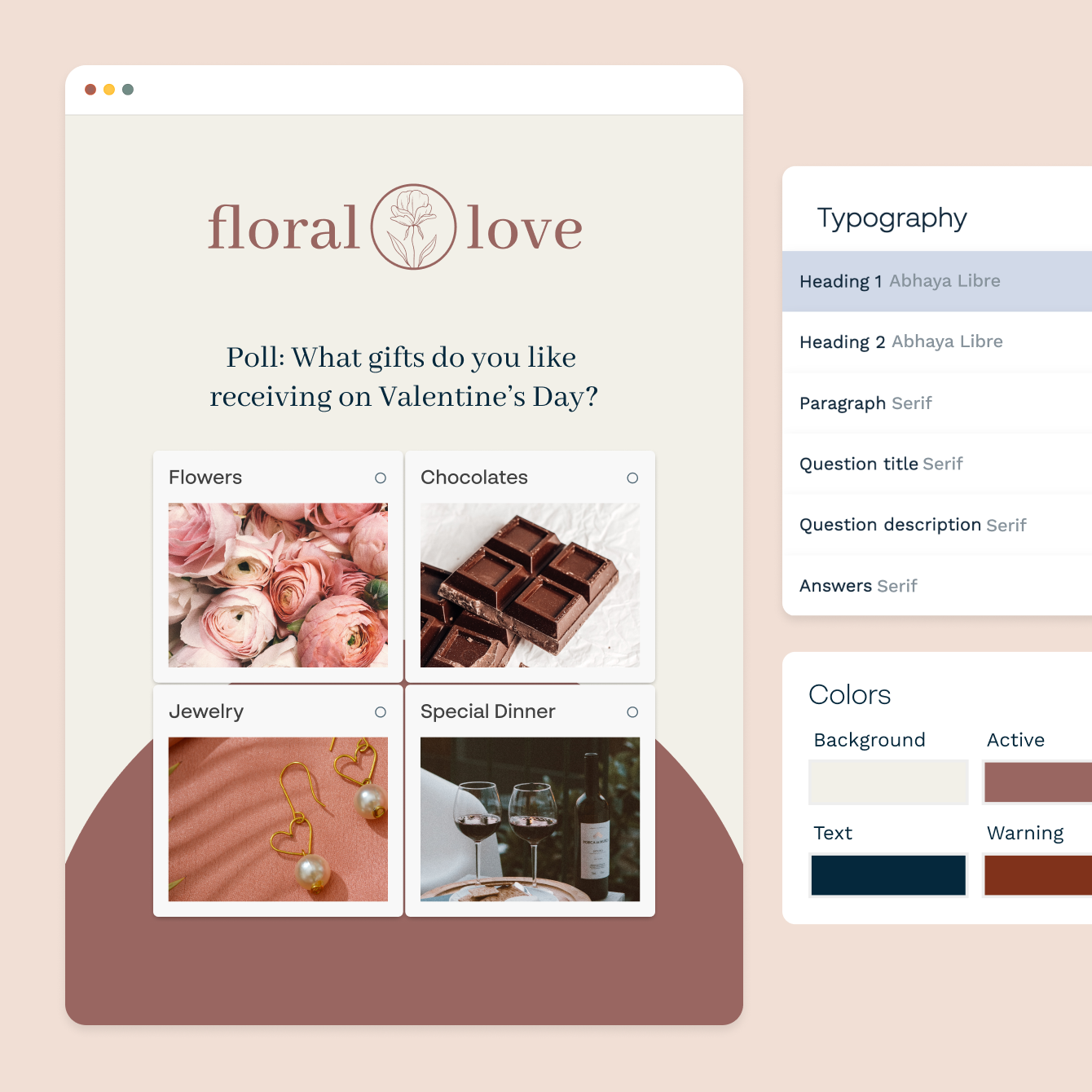
Change fonts, colours, background images, and button styles to match your brand. Every poll is mobile-responsive by default — it looks right on a phone, tablet, or desktop without any extra work.
Real-time results, ready when you need them
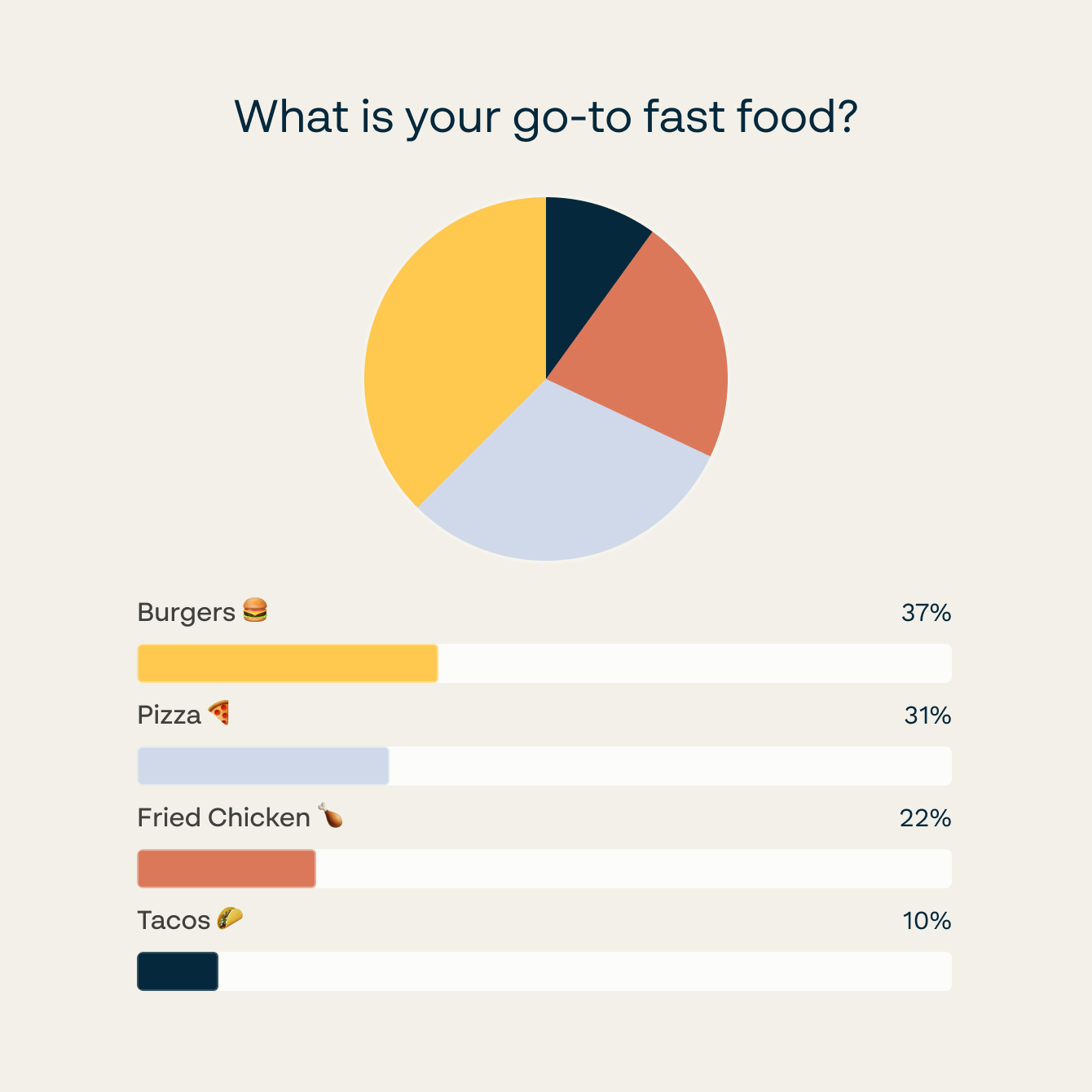
Every response hits your Paperform dashboard the moment it's submitted — filter by date, export to CSV, or push responses straight to Google Sheets. Connect Slack and get a notification the moment a new response comes in.
Poll and survey templates to start from
Quick audience, brand and preference questions you can turn into a poll.
Send poll responses to Google Sheets, Slack, HubSpot, and more
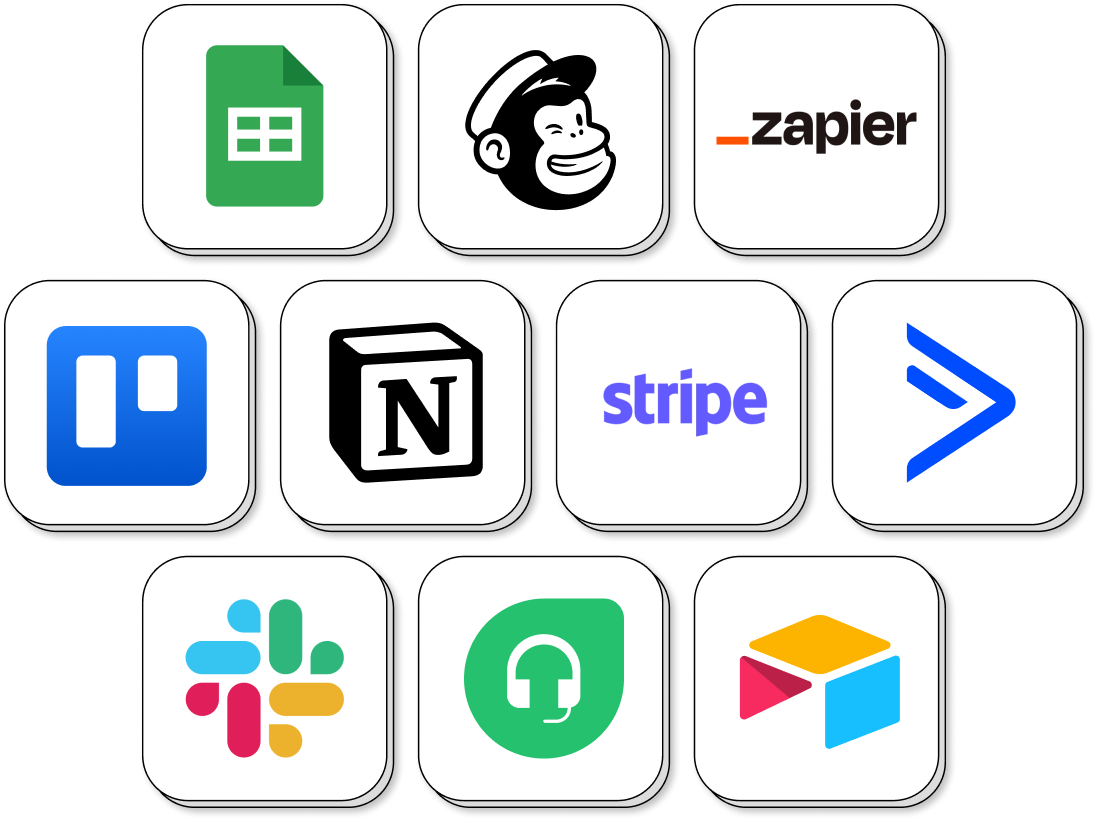
Connect Paperform polls to Google Sheets for automatic response logging, Slack for instant team notifications, HubSpot or ActiveCampaign to tag respondents and trigger follow-up sequences, and Notion or Airtable to keep results alongside your existing workspace. Every response flows automatically — no exports, no copy-pasting.
Poll Maker FAQs
1. What types of polls can I create with Paperform?
Paperform supports multiple choice polls, image-based polls (where respondents click a picture to vote), rating scale polls, Net Promoter Score polls, dropdown polls, and open text polls. You can mix question types within a single poll and use conditional logic to show different follow-up questions based on each answer. Share a poll as a link, embed it on your website, or open it as a popup.
2. Does Paperform show real-time poll results?
Yes. Every response appears in your Paperform dashboard the moment it's submitted. You can view a summary of all responses, filter by date range, or export to CSV at any time. Connect Google Sheets and responses flow there automatically as they come in.
3. What's the difference between a poll and a survey in Paperform?
A poll is typically one or a few questions designed to capture a quick opinion or preference. A survey is usually longer, covers multiple topics, and is designed to gather detailed research-grade data. Paperform supports both, the same builder, the same templates library, the same integrations.
4. Can I add conditional logic to a poll?
Yes. Conditional logic lets you show or hide questions based on how someone answers a previous question. This keeps polls shorter and more relevant, respondents only see the questions that apply to them, which improves completion rates and the quality of your data.
5. How do I export poll responses?
From your Paperform dashboard, go to the Results tab for your poll and click Export. You can download a CSV file of all responses. Alternatively, connect Google Sheets and every new response is added to your spreadsheet automatically as it comes in.
6. How does Paperform compare to other poll and survey tools?
Tools like Mentimeter are designed for live audience polling in presentations. Paperform suits asynchronous polls shared via link or embedded on a site — with the same conditional logic, branding, and integrations as the rest of your forms. Unlike single-purpose poll tools, Paperform polls can capture emails and trigger automated follow-ups. Compare form and survey tools.
Build a poll your audience will actually answer.
Multiple choice, image and rating questions, conditional logic and real-time results in one builder.
Create a poll