The Paperform platform
Everything after “Submit”, handled.
One form can price the job, send the contract, take the payment, book the call and update your CRM. Here’s how each part works, and why it keeps working when your process gets complicated.
Every Pro feature free for 7 days · No credit card · Forms, Papersign and Stepper in one subscription
Workflow run
Retreat registration
-
 Registration submitted 2 attendees · dietary needs noted
 - Price calculated Early-bird rate applied · $780
-
 Waiver signed Papersign · signed in the flow
 -
 Payment taken Stripe · receipt emailed
 -
 Added to your list Mailchimp · tagged "2026 retreat"
 -
 Ops sheet updated Google Sheets · via Stepper
Trusted by 500K+ businesses, from solo operators to global brands.
















1 · Capture
Forms people actually finish.
Build in an editor that works like a doc: type your questions, drop in images and video, and apply your brand. Ask everything you need the first time, and only what’s relevant to each person.
- One-question-at-a-time Guided Mode, or full-page and multi-page layouts
- Your fonts, colors and custom domain, plus custom HTML and CSS on Pro and up
- File uploads, signatures, ratings, matrices, addresses and more
- Partial submissions on Pro and up, so you can follow up on people who didn’t finish
2 · Decide
Logic and calculations that follow the real process.
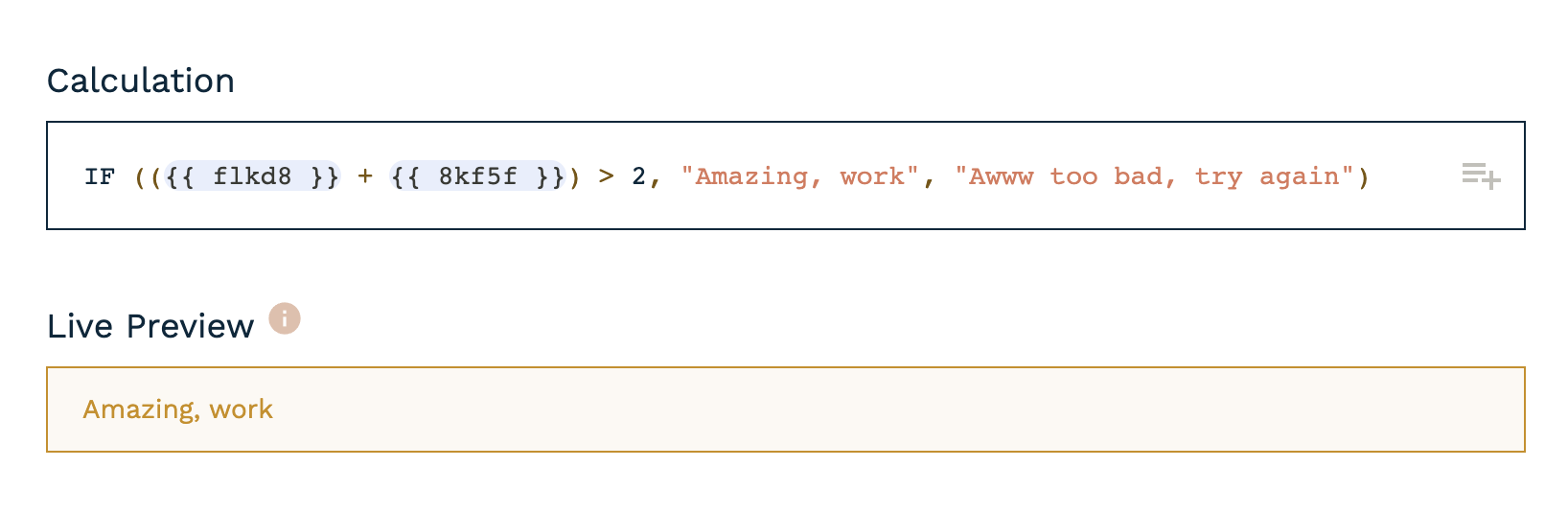
This is where simple form tools run out. Paperform’s calculations work like Excel formulas, and their results can drive everything downstream: which questions appear, what the price is, where the submission goes and what each person is sent.
- Formulas for pricing, quotes, scores, dates, totals and tax
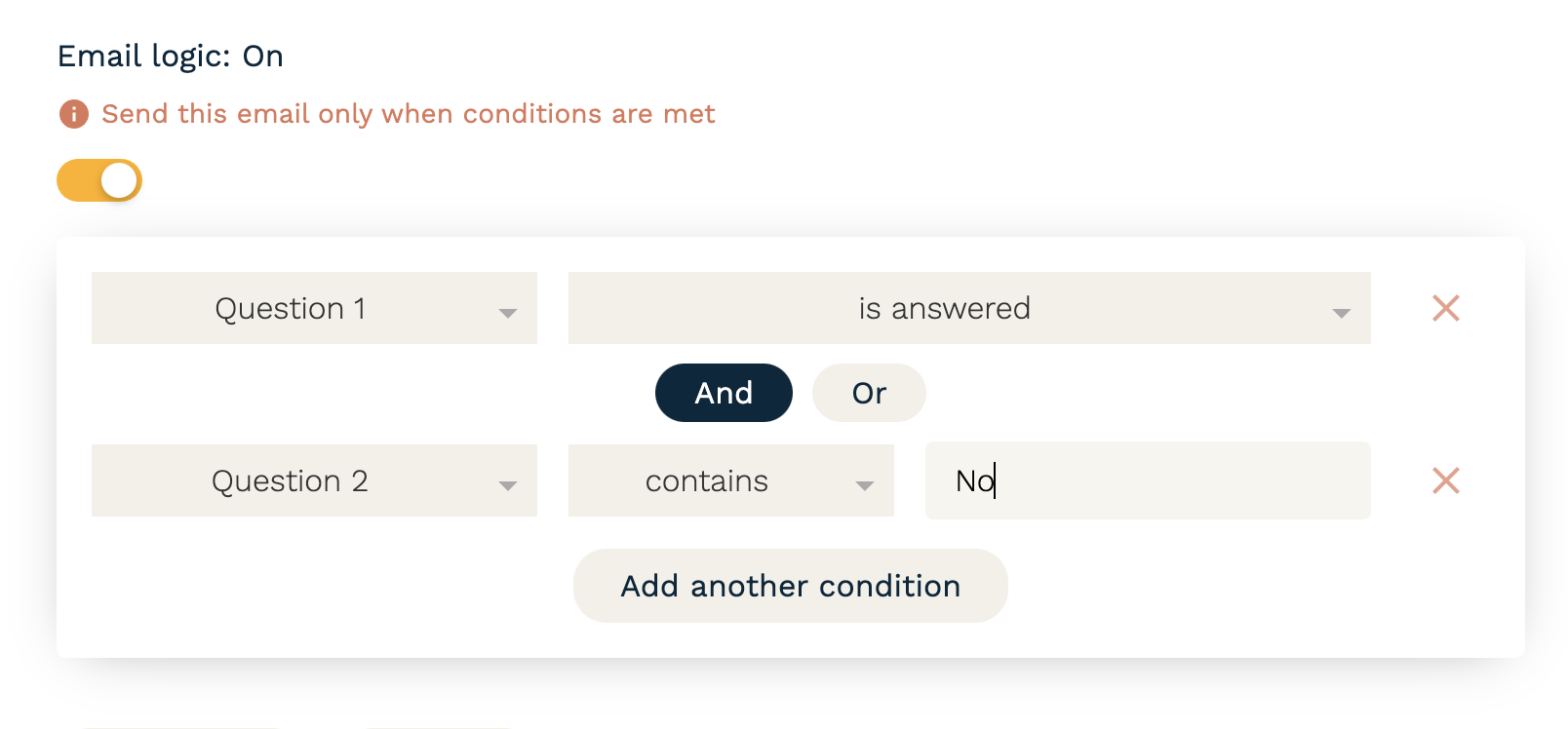
- Conditional logic on questions, pages, emails, success pages and integrations
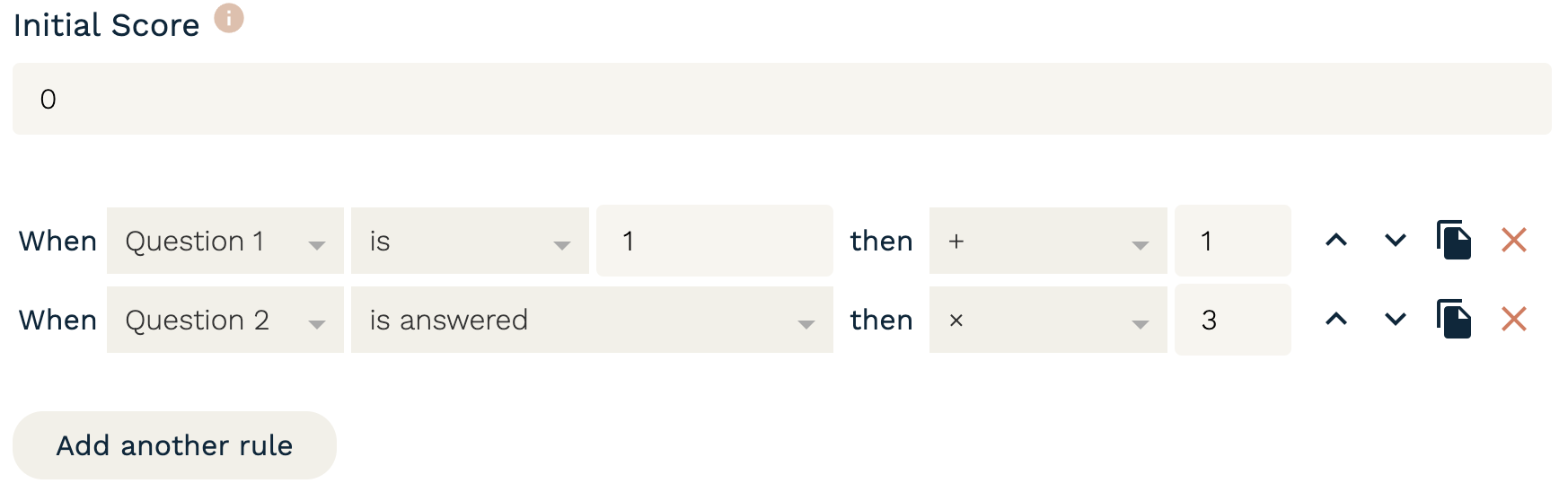
- Scoring and routing to send each submission to the right person
- Ask AI to write the formula for you, then check it in the live preview
3 · Sign
Contracts signed without leaving the flow.
Papersign turns submission data into a contract, agreement or consent form and sends it for legally binding eSignature. No copying details into a separate app, and no chasing: the next step runs the moment it’s signed.
- Documents filled from the answers in the form
- Automatic reminders, an activity trail and a signing certificate for every document
- Every signed document links back to the submission it came from
- Signed documents: 3 / month on Free, 25 / month on Pro and 100 / month on Business
From submission #1042
Services agreement
- Client
- {{ Company name }} Harbour & Co.
- Project fee
- {{ Quote total }} $4,800 + tax
- Deposit
- {{ Deposit }} 30% on signing
- Start date
- {{ Preferred start }} 14 October
4 · Pay
Get paid without building a checkout.
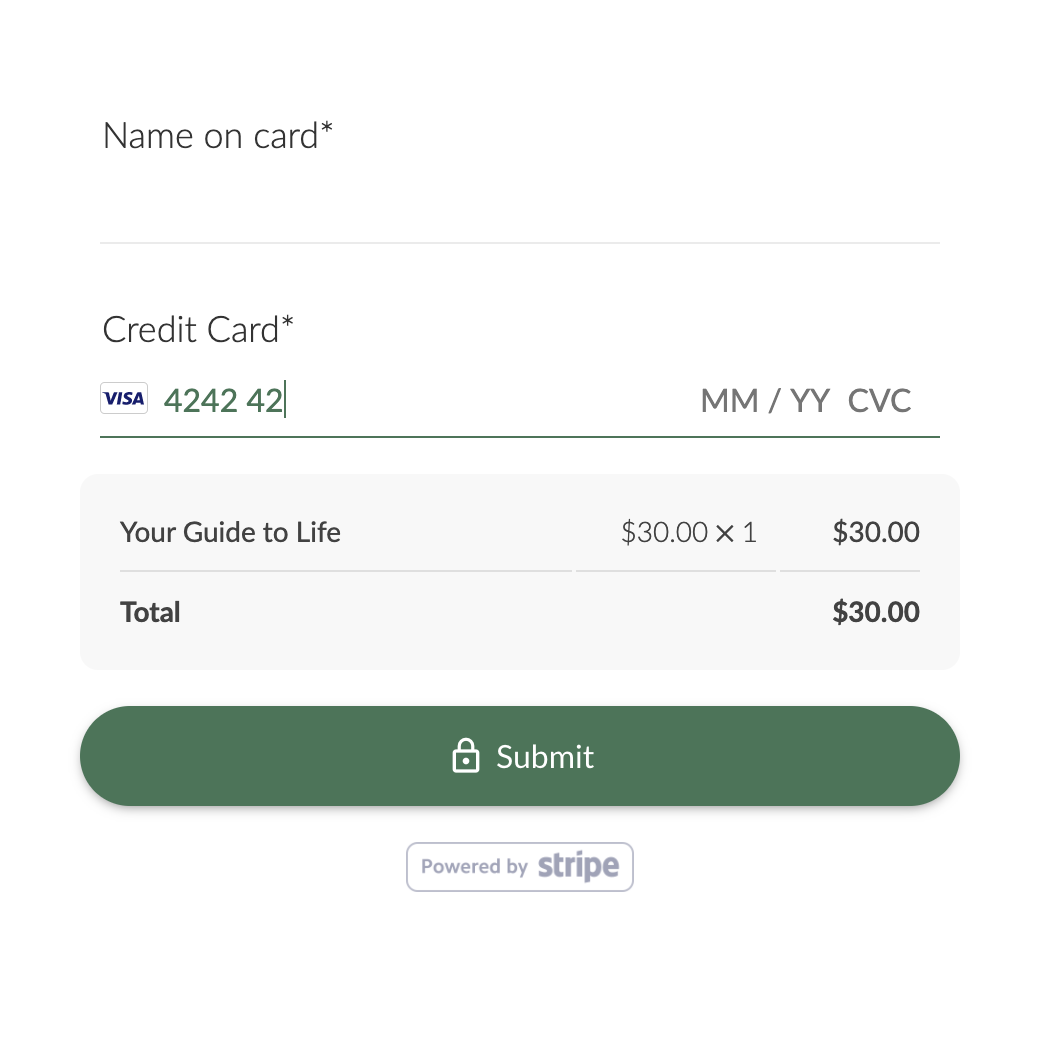
Take one-off payments, deposits and subscriptions in the same form that captured the order, with the price worked out live from the customer’s answers.
- Stripe, PayPal, Square and more
- Subscriptions, deposits, coupons, discounts and tax
- Unlimited payment submissions on every plan
- Paperform charges no transaction fees and takes no cut of what you sell
 30% deposit today Coupon applied: -10% 0% Paperform fees
 5 · Book
Bookings as one step of a bigger form.
Add a scheduling field anywhere in a form. People pick a time that suits both of you after they’ve told you what the meeting is for, and paid for it if they need to.
- Set your availability, and let people choose a time inside the form
- Two-way Google Calendar sync, so existing events block out busy times
- Unlimited appointment submissions on every plan
Step 3 of 4 · Book your call
Discovery call · 30 minutes
- 9:00am
- Busy
- Busy
- 10:30am
- 11:00am
- Busy
- 2:00pm
- 2:30pm
- 3:00pm
Busy times come straight from your Google Calendar
Confirm Tue, 11:00am6 · Automate
What happens next, without you.
Stepper, included in every plan, turns each submission into a multi-step workflow: branch on the answers, create records, notify the right people and keep your other systems in sync. Describe it in plain language and the AI builder drafts it for you.
- Branches, approvals and hand-offs between teams
- 4,000+ integrations through Stepper, native connections, Zapier and Make
- Webhooks and a REST API when your developers want in
Stepper workflow
Route new enquiries
- New enquiry received Paperform submission
-
 Budget over $10k? Yes → senior team route
 -
 Deal created HubSpot · owner assigned
 -
 Senior team alerted Slack · #big-projects
 -
 Task created Notion · discovery call prep
7 · Analyse
Understand what’s working.
See completion rates and drop-off at a glance, then ask AI Insights a question in plain English and get a readable summary of what hundreds or thousands of responses are telling you.
- Built-in analytics on form performance and drop-off questions, on Pro and up
- AI Insights summaries, themes and follow-up questions
- Google Analytics and Facebook Pixel tracking, plus CSV, PDF and .DOC exports
What it replaces
One subscription instead of a stack.
Keep the tools you love. Retire the ones that were only there to patch the gaps between the others.
| The job | On Paperform |
|---|---|
| Collecting the information | A basic form tool, PDFs and email back-and-forth Branded forms with logic, file uploads and partial submissions |
| Pricing and qualifying | A spreadsheet, or someone doing it by hand Excel-style calculations, scoring and routing inside the form |
| Getting it signed | A separate eSignature subscription Papersign, included in every plan |
| Taking payment | A checkout page or a custom Stripe build Payment fields with subscriptions, coupons and tax, and no Paperform transaction fees |
| Booking the time | A scheduling app Booking fields with availability and calendar sync |
| Everything that happens next | A tangle of zaps, or a developer Stepper workflows, included, plus 4,000+ integrations |
| Making sense of responses | Exports and pivot tables Built-in analytics and AI Insights |
For teams & IT
Ready for the whole team, and the security review.
Roll Paperform out across brands, clients and departments without hitting a ceiling, and give your IT team the answers their checklist asks for.
-
Unlimited seats
Every plan includes unlimited seats, and one seat covers forms, signatures and workflows, so the whole team can work in it without a per-user bill.
-
Workspaces
Separate workspaces for brands, clients or departments, each with its own forms, branding and access. Business includes 10 workspaces.
-
SSO & 2FA
SAML single sign-on and required two-factor authentication for every user, on Business and Enterprise.
-
SOC 2 Type II & GDPR
Independently audited security controls and GDPR compliance, with documentation in the Paperform Trust Center.
-
Data residency
Enterprise accounts can be hosted in the US, EU or Australia to meet data privacy requirements.
-
Bring your own storage
Send file uploads to your own S3 bucket, or turn off Paperform’s submission storage and keep responses in your own systems.
“There’s always a road.”
“All of those scenarios, all of those permutations and edge cases, we can handle all of them within Paperform in a straightforward, clean, and simple way.”
“With Paperform, I found there’s always a road and it’s well designed and it’s thoughtful and it’s flexible. I don’t get to the end of building something and realize, ‘there’s just this one piece that keeps the whole thing from not working.’ And man, that’s gold when it comes to technology.”
“It’s fire-and-forget. I build the doc once, template it, send it, and it handles the rest. The moment it’s signed, I’m notified. My clients know what to expect. I don’t have to chase anything down.”
Looking for a specific feature?
Every feature, limit and plan is listed on the pricing page. Or ask us on live chat, and a person will answer.
Bring us the hard stuff.
Start with the workflow that's causing the most grief. Try every Pro feature free for 7 days, then pick the plan that fits.
Start free