Online Payment Forms
Collect payments inside your forms with Stripe, PayPal, Square or Braintree. No extra transaction fees, no code and no separate checkout tool, so the payment, receipt and next step happen in one place.
Every plan covers forms, e-signatures and workflows.
A payment form collects payment inside the form itself, so the details, the money and the receipt arrive together. Paperform supports one-off payments, subscriptions and donations through Stripe, PayPal, Square or Braintree, with no extra transaction fees from Paperform.
How it works

Start from a template
Pick one of the payment templates, or start with a blank form.

Add products, amounts and pricing rules
Set fixed amounts or let the price change with what people choose, including discounts.

Connect your payment processor
Connect Stripe, PayPal, Square or Braintree, and turn on automatic receipts and invoices.

Share it
Send a link, embed it on your site, or open it as a popup.
Everything you need to collect payments online
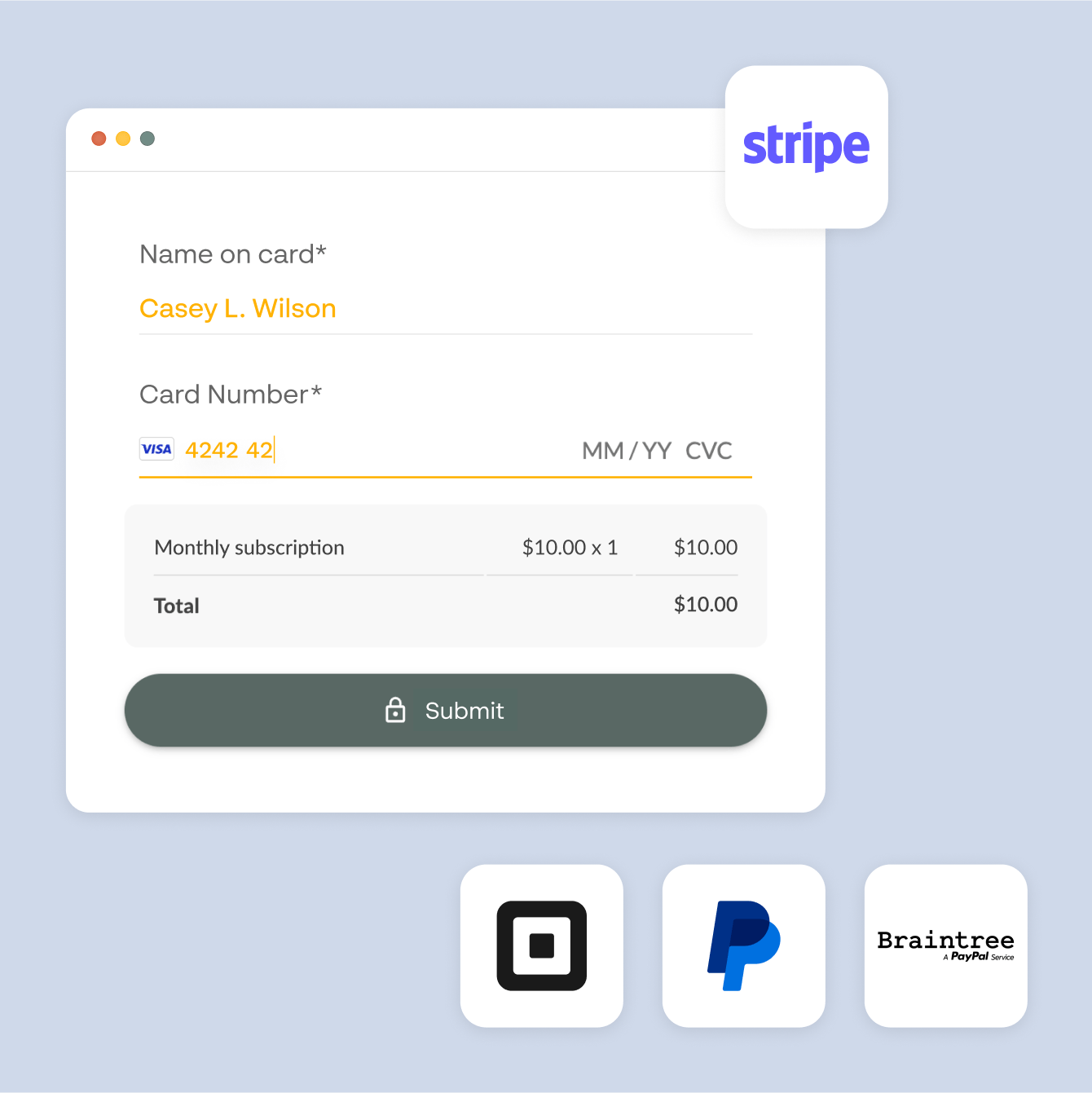
Accept payments with the processors you already use
Connect Stripe, PayPal, Braintree, or Square directly in your form — no extra transaction fees from Paperform. Accept one-off payments, recurring subscriptions, or open-ended donations from a single form.
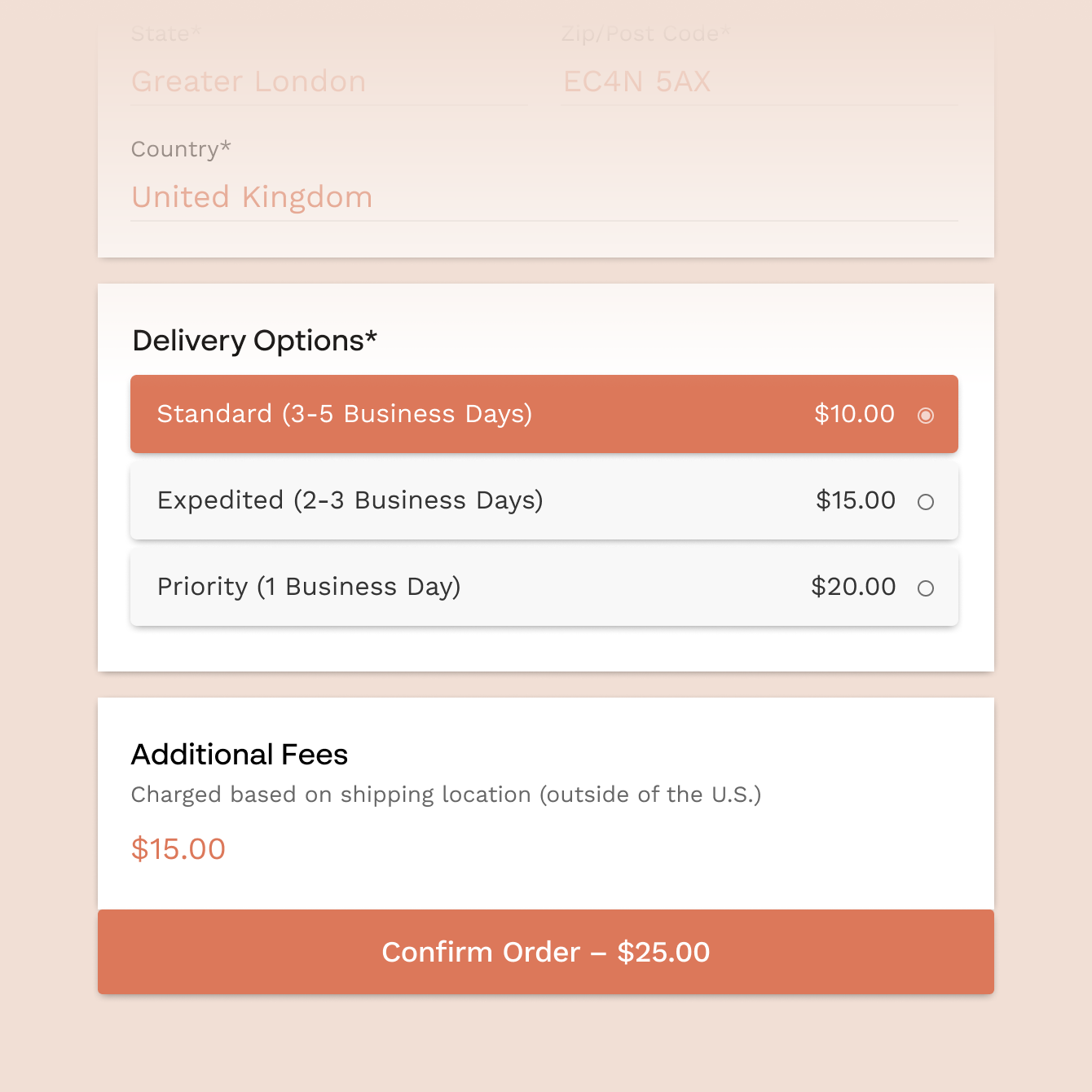
Set prices dynamically based on what people choose
Charge different amounts based on product selections, apply quantity discounts, or add conditional shipping rates — Paperform's calculations feature handles the maths in real time as respondents fill in the form. Discount codes and promo pricing are supported too.
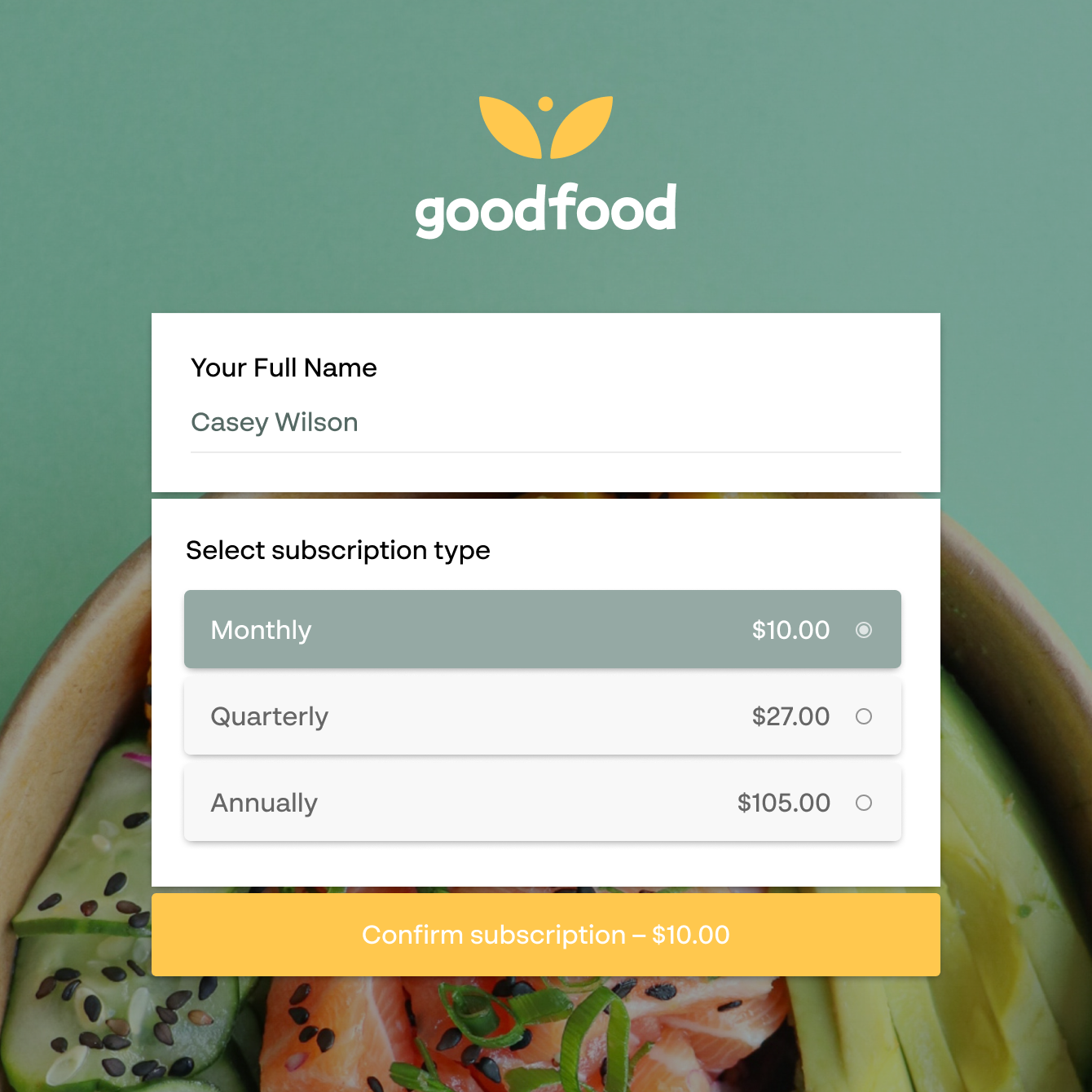
Collect subscriptions and recurring payments
Sell memberships, retainers, or recurring services without a separate billing platform. Paperform handles subscription billing through Stripe, with full control over billing frequency, amounts, and trial periods. Set up weekly, monthly, or annual billing in minutes.
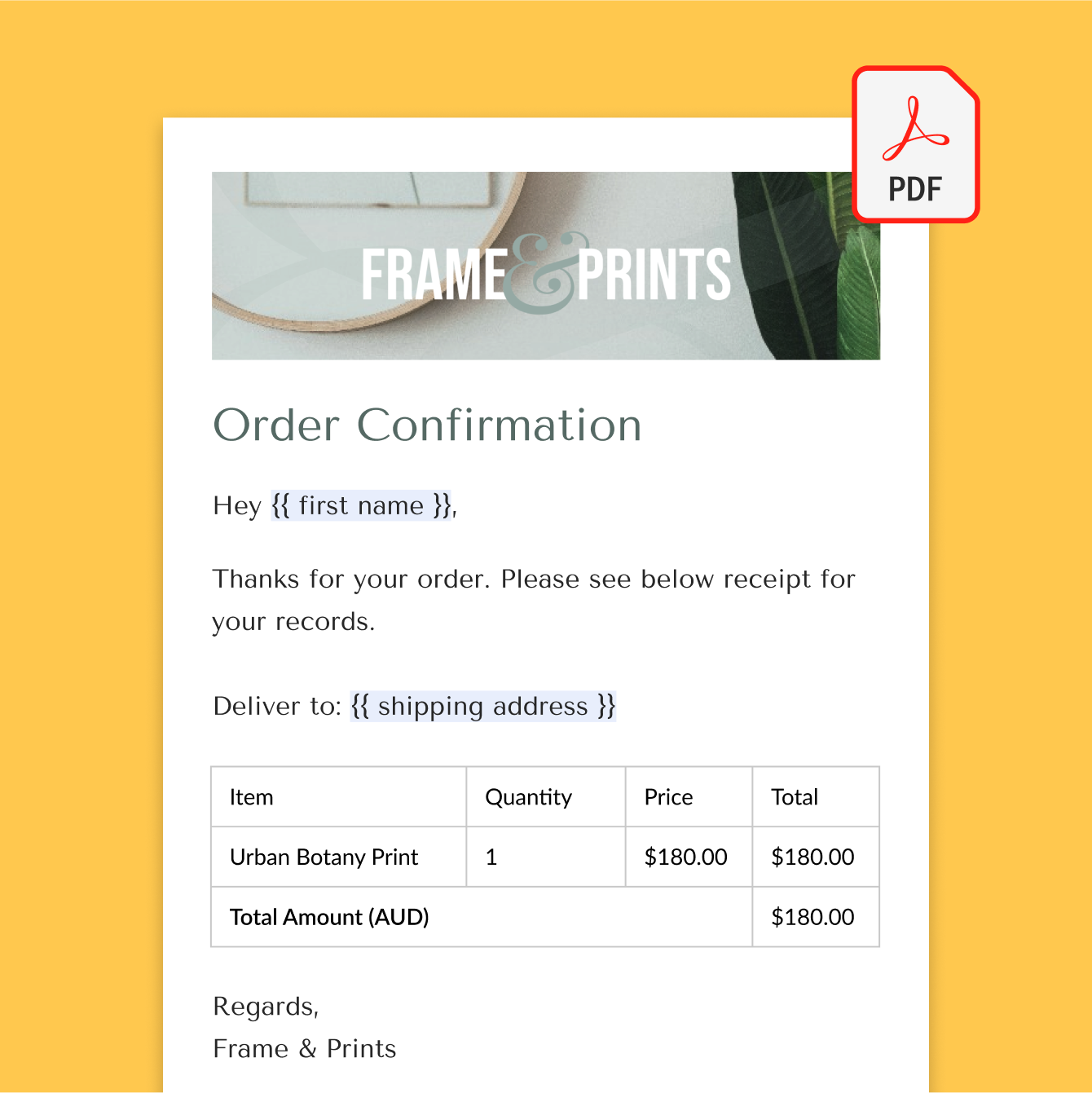
Generate invoices and quotes automatically
After each purchase, Paperform generates a custom PDF invoice and emails it to your customer automatically. Collect name, address, line items, and any other details you need — the invoice populates itself from the form submission. No manual data entry.
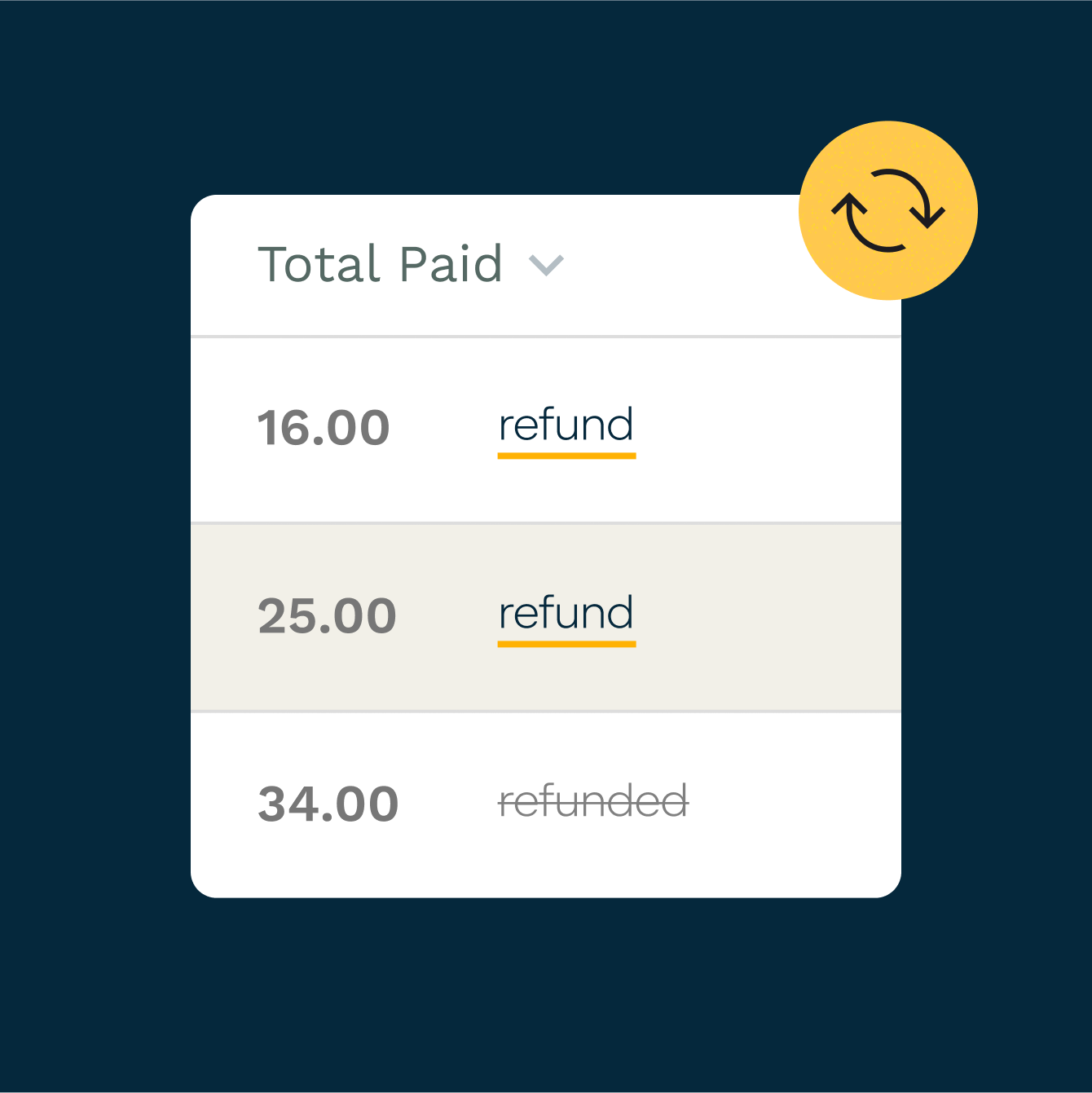
Authorize payments and handle refunds
Need to review an order before charging? Paperform supports payment authorization through Stripe and PayPal — capture card details upfront and charge or reject the payment manually once you're ready. Refunds can be processed directly from your Paperform dashboard.
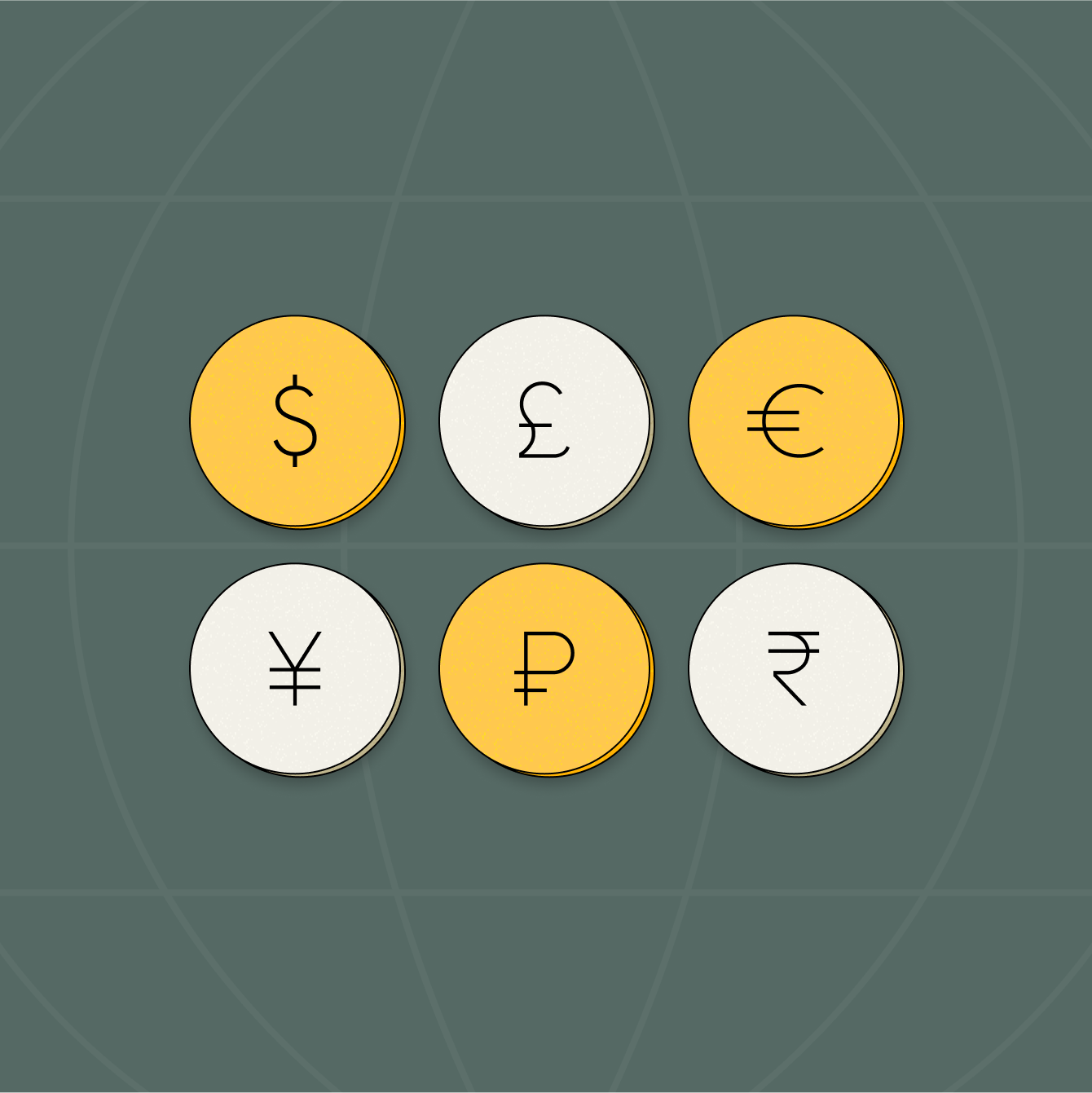
Accept payments in 30+ currencies
Collect payments in the currency your customers use. Paperform supports 30+ currencies including USD, AUD, GBP, EUR, CAD, JPY, and NZD. The currencies available depend on your connected payment processor.
Payment form templates to start from
Checkouts, conditional pricing, invoices, donations and fee payments.

“It's not just a form. You can do a bunch of other things.”
How Co.Lab Captured 30,000 Leads With Paperform
Read case study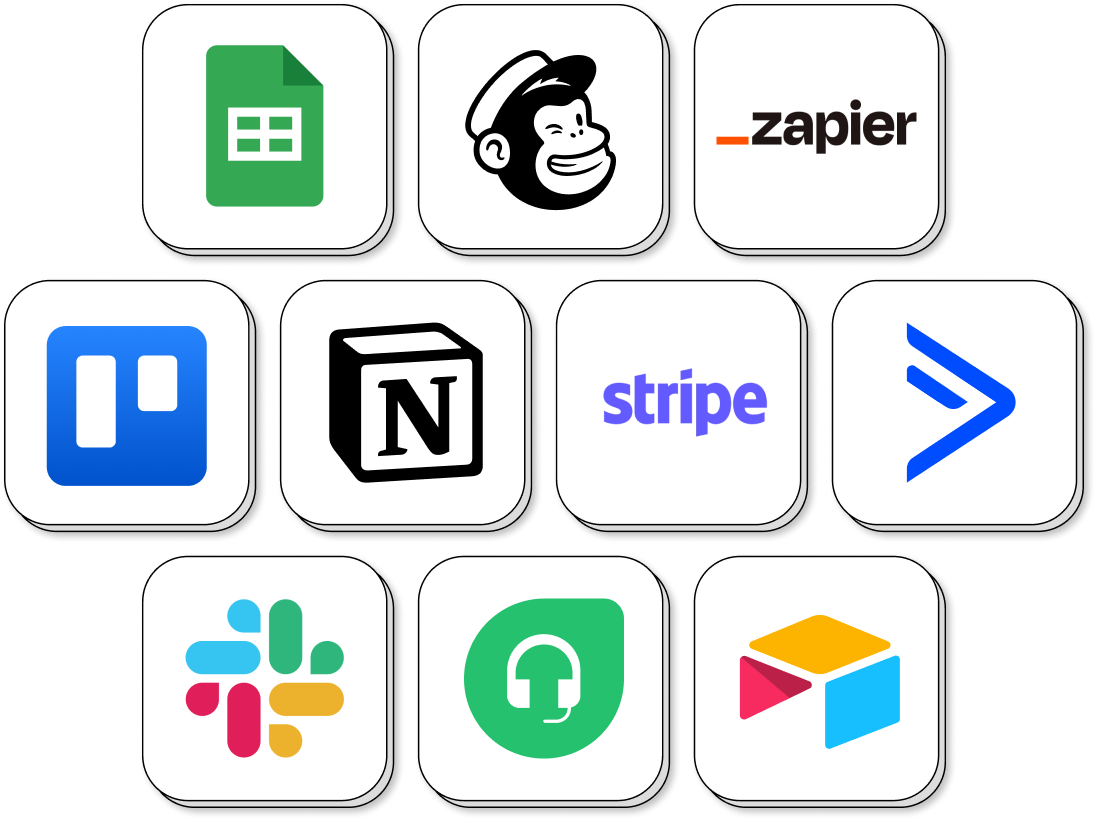
Connect your payment forms to Stripe, QuickBooks, and 9,800+ tools
Paperform connects directly with Stripe, PayPal, Square, Braintree, QuickBooks, Xero, FreshBooks, Mailchimp, HubSpot, and Google Sheets — plus 9,000+ tools via Zapier. Every payment collected through your form flows into your existing tools automatically.
Payment Form FAQs
1. Which payment processors does Paperform support?
Paperform has built-in integrations with Stripe, PayPal, Square and Braintree, and connects to 95+ more payment tools through Zapier. It supports 30+ currencies, including USD, AUD, GBP, EUR, CAD, JPY and NZD; which ones you can use depends on your payment processor.
2. Can I charge different prices based on what someone selects in the form?
Yes. Paperform's calculations feature lets you set up conditional pricing logic, different amounts based on product selections, quantities, locations, or any other variable. The total updates in real time as the respondent fills out the form.
3. Does Paperform support recurring subscription payments?
Yes. You can collect recurring payments through Stripe. Set the billing frequency (weekly, monthly, or annual), the amount, and any trial period, Paperform handles the rest.
4. Does Paperform charge extra transaction fees?
No. Paperform does not take a cut of your payments. You pay Paperform's subscription fee and whatever your payment processor charges, nothing more.
5. Can I issue refunds through Paperform?
Yes. You can process refunds directly from your Paperform dashboard for payments made through Stripe and PayPal.
6. Can I send automatic receipts or invoices after payment?
Yes. Use Paperform's custom PDF feature to design a branded invoice or receipt. It generates automatically after each submission and can be emailed to your customer, saved to Google Drive, or sent to a connected tool.
7. How does Paperform compare to other payment form builders?
PayPal and Stripe's hosted checkout are built for simple, standardised transactions. Paperform suits payment collection that also needs custom information alongside the charge — product specifications, delivery details, event registration data, or anything that determines what's being paid for. You get the full flexibility of a form builder with native payment processing, rather than patching a payment tool onto a separate form. See how Paperform compares to other form tools.
Take the pain out of payment collection.
Payment, receipt and next step in one form, with no extra transaction fees from Paperform.
Build your payment form