123FormBuilder vs SurveyMonkey: Legacy Forms vs Survey Specialist in 2026
123FormBuilder (founded 2008, now a Kiteworks company) builds forms. SurveyMonkey (founded 1999, now part of Momentive) builds surveys. These overlap in some use cases but are different tools. 123FormBuilder focuses on data collection with compliance, payments, and CRM integration. SurveyMonkey focuses on data collection with survey methodology, analytics, and research insights.
The question is whether you need a form (transactional, structured data) or a survey (insights, analysis, feedback).
Quick Verdict
Choose 123FormBuilder if:
- You need transactional forms (registrations, orders, applications)
- HIPAA compliance at an affordable price ($99/month)
- Deep Salesforce integration is required
- Payment processing and document generation matter
Choose SurveyMonkey if:
- Surveys, feedback, and research are the primary use case
- You need built-in analytics (cross-tabs, significance testing)
- Survey methodology features (randomisation, question bank) matter
- You want brand awareness and name recognition with respondents
Feature Comparison
A form builder versus a survey platform: overlapping in data collection, diverging in everything else.
| Feature | 123FormBuilder | SurveyMonkey |
|---|---|---|
| Form Building | ||
| Document-style editor | No | No |
| AI form creation | No | Yes |
| Field types | Yes | 15+ |
| Multi-page forms | Yes | Yes |
| Guided mode (one question at a time) | No | Yes |
| Conditional logic | Yes | Yes Individual Advantage |
| Calculations field | Yes basic | No |
| AI calculations assistant | No | No |
| Scoring | No | Yes |
| Answer piping | Yes basic | Yes Individual Advantage |
| Pre-filling and hidden fields | Yes | Yes Individual Advantage |
| Save and resume | Yes basic | Yes Individual Advantage |
| Auto-close by number | Yes | Yes Individual Advantage |
| Auto-close by date | Yes | Yes Individual Advantage |
| Appointment/booking field | No | No |
| Signature field | Yes basic | No |
| Color picker field | No | No |
| API-powered dropdowns | No | No |
| Google address search | No | No |
| AI chat survey editing | No | Yes |
| File uploads | No | Yes |
| Payments | ||
| Stripe payments | Yes basic | Yes Individual Advantage |
| PayPal payments | Yes basic | Yes Individual Advantage |
| Square payments | Yes professional | No |
| Braintree payments | Yes professional | No |
| Google Pay | No | No |
| Product sales (eCommerce) | Yes basic | No |
| Subscriptions | No | No |
| Coupons and discounts | No | No |
| Custom pricing rules | Yes basic | No |
| Tax calculations | No | No |
| Quotes/invoices | Yes basic | No |
| Refunds | No | No |
| 3D Secure | No | No |
| Design & Customization | ||
| Template gallery | Yes | 400+ |
| Rich media (images, GIFs, videos) | Yes | Yes |
| Unsplash/Giphy | No | No |
| Image editor | No | No |
| Adobe CC | No | No |
| Language translation | Yes basic | Yes Individual Premier |
| Advanced theming | Yes basic | Yes Individual Advantage |
| Custom form URL | No | Yes Individual Advantage |
| Custom domains | Yes professional | No |
| Custom HTML & CSS | Yes basic | No |
| Remove branding | Yes basic | Yes Individual Advantage |
| Custom email domains | No | No |
| Unsplash and Giphy integration | No | No |
| Adobe Creative Cloud | No | No |
| Analytics | ||
| Submission results | Yes | No |
| AI insights | No | No |
| Form analytics | Yes basic | No |
| Google Analytics / Facebook Pixel | Yes | No |
| Custom scripts | No | No |
| Partial submissions | No | Yes Individual Advantage |
| Submission results and reports | No | Yes |
| AI report insights | No | Yes Individual Advantage |
| Paperform analytics | No | No |
| Google Analytics & Facebook Pixel | No | No |
| Custom analytics scripts | No | No |
| Benchmarks | No | No |
| Collaboration | ||
| Multi-user accounts | Yes basic | Yes Team Advantage |
| User permissions and management | Yes basic | Yes Team Advantage |
| Advanced permissions & admin | Yes enterprise | Yes enterprise |
| Form sharing | Yes | No |
| Spaces/tags | No | No |
| Form sharing (templates) | No | Yes Team Advantage |
| Review Sessions | No | Yes Team Advantage |
| Persistent Magic Link | No | Yes Team Advantage |
| Spaces and tag management | No | No |
| Security | ||
| SOC 2 Type II | No | Yes |
| GDPR compliant | Yes | Yes |
| SSL encryption | Yes | Yes |
| Two-factor authentication | Yes | Yes |
| Enforce 2FA | No | No |
| SSO (SAML) | Yes enterprise | Yes enterprise |
| reCAPTCHA | Yes | Yes |
| Data residency | Yes enterprise | No |
| Custom S3 | No | No |
| Enforce 2FA for all users | No | Yes enterprise |
| Local data residency | No | Yes enterprise |
| Custom S3 storage (BYO) | No | No |
| Integrations & API | ||
| Native integrations (2000+) | Yes | No |
| Zapier | Yes | Yes |
| Make (Integromat) | No | Yes |
| Webhooks | Yes basic | Yes Individual Advantage |
| API | Yes basic | No |
| Business API | No | Yes enterprise |
| WordPress plugin | Yes | No |
| oEmbed | Yes | No |
| Native integrations | No | 200+ |
| Claude (Anthropic) integration | No | Yes Individual Advantage |
| ChatGPT integration | No | Yes |
| Gemini integration | No | No |
| HRIS integrations (Workday, BambooHR) | No | Yes |
| Standard API | No | Yes Individual Advantage |
| oEmbed support | No | No |
Where 123FormBuilder Wins
Transactional Form Capabilities
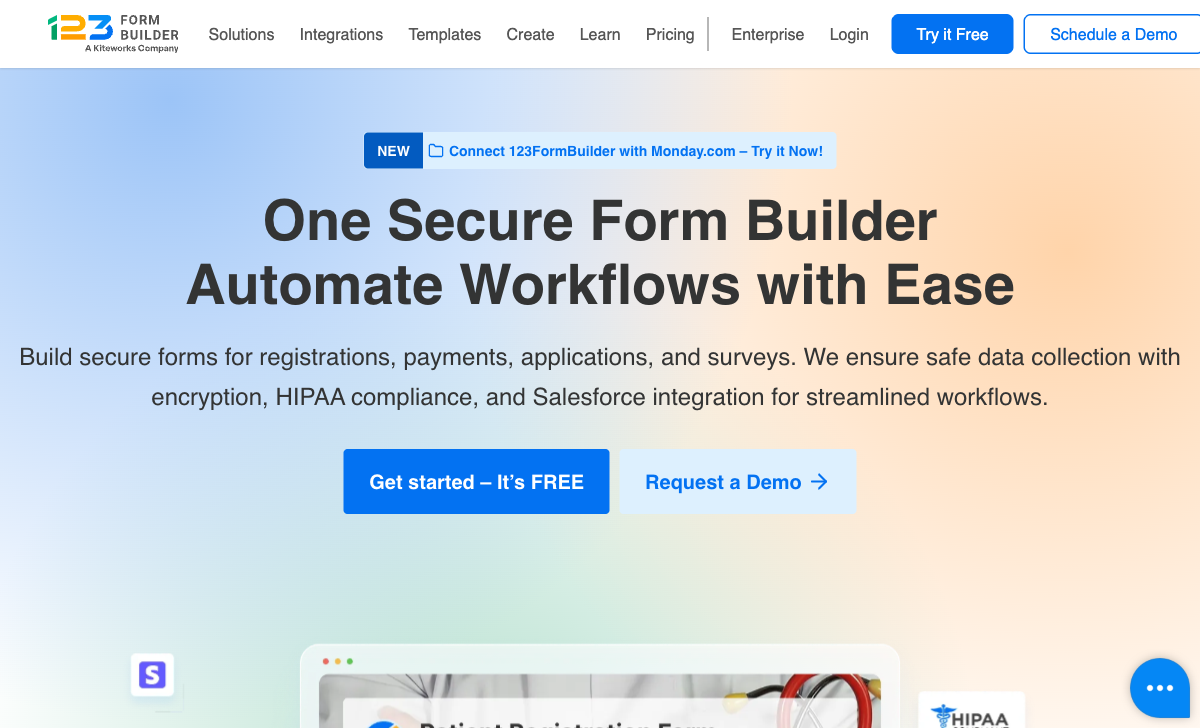
123FormBuilder handles payment processing, document generation, eSignatures, and complex conditional workflows, none of which SurveyMonkey offers. For forms that collect payments, generate contracts, or feed into business processes, 123FormBuilder covers use cases SurveyMonkey wasn't designed for.
Affordable HIPAA
123FormBuilder offers HIPAA compliance at $99/month. SurveyMonkey's HIPAA compliance requires Enterprise plans at custom (typically higher) pricing. For healthcare organisations on a budget, 123FormBuilder provides cheaper compliance.
Salesforce Integration
123FormBuilder's native Salesforce integration with field mapping and record updating is deeper than SurveyMonkey's CRM connectivity. SurveyMonkey integrates with Salesforce for survey distribution but not with the same form-to-CRM mapping depth.
Where SurveyMonkey Wins
Survey Methodology and Analytics
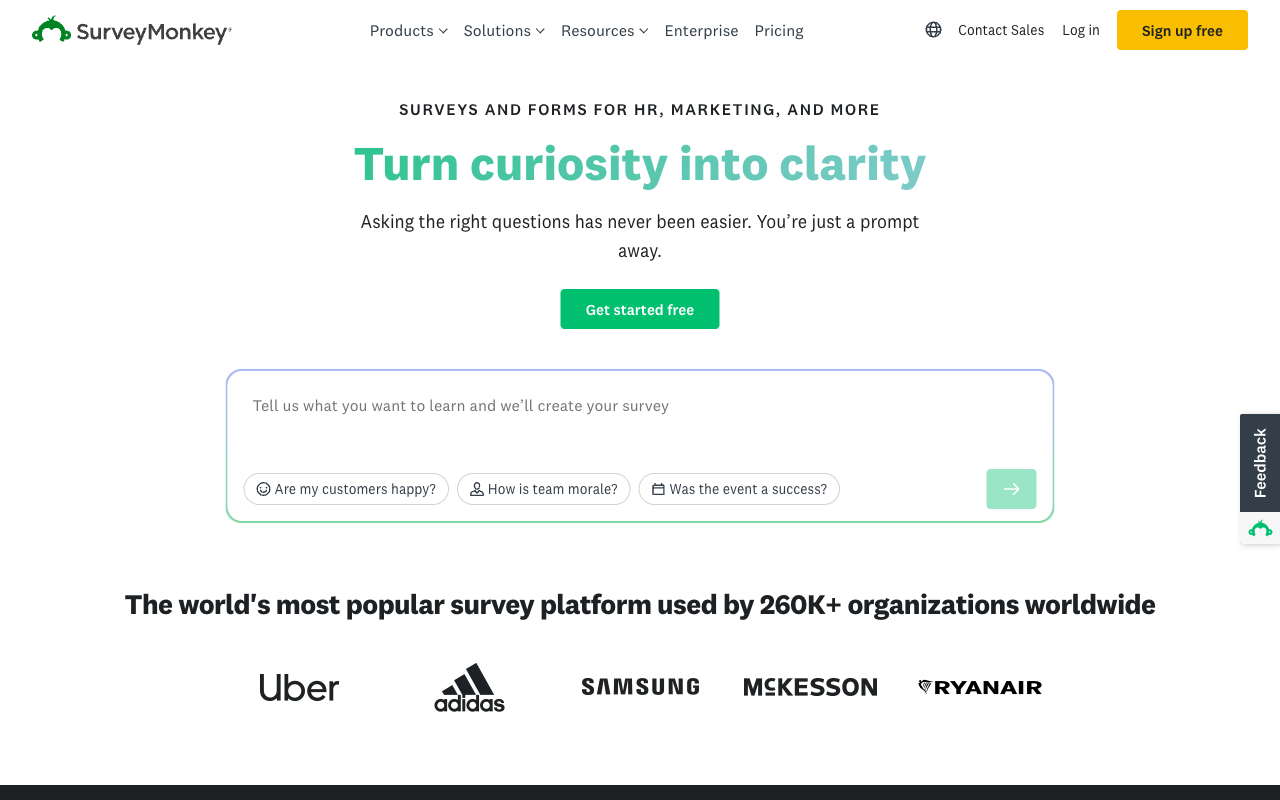
SurveyMonkey is purpose-built for surveys. Cross-tabulation, statistical significance testing, sentiment analysis, question randomisation, survey logic, benchmarking against industry norms, and AI-powered insights. 123FormBuilder tracks submissions; SurveyMonkey analyses them. For understanding what your data means, SurveyMonkey's analytical depth is in a different category.
Question Bank and Templates
SurveyMonkey offers expert-designed question banks and survey templates built with survey methodology best practices. Questions are tested for bias, clarity, and effectiveness. 123FormBuilder's ~3,000 templates cover form use cases but lack the methodological rigour SurveyMonkey brings to survey design.
Brand Recognition
SurveyMonkey is one of the most recognised names in online surveys, and respondents trust the platform. For external surveys where respondent trust affects response rates, SurveyMonkey's brand carries weight that 123FormBuilder doesn't.
Scale and Audience Panels
SurveyMonkey offers audience panels — access to pre-screened respondent groups for market research. This capability doesn't exist in form builders like 123FormBuilder. For research teams that need to reach specific demographics, SurveyMonkey's audience feature is unique.
Where 123FormBuilder Falls Short
- No analytics depth: Basic submission tracking versus SurveyMonkey's analytical suite.
- No survey methodology: No question banks, randomisation, or bias-tested question design.
- Dated interface: Looks older than SurveyMonkey's modern platform.
- No audience panels: Cannot reach pre-screened respondent groups.
Where SurveyMonkey Falls Short
- No payment processing: Cannot collect payments through surveys.
- No document generation: Cannot produce formatted documents from responses.
- Expensive HIPAA: Enterprise pricing for HIPAA versus 123FormBuilder's $99/month.
- Not a form builder: Weaker at transactional forms, applications, and intake workflows.
- No eSignatures: Cannot collect electronic signatures.
Pricing Comparison
Different tools, different pricing models. SurveyMonkey charges per user; 123FormBuilder charges per submission volume.
123FormBuilder
SurveyMonkey
| Product | Plan | Monthly Price | Annual Price (per month) | Free Plan | Free Trial | Limits |
|---|---|---|---|---|---|---|
| 123FormBuilder | Basic (Free) | Free | Free | Yes | 30 days | forms: 5, submissions: 100/month, storage: none, users: 1 |
| 123FormBuilder | Gold | $37/mo | $37/mo billed annually | forms: 25, submissions: 5,000/month, storage: 1 GB, users: 1 | ||
| 123FormBuilder | Platinum | $49/mo | $49/mo billed annually | forms: 100, submissions: 20,000/month, storage: 10 GB, users: 1+ (buy extra licenses) | ||
| 123FormBuilder | Diamond | $99/mo | $99/mo billed annually | forms: 200, submissions: 100,000/month, storage: 100 GB, users: 1+ (buy extra licenses) | ||
| 123FormBuilder | Enterprise | $225/mo | Custom | forms: unlimited, submissions: unlimited, storage: unlimited, users: custom | ||
| SurveyMonkey | Basic (Free) | Free | Free | Yes | No | forms: Unlimited, submissions: Limited per survey (exact number now only shown after sign-up/login), storage: N/A, users: 1 |
| SurveyMonkey | Individual Advantage | Free | $32/mo billed annually | forms: Unlimited, submissions: 15,000 per year, storage: N/A, users: 1 | ||
| SurveyMonkey | Individual Premier | Free | $99/mo billed annually | forms: Unlimited, submissions: 40,000 per year, storage: N/A, users: 1 | ||
| SurveyMonkey | Team Advantage | Free | $30/mo billed annually | forms: Unlimited, submissions: 50,000 per year (shared), storage: N/A, users: 3 minimum | ||
| SurveyMonkey | Team Premier | Free | $92/mo billed annually | forms: Unlimited, submissions: 100,000 per year (shared), storage: N/A, users: 3 minimum |
What Users Say
SurveyMonkey averages 4.4/5 on G2 with thousands of reviews, praised for ease of use and analytics and criticised for pricing at scale. 123FormBuilder averages 4.4-4.5/5 with praise for Salesforce and HIPAA. Similar overall scores, but SurveyMonkey's review volume (10,000+) dwarfs 123FormBuilder's (~346), reflecting its vastly larger user base.
Consider Paperform
Both tools meter the thing you want more of. 123FormBuilder prices by submission volume; SurveyMonkey prices by seat. Either way, success costs extra — more responses or more colleagues means a bigger bill. Paperform meters neither: submissions and seats are unlimited on every paid plan, starting at $49/month billed annually ($59 monthly), so a campaign that does well doesn't trigger an upgrade and inviting a teammate doesn't cost anything.
One subscription also covers three jobs instead of one. Paperform handles forms and surveys, Papersign handles eSignatures, and Stepper handles workflow automation, so you aren't stitching a form builder, a signing tool, and an automation platform together and paying three vendors. Its document-style editor creates forms and surveys that don't look templated, an Excel-style calculation engine drives scoring and logic, and there are five payment gateways and 4000+ integrations. Founded in 2016, bootstrapped and profitable. Two caveats worth naming: Paperform is SOC 2 Type II, GDPR and CCPA compliant but is not HIPAA compliant and signs no BAAs, so healthcare teams should stay with 123FormBuilder's Diamond plan; and at $49/month annual it is not the cheapest entry point here; 123FormBuilder undercuts it at the low end. Trials run 7 days, no card. See the full form builders ranking.
Frequently Asked Questions
Is SurveyMonkey a form builder?
SurveyMonkey is primarily a survey platform, optimised for questionnaires, research, feedback collection, and data analysis. It has form-like capabilities, but it's not a form builder in the traditional sense. It lacks payment processing, document generation, Salesforce-depth integration, and HIPAA compliance at accessible price points. If you need surveys, SurveyMonkey excels. If you need forms (especially transactional or compliance forms), 123FormBuilder is more appropriate.
Which has better data analysis?
SurveyMonkey wins decisively on analysis. Its built-in analytics include cross-tabulation, statistical significance testing, sentiment analysis, word clouds, and exportable reports. SurveyMonkey was built to help people understand response data. 123FormBuilder provides basic submission tracking and CSV export but nothing approaching SurveyMonkey's analytical depth.
Does SurveyMonkey offer HIPAA compliance?
SurveyMonkey offers HIPAA compliance on Enterprise plans with BAA signing. However, Enterprise pricing is custom and typically expensive. 123FormBuilder offers HIPAA on the Diamond plan at $99/month (annual), a more accessible price point. For budget-conscious healthcare organisations, 123FormBuilder provides cheaper HIPAA compliance.
Which is better for customer feedback?
SurveyMonkey. Its survey methodology expertise, question bank, skip logic, randomisation, and analysis tools are purpose-built for collecting and understanding feedback. Features like benchmarking (comparing your results to industry norms) and AI-powered insights add depth that 123FormBuilder cannot match for feedback use cases.
Sources & References
- 123FormBuilder vs SurveyMonkey Comparison — G2, 2026
- Best Survey Tools for Business — PCMag, 2025
Updates
We re-audit the form builders we compare on a regular cadence and log every change here — a public record of what changed and when.
- Updated June 4, 2026 — Corrected 123FormBuilder's HIPAA pricing on the 'Diamond' plan from $79/month to $99/month (annual billing) across the verdict, feature comparison, FAQ, and weaknesses sections following the June 2026 data audit.
Last updated September 22, 2026
Ready to try Paperform?
Create beautiful forms, payment pages, and workflows — no code required.