Best Form Builders for 2026
The best form builder for most growing businesses is Paperform, because submissions and seats are unlimited on its paid plans while nearly every rival meters both. For a genuinely simple form, use Tally or Google Forms. For protected health data, use Cognito Forms or Jotform, since Paperform is not HIPAA compliant.
We ranked twelve form builders on the five things that decide the bill and the workflow: what the pricing model charges you for, how deep the logic goes, how many payment processors you get, how many integrations are native, and what the compliance page actually says. Pricing, feature and compliance data was re-verified on 22 September 2026 against each vendor's live pricing page.
One pattern runs through the whole list and it is worth naming up front. Most form builders charge you more when your forms work. Jotform's Bronze plan stops accepting responses at 1,000 a month. Wufoo bills $0.05 for every entry past the cap. SurveyMonkey bills $0.15. Typeform caps responses and seats on every published tier, including the $266/month one. A good campaign month is a billing event, and so is hiring someone. Rankings below weight that heavily, because it is the cost that shows up later rather than the one on the comparison table.
If you only want the free options, we have a separate best free form builders ranking. For narrower shortlists, see our guides for small businesses, agencies and healthcare.
| Feature | Paperform | Jotform | Typeform | Tally | Fillout | Cognito Forms | Google Forms | Formstack | SurveyMonkey | Gravity Forms | Microsoft Forms | Wufoo |
|---|---|---|---|---|---|---|---|---|---|---|---|---|
| Form Building | ||||||||||||
| Document-style editor | Yes | No | No | Yes | No | No | No | No | No | No | No | No |
| AI form creation | Yes | Yes starter | Yes | Yes | Yes | Yes | Yes paid | Yes forms | Yes | Yes Basic | Yes copilot | No |
| Field types | 26+ | 30+ (starter) | 20+ | 20+ | 50+ | 20+ | 11 | 15 | 15+ | No | No | Yes |
| File uploads | Yes | Yes starter | Yes basic | Yes | Yes | Yes | Yes | No | Yes | No | No | Yes starter |
| Guided mode (one question at a time) | Yes | Yes starter | Yes | No | No | No | No | Yes forms | Yes | Yes Elite | No | No |
| Payments | ||||||||||||
| Stripe payments | Yes | Yes starter | Yes basic | Yes | Yes | Yes | No | Yes forms | Yes Individual Advantage | Yes Pro | No | Yes professional |
| PayPal payments | Yes | Yes starter | No | No | No | Yes team | No | Yes forms | Yes Individual Advantage | Yes Pro | No | Yes professional |
| Square payments | Yes | Yes starter | No | No | No | Yes team | No | No | No | Yes Pro | No | Yes professional |
| Braintree payments | Yes | Yes starter | No | No | No | No | No | No | No | No | No | Yes professional |
| Google Pay | Yes | Yes starter | No | No | No | Yes | No | No | No | Yes Pro | No | No |
| Design & Customization | ||||||||||||
| Template gallery | 30,000+ | 20,000+ (starter) | 1,500+ | Yes | Yes | Yes | 20+ | Yes forms | 400+ | Yes Basic | Yes | Yes |
| Rich media (images, GIFs, videos) | Yes | Yes starter | Yes | Yes | Yes | Yes | Yes | Yes forms | Yes | Yes Basic | Yes | No |
| Unsplash and Giphy integration | Yes | No | Yes | No | No | No | No | No | No | No | No | No |
| Image editor | Yes | No | No | No | No | No | No | No | No | No | No | No |
| Adobe Creative Cloud | Yes | No | No | No | No | No | No | No | No | No | No | No |
| Analytics | ||||||||||||
| AI report insights | Yes pro | No | Yes business | No | No | No | Yes Business Standard | No | Yes Individual Advantage | No | Yes | No |
| Paperform analytics | Yes pro | No | No | Yes pro | Yes business | No | No | Yes forms | No | No | No | No |
| Drop-off analysis | Yes pro | No | Yes business | No | No | No | No | No | No | No | No | No |
| Google Analytics & Facebook Pixel | Yes pro | No | Yes basic | Yes pro | Yes | Yes pro | No | Yes forms | No | Yes Elite | No | No |
| Custom analytics scripts | Yes pro | No | Yes basic | No | Yes business | No | No | No | No | Yes Basic | No | No |
| Collaboration | ||||||||||||
| Advanced permissions & admin | Yes enterprise | Yes enterprise | Yes enterprise | No | Yes team | Yes enterprise | Yes Business Starter | Yes enterprise | Yes enterprise | No | Yes enterprise | No |
| Form sharing (templates) | Yes | No | Yes | Yes | Yes | Yes | Yes | Yes forms | Yes Team Advantage | Yes Basic | Yes | No |
| Spaces and tag management | Yes | No | No | Yes pro | Yes | No | No | Yes forms | No | No | No | No |
| Form sharing | No | Yes starter | No | No | No | No | No | No | No | No | No | Yes |
| Assign forms | No | Yes enterprise | No | No | No | No | No | No | No | No | No | No |
| Security | ||||||||||||
| SOC 2 Type II | Yes | Yes enterprise | Yes | No | Yes | No | Yes | No | Yes | No | Yes | Yes |
| Two-factor authentication | Yes | Yes starter | Yes | No | Yes | Yes | Yes | Yes forms | Yes | No | Yes | No |
| Enforce 2FA for all users | Yes business | No | No | No | Yes team | No | Yes Business Starter | Yes enterprise | Yes enterprise | No | Yes enterprise | No |
| SSO (SAML) | Yes business | Yes enterprise | Yes enterprise | No | Yes enterprise | Yes enterprise | Yes Business Plus | Yes enterprise | Yes enterprise | No | Yes | No |
| reCAPTCHA | Yes | Yes starter | Yes business | Yes | Yes starter | Yes | No | Yes forms | Yes | Yes Basic | No | Yes |
| Integrations & API | ||||||||||||
| Native integrations | 4,000+ | 150+ (starter) | 120+ (basic) | 17+ | 50+ | No | No | No | 200+ | No | No | Yes starter |
| Zapier | Yes | Yes starter | Yes basic | Yes | Yes | Yes | Yes | Yes forms | Yes | Yes Pro | No | Yes starter |
| Make (Integromat) | Yes | Yes starter | Yes basic | Yes | Yes | Yes | Yes | No | Yes | No | No | No |
| Webhooks | Yes pro | Yes starter | Yes basic | Yes | Yes | Yes | No | Yes forms | Yes Individual Advantage | Yes Elite | No | Yes starter |
| Standard API | Yes pro | No | No | Yes | Yes | Yes | Yes | Yes forms | Yes Individual Advantage | Yes Basic | No | No |
 #1 Paperform — Best for Processes That Start With a Form

Paperform is the only tool in this ranking where one subscription covers forms, eSignatures and workflow automation. Papersign turns a submission into a contract and files the signed copy against the original response. Stepper runs the approval chain, the CRM update and the handoff that follow. There is nothing to add on and nothing bought separately, which matters because the alternative is three vendors, three renewal dates and you as the glue between them.
Pricing is unlimited on the two things that usually grow. Pro is $59/month, or $49/month billed annually, with unlimited submissions and unlimited seats under a fair use policy. Business is $149/month, or $124/month annually, and adds 10 workspaces, SSO and the Business API. A form that takes 200 responses and a form that takes 200,000 cost the same, and a seat covers all three products, so one person using forms, signatures and workflows counts once.
The calculation engine is the technical reason to pick it over the cheaper tools. Formulas are Excel-style, and they drive question and page visibility, conditional emails, what gets sent to each integration and what appears on the success page. That is a different thing from a total at the bottom of an order form. Payments run through five gateways with subscriptions, coupons, tax rules and inventory, integrations number 4,000-plus, and the doc-style editor produces pages that read like landing pages rather than embedded widgets.
The company was founded in 2016, is bootstrapped and profitable, and holds SOC 2 Type II along with GDPR and CCPA compliance. It is not HIPAA compliant and signs no BAAs, so protected health data belongs elsewhere.
- Pricing: Pro $59/month, $49/month billed annually. Business $149/month, $124 annually. Enterprise on quote.
- Best for: Operators running multi-step workflows with a team and a compliance checklist.
- Key limitation: No HIPAA compliance, the highest paid entry price in this group, and metered automation credits.
 #2 Jotform — Best Feature Breadth

Jotform supports more payment processors than any other tool here at 40-plus, alongside 150+ native integrations, 20,000 templates, native iOS and Android apps, and HIPAA compliance from the Gold plan. Nothing else in this ranking has that surface area. Twenty bootstrapped years and $144.9M in 2024 revenue bought it.
The catch is how it is sold. Almost every dimension is a meter: submissions, forms, form views, submission storage, fields per form, signed documents and payment submissions all carry a per-tier cap. Bronze at $34/month annual gives you 25 forms and 1,000 submissions. Gold at $99/month annual gives you 100 forms and 10,000 submissions plus HIPAA. Every one of those self-serve tiers is single-user, so the month you want a colleague to edit a form you are talking to sales about an Enterprise quote rather than clicking a button.
Read the tier table before you commit, and read it for the second year rather than the first. If your volume is stable and you work alone, Jotform is excellent value and the breadth is real. Our Paperform vs Jotform comparison works through the crossover point in detail.
- Pricing: Free Starter (5 forms, 100 submissions/month). Bronze $39/month, $34 annually. Silver $49/$39. Gold $129/$99.
- Best for: Solo operators who need HIPAA, mobile data collection or an unusual payment processor.
- Key limitation: Single-user on every self-serve plan, and seven separate meters above that.
 #3 Typeform — Best Conversational Experience

Typeform's one-question-at-a-time format remains the best-performing pattern in the category for short, high-intent capture, and the company claims 3.5x more responses than a standard form. It is also the most certified product on this list: HIPAA, SOC 2, ISO 27001, ISO 27017, ISO 27018, PCI DSS and, since June 2026, ISO/IEC 42001 for AI management. If your procurement team reads certification lists, that is a genuine advantage over Paperform.
The pricing model is where it becomes hard to recommend at scale. Responses and seats are capped on all five plans: 100 responses and one user on Basic at $28/month annual, 1,000 and three on Plus, 10,000 and five on Business at $91/month annual. Growth Flow at $266/month annual, nearly three times the Business price, raises neither. The premium buys enrichment and Smart Insights, not headroom. Payments are Stripe only, calculations require Plus, and there are 120-plus native integrations against Paperform's 4,000-plus.
- Pricing: Free (10 responses/month). Basic $39/month, $28 annually. Plus $79/$56. Business $129/$91. Growth Flow $379/$266.
- Best for: Brand and marketing teams running short, beautiful, low-volume capture flows.
- Key limitation: Every plan caps responses and seats, and the most expensive one raises neither.
 #4 Tally — Best Simple Form Builder
Tally gives you unlimited forms and unlimited submissions on its free plan, subject to fair use, with a formula editor, Stripe payments, e-signatures and Notion, Airtable and Google Sheets integrations included at zero cost. Pro is $24/month billed annually and adds custom domains, unlimited team members, analytics and branding removal. If your work ends when someone presses submit, this is the tool, and we would rather you used it than overpaid us.
The ceiling is compliance and consolidation. Tally is GDPR compliant and EU-hosted, but has no SOC 2, no SSO and no 2FA at any tier including Business at $74/month annual. That single fact ends most enterprise procurement conversations. It is also forms only, so the signature, the approval chain and the automation get handed to Zapier or n8n and become your problem. The company was founded in 2020 and employs fewer than ten people, which is worth weighing if the form is load-bearing.
- Pricing: Free (unlimited forms and submissions, fair use). Pro $29/month, $24 annually. Business $89/$74.
- Best for: Solo founders, Notion-centric teams and anyone whose form is genuinely just a form.
- Key limitation: No SOC 2, no SSO and no 2FA on any plan.
 #5 Google Forms — Best Free Tool You Already Have
Google Forms takes unlimited responses for free, with a Google account and nothing else. For a survey, a quiz, an RSVP or a sign-up sheet that lands in Sheets, it is the right answer and paying for anything else would be a waste. Workspace plans from $7 per user per month annual add admin controls, storage and the Gemini-in-Forms features, though the form builder itself is identical on the free tier.
What it does not do is anything after the response. There are no payments, no calculation fields, no branding beyond a header image and a colour, and around 20 native integrations against a category norm in the hundreds. Each of those gaps becomes a separate subscription, which is how a free tool ends up costing the most. Compliance is the strongest on this list, covering HIPAA under a BAA, SOC 2, ISO 27001 and FedRAMP, because you are buying Google's infrastructure. See our Google Forms alternatives guide for where to go when the spreadsheet stops being enough.
- Pricing: Free with any Google account. Workspace from $8.40/user/month, $7 annually.
- Best for: Internal surveys, quizzes and any data collection that ends in a spreadsheet.
- Key limitation: No payments, no calculations, and roughly 20 native integrations.
 #6 Fillout — Best Low-Cost Entry With Real Logic

Fillout's free plan carries 1,000 submissions a month with conditional logic, calculations, PDF generation, scheduling, Stripe payments and unlimited seats, which is the most capable free tier in this ranking on paid-feature access. Starter is $15/month billed annually and Pro $40. Seats are never charged, on any plan, which is rarer than it should be.
The meter is on responses instead. Starter stops at 2,000 a month and Pro at 5,000, and the fix for outgrowing Pro is an 87% jump to Business at $75/month annual or buying bulk submission packs at a price Fillout does not publish. Under the Zite rebrand the metering has spread to AI credits and workflow runs, with the serious quotas parked in a $250/month Team bundle, and the lead-generation essentials sit in a separate $100/month Conversion Kit. The company was founded in 2022 and is SOC 2 Type II and GDPR compliant but not HIPAA compliant.
- Pricing: Free (1,000 responses/month). Starter $19/month, $15 annually. Pro $49/$40. Business $89/$75.
- Best for: Small teams under 2,000 responses a month who want logic without a per-seat bill.
- Key limitation: Response caps below $75/month, unpublished overage pricing, and a four-year track record.
 #7 Cognito Forms — Best Calculations on a Budget
Cognito Forms puts a genuine calculation engine, repeating sections, data lookups and Stripe payments on its free plan, which no other tool at this price does. Users regularly name the formula engine as the reason they chose it. HIPAA compliance arrives on Enterprise at $129/month billed annually, which is the cheapest HIPAA-covered tier in this ranking and considerably less than Formstack's unpublished add-on.
Billing is the friction. Cognito Forms meters four separate things and each has its own line item: entries, users, storage and guests. Pro at $19/month annual stops at 2,000 entries and two users, additional users are $5 per month each, and external collaborators come in guest packs running from $25 to $250 a month. Design control is also the weakest of the capable tools here, so forms tend to look utilitarian without custom CSS. A live pricing experiment running since September 2026 means some visitors see a five-tier lineup with a $99 Business plan instead.
- Pricing: Free Individual (100 entries/month). Pro $24/month, $19 annually. Team $49/$39. Enterprise $174/$129.
- Best for: Budget-conscious teams needing heavy calculations, or HIPAA at the lowest possible price.
- Key limitation: Four separate meters and weak design control.
See Them in Action
 #8 Formstack — Best for Salesforce-Native Document Workflows
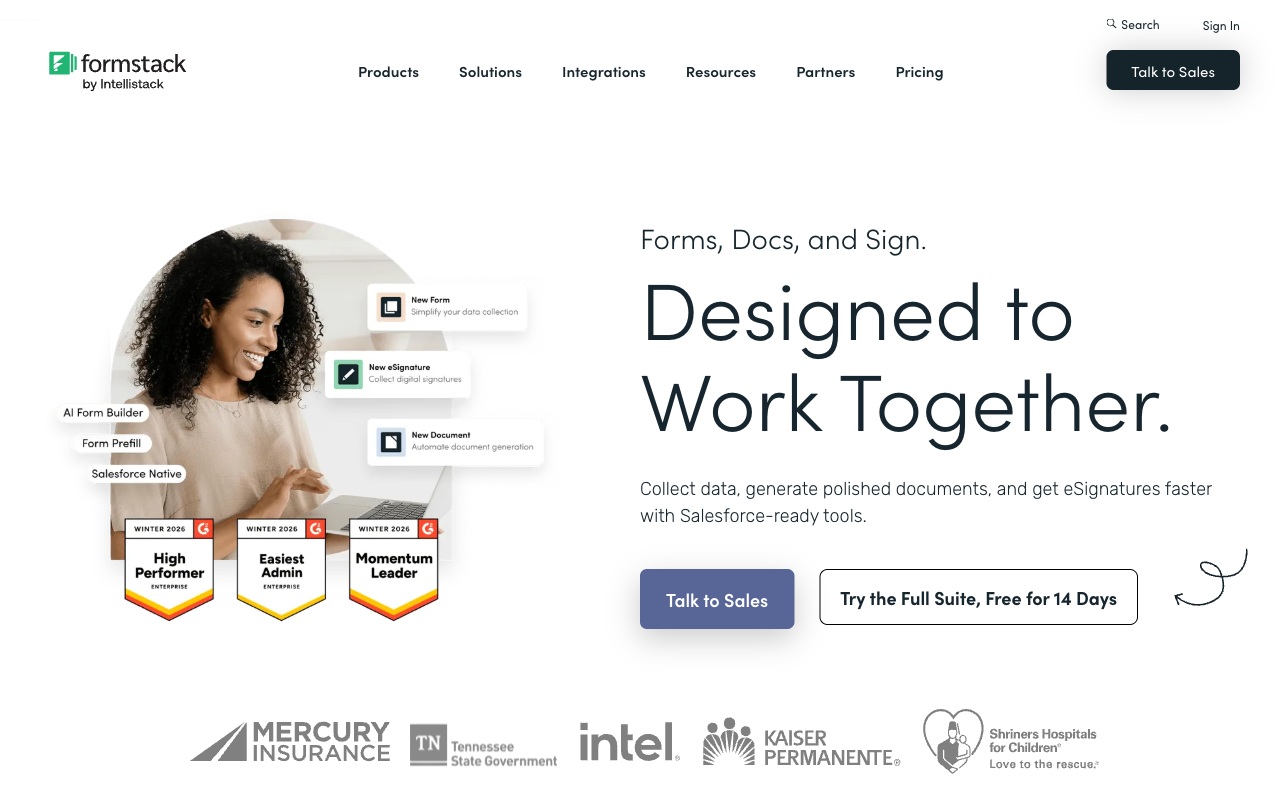
Formstack has no free plan and starts at $99/month, or $83/month billed annually, which is the highest entry price in this ranking. What you get for it is 300+ integrations, PCI-compliant payment fields, an accessibility VPAT, TX-RAMP Level 2, and Salesforce-native form products that genuinely do things a general-purpose builder cannot.
The metering is unusually granular: per builder user, per form, per submission on that form, and per document delivered. The Forms plan gives one user, 25 forms and 1,000 submissions per form. Document generation and eSignatures require the Suite plan at $250/month annual, which caps document deliveries at 250 a month. HIPAA is a paid add-on on both plans at a price Formstack does not publish. The parent company, Intellistack, has since launched a separate CLM product line, which raises a fair question about where the roadmap attention goes.
- Pricing: No free plan. Forms $99/month, $83 annually. Suite $299/$250. Enterprise on quote.
- Best for: Salesforce-centric teams with document generation requirements and a budget to match.
- Key limitation: Metered at four joints, and HIPAA costs extra on top.
 #9 SurveyMonkey — Best for Formal Research
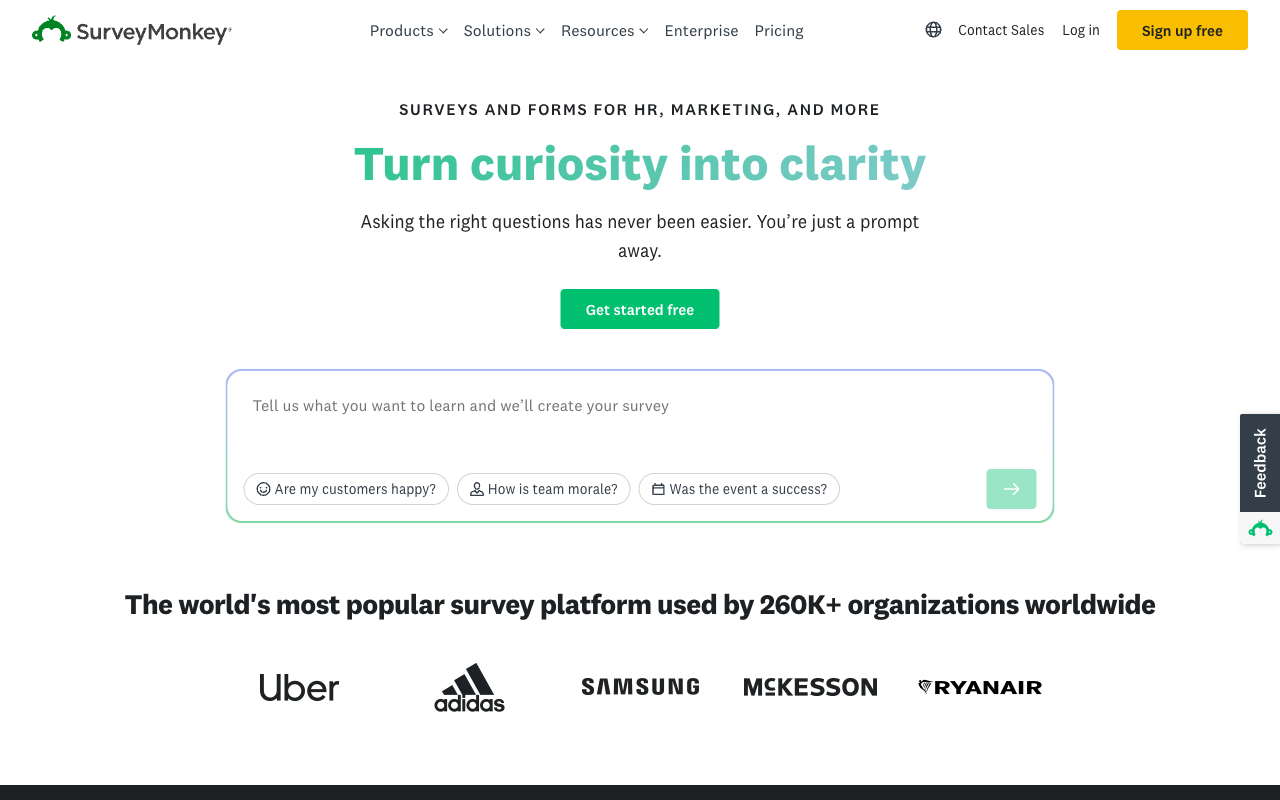
SurveyMonkey is a research tool rather than a form builder, and on that ground it wins: question methodology, crosstabs, block randomisation, A/B testing, thematic analysis and access to a 335M-person respondent panel are things nothing else here attempts. Twenty-seven years of operation and 23,500-plus G2 reviews back that up.
As a form builder it is a poor fit. There are no calculation fields, payment support is thin, and the pricing tightened sharply in 2026: the month-to-month Standard plan was removed in September, so every paid plan is now an annual commitment. Advantage is $32/month annual with a 15,000 response-per-year cap, Team plans require three seats minimum at $30 per user per month, Enterprise now states a five-seat floor, and responses over the allowance are $0.15 each. The company is owned by private equity firm STG, which is usually a signal about which direction prices move.
- Pricing: Free Basic. Individual Advantage $32/month annual. Premier $99. Team Advantage $30/user/month, three-seat minimum.
- Best for: Market research, academic work and anything needing statistical rigour or a panel.
- Key limitation: Annual-only paid plans, per-response overages, and no calculation fields.
 #10 Microsoft Forms — Best Inside a Microsoft 365 Tenant
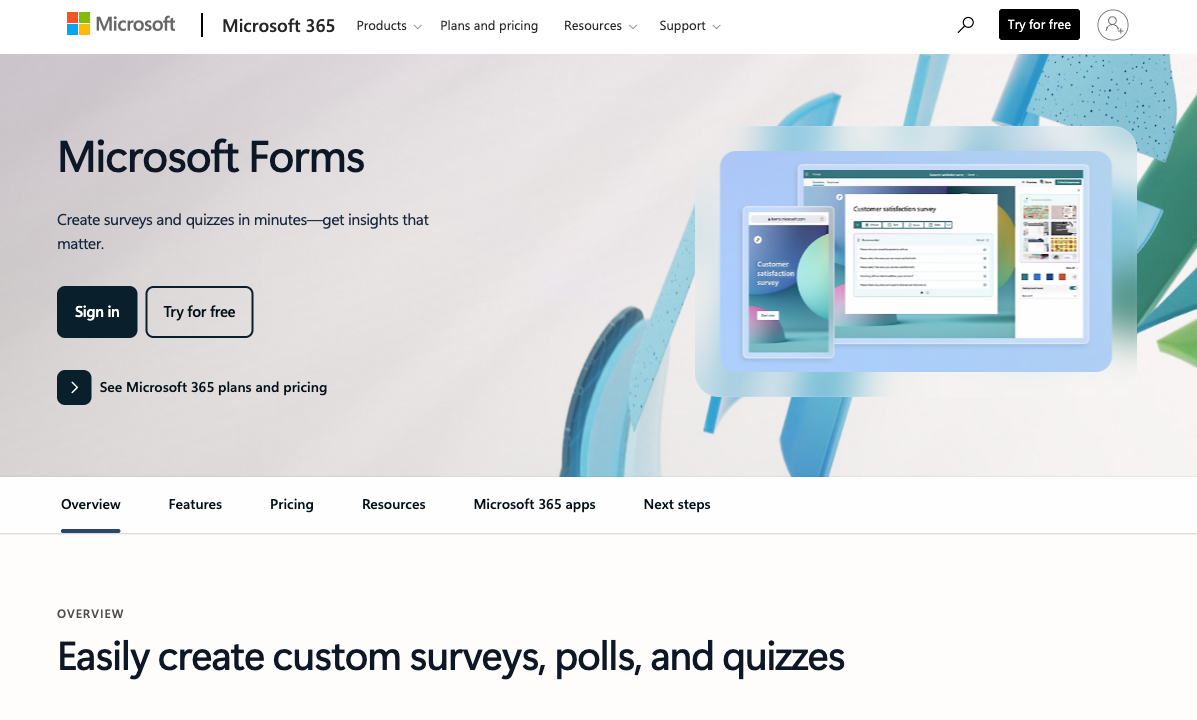
Microsoft Forms is included with every Microsoft 365 licence and handles 5,000,000 responses per form on paid tenants, with Teams, SharePoint and Power Automate wiring already in place. For an internal quiz, a staff poll or a room booking, it costs nothing extra and needs no procurement conversation. The compliance inheritance is total: HIPAA with a BAA, SOC 2, ISO 27001, FERPA and FedRAMP.
Outside the tenant it stops quickly. There are no payments, no calculation fields, almost no branding control, around 20 integrations, and a 400-form limit per account. Anything customer-facing looks like a Microsoft internal tool because it is one. The workflow that follows needs Power Automate, the contract needs a separate signature vendor, and each of those is licensed per user on top.
- Pricing: Free with a personal Microsoft account (200 responses/form). Included in Microsoft 365 from $7/user/month annual.
- Best for: Internal surveys, quizzes and polls in an organisation already on Microsoft 365.
- Key limitation: No payments, no calculations, and no realistic branding for customer-facing use.
 #11 Gravity Forms — Best for WordPress Sites
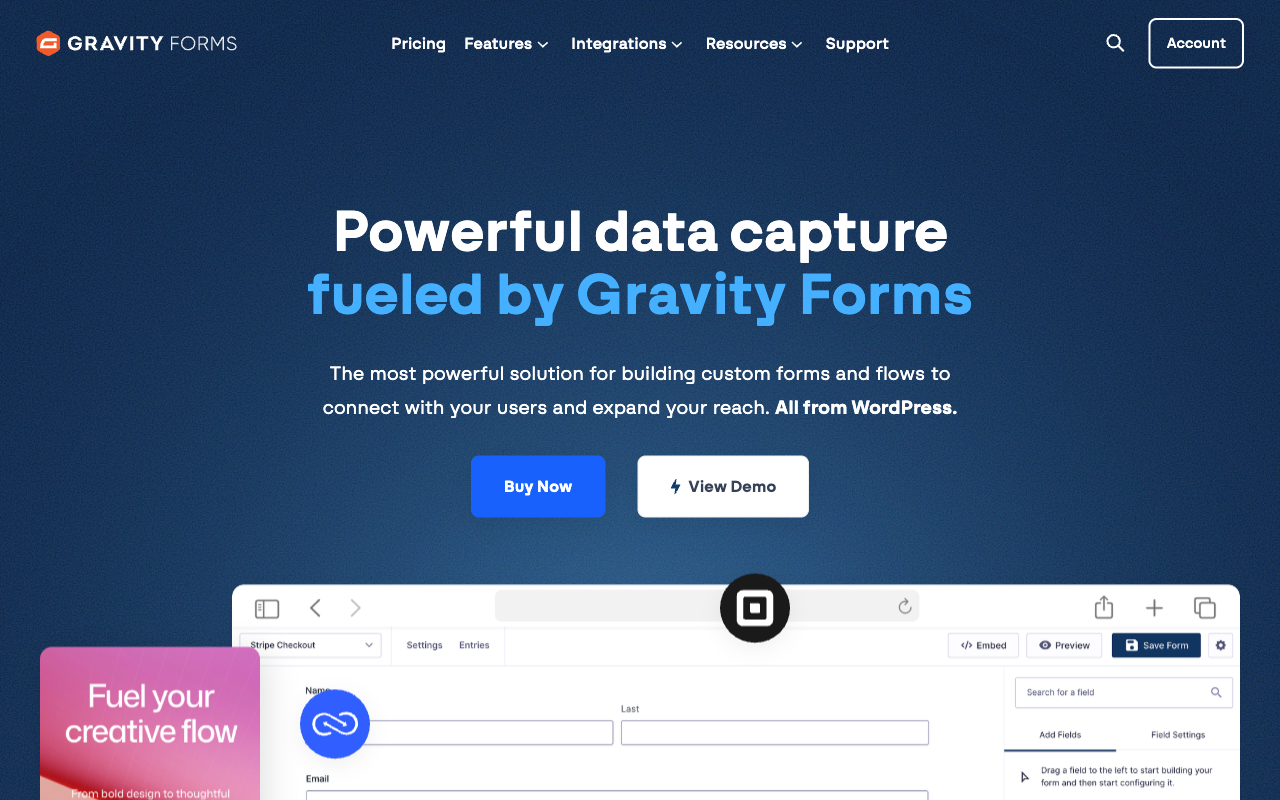
Gravity Forms charges a flat annual licence with unlimited forms, unlimited submissions and unlimited users: $59/year for one site, $159 for three, $259 for unlimited sites with every add-on included. Submission data lives in your own WordPress database, which is the strongest data-ownership position on this list. It has been shipping since 2008 and remains the default choice for WordPress developers.
The cost sits outside the price sheet. Everything after the submission is a separate add-on you install, host, patch and connect yourself, and calculations are merge-tag arithmetic with no Excel-style functions or conditional maths natively; the widely used Gravity Wiz add-ons exist precisely because of that gap. There is no SOC 2 attestation and no HIPAA compliance, since the compliance posture is whatever your hosting stack happens to be. If the form is on a WordPress site and stays there, that trade is fine. If it becomes a business process, the WordPress stack underneath is still yours at 2am.
- Pricing: No free plan. Basic $59/year, Pro $159/year, Elite $259/year, Nonprofit $129/year.
- Best for: WordPress sites that want unlimited submissions on a flat licence.
- Key limitation: Basic calculations, self-managed hosting and patching, no SOC 2 or HIPAA.
 #12 Wufoo — Best for Simple Forms on a Legacy Stack
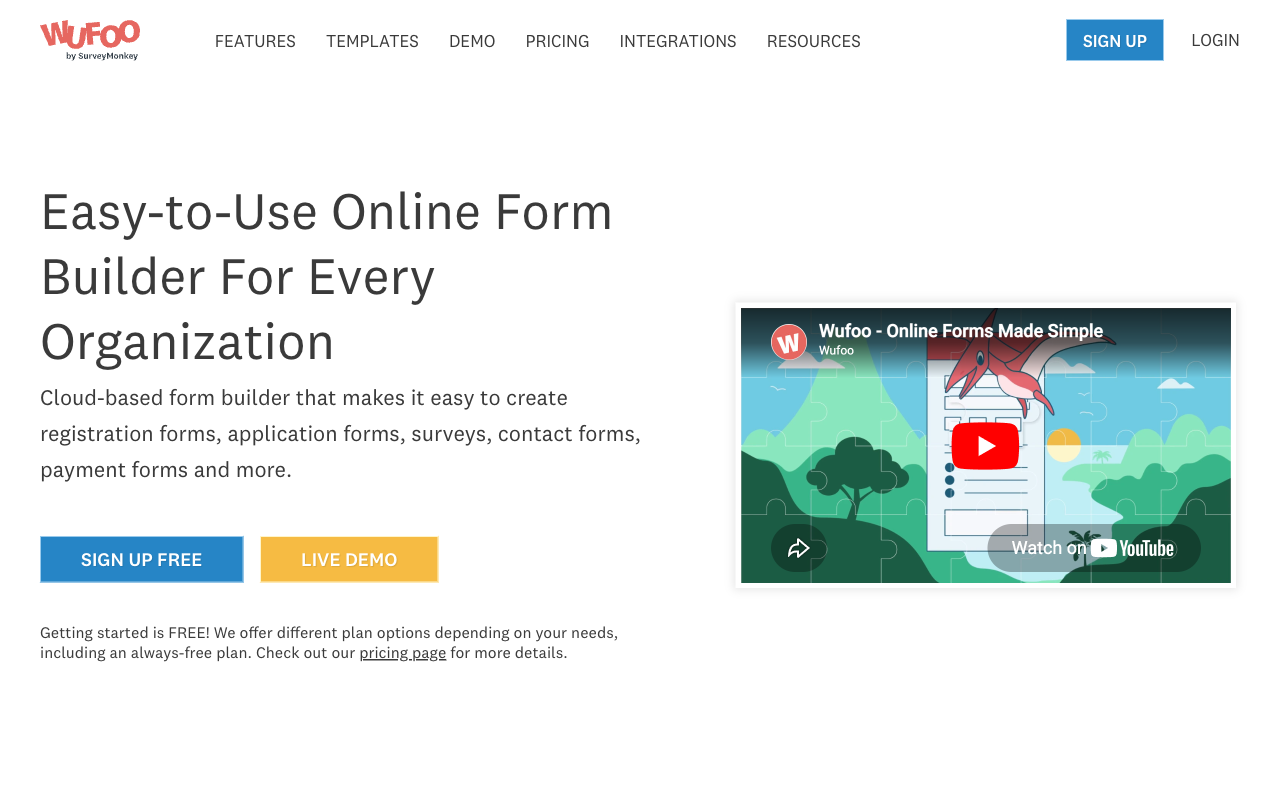
Wufoo starts at $16.25/month billed annually and supports eight payment processors from the Professional plan, which is unusually broad for the price. It has been running since 2006, it is stable, and a contact form built on it will keep working.
It is last here because it has moved the least. SurveyMonkey acquired it in 2011 for $35M and development has been quiet since. There are no calculation fields, the field limit is 100 per form across every paid tier, and both entries and seats are metered: 1,000 entries and one user on Starter, 5,000 and five on Professional, with $0.05 charged per entry over the cap. Wufoo is not HIPAA compliant, though it does hold SOC 2 and PCI DSS. Our Wufoo alternatives guide covers where teams usually move next.
- Pricing: Free (5 forms, 100 entries/month). Starter $22/month, $16.25 annually. Professional $45/$33.25. Advanced $113/$83.25.
- Best for: Low-volume contact and registration forms where nothing needs to change.
- Key limitation: No calculations, metered entries and seats, and minimal development since 2011.
The Five Dimensions That Decide It
Pricing model
Nine of the twelve tools ranked here meter submissions, seats or both. Paperform and Tally do not meter either on paid plans, and Fillout removes the response cap only at Business ($75/month annual). The practical test is simple: work out what your bill looks like at three times today's volume with two more people on the team, then compare that number rather than the entry price.
Integrations and API
Native integration counts range from around 20 to 4,000-plus. Paperform lists 4,000+, SurveyMonkey 200+, Jotform 150+, Typeform 120+, Formstack 300+, and Tally 1,000+ including its automation connectors. Cognito Forms, Fillout, Wufoo and Gravity Forms sit around 50. Google Forms and Microsoft Forms have roughly 20 each and lean on Zapier or Apps Script for everything else. Webhooks and API access are available on every paid tool here except the entry tiers of Typeform and Wufoo.
Conditional logic and calculations
All twelve support branching on an answer; only two run an engine deep enough to drive a business process. Paperform's Excel-style calculations control question and page visibility, conditional emails, integration payloads and success pages, and Cognito Forms has a comparably serious formula engine. Formstack, Tally and Fillout handle pricing and scoring well. Google Forms, Microsoft Forms, SurveyMonkey and Wufoo have no calculation fields at all.
Payments
Jotform supports 40+ payment processors, Wufoo eight, Paperform five with subscriptions, coupons, tax and inventory built in, Formstack five, Cognito Forms four including its own Cognito Pay, and Gravity Forms four via add-ons. Typeform, Tally and Fillout are Stripe only. Google Forms and Microsoft Forms take no payments whatsoever, which is the single most common reason teams leave them.
Compliance
Seven of the twelve can be made HIPAA compliant: Jotform, Cognito Forms, Formstack, Typeform, SurveyMonkey, Google Forms and Microsoft Forms. Paperform, Tally, Fillout, Wufoo and Gravity Forms cannot. All twelve claim GDPR compliance. SOC 2 is held by Paperform, Jotform, Typeform, SurveyMonkey, Formstack, Cognito Forms, Fillout, Wufoo, Google and Microsoft, and is absent from Tally and Gravity Forms. If a security questionnaire is part of your buying process, that last sentence eliminates two options before you compare a single feature.

Full Pricing Comparison
Every published tier across all twelve tools, from free plans to enterprise. Annual rates are shown where vendors publish them separately.
Paperform
Jotform
| Product | Plan | Monthly Price | Annual Price (per month) | Free Plan | Free Trial | Limits |
|---|---|---|---|---|---|---|
| Paperform | Free | Free | Free | Yes | 7 days | forms: Unlimited, submissions: 30/month, storage: Unlimited, users: Unlimited, file uploads: 100 MB |
| Paperform | Pro | $59/mo | $49/mo billed annually | forms: Unlimited, submissions: Unlimited, storage: Unlimited, users: Unlimited, file uploads: 10 GB | ||
| Paperform | Business | $149/mo | $124/mo billed annually | forms: Unlimited, submissions: Unlimited, storage: Unlimited, users: Unlimited, file uploads: 100 GB | ||
| Jotform | Starter | Free | Free | Yes | No | forms: 5, submissions: 100/month, storage: 100 MB, users: 1 |
| Jotform | Bronze | $39/mo | $34/mo billed annually | forms: 25, submissions: 1,000/month, storage: 1 GB, users: 1 | ||
| Jotform | Silver | $49/mo | $39/mo billed annually | forms: 50, submissions: 2,500/month, storage: 10 GB, users: 1 | ||
| Jotform | Gold | $129/mo | $99/mo billed annually | forms: 100, submissions: 10,000/month, storage: 100 GB, users: 1 | ||
| Typeform | Free | Free | Free | Yes | No | forms: 10, submissions: 10/month, users: 1 |
| Typeform | Basic | $39/mo | $28/mo billed annually | forms: Unlimited, submissions: 100/month, users: 1 | ||
| Typeform | Plus | $79/mo | $56/mo billed annually | forms: Unlimited, submissions: 1,000/month, users: 3 | ||
| Typeform | Business | $129/mo | $91/mo billed annually | forms: Unlimited, submissions: 10,000/month, users: 5 | ||
| Typeform | Growth Flow | $379/mo | $266/mo billed annually | forms: Unlimited, submissions: 10,000/month, users: 5 | ||
| Typeform | Talent | $169/mo | $119/mo billed annually | forms: Unlimited, users: HR teams | ||
| Tally | Free | Free | Free | Yes | No | forms: Unlimited, submissions: Unlimited, storage: N/A, users: 1, file uploads: 10 MB per file |
| Tally | Pro | $29/mo | $24/mo billed annually | forms: Unlimited, submissions: Unlimited, storage: N/A, users: Unlimited, file uploads: Unlimited | ||
| Tally | Business | $89/mo | $74/mo billed annually | forms: Unlimited, submissions: Unlimited, storage: N/A, users: Unlimited | ||
| Fillout | Free | Free | Free | Yes | No | forms: Unlimited, submissions: 1,000/month, storage: N/A, users: Unlimited, file uploads: 20 MB per file |
| Fillout | Starter | $19/mo | $15/mo billed annually | forms: Unlimited, submissions: 2,000/month, storage: N/A, users: Unlimited, file uploads: 20 MB per file | ||
| Fillout | Pro | $49/mo | $40/mo billed annually | forms: Unlimited, submissions: 5,000/month, storage: N/A, users: Unlimited, file uploads: 20 MB per file | ||
| Fillout | Business | $89/mo | $75/mo billed annually | forms: Unlimited, submissions: Unlimited, storage: N/A, users: Unlimited, file uploads: 1 GB+ | ||
| Fillout | Team bundle | $300/mo | $250/mo billed annually | forms: Unlimited, submissions: Unlimited, storage: 1,000,000 records, users: Unlimited, file uploads: 1 GB+ | ||
| Cognito Forms | Individual (Free) | Free | Free | Yes | 14 days | forms: Unlimited, submissions: 100 entries/month, storage: 100 MB, users: 1 |
| Cognito Forms | Pro | $24/mo | $19/mo billed annually | forms: Unlimited, submissions: 2,000 entries/month, storage: 1 GB, users: 2 | ||
| Cognito Forms | Team | $49/mo | $39/mo billed annually | forms: Unlimited, submissions: 10,000 entries/month, storage: 10 GB, users: 5 | ||
| Cognito Forms | Enterprise | $174/mo | $129/mo billed annually | forms: Unlimited, submissions: Unlimited, storage: 100 GB, users: 20 | ||
| Google Forms | Free (Personal) | Free | Free | Yes | 14 days | forms: Unlimited, submissions: Unlimited, storage: 15 GB (shared across Google Drive), users: 1, file uploads: Included in 15 GB storage |
| Google Forms | Business Starter | $8.4/mo | $7/mo billed annually | forms: Unlimited, submissions: Unlimited, storage: 30 GB per user, users: Up to 300, file uploads: Included in storage | ||
| Google Forms | Business Standard | $16.8/mo | $14/mo billed annually | forms: Unlimited, submissions: Unlimited, storage: 2 TB per user, users: Up to 300, file uploads: Included in storage | ||
| Google Forms | Business Plus | $26.4/mo | $22/mo billed annually | forms: Unlimited, submissions: Unlimited, storage: 5 TB per user, users: Up to 300, file uploads: Included in storage | ||
| Formstack | Forms | $99/mo | $83/mo billed annually | No | 14 days | forms: 25, submissions: 1,000/form, storage: 2 GB, users: 1, file uploads: 2 GB |
| Formstack | Suite | $299/mo | $250/mo billed annually | forms: 100, submissions: 5,000/form, storage: 10 GB, users: 3, file uploads: 10 GB | ||
| SurveyMonkey | Basic (Free) | Free | Free | Yes | No | forms: Unlimited, submissions: Limited per survey (exact number now only shown after sign-up/login), storage: N/A, users: 1 |
| SurveyMonkey | Individual Advantage | Free | $32/mo billed annually | forms: Unlimited, submissions: 15,000 per year, storage: N/A, users: 1 | ||
| SurveyMonkey | Individual Premier | Free | $99/mo billed annually | forms: Unlimited, submissions: 40,000 per year, storage: N/A, users: 1 | ||
| SurveyMonkey | Team Advantage | Free | $30/mo billed annually | forms: Unlimited, submissions: 50,000 per year (shared), storage: N/A, users: 3 minimum | ||
| SurveyMonkey | Team Premier | Free | $92/mo billed annually | forms: Unlimited, submissions: 100,000 per year (shared), storage: N/A, users: 3 minimum | ||
| Gravity Forms | Basic | Not listed | $59/mo billed annually | No | No | forms: Unlimited, submissions: Unlimited, storage: WordPress database (self-hosted), users: Unlimited (WordPress users) |
| Gravity Forms | Pro | Not listed | $159/mo billed annually | forms: Unlimited, submissions: Unlimited, storage: WordPress database (self-hosted), users: Unlimited (WordPress users) | ||
| Gravity Forms | Elite | Not listed | $259/mo billed annually | forms: Unlimited, submissions: Unlimited, storage: WordPress database (self-hosted), users: Unlimited (WordPress users) | ||
| Gravity Forms | Nonprofit | Not listed | $129/mo billed annually | forms: Unlimited, submissions: Unlimited, storage: WordPress database (self-hosted), users: Unlimited (WordPress users) | ||
| Microsoft Forms | Free (Personal Microsoft Account) | Free | Free | Yes | 1 month | forms: 400, submissions: 200/form, storage: N/A, users: 1 |
| Microsoft Forms | Microsoft 365 Business Basic | $8.4/mo | $7/mo billed annually | forms: 400, submissions: 5,000,000/form, storage: 1 TB OneDrive per user, users: Per user (1-300 employees) | ||
| Microsoft Forms | Microsoft 365 Business Standard | $16.8/mo | $14/mo billed annually | forms: 400, submissions: 5,000,000/form, storage: 1 TB OneDrive per user, users: Per user (1-300 employees) | ||
| Microsoft Forms | Microsoft 365 Business Premium | $26.4/mo | $22/mo billed annually | forms: 400, submissions: 5,000,000/form, storage: 1 TB OneDrive per user, users: Per user (1-300 employees) | ||
| Microsoft Forms | Microsoft 365 Business Standard with Copilot | Not listed | $23.5/mo billed annually | forms: 400, submissions: 5,000,000/form, storage: 1 TB OneDrive per user, users: Per user (1-300 employees) | ||
| Microsoft Forms | Microsoft 365 Business Premium with Copilot | Not listed | $32/mo billed annually | forms: 400, submissions: 5,000,000/form, storage: 1 TB OneDrive per user, users: Per user (1-300 employees) | ||
| Microsoft Forms | Microsoft 365 Apps for business | Not listed | $10/mo billed annually | forms: 400, submissions: 5,000,000/form, storage: 1 TB OneDrive per user, users: Per user | ||
| Wufoo | Free | Free | Free | Yes | No | forms: 5, submissions: 100/month, storage: N/A, users: 1 |
| Wufoo | Starter | $22/mo | $16.25/mo billed annually | forms: 10, submissions: 1,000/month, storage: 1 GB, users: 1 | ||
| Wufoo | Professional | $45/mo | $33.25/mo billed annually | forms: Unlimited, submissions: 5,000/month, storage: 5 GB, users: 5 | ||
| Wufoo | Advanced | $113/mo | $83.25/mo billed annually | forms: Unlimited, submissions: 25,000/month, storage: 10 GB, users: 20 | ||
| Wufoo | Ultimate | $286/mo | $210.25/mo billed annually | forms: Unlimited, submissions: 200,000/month, storage: 20 GB, users: 60 |
Full Feature Comparison
Every tracked capability across the twelve tools, grouped by category.
| Feature | Paperform | Jotform | Typeform | Tally | Fillout | Cognito Forms | Google Forms | Formstack | SurveyMonkey | Gravity Forms | Microsoft Forms | Wufoo |
|---|---|---|---|---|---|---|---|---|---|---|---|---|
| Form Building | ||||||||||||
| Document-style editor | Yes | No | No | Yes | No | No | No | No | No | No | No | No |
| AI form creation | Yes | Yes starter | Yes | Yes | Yes | Yes | Yes paid | Yes forms | Yes | Yes Basic | Yes copilot | No |
| Field types | 26+ | 30+ (starter) | 20+ | 20+ | 50+ | 20+ | 11 | 15 | 15+ | No | No | Yes |
| File uploads | Yes | Yes starter | Yes basic | Yes | Yes | Yes | Yes | No | Yes | No | No | Yes starter |
| Multi-page forms | Yes | Yes starter | Yes basic | Yes | Yes | Yes | Yes | Yes forms | Yes | Yes Basic | Yes | Yes starter |
| Guided mode (one question at a time) | Yes | Yes starter | Yes | No | No | No | No | Yes forms | Yes | Yes Elite | No | No |
| Conditional logic | Yes | Yes starter | Yes basic | Yes | Yes | Yes | Yes | Yes forms | Yes Individual Advantage | Yes Basic | Yes | Yes starter |
| Calculations field | Yes pro | Yes starter | Yes plus | Yes | Yes | Yes | No | Yes forms | No | Yes Basic | No | No |
| AI calculations assistant | Yes pro | No | No | No | No | No | No | No | No | No | No | No |
| Scoring | Yes pro | Yes starter | Yes plus | Yes | Yes | Yes | Yes | No | Yes | Yes Elite | Yes | No |
| Answer piping | Yes | Yes starter | Yes basic | Yes | Yes | Yes | No | Yes forms | Yes Individual Advantage | Yes Basic | No | No |
| Pre-filling and hidden fields | Yes pro | Yes starter | Yes basic | Yes | Yes | Yes | Yes | Yes forms | Yes Individual Advantage | Yes Basic | No | Yes starter |
| Save and resume | Yes | Yes starter | No | No | Yes | Yes pro | No | Yes forms | Yes Individual Advantage | Yes Basic | No | No |
| Auto-close by number | Yes pro | Yes starter | Yes basic | Yes | Yes | Yes | Yes | No | Yes Individual Advantage | No | Yes | Yes starter |
| Auto-close by date | Yes pro | Yes starter | Yes basic | Yes | Yes | Yes | Yes | No | Yes Individual Advantage | No | Yes | Yes starter |
| Appointment/booking field | Yes | Yes starter | Yes basic | No | Yes starter | No | No | No | No | No | No | No |
| Signature field | Yes | Yes starter | Yes basic | Yes | Yes starter | Yes team | No | Yes suite | No | Yes Elite | No | No |
| Color picker field | Yes | No | No | No | No | No | No | No | No | No | No | No |
| API-powered dropdowns | Yes business | No | No | No | No | Yes | No | Yes forms | No | No | No | No |
| Google address search | Yes business | No | No | No | Yes conversion-kit | Yes | No | No | No | No | No | No |
| Drag-and-drop builder | No | Yes starter | No | No | No | No | No | Yes forms | No | Yes Basic | No | No |
| Form widgets | No | Yes starter | No | No | No | No | No | No | No | No | No | No |
| Template gallery | No | 20,000+ (starter) | No | No | No | No | No | No | No | No | No | No |
| Question display logic | No | No | Yes basic | No | No | No | No | No | No | No | No | No |
| AI follow-up questions | No | No | Yes business | No | No | No | No | No | No | No | No | No |
| AI extended thinking & memory | No | No | Yes growth | No | No | No | No | No | No | No | No | No |
| Typeform AI connectors | No | No | Yes growth | No | No | No | No | No | No | No | No | No |
| Workflow / automation builder | No | No | Yes growth | No | No | No | No | No | No | No | No | No |
| AI-moderated research (Research Flow) | No | No | Yes enterprise | No | No | No | No | No | No | No | No | No |
| Video questions | No | No | Yes basic | No | No | No | No | No | No | No | No | No |
| Formula editor | No | No | No | Yes | No | No | No | No | No | No | No | No |
| Import from other form builders | No | No | No | Yes | No | No | No | No | No | No | No | No |
| PDF generation | No | No | No | Yes | No | No | No | No | No | No | No | No |
| AI agent in the form editor (Form Agent) | No | No | No | No | Yes | No | No | No | No | No | No | No |
| AI quiz generation | No | No | No | No | No | No | Yes paid | No | No | No | No | No |
| AI chat survey editing | No | No | No | No | No | No | No | No | Yes | No | No | No |
| 30+ field types | No | No | No | No | No | No | No | No | No | Yes Basic | No | No |
| AI agent (Surveys Agent) | No | No | No | No | No | No | No | No | No | No | Yes copilot | No |
| 400+ templates | No | No | No | No | No | No | No | No | No | No | No | Yes |
| Payments | ||||||||||||
| Stripe payments | Yes | Yes starter | Yes basic | Yes | Yes | Yes | No | Yes forms | Yes Individual Advantage | Yes Pro | No | Yes professional |
| PayPal payments | Yes | Yes starter | No | No | No | Yes team | No | Yes forms | Yes Individual Advantage | Yes Pro | No | Yes professional |
| Square payments | Yes | Yes starter | No | No | No | Yes team | No | No | No | Yes Pro | No | Yes professional |
| Braintree payments | Yes | Yes starter | No | No | No | No | No | No | No | No | No | Yes professional |
| Google Pay | Yes | Yes starter | No | No | No | Yes | No | No | No | Yes Pro | No | No |
| Product sales (eCommerce) | Yes pro | Yes starter | No | Yes | Yes | Yes | No | No | No | Yes Basic | No | No |
| Subscriptions | Yes pro | Yes starter | Yes basic | Yes | Yes | No | No | No | No | Yes Pro | No | No |
| Coupons and discounts | Yes pro | Yes starter | No | No | Yes | Yes | No | Yes forms | No | Yes Elite | No | No |
| Custom pricing rules | Yes pro | Yes starter | No | Yes | Yes | Yes | No | Yes forms | No | No | No | No |
| Tax calculations | Yes | Yes starter | No | No | No | Yes | No | No | No | No | No | No |
| Quotes/invoices | Yes | No | No | No | No | Yes team | No | No | No | No | No | No |
| Refunds | Yes | No | No | No | No | No | No | No | No | Yes Pro | No | No |
| 3D Secure | Yes | No | Yes basic | No | No | No | No | No | No | Yes Pro | No | No |
| 40+ payment gateways | No | Yes starter | No | No | No | No | No | No | No | No | No | No |
| No transaction fees | No | Yes starter | No | No | No | No | No | No | No | No | No | No |
| Cognito Pay (native card processing) | No | No | No | No | No | Yes | No | No | No | No | No | No |
| Authorize.net payments | No | No | No | No | No | No | No | No | No | No | No | Yes professional |
| Design & Customization | ||||||||||||
| Template gallery | 30,000+ | 20,000+ (starter) | 1,500+ | Yes | Yes | Yes | 20+ | Yes forms | 400+ | Yes Basic | Yes | Yes |
| Rich media (images, GIFs, videos) | Yes | Yes starter | Yes | Yes | Yes | Yes | Yes | Yes forms | Yes | Yes Basic | Yes | No |
| Unsplash and Giphy integration | Yes | No | Yes | No | No | No | No | No | No | No | No | No |
| Image editor | Yes | No | No | No | No | No | No | No | No | No | No | No |
| Adobe Creative Cloud | Yes | No | No | No | No | No | No | No | No | No | No | No |
| Language translation | Yes | Yes starter | Yes basic | Yes | No | Yes pro | No | No | Yes Individual Premier | Yes Basic | Yes | No |
| Advanced theming | Yes pro | Yes starter | Yes plus | Yes pro | Yes starter | Yes pro | No | Yes forms | Yes Individual Advantage | Yes Basic | No | Yes starter |
| Custom form URL | Yes pro | No | Yes plus | Yes | Yes pro | No | No | Yes forms | Yes Individual Advantage | No | No | Yes starter |
| Custom domains | Yes pro | Yes enterprise | Yes enterprise | Yes pro | Yes business | No | No | Yes forms | No | No | No | No |
| Custom HTML & CSS | Yes pro | Yes starter | Yes business | Yes pro | Yes pro | Yes pro | No | Yes forms | No | Yes Basic | No | Yes starter |
| Remove branding | Yes pro | Yes bronze | Yes plus | Yes pro | Yes pro | Yes pro | No | Yes forms | Yes Individual Advantage | Yes Basic | No | Yes starter |
| Custom email domains | Yes business | No | No | Yes pro | Yes pro | No | Yes Business Starter | No | No | Yes Elite | No | No |
| Form themes | No | Yes starter | No | No | No | No | No | No | No | No | No | No |
| Theme designer | No | No | No | No | No | No | No | No | No | No | No | Yes |
| Analytics | ||||||||||||
| Submission results and reports | Yes | Yes starter | Yes | Yes | Yes | Yes | Yes | Yes forms | Yes | Yes Basic | Yes | Yes |
| AI report insights | Yes pro | No | Yes business | No | No | No | Yes Business Standard | No | Yes Individual Advantage | No | Yes | No |
| Paperform analytics | Yes pro | No | No | Yes pro | Yes business | No | No | Yes forms | No | No | No | No |
| Drop-off analysis | Yes pro | No | Yes business | No | No | No | No | No | No | No | No | No |
| Google Analytics & Facebook Pixel | Yes pro | No | Yes basic | Yes pro | Yes | Yes pro | No | Yes forms | No | Yes Elite | No | No |
| Custom analytics scripts | Yes pro | No | Yes basic | No | Yes business | No | No | No | No | Yes Basic | No | No |
| Partial submissions | Yes pro | No | Yes plus | Yes pro | Yes business | No | No | Yes forms | Yes Individual Advantage | Yes Elite | No | No |
| Form analytics | No | Yes starter | No | No | No | No | No | No | No | No | No | No |
| Google Analytics integration | No | Yes starter | No | No | No | No | No | No | No | No | No | Yes professional |
| Cross-form Insights dashboard | No | No | Yes business | No | No | No | No | No | No | No | No | No |
| Answer Insights | No | No | No | Yes | No | No | No | No | No | No | No | No |
| Benchmarks | No | No | No | No | No | No | No | No | No | No | No | No |
| Collaboration | ||||||||||||
| Multi-user accounts | Yes pro | Yes bronze | Yes plus | Yes pro | Yes | Yes pro | Yes | Yes forms | Yes Team Advantage | Yes Basic | Yes | Yes professional |
| User permissions and management | Yes pro | Yes enterprise | Yes plus | Yes pro | Yes | Yes team | Yes | Yes forms | Yes Team Advantage | Yes Basic | Yes | Yes professional |
| Advanced permissions & admin | Yes enterprise | Yes enterprise | Yes enterprise | No | Yes team | Yes enterprise | Yes Business Starter | Yes enterprise | Yes enterprise | No | Yes enterprise | No |
| Form sharing (templates) | Yes | No | Yes | Yes | Yes | Yes | Yes | Yes forms | Yes Team Advantage | Yes Basic | Yes | No |
| Spaces and tag management | Yes | No | No | Yes pro | Yes | No | No | Yes forms | No | No | No | No |
| Form sharing | No | Yes starter | No | No | No | No | No | No | No | No | No | Yes |
| Assign forms | No | Yes enterprise | No | No | No | No | No | No | No | No | No | No |
| Workspace organization | No | No | Yes | No | No | No | No | No | No | No | No | No |
| Review Sessions | No | No | No | No | No | No | No | No | Yes Team Advantage | No | No | No |
| Persistent Magic Link | No | No | No | No | No | No | No | No | Yes Team Advantage | No | No | No |
| Security | ||||||||||||
| SOC 2 Type II | Yes | Yes enterprise | Yes | No | Yes | No | Yes | No | Yes | No | Yes | Yes |
| GDPR compliant | Yes | Yes starter | Yes | Yes | Yes | Yes | Yes | Yes forms | Yes | Yes Basic | Yes | Yes |
| SSL encryption | Yes | Yes starter | Yes | Yes | Yes | Yes | Yes | Yes forms | Yes | Yes Basic | Yes | Yes |
| Two-factor authentication | Yes | Yes starter | Yes | No | Yes | Yes | Yes | Yes forms | Yes | No | Yes | No |
| Enforce 2FA for all users | Yes business | No | No | No | Yes team | No | Yes Business Starter | Yes enterprise | Yes enterprise | No | Yes enterprise | No |
| SSO (SAML) | Yes business | Yes enterprise | Yes enterprise | No | Yes enterprise | Yes enterprise | Yes Business Plus | Yes enterprise | Yes enterprise | No | Yes | No |
| reCAPTCHA | Yes | Yes starter | Yes business | Yes | Yes starter | Yes | No | Yes forms | Yes | Yes Basic | No | Yes |
| Local data residency | Yes enterprise | No | No | Yes | Yes enterprise | No | Yes Business Plus | No | Yes enterprise | Yes Basic | Yes enterprise | No |
| Custom S3 storage (BYO) | Yes business | No | No | No | Yes | No | No | No | No | No | No | No |
| HIPAA compliant | No | Yes gold | Yes enterprise | No | No | No | No | No | No | No | No | No |
| 256-bit SSL | No | Yes starter | No | No | No | No | No | No | No | No | No | No |
| Data residency | No | Yes enterprise | No | No | No | No | No | No | No | No | No | No |
| Form encryption | No | Yes starter | No | No | No | No | No | No | No | No | No | No |
| PCI DSS | No | Yes starter | Yes | No | No | No | No | No | No | No | No | Yes |
| ISO 27001 | No | No | Yes | No | No | No | No | No | No | No | No | No |
| HIPAA compliance / BAA | No | No | No | No | No | No | No | No | No | No | No | No |
| Audit logs | No | No | No | No | Yes enterprise | No | No | No | No | No | No | No |
| Field encryption | No | No | No | No | No | No | No | No | No | No | No | Yes professional |
| Password protection | No | No | No | No | No | No | No | No | No | No | No | Yes professional |
| Integrations & API | ||||||||||||
| Native integrations | 4,000+ | 150+ (starter) | 120+ (basic) | 17+ | 50+ | No | No | No | 200+ | No | No | Yes starter |
| Zapier | Yes | Yes starter | Yes basic | Yes | Yes | Yes | Yes | Yes forms | Yes | Yes Pro | No | Yes starter |
| Make (Integromat) | Yes | Yes starter | Yes basic | Yes | Yes | Yes | Yes | No | Yes | No | No | No |
| Webhooks | Yes pro | Yes starter | Yes basic | Yes | Yes | Yes | No | Yes forms | Yes Individual Advantage | Yes Elite | No | Yes starter |
| Standard API | Yes pro | No | No | Yes | Yes | Yes | Yes | Yes forms | Yes Individual Advantage | Yes Basic | No | No |
| Business API | Yes business | No | No | No | No | No | No | Yes enterprise | Yes enterprise | No | No | No |
| WordPress plugin | Yes | Yes starter | Yes | Yes | Yes | Yes | No | Yes forms | No | Yes Basic | No | Yes |
| oEmbed support | Yes | No | No | Yes | Yes | Yes | No | No | No | No | Yes | No |
| API | No | Yes starter | Yes basic | No | No | No | No | No | No | No | No | Yes |
| Smartsheet integration | No | Yes starter | No | No | No | No | No | No | No | No | No | No |
| Canvas LMS integration | No | Yes enterprise | No | No | No | No | No | No | No | No | No | No |
| Salesforce AppExchange | No | Yes starter | No | No | No | No | No | No | No | No | No | No |
| Embed options | No | Yes starter | Yes | No | No | No | No | No | No | No | No | Yes |
| Mobile apps | No | Yes starter | No | No | No | No | No | No | No | No | No | No |
| Claude / MCP server | No | No | Yes basic | No | No | No | No | No | No | No | No | No |
| AI data enrichment | No | No | Yes growth | No | No | No | No | No | No | No | No | No |
| Automations integrations (Contacts & Automations) | No | No | Yes growth | No | No | No | No | No | No | No | No | No |
| AI assistant connectors (MCP / ChatGPT / Claude) | No | No | No | Yes | No | No | No | No | No | No | No | No |
| Integration failure alerts | No | No | No | Yes | No | No | No | No | No | No | No | No |
| MCP connector (AI app access) | No | No | No | No | No | Yes pro | No | No | No | No | No | No |
| 4000+ integrations | No | No | No | No | No | No | No | No | No | No | No | No |
| Claude (Anthropic) integration | No | No | No | No | No | No | No | No | Yes Individual Advantage | No | No | No |
| ChatGPT integration | No | No | No | No | No | No | No | No | Yes | No | No | No |
| Gemini integration | No | No | No | No | No | No | No | No | No | No | No | No |
| HRIS integrations (Workday, BambooHR) | No | No | No | No | No | No | No | No | Yes | No | No | No |
| 50+ official add-ons | No | No | No | No | No | No | No | No | No | Yes Basic | No | No |
| MCP server (AI assistant access) | No | No | No | No | No | No | No | No | No | Yes Basic | No | No |
| Stepper workflow automation | No | No | No | No | No | No | No | No | No | No | No | No |
Review Ratings Across Platforms
Aggregated ratings from G2, Capterra, GetApp, Trustpilot and TrustRadius, weighted by review count so small samples do not distort the picture.
How We Evaluated These Form Builders
Rankings apply five weighted criteria consistently across all twelve tools:
- Pricing model (30%): What does the vendor charge you more for? We scored down every meter on submissions, seats, forms, views, documents and storage, and scored up plans where growth is not a billing event. Overage rates, seat minimums and annual-only commitments were counted against the tool.
- Workflow depth (25%): How far past data collection does the product go on its own? Calculation engines, eSignatures, approval routing and automation that ship in the subscription scored highest. Tools that hand off to Zapier for each of those scored lower, because that handoff is a cost and a maintenance burden the price sheet does not show.
- Payments and commerce (15%): Number of processors, plus whether subscriptions, coupons, tax and inventory are handled in the form or need an external checkout.
- Compliance and security (15%): HIPAA, SOC 2, GDPR, ISO 27001, SSO and 2FA availability, taken from each vendor's published trust documentation rather than marketing pages.
- Vendor stability (15%): Company age, funding model, profitability, ownership changes and visible development momentum. Bootstrapped profitable companies scored highest, recently acquired products with quiet changelogs scored lowest.
Every tool was assessed against the same four jobs: a contact form, a multi-page application with branching logic, a payment form with dynamic pricing, and a submission that has to trigger a signature and an approval. Pricing was read live from each vendor's pricing page on 22 September 2026. Where a vendor geo-serves currency or runs a pricing experiment, that is noted in our underlying data and the figures quoted here are the published USD rates.
If your shortlist is already down to two, our head-to-head pages go deeper. Paperform vs Typeform works through the metered-versus-unmetered question in full, and Google Forms vs Jotform vs Typeform covers the three most-searched tools against each other.
Frequently Asked Questions
Which form builders in this ranking do not meter submissions or seats?
Three of the twelve. Paperform is unlimited on submissions and seats on Pro ($49/month annual) and Business ($124/month annual) under a fair use policy. Tally is unlimited on submissions at every tier including Free, also under fair use, with unlimited team members on Pro. Fillout gives unlimited seats everywhere but only removes the response cap at Business ($75/month annual); Starter stops at 2,000 responses and Pro at 5,000.
Everyone else bills the two things that grow when your business does. Jotform caps submissions on every self-serve tier and gives you exactly one user until you request an Enterprise quote. Typeform caps both on all five published plans. Wufoo charges $0.05 per entry over the cap. SurveyMonkey charges $0.15 per response over an annual allowance and requires three seats minimum on Team plans.
Is the cheapest form builder actually the cheapest once the team grows?
Often not, and seat pricing is usually why. Cognito Forms Pro looks like the bargain of this list at $19/month billed annually, but it includes two users and then charges $5 per additional user per month, with external collaborators sold separately in guest packs from $25 to $250 per month. SurveyMonkey Team Advantage is $30 per user per month with a three-user floor, so the real entry cost is $1,080 a year. Jotform Bronze at $34/month annual is single-user with no way to add a second seat.
Paperform's Pro plan is $49/month billed annually and includes unlimited team members, and one seat covers forms, eSignatures and workflow automation together. The headline number is higher; the number after you add five colleagues usually is not.
Which form builders on this list are HIPAA compliant, and which are not?
HIPAA compliant: Jotform (from the Gold plan at $99/month annual), Cognito Forms (Enterprise, $129/month annual), Formstack (a paid add-on on Forms and Suite, included on Salesforce and Enterprise), Typeform (Enterprise), SurveyMonkey (Enterprise), Google Forms and Microsoft Forms (both under a Workspace or Microsoft 365 BAA).
Not HIPAA compliant: Paperform, Tally, Fillout, Wufoo and Gravity Forms. Paperform does not sign Business Associate Agreements today, so if you are collecting protected health information it is the wrong choice and we would point you at Cognito Forms or Jotform instead. Paperform is SOC 2 Type II, GDPR and CCPA compliant, which covers most non-PHI procurement checklists.
Do I need a form builder at all if I already pay for Google Workspace or Microsoft 365?
For internal surveys, quizzes, RSVPs and quick data collection, no. Google Forms and Microsoft Forms are already in your licence, they are both free to use, and they will do that job well. We would not argue otherwise.
The gap opens when the work stops being a form. Neither tool takes a payment, neither has calculation fields, Google Forms has around 20 native integrations and Microsoft Forms about the same, and neither produces a signed contract. At that point you start assembling: Forms, plus a signature vendor, plus Power Automate or Zapier, plus the per-user licences under all of it. That stack is the real cost, and you are the one holding it together.
Which of these form builders can take a payment without a third-party checkout page?
Nine of the twelve, but the gateway counts are very different. Jotform leads with 40+ processors. Paperform supports five (Stripe, PayPal, Square, Braintree and Google Pay) with subscriptions, coupons, tax and inventory handled in the form itself. Wufoo lists eight but only from the Professional plan at $33.25/month annual. Cognito Forms has Stripe, Square, PayPal and its own Cognito Pay, though Square and PayPal only appear on Team. Gravity Forms covers Stripe, PayPal, Square and Mollie from the Pro licence at $159/year. Formstack has five.
Typeform, Tally and Fillout are Stripe only. Google Forms and Microsoft Forms take no payments at all.
How much does conditional logic vary between these tools in practice?
Enough that it should drive the shortlist. All twelve branch on an answer. The split is what happens to numbers. Cognito Forms and Paperform both run a real formula engine: Paperform's calculations are Excel-style and drive question and page visibility, conditional emails, what gets sent to integrations and what appears on the success page, not just a total at the bottom. Formstack, Tally and Fillout have calculation fields that handle pricing and scoring competently.
Gravity Forms does merge-tag arithmetic and needs a third-party add-on for anything conditional. Typeform gates calculations behind Plus at $56/month annual. Google Forms, Microsoft Forms, SurveyMonkey and Wufoo have no calculation fields at all.
Which form builders here are safe to build a five-year process on?
Look at who owns them. Jotform has been bootstrapped since 2006 and reported $144.9M revenue in 2024. Gravity Forms has been shipping since 2008 and is embedded in millions of WordPress sites. Paperform is ten years old, bootstrapped and profitable, with SOC 2 Type II certification. Google and Microsoft are not going anywhere.
The ones worth a second look are the ones that changed hands. Wufoo was bought by SurveyMonkey in 2011 and has seen little meaningful development since. SurveyMonkey is now owned by private equity firm STG and removed its only month-to-month paid plan in September 2026. Formstack sits under Intellistack, which has launched a separate CLM product line. Fillout was founded in 2022 and now trades inside the Zite app platform, which is a short track record for a system your revenue passes through.
What is the honest case against Paperform in this ranking?
Three things. It has no HIPAA compliance and signs no BAAs, so regulated health data rules it out. It has the higher paid floor of this group at $49/month billed annually, with no cheaper paid rung below it; Tally at $24 and Fillout at $15 are cheaper doors. And Stepper automation runs are metered in credits (20,000/month on Pro), with overflow at $10 per additional 10,000, so a heavy automation workload costs more than the sticker price.
Paperform also has a smaller review footprint than the leaders here, roughly 498 reviews against SurveyMonkey's 23,000-plus, though the average of 4.8 is higher than almost anything else on this page.
Sources & References
- Best Online Form Builder to Use in 2026 — Top 20 Tools — EmailToolTester, 2026
- The 13 Best Online Form Builder Apps — Zapier, 2026
- Jotform Review 2026: Pricing, Features, Pros & Cons, Ratings & More — Research.com, 2026
- Typeform Achieves ISO/IEC 42001 Certification for Responsible AI Management — Typeform, June 2026
- Typeform Review 2026: We Tested Everything (Features, Pricing, Integrations & Real Results) — Hackceleration, 2026
Updates
We re-audit the form builders we compare on a regular cadence and log every change here — a public record of what changed and when.
- Updated September 22, 2026 — Full rebuild against a live pricing re-audit of all twelve tools. Paperform's plan lineup updated; Pro is now $59/month ($49 annual) with unlimited submissions and seats. Added Tally and Fillout to the ranking, reweighted the methodology around pricing model and workflow depth, and updated SurveyMonkey (annual-only paid plans), Cognito Forms (July 2026 pricing era) and Formstack (300+ integrations).
Last updated September 22, 2026
Ready to try Paperform?
Create beautiful forms, payment pages, and workflows — no code required.