Order operations without the spreadsheet in the middle
Orders and payments arrive through different tools, and someone re-types it all for whoever ships it. Paperform runs the flow from order to fulfilment in one place.
Every plan covers forms, e-signatures and workflows.
Paperform is a form and workflow platform that operations teams use to run the order process: taking orders and payments, applying pricing rules for shipping, tax and quantity discounts, sending invoices and confirmations automatically, and passing each order on to fulfilment. It isn't a full storefront or order management system. It's the order and payment workflow for teams that would rather not stitch one together from separate tools.
Everything after someone clicks order
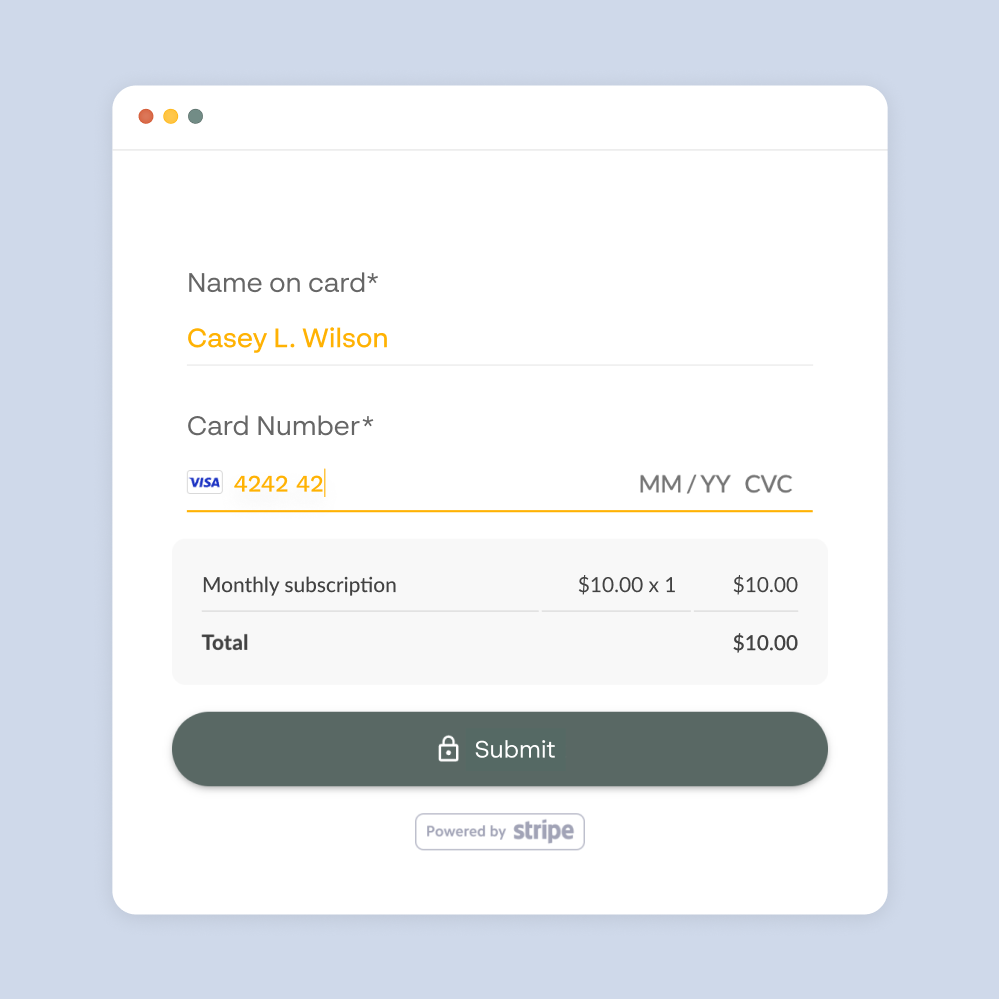
Orders and payments in the same step
Take one-off payments, deposits and subscriptions in 30+ currencies through Stripe, PayPal, Square and Braintree, on the same form that captures the order. Paperform doesn't add transaction fees on top of what your processor charges.
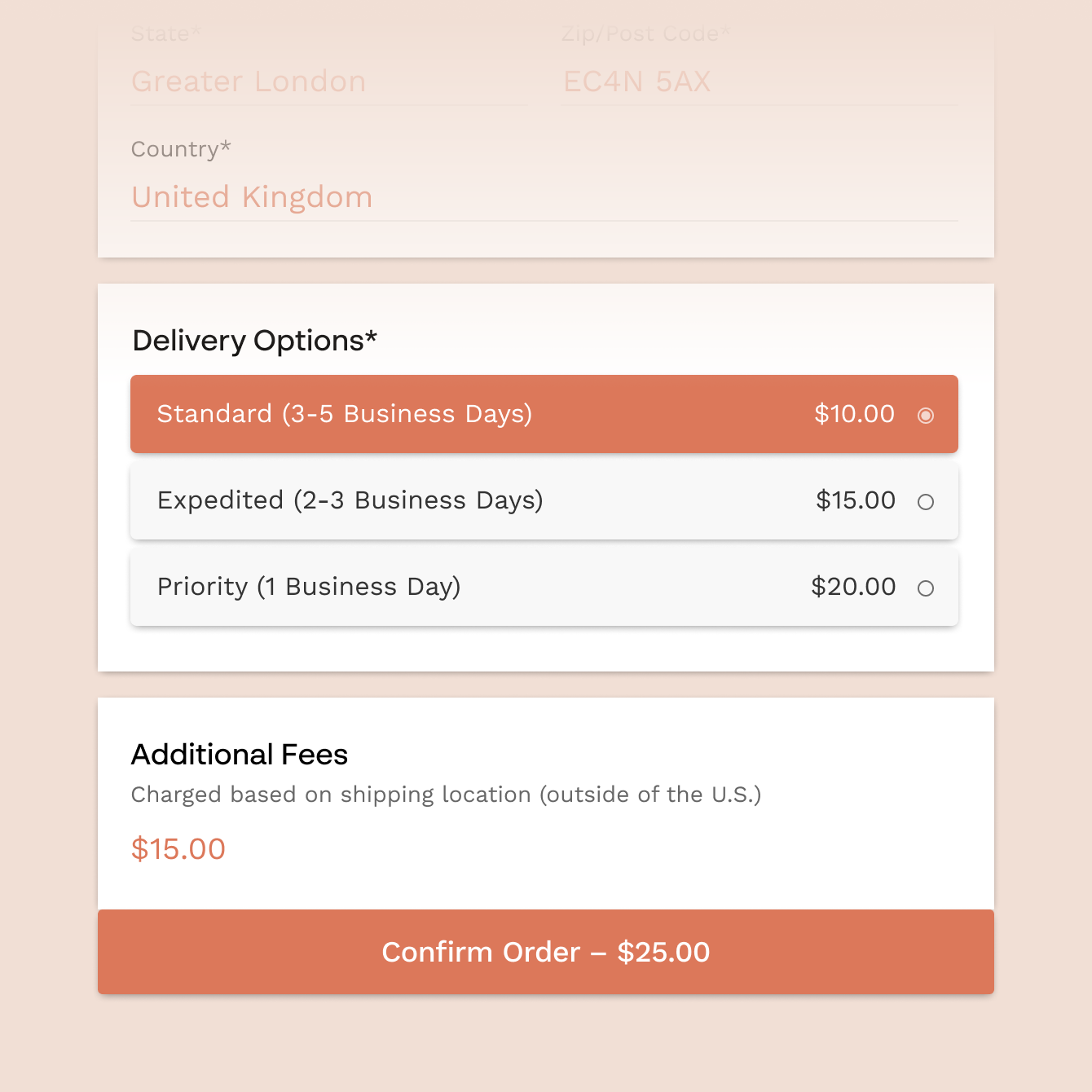
Pricing rules that run themselves
Shipping, tax, quantity discounts and bundles are calculated inside the form, so nobody adjusts totals by hand before an order goes through.
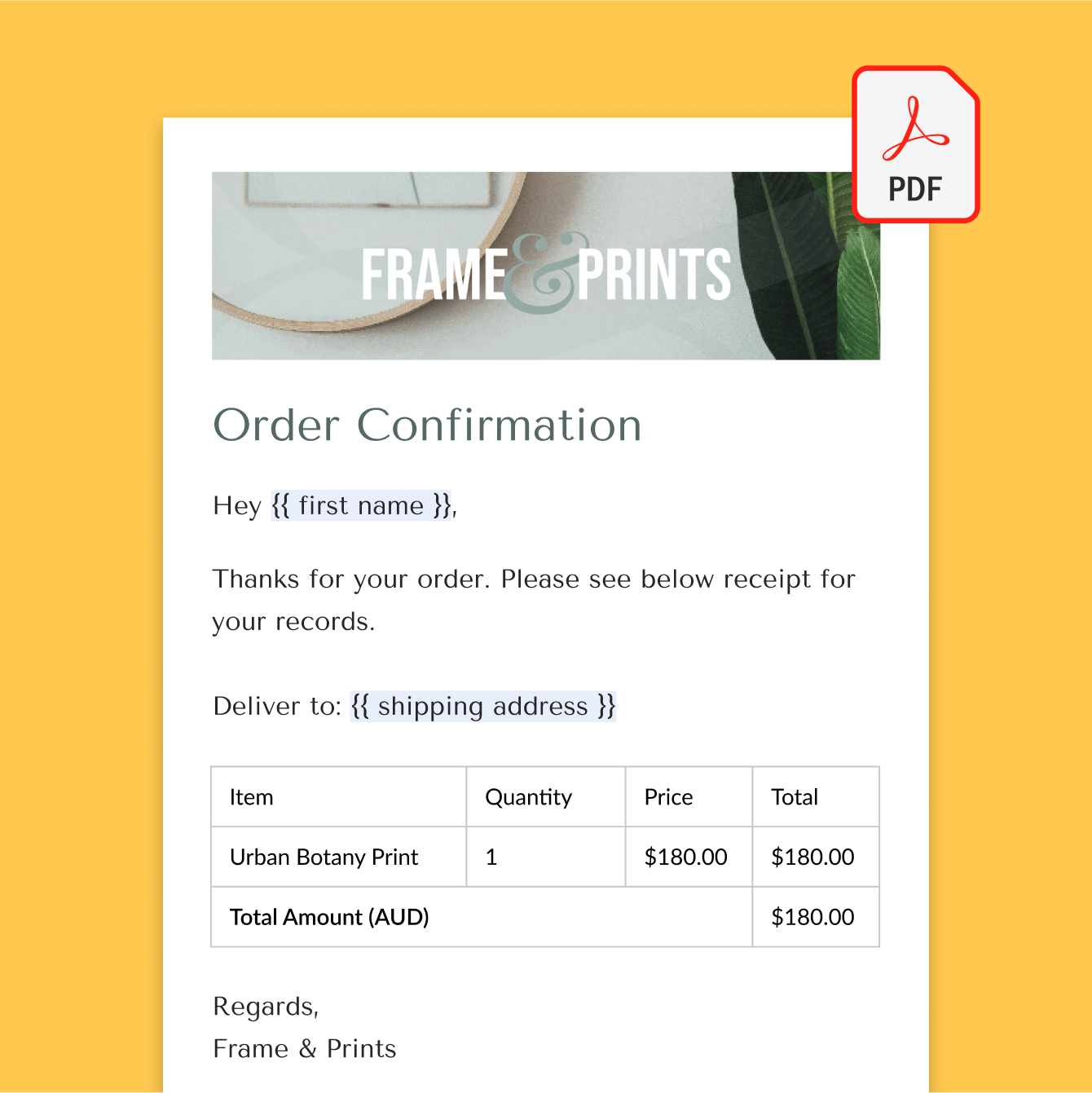
Invoices and confirmations sent automatically
Every paid order can generate a PDF invoice and send it with the confirmation email the moment payment comes through.

Hand off to fulfilment, accounting and your CRM
Send each order on to your warehouse sheet, accounting tool or CRM automatically, through Google Sheets, Zapier or Make, so the people who pack, bill and follow up see it without anyone forwarding an email.
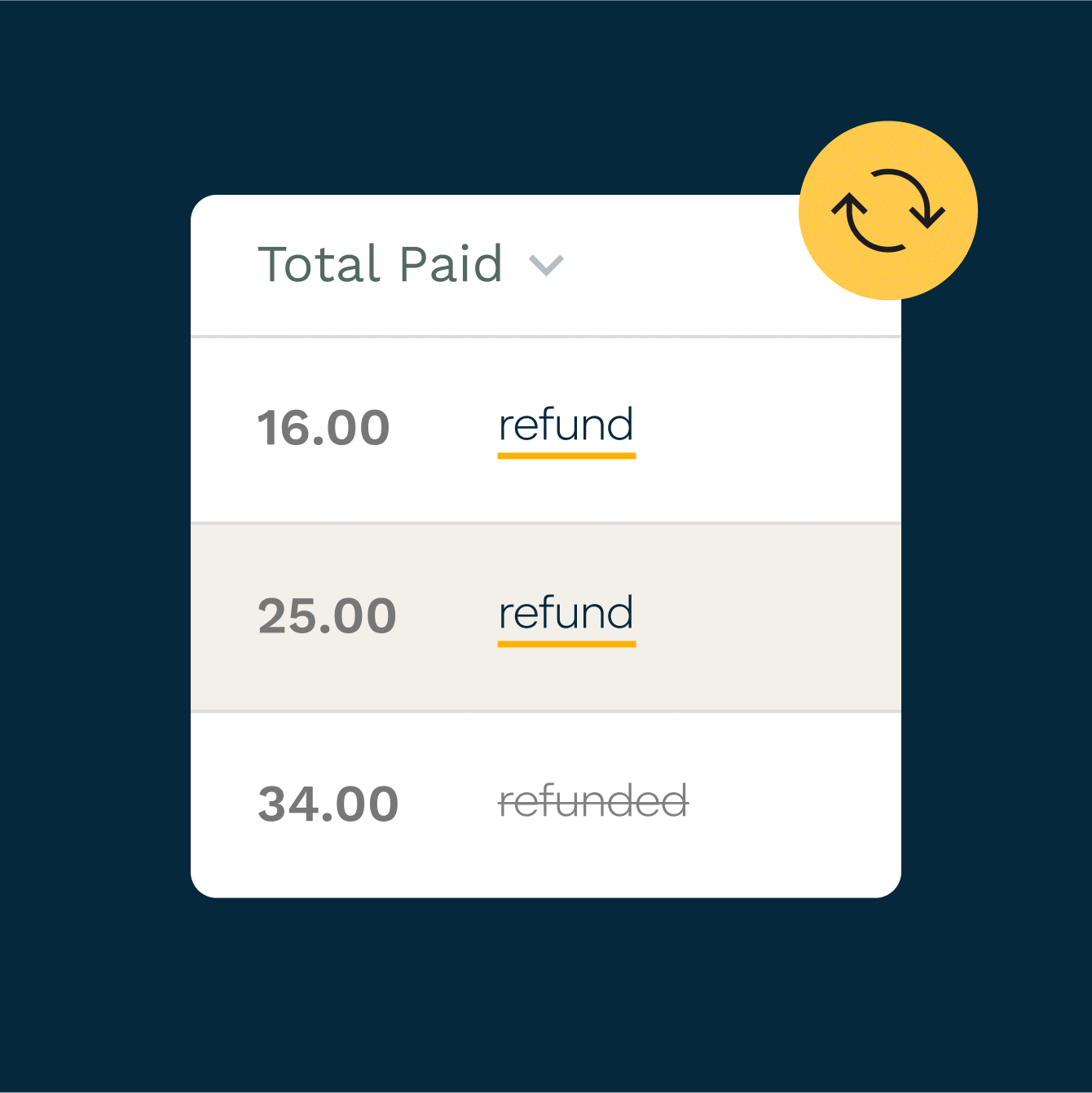
Refunds without a second tool
Issue refunds for Stripe and PayPal payments straight from the Paperform dashboard.
Wholesale and trade orders
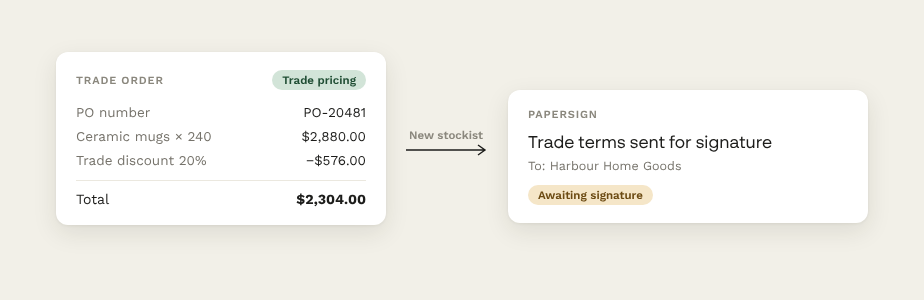
Take wholesale applications and trade orders on their own form, with purchase order numbers captured and trade pricing worked out by calculations. Get trade terms signed with Papersign from the same account.
One account, every storefront
Businesses running more than one brand or store end up with separate order forms and invoice templates for each, and no single view of what's coming in.
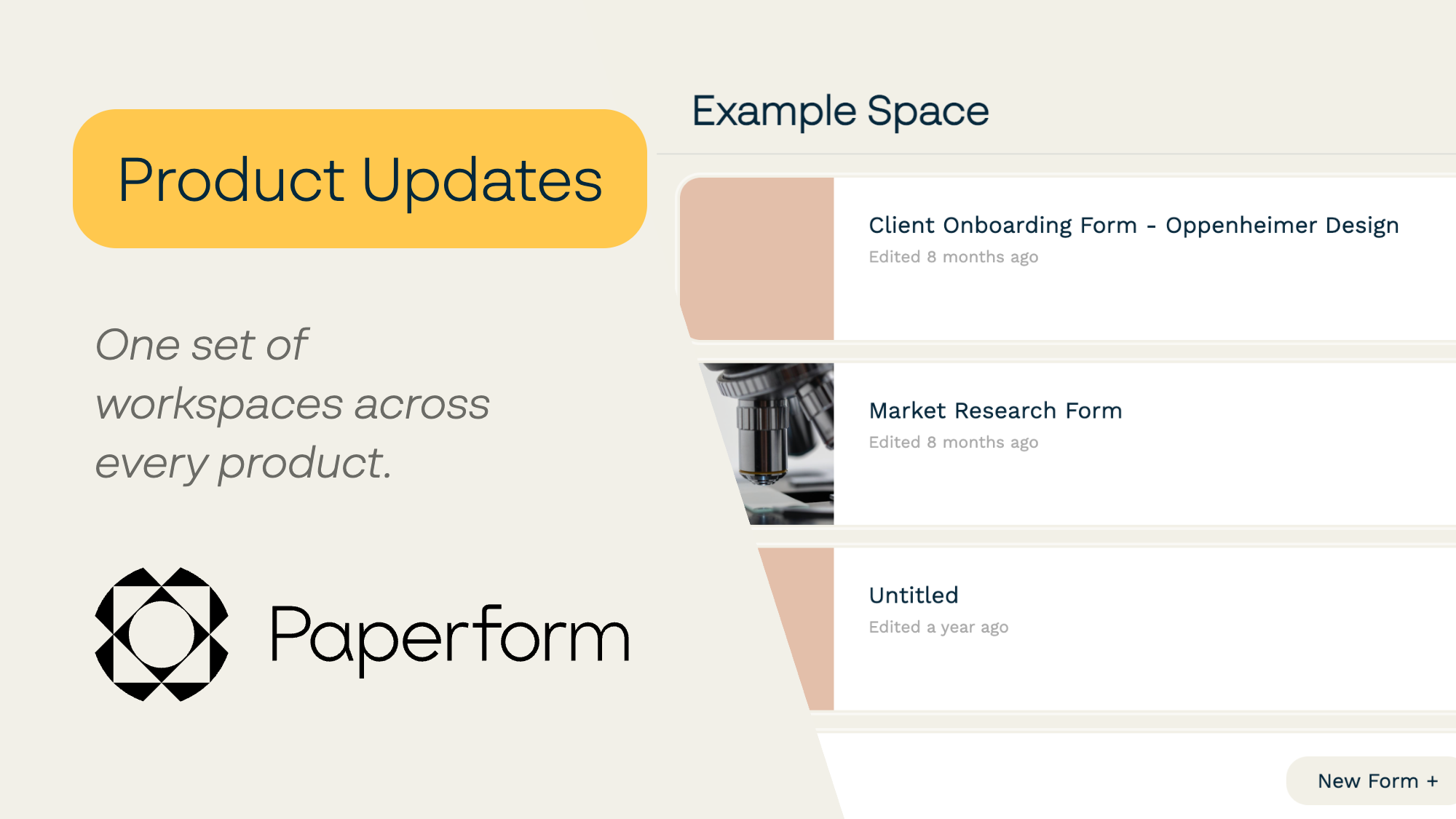
On the Business plan, Paperform gives each brand its own workspace, with its own forms, branding and access, and admins decide who can reach which forms, documents and workflows, member by member. Business includes 10 workspaces under one account and one subscription, and seats are unlimited, so adding someone to the fulfilment team doesn't add to the bill.
Order form templates to start from
Start from order, product and subscription form templates, then adjust them to match how your team takes orders.
“After trying a few different form builders, I found most of them were not intuitive enough and connecting payment methods was extremely difficult. With Paperform, however, the process was quick and painless.”
How Blütenträume Received 300 Online Orders in 5 Days With Paperform
Read case study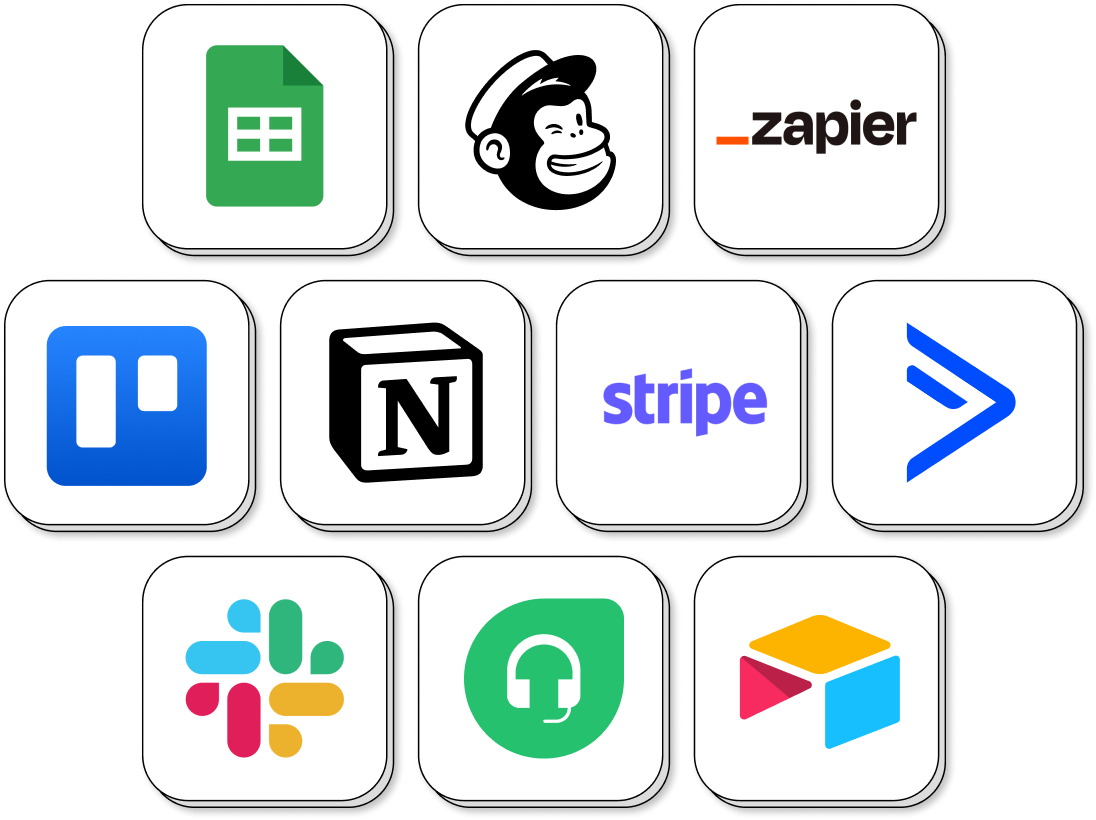
Hand orders off to the tools you already run on
Connect Paperform to your payment, accounting, inventory and CRM tools, directly or through Zapier and Make.
Ecommerce Order FAQs
1. Is Paperform an order management system?
No. It handles the order, payment and follow-up workflow, then sends orders on to your fulfilment, inventory or accounting tools. If you need warehouse and inventory management, keep a dedicated system for that and let Paperform feed it.
2. Which payment providers does it support?
Stripe, PayPal, Square and Braintree, in 30+ currencies, with no extra transaction fees from Paperform.
3. Can it calculate shipping, tax and discounts?
Yes. Pricing rules handle shipping, tax, quantity discounts and bundles inside the form.
4. Can I take subscriptions or deposits?
Yes. Take recurring subscription payments, or charge a deposit amount as part of the order form.
5. Does it connect to Xero, QuickBooks or Shopify?
Yes, through Zapier, so orders flow into your accounting or store tools automatically.
6. Can each brand have its own order forms?
Yes. On the Business plan, Workspaces give each brand its own forms, branding and access, managed from one admin account. Business includes 10 workspaces, with admin and user roles and per-member access to each product.
More on running orders
Tips and strategies to help help you build a successful online store.
Paperform Pricing
Free | Pro $49/month Billed annually | Business $124/month Billed annually | Enterprise |
|---|---|---|---|
| Try Free Now No Credit Card Unrestricted 7-day free trial | Try Free Now No Credit Card Unrestricted 7-day free trial | Talk to Sales |
Less time reconciling orders.
Start with the step that breaks most often, then move the rest across when you're ready.
Build your order workflow