Best FormAssembly Alternatives for 2026
The best FormAssembly alternative for most teams is Paperform, at a published $49/month billed annually, because its Excel-style calculations drive logic across questions, pages, emails and integrations instead of only producing a number. If your intake needs HIPAA, PCI DSS Level 1 or FedRAMP High, stay with FormAssembly.
FormAssembly is a serious product with a narrow centre of gravity. It was built in 2006 around Salesforce, and the Salesforce connector, with its field mapping, multi-object sync and Agentforce support, is still the best in the category. On top of that sits a compliance sheet almost nobody else can match: HIPAA with BAAs, PCI DSS Level 1, ISO 27001, FERPA, 21 CFR Part 11 and a FedRAMP High authorized Gov Cloud. Southwest Airlines, Amazon, CVS Health and Harvard all run on it. If your forms are regulated intake feeding Salesforce, this page is not for you.
Most people searching for an alternative are not disputing any of that. They are trying to find out what it costs. As of September 2026 FormAssembly publishes no price on any tier: Explorer, Team, Enterprise and Gov Cloud all end in "Request a Trial" or "Book a Demo", and the $59/month Explorer figure that was public through mid-2026 is gone. The plan table now lists integrations, Salesforce included, as a paid add-on on every tier. Unlimited workflows and basic document generation are add-ons on Explorer, the Analytics Suite is an add-on above it, and FedRAMP High is an add-on on Gov Cloud. Team's included document merges were cut from 1,000 a year to 250. Seats are capped at 1, 3 and 5 by tier.
Two things follow from that. The bill rises with headcount and scope, and you cannot forecast it. And because the catalogue stops at roughly 20 connectors with no Zapier or Make, everything outside the Salesforce orbit is a webhook you write and maintain, which quietly makes your team the integration layer between the form and the rest of the business. The alternatives below are ranked by how well they resolve those two problems, with an honest note on what each one gives up.
| Feature | FormAssembly | Paperform | Jotform | Cognito Forms | Typeform | SurveyMonkey | Google Forms |
|---|---|---|---|---|---|---|---|
| Form Building | |||||||
| Document-style editor | No | Yes | No | No | No | No | No |
| AI workflow generation | Yes explorer | No | No | No | No | No | No |
| AI compliance guidance | Yes explorer | No | No | No | No | No | No |
| Field types | Yes explorer | 26+ | 30+ (starter) | 20+ | 20+ | 15+ | 11 |
| Guided mode (one question at a time) | No | Yes | Yes starter | No | Yes | Yes | No |
| Payments | |||||||
| Stripe payments | Yes explorer | Yes | Yes starter | Yes | Yes basic | Yes Individual Advantage | No |
| PayPal payments | Yes explorer | Yes | Yes starter | Yes team | No | Yes Individual Advantage | No |
| Square payments | No | Yes | Yes starter | Yes team | No | No | No |
| Braintree payments | No | Yes | Yes starter | No | No | No | No |
| Google Pay | No | Yes | Yes starter | Yes | No | No | No |
| Design & Customization | |||||||
| Template gallery | Yes explorer | 30,000+ | 20,000+ (starter) | Yes | 1,500+ | 400+ | 20+ |
| Unsplash and Giphy integration | No | Yes | No | No | Yes | No | No |
| Image editor | No | Yes | No | No | No | No | No |
| Adobe Creative Cloud | No | Yes | No | No | No | No | No |
| Language translation | No | Yes | Yes starter | Yes pro | Yes basic | Yes Individual Premier | No |
| Analytics | |||||||
| AI report insights | No | Yes pro | No | No | Yes business | Yes Individual Advantage | Yes Business Standard |
| Workflow analytics | Yes explorer | No | No | No | No | No | No |
| Google Analytics & Facebook Pixel | No | Yes pro | No | Yes pro | Yes basic | No | No |
| Custom analytics scripts | No | Yes pro | No | No | Yes basic | No | No |
| Partial submissions | No | Yes pro | No | No | Yes plus | Yes Individual Advantage | No |
| Collaboration | |||||||
| Form sharing (templates) | Yes explorer | Yes | No | Yes | Yes | Yes Team Advantage | Yes |
| Spaces and tag management | No | Yes | No | No | No | No | No |
| Workflow collaboration roles | Yes team | No | No | No | No | No | No |
| Workflow revisions (version history) | Yes team | No | No | No | No | No | No |
| Workflow Response ID on audit trail | Yes team | No | No | No | No | No | No |
| Security | |||||||
| SOC 2 Type II | Yes explorer | Yes | Yes enterprise | No | Yes | Yes | Yes |
| ISO 27001 | Yes explorer | No | No | No | Yes | No | No |
| Accessibility (Section 508, WCAG 2.1) | Yes explorer | No | No | No | No | No | No |
| Field-level masking of sensitive data | Yes explorer | No | No | No | No | No | No |
| Script integrity verification | Yes explorer | No | No | No | No | No | No |
| Integrations & API | |||||||
| Zapier | No | Yes | Yes starter | Yes | Yes basic | Yes | Yes |
| Make (Integromat) | No | Yes | Yes starter | Yes | Yes basic | Yes | Yes |
| Webhooks | Yes explorer | Yes pro | Yes starter | Yes | Yes basic | Yes Individual Advantage | No |
| Standard API | Yes explorer | Yes pro | No | Yes | No | Yes Individual Advantage | Yes |
| Business API | No | Yes business | No | No | No | Yes enterprise | No |
The five dimensions that decide it
FormAssembly wins one of these outright, splits a second and loses three. Here is where it lands against the alternatives on each.
Pricing
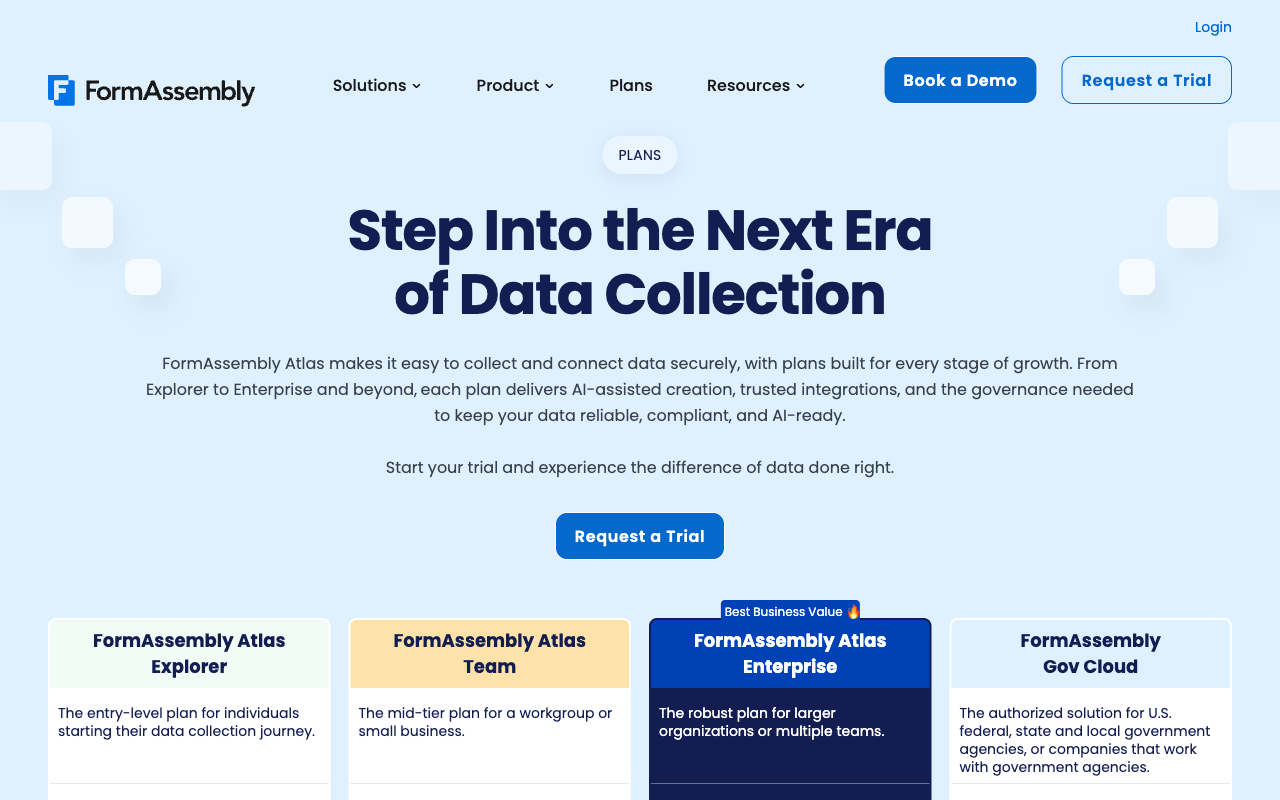
FormAssembly publishes no numeric price on any of its four tiers as of September 2026, and caps seats at 1, 3, 5 and 5 across Explorer, Team, Enterprise and Gov Cloud. Forms, responses and storage are unlimited on every plan, so the commercial variables are seats, workflows, document merges and add-on integrations rather than volume. Every alternative here publishes a price: Cognito Forms Pro at $19/month billed annually, Typeform Basic at $28, Jotform Bronze at $34, SurveyMonkey Advantage at $32 annual-only, and Paperform Pro at $59/month or $49 billed annually with unlimited submissions and unlimited seats. Google Forms is free, with Workspace from $7 per user per month.
Integrations & API
FormAssembly offers about 20 native integrations with no Zapier and no Make support, and the September 2026 plan table reclassified those integrations, Salesforce included, as a paid add-on on all four tiers. A REST API, webhooks, a WordPress plugin and oEmbed are included. Paperform counts 4,000+ integrations across native connectors, Zapier, Make, webhooks and an API, with a Business API on the Business plan. SurveyMonkey lists 200+, Jotform 150+ natives, Typeform 120+, Cognito Forms 50+ with Zapier and Make, and Google Forms roughly 20 inside Workspace. Twenty connectors is a deliberate enterprise choice; it is also the reason a FormAssembly rollout usually arrives with a middleware line item.
Conditional logic & calculations
FormAssembly includes conditional logic, branching, prefill, lookups and a calculations field on Explorer, but has no AI calculations assistant and no scoring feature. Paperform's calculations are Excel-style and drive far more than arithmetic: a single formula can control which questions and pages appear, which conditional email fires, what an integration receives and what the success page tells the respondent, with an AI assistant that writes the formula from a plain description of the rule. Cognito Forms is the other strong calculation engine here, with repeating sections and line-item maths. Typeform gates advanced logic and calculations to Plus at $56/month annually, and Google Forms has nothing worth the name.
Payments
FormAssembly supports 2 payment processors, Stripe and PayPal, with product sales and custom pricing via calculations, but no subscriptions, coupons, tax calculations, invoicing or refund management. Its PCI DSS Level 1 certification is the strongest payment security posture in the category, so the gap is commercial rather than technical. Jotform supports 40+ processors on every plan including the free one. Paperform supports 5 (Stripe, PayPal, Square, Braintree and Google Pay) with subscriptions, coupons, pricing rules, tax and refunds, and charges no transaction fee of its own. Cognito Forms adds Square and PayPal from its Team tier at $39/month annually, Typeform is Stripe-only, and Google Forms takes no payments at all.
Compliance (HIPAA / GDPR / SOC 2)
FormAssembly is HIPAA compliant with BAAs on Enterprise, GDPR compliant, SOC 2 Type II and ISO 27001 certified, and adds PCI DSS Level 1, FERPA, TX-RAMP, GLBA, 21 CFR Part 11, Section 508 / WCAG 2.1 and a FedRAMP High authorized Gov Cloud. That is the broadest coverage on this page and the honest reason to keep paying for it. Jotform, Typeform, SurveyMonkey, Google Forms and Cognito Forms are all HIPAA, GDPR and SOC 2 compliant, though none holds FedRAMP High or 21 CFR Part 11. Paperform is SOC 2 Type II, GDPR and CCPA compliant with SAML SSO and enforced 2FA, and is not HIPAA compliant and signs no BAAs. For protected health information, Paperform is out.
 #1 Paperform — Best When the Logic Is the Product

Start with what these two products think a form is. FormAssembly treats it as a capture surface: collect fields, validate them, map them into Salesforce. Calculations exist to work out a total. Paperform treats the formula as the thing that runs the form. Its calculations are Excel-style and the result of one can decide which questions and which pages a respondent sees next, which conditional email goes out and to whom, what payload an integration receives, and what the success page says back to the person who just submitted. A quoting tool, a grant eligibility screen or a weighted scoring rubric becomes a single artefact that the person who knows the policy can maintain, rather than a form on one side and a set of rules in somebody else's system on the other. The AI calculations assistant writes those formulas from a plain-English description of the rule, which is the step FormAssembly's Fai does not cover: Fai builds forms, workflows and integrations, and leaves the logic to you.
The second argument is the one about vendor count. FormAssembly's roughly 20 connectors with no Zapier or Make means every system outside its list is yours to bridge, and the plan table now prices the connectors that do exist as add-ons. One Paperform subscription covers forms, Papersign eSignatures and Stepper workflow automation on every plan, from one account and one dashboard, so the signature, the approval chain and the routing sit with the form instead of arriving as three renewal dates and a canvas nobody owns. The price for that is published and static: Pro at $59/month or $49 billed annually, Business at $149/$124, unlimited submissions and unlimited seats within fair use on both. Paperform has been bootstrapped and profitable since 2016, which matters when the form becomes a system of record. Where it loses to FormAssembly is compliance, and that loss is total: no HIPAA, no BAAs, no PCI DSS Level 1, no FedRAMP.
- Strengths over FormAssembly: Excel-style calculations that govern question visibility, conditional emails, integration payloads and success pages, an AI calculations assistant, Papersign and Stepper in the same subscription, published self-serve pricing, unlimited seats and submissions within fair use, 4,000+ integrations with Zapier and Make, 5 payment gateways with subscriptions and coupons, document-style editor with custom domains, Guided Mode, 30,000+ templates
- Limitations: Not HIPAA compliant and no BAAs, no PCI DSS Level 1, no FedRAMP or ISO 27001, no Salesforce connector at FormAssembly's depth, $49/month billed annually is a higher floor than Cognito Forms or Typeform, automation credits and signed documents are metered, no mobile editor
- Best for: Operators whose intake runs on pricing, eligibility or scoring rules and who want signatures and workflow in the same bill
 #2 Jotform — Best If the Compliance Sheet Has to Survive the Switch

Jotform is the only alternative here that keeps most of FormAssembly's regulatory coverage while restoring a published price. HIPAA with a signed BAA arrives on Gold at $99/month billed annually, and PCI DSS Level 1, SOC 2, ISO 27001, FERPA and StateRAMP come with it. The integration picture inverts as well: 150+ native connectors plus Zapier against FormAssembly's 20 with neither Zapier nor Make, and 40+ payment processors on every plan including the free one against FormAssembly's Stripe and PayPal. Founded in 2006, the same year, and still bootstrapped, so it is not a younger bet.
The catch is the meter. Jotform's feature list is enormous, and almost every part of it is rationed: submissions, forms, form views, storage, fields per form and signed documents all carry quotas, and every self-serve tier from Starter through Gold is single-user. Coming off a platform where forms, responses and storage were unlimited and the constraint was seats, you are trading one billing lever for six. Reviewers also regularly describe the interface as cluttered after two decades of accumulation, so the polish you were probably not getting from FormAssembly is not what arrives here either. Our Jotform alternatives breakdown covers the quota structure in detail.
- Strengths over FormAssembly: Published self-serve pricing, HIPAA with a BAA from $99/month annually, 40+ payment processors on every plan, 150+ native integrations plus Zapier, native mobile apps and a mobile editor, approval workflows and PDF generation included rather than add-ons
- Limitations: Submissions, forms, views, storage and signed documents all metered, single-user on every self-serve tier through Gold, no FedRAMP or 21 CFR Part 11, no Salesforce connector at FormAssembly's depth, cluttered editor
- Best for: Regulated teams leaving FormAssembly who need HIPAA and payment breadth without a procurement cycle to find out the price
 #3 Cognito Forms — Best Cheap Home for Complex Intake Maths
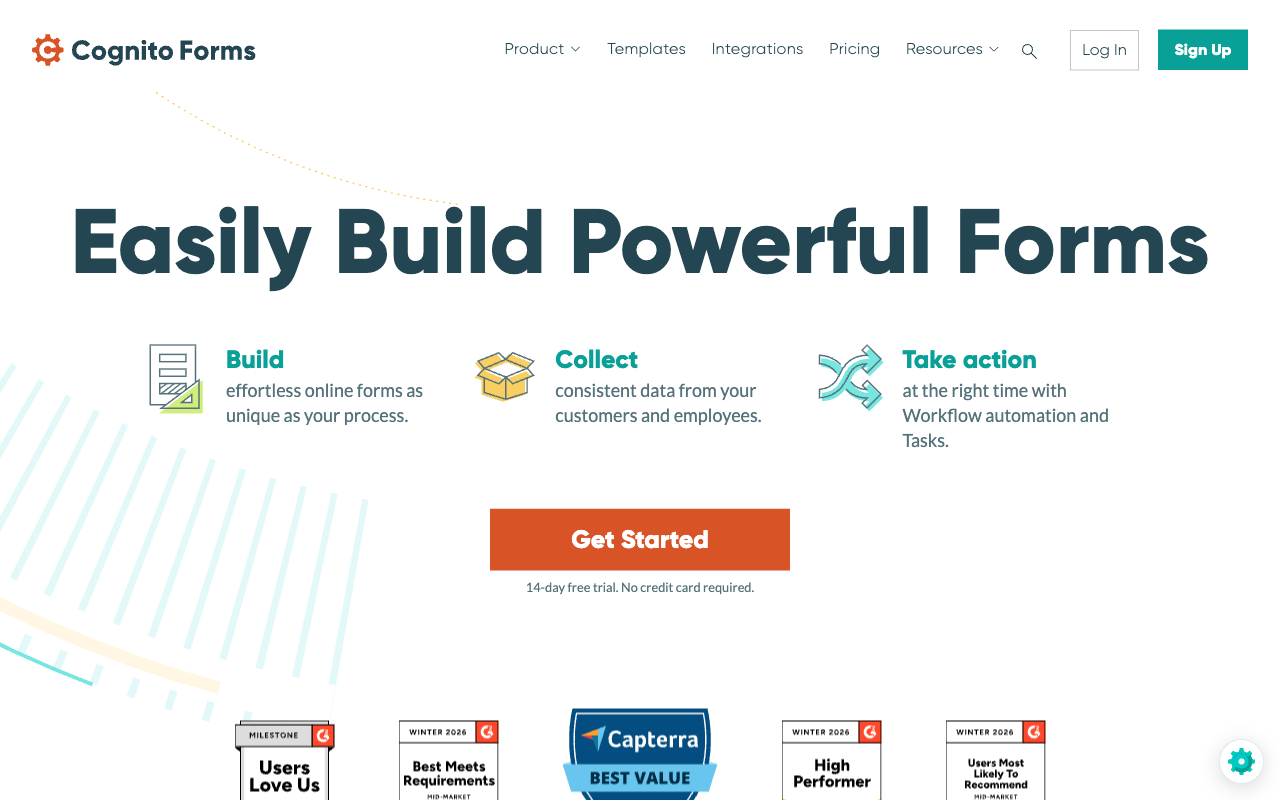
If what you valued in FormAssembly was the calculations field rather than the Salesforce connector, Cognito Forms does that job for $19/month billed annually on Pro. Its engine handles repeating sections, line-item order forms and nested conditional maths that FormAssembly's single calculation field starts to strain against, and it is HIPAA compliant with a BAA plus SOC 2 and GDPR, so a good part of the compliance story survives. Document generation, approval workflows and a client portal sit on Team at $39/month annually, which is roughly where FormAssembly's equivalents live behind a quote.
Cognito Forms bills you four separate ways for growing, which is a different shape of the same problem you are leaving. Entries, users, storage and guests each have a quota and an overage: Pro stops at 2,000 entries and 2 users, extra people are $5 each per month, and external collaborators come in guest packs from $25 to $250 per month. The design is also frankly utilitarian, more dated than FormAssembly rather than less, and there is no public REST API, which will matter if you were building against FormAssembly's. Our Cognito Forms alternatives page has the full breakdown.
- Strengths over FormAssembly: Published price from $19/month annually, deeper calculation engine with repeating sections and line items, HIPAA with a BAA, Zapier and Make support, Square and PayPal payments from Team, document generation and approvals without an add-on line
- Limitations: Entries, users, storage and guests each metered with separate overages, no public REST API, dated form design, no FedRAMP or PCI DSS Level 1, no Salesforce connector to speak of
- Best for: Budget-conscious teams whose FormAssembly forms were really pricing or eligibility calculators
 #4 SurveyMonkey — Best If You Were Really Doing Research
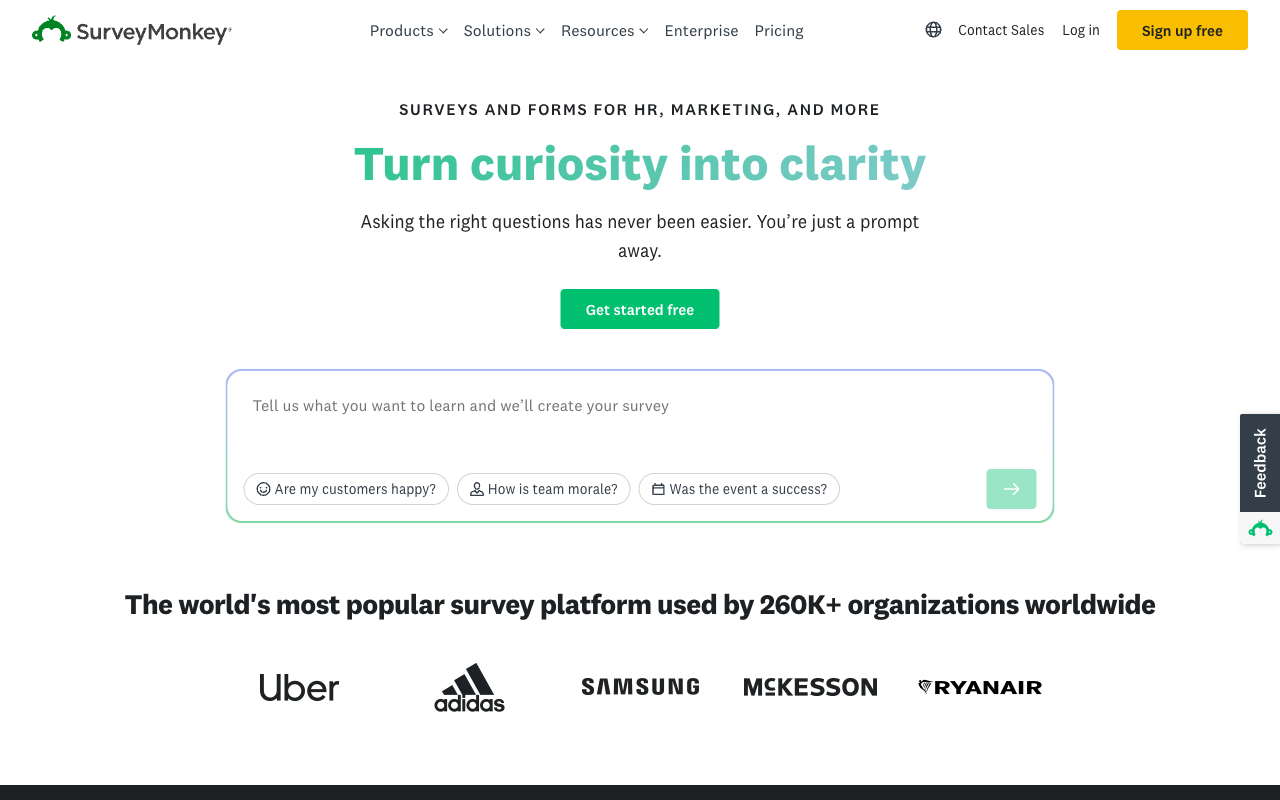
FormAssembly reports on submissions and workflows and sells the Analytics Suite as an add-on above Explorer. SurveyMonkey starts where that ends. Its AI Analysis Suite answers plain-English questions about a dataset, and cross-tabulation, sentiment analysis, industry benchmarks, NPS, CSAT and CES come as standard alongside 400+ methodologically designed templates and a 335-million-person response panel. It is HIPAA, GDPR, SOC 2, ISO 27001 and PCI DSS 4.0 compliant with Section 508 accessibility, so the compliance drop from FormAssembly is real but not severe.
It is a research instrument, not an intake platform, and the pricing reflects a different set of assumptions. Every paid plan is annual-commitment only as of September 2026: Individual Advantage at $32/month annually caps at 15,000 responses a year, Premier at 40,000, and each additional response costs $0.15. Team plans start at three paid users and Enterprise at five. There is no serious form logic, no payment collection worth the name and nothing resembling a Salesforce data-capture layer, so this is a choice for teams who discover their FormAssembly licence was mostly being used to run surveys.
- Strengths over FormAssembly: AI analysis you can query in plain English, cross-tabs, benchmarks and NPS built in, 400+ research-grade templates, a 335M-person panel, 200+ integrations, published pricing, HIPAA and ISO 27001
- Limitations: Annual commitment on every paid plan with $0.15 per response over the cap, 3-user minimum on Team and 5 on Enterprise, weak form logic and payments, no Salesforce depth, no FedRAMP
- Best for: Insights and research teams whose FormAssembly forms were questionnaires rather than transactions
 #5 Typeform — Best for Intake People Actually Want to Finish

FormAssembly has no guided, one-question-at-a-time mode, and long regulated intake forms are exactly where that format earns its money. Typeform invented it and is still the reference implementation, with the strongest default aesthetics of anything on this page. It is HIPAA compliant on Business and holds ISO 27001, 27017, 27018 and ISO/IEC 42001, certified in June 2026, so a security review will not stall. It is also the most reviewed product in this comparison by a wide margin.
The pricing model is the opposite of FormAssembly's in a way that is not necessarily better for you. Where FormAssembly gives unlimited responses and rations seats, Typeform rations both: 100 responses and 1 user on Basic at $28/month annually, 1,000 and 3 on Plus, 10,000 and 5 on Business at $91, and Growth Flow at $266/month annually raises neither. Payments are Stripe-only, advanced logic and calculations sit on Plus at $56/month annually, and the Salesforce integration appears only on Business. Coming from unlimited submissions, the response cap is the adjustment that stings. Our Typeform alternatives page goes through the tiers.
- Strengths over FormAssembly: One-question-at-a-time format, best-in-class respondent design, published pricing, HIPAA on Business, ISO 27001 and ISO/IEC 42001, 120+ integrations plus Zapier, far larger review base
- Limitations: Responses and seats capped on every plan including $266/month Growth Flow, Stripe-only payments, logic and calculations gated to Plus, Salesforce only from Business, no FedRAMP or PCI DSS Level 1
- Best for: Customer-facing applications and lead qualification where completion rate matters more than volume
 #6 Google Forms — Best If the Salesforce Sync Was the Only Reason
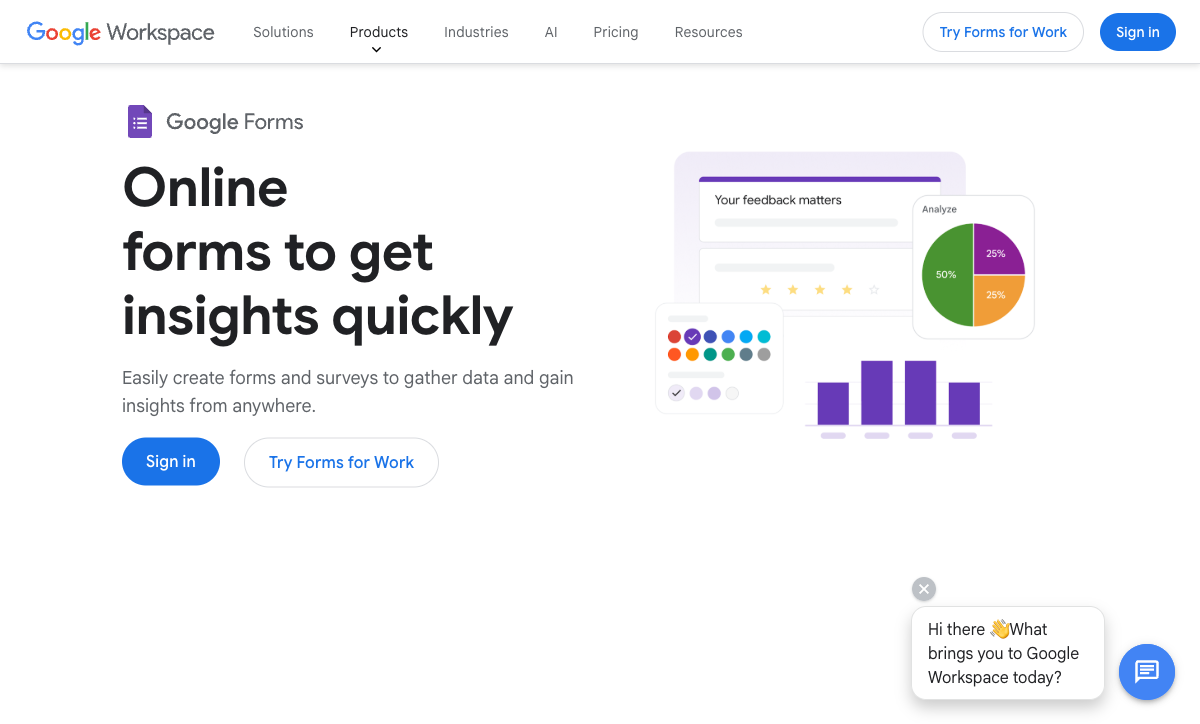
Some FormAssembly accounts are one department's internal data collection wearing an enterprise licence. If that describes yours, Google Forms is free and unlimited, HIPAA-eligible under a Workspace BAA, and covered by SOC 2, ISO 27001 and FedRAMP through Google Cloud, which is the closest anything here gets to FormAssembly's government posture at zero incremental cost. Workspace starts at $7 per user per month on Business Starter, and Gemini in Google Forms arrives on Business Standard at $14.
Everything else is a long way down. No payments, roughly 20 integrations confined to the Google ecosystem, no calculations worth the name, no branding control, no custom domains and no workflow. The Salesforce connection you were paying FormAssembly for does not exist. Treat it as the honest answer for teams whose forms feed a spreadsheet and a person, and nothing further. Our Google Forms alternatives page covers the upgrade paths when that stops being true.
- Strengths over FormAssembly: Free and unlimited, HIPAA-eligible under a Workspace BAA, SOC 2, ISO 27001 and FedRAMP through Google Cloud, SSO and admin controls via Workspace, no learning curve against FormAssembly's 4.1 ease-of-use score
- Limitations: No payments, no meaningful calculations, no workflow or document generation, about 20 Google-only integrations, no design control or custom domains, no Salesforce connector
- Best for: Internal data collection inside a Workspace organisation where the CRM sync was never actually used
See Them in Action
Two independent videos worth watching before you commit to a migration: a detailed walkthrough of the Salesforce connector that is the real product, and a beginner's tour of the builder itself.
Full Feature Comparison
Every feature across FormAssembly and its alternatives, grouped by category. The design, integration and payment rows are where an enterprise compliance sheet stops being the whole story.
| Feature | FormAssembly | Paperform | Jotform | Cognito Forms | Typeform | SurveyMonkey | Google Forms |
|---|---|---|---|---|---|---|---|
| Form Building | |||||||
| Document-style editor | No | Yes | No | No | No | No | No |
| AI form creation | Yes explorer | Yes | Yes starter | Yes | Yes | Yes | Yes paid |
| AI workflow generation | Yes explorer | No | No | No | No | No | No |
| AI compliance guidance | Yes explorer | No | No | No | No | No | No |
| Field types | Yes explorer | 26+ | 30+ (starter) | 20+ | 20+ | 15+ | 11 |
| Multi-page forms | Yes explorer | Yes | Yes starter | Yes | Yes basic | Yes | Yes |
| Guided mode (one question at a time) | No | Yes | Yes starter | No | Yes | Yes | No |
| Conditional logic | Yes explorer | Yes | Yes starter | Yes | Yes basic | Yes Individual Advantage | Yes |
| Calculations field | Yes explorer | Yes pro | Yes starter | Yes | Yes plus | No | No |
| AI calculations assistant | No | Yes pro | No | No | No | No | No |
| Scoring | No | Yes pro | Yes starter | Yes | Yes plus | Yes | Yes |
| Answer piping | Yes explorer | Yes | Yes starter | Yes | Yes basic | Yes Individual Advantage | No |
| Pre-filling and hidden fields | Yes explorer | Yes pro | Yes starter | Yes | Yes basic | Yes Individual Advantage | Yes |
| Save and resume | Yes explorer | Yes | Yes starter | Yes pro | No | Yes Individual Advantage | No |
| Auto-close by number | Yes explorer | Yes pro | Yes starter | Yes | Yes basic | Yes Individual Advantage | Yes |
| Auto-close by date | Yes explorer | Yes pro | Yes starter | Yes | Yes basic | Yes Individual Advantage | Yes |
| Appointment/booking field | No | Yes | Yes starter | No | Yes basic | No | No |
| Signature field | Yes explorer | Yes | Yes starter | Yes team | Yes basic | No | No |
| Color picker field | No | Yes | No | No | No | No | No |
| API-powered dropdowns | Yes team | Yes business | No | Yes | No | No | No |
| Google address search | No | Yes business | No | Yes | No | No | No |
| File uploads | No | Yes | Yes starter | Yes | Yes basic | Yes | Yes |
| Drag-and-drop builder | No | No | Yes starter | No | No | No | No |
| Form widgets | No | No | Yes starter | No | No | No | No |
| Template gallery | No | No | 20,000+ (starter) | No | No | No | No |
| Question display logic | No | No | No | No | Yes basic | No | No |
| AI follow-up questions | No | No | No | No | Yes business | No | No |
| AI extended thinking & memory | No | No | No | No | Yes growth | No | No |
| Typeform AI connectors | No | No | No | No | Yes growth | No | No |
| Workflow / automation builder | No | No | No | No | Yes growth | No | No |
| AI-moderated research (Research Flow) | No | No | No | No | Yes enterprise | No | No |
| Video questions | No | No | No | No | Yes basic | No | No |
| AI chat survey editing | No | No | No | No | No | Yes | No |
| AI quiz generation | No | No | No | No | No | No | Yes paid |
| Payments | |||||||
| Stripe payments | Yes explorer | Yes | Yes starter | Yes | Yes basic | Yes Individual Advantage | No |
| PayPal payments | Yes explorer | Yes | Yes starter | Yes team | No | Yes Individual Advantage | No |
| Square payments | No | Yes | Yes starter | Yes team | No | No | No |
| Braintree payments | No | Yes | Yes starter | No | No | No | No |
| Google Pay | No | Yes | Yes starter | Yes | No | No | No |
| Product sales (eCommerce) | Yes explorer | Yes pro | Yes starter | Yes | No | No | No |
| Subscriptions | No | Yes pro | Yes starter | No | Yes basic | No | No |
| Coupons and discounts | No | Yes pro | Yes starter | Yes | No | No | No |
| Custom pricing rules | Yes explorer | Yes pro | Yes starter | Yes | No | No | No |
| Tax calculations | No | Yes | Yes starter | Yes | No | No | No |
| Quotes/invoices | No | Yes | No | Yes team | No | No | No |
| Refunds | No | Yes | No | No | No | No | No |
| 3D Secure | No | Yes | No | No | Yes basic | No | No |
| 40+ payment gateways | No | No | Yes starter | No | No | No | No |
| No transaction fees | No | No | Yes starter | No | No | No | No |
| Cognito Pay (native card processing) | No | No | No | Yes | No | No | No |
| Design & Customization | |||||||
| Template gallery | Yes explorer | 30,000+ | 20,000+ (starter) | Yes | 1,500+ | 400+ | 20+ |
| Rich media (images, GIFs, videos) | Yes explorer | Yes | Yes starter | Yes | Yes | Yes | Yes |
| Unsplash and Giphy integration | No | Yes | No | No | Yes | No | No |
| Image editor | No | Yes | No | No | No | No | No |
| Adobe Creative Cloud | No | Yes | No | No | No | No | No |
| Language translation | No | Yes | Yes starter | Yes pro | Yes basic | Yes Individual Premier | No |
| Advanced theming | Yes team | Yes pro | Yes starter | Yes pro | Yes plus | Yes Individual Advantage | No |
| Custom form URL | Yes explorer | Yes pro | No | No | Yes plus | Yes Individual Advantage | No |
| Custom domains | No | Yes pro | Yes enterprise | No | Yes enterprise | No | No |
| Custom HTML & CSS | Yes team | Yes pro | Yes starter | Yes pro | Yes business | No | No |
| Remove branding | Yes team | Yes pro | Yes bronze | Yes pro | Yes plus | Yes Individual Advantage | No |
| Custom email domains | No | Yes business | No | No | No | No | Yes Business Starter |
| Form themes | No | No | Yes starter | No | No | No | No |
| Analytics | |||||||
| Submission results and reports | Yes explorer | Yes | Yes starter | Yes | Yes | Yes | Yes |
| AI report insights | No | Yes pro | No | No | Yes business | Yes Individual Advantage | Yes Business Standard |
| Workflow analytics | Yes explorer | No | No | No | No | No | No |
| Google Analytics & Facebook Pixel | No | Yes pro | No | Yes pro | Yes basic | No | No |
| Custom analytics scripts | No | Yes pro | No | No | Yes basic | No | No |
| Partial submissions | No | Yes pro | No | No | Yes plus | Yes Individual Advantage | No |
| Paperform analytics | No | Yes pro | No | No | No | No | No |
| Drop-off analysis | No | Yes pro | No | No | Yes business | No | No |
| Form analytics | No | No | Yes starter | No | No | No | No |
| Google Analytics integration | No | No | Yes starter | No | No | No | No |
| Cross-form Insights dashboard | No | No | No | No | Yes business | No | No |
| Benchmarks | No | No | No | No | No | No | No |
| Collaboration | |||||||
| Multi-user accounts | Yes team | Yes pro | Yes bronze | Yes pro | Yes plus | Yes Team Advantage | Yes |
| User permissions and management | Yes team | Yes pro | Yes enterprise | Yes team | Yes plus | Yes Team Advantage | Yes |
| Advanced permissions & admin | Yes enterprise | Yes enterprise | Yes enterprise | Yes enterprise | Yes enterprise | Yes enterprise | Yes Business Starter |
| Form sharing (templates) | Yes explorer | Yes | No | Yes | Yes | Yes Team Advantage | Yes |
| Spaces and tag management | No | Yes | No | No | No | No | No |
| Workflow collaboration roles | Yes team | No | No | No | No | No | No |
| Workflow revisions (version history) | Yes team | No | No | No | No | No | No |
| Workflow Response ID on audit trail | Yes team | No | No | No | No | No | No |
| All Workflows admin management | Yes enterprise | No | No | No | No | No | No |
| Per-workflow error notifications | Yes team | No | No | No | No | No | No |
| Form sharing | No | No | Yes starter | No | No | No | No |
| Assign forms | No | No | Yes enterprise | No | No | No | No |
| Workspace organization | No | No | No | No | Yes | No | No |
| Review Sessions | No | No | No | No | No | Yes Team Advantage | No |
| Persistent Magic Link | No | No | No | No | No | Yes Team Advantage | No |
| Security | |||||||
| SOC 2 Type II | Yes explorer | Yes | Yes enterprise | No | Yes | Yes | Yes |
| ISO 27001 | Yes explorer | No | No | No | Yes | No | No |
| Accessibility (Section 508, WCAG 2.1) | Yes explorer | No | No | No | No | No | No |
| Field-level masking of sensitive data | Yes explorer | No | No | No | No | No | No |
| Script integrity verification | Yes explorer | No | No | No | No | No | No |
| GDPR compliant | Yes explorer | Yes | Yes starter | Yes | Yes | Yes | Yes |
| SSL encryption | Yes explorer | Yes | Yes starter | Yes | Yes | Yes | Yes |
| Two-factor authentication | Yes explorer | Yes | Yes starter | Yes | Yes | Yes | Yes |
| Enforce 2FA for all users | Yes enterprise | Yes business | No | No | No | Yes enterprise | Yes Business Starter |
| SSO (SAML) | Yes enterprise | Yes business | Yes enterprise | Yes enterprise | Yes enterprise | Yes enterprise | Yes Business Plus |
| reCAPTCHA | Yes explorer | Yes | Yes starter | Yes | Yes business | Yes | No |
| Local data residency | Yes enterprise | Yes enterprise | No | No | No | Yes enterprise | Yes Business Plus |
| Custom S3 storage (BYO) | No | Yes business | No | No | No | No | No |
| HIPAA compliant | No | No | Yes gold | No | Yes enterprise | No | No |
| 256-bit SSL | No | No | Yes starter | No | No | No | No |
| Data residency | No | No | Yes enterprise | No | No | No | No |
| Form encryption | No | No | Yes starter | No | No | No | No |
| PCI DSS | No | No | Yes starter | No | Yes | No | No |
| Integrations & API | |||||||
| 4000+ integrations | No | No | No | No | No | No | No |
| Zapier | No | Yes | Yes starter | Yes | Yes basic | Yes | Yes |
| Make (Integromat) | No | Yes | Yes starter | Yes | Yes basic | Yes | Yes |
| Webhooks | Yes explorer | Yes pro | Yes starter | Yes | Yes basic | Yes Individual Advantage | No |
| Standard API | Yes explorer | Yes pro | No | Yes | No | Yes Individual Advantage | Yes |
| Business API | No | Yes business | No | No | No | Yes enterprise | No |
| WordPress plugin | Yes explorer | Yes | Yes starter | Yes | Yes | No | No |
| oEmbed support | Yes explorer | Yes | No | Yes | No | No | No |
| Native integrations | No | 4,000+ | 150+ (starter) | No | 120+ (basic) | 200+ | No |
| API | No | No | Yes starter | No | Yes basic | No | No |
| Smartsheet integration | No | No | Yes starter | No | No | No | No |
| Canvas LMS integration | No | No | Yes enterprise | No | No | No | No |
| Salesforce AppExchange | No | No | Yes starter | No | No | No | No |
| Embed options | No | No | Yes starter | No | Yes | No | No |
| Mobile apps | No | No | Yes starter | No | No | No | No |
| MCP connector (AI app access) | No | No | No | Yes pro | No | No | No |
| Claude / MCP server | No | No | No | No | Yes basic | No | No |
| AI data enrichment | No | No | No | No | Yes growth | No | No |
| Automations integrations (Contacts & Automations) | No | No | No | No | Yes growth | No | No |
| Claude (Anthropic) integration | No | No | No | No | No | Yes Individual Advantage | No |
| ChatGPT integration | No | No | No | No | No | Yes | No |
| Gemini integration | No | No | No | No | No | No | No |
| HRIS integrations (Workday, BambooHR) | No | No | No | No | No | Yes | No |
Pricing Comparison
FormAssembly is the only product in this table with no numeric price to put in it. Read the rest for what each step up actually buys, and note how much of FormAssembly's plan table is now an add-on rather than an inclusion.
Paperform
FormAssembly
| Product | Plan | Monthly Price | Annual Price (per month) | Free Plan | Free Trial | Limits |
|---|---|---|---|---|---|---|
| FormAssembly | FormAssembly Atlas Explorer | Not published | Not listed | No | 14 days | forms: Unlimited, submissions: Unlimited, storage: Unlimited, users: 1 standard / 0 limited |
| FormAssembly | FormAssembly Atlas Team | Custom | Not listed | forms: Unlimited, submissions: Unlimited, storage: Unlimited, users: 3 standard / 5 limited | ||
| FormAssembly | FormAssembly Atlas Enterprise | Custom | Not listed | forms: Unlimited, submissions: Unlimited, storage: Unlimited, users: 5 standard / 10 limited | ||
| FormAssembly | FormAssembly Gov Cloud | Custom | Not listed | forms: Unlimited, submissions: Unlimited, storage: Unlimited, users: 5 standard / 10 limited | ||
| Paperform | Free | Free | Free | Yes | 7 days | forms: Unlimited, submissions: 30/month, storage: Unlimited, users: Unlimited, file uploads: 100 MB |
| Paperform | Pro | $59/mo | $49/mo billed annually | forms: Unlimited, submissions: Unlimited, storage: Unlimited, users: Unlimited, file uploads: 10 GB | ||
| Paperform | Business | $149/mo | $124/mo billed annually | forms: Unlimited, submissions: Unlimited, storage: Unlimited, users: Unlimited, file uploads: 100 GB | ||
| Jotform | Starter | Free | Free | Yes | No | forms: 5, submissions: 100/month, storage: 100 MB, users: 1 |
| Jotform | Bronze | $39/mo | $34/mo billed annually | forms: 25, submissions: 1,000/month, storage: 1 GB, users: 1 | ||
| Jotform | Silver | $49/mo | $39/mo billed annually | forms: 50, submissions: 2,500/month, storage: 10 GB, users: 1 | ||
| Jotform | Gold | $129/mo | $99/mo billed annually | forms: 100, submissions: 10,000/month, storage: 100 GB, users: 1 | ||
| Cognito Forms | Individual (Free) | Free | Free | Yes | 14 days | forms: Unlimited, submissions: 100 entries/month, storage: 100 MB, users: 1 |
| Cognito Forms | Pro | $24/mo | $19/mo billed annually | forms: Unlimited, submissions: 2,000 entries/month, storage: 1 GB, users: 2 | ||
| Cognito Forms | Team | $49/mo | $39/mo billed annually | forms: Unlimited, submissions: 10,000 entries/month, storage: 10 GB, users: 5 | ||
| Cognito Forms | Enterprise | $174/mo | $129/mo billed annually | forms: Unlimited, submissions: Unlimited, storage: 100 GB, users: 20 | ||
| Typeform | Free | Free | Free | Yes | No | forms: 10, submissions: 10/month, users: 1 |
| Typeform | Basic | $39/mo | $28/mo billed annually | forms: Unlimited, submissions: 100/month, users: 1 | ||
| Typeform | Plus | $79/mo | $56/mo billed annually | forms: Unlimited, submissions: 1,000/month, users: 3 | ||
| Typeform | Business | $129/mo | $91/mo billed annually | forms: Unlimited, submissions: 10,000/month, users: 5 | ||
| Typeform | Growth Flow | $379/mo | $266/mo billed annually | forms: Unlimited, submissions: 10,000/month, users: 5 | ||
| Typeform | Talent | $169/mo | $119/mo billed annually | forms: Unlimited, users: HR teams | ||
| SurveyMonkey | Basic (Free) | Free | Free | Yes | No | forms: Unlimited, submissions: Limited per survey (exact number now only shown after sign-up/login), storage: N/A, users: 1 |
| SurveyMonkey | Individual Advantage | Free | $32/mo billed annually | forms: Unlimited, submissions: 15,000 per year, storage: N/A, users: 1 | ||
| SurveyMonkey | Individual Premier | Free | $99/mo billed annually | forms: Unlimited, submissions: 40,000 per year, storage: N/A, users: 1 | ||
| SurveyMonkey | Team Advantage | Free | $30/mo billed annually | forms: Unlimited, submissions: 50,000 per year (shared), storage: N/A, users: 3 minimum | ||
| SurveyMonkey | Team Premier | Free | $92/mo billed annually | forms: Unlimited, submissions: 100,000 per year (shared), storage: N/A, users: 3 minimum | ||
| Google Forms | Free (Personal) | Free | Free | Yes | 14 days | forms: Unlimited, submissions: Unlimited, storage: 15 GB (shared across Google Drive), users: 1, file uploads: Included in 15 GB storage |
| Google Forms | Business Starter | $8.4/mo | $7/mo billed annually | forms: Unlimited, submissions: Unlimited, storage: 30 GB per user, users: Up to 300, file uploads: Included in storage | ||
| Google Forms | Business Standard | $16.8/mo | $14/mo billed annually | forms: Unlimited, submissions: Unlimited, storage: 2 TB per user, users: Up to 300, file uploads: Included in storage | ||
| Google Forms | Business Plus | $26.4/mo | $22/mo billed annually | forms: Unlimited, submissions: Unlimited, storage: 5 TB per user, users: Up to 300, file uploads: Included in storage |
Review Ratings Across Platforms
FormAssembly rates 4.4 on G2 across 425 reviews, down from 4.5 across 395 as volume grew, with ease of use its weakest sub-score at 4.1 and value for money at 4.2. Capterra and GetApp both sit at 4.5 across 103 reviews from the shared Gartner pool.
Verdict: Which FormAssembly Alternative Should You Choose?
The first question is whether you are buying compliance or buying a form builder. If your intake touches protected health information, card data under PCI DSS Level 1, clinical records under 21 CFR Part 11, or a federal agency that needs FedRAMP High, the answer is to stay with FormAssembly and negotiate the quote. Nothing on this page replaces that sheet, and pretending otherwise would waste your time.
If you are not in that bracket, Paperform is the recommendation. The calculations are the reason: Excel-style formulas that decide which questions and pages appear, which emails fire, what integrations receive and what the success page says, written with an AI assistant by whoever owns the policy rather than by a Salesforce admin. Forms, Papersign eSignatures and Stepper workflow automation arrive in one subscription at a published $49/month billed annually, with unlimited submissions and unlimited seats within fair use, so the routing and the signing stop being separate vendors and separate invoices. It is not HIPAA compliant, and the $49 floor is higher than several products here.
Where the blocker is narrower, take the tool that removes it. Jotform if HIPAA and payment breadth have to survive the switch. Cognito Forms if the calculation engine was the point and the budget is small. SurveyMonkey if the licence was really funding research. Typeform if completion rate on long intake is what you are fighting. Google Forms if the CRM sync turned out to be decorative. For a wider view of the field, see our best form builders roundup, or start a Paperform trial: 7 days, no card.
Frequently Asked Questions
Why does FormAssembly no longer show a price for Atlas Explorer?
As of September 2026 FormAssembly publishes no numeric price on any of its four tiers. Explorer, Team, Enterprise and Gov Cloud all route to "Request a Trial" or "Book a Demo", and the $59/month Explorer figure that appeared through mid-2026 has been withdrawn. Practically, that means you cannot budget without a sales conversation, and the number you are quoted depends on what the seller learns about you during it. Paperform publishes everything: Pro is $59/month or $49/month billed annually, Business is $149/$124, and those are the same numbers for every buyer. Jotform, Cognito Forms and Typeform also publish self-serve prices, so a shortlist of them can be costed in an afternoon.
Is the Salesforce connector really a paid add-on now?
Yes. The September 2026 plan table lists integrations, Salesforce included, as a paid add-on on all four tiers. Explorer includes Stripe, Google Sheets and Google Drive at no extra cost, and everything beyond that is priced separately. Since the Salesforce connector is the single reason most teams buy FormAssembly, that reclassification moves the core of the product out of the base plan. If Salesforce is genuinely the centre of your intake, the connector is still the best in the category and worth the add-on. If Salesforce is one of several systems you feed, Paperform reaches 4,000+ apps through native connectors, Zapier, Make, webhooks and an API inside the subscription, with Stepper running the routing between them.
Can any alternative match FormAssembly on HIPAA, PCI DSS Level 1 and FedRAMP?
Only partly, and this is where FormAssembly genuinely wins. It carries HIPAA with a BAA, PCI DSS Level 1, SOC 2 Type II, ISO 27001, GDPR, FERPA, TX-RAMP, GLBA, 21 CFR Part 11 and a FedRAMP High authorized Gov Cloud environment. No other form builder on this page holds FedRAMP High or 21 CFR Part 11. Jotform comes closest with HIPAA, PCI DSS Level 1, ISO 27001, FERPA and StateRAMP; Typeform, Google Forms, SurveyMonkey and Cognito Forms all offer HIPAA. Paperform is SOC 2 Type II, GDPR and CCPA compliant with SAML SSO, but it is not HIPAA compliant and signs no BAAs. If protected health information or a federal authority-to-operate is in scope, stay with FormAssembly.
FormAssembly has a calculations field. What is missing from it?
The field computes; it does not govern. FormAssembly gives you calculations, conditional logic, prefill and lookups, with no AI assistant to write the formulas and no scoring feature. Paperform's calculations are Excel-style and reach further than a running total: one formula can decide which questions and pages a respondent sees, which conditional email fires and to whom, what payload an integration receives, and what the success page says back to the person. A quoting form, an eligibility screen or a weighted scoring rubric is therefore one artefact rather than a form plus a set of rules maintained somewhere else. Paperform's AI calculations assistant also writes those formulas from a plain description of the rule, so the person who knows the policy can build it without a services engagement.
How many people can use a FormAssembly account before the price changes?
One, on Explorer. Seats are capped by tier at 1 standard user on Explorer, 3 standard plus 5 limited on Team, and 5 plus 10 on Enterprise and Gov Cloud, with extra licences sold on every tier. The second person who needs to edit a form on Explorer triggers a tier change, and the sixth on Enterprise triggers a negotiation. Paperform does not meter seats at all: unlimited team members on Pro and Business within fair use, and one seat covers forms, Papersign and Stepper together. Cognito Forms includes 2 users on Pro and charges $5 per extra user per month, and Jotform is single-user on every self-serve tier through Gold.
What happened to FormAssembly's included document merges?
Team dropped from 1,000 included document merges per year to 250 in the 2026 packaging change, while Enterprise and Gov Cloud kept 1,000. Multi-signer eSignature sits on Team and above; on Explorer, basic document generation with single-signer signing is an add-on rather than an included feature. A cut like that is hard to plan around when the underlying price is quote-only. Paperform meters signed documents too, and says so plainly: 25 per month on Pro and 100 on Business through Papersign, which is included in the subscription rather than bolted onto it. The difference is that those numbers are published, so you can check them against your volume before you buy.
Do I still need Zapier if I leave FormAssembly?
Leaving is usually what removes the need for it. FormAssembly runs about 20 native connectors and supports neither Zapier nor Make, so any tool outside its list becomes a webhook you build and maintain yourself. That is the fragmentation problem in its purest form: the customer becomes the integration. Paperform covers forms, Papersign eSignatures and Stepper workflow automation in one subscription, so approvals, routing and follow-up live with the form instead of in a separate automation vendor's bill. Jotform carries 150+ native integrations plus Zapier, Cognito Forms around 50 with Zapier and Make, and SurveyMonkey roughly 200.
Is FormAssembly hard to learn compared with the alternatives?
Its G2 ease-of-use score is 4.1 out of 5, the weakest sub-rating in its profile and below the norm for this category, against an overall 4.4 across 425 reviews. Reviewers consistently flag advanced workflow configuration as the sticking point, and the product assumes a Salesforce admin sits between the business and the form. Give FormAssembly its due on volume: 425 G2 reviews is far more scrutiny than Paperform's smaller pool of roughly 498 reviews across all platforms, so judge this on the rating rather than the sample size. Paperform rates 4.8 on average and is built for the person who owns the process rather than the admin who owns the CRM.
FormAssembly has been around since 2006. Is a younger vendor a risk?
FormAssembly was founded in 2006 by Cedric Savarese, is based in Bloomington, Indiana, runs around 155 staff and counts Southwest Airlines, Amazon, CVS Health and Harvard University as customers. That is a real track record and a decade longer than Paperform, founded in 2016. Tenure is not the whole question though. Over a three-year commitment, the direction a vendor's packaging moves matters as much as its age: FormAssembly withdrew public pricing, reclassified integrations as an add-on and cut Team's merges from 1,000 to 250 in a single year, while Paperform's 2026 change made submissions and seats unlimited. Paperform has been bootstrapped and profitable throughout, with no investor clock pushing revenue out of the existing base.
Sources & References
- FormAssembly Atlas Delivers Agentic AI and New Salesforce Integration — Database Trends and Applications, 2026
- 11 Best FormAssembly Alternatives in 2026 (Free & Paid) — FormGrid, 2026
- 10 Best FormAssembly Alternatives & Competitors in 2026 — SoftwareSuggest, 2026
- FormAssembly reviews and ratings — G2, 2026
Last updated September 22, 2026
Ready to try Paperform?
Create beautiful forms, payment pages, and workflows — no code required.