GPT models for text, image generation, OCR, and web search
Paperform connects to ChatGPT (OpenAI) directly through Stepper workflows, and through Zapier if you already use it.
Each submission can go to ChatGPT (OpenAI) to be summarised, sorted or scored.
Build Paperform forms from ChatGPT
Paperform has its own MCP server. Connect it to ChatGPT, describe the form you need, and it builds it in your Paperform account, sets up the workflow and sends documents for signature. You approve everything before it goes live. Available on every Paperform plan, including Free.
Custom MCP connections are available on ChatGPT Business, Enterprise and Edu.
Direct methods run inside your Paperform account. Zapier and Make are there too if your team already uses them.
Stepper workflows
Direct
Run a Stepper workflow when someone submits your form: 4 OpenAI actions, included in your Paperform account.
Open Stepper from your Paperform account and create a workflow.
Start it with the Paperform “New Submission” trigger and choose your form.
Add a OpenAI step, connect your account and map the submission’s answers to its fields.
ChatGPT (OpenAI) actions in Stepper
Ask AI
Generate Image
OCR
Web Search
Zapier
Third party
Connect your form to ChatGPT (OpenAI) with a Zap. Zapier needs its own account and plan.
In the form editor, go to After Submission → Integrations & Webhooks and choose Zapier.
Create a Zap with Paperform’s “New Submission” trigger and a ChatGPT (OpenAI) action.
What your form sends to ChatGPT (OpenAI)
For example, with a Stepper workflow the “Ask AI” action takes these fields. Map each one to a question
on your form, and every submission fills them in.
ChatGPT (OpenAI) field
Question on your form
Required
Instructions
Short answer
No
Input
Short answer
Yes
Guide
ChatGPT and other AI tools have been the talk of the town over the last few months.
We've been thinking a lot about how tools like ChatGPT can help speed up form and survey creation flows.
And the report is in: AI tools are a huge help! In this video, we look at some of the ways you can use
From using ChatGPT specifically to create forms faster, to managing subscriptions more easily.Here’s a quick guide:
👉 Prompt ChatGPT to provide the necessary questions needed for a form and even text excerpts to save yourself time and effort and get back to the things that matter most.
👉 Generate after submission email responses to bookings
👉 Build an Event landing page
How do I use Paperform with ChatGPT
Before you can create a form, you'll need a Paperform account, if you don't have one you can create one here for a 7 day free trial (no 💳 required).
Once you have a Paperform account, you can create a form. To get started you can watch the overview video above, or follow our step by step guide.
If you'd like a head start on creating your form, have a look through our Templates Directory. We have over 30,000+ designer made templates that not only look great, but have questions ready for you to tailor to your needs.
From there, determine where you want to incorporate ChatGPT: Decide on how you want to use Chat GPT to speed up the form-making process: You can:
Prompt ChatGPT to provide the necessary questions needed for a form and even text excerpts to save yourself time and effort and get back to the things that matter most.
Generate copy for your after-submission email responses to bookings
Build an Event landing page in minutes using ChatGPT by piping all the engaging copy onto the page.
Bonus Tip — Use other AI tools like Midjourney alongside ChatGPT to quickly and effortlessly create a beautiful landing page, form or survey without the added costs of hiring a photographer or using stock images.
Other ways to connect your Paperform forms to AI
If you're someone who's looking to streamline your work and boost your productivity, then these AI tools are a must-have.
👉 Use MidJourney to create beautiful imagery for your forms
Midjourney is an AI art generator that creates digital artwork from any text prompt—from John Wick in a tutu to a watermelon wearing cowboy boots, Midjourney turns your wildest ideas to reality.
👉 Play.ht to convert written content into realistic audio using AI-generated voices.
A text-to-speech platform that converts written content into realistic and engaging audio using AI-generated voices, enhancing the accessibility and reach of blogs, articles, and other written materials. You can train it to use your voice, or even use AI models of celebrities like Barack Obama and the Rock.
👉 Grammarly to improve your writing
Grammarly is an AI-powered assistant that improves your writing by identifying grammar and spelling errors, and provides suggestions.
OK I have my form, how do I connect ChatGPT?
You can connect your Paperform forms to ChatGPT with Zapier.
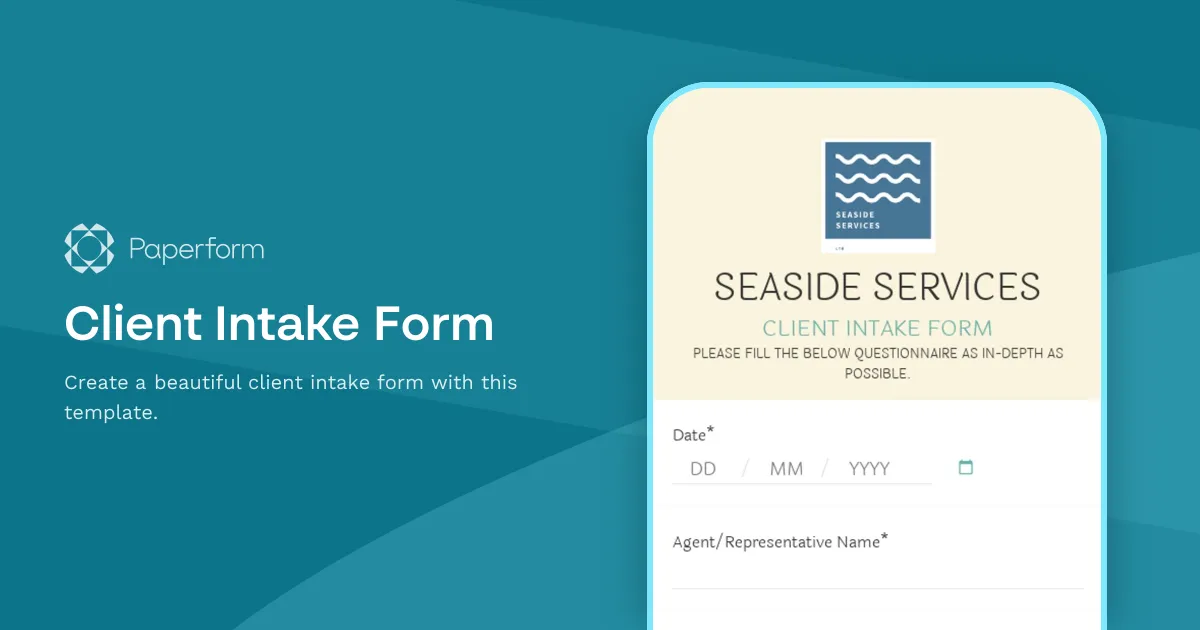
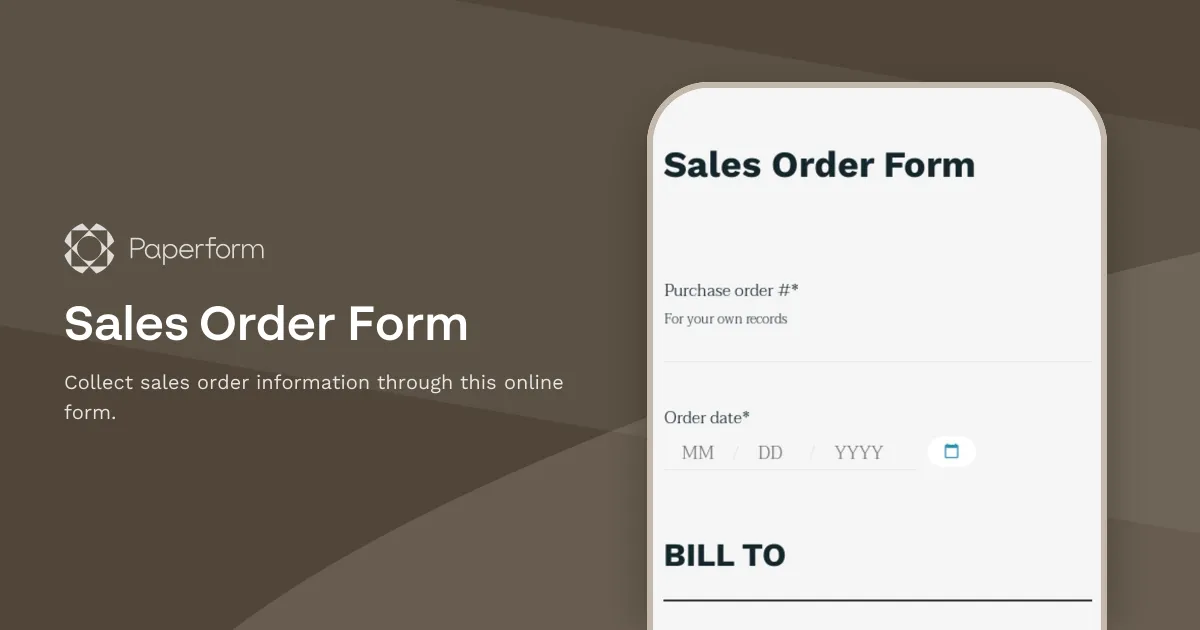
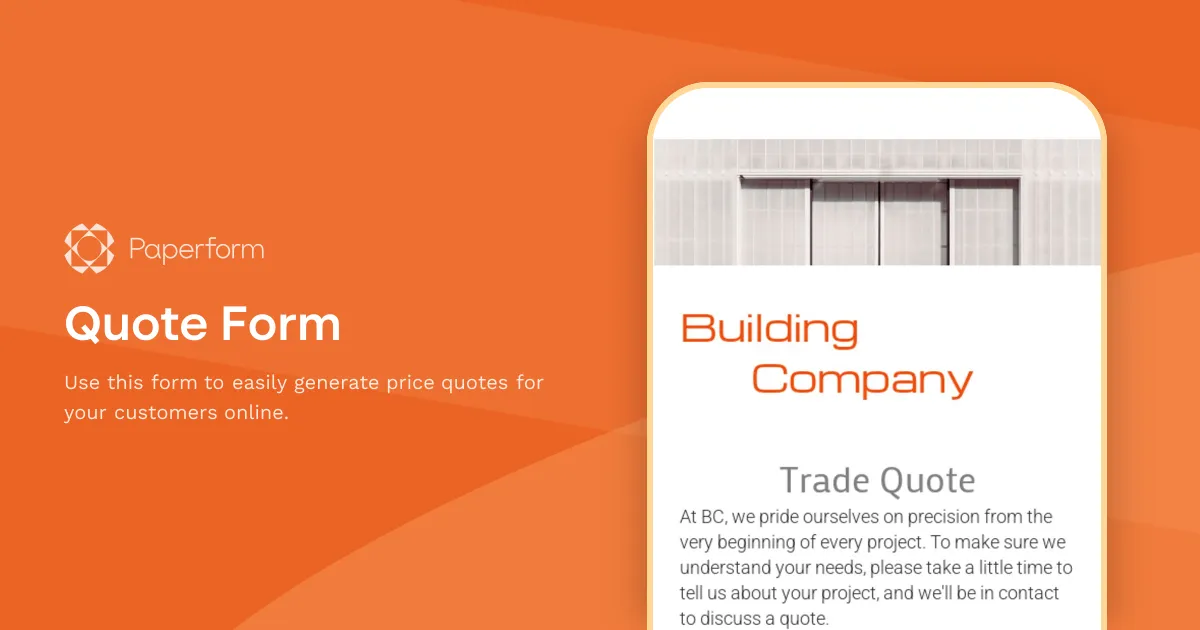
Start from a template
Pick a template, then connect it to ChatGPT (OpenAI). There are 30,000+ in the
templates directory.
1. Does Paperform integrate with ChatGPT (OpenAI)?
Yes. Paperform connects to ChatGPT (OpenAI) through Stepper workflows and Zapier.
2. How do I connect Paperform to ChatGPT (OpenAI)?
Open Stepper from your Paperform account and create a workflow. 2. Start it with the Paperform “New Submission” trigger and choose your form. 3. Add a OpenAI step, connect your account and map the submission’s answers to its fields.
3. Do I need Zapier to connect ChatGPT (OpenAI)?
No. Stepper workflows runs inside your Paperform account. Zapier is there too if your team already uses it.
4. What can a Stepper workflow do in ChatGPT (OpenAI)?
Ask AI, Generate Image, OCR and Web Search. Stepper is included in your Paperform account.
5. What else can happen after someone submits the form?
The same submission can take a payment, get a document signed with Papersign and run more steps in a Stepper workflow, all from your Paperform account.
Bring us the workflow that keeps breaking
Start with the one form whose data never quite lands where it should. Connect the rest when you're ready.