Copper is a CRM platform built for Google Workspace that helps teams manage leads, contacts, companies, and deals with a relationship-centric approach.
Paperform connects to Copper directly through Stepper workflows, and through Zapier if you already use it.
Each submission can create or update a contact or deal in Copper, so nobody re-types leads.
How Copper connects to Paperform
Direct methods run inside your Paperform account. Zapier and Make are there too if your team already uses them.
Run a Stepper workflow when someone submits your form: 15 Copper CRM actions and 6 triggers, included in your Paperform account.
- Open Stepper from your Paperform account and create a workflow.
- Start it with the Paperform “New Submission” trigger and choose your form.
- Add a Copper CRM step, connect your account and map the submission’s answers to its fields.
Copper actions in Stepper
- Create Lead
- Update Lead
- Find Lead
- Create Person
- Update Person
- Find Person
- Create Company
- Update Company
- Find Company
- Create Opportunity
- +5 more
Copper events that can start a workflow
- New Lead
- Updated Lead
- New Person
- Updated Person
- New Opportunity
- Updated Opportunity
Connect your form to Copper with a Zap. Zapier needs its own account and plan.
- In the form editor, go to After Submission → Integrations & Webhooks and choose Zapier.
- Create a Zap with Paperform’s “New Submission” trigger and a Copper action.
What your form sends to Copper
For example, with a Stepper workflow the “Create Lead” action takes these fields. Map each one to a question
on your form, and every submission fills them in.
| Copper field | Question on your form | Required |
|---|
| Name | Name | Yes |
| Email | Email | No |
| Phone Number | Phone number | No |
| Company Name | Short answer | No |
| Title | Short answer | No |
| Details | Long answer | No |
| Monetary Value | Number or calculation | No |
| Status | Dropdown or choice | No |
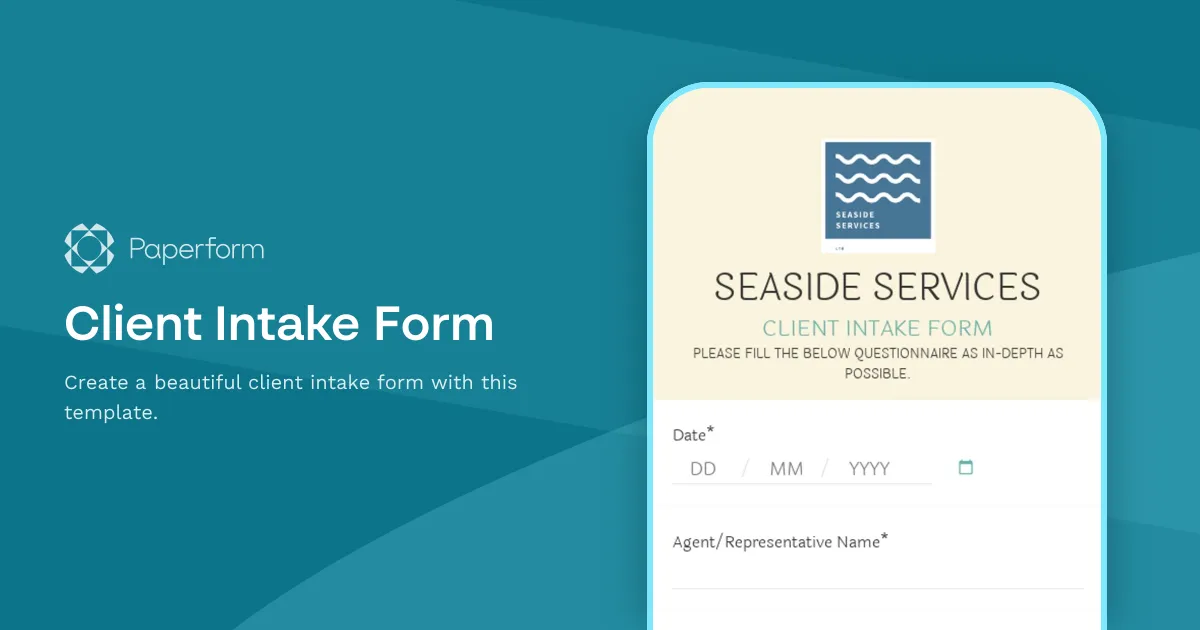
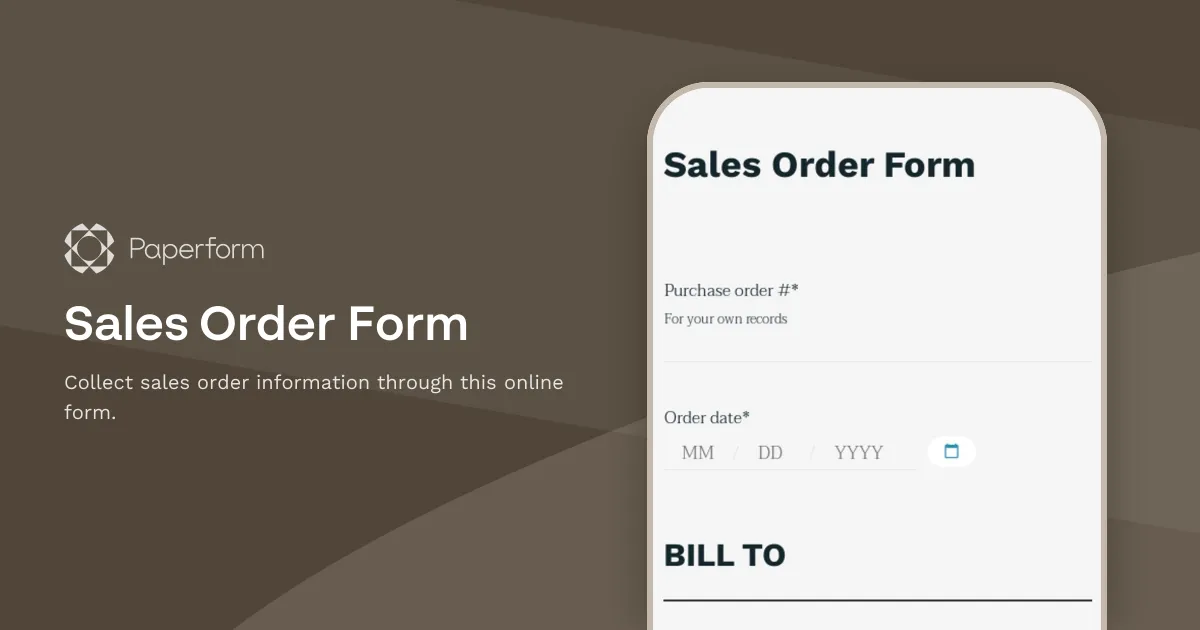
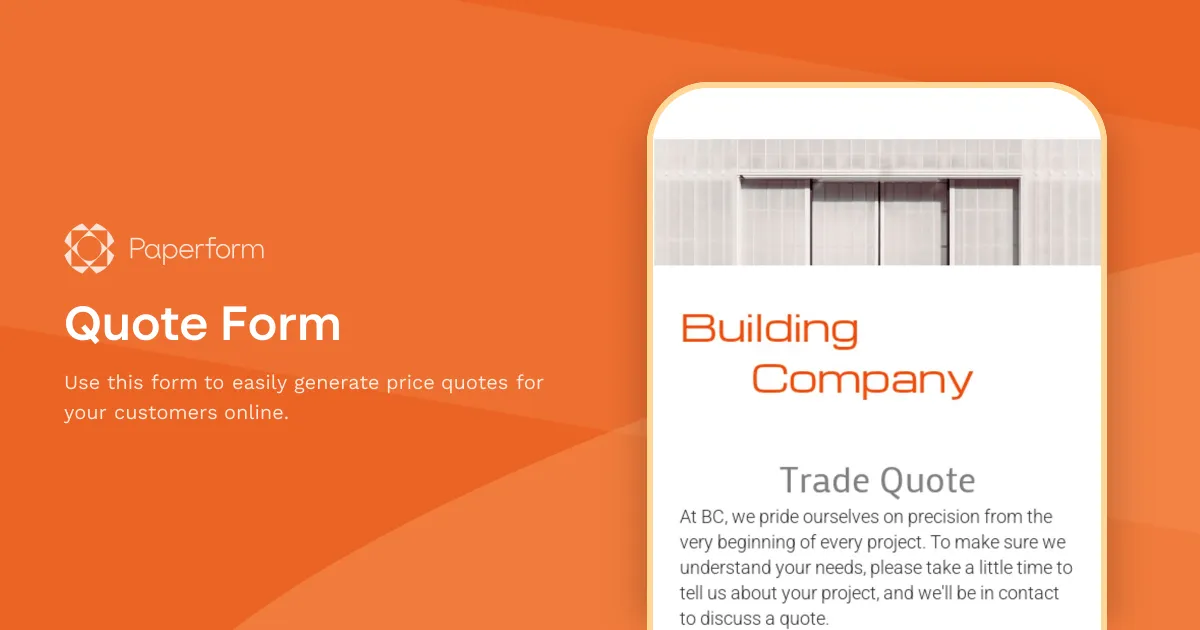
Start from a template
Pick a template, then connect it to Copper. There are 30,000+ in the
templates directory.
Related
More crm & sales integrations · Marketing operations · Lead forms