Paperform connects to Copy.ai through Zapier.
Each submission can go to Copy.ai to be summarised, sorted or scored.
Build Paperform forms from any AI agent
Paperform’s MCP server works with Claude, ChatGPT, Cursor and any assistant that supports remote MCP servers. Describe the form, approve it, and it’s live in your account.
See Paperform’s MCP server →How Copy.ai connects to Paperform
Copy.ai connects through Zapier, which need their own account.
Connect your form to Copy.ai with a Zap. Zapier needs its own account and plan.
- In the form editor, go to After Submission → Integrations & Webhooks and choose Zapier.
- Create a Zap with Paperform’s “New Submission” trigger and a Copy.ai action.
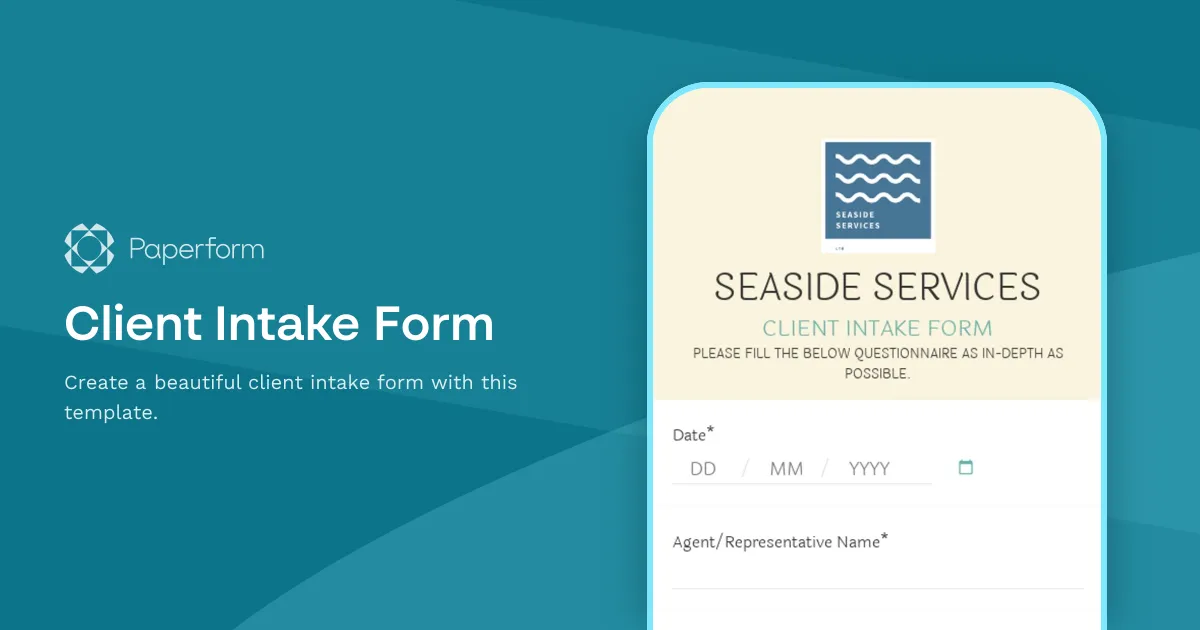
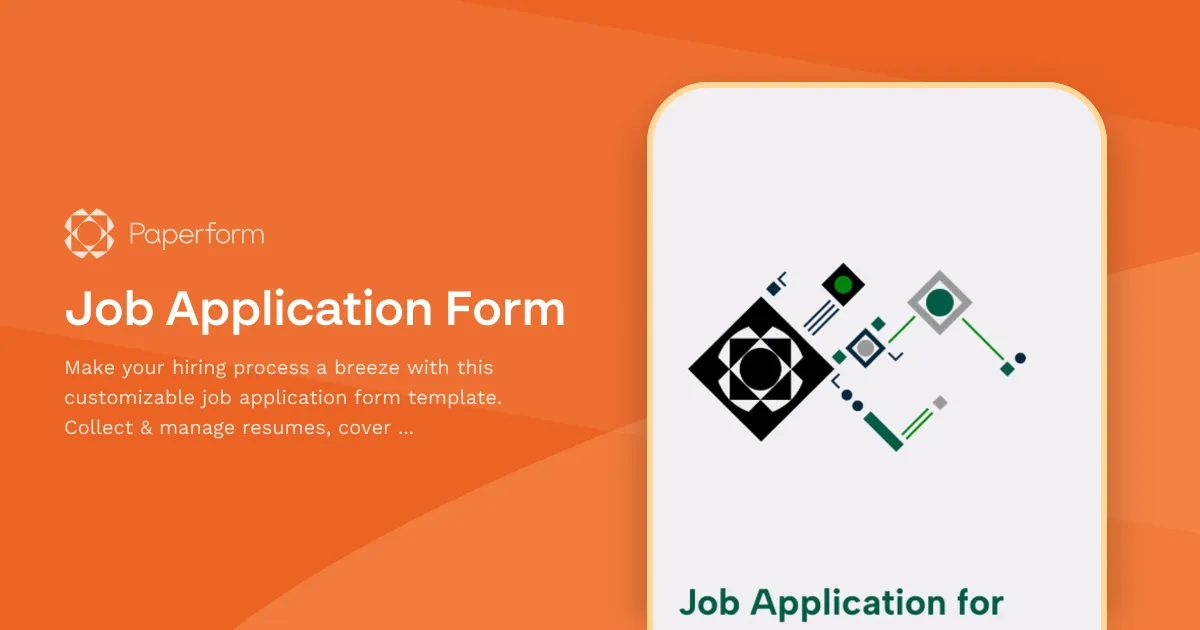
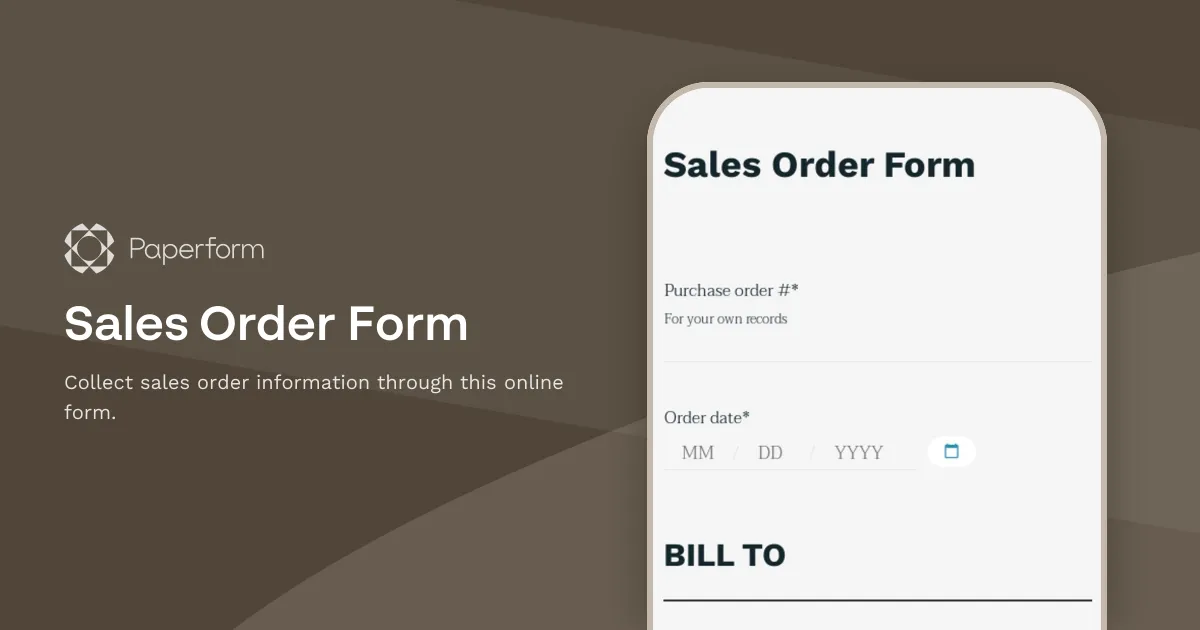
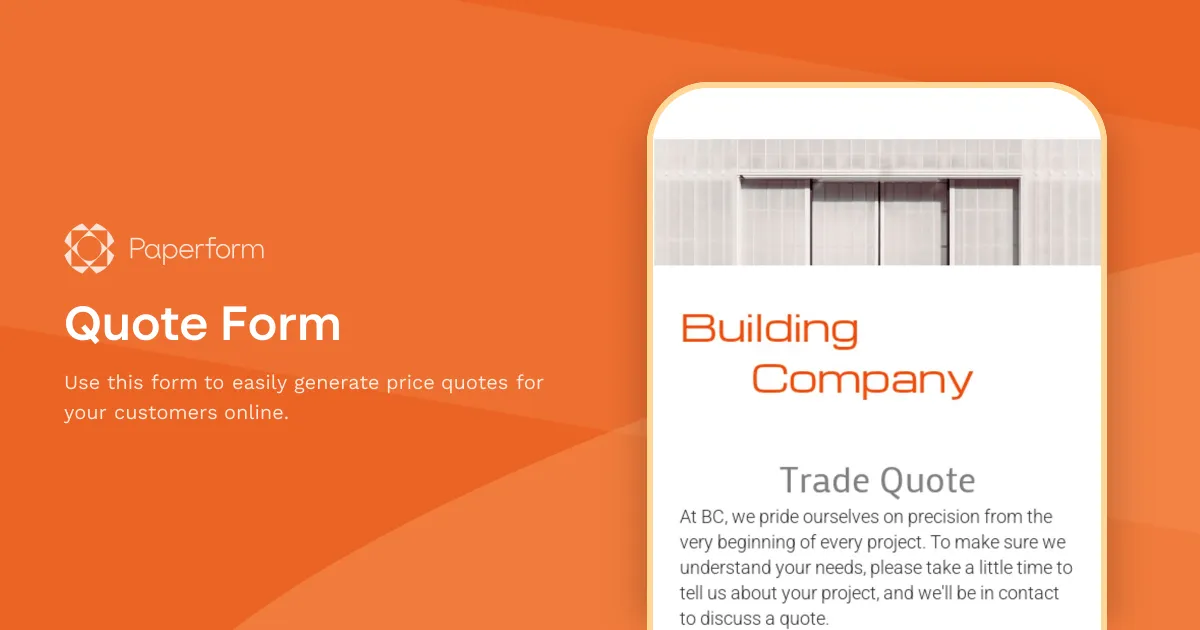
Start from a template
Pick a template, then connect it to Copy.ai. There are 30,000+ in the
templates directory.
Related
More ai integrations · Paperform MCP · Stepper