No-code form builder, without the limits of simple
Simple form tools break the first time you add payments, approvals or a second brand. Developer-built forms work until you need a change and wait three weeks for it. Paperform gives you the power of a custom build with forms you can change yourself: payments, logic, signatures and workflows, no code.
Every plan covers forms, e-signatures and workflows.
A no-code form builder lets you build forms, payments and logic without writing code or waiting on a developer. Paperform's editor works like a document: click anywhere, type, and add fields, conditional logic, calculations and payments from one place.
How it works

Start from a template
Pick one of the 30,000+ form templates, or start with a blank form.
Build it in the editor
Type your questions, then add fields, conditional logic, calculations and payments where you need them.

Connect the next step
Send submissions to your tools, get documents signed with Papersign, or run a workflow with Stepper.

Share it
Send a link, embed it on your site, or open it as a popup.
Everything a no-code form builder should do — and then some
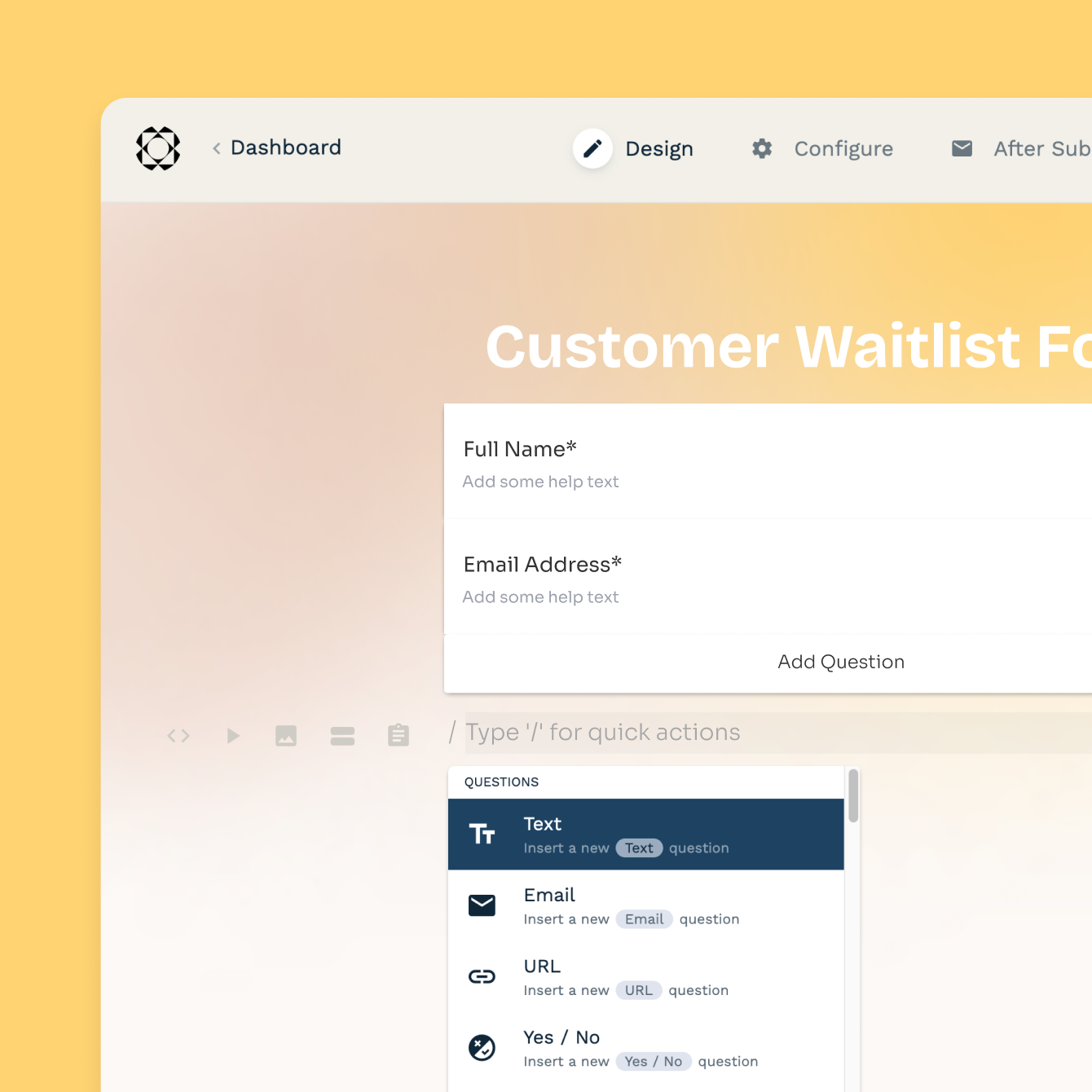
An editor that actually makes sense
Paperform's editor works like a document — click anywhere, type, and fields appear exactly where you want them. Add images, headings, products, and custom fields without touching a settings panel.
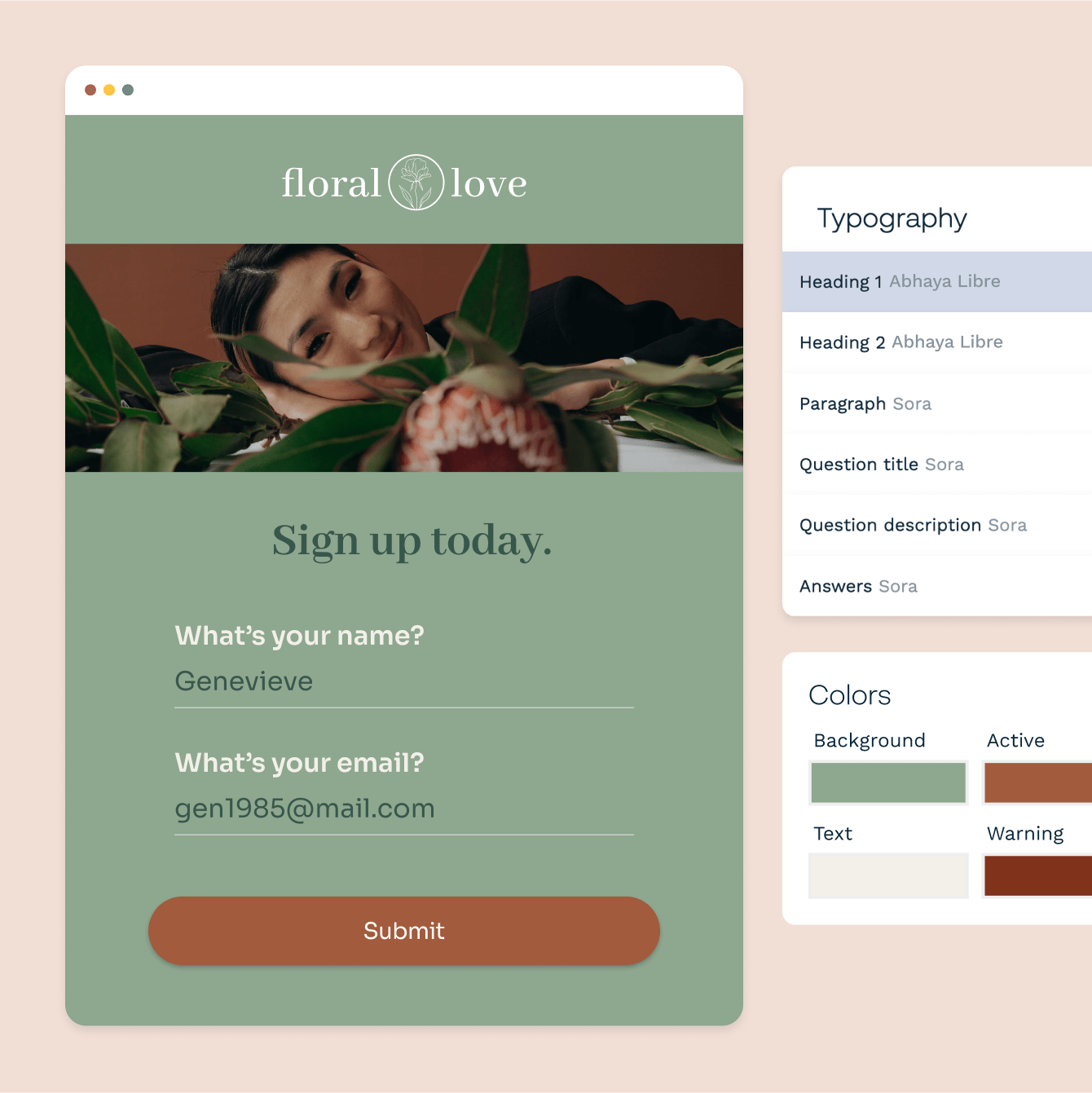
Make it look like your brand, not a generic form
Every font, colour, background image, and button style is yours to control. Apply a custom theme across all your forms in one click, or design each page individually.
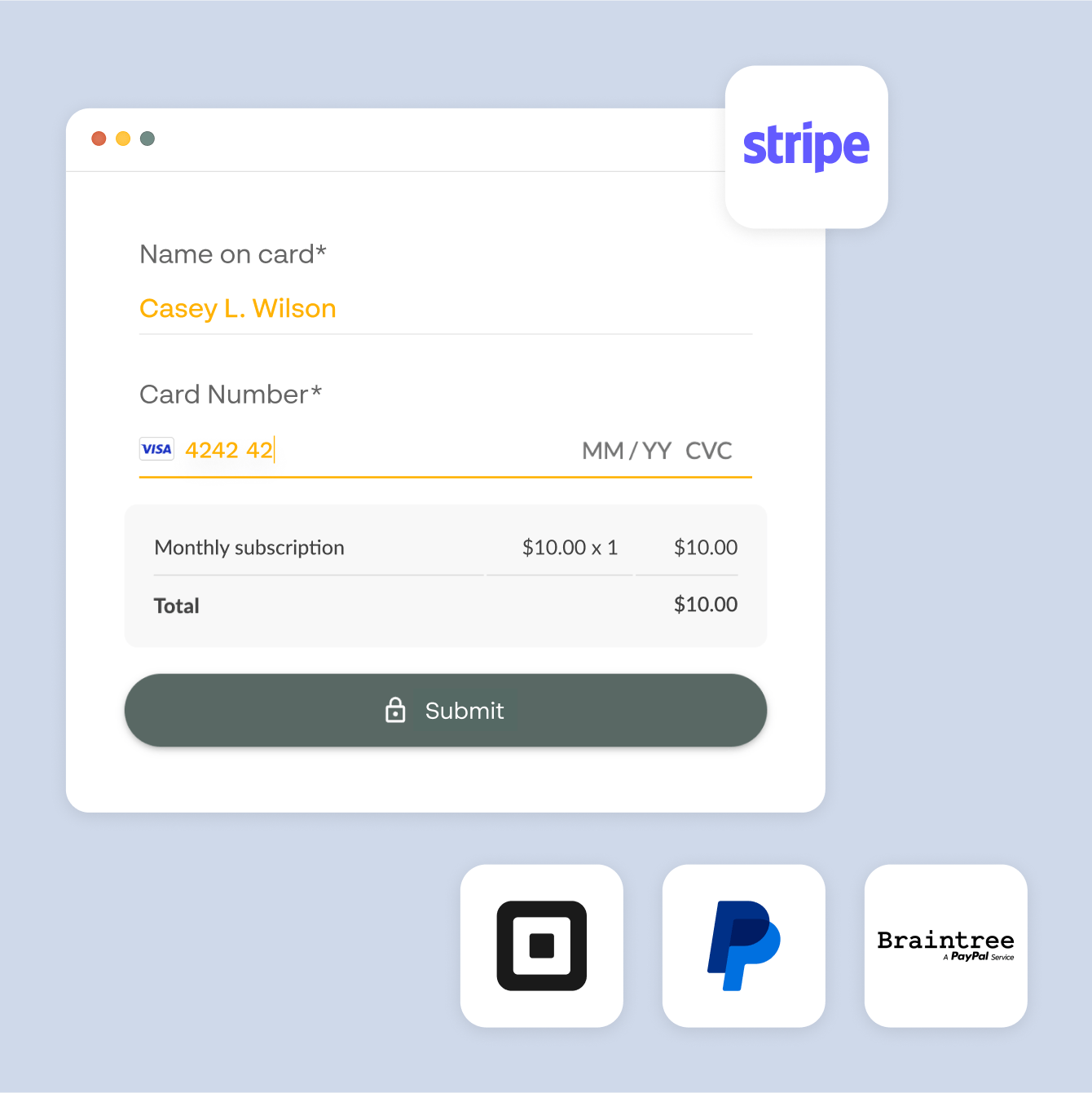
Payments, bookings, and calculations — no extra apps needed
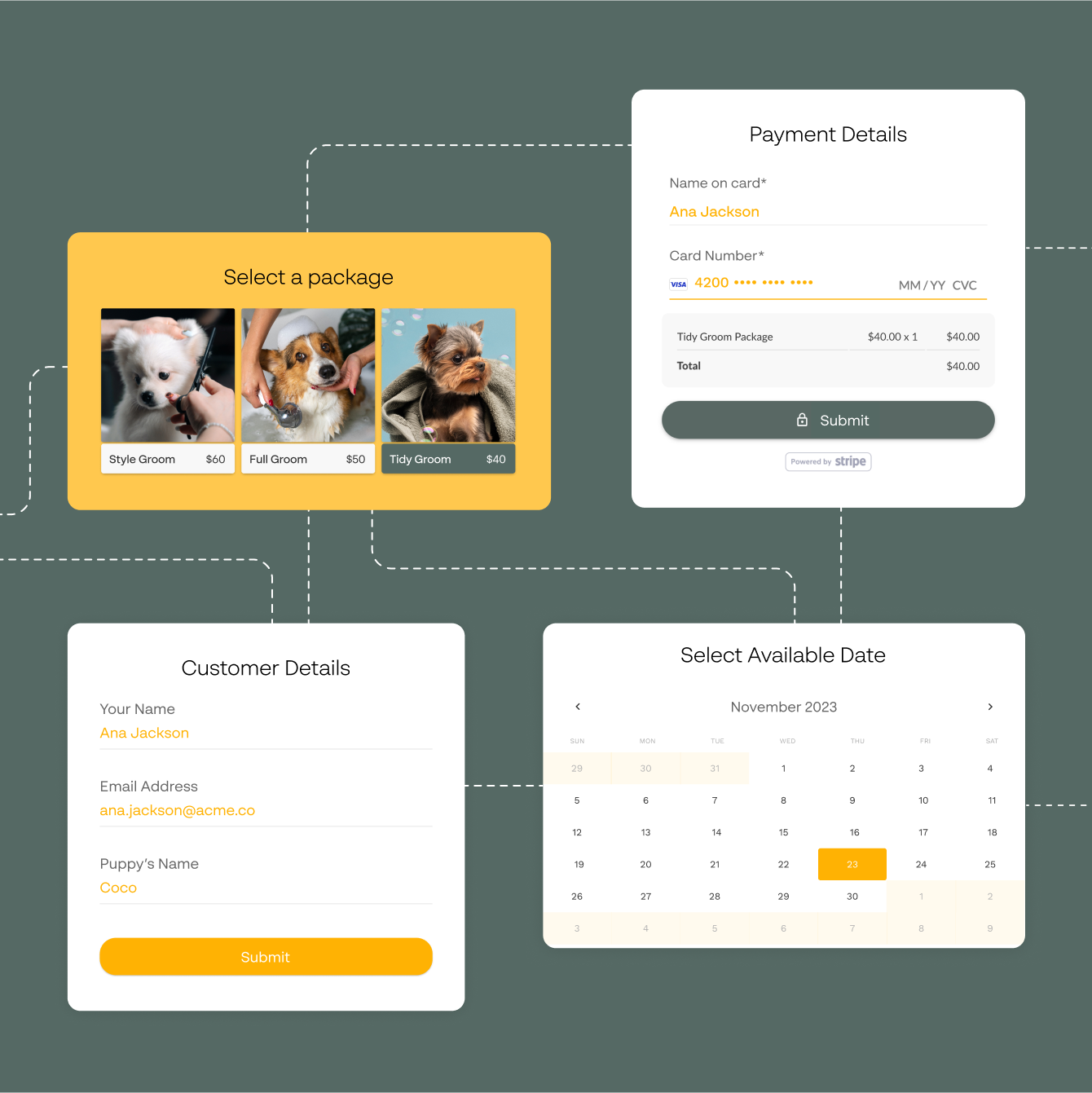
Paperform has payment collection, appointment scheduling, and real-time calculations built directly into the editor — no third-party plugins needed. Sell products, collect deposits, book meetings, or calculate quotes all from one form.
Smart logic that responds to every answer
Show or hide fields based on what someone selects, skip irrelevant sections, or change the destination URL based on a score — set up by clicking checkboxes, not writing code. Build forms that feel personal without a single if/else statement.
Form templates to start from
Lead capture, bookings, checkout, feedback, intake and quotes, ready to change to fit how you work.

“It's actually a crucial stepping stone to getting to this point where I am developing a real app because before Paperform and Stepper, it was inconceivable to me that I could.”
How this global expert used Paperform to prove a $100,000 idea could work
Read case study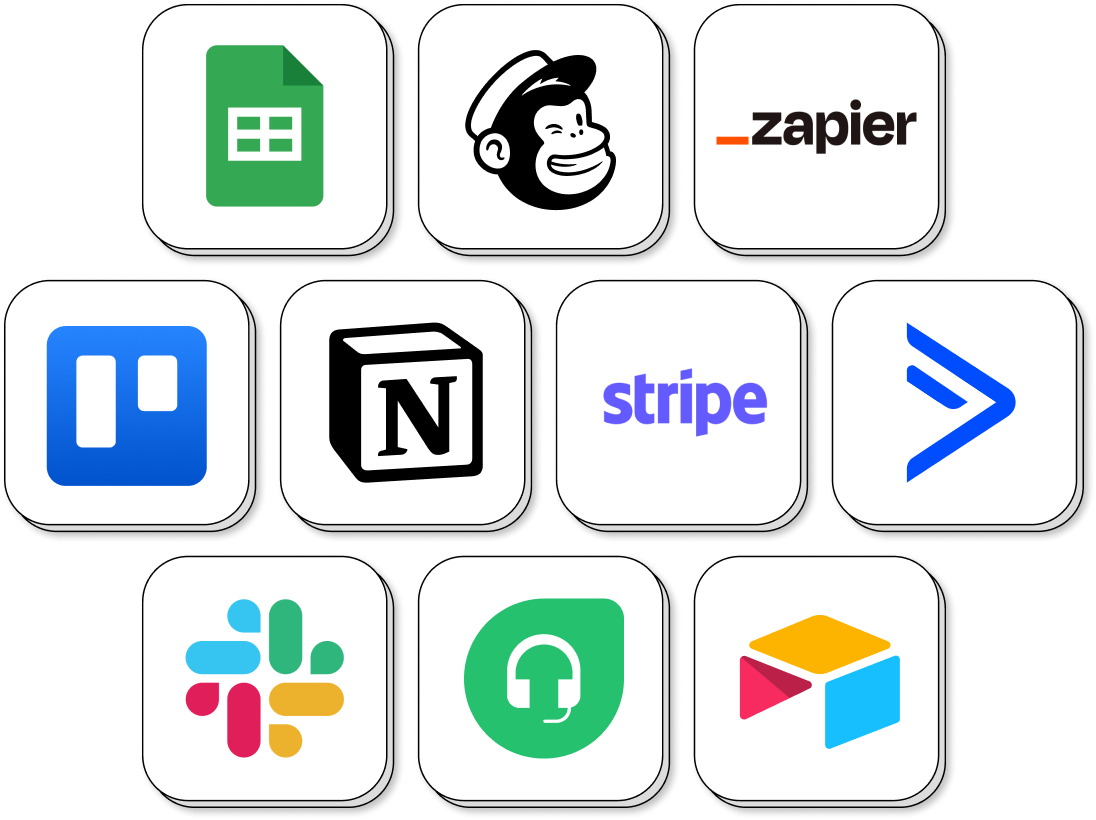
Connect your forms to the tools you already use
Paperform connects with HubSpot, Mailchimp, Google Sheets, Slack, Notion, Airtable, and 9,800+ other tools — with no extra coding. Every submission can trigger an email, update a CRM record, or add a row to a spreadsheet automatically.
No-Code Form Builder FAQs
1. What is a no-code form builder?
A no-code form builder is a tool that lets you create online forms without writing any code. You use a visual editor to add fields, set logic, and customise the design. Paperform's editor works like a document, click anywhere to add a field, heading, image, or product. No developer or technical knowledge needed.
2. What types of forms can I build without code?
You can build contact forms, payment forms, order forms, surveys, quizzes, polls, appointment booking forms, event registration forms, client onboarding forms, lead generation forms, job applications, and more. Paperform also supports calculation-based forms for quotes and pricing pages.
3. Can I accept payments in a no-code form?
Yes. Add a payment field to any form and connect Stripe, PayPal, Square or Braintree to collect one-off payments, subscriptions or donations, with no code and no separate billing platform.
4. Can I add conditional logic to my form without coding?
Yes. Paperform's conditional logic is fully visual, you set rules by selecting options from dropdowns, not by writing code. You can show or hide fields based on previous answers, skip sections, change the success page, or route respondents to different outcomes based on their responses.
5. Are Paperform forms mobile-friendly?
Yes. Every form adapts automatically to the screen size it's viewed on. No separate mobile layout to configure.
6. How is Paperform different from Google Forms or Typeform?
Google Forms is free and quick for simple forms, and if that's all you need, it's a good choice. Typeform shows one question at a time and suits conversational forms. Paperform suits forms that need to do more: a document-style editor with full brand control, built-in payments and calculations, conditional logic, and Papersign and Stepper in the same account for signatures and workflows. See how form builders compare.
7. How does Paperform compare to other no-code form builders like Typeform or JotForm?
Typeform is conversational and suits one-question-at-a-time flows; JotForm has a large template library with a drag-and-drop interface. Paperform's editor works like a document — click and type anywhere — with payments, scheduling, e-signatures, and conditional logic built in from day one. For a detailed comparison, see our form builder comparison guide.
Build it yourself. Change it yourself.
Payments, logic, signatures and workflows, with no code and no waiting on a developer.
Start building