Finance and accounting form templates
2,281 templates
Finance and accounting forms collect the details behind payments, expenses and financial approvals. These templates cover invoicing, expense claims, tax forms, budgets, credit applications, grant requests and direct debit setup.
Browse by type
Invoicing & Payments
Invoices, receipts, and payments
171 templates
Expense Management
Expense reports and reimbursements
144 templates
Banking Forms
Bank accounts and transfers
129 templates
Tax Forms
Tax collection and compliance
384 templates
Budgeting & Forecasting
Budget planning and forecasts
107 templates
Grant & Funding Requests
Funding and grant applications
111 templates
Investment Forms
Investment and portfolio management
103 templates
Credit Applications
Credit and financing applications
95 templates
Direct Debit Setup
Automatic payment and direct debit forms
79 templates
Featured finance and accounting form templates
Accessories Order Form
Use this online form to sell accessories.
Apparel Order Form
Sell apparel and clothing via this e-commerce form.

Art Commission Form
Need an art commission form template as beautiful and powerful as the art you’re creating? Add products, take payments and tailor it to your unique brand.
Bakery Order Form
Selling your baked goods online is now as easy as pie!
Beef Cut Order Form
Use this online form to collect orders online in your butcher's shop.
Beer Order Form
Use this form to collect beer orders online (both delivery and pickup).
Board Game Order Form
Use Paperform to run your board games e-commerce store.
Burgers Order Form
Use this online form to collect burger orders.
Cake Order Form
Get started selling cakes online.
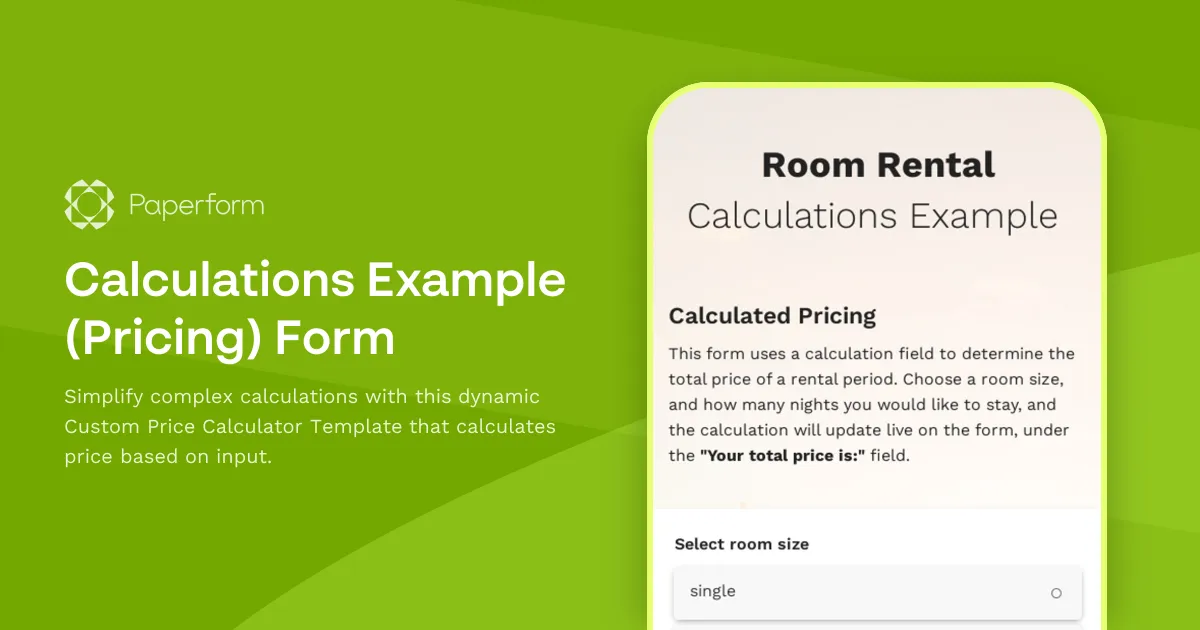
Calculations Example (Pricing) Form
Simplify complex calculations with this dynamic Custom Price Calculator Template that calculates price based on input.
Candle Order Form
Use this online form template to sell candles online.
Candy Order Form
Use Paperform to start your e-commerce business selling candies and sweets online.
Catering Order Form
Accept catering orders online with this form template.
Checkout Form
Use this checkout form to accept payments online.
Clothing Order Form
Sell clothing online with this beautiful order form template.
Coffee Order Form
Use this online form to sell coffee beans online.
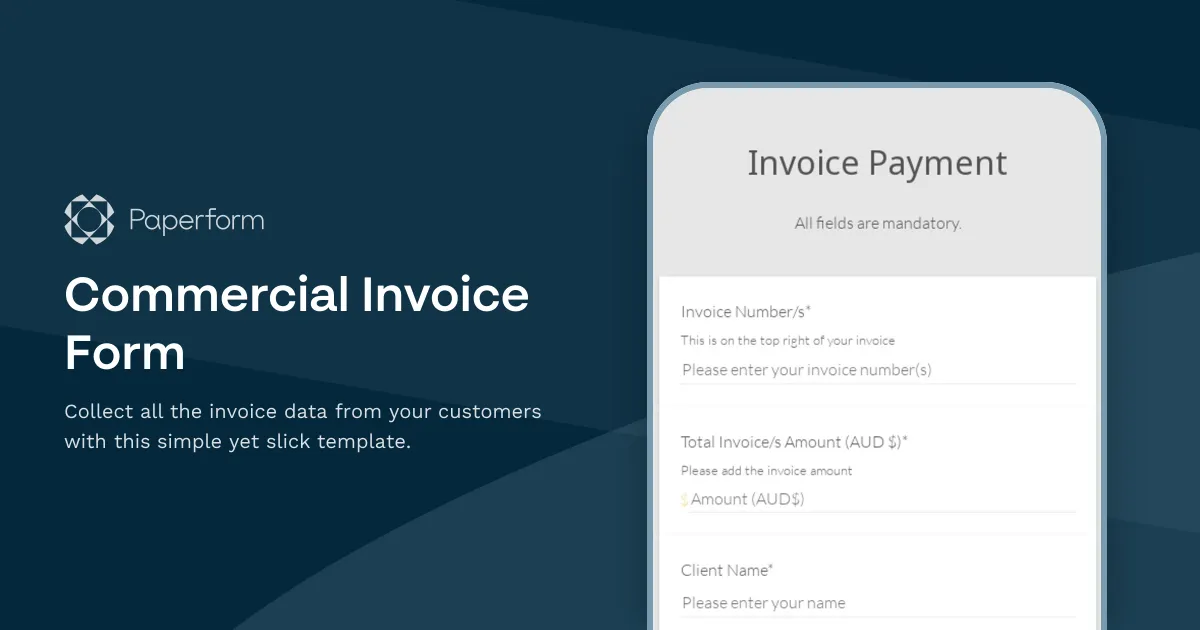
Commercial Invoice Form
Collect all the invoice data from your customers with this simple yet slick template.

Concert Tickets Order Form
Use this form to sell concert tickets online.
Conditional Pricing Form
Use this template to create a payment form with conditional pricing.
Cookie Order Form
Selling cookies online is as easy as pie with Paperform.
Cosmetics Order Form
Use this online form template to sell cosmetics online.
Crafts Order Form
Use this online form to sell crafts online.
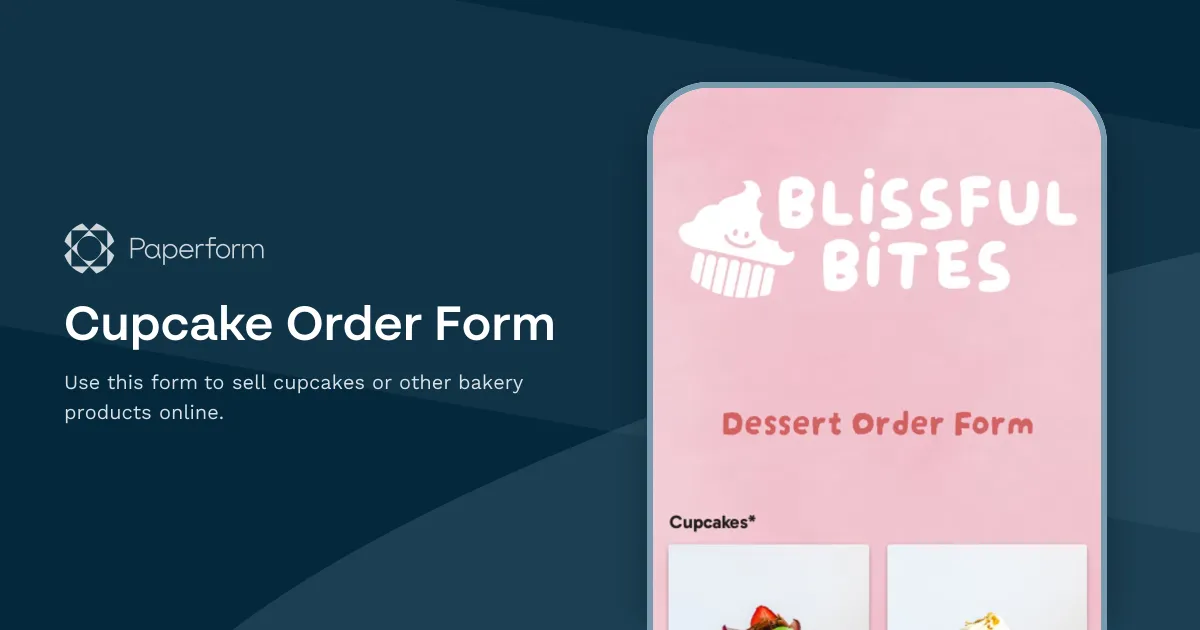
Cupcake Order Form
Use this form to sell cupcakes or other bakery products online.
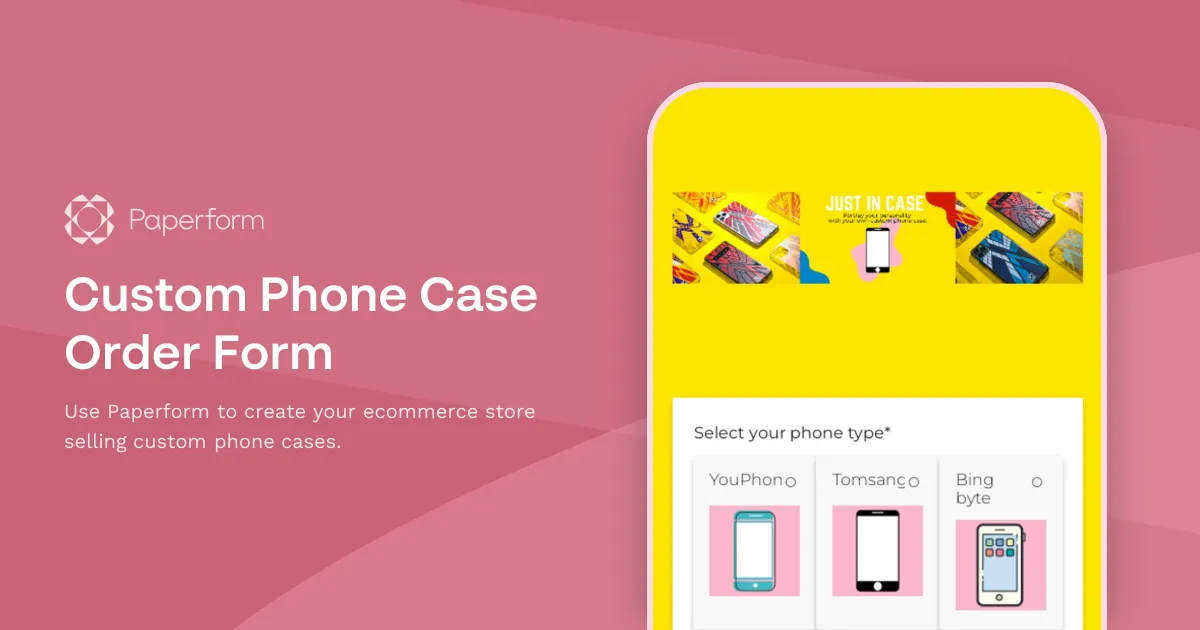
Custom Phone Case Order Form
Use Paperform to create your ecommerce store selling custom phone cases.
Showing 24 of 2,281 templates. Pick a type above to see them all.
Simplify Your Financial Workflows
Whether you're an accountant, bookkeeper, or finance professional, managing client information, payment details, and financial data efficiently is crucial to your business. Our Financial & Accounting Forms collection provides ready-to-use templates designed to streamline everything from client intake to expense tracking.
Paperform's financial form templates help you collect sensitive information securely while maintaining a professional image. Accept payments directly through forms, gather tax documentation, process invoice requests, and onboard new clients—all in one place.
Built for Finance Professionals
Our templates are perfect for:
- Accounting firms managing multiple clients and billing cycles
- Bookkeepers tracking expenses and financial records
- Financial advisors onboarding clients and collecting investment information
- Small business owners managing invoices, budgets, and financial reporting
Powerful Features for Financial Data
With Paperform, you can accept payments via Stripe, PayPal, or Square, automate workflows with Stepper to route forms to the right team members, and secure sensitive data with password protection and conditional logic. Use Papersign to collect legally binding eSignatures on financial agreements, client contracts, and engagement letters.
Every template is fully customizable, allowing you to add your branding, adjust fields to match your specific needs, and integrate with your existing accounting software. Start collecting financial data more efficiently today.
Frequently asked questions
What is the difference between an invoice and a receipt?
An invoice is a request for payment sent before the customer pays. A receipt is proof that payment has been made. Many small businesses use one online form to show the invoice details and take payment, then send an automatic confirmation email as the customer's record.
What should an expense claim form include?
An expense claim form should include the employee's name and department, the date and amount of each expense, the category and the business purpose. Add a file upload for receipts and a total that adds itself up. Finish with a declaration and an approver field so the claim can move through sign-off.
Can I take payments through an online invoice form?
Yes. Paperform connects to Stripe, PayPal, Square and Braintree, so customers can pay the moment they submit. Calculations work out totals, tax and discounts live as people fill in the form. With Paperform's invoice forms, you can also set up subscriptions for recurring billing.
Is it safe to collect financial information through an online form?
Collecting financial information online can be safe if the form provider protects data properly and you only ask for what you need. Paperform is SOC 2 Type II and GDPR compliant, and card payments are processed by the payment provider rather than typed into your form fields. Avoid asking people to type full card numbers into plain text fields.
How do I route expense claims or credit applications for approval?
Collect the claim or application in Paperform, then use Stepper to handle what happens next. Stepper can send each submission to the right approver, email the applicant once a decision is made and update other apps such as a spreadsheet or CRM. That keeps approvals moving without anyone forwarding emails by hand.