Marketing and lead generation form templates
2,032 templates
Marketing forms capture and qualify leads across your website, campaigns and social channels. These templates cover lead generation, landing pages, lead magnets, newsletter sign-ups, contests and referral programmes, and connect to HubSpot, Mailchimp and other tools.
Browse by type
Lead Generation
Contact and inquiry forms
849 templates
Landing Page Forms
Forms for PPC, ads, and conversion-focused landing pages
59 templates
Lead Magnets & Downloads
Ebook, whitepaper, and gated content download forms
110 templates
Newsletter & Subscriptions
Email sign-ups and subscriptions
94 templates
Webinar Registration
Webinar and online event registration for marketing
150 templates
Social Media Marketing
Social media contests, campaigns, and UGC forms
169 templates
Contests & Giveaways
Contest entries, giveaways, and promotional campaigns
182 templates
Content Marketing
Content requests and collaboration
163 templates
Sales Funnel Forms
Upsells, downsells, and funnel optimization
83 templates
Referral Programs
Customer and partner referral forms
114 templates
Agency & Client Management
Agency onboarding, discovery, and project briefs
114 templates
Featured marketing and lead generation form templates
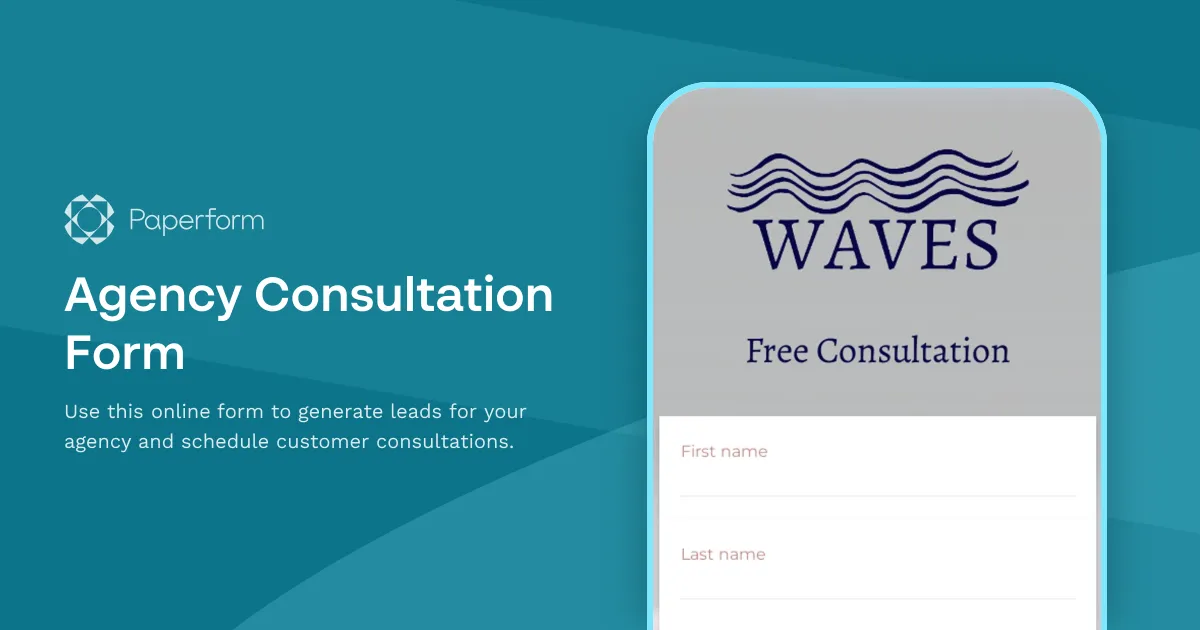
Agency Consultation Form
Use this online form to generate leads for your agency and schedule customer consultations.
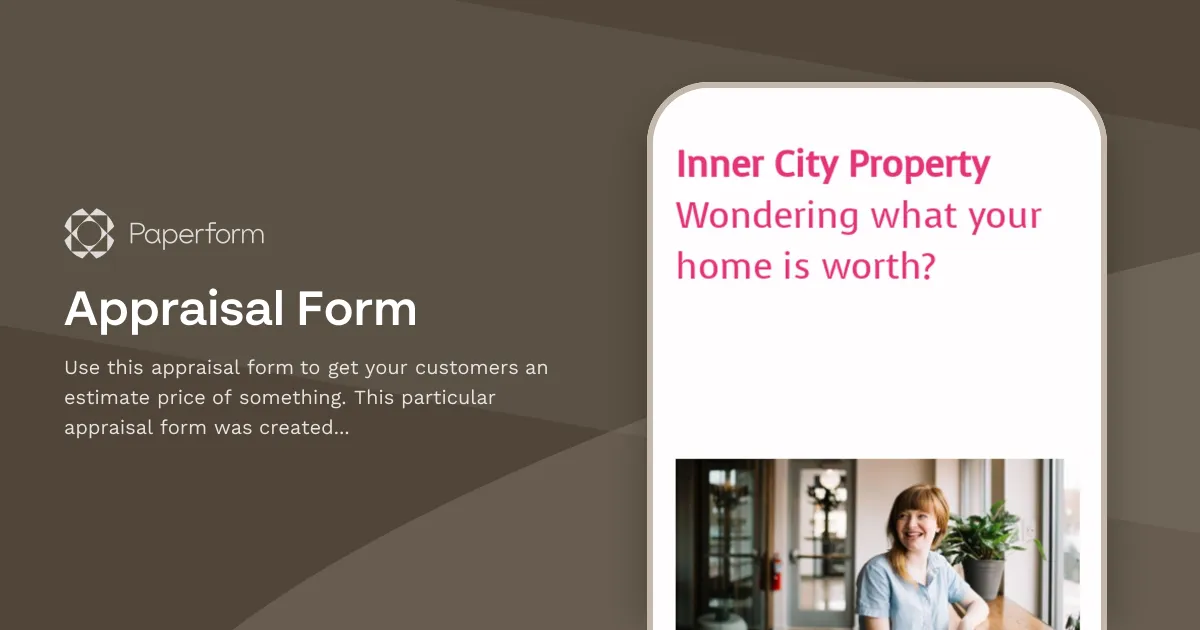
Appraisal Form
Use this appraisal form to get your customers an estimate price of something. This particular appraisal form was created for real estate agents — but you can easily make it yours.
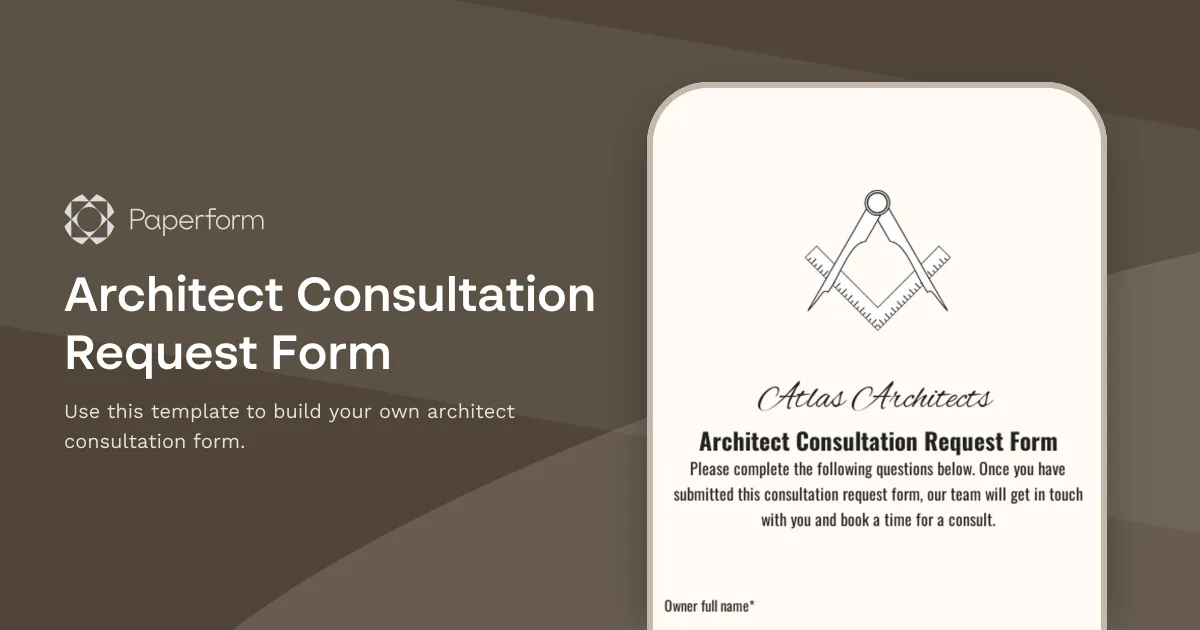
Architect Consultation Request Form
Use this template to build your own architect consultation form.
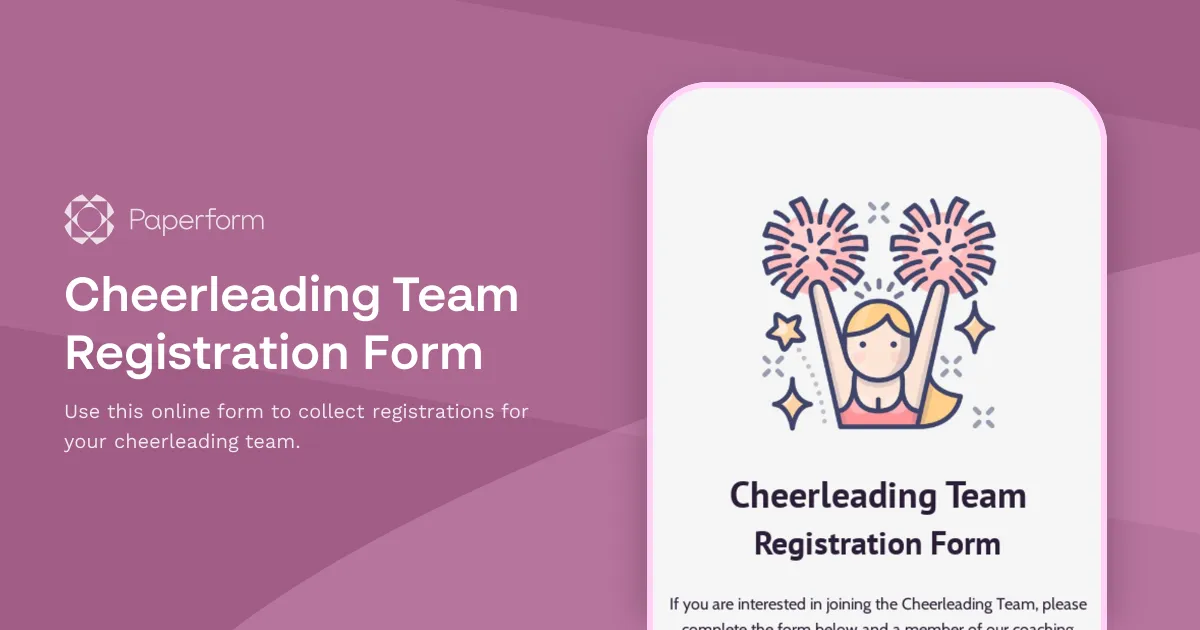
Cheerleading Team Registration Form
Use this online form to collect registrations for your cheerleading team.
Consulting Lead Generation Form
Use this online form to generate leads for your consultancy or agency business.
Creative Request Form
Use this online form to collect creative requests from your clients or team members.

Design Brief Form
Use this form to collect all information about a design project.
Design Consultation Form
Use this online form template to collect design consultation requests from prospective customers.
Dog Training Request Form
Use this online form to collect dog training requests and generate leads.
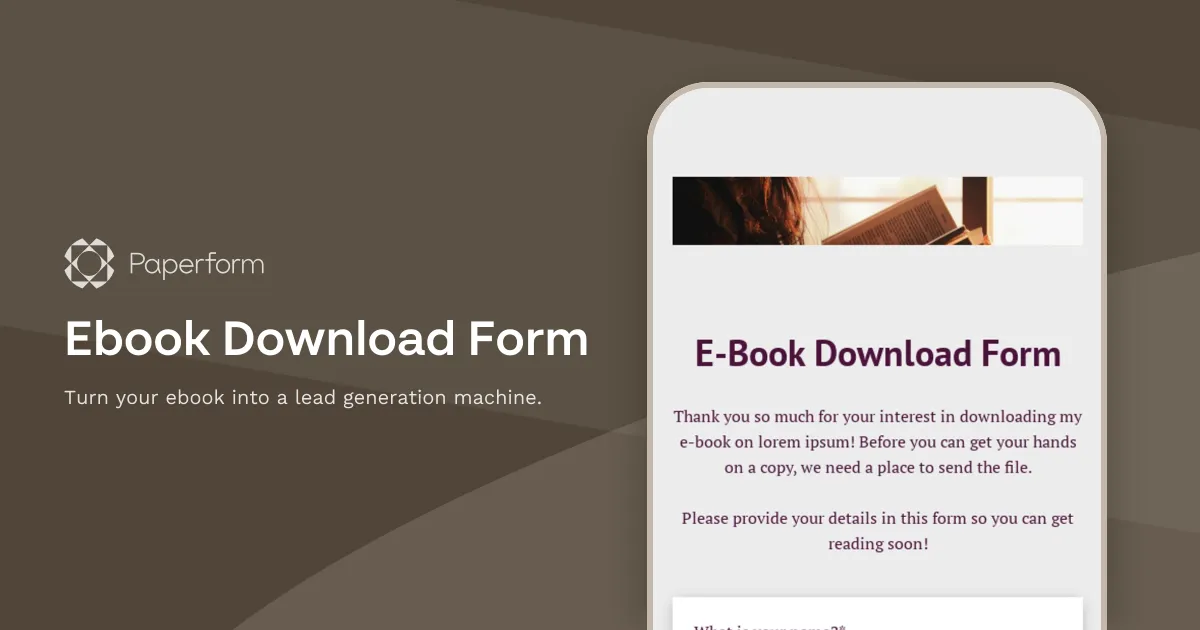
Ebook Download Form
Turn your ebook into a lead generation machine.

Fitness Referral Form
Create a referral program for your fitness business with this simple yet beautiful form template.

Fitness Registration Form
Need to collect registrations for a fitness class? Customize this beautiful template and set your form live.

French Language Quiz
Use this template to build a custom French language quiz.
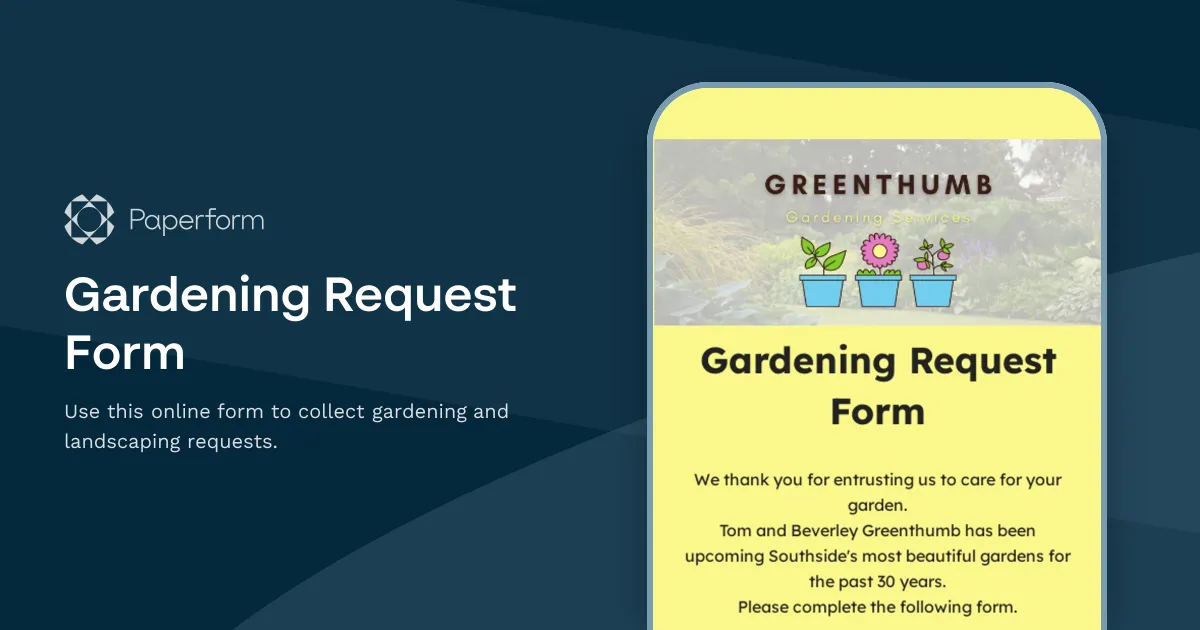
Gardening Request Form
Use this online form to collect gardening and landscaping requests.
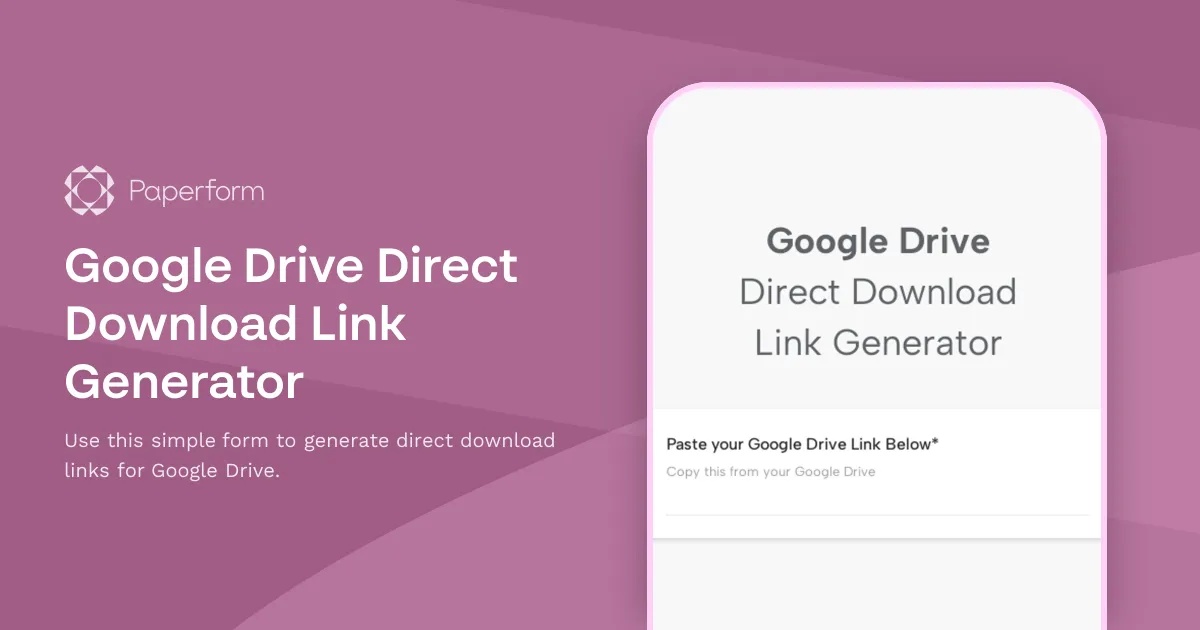
Google Drive Direct Download Link Generator
Use this simple form to generate direct download links for Google Drive.

Graphic Design Request Form
Use this online form to collect graphic design requests from your clients.
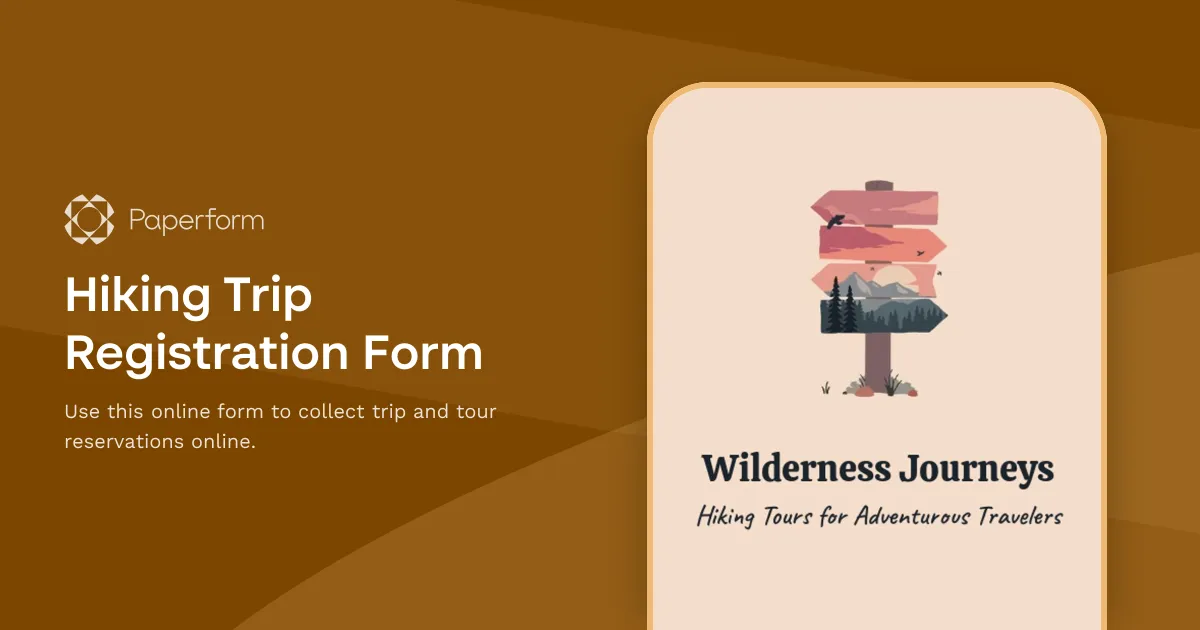
Hiking Trip Registration Form
Use this online form to collect trip and tour reservations online.
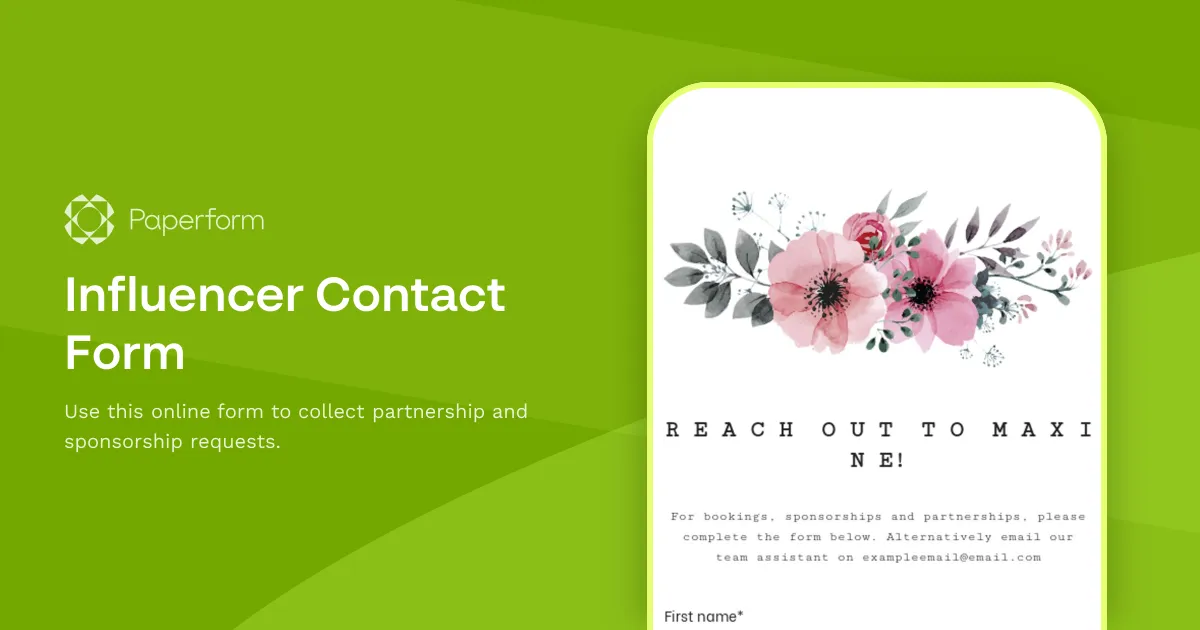
Influencer Contact Form
Use this online form to collect partnership and sponsorship requests.
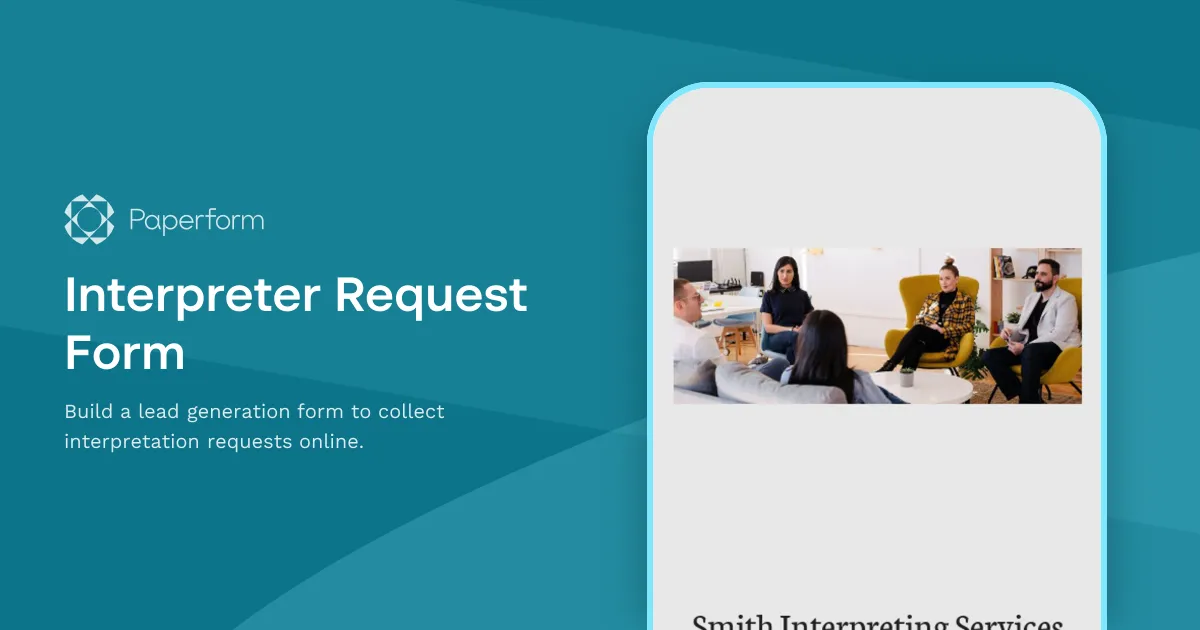
Interpreter Request Form
Build a lead generation form to collect interpretation requests online.
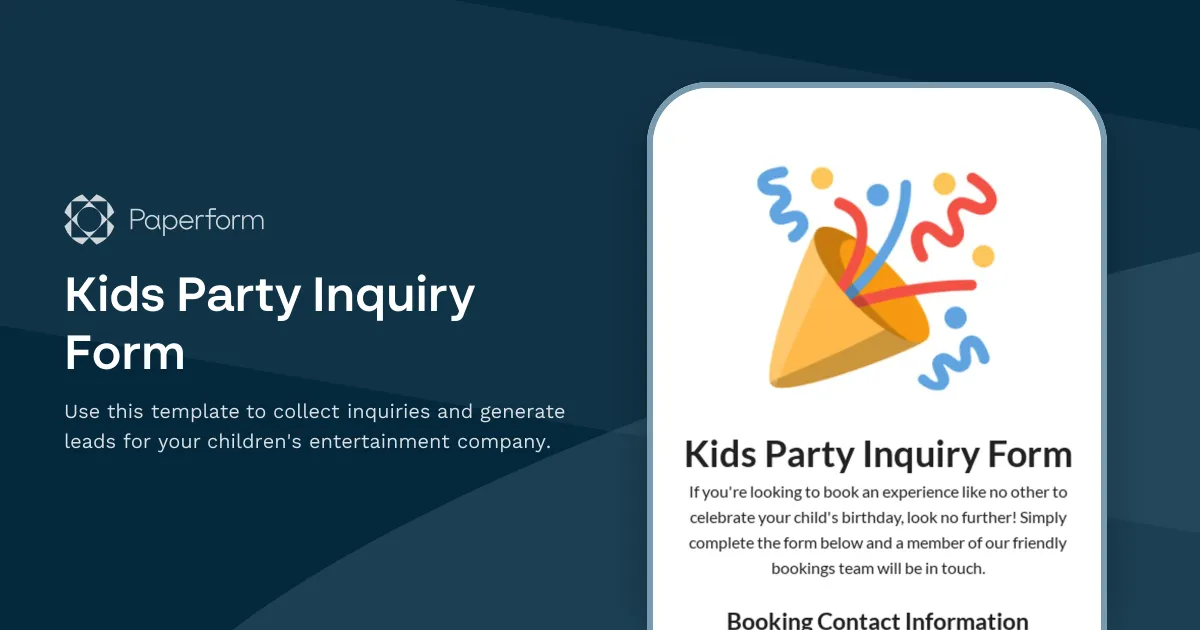
Kids Party Inquiry Form
Use this template to collect inquiries and generate leads for your children's entertainment company.
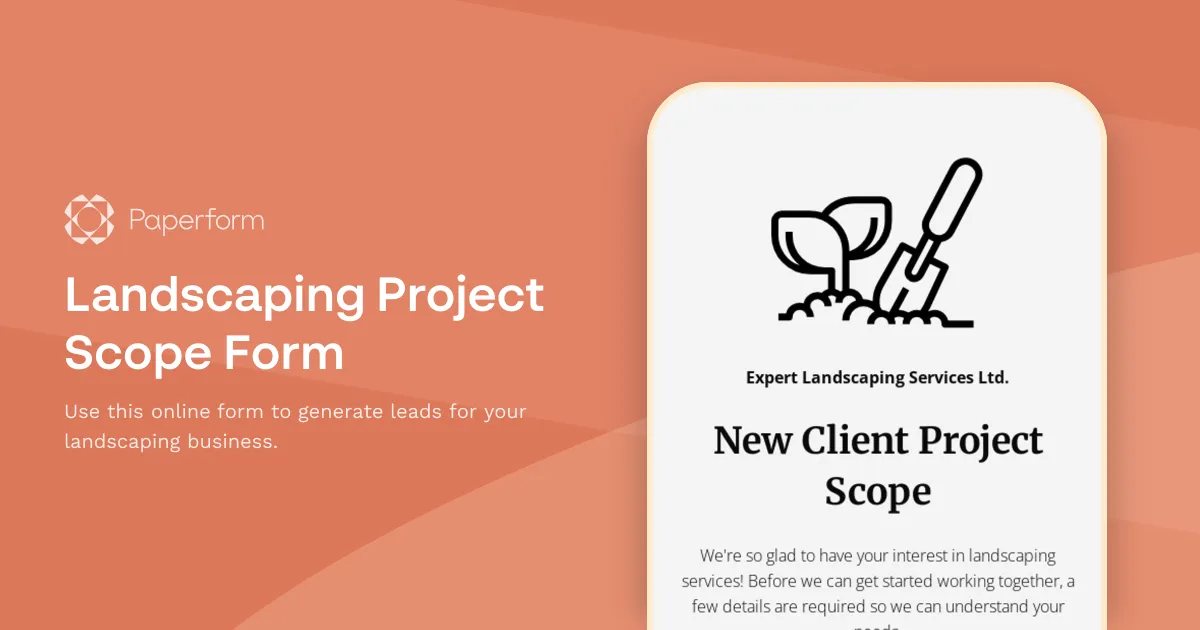
Landscaping Project Scope Form
Use this online form to generate leads for your landscaping business.
Lead Capture Form
Generate new leads for your business with this beautiful form template.
LinkedIn Lead Generation Form
Use this online form template to start generating leads on LinkedIn in no time.
Logo Design Request Form
Use this online form to collect logo design requests.
Showing 24 of 2,032 templates. Pick a type above to see them all.
Marketing & Lead Generation Form Templates
Whether you're building an email list, capturing qualified leads, or running a multi-channel campaign, our Marketing & Lead Generation templates help you convert visitors into customers. Designed for marketers, agencies, and growth teams, these templates make it easy to collect contact information, qualify prospects, and nurture relationships—all without writing a single line of code.
Paperform's marketing templates include everything from simple newsletter sign-ups and lead magnets to detailed inquiry forms and event registrations. Each template is fully customizable to match your brand, and you can embed them anywhere—on your website, in landing pages, or share them via link.
Capture and convert with powerful features:
- Collect leads with conditional logic that adapts to respondent answers
- Accept payments directly for premium content, webinars, or exclusive offers
- Integrate seamlessly with your CRM, email marketing platform, or marketing automation tools
- Track campaign performance with built-in analytics and UTM parameters
- Automate follow-ups and nurture sequences with Stepper workflows
From solo entrepreneurs launching their first lead magnet to marketing teams running complex campaigns, Paperform's templates help you build beautiful, high-converting forms in minutes. Start capturing quality leads today and turn interest into action with forms that actually work.
Frequently asked questions
What is a lead generation form?
A lead generation form collects contact details from people interested in your product or service so your team can follow up. It usually sits on a landing page, in a pop-up or in front of a lead magnet like a guide or checklist. Good lead forms also ask one or two qualifying questions so sales can prioritise.
What fields should a lead capture form include?
A lead capture form should start with name and email, then add only the questions that help you qualify the lead, such as company size, role, budget or timeline. Every extra field adds friction, so save deeper questions for later in the relationship. Include a clear consent checkbox for marketing emails where local privacy laws require it.
How many fields should a lead form have?
Fewer fields usually bring more submissions, while more fields usually bring better-qualified leads. A newsletter sign-up might need only an email address, while a demo or quote request can justify a handful of qualifying questions. Showing one question at a time with Paperform's Guided Mode can make a longer form feel shorter.
How do I send leads from Paperform to HubSpot or Mailchimp?
Connect Paperform's native HubSpot or Mailchimp integration and map your form fields to contact or audience fields. Each new submission then creates or updates the contact automatically. Paperform's lead forms also connect to Google Sheets, Slack and 9,000+ other apps through Zapier, Make and webhooks.
Can I run a contest or giveaway with an online form?
Yes. Build an entry form with the fields you need, add your terms and conditions with a required checkbox, and use conditional logic to ask follow-up questions. In Paperform, calculations can score answers if you're running a skill-based competition. Rules for promotions and giveaways vary, so check the requirements in each country you run the contest in.