Incident report form templates
951 templates
Incident and reporting forms record what happened, when and who was involved. These templates cover incident and accident reports, near misses, safety reports, anonymous whistleblower reports and daily shift logs, with photo uploads for evidence.
Browse by type
Incident Reports
Workplace and general incident reporting
430 templates
Accident Reports
Accident and injury documentation
62 templates
Safety Reports
Safety observations and hazard reporting
226 templates
Near Miss Reports
Near miss and close call documentation
73 templates
Anonymous & Whistleblower Reports
Anonymous tips and confidential reporting
85 templates
Issue & Problem Reports
General issue and problem reporting
122 templates
Daily & Shift Reports
Daily logs, shift reports, and activity summaries
95 templates
Featured incident report form templates
Accident Report Form
Report any accidents online with this form template.

Briefing Form
Keep employees and colleagues informed in the one place using this briefing form.
Bug Report Form
Use this online form to collect bug reports from your users.
Bullying Report Form
Use this template to create your own bullying report form.

Classroom Observation Form
Submit classroom and teacher observation reports through this online form.

Corruption Report Form
Use this online form to collect anonymous corruption reports.
COVID-19 Self-Reporting Form
Enable your employees or community members to easily self-report on their well-being with this Paperform template.
Daily Report Form
Use this form to collect daily reports from your students or employees.
Employee Complaint Form
Enable your employees to submit complains through this online form.
First Aid Report Form
Collect first aid reports online with Paperform.
Fraud Report Form
Use this template to create an online fraud report form.
Hazard Report Form
Use this template to create a custom online hazard report form.
Incident Report Form
Use this comprehensive incident report form template to receive reports on important incidents, physical injuries, or property damage.
Injury Incident Report Form
Collect reports of injuries and other incidents through this online form.

Inspection Report Form
Fill out this online form while conducting an inspection.
Job Completion Form
Collect job completion reports via this online form.
Monthly Report Form
Use this online form to collect monthly reports from your colleagues or partners.
Near Miss Incident Report Form
Collect near miss incident reports through this online form.
Police Report Form
Collect non-emergency police reports through this online form.

Quality Assurance Report Form
Use this online form to submit QA reports.
Student Observation Form
Submit student observation reports through this online form.
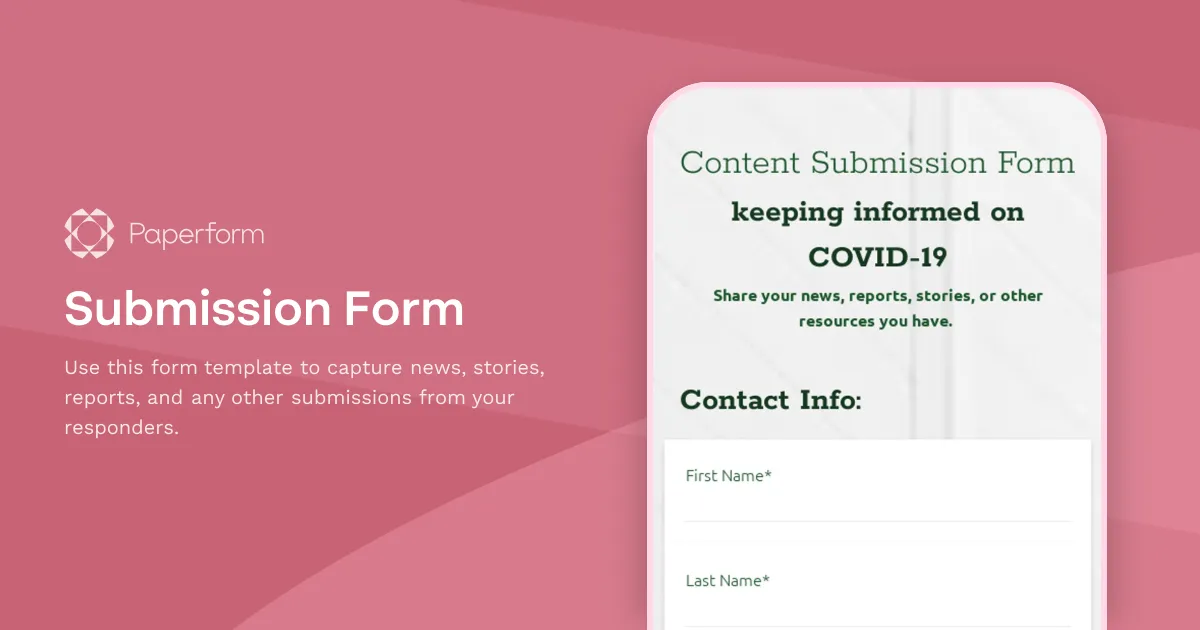
Submission Form
Use this form template to capture news, stories, reports, and any other submissions from your responders.

Teacher Observation Form
Submit teacher observation reports through this online form.

Tenant Information Form
Collect information from your tenants through this online form.
Showing 24 of 951 templates. Pick a type above to see them all.
Reporting & Incident Form Templates
Effective incident and safety reporting is essential for maintaining workplace compliance, protecting employees, and managing risk. Our Reporting & Incident Form Templates help organizations of all sizes streamline their reporting processes, ensuring critical information is captured accurately and acted upon quickly.
Whether you're documenting workplace accidents, safety hazards, security breaches, or operational issues, these templates provide a structured framework for consistent, comprehensive reporting. Each template is fully customizable to match your organization's specific protocols, terminology, and compliance requirements.
Who These Templates Are For
These templates are perfect for:
- Safety managers documenting workplace incidents and near-misses
- HR teams tracking employee complaints and workplace issues
- Facility managers reporting maintenance problems and hazards
- Security personnel logging incidents and suspicious activity
- Compliance officers maintaining regulatory documentation
- Quality assurance teams capturing defects and process issues
How Paperform Helps
With Paperform's intuitive form builder, you can create comprehensive reporting forms that include conditional logic to reveal relevant follow-up questions, file uploads for supporting documentation, and Papersign integration for witness statements and acknowledgments. Automated workflows with Stepper ensure reports are routed to the right people instantly, while integration capabilities connect your forms to project management tools, safety management systems, and notification platforms. Transform incident reporting from a time-consuming task into a streamlined, compliant process.
Frequently asked questions
What is an incident report form?
An incident report form is a structured record of an event that caused, or could have caused, injury, damage or loss. It captures what happened, when and where, who was involved and what was done in response. Organisations use them to meet workplace safety duties, spot patterns and stop the same thing happening again.
What should an incident report include?
A good incident report includes the date, time and exact location, the people involved and any witnesses, and a factual description of events in order. Add fields for injuries or damage, immediate actions taken, and photos or files as evidence. Finish with the reporter's details and a section for follow-up or corrective action.
What's the difference between an incident report and a near miss report?
An incident report records an event where harm or damage occurred. A near miss report records an event that could have caused harm but didn't, such as a slip without a fall or a dropped load that missed someone. Tracking near misses helps teams fix hazards before anyone gets hurt.
How do I keep a workplace reporting form anonymous?
Leave out name, email and employee ID fields, and make any question that could identify someone optional. Tell people up front what the form collects so they feel safe speaking up. Limit who can view responses, and avoid connecting the form to tools that add personal details to each entry.
Can I attach photos to an incident report in Paperform?
Yes. Paperform's file and image upload fields let reporters add photos, videos or documents from their phone or computer. Conditional logic can show extra questions only when they're relevant, such as injury details when someone was hurt. Email notifications or the Slack integration can alert your safety lead as soon as a report comes in.