Best Airtable Forms Alternatives for 2026
The best Airtable Forms alternative for most teams is Paperform, because Airtable bills $20 to $45 per editor per month while Paperform charges nothing per seat: $49/month billed annually covers the whole team, unlimited submissions, payments and a form that can look like a landing page.
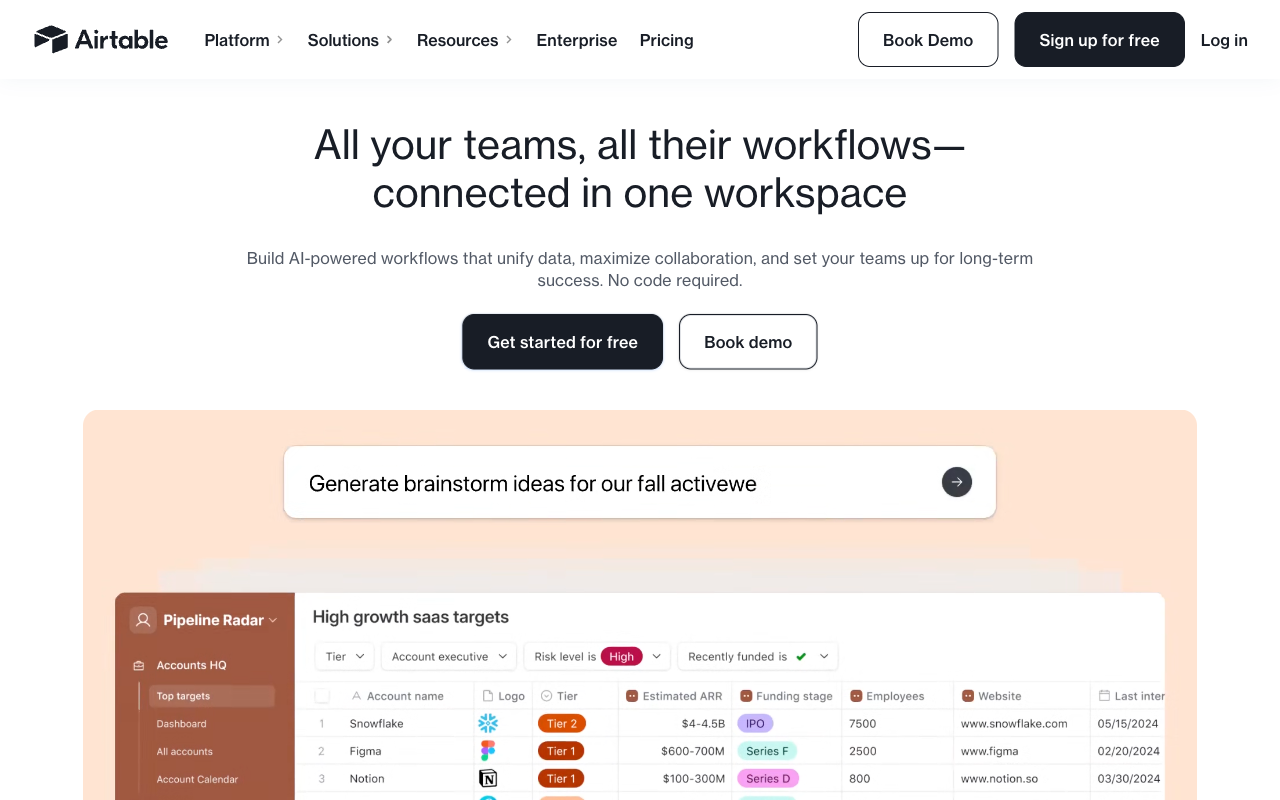
Airtable Forms is a view, not a product. Build a table, flip it to form view, and Airtable generates an input for each field. For internal intake that is a fair trade: the submission becomes a record instantly, with all the grid, kanban, calendar and gallery views, linked records and automations behind it, and nobody has to wire up a sync. Around 500,000 organisations run on the platform, including OpenAI, Amazon, Netflix and Ford, and the compliance sheet is genuinely strong. If your forms are internal request queues and your team already lives in Airtable, this page may not be for you.
The reasons people leave show up in two places. The first is the invoice. Airtable prices per editor, and the form is the part of the platform that gets better the least as you pay more. Six people who need edit access on Business is $270 a month, and what that buys the form is branding removal and conditional groups. The second is the form itself. It is single-page, it takes no payments of any kind, it has no signature field, it shows no calculated or lookup values to the respondent, it has no templates and it has no analytics beyond counting the records that arrived.
That combination hurts most when the form faces outward. A customer-facing page that cannot price an order, cannot collect a deposit, cannot be styled past a cover image and cannot tell you who abandoned it is an odd thing to be paying per head for. Below we rank six alternatives on the five dimensions that decide these purchases, and say clearly where Airtable is still the right call.
| Feature | Airtable Forms | Paperform | Jotform | Cognito Forms | Typeform | SurveyMonkey | Google Forms |
|---|---|---|---|---|---|---|---|
| Form Building | |||||||
| Document-style editor | No | Yes | No | No | No | No | No |
| AI form creation | No | Yes | Yes starter | Yes | Yes | Yes | Yes paid |
| Field types | Yes | 26+ | 30+ (starter) | 20+ | 20+ | 15+ | 11 |
| Multi-page forms | No | Yes | Yes starter | Yes | Yes basic | Yes | Yes |
| Guided mode (one question at a time) | No | Yes | Yes starter | No | Yes | Yes | No |
| Payments | |||||||
| Stripe payments | No | Yes | Yes starter | Yes | Yes basic | Yes Individual Advantage | No |
| PayPal payments | No | Yes | Yes starter | Yes team | No | Yes Individual Advantage | No |
| Square payments | No | Yes | Yes starter | Yes team | No | No | No |
| Braintree payments | No | Yes | Yes starter | No | No | No | No |
| Google Pay | No | Yes | Yes starter | Yes | No | No | No |
| Design & Customization | |||||||
| Template gallery | No | 30,000+ | 20,000+ (starter) | Yes | 1,500+ | 400+ | 20+ |
| Unsplash and Giphy integration | No | Yes | No | No | Yes | No | No |
| Image editor | No | Yes | No | No | No | No | No |
| Language translation | No | Yes | Yes starter | Yes pro | Yes basic | Yes Individual Premier | No |
| Advanced theming | Yes business | Yes pro | Yes starter | Yes pro | Yes plus | Yes Individual Advantage | No |
| Analytics | |||||||
| AI report insights | No | Yes pro | No | No | Yes business | Yes Individual Advantage | Yes Business Standard |
| Form analytics | No | No | Yes starter | No | No | No | No |
| Google Analytics & Facebook Pixel | No | Yes pro | No | Yes pro | Yes basic | No | No |
| Custom analytics scripts | No | Yes pro | No | No | Yes basic | No | No |
| Partial submissions | No | Yes pro | No | No | Yes plus | Yes Individual Advantage | No |
| Collaboration | |||||||
| Form sharing (templates) | Yes | Yes | No | Yes | Yes | Yes Team Advantage | Yes |
| Workspace organization | Yes | No | No | No | Yes | No | No |
| Spaces and tag management | No | Yes | No | No | No | No | No |
| Form sharing | No | No | Yes starter | No | No | No | No |
| Assign forms | No | No | Yes enterprise | No | No | No | No |
| Security | |||||||
| SOC 2 Type II | Yes | Yes | Yes enterprise | No | Yes | Yes | Yes |
| Enforce 2FA | Yes enterprise | No | No | No | No | No | No |
| reCAPTCHA | No | Yes | Yes starter | Yes | Yes business | Yes | No |
| Data residency | Yes enterprise | No | Yes enterprise | No | No | No | No |
| Enforce 2FA for all users | No | Yes business | No | No | No | Yes enterprise | Yes Business Starter |
| Integrations & API | |||||||
| Native integrations | No | 4,000+ | 150+ (starter) | No | 120+ (basic) | 200+ | No |
| Webhooks | Yes team | Yes pro | Yes starter | Yes | Yes basic | Yes Individual Advantage | No |
| API | Yes | No | Yes starter | No | Yes basic | No | No |
| Business API | No | Yes business | No | No | No | Yes enterprise | No |
| WordPress plugin | No | Yes | Yes starter | Yes | Yes | No | No |
The five dimensions that decide it
Airtable wins one of these convincingly and loses two outright. Here is where every option on this page lands.
Pricing
Airtable charges per editor: $24/user/month on Team ($20 billed annually) and $54/user/month on Business ($45 annually), with Enterprise Scale custom-quoted. Submitters and read-only collaborators are free, so one builder on a $20 Team seat is the cheapest serious option on this page and undercuts every paid alternative here. The arithmetic turns at the third editor. Paperform Pro is $59/month, or $49/month billed annually, with unlimited seats and unlimited submissions within fair use. Jotform Bronze is $34/month annually but single-user. Cognito Forms Pro is $19/month annually with 2 users. Typeform Basic is $28/month annually with 1 user and 100 responses. SurveyMonkey Team plans require a 3-user minimum from $30/user/month annually.
Integrations & API
Airtable lists 200+ marketplace integrations and a well-documented REST API, but none of them belong to the form: they are platform connections that fire once the record exists. Webhooks run through Airtable automations on paid plans. Paperform counts 4,000+ integrations with native connectors, webhooks, a REST API and a Business API, and integration payloads can be driven by the form's own calculations. Jotform has 150+ native connectors, Typeform 120+, SurveyMonkey 200+, Cognito Forms 50+, and Google Forms roughly 20 inside Workspace.
Conditional logic
Airtable Forms supports conditional field visibility on every plan, but conditional groups require Business at $45 per editor per month, and there is no page-level branching, no scoring and no answer piping because every form is a single page. Forms also cannot display formula, lookup or rollup fields, so the respondent never sees a calculated total. Paperform runs Excel-style calculations live and uses them to control question and page visibility, conditional emails, integration payloads and success pages. Cognito Forms handles repeating-section calculations well. Typeform gates advanced logic and calculations to Plus at $56/month annually. Google Forms offers section branching and little else.
Payments
Airtable Forms supports zero payment processors. There is no way to collect money in the form view at any price, including Enterprise Scale. Jotform leads with 40+ processors on every plan. Paperform supports 5 (Stripe, PayPal, Square, Braintree, Google Pay) with products, subscriptions, coupons, pricing rules, tax and refunds, and charges no transaction fee of its own. Cognito Forms covers Stripe, PayPal, Square and native Cognito Pay with invoicing and tax. SurveyMonkey has Stripe and PayPal, Typeform has Stripe only, and Google Forms has nothing.
Compliance (HIPAA / GDPR / SOC 2)
Airtable is SOC 2 Type 2, ISO/IEC 27001:2022, ISO/IEC 27701:2019, TX-RAMP Level 2, GDPR and CCPA compliant, with HIPAA available on Enterprise Scale and SSO from Business. This is the dimension where Airtable beats almost everything else on the page, and no alternative here should be chosen on compliance grounds alone. Jotform adds PCI DSS Level 1, FERPA and StateRAMP with a HIPAA BAA from Gold. Typeform holds HIPAA, ISO 27001, 27017, 27018 and ISO/IEC 42001. Google Forms is HIPAA-eligible under a Workspace BAA with FedRAMP behind it. Cognito Forms and SurveyMonkey are both HIPAA compliant. Paperform is SOC 2 Type II, GDPR and CCPA compliant with SAML SSO, but it is not HIPAA compliant and signs no BAAs.
 #1 Paperform — Best When the Form Faces Customers and the Team Keeps Growing

Start with the seat line, because it is the clearest difference between these two products. Airtable decides your bill by counting the people with edit permission: $20 each per month on Team billed annually, $45 each on Business. Paperform does not count them. Seats are unlimited on every plan, one seat covers forms, signatures and workflows, and $49/month billed annually is the price whether two people build forms or twenty-two. The designer who wants to fix the spacing, the events coordinator who runs registrations and the ops lead who owns the approval chain all get access without anyone pricing the decision first.
The second difference is what the respondent sees. Airtable renders a field list under a cover image, which is appropriate for an internal request queue and works against you on a public page. Paperform's editor is document-style: you write the page and drop fields into the text, so headings, paragraphs, images, GIFs and video sit wherever the argument needs them, with custom HTML and CSS and Unsplash and Giphy built in. A registration page can read like a campaign page rather than a database entry screen, and Guided Mode presents one question at a time when completion rate matters more than scanning. Other builders offer document-style editing, so this is not an exclusive capability. It is, however, the difference between a form that collects and a page that converts.
Underneath that sit the things Airtable's form view simply does not do. Payments through five gateways with products, subscriptions, coupons, pricing rules and tax. Excel-style calculations that run live in front of the respondent and then drive logic, emails, integrations and success pages. Papersign eSignatures in the same subscription, 25 signed documents a month on Pro and 100 on Business. Stepper workflow automation with 20,000 credits on Pro. Drop-off and partial-submission analytics, which a database cannot produce because the people who abandoned never became records. Paperform has been bootstrapped and profitable since 2016, and its native Airtable integration means you can keep the base and change only what sits in front of it.
- Strengths over Airtable Forms: no per-seat pricing at all against $20-45 per editor per month, document-style editor with custom HTML and CSS for landing-page-grade design, 5 payment gateways with full eCommerce logic, live Excel-style calculations visible to the respondent, multi-page forms with page-level branching and save and resume, Papersign and Stepper in the same subscription, drop-off analytics and AI report insights, 30,000+ templates against Airtable's zero
- Limitations: $49/month billed annually is more than a single $20 Airtable Team seat and there is no cheaper paid tier, not HIPAA compliant and no BAAs, no relational database behind the form, custom domains are $20/month each on Pro, automation credits are metered, no mobile editor
- Best for: Teams whose forms face customers, take money and pass through more than two pairs of hands
 #2 Jotform — Best If the Blocker Is Payments or a HIPAA BAA

Jotform answers Airtable's two hardest limits directly. Payments go from nothing to more than forty processors, available on every plan including the free one, with products, subscriptions, coupons and tax behind them. HIPAA with a signed BAA arrives on Gold at $99/month billed annually rather than through an Enterprise Scale quote. Jotform also carries SOC 2, ISO 27001, PCI DSS Level 1, FERPA and StateRAMP, it has native mobile apps where Airtable's form building is desktop-only, and it has been bootstrapped since 2006.
The catch is that Jotform swaps one meter for several. Submissions, forms, form views, storage, fields per form and signed documents are all quotas, and Bronze at $34/month billed annually stops at 1,000 submissions a month. More awkwardly for a team leaving Airtable over seat costs, every self-serve tier from Starter to Gold is single-user; multi-user means an Enterprise quote. Reviewers also regularly describe the builder as cluttered after two decades of feature accumulation, which will feel like a step sideways if you liked Airtable's tidiness. Our Jotform alternatives page covers the quota structure in detail.
- Strengths over Airtable Forms: 40+ payment processors against zero, HIPAA BAA without an enterprise contract, 150+ native form-level integrations, native mobile apps, approval workflows and PDF generation, 10,000+ templates
- Limitations: single-user on every self-serve plan, submissions and storage metered, cluttered editor, no relational database behind the submissions
- Best for: A single builder who needs to charge money or handle protected health information without an Enterprise Scale conversation
 #3 Cognito Forms — Best for the Calculated Totals Airtable Hides
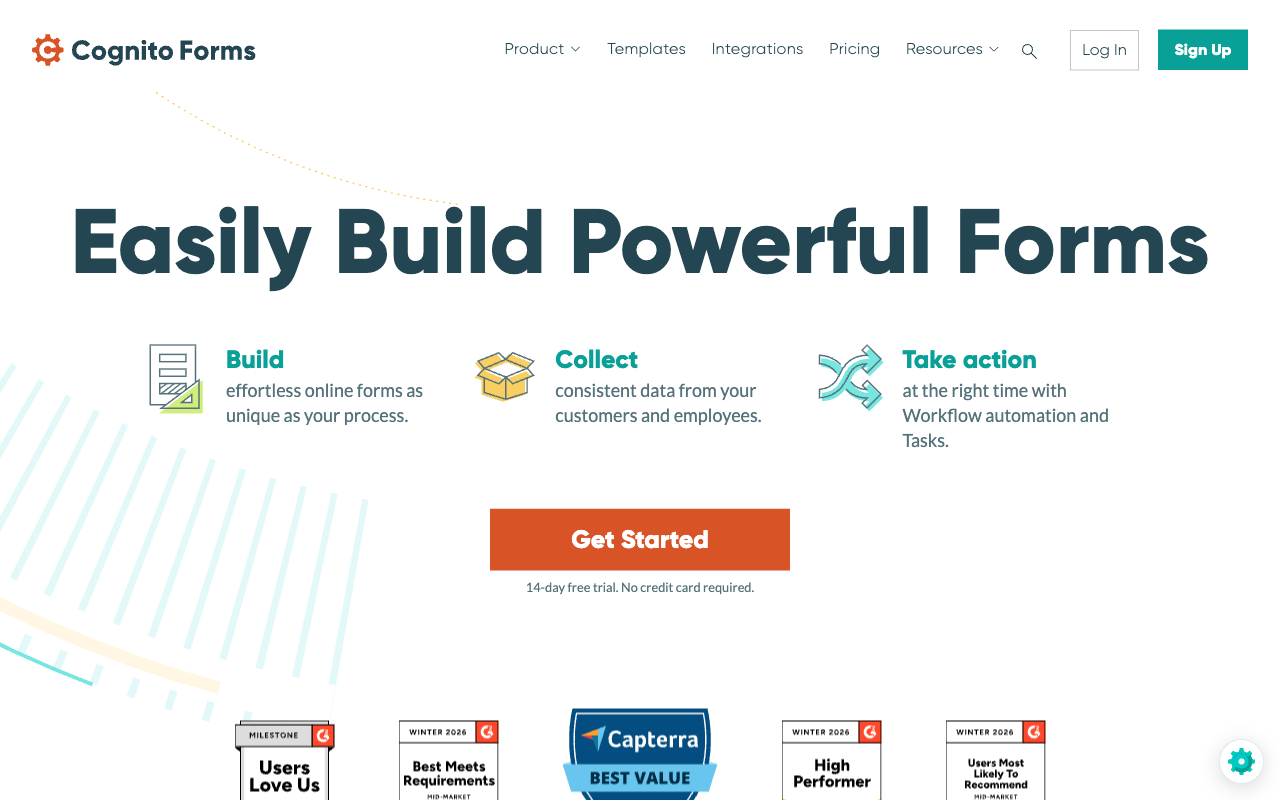
The single most-reported frustration with Airtable Forms is that formulas, lookups and rollups are invisible in the form view. Cognito Forms is the direct fix at a low price. Its calculation engine handles repeating sections, line-item order forms, nested conditions and running totals, and it shows all of it to the respondent as they type. Pro is $19/month billed annually with 2,000 entries and 2 users, it is HIPAA compliant with a BAA, and it holds SOC 2 Type 2. Cognito Pay adds native card processing alongside Stripe, PayPal and Square.
What you give up is polish and headroom. Forms look like forms from a decade ago unless somebody writes CSS, which is a poor swap if you were leaving Airtable partly to get something presentable in front of customers. It also meters four separate ways: entries, users, storage and guest collaborators each carry their own quota and their own overage, with extra users at $5 each per month and guest packs from $25. Coming from Airtable you will recognise the shape of that bill. There is also no public REST API, which is a real gap against Airtable's. See our Cognito Forms alternatives page for the detail.
- Strengths over Airtable Forms: calculated totals shown live to the respondent, repeating sections and line items, payments through four routes, HIPAA with a BAA on a self-serve plan, $19/month annual entry price
- Limitations: dated visual design, no public REST API, metered on entries, users, storage and guests, slower release cadence
- Best for: Order forms, quotes and eligibility checks on a small budget, especially in regulated work
 #4 Typeform — Best for Short, High-Value Public Forms

Typeform is the strongest contrast to Airtable's respondent experience on this page. Airtable shows every field at once in a plain stack; Typeform shows one question at a time with transitions, and for short lead-qualification and feedback flows that format measurably lifts completion. It is HIPAA compliant, holds ISO 27001, 27017, 27018 and ISO/IEC 42001 certified in June 2026, and it carries far more independent reviews than anything else here except SurveyMonkey and Google Forms.
Then the meter arrives, and it is harsher than Airtable's. Basic at $28/month billed annually allows 100 responses a month and 1 user. Plus is 1,000 responses and 3 users, Business is 10,000 and 5 at $91/month annually, and Growth Flow at $266/month annually raises neither. Airtable at least lets unlimited people submit for free, so moving from an Airtable form to Typeform can mean paying more for a lower ceiling. Payments are Stripe-only, which does not improve much on zero. Our Paperform vs Typeform comparison digs into the seat and response caps.
- Strengths over Airtable Forms: conversational one-question format, strong default aesthetics, HIPAA and a deep ISO certification stack, Stripe payments, 120+ native integrations, large review base
- Limitations: responses and seats capped on every tier, 100 responses a month at the entry price, Stripe-only payments, advanced logic gated to Plus, no database behind the responses
- Best for: Marketing teams running short public forms where presentation drives the result and volumes stay low
 #5 SurveyMonkey — Best If You Were Really Trying to Run Research
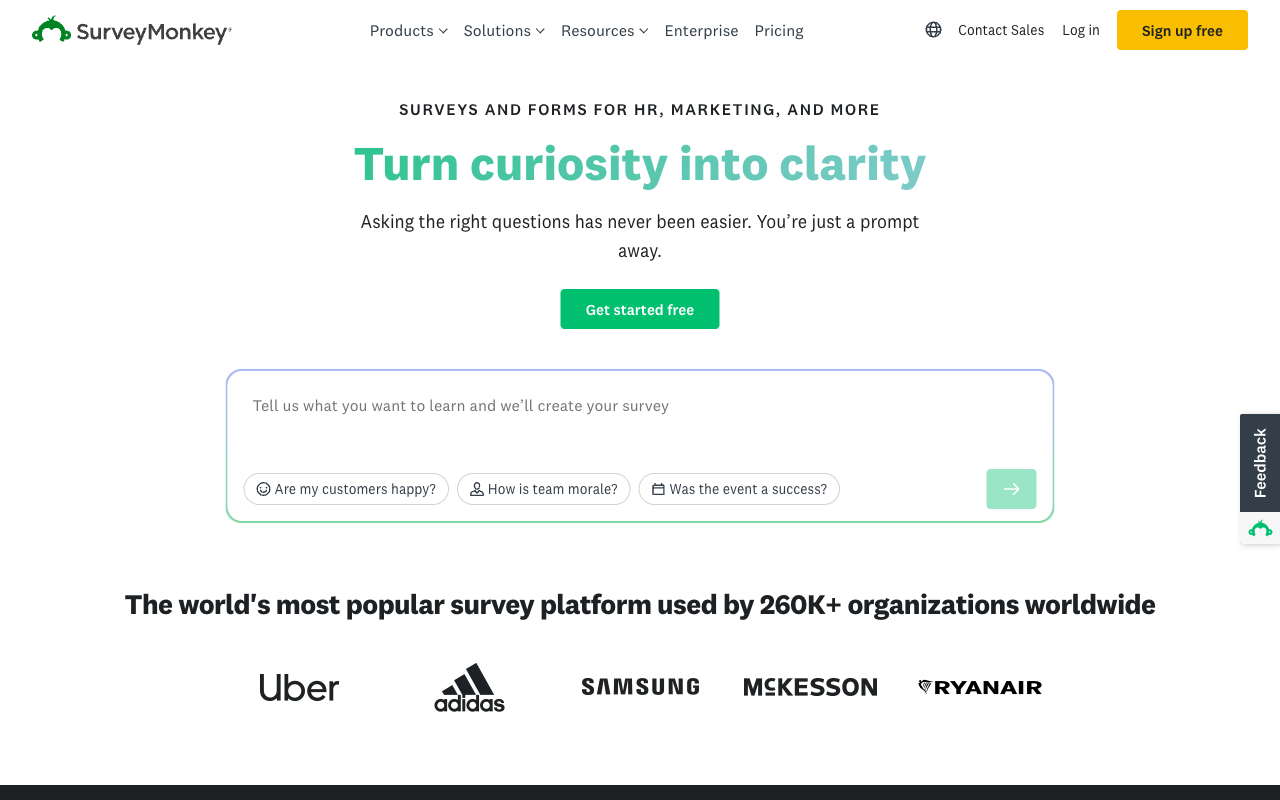
Airtable gives you the responses and expects you to build the report. SurveyMonkey does the opposite, and if the forms you built in Airtable were really surveys, that is the whole argument. It brings question-design methodology, significance testing, text and sentiment analysis, benchmarking, an AI analysis suite expanded through 2026 and a global respondent panel. It is HIPAA, SOC 2, ISO 27001 and PCI DSS 4.0 compliant, and with 23,525 G2 reviews it is the most scrutinised product on this page.
It is also the most expensive way to leave Airtable. Team plans carry a three-user minimum from $30/user/month billed annually, Enterprise requires five, every paid plan became an annual commitment in September 2026, and responses are capped per year with a $0.15 charge for each one beyond the allowance. Value for money is consistently its weakest sub-rating. As a form builder it is thin: Stripe and PayPal only, little design control, and nothing resembling a workflow. Choose it for insight work, not for intake.
- Strengths over Airtable Forms: genuine survey methodology and statistical analysis, AI-assisted insight generation, respondent panel, HIPAA and PCI DSS 4.0, enormous review base
- Limitations: 3-user minimum on team plans and 5 on Enterprise, annual commitment on every paid plan, $0.15 per response over the yearly cap, weak as a general-purpose form builder
- Best for: Insight and research teams who need the analysis layer more than the intake
 #6 Google Forms — Best If the Base Was Only Ever a Spreadsheet
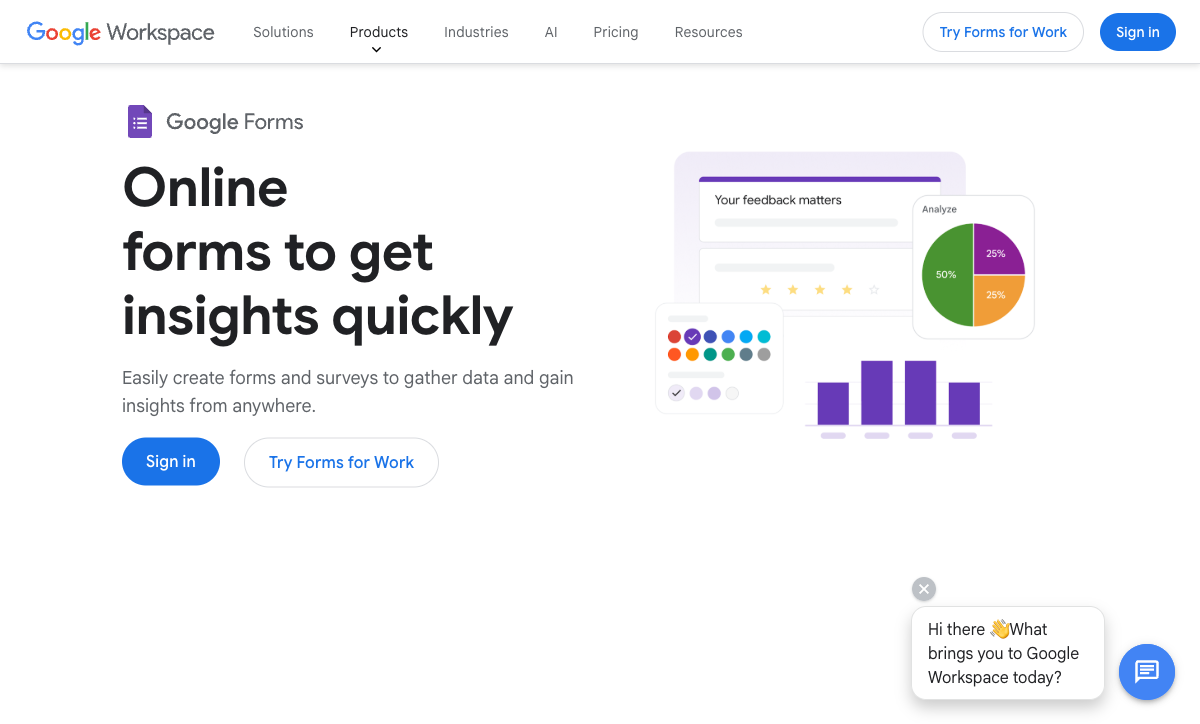
Plenty of Airtable bases are a spreadsheet wearing a nicer interface. If that describes yours, Google Forms collects unlimited responses for free, drops them into Sheets, and is HIPAA-eligible under a Workspace BAA with SOC 2, ISO 27001 and FedRAMP behind Google Cloud. For an organisation already paying for Workspace from $7 per user per month, it removes the Airtable line item entirely and answers the security questionnaire without a procurement call.
It is a downgrade in every direction except price. No payments, roughly 20 integrations all inside Google, section branching instead of real logic, no meaningful calculations shown to respondents, no custom domains, and a respondent experience nobody mistakes for your brand. You also lose the linked records, views and automations that made Airtable worth having. Our Google Forms alternatives page covers the upgrade paths when that stops being enough.
- Strengths over Airtable Forms: unlimited responses at no incremental cost, no record caps, HIPAA-eligible under a Workspace BAA, FedRAMP and ISO 27001 via Google Cloud, zero learning curve
- Limitations: no payments, no real logic or visible calculations, no design control, about 20 integrations, no relational structure
- Best for: Internal surveys and sign-up sheets inside a Workspace organisation where the answers only need to reach a spreadsheet
See Them in Action
Airtable has no independent video review focused on the form view, which tells its own story about how much attention that feature gets. These two walkthroughs cover the alternatives most often shortlisted against it.
Full Feature Comparison
Every feature across Airtable Forms and its alternatives, grouped by category. The payments, design and analytics rows are where a database view stops being a form builder.
| Feature | Airtable Forms | Paperform | Jotform | Cognito Forms | Typeform | SurveyMonkey | Google Forms |
|---|---|---|---|---|---|---|---|
| Form Building | |||||||
| Document-style editor | No | Yes | No | No | No | No | No |
| AI form creation | No | Yes | Yes starter | Yes | Yes | Yes | Yes paid |
| Field types | Yes | 26+ | 30+ (starter) | 20+ | 20+ | 15+ | 11 |
| Multi-page forms | No | Yes | Yes starter | Yes | Yes basic | Yes | Yes |
| Guided mode (one question at a time) | No | Yes | Yes starter | No | Yes | Yes | No |
| Conditional logic | Yes | Yes | Yes starter | Yes | Yes basic | Yes Individual Advantage | Yes |
| Calculations field | No | Yes pro | Yes starter | Yes | Yes plus | No | No |
| AI calculations assistant | No | Yes pro | No | No | No | No | No |
| Scoring | No | Yes pro | Yes starter | Yes | Yes plus | Yes | Yes |
| Answer piping | No | Yes | Yes starter | Yes | Yes basic | Yes Individual Advantage | No |
| Pre-filling and hidden fields | Yes | Yes pro | Yes starter | Yes | Yes basic | Yes Individual Advantage | Yes |
| Save and resume | No | Yes | Yes starter | Yes pro | No | Yes Individual Advantage | No |
| Auto-close by number | No | Yes pro | Yes starter | Yes | Yes basic | Yes Individual Advantage | Yes |
| Auto-close by date | No | Yes pro | Yes starter | Yes | Yes basic | Yes Individual Advantage | Yes |
| Appointment/booking field | No | Yes | Yes starter | No | Yes basic | No | No |
| Signature field | No | Yes | Yes starter | Yes team | Yes basic | No | No |
| Color picker field | No | Yes | No | No | No | No | No |
| API-powered dropdowns | No | Yes business | No | Yes | No | No | No |
| Google address search | No | Yes business | No | Yes | No | No | No |
| File uploads | No | Yes | Yes starter | Yes | Yes basic | Yes | Yes |
| Drag-and-drop builder | No | No | Yes starter | No | No | No | No |
| Form widgets | No | No | Yes starter | No | No | No | No |
| Template gallery | No | No | 20,000+ (starter) | No | No | No | No |
| Question display logic | No | No | No | No | Yes basic | No | No |
| AI follow-up questions | No | No | No | No | Yes business | No | No |
| AI extended thinking & memory | No | No | No | No | Yes growth | No | No |
| Typeform AI connectors | No | No | No | No | Yes growth | No | No |
| Workflow / automation builder | No | No | No | No | Yes growth | No | No |
| AI-moderated research (Research Flow) | No | No | No | No | Yes enterprise | No | No |
| Video questions | No | No | No | No | Yes basic | No | No |
| AI chat survey editing | No | No | No | No | No | Yes | No |
| AI quiz generation | No | No | No | No | No | No | Yes paid |
| Payments | |||||||
| Stripe payments | No | Yes | Yes starter | Yes | Yes basic | Yes Individual Advantage | No |
| PayPal payments | No | Yes | Yes starter | Yes team | No | Yes Individual Advantage | No |
| Square payments | No | Yes | Yes starter | Yes team | No | No | No |
| Braintree payments | No | Yes | Yes starter | No | No | No | No |
| Google Pay | No | Yes | Yes starter | Yes | No | No | No |
| Product sales (eCommerce) | No | Yes pro | Yes starter | Yes | No | No | No |
| Subscriptions | No | Yes pro | Yes starter | No | Yes basic | No | No |
| Coupons and discounts | No | Yes pro | Yes starter | Yes | No | No | No |
| Custom pricing rules | No | Yes pro | Yes starter | Yes | No | No | No |
| Tax calculations | No | Yes | Yes starter | Yes | No | No | No |
| Quotes/invoices | No | Yes | No | Yes team | No | No | No |
| Refunds | No | Yes | No | No | No | No | No |
| 3D Secure | No | Yes | No | No | Yes basic | No | No |
| 40+ payment gateways | No | No | Yes starter | No | No | No | No |
| No transaction fees | No | No | Yes starter | No | No | No | No |
| Cognito Pay (native card processing) | No | No | No | Yes | No | No | No |
| Design & Customization | |||||||
| Template gallery | No | 30,000+ | 20,000+ (starter) | Yes | 1,500+ | 400+ | 20+ |
| Rich media (images, GIFs, videos) | Yes | Yes | Yes starter | Yes | Yes | Yes | Yes |
| Unsplash and Giphy integration | No | Yes | No | No | Yes | No | No |
| Image editor | No | Yes | No | No | No | No | No |
| Adobe CC | No | No | No | No | No | No | No |
| Language translation | No | Yes | Yes starter | Yes pro | Yes basic | Yes Individual Premier | No |
| Advanced theming | Yes business | Yes pro | Yes starter | Yes pro | Yes plus | Yes Individual Advantage | No |
| Custom form URL | No | Yes pro | No | No | Yes plus | Yes Individual Advantage | No |
| Redirect after submit | Yes team | No | No | No | No | No | No |
| Custom domains | No | Yes pro | Yes enterprise | No | Yes enterprise | No | No |
| Custom HTML & CSS | No | Yes pro | Yes starter | Yes pro | Yes business | No | No |
| Remove branding | Yes business | Yes pro | Yes bronze | Yes pro | Yes plus | Yes Individual Advantage | No |
| Custom email domains | No | Yes business | No | No | No | No | Yes Business Starter |
| Adobe Creative Cloud | No | Yes | No | No | No | No | No |
| Form themes | No | No | Yes starter | No | No | No | No |
| Analytics | |||||||
| Submission results and reports | Yes | Yes | Yes starter | Yes | Yes | Yes | Yes |
| AI report insights | No | Yes pro | No | No | Yes business | Yes Individual Advantage | Yes Business Standard |
| Form analytics | No | No | Yes starter | No | No | No | No |
| Google Analytics & Facebook Pixel | No | Yes pro | No | Yes pro | Yes basic | No | No |
| Custom analytics scripts | No | Yes pro | No | No | Yes basic | No | No |
| Partial submissions | No | Yes pro | No | No | Yes plus | Yes Individual Advantage | No |
| Field data validation | Yes team | No | No | No | No | No | No |
| Paperform analytics | No | Yes pro | No | No | No | No | No |
| Drop-off analysis | No | Yes pro | No | No | Yes business | No | No |
| Google Analytics integration | No | No | Yes starter | No | No | No | No |
| Cross-form Insights dashboard | No | No | No | No | Yes business | No | No |
| Benchmarks | No | No | No | No | No | No | No |
| Collaboration | |||||||
| Multi-user accounts | Yes | Yes pro | Yes bronze | Yes pro | Yes plus | Yes Team Advantage | Yes |
| User permissions and management | Yes team | Yes pro | Yes enterprise | Yes team | Yes plus | Yes Team Advantage | Yes |
| Advanced permissions & admin | Yes enterprise | Yes enterprise | Yes enterprise | Yes enterprise | Yes enterprise | Yes enterprise | Yes Business Starter |
| Form sharing (templates) | Yes | Yes | No | Yes | Yes | Yes Team Advantage | Yes |
| Workspace organization | Yes | No | No | No | Yes | No | No |
| Spaces and tag management | No | Yes | No | No | No | No | No |
| Form sharing | No | No | Yes starter | No | No | No | No |
| Assign forms | No | No | Yes enterprise | No | No | No | No |
| Review Sessions | No | No | No | No | No | Yes Team Advantage | No |
| Persistent Magic Link | No | No | No | No | No | Yes Team Advantage | No |
| Security | |||||||
| SOC 2 Type II | Yes | Yes | Yes enterprise | No | Yes | Yes | Yes |
| GDPR compliant | Yes | Yes | Yes starter | Yes | Yes | Yes | Yes |
| SSL encryption | Yes | Yes | Yes starter | Yes | Yes | Yes | Yes |
| Two-factor authentication | Yes | Yes | Yes starter | Yes | Yes | Yes | Yes |
| Enforce 2FA | Yes enterprise | No | No | No | No | No | No |
| SSO (SAML) | Yes business | Yes business | Yes enterprise | Yes enterprise | Yes enterprise | Yes enterprise | Yes Business Plus |
| reCAPTCHA | No | Yes | Yes starter | Yes | Yes business | Yes | No |
| Data residency | Yes enterprise | No | Yes enterprise | No | No | No | No |
| Custom S3 | No | No | No | No | No | No | No |
| Enforce 2FA for all users | No | Yes business | No | No | No | Yes enterprise | Yes Business Starter |
| Local data residency | No | Yes enterprise | No | No | No | Yes enterprise | Yes Business Plus |
| Custom S3 storage (BYO) | No | Yes business | No | No | No | No | No |
| HIPAA compliant | No | No | Yes gold | No | Yes enterprise | No | No |
| 256-bit SSL | No | No | Yes starter | No | No | No | No |
| Form encryption | No | No | Yes starter | No | No | No | No |
| PCI DSS | No | No | Yes starter | No | Yes | No | No |
| ISO 27001 | No | No | No | No | Yes | No | No |
| Integrations & API | |||||||
| Native integrations | No | 4,000+ | 150+ (starter) | No | 120+ (basic) | 200+ | No |
| Zapier | Yes | Yes | Yes starter | Yes | Yes basic | Yes | Yes |
| Make (Integromat) | Yes | Yes | Yes starter | Yes | Yes basic | Yes | Yes |
| Webhooks | Yes team | Yes pro | Yes starter | Yes | Yes basic | Yes Individual Advantage | No |
| API | Yes | No | Yes starter | No | Yes basic | No | No |
| Business API | No | Yes business | No | No | No | Yes enterprise | No |
| WordPress plugin | No | Yes | Yes starter | Yes | Yes | No | No |
| Embed options | Yes | No | Yes starter | No | Yes | No | No |
| Standard API | No | Yes pro | No | Yes | No | Yes Individual Advantage | Yes |
| oEmbed support | No | Yes | No | Yes | No | No | No |
| Smartsheet integration | No | No | Yes starter | No | No | No | No |
| Canvas LMS integration | No | No | Yes enterprise | No | No | No | No |
| Salesforce AppExchange | No | No | Yes starter | No | No | No | No |
| Mobile apps | No | No | Yes starter | No | No | No | No |
| MCP connector (AI app access) | No | No | No | Yes pro | No | No | No |
| Claude / MCP server | No | No | No | No | Yes basic | No | No |
| AI data enrichment | No | No | No | No | Yes growth | No | No |
| Automations integrations (Contacts & Automations) | No | No | No | No | Yes growth | No | No |
| Claude (Anthropic) integration | No | No | No | No | No | Yes Individual Advantage | No |
| ChatGPT integration | No | No | No | No | No | Yes | No |
| Gemini integration | No | No | No | No | No | No | No |
| HRIS integrations (Workday, BambooHR) | No | No | No | No | No | Yes | No |
Pricing Comparison
Airtable's per-editor model is the one number to model before anything else: multiply the seats you need by $20 or $45 a month, then compare that with a flat platform price. Read the table for what each tier actually includes rather than the headline alone.

Paperform
Airtable Forms
| Product | Plan | Monthly Price | Annual Price (per month) | Free Plan | Free Trial | Limits |
|---|---|---|---|---|---|---|
| Airtable Forms | Free | Free | Free | Yes | 14 days | None listed |
| Airtable Forms | Team | $24/mo | $20/mo billed annually | None listed | ||
| Airtable Forms | Business | $54/mo | $45/mo billed annually | None listed | ||
| Airtable Forms | Enterprise Scale | Custom | Custom | None listed | ||
| Paperform | Free | Free | Free | Yes | 7 days | forms: Unlimited, submissions: 30/month, storage: Unlimited, users: Unlimited, file uploads: 100 MB |
| Paperform | Pro | $59/mo | $49/mo billed annually | forms: Unlimited, submissions: Unlimited, storage: Unlimited, users: Unlimited, file uploads: 10 GB | ||
| Paperform | Business | $149/mo | $124/mo billed annually | forms: Unlimited, submissions: Unlimited, storage: Unlimited, users: Unlimited, file uploads: 100 GB | ||
| Jotform | Starter | Free | Free | Yes | No | forms: 5, submissions: 100/month, storage: 100 MB, users: 1 |
| Jotform | Bronze | $39/mo | $34/mo billed annually | forms: 25, submissions: 1,000/month, storage: 1 GB, users: 1 | ||
| Jotform | Silver | $49/mo | $39/mo billed annually | forms: 50, submissions: 2,500/month, storage: 10 GB, users: 1 | ||
| Jotform | Gold | $129/mo | $99/mo billed annually | forms: 100, submissions: 10,000/month, storage: 100 GB, users: 1 | ||
| Cognito Forms | Individual (Free) | Free | Free | Yes | 14 days | forms: Unlimited, submissions: 100 entries/month, storage: 100 MB, users: 1 |
| Cognito Forms | Pro | $24/mo | $19/mo billed annually | forms: Unlimited, submissions: 2,000 entries/month, storage: 1 GB, users: 2 | ||
| Cognito Forms | Team | $49/mo | $39/mo billed annually | forms: Unlimited, submissions: 10,000 entries/month, storage: 10 GB, users: 5 | ||
| Cognito Forms | Enterprise | $174/mo | $129/mo billed annually | forms: Unlimited, submissions: Unlimited, storage: 100 GB, users: 20 | ||
| Typeform | Free | Free | Free | Yes | No | forms: 10, submissions: 10/month, users: 1 |
| Typeform | Basic | $39/mo | $28/mo billed annually | forms: Unlimited, submissions: 100/month, users: 1 | ||
| Typeform | Plus | $79/mo | $56/mo billed annually | forms: Unlimited, submissions: 1,000/month, users: 3 | ||
| Typeform | Business | $129/mo | $91/mo billed annually | forms: Unlimited, submissions: 10,000/month, users: 5 | ||
| Typeform | Growth Flow | $379/mo | $266/mo billed annually | forms: Unlimited, submissions: 10,000/month, users: 5 | ||
| Typeform | Talent | $169/mo | $119/mo billed annually | forms: Unlimited, users: HR teams | ||
| SurveyMonkey | Basic (Free) | Free | Free | Yes | No | forms: Unlimited, submissions: Limited per survey (exact number now only shown after sign-up/login), storage: N/A, users: 1 |
| SurveyMonkey | Individual Advantage | Free | $32/mo billed annually | forms: Unlimited, submissions: 15,000 per year, storage: N/A, users: 1 | ||
| SurveyMonkey | Individual Premier | Free | $99/mo billed annually | forms: Unlimited, submissions: 40,000 per year, storage: N/A, users: 1 | ||
| SurveyMonkey | Team Advantage | Free | $30/mo billed annually | forms: Unlimited, submissions: 50,000 per year (shared), storage: N/A, users: 3 minimum | ||
| SurveyMonkey | Team Premier | Free | $92/mo billed annually | forms: Unlimited, submissions: 100,000 per year (shared), storage: N/A, users: 3 minimum | ||
| Google Forms | Free (Personal) | Free | Free | Yes | 14 days | forms: Unlimited, submissions: Unlimited, storage: 15 GB (shared across Google Drive), users: 1, file uploads: Included in 15 GB storage |
| Google Forms | Business Starter | $8.4/mo | $7/mo billed annually | forms: Unlimited, submissions: Unlimited, storage: 30 GB per user, users: Up to 300, file uploads: Included in storage | ||
| Google Forms | Business Standard | $16.8/mo | $14/mo billed annually | forms: Unlimited, submissions: Unlimited, storage: 2 TB per user, users: Up to 300, file uploads: Included in storage | ||
| Google Forms | Business Plus | $26.4/mo | $22/mo billed annually | forms: Unlimited, submissions: Unlimited, storage: 5 TB per user, users: Up to 300, file uploads: Included in storage |
Review Ratings Across Platforms
Airtable rates 4.6 on G2 across 3,276 reviews and 4.7 on Capterra across 2,244, with customer support its weakest sub-score at 4.2. Its Trustpilot average of 2.0 across roughly 152 reviews is a sharp outlier driven by billing and cancellation disputes rather than the product. Note that all of these score the Airtable platform, not the form view specifically.
Verdict: Which Airtable Forms Alternative Should You Choose?
Almost nobody leaves Airtable because the database disappointed them. They leave because they are paying per editor for a form view that has not kept pace with the platform around it, and the right replacement depends on which limit you hit first.
If the forms face customers and more than two people touch them, Paperform is the recommendation. Nothing is charged per seat, so the whole team builds at one price, and the document-style editor turns an intake form into a page worth sending traffic to. Payments, live calculations, eSignatures and workflow automation come in the same $49/month annual subscription, and the native Airtable integration means the base can stay exactly where it is.
If the blocker is narrower, take the tool that removes it. Jotform for payment processors or a HIPAA BAA without an enterprise contract. Cognito Forms for calculated totals and line items on a small budget. Typeform for short, high-value public forms where the format does the work. SurveyMonkey if the real job was research. Google Forms if the base was only ever a spreadsheet.
And if one person builds every form, the data belongs in a relational base and the form only needs to collect, stay on Airtable. A single $20/month Team seat is the cheapest credible option on this page, and no alternative here matches its compliance sheet outside of Enterprise pricing. The moment a second editor, a payment or a customer-facing page enters the picture, that arithmetic reverses. Paperform's 7-day trial needs no card, and for a wider view of the field there is our best form builders roundup and our best form builders for Airtable guide.
Frequently Asked Questions
Airtable does not charge for form submitters, so why would a form builder ever be cheaper?
Because Airtable charges for the people who build. Submitters and read-only collaborators are free, which is a real advantage and worth saying plainly, but anyone with edit permission on a base costs $20 per month on Team billed annually and $45 per month on Business. A four-person operations team on Business is $2,160 a year before a single form is published, and conditional groups, custom branding and SSO only exist on that tier. Paperform has no per-seat pricing on any plan: Pro is $59/month, or $49/month billed annually, for the whole team, with unlimited submissions within fair use. The crossover point arrives at the third editor.
Can I take payments through an Airtable form?
No. Airtable Forms collects no money at all: no Stripe, no PayPal, no card field, nothing. The Stripe connector in the marketplace feeds automations inside a base, not a checkout in the form view. Anyone selling a workshop seat, taking a deposit or invoicing from an intake form has to bolt on a payment tool and reconcile two systems by hand. Paperform takes Stripe, PayPal, Square, Braintree and Google Pay natively, with products, subscriptions, coupons, pricing rules, tax and no transaction fee of its own. Jotform is the widest option with 40+ processors, and Cognito Forms covers Stripe, PayPal, Square and its own Cognito Pay.
Why will my Airtable form not show a calculated or rollup field?
The form view only renders raw input fields. Formulas, lookups and rollups are computed on the record after it lands, so a respondent never sees the total, the quote or the score that their answers produce. That rules out the whole class of form where the number is the point: pricing configurators, scoring quizzes, eligibility checks, donation calculators. Paperform's calculations are Excel-style and run live in front of the respondent, and the same result drives which questions and pages appear, which conditional email sends, what gets pushed to an integration and what the success page says. Cognito Forms is the other strong answer here, with repeating sections and line-item totals.
Are Airtable forms still single-page in 2026?
Yes. Every Airtable form is one page. There is no multi-step layout, no page-level branching, no answer piping, no save and resume and no guided one-question-at-a-time mode. Conditional field visibility exists on all plans and conditional groups arrived on Business and Enterprise Scale, so simple show-and-hide works, but a long application form is a single scroll with hidden blocks rather than a sequence a respondent can work through. Paperform builds multi-page forms with page-level logic, piping, save and resume and Guided Mode in one plan. Typeform is the reference implementation of the one-question format if that is the specific thing you want.
What happens to my Airtable base when a campaign goes better than expected?
It fills up. Records are capped per base: 1,000 on Free, 50,000 on Team and 125,000 on Business, which the pricing page's own plan data confirms even though Airtable's marketing copy says 100,000. Past the cap the remedy is splitting data across bases, archiving, or an Enterprise Scale conversation. Automation runs are metered too, at 25,000 a month on Team. Paperform carries no per-record ceiling on submissions or submission storage on paid plans; fair use is a conversation about plan fit rather than a hard stop mid-campaign. Stepper automation credits are metered (20,000/month on Pro), which is worth checking against your own volume.
Can I make an Airtable form look like part of my website?
Only at the edges, and only on the expensive tier. You get a cover image, a logo and colours; removing Airtable's branding and applying custom branded forms requires Business at $45 per editor per month, and there is no custom CSS, no custom domain, no custom form URL and no rich media beyond a header image. Every Airtable form reads as an Airtable form. Paperform is built the other way round: a document-style editor where prose, headings, images, GIFs and video sit between fields, with custom HTML and CSS, Unsplash and Giphy built in, so a public-facing form can carry the weight of a landing page. That editor is not unique to Paperform, but very few products treat the form as a designed page rather than a field list.
Is Airtable HIPAA compliant for forms, and what does that cost?
Airtable supports HIPAA, but only on Enterprise Scale, which is custom-quoted and sales-led. Its wider posture is strong: SOC 2 Type 2, ISO/IEC 27001:2022, ISO/IEC 27701:2019, TX-RAMP Level 2, GDPR and CCPA, with SSO from Business and data residency on Enterprise. If protected health information is in scope and an Enterprise contract is not, Jotform signs a BAA from Gold at $99/month billed annually, Cognito Forms is HIPAA compliant with a BAA, and Google Forms is HIPAA-eligible under a Workspace BAA. Paperform is not HIPAA compliant and signs no BAAs, so it is the wrong tool for PHI and we would rather say that here than bury it.
Will I lose the database if I move intake to a dedicated form builder?
No, and most teams should not try to. Airtable is a good database and the usual pattern is to keep the base and change what sits in front of it. Paperform has a native Airtable integration plus 4,000+ integrations, webhooks and a REST API, so a submission can create the record exactly as the form view does, after it has taken the payment, run the calculation and collected the signature. The base keeps its views, links and automations; the intake stops being the weakest part of the chain.
Airtable has AI everywhere now. Does any of it help me build a form?
Not yet. Airtable's AI push is real at the platform level: AI App Building, AI Agents, Superagent since January 2026, AI-generated interface layouts and metered AI credits per user per month (500 on Free, 15,000 on Team, 20,000 on Business). None of it reaches the form view. There is no prompt-to-form generation and no AI analysis of submissions as submissions. Paperform generates a full form from a description, has an assistant that writes the calculation formulas, and reads responses back as AI report insights. SurveyMonkey is the strongest option if AI-assisted analysis of survey data is the actual requirement.
How old is Airtable, and does its funding matter when I am picking intake software?
Airtable was founded in 2012, is based in San Francisco and has raised roughly $735M, with a Series F at an $11B valuation. That buys engineering depth and enterprise credibility, and OpenAI, Amazon, Netflix and Ford are on the customer list. It also sets expectations about growth that tend to show up eventually in price lists and packaging, and its Trustpilot score of 2.0 across about 152 reviews is dominated by billing and cancellation disputes rather than product complaints. Paperform was founded in 2016, is bootstrapped and profitable, and answers to customers rather than to a funding round. Both are reasonable bets; they are different kinds of bet.
Sources & References
- Exploring Airtable Forms and Alternatives: Pros & Cons — Feathery, 2026
- Airtable Forms (2026): Collect Data Straight Into Your Database — The Professional's Toolkit, 2026
- 7 Best Airtable Forms Alternatives in 2026: Tested and Compared — Zite, 2026
- Airtable Forms Review 2026: features, limits, and when to use them — Free Survey Makers, 2026
- Airtable security and compliance — Airtable, 2026
Last updated September 22, 2026
Ready to try Paperform?
Create beautiful forms, payment pages, and workflows — no code required.