FormAssembly vs Tally: Regulated Intake vs Free Simplicity in 2026
FormAssembly wins on compliance and Salesforce: HIPAA with BAAs, PCI DSS Level 1, SOC 2 and FedRAMP High, plus the deepest Salesforce connector in the category. Tally wins on cost and speed, with unlimited free forms and a $24/month Pro plan. Choose FormAssembly for regulated intake, Tally for everything that ends at submit.
These two products barely occupy the same market. FormAssembly has been selling secure data collection since 2006 to Southwest Airlines, CVS Health and Harvard, through a sales team and a procurement process. Tally is ten people in Ghent who shipped a form builder you can use without creating an account. The comparison is still worth making, because a surprising number of teams end up holding both: Tally for the marketing page, FormAssembly for the thing the compliance officer signs off on.
Five Facts, Before Anything Else
| Dimension | FormAssembly | Tally |
|---|---|---|
| Pricing | No published price on any of the four tiers; every plan routes to a demo or trial request | Free plan under a fair use policy, Pro $24/month annually, Business $74/month annually |
| Integrations and API | Around 20 native connectors, no Zapier or Make, REST API; integrations sold as an add-on on all tiers | 1,000+ reachable apps via Notion, Airtable, Slack, Zapier, Make, n8n and Pipedream, plus a REST API and an MCP server |
| Conditional logic | Branching, calculations, prefill and Salesforce lookups, from Explorer up | Branching, calculations and a formula editor with @-mention field references, free on every plan |
| Payments | 2 processors (Stripe, PayPal), PCI DSS Level 1, no subscriptions | 1 processor (Stripe), subscriptions supported |
| Compliance | HIPAA with BAA, SOC 2 Type II, GDPR, CCPA, ISO 27001, PCI DSS Level 1, FERPA, FedRAMP High | GDPR and EU hosting only. No SOC 2, no HIPAA, no SSO or 2FA at any tier |
Quick verdict
FormAssembly suits you if:
- Salesforce is the system of record and submissions must write to multiple objects
- Someone else's checklist governs the form: HIPAA, FedRAMP, FERPA or 21 CFR Part 11
- You need approvals, identity authentication and document merges after submission
- A procurement process and an SLA are prerequisites, not obstacles
Tally suits you if:
- The job is a form and it ends at the submit button
- You want it live this afternoon, without a demo or a card
- Submissions belong in Notion, Airtable or a spreadsheet
- EU hosting matters and GDPR is the only box to tick
Feature Comparison
Every category, side by side, from the September 2026 audit of both products.
| Feature | FormAssembly | Tally |
|---|---|---|
| Form Building | ||
| Document-style editor | No | Yes |
| AI form creation | Yes explorer | Yes |
| AI workflow generation | Yes explorer | No |
| AI compliance guidance | Yes explorer | No |
| Field types | Yes explorer | 20+ |
| Multi-page forms | Yes explorer | Yes |
| Guided mode (one question at a time) | No | No |
| Conditional logic | Yes explorer | Yes |
| Calculations field | Yes explorer | Yes |
| AI calculations assistant | No | No |
| Scoring | No | Yes |
| Answer piping | Yes explorer | Yes |
| Pre-filling and hidden fields | Yes explorer | Yes |
| Save and resume | Yes explorer | No |
| Auto-close by number | Yes explorer | Yes |
| Auto-close by date | Yes explorer | Yes |
| Appointment/booking field | No | No |
| Signature field | Yes explorer | Yes |
| Color picker field | No | No |
| API-powered dropdowns | Yes team | No |
| Google address search | No | No |
| Formula editor | No | Yes |
| File uploads | No | Yes |
| Import from other form builders | No | Yes |
| PDF generation | No | Yes |
| Payments | ||
| Stripe payments | Yes explorer | Yes |
| PayPal payments | Yes explorer | No |
| Square payments | No | No |
| Braintree payments | No | No |
| Google Pay | No | No |
| Product sales (eCommerce) | Yes explorer | Yes |
| Subscriptions | No | Yes |
| Coupons and discounts | No | No |
| Custom pricing rules | Yes explorer | Yes |
| Tax calculations | No | No |
| Quotes/invoices | No | No |
| Refunds | No | No |
| 3D Secure | No | No |
| Design & Customization | ||
| Template gallery | Yes explorer | Yes |
| Rich media (images, GIFs, videos) | Yes explorer | Yes |
| Unsplash and Giphy integration | No | No |
| Image editor | No | No |
| Adobe Creative Cloud | No | No |
| Language translation | No | Yes |
| Advanced theming | Yes team | Yes pro |
| Custom form URL | Yes explorer | Yes |
| Custom domains | No | Yes pro |
| Custom HTML & CSS | Yes team | Yes pro |
| Remove branding | Yes team | Yes pro |
| Custom email domains | No | Yes pro |
| Analytics | ||
| Submission results and reports | Yes explorer | Yes |
| AI report insights | No | No |
| Workflow analytics | Yes explorer | No |
| Google Analytics & Facebook Pixel | No | Yes pro |
| Custom analytics scripts | No | No |
| Partial submissions | No | Yes pro |
| Answer Insights | No | Yes |
| Paperform analytics | No | Yes pro |
| Collaboration | ||
| Multi-user accounts | Yes team | Yes pro |
| User permissions and management | Yes team | Yes pro |
| Advanced permissions & admin | Yes enterprise | No |
| Form sharing (templates) | Yes explorer | Yes |
| Spaces and tag management | No | Yes pro |
| Workflow collaboration roles | Yes team | No |
| Workflow revisions (version history) | Yes team | No |
| Workflow Response ID on audit trail | Yes team | No |
| All Workflows admin management | Yes enterprise | No |
| Per-workflow error notifications | Yes team | No |
| Security | ||
| SOC 2 Type II | Yes explorer | No |
| ISO 27001 | Yes explorer | No |
| Accessibility (Section 508, WCAG 2.1) | Yes explorer | No |
| Field-level masking of sensitive data | Yes explorer | No |
| Script integrity verification | Yes explorer | No |
| GDPR compliant | Yes explorer | Yes |
| SSL encryption | Yes explorer | Yes |
| Two-factor authentication | Yes explorer | No |
| Enforce 2FA for all users | Yes enterprise | No |
| SSO (SAML) | Yes enterprise | No |
| reCAPTCHA | Yes explorer | Yes |
| Local data residency | Yes enterprise | Yes |
| Custom S3 storage (BYO) | No | No |
| Integrations & API | ||
| 4000+ integrations | No | No |
| Zapier | No | Yes |
| Make (Integromat) | No | Yes |
| Webhooks | Yes explorer | Yes |
| Standard API | Yes explorer | Yes |
| Business API | No | No |
| WordPress plugin | Yes explorer | Yes |
| oEmbed support | Yes explorer | Yes |
| Native integrations | No | 17+ |
| AI assistant connectors (MCP / ChatGPT / Claude) | No | Yes |
| Integration failure alerts | No | Yes |
Where FormAssembly Is the Right Answer
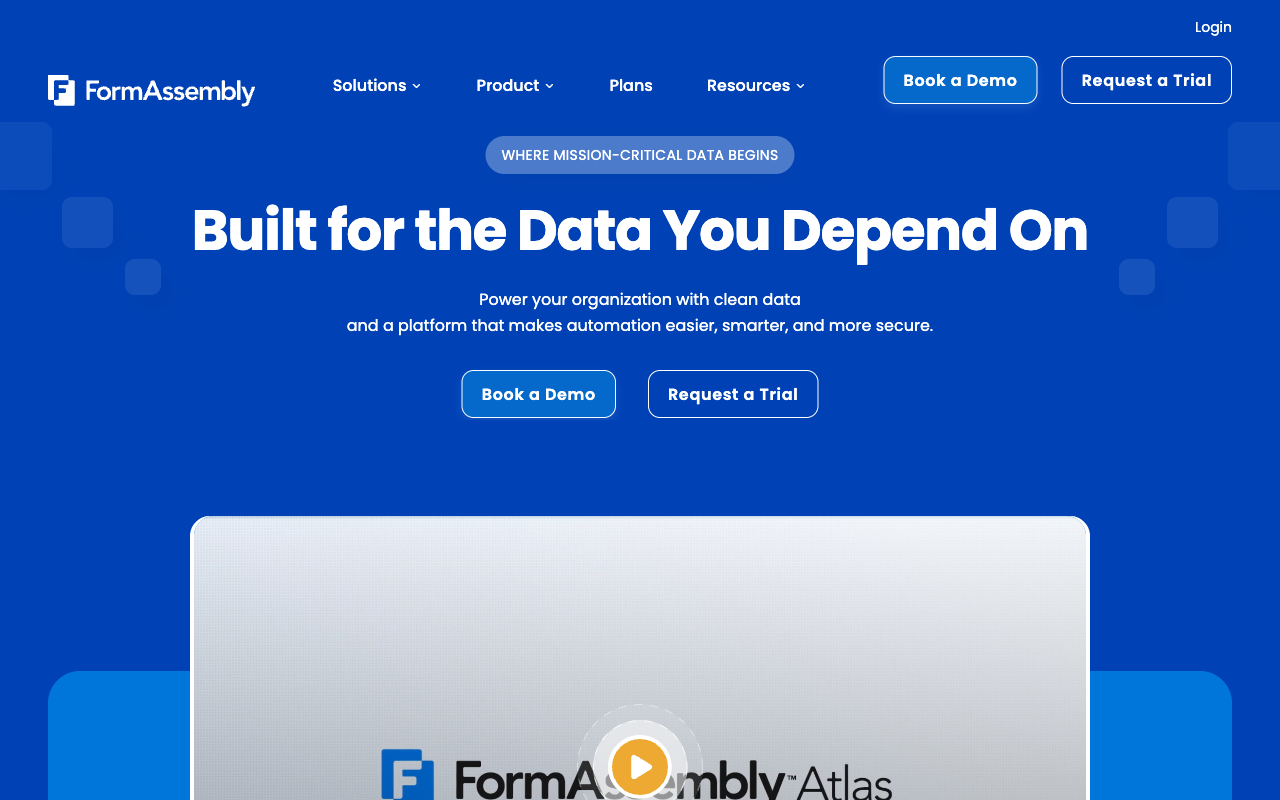
A compliance list nobody else can match
FormAssembly holds HIPAA with BAAs, PCI DSS Level 1, SOC 2 Type II, ISO 27001, GDPR, CCPA, FERPA, GLBA, 21 CFR Part 11 and Section 508 accessibility, with a FedRAMP High authorised Gov Cloud environment available on top. Tally publishes GDPR and EU hosting. For patient intake, a clinical trial record, a student financial aid application or a federal agency form, that difference decides the evaluation in the first five minutes, and no amount of Tally's polish changes it.
Salesforce as a first-class destination
FormAssembly's connector writes one submission across multiple standard and custom Salesforce objects, prefills a form from an existing record, and handles parent-child relationships and dynamic picklists on the Team tier. Tally has no native CRM connector of its own beyond Attio; Salesforce means a webhook or an automation platform, and the mapping logic then lives outside the form. Twenty years of building for Salesforce admins is real, and it is the main thing customers are buying.
Process, not just capture
Approval processes, identity authentication, multi-signer eSignatures and template-driven document generation are all in FormAssembly's product, from Atlas Team upward. Tally has none of them. Southwest Airlines and Harvard did not buy a form; they bought the routing and the audit trail behind it.
Where Tally Is the Right Answer
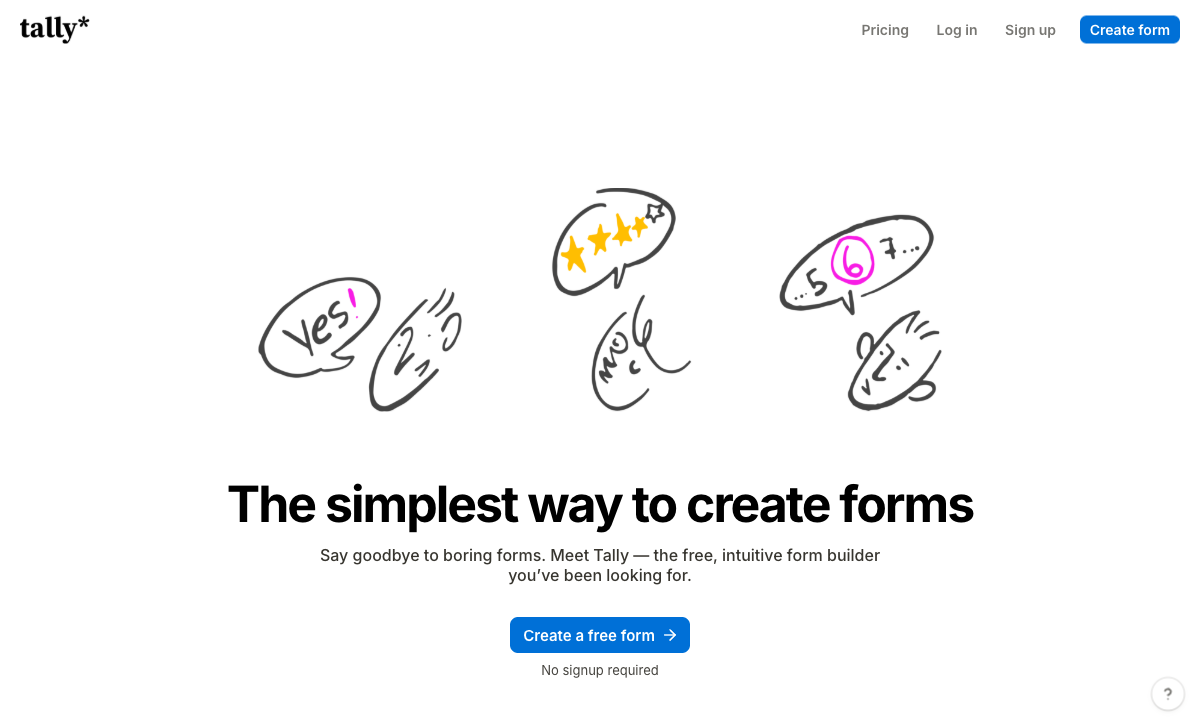
Nothing to negotiate
Tally's free plan gives unlimited forms and unlimited submissions within a published fair use policy, and it includes conditional logic, calculations, Stripe payments, e-signatures, file uploads and 45+ languages. That is the most generous free plan in the category, and it is genuinely good software rather than a trap. FormAssembly has no free plan and, since the September 2026 pricing change, no public price either. If the choice is between starting today and booking a call, Tally has already won.
The editor gets out of the way
Tally's Notion-style block editor lets you type questions as though writing a document and insert fields with a slash command. FormAssembly's builder, by contrast, carries a 4.1 out of 5 ease-of-use score on G2 across 425 reviews and generally assumes a Salesforce admin sits between the business and the form. Tally scores 4.8 on the same measure. A developer review on Medium and Hackceleration's 15-user roundup both land in the same place: the speed from idea to live form is the product.
AI and connectivity for nothing
Tally AI builds, edits, brands, translates and debugs forms from a chat window, free on every plan including the free one, and Tally ships an MCP server alongside official ChatGPT and Claude connectors. FormAssembly's Fai is also included on every tier and is arguably more ambitious, generating whole branded workflows and offering compliance guidance while you build. The gap is in reach: Tally connects to Notion, Airtable, Slack, Zapier, Make, n8n and Pipedream out of the box, while FormAssembly's roughly 20 connectors exclude Zapier and Make entirely and now appear as a paid add-on on every plan.
Where Each One Runs Out
FormAssembly: the bill is the product
Seats are capped at 1, 3, 5 and 5 standard users across Explorer, Team, Enterprise and Gov Cloud. Explorer includes three active workflows; unlimited workflows, single-signer eSignature, the Analytics Suite and the integrations themselves are add-ons. Team's included document merges dropped from 1,000 a year to 250 during 2026. None of this is visible until a salesperson tells you, and the direction of travel over the last three audits has been consistently toward unbundling. Reviewers describe the design output fairly: it looks like an intake screen wired to a CRM, which is fine internally and expensive when it is the first thing a donor or applicant sees.
Tally: the wall after submit
Tally's limits are not about volume. They arrive when the form stops being the whole job: several brands or clients to keep separate, payments with real pricing logic behind them, a contract that has to be signed and filed, an approval chain with a person at each step, or a compliance checklist someone else wrote. There is no workflow builder, no approval routing, no template-driven document generation (submission-to-PDF is a themed copy of the answers), and no save-and-resume for respondents. Payments are Stripe or nothing. The top tier at $89/month still offers no SOC 2, no SSO and no 2FA, so there is nothing to put in a security questionnaire and no way to enforce login policy across a team.
Pricing Comparison
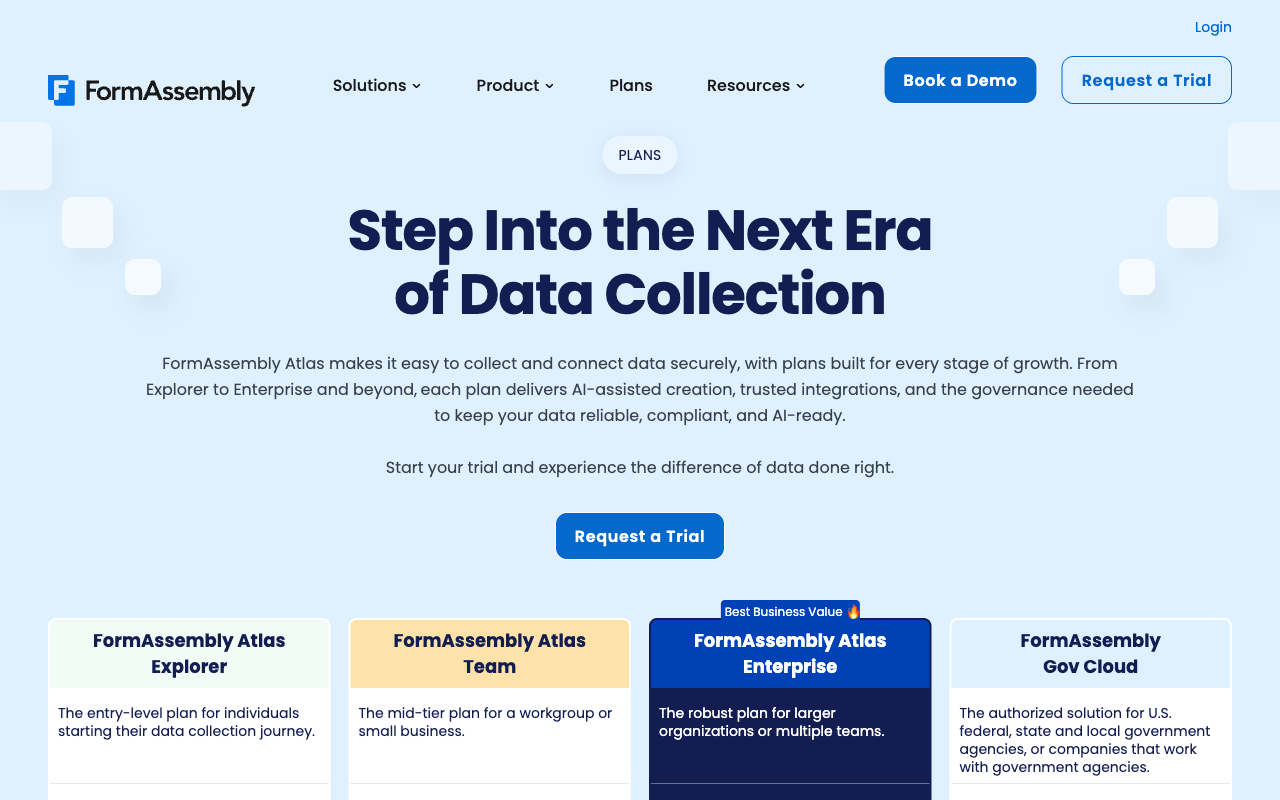
Tally publishes every number and FormAssembly publishes none. Tally is free, $29/month for Pro or $24 billed annually, and $89/month for Business or $74 billed annually, with unlimited team members on both paid tiers. FormAssembly's four Atlas tiers all advertise unlimited forms, responses and storage, and all route to "Request a Trial" or "Book a Demo".
FormAssembly
Tally
| Product | Plan | Monthly Price | Annual Price (per month) | Free Plan | Free Trial | Limits |
|---|---|---|---|---|---|---|
| FormAssembly | FormAssembly Atlas Explorer | Not published | Not listed | No | 14 days | forms: Unlimited, submissions: Unlimited, storage: Unlimited, users: 1 standard / 0 limited |
| FormAssembly | FormAssembly Atlas Team | Custom | Not listed | forms: Unlimited, submissions: Unlimited, storage: Unlimited, users: 3 standard / 5 limited | ||
| FormAssembly | FormAssembly Atlas Enterprise | Custom | Not listed | forms: Unlimited, submissions: Unlimited, storage: Unlimited, users: 5 standard / 10 limited | ||
| FormAssembly | FormAssembly Gov Cloud | Custom | Not listed | forms: Unlimited, submissions: Unlimited, storage: Unlimited, users: 5 standard / 10 limited | ||
| Tally | Free | Free | Free | Yes | No | forms: Unlimited, submissions: Unlimited, storage: N/A, users: 1, file uploads: 10 MB per file |
| Tally | Pro | $29/mo | $24/mo billed annually | forms: Unlimited, submissions: Unlimited, storage: N/A, users: Unlimited, file uploads: Unlimited | ||
| Tally | Business | $89/mo | $74/mo billed annually | forms: Unlimited, submissions: Unlimited, storage: N/A, users: Unlimited |
What Users Say
FormAssembly sits at 4.4 on G2 across 425 reviews and 4.5 on Capterra across 103, with praise concentrated on the Salesforce connector and the compliance posture, and complaints concentrated on the learning curve, the dated design and the gated pricing. Tally rates 4.8 on G2 across 97 reviews and 4.9 on Capterra across 41, with a 4.9 value-for-money sub-score that is close to the ceiling. Read the volumes as well as the scores: FormAssembly has four times the review base, and Tally's Trustpilot page sits at 3.8 across 22 reviews, which is a small sample pulling in a different direction.
The Verdict
If a regulator, a hospital or a federal agency is on the other side of your form, buy FormAssembly and accept the procurement overhead; nothing else in this category carries FedRAMP High and PCI DSS Level 1. If the form is a form, use Tally and spend the saved money elsewhere. The two products rarely compete for the same buyer, which is why choosing between them usually means admitting you are somewhere in the middle.
Consider Paperform for the Middle Ground
Most teams reading this comparison are not a federal agency and are not running a single contact form. They run several brands or clients, take payments with actual pricing rules attached, need a contract signed and filed, and have a security questionnaire to answer that stops short of HIPAA. Paperform is built for that position. Pro is $59/month, or $49/month billed annually, with unlimited submissions and unlimited seats within fair use, and Business is $149/$124 with SSO, 10 workspaces and the Business API. Those numbers are published, which is the first difference from FormAssembly, and they do not rise when a campaign lands, which is the argument against metered platforms generally.
The second difference is scope. One subscription covers Paperform for forms, Papersign for eSignatures and Stepper for workflow automation, so the approval chain and the countersigned contract that Tally hands to Zapier, and that FormAssembly quotes as add-ons, sit in the same account. Paperform reaches 4000+ integrations, takes Stripe, PayPal, Square, Braintree and Google Pay with subscriptions, coupons, tax and refunds, and drives all of it from Excel-style calculations that decide which questions appear, which conditional emails fire and what an integration receives. Support is in the seat price rather than an enablement fee, and the company has been bootstrapped and profitable since 2016.
Be clear about the trade. Tally's Pro tier at $24/month undercuts Paperform's $49 by half, and FormAssembly may quote you above or below either depending on seats. Paperform is SOC 2 Type II, GDPR and CCPA compliant, but it is not HIPAA compliant and signs no BAAs, so protected health information belongs with FormAssembly. For everything between those two poles, start with the Paperform vs Tally breakdown, the FormAssembly alternatives roundup, or the wider best form builders list.
Frequently Asked Questions
Does Tally have anything comparable to FormAssembly's Salesforce connector?
No. FormAssembly's Salesforce connector maps a single submission to multiple standard and custom objects, prefills fields from existing Salesforce records and supports Agentforce. Tally has no native Salesforce integration at all; you would push submissions through Zapier, Make, n8n or a webhook and rebuild the mapping there. One caveat on FormAssembly: as of September 2026 its own plan table lists integrations, Salesforce included, as a paid add-on on all four tiers, so the connector is not automatically part of what you are quoted.
Can I pass a HIPAA or FedRAMP review with Tally?
No. Tally publishes GDPR compliance and EU hosting and nothing further: no SOC 2, no ISO 27001, no HIPAA, and no SSO or 2FA on any plan including the $89/month Business tier. FormAssembly is the opposite case, with HIPAA and BAAs on Atlas Enterprise, PCI DSS Level 1, SOC 2 Type II, ISO 27001, FERPA, 21 CFR Part 11 and a FedRAMP High authorised Gov Cloud environment. If a regulator or a procurement team is reading your answers, Tally is not in the running.
FormAssembly has no published price. What should I expect to budget?
Nothing on the FormAssembly pricing page carries a number as of September 2026. All four tiers, Atlas Explorer through Gov Cloud, route to a trial request or a demo booking, and the $59/month Explorer price advertised through mid-2026 has been withdrawn. Because forms, responses and storage are unlimited on every plan, the quote is driven by seats (1, 3, 5 and 5 standard users by tier), workflows, document merges and which integrations you add on. Budget for a sales cycle before you can budget for the product.
Which one handles payments better, FormAssembly or Tally?
FormAssembly supports two processors, Stripe and PayPal, and is PCI DSS Level 1 certified. Tally supports one, Stripe, including subscriptions. Neither offers Square, Braintree or Google Pay, and neither handles coupons, tax calculation or refunds; FormAssembly can shape a price through its calculations field, and Tally through its formula editor. For selling anything with real commercial rules attached, both will send you to a separate checkout.
Tally and FormAssembly both advertise unlimited submissions. Is there a catch?
Two different catches. Tally's unlimited free and paid submissions are bounded by a published fair use policy, which is reasonable but is a policy rather than a number. FormAssembly's unlimited responses are real, but the meter has moved to seats and scope: Atlas Explorer gives you one standard user and three active workflows, Atlas Team includes 250 document merges a year (cut from 1,000 during 2026), and analytics, eSignatures and integrations are sold on top.
Can either one run an approval chain after the form is submitted?
FormAssembly can, from Atlas Team upward: it ships workflows, approval processes and identity authentication, with unlimited active workflows above Explorer. Tally cannot. Its answer to anything past submit-and-notify is Zapier, Make or n8n, which means the process lives in a second vendor's canvas with its own bill and its own renewal date.
Sources & References
- FormAssembly Atlas Delivers Agentic AI and New Salesforce Integration — Database Trends and Applications, 2026
- Tally Review 2026: Honest Verdict + 15 Real User Reviews — Hackceleration, 2026
- Honest Review of Tally Forms, from an AI SaaS developer — Medium (FireBird Technologies), 2026
- FormAssembly reviews on G2 — G2, 2026
Last updated September 22, 2026
Ready to try Paperform?
Create beautiful forms, payment pages, and workflows — no code required.