 By Dean McPherson, Co-founder & CTO, Paperform · Updated
FormAssembly vs Typeform: Enterprise Salesforce or Design-First Forms? (2026)
FormAssembly and Typeform represent opposite design philosophies. FormAssembly is an enterprise Salesforce platform built for data precision, compliance, and CRM integration in regulated industries. Typeform is a design-first form builder built for beautiful, conversational experiences that maximise completion rates and respondent engagement.
The choice depends on what matters more: CRM data precision and compliance, or respondent experience and design. There is almost no overlap in their ideal customer profiles.
Quick Verdict
Choose FormAssembly if:
- You need deep Salesforce integration (native multi-object sync)
- You need FedRAMP, HIPAA, or PCI DSS compliance
- Data precision matters more than respondent experience
- You need eSignatures and Salesforce workflow automation
Choose Typeform if:
- Design and respondent experience are top priorities
- You want conversational, one-question-at-a-time forms
- You need high completion rates for customer-facing forms
- You want a free plan and published pricing (from $39/mo)
Feature Comparison
Side-by-side across feature categories: enterprise compliance vs design excellence.
| Feature | FormAssembly | Typeform |
|---|---|---|
| Form Building | ||
| AI form builder . Describe the form you need in plain language and the tool drafts the questions for you. | Yes Collect | Yes |
| Templates . The number of ready-made form templates in the tool’s template gallery. | Yes Collect | 3,000+ |
| Field types . How many kinds of question or input field the form builder offers, such as text, dropdown, date, file upload and signature. | Yes Collect | 20+ |
| Conditional logic . Show, hide or skip questions and pages based on how someone has answered earlier questions. | Yes Collect | Yes |
| Calculations . Compute totals, scores, prices or dates from answers while the form is being filled in. | Yes Collect | Yes |
| Multi-page forms . Split a long form across several pages that respondents move through in order. | Yes Collect | Yes |
| One question at a time . A conversational layout that shows a single question per screen, popular for surveys on mobile. | Not recorded | Yes |
| Answer piping . Insert a respondent’s earlier answer, such as their name, into later questions or text on the form. | Yes Collect | Yes |
| Pre-filling and hidden fields . Fill in answers ahead of time from a link or existing data, and pass along values the respondent never sees. | Yes Collect | Yes |
| File uploads . Let respondents attach files such as documents and photos to their submission. | Yes | Yes basic |
| E-signatures . Collect a signature, either with a signature field on the form or by sending a document out to be signed. | Yes Collect | Yes growth flow |
| Appointment booking . Let respondents pick and book a time slot directly in the form, with availability managed by the tool. | No | Yes business |
| Quiz scoring . Give answers point values so the form can score quizzes and assessments automatically. | Not recorded | Yes |
| Save and resume . Respondents can leave a form part-way through and come back later to finish it. | Yes Collect | Yes |
| Close forms by date or response limit . Stop accepting submissions automatically on a set date or once a set number of responses has arrived. | Yes Collect | Yes business |
| Payments | ||
| Payment gateways . The number of payment processors a form can take payments through. Where a vendor’s full count isn’t recorded, the cell lists the gateways we confirmed. | No | 2 (basic) Stripe, PayPal |
| Subscriptions and recurring payments . Charge respondents on a repeating schedule, such as monthly or annually, from a form. | No | Yes basic |
| Product sales . Sell products from a form, with product listings, quantities and an order total. | No | Yes basic |
| Conditional pricing . Change the price or add fees automatically based on the answers given in the form. | No | Yes basic |
| Coupons and discounts . Offer discount codes that respondents can apply to a payment or subscription on the form. | No | Yes basic |
| Refunds . Refund a payment from inside the form tool rather than going to the payment processor. | Not recorded | No |
| Design & Customization | ||
| Custom themes . Set your own logo, colours and fonts on forms and save them as reusable themes. | Yes Collect | Yes basic |
| Custom CSS . Add your own CSS (and in some tools HTML) for styling beyond the built-in theme options. | Yes Automate | No |
| Remove vendor branding . Remove the form builder’s own logo or badge so forms carry only your branding. | Yes Automate | Yes plus |
| Custom domain . Host forms on your own domain, such as forms.yourcompany.com, instead of the vendor’s. | Yes Automate | Yes enterprise |
| Custom form URL . Choose a readable link for a form instead of a random string. | Yes Collect | Yes plus |
| Emails from your own domain . Send notification and confirmation emails from your own email domain instead of the vendor’s. | Yes Collect | Yes plus |
| Multi-language forms . Show a form’s questions, buttons and messages in languages other than English. | Yes | Yes business |
| Analytics | ||
| Response reports . Built-in summaries and charts of the answers a form has collected. | Yes Collect | Yes |
| Form analytics (views and drop-off) . Track how many people view, start and finish a form, and where they abandon it. | Yes Automate | Yes business |
| Partial submissions . See the answers people entered before leaving a form without submitting it. | No | Yes basic |
| Google Analytics and Meta Pixel . Connect a form to Google Analytics or the Meta (Facebook) Pixel to track visits and conversions. | Yes | Yes business |
| Custom tracking scripts . Add your own analytics or conversion-tracking scripts to a form. | Yes | Yes business |
| AI response insights . AI-written summaries and insights generated from the responses a form has collected. | Not recorded | Yes growth flow |
| Collaboration | ||
| Team members . Invite colleagues into the same account to build forms and work with responses together. | Yes Collect | Yes plus |
| Roles and permissions . Give team members different levels of access, such as admin, editor or viewer. | Yes Automate | Yes plus |
| Advanced permissions and admin controls . Fine-grained, organisation-wide controls over who can access what, usually on enterprise plans. | Yes Enterprise | Yes enterprise |
| Workspaces . Separate spaces or folders for organising forms by team, client or project. | Not recorded | Yes |
| Security | ||
| Two-factor authentication . Users can protect their login with a second step, such as a code from an authenticator app. | Yes Collect | Yes |
| Require 2FA for the whole team . Admins can make two-factor authentication mandatory for everyone in the account. | Yes Collect | Not recorded |
| SSO (SAML) . Team members sign in through your company’s identity provider, such as Okta or Microsoft Entra ID, using SAML single sign-on. | Yes Automate | Yes enterprise |
| HIPAA compliance . Whether the vendor supports collecting US protected health information under HIPAA, typically by signing a business associate agreement on an eligible plan. | Yes Enterprise | Yes enterprise |
| SOC 2 . Whether the vendor holds a SOC 2 audit report covering its security controls. | Yes Collect | Yes |
| GDPR . Whether the vendor states that it complies with the EU General Data Protection Regulation. | Yes Collect | Yes |
| Data residency . Choose the region, such as the EU, where your form data is stored. | Yes Enterprise | Yes enterprise |
| Store files in your own S3 bucket . Send uploaded files and exports to your own Amazon S3 storage instead of the vendor’s. | No | Not recorded |
| Spam protection (CAPTCHA) . Block bot and spam submissions with reCAPTCHA or a similar challenge. | Yes Collect | Yes plus |
| Integrations & API | ||
| Native integrations . Apps the tool connects to directly, without going through a third-party connector such as Zapier or Make. | 30+ | 300+ |
| Zapier . Connect forms to thousands of other apps through Zapier. | Yes Collect | Yes |
| Make . Connect forms to other apps through Make (formerly Integromat). | Not recorded | Yes |
| Workflow automation . A built-in builder for multi-step automations that act on submissions, such as approvals, routing and syncing data to other systems. | Yes Automate | Yes growth flow |
| Webhooks . Send each new submission to a URL of your choice as soon as it arrives. | Yes Collect | Yes basic |
| API access . A developer API for reading forms and submissions, or managing them, from your own code. | Yes Collect | Yes |
| MCP server / AI assistant connector . An official connector, such as an MCP server, that lets AI assistants like Claude or ChatGPT work with your forms and responses. | Yes Collect | Yes |
| WordPress plugin . A plugin for adding forms to a WordPress site. | Yes Collect | No |
— means we haven't recorded it for that tool.
Where FormAssembly Wins
Salesforce Integration Depth
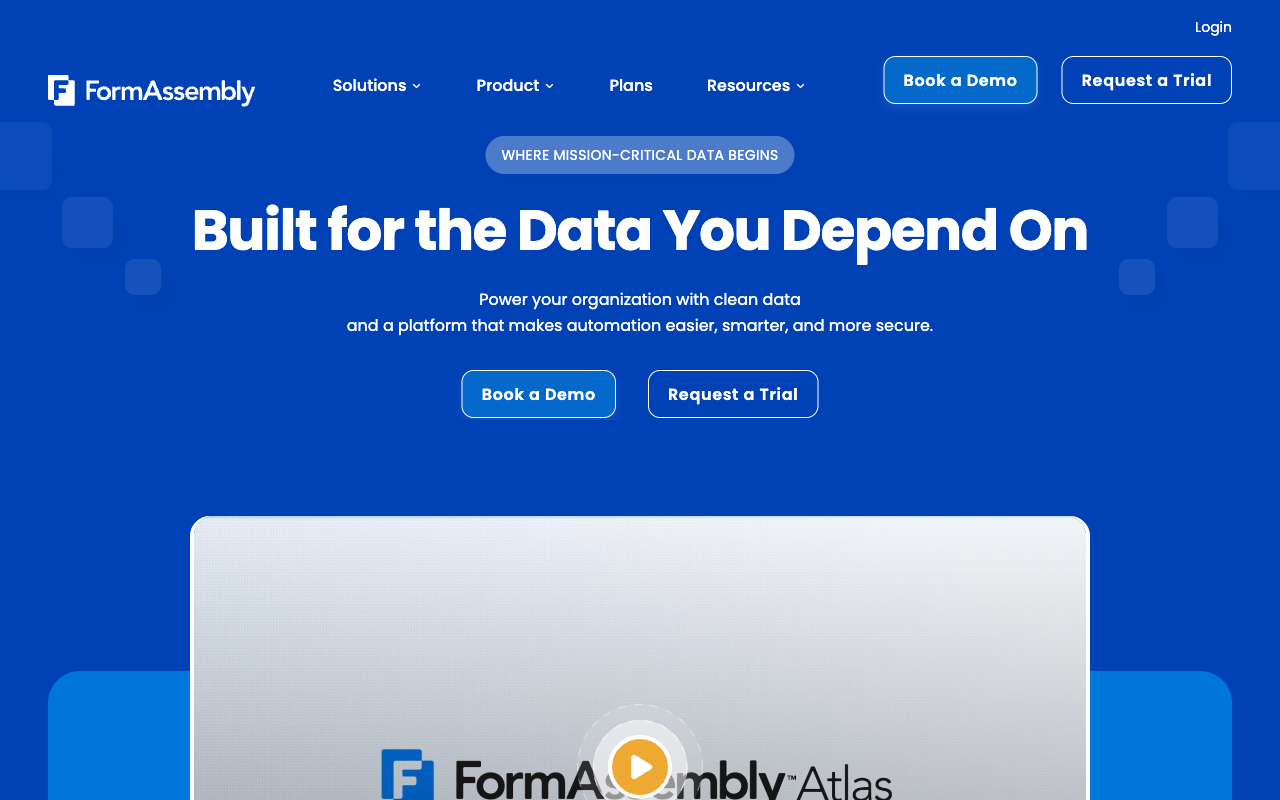
FormAssembly's native Salesforce connector supports multi-object mapping, prefilling from Salesforce records, Agentforce support, and field-level synchronisation. Typeform connects to Salesforce via native connectors and Zapier, but only for basic single-object mapping. For Salesforce-centric enterprises with complex data models, FormAssembly's depth is unmatched.
Enterprise Compliance
FormAssembly holds HIPAA with BAA, PCI DSS Level 1, SOC 2, GDPR, FERPA, and FedRAMP High. Typeform offers GDPR, SOC 2, ISO 27001 and PCI DSS, but HIPAA only on its Enterprise plan and no FedRAMP. For healthcare, government, financial services, and higher education, FormAssembly's compliance certifications are a genuine requirement that Typeform cannot fully meet.
eSignatures
FormAssembly includes native eSignatures for consent forms, agreements, and compliance documents, tied directly to Salesforce records. Typeform's Signature question only arrives on Growth Flow and above, and it isn't a document-signing workflow. For organisations that need signed documents as part of form workflows, FormAssembly provides this natively.
Company Longevity
Founded in 2006, FormAssembly has 20 years of enterprise operation with customers including Southwest Airlines, Amazon, and Harvard University. Typeform was founded in 2012 — 8 years younger. For enterprise procurement teams evaluating vendor stability, FormAssembly's longer track record carries weight.
Where Typeform Wins
Design and Respondent Experience
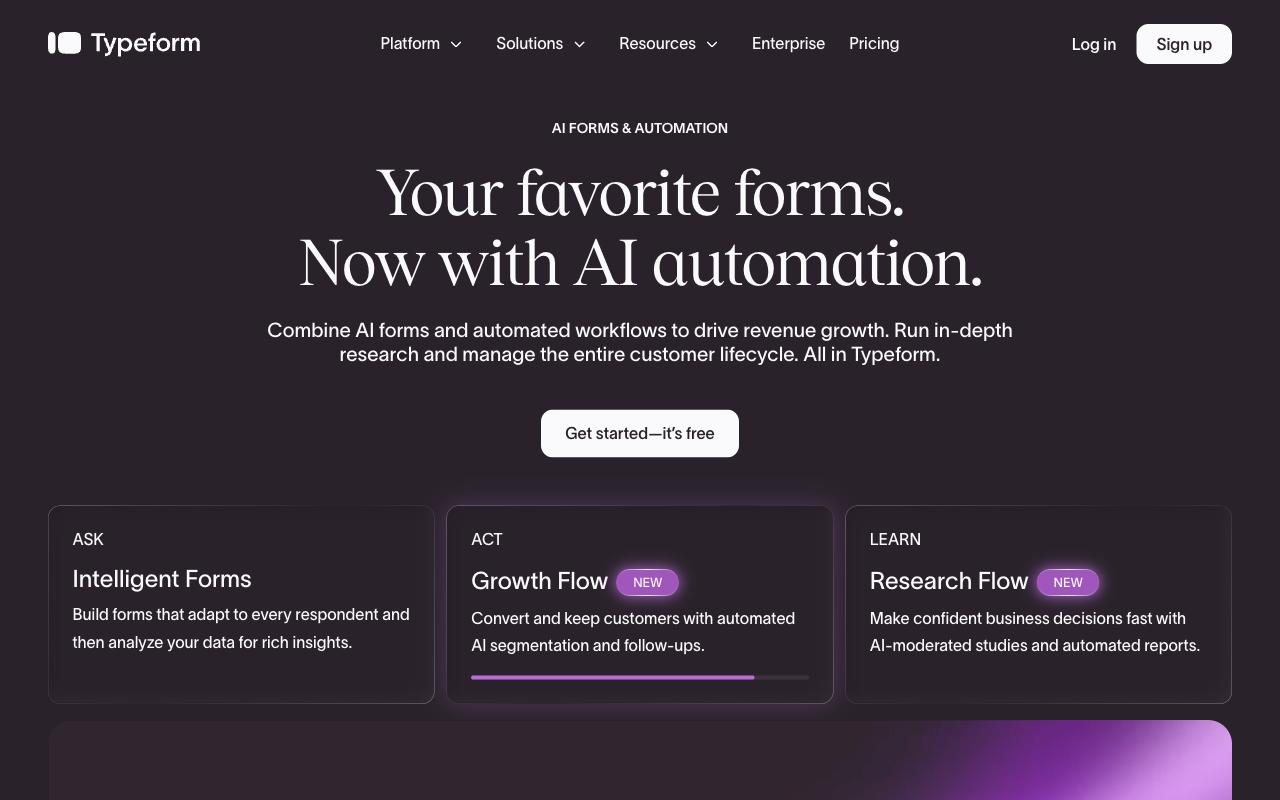
Typeform's one-question-at-a-time conversational interface is the gold standard for form design. Smooth animations, beautiful typography, video backgrounds, and a conversational flow create an experience that feels more like a chat than a form. Completion rates are typically higher than traditional form layouts. FormAssembly's design is functional and enterprise-oriented — not designed to impress respondents. For customer-facing forms where brand experience drives conversion, Typeform is in a different league.
Free Plan and Lower Pricing
Typeform offers a free plan (10 responses/month) and paid plans starting at $39/month (Basic). FormAssembly has no free plan and publishes no prices: every plan is quoted by sales. For teams that don't need Salesforce integration, that makes Typeform far easier to start with. Typeform delivers a better respondent experience without a sales call.
Integration Breadth
Typeform lists 300+ integrations including HubSpot, Salesforce, Slack, Google Sheets, Mailchimp, and full Zapier connectivity. FormAssembly lists about 30 connectors, has no native Zapier app (submissions can reach Zapier only through its HTTPS Connector) and no Make support. Outside Salesforce, Typeform's connectivity is dramatically broader.
Video and Interactive Elements
Typeform supports video questions, video backgrounds, GIFs, and interactive elements that create engaging, media-rich experiences. FormAssembly focuses on data fields, not multimedia engagement. For product feedback, lead qualification, and customer research, Typeform's interactive capabilities enhance engagement.
Where FormAssembly Falls Short
- Dated design: Enterprise-functional, not beautiful. G2 reviewers note the interface feels outdated compared to modern form builders.
- No free plan or published pricing: every plan is quoted by sales, against Typeform's free plan and $39/month start.
- Limited integrations: About 30 native connectors, no native Zapier app and no Make. Poor connectivity outside Salesforce.
- Steep learning curve: G2 ease of use 4.1/5. Non-Salesforce users find the platform confusing.
- No multimedia: No video questions, no GIFs, no interactive media elements.
Where Typeform Falls Short
- No deep Salesforce integration: Basic single-object mapping only. Cannot do multi-object sync or Agentforce.
- Limited regulated-industry compliance: HIPAA only on Enterprise, and no FedRAMP. A harder fit for government and heavily regulated work.
- eSignatures gated to Growth Flow: The Signature question needs Growth Flow or above, and there's no document-signing workflow.
- Response limits: Free plan caps at 10 responses/month. Even Basic ($39/mo) limits to 100 responses. High-volume use cases get expensive.
- Limited calculations: Basic logic but no Excel-style calculation engine for dynamic pricing or complex scoring.
- One format only: The one-question-at-a-time format isn't ideal for long data entry forms, multi-section applications, or complex workflows.
Pricing Comparison
Enterprise Salesforce tool vs design-first form builder:
| Tier | FormAssembly | Typeform | Key Difference |
|---|---|---|---|
| Free | No free plan (trial on request) | Free — 10 responses/month | Typeform offers a free tier; FormAssembly doesn't |
| Entry | Collect: quote only — 12,000 responses/year | Basic: $39/mo — 100 responses, logic jumps | Typeform publishes its price; FormAssembly doesn't |
| Professional | Automate: quote only — 60,000 responses/year, workflows | Plus: $79/mo — 1K responses, remove branding | Typeform transparent pricing; FormAssembly requires sales |
| Enterprise | Enterprise: quote only — unlimited responses, HIPAA (FedRAMP via Gov Cloud) | Enterprise: Custom — SSO, advanced security | FormAssembly adds compliance depth; Typeform adds design scale |
What will it cost you?
FormAssembly plans
- Collect—Forms Unlimited, Submissions 12,000 per year, Team 1 admin + 1 standard user, Storage Not published
- Automate—Forms Unlimited, Submissions 60,000 per year, Team 1 admin + 5 standard users, Storage Not published
- Enterprise—Forms Unlimited, Submissions Unlimited, Team 5 admin + 10 standard users, Storage Not published
- Gov Cloud—Forms Unlimited, Submissions Tiered, Team 5 admin + 10 standard users, Storage Not published
| Plan | Price | Forms | Submissions | Team | Storage |
|---|---|---|---|---|---|
| Collect | — | Unlimited | 12,000 per year | 1 admin + 1 standard user | Not published |
| Automate | — | Unlimited | 60,000 per year | 1 admin + 5 standard users | Not published |
| Enterprise | — | Unlimited | Unlimited | 5 admin + 10 standard users | Not published |
| Gov Cloud | — | Unlimited | Tiered | 5 admin + 10 standard users | Not published |
Typeform plans
- FreeFreeForms Unlimited, Submissions 10/month, Team 1
- Basic$28/moForms Unlimited, Submissions 100/month, Team 1, Storage 1 GB
- PlusMatches$56/moForms Unlimited, Submissions 1,000/month, Team 3, Storage 2 GB
- Business$91/moForms Unlimited, Submissions 10,000/month, Team 5, Storage 4 GB
- Growth Flow$266/moForms Unlimited, Submissions 10,000/month, Team 5, Storage 4 GB
- Talent$119/moForms Unlimited, Submissions 3,000/month, Team 3
| Plan | Price | Forms | Submissions | Team | Storage |
|---|---|---|---|---|---|
| Free | Free | Unlimited | 10/month | 1 | — |
| Basic | $28/mo | Unlimited | 100/month | 1 | 1 GB |
| PlusMatches | $56/mo | Unlimited | 1,000/month | 3 | 2 GB |
| Business | $91/mo | Unlimited | 10,000/month | 5 | 4 GB |
| Growth Flow | $266/mo | Unlimited | 10,000/month | 5 | 4 GB |
| Talent | $119/mo | Unlimited | 3,000/month | 3 | — |
| Product | Plan | Monthly Price | Annual Price (per month) | Free Plan | Free Trial | Limits |
|---|---|---|---|---|---|---|
| FormAssembly | Collect | Not published | Not listed | No | Yes | forms: Unlimited, submissions: 12,000 per year, storage: Not published, users: 1 admin + 1 standard user |
| FormAssembly | Automate | Not published | Not listed | forms: Unlimited, submissions: 60,000 per year, storage: Not published, users: 1 admin + 5 standard users | ||
| FormAssembly | Enterprise | Not published | Not listed | forms: Unlimited, submissions: Unlimited, storage: Not published, users: 5 admin + 10 standard users | ||
| FormAssembly | Gov Cloud | Not published | Not listed | forms: Unlimited, submissions: Tiered, storage: Not published, users: 5 admin + 10 standard users | ||
| Typeform | Free | Free | Free | Yes | 14 days | forms: Unlimited, submissions: 10/month, users: 1 |
| Typeform | Basic | $39/mo | $28/mo billed annually | forms: Unlimited, submissions: 100/month, storage: 1 GB, users: 1 | ||
| Typeform | Plus | $79/mo | $56/mo billed annually | forms: Unlimited, submissions: 1,000/month, storage: 2 GB, users: 3 | ||
| Typeform | Business | $129/mo | $91/mo billed annually | forms: Unlimited, submissions: 10,000/month, storage: 4 GB, users: 5 | ||
| Typeform | Growth Flow | $379/mo | $266/mo billed annually | forms: Unlimited, submissions: 10,000/month, storage: 4 GB, users: 5 | ||
| Typeform | Talent | $169/mo | $119/mo billed annually | forms: Unlimited, submissions: 3,000/month, users: 3 |
What Users Say
Typeform earns consistent praise for its beautiful design and high completion rates: marketing and product teams love the respondent experience. FormAssembly reviews highlight Salesforce integration depth and compliance. The audiences are distinct: design-conscious teams choose Typeform; Salesforce admins in regulated industries choose FormAssembly.
Consider Paperform
If Typeform's response limits are frustrating and FormAssembly's Salesforce focus doesn't match your needs, Paperform offers design sophistication with broader capabilities. Paperform's document-style editor creates forms that look like designed landing pages, with an Excel-style calculation engine for dynamic pricing, scoring, and conditional logic.
The difference that matters is metering. Typeform charges by response tier, and every enterprise platform in this category meters seats or workflow runs somewhere. Each cap is a tax you pay for growing. Paperform meters none of them: submissions and seats are unlimited on every paid plan, so volume never changes the bill. Pro is $59/month, or $49/month billed annually; Business is $149/month, or $124/month annually. That is more than Typeform's $39/mo Basic at entry, and FormAssembly publishes no prices at all, so Paperform is not the cheapest sticker price here — it is the one that doesn't reprice you as you scale.
One subscription also covers all three products: Paperform for forms, Papersign for eSignatures, and Stepper for workflow automation. FormAssembly bundles eSignatures but only inside Salesforce; Typeform's signature question needs Growth Flow, so a Typeform stack usually means a second signing vendor and a third automation vendor stitched together. Paperform includes five payment gateways, 9,800+ integrations, and 30,000+ templates. Note that Paperform is SOC 2 Type II, GDPR and CCPA compliant but is not HIPAA compliant and signs no BAAs. If that is your requirement, FormAssembly remains the answer. See our full ranking for details.
The Verdict
Choose FormAssembly for Salesforce-centric enterprises in regulated industries. Its native multi-object Salesforce connector, FedRAMP + HIPAA + PCI DSS compliance, and 20 years of operation (founded 2006) serve a specific enterprise audience. Data precision and compliance trump design here.
Choose Typeform for beautiful, conversion-optimised forms. Its one-question-at-a-time interface, video capabilities, and design excellence make it the best choice for customer-facing forms where brand experience drives results. Founded in 2012, Typeform has become the design standard in form building.
Frequently Asked Questions
Can Typeform integrate with Salesforce?
Yes, through native connectors and Zapier. Typeform's Salesforce integration creates or updates contacts and leads from form responses. However, it's single-object mapping: it cannot do multi-object sync, prefilling from Salesforce records, or Agentforce support. FormAssembly's native Salesforce connector handles complex multi-object data models that Typeform cannot replicate. For basic Salesforce lead capture, Typeform works. For complex CRM workflows, FormAssembly is necessary.
Which has better form design?
Typeform, decisively. Its one-question-at-a-time interface is the gold standard for respondent experience: high completion rates, beautiful animations, and a conversational feel. FormAssembly's design capabilities are functional but enterprise-oriented; G2 reviewers note the interface feels dated. For customer-facing forms where brand experience matters, Typeform is materially better. For internal enterprise data collection, FormAssembly's design is adequate.
Does Typeform have a free plan?
Yes. Typeform offers a free plan with up to 10 responses per month. It's limited but lets you experience the one-question-at-a-time interface. FormAssembly has no free plan and publishes no prices; every plan is quoted by sales, with a trial available on request. For testing and low-volume use cases, Typeform's free tier provides a no-risk starting point.
Which is better for enterprise compliance?
FormAssembly has the broader compliance portfolio: HIPAA with BAA, PCI DSS Level 1, SOC 2, GDPR, FERPA, and FedRAMP High. Typeform offers GDPR, SOC 2, ISO 27001 and PCI DSS, with HIPAA only on its Enterprise plan, and has no FedRAMP environment. For healthcare, government, and financial services with strict compliance requirements, FormAssembly is the safer choice. Typeform is built mainly for marketing and product teams.
Sources & References
- FormAssembly vs Typeform: Comparison — G2, 2026
- Typeform Pricing — Typeform, 2026
Updates
We re-audit the form builders we compare on a regular cadence and log every change here — a public record of what changed and when.
- Updated June 4, 2026 — Corrected Typeform pricing to reflect the June 2026 audit: Basic is now $39/mo (was $25) and Plus is $79/mo (was $50), and renamed FormAssembly's plans to 'Atlas Explorer', 'Atlas Team', and 'Atlas Enterprise'.
Unlimited plans are subject to each vendor's fair use policy.
Ready to try Paperform?
Create beautiful forms, payment pages, and workflows — no code required.