Paperform vs FormAssembly: Which Is Better in 2026?
FormAssembly is the right choice when regulated compliance decides the purchase: HIPAA with a BAA, PCI DSS Level 1, ISO 27001 and FedRAMP High, none of which Paperform holds. For every other team, Paperform wins, because its Excel-style calculations build the pricing, scoring and routing logic that FormAssembly expects a Salesforce admin to build for you.
These two products draw the line between form and system in different places. FormAssembly treats the form as a capture surface bolted to Salesforce: the interesting logic lives in the CRM, an admin wires it up, and the platform sells you the wiring. Paperform treats the form as the place where the logic runs. Formulas written in spreadsheet syntax decide what the respondent sees next, what a quote totals, which email fires and what a connected app receives, which means the person who understands the policy is the person who configures it.
The second difference is commercial. FormAssembly withdrew every published price in 2026 and now sells integrations, workflows, document generation and analytics as add-ons on top of a number you can only get from a salesperson. Paperform publishes two paid tiers and includes forms, eSignatures and workflow automation in both.
Quick Verdict
Choose FormAssembly if:
- You collect protected health information and need a signed BAA
- Procurement requires ISO 27001, PCI DSS Level 1 or FedRAMP High
- Salesforce is the system of record and multi-object sync is the point
- A dedicated admin owns forms and has time to learn the builder
- You need data residency across NA, EU and APAC
- Section 508 and WCAG 2.1 accessibility sit in the contract
Choose Paperform if:
- Quoting, scoring or eligibility rules have to be calculated in the form
- You want one subscription instead of a form tool plus a signing tool plus an automation tool
- More than one person needs to build and edit
- You need a price you can budget against without booking a demo
- Payments involve Square, Braintree or Google Pay, or recurring billing
- Your stack reaches past Salesforce and needs Zapier, Make or webhooks
Five Facts Worth Checking Before a Demo
Pricing
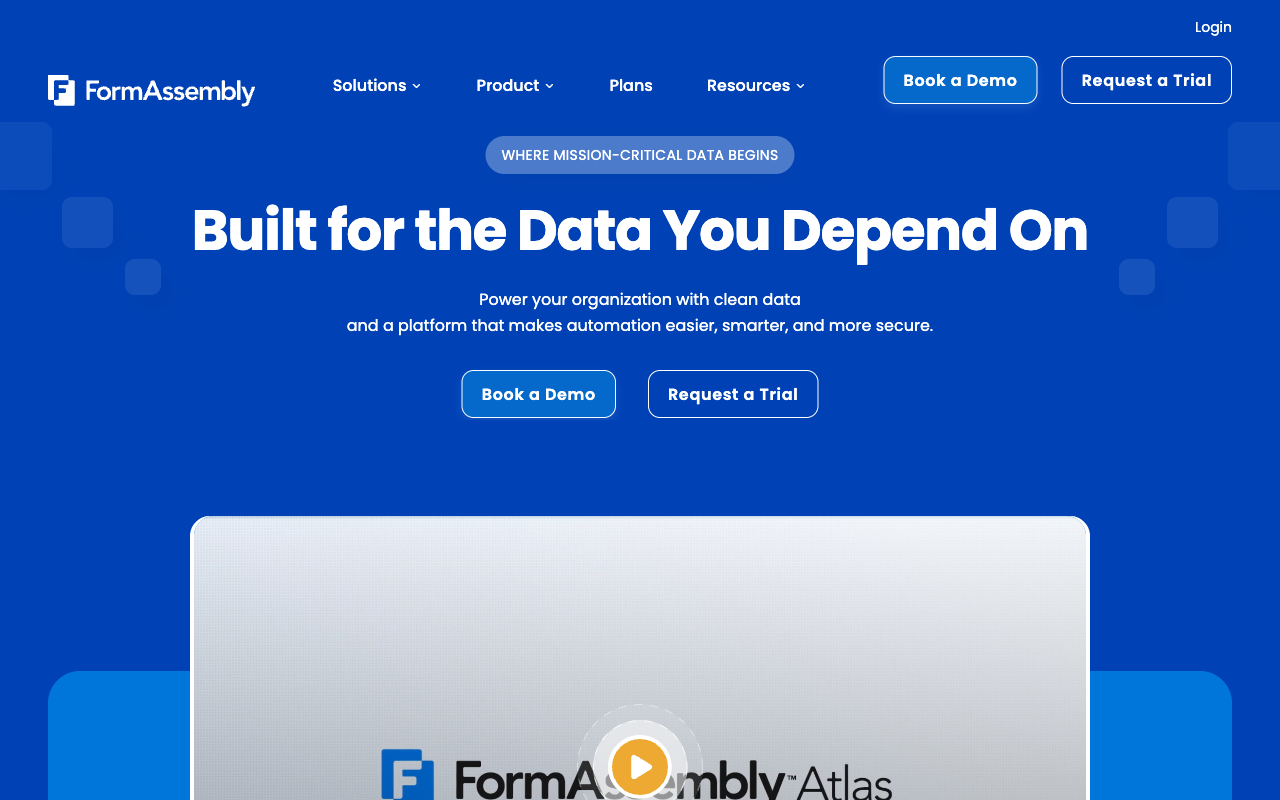
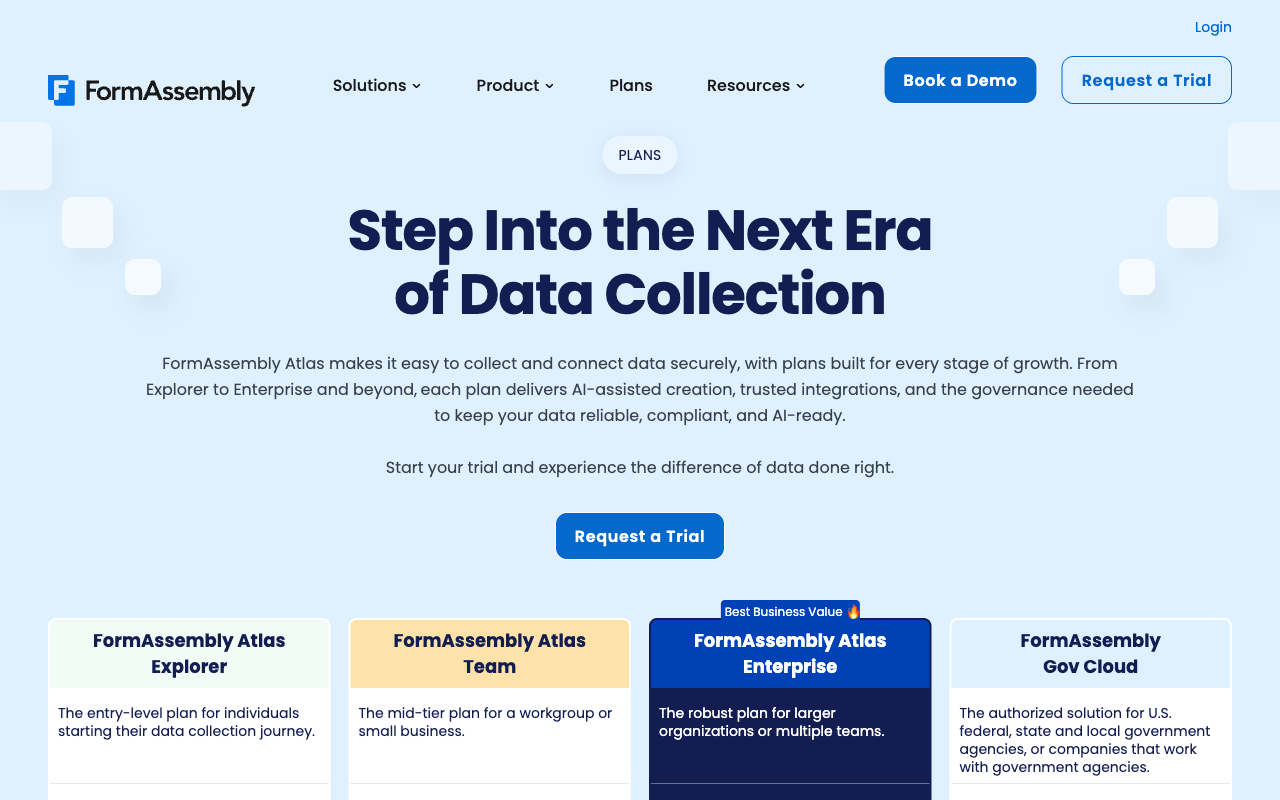
FormAssembly publishes no price on any of its four tiers as of September 2026; every plan requests a demo or a trial. Paperform Pro is $59/month, or $49 billed annually, and Business is $149/month, or $124 annually.
Integrations and API
FormAssembly lists roughly 20 native integrations, plus a REST API, with no Zapier and no Make, and those integrations are a paid add-on on all four tiers. Paperform reaches 4,000+ integrations with an API on every paid plan and a separate Business API on the $124/month annual tier.
Conditional logic
Both branch on answers. Paperform's Excel-style calculations also drive question and page visibility, conditional emails, integration payloads and success page content, and an AI assistant writes the formulas. FormAssembly supports calculations and custom pricing but offers no scoring feature and no AI calculation assistant.
Payments
Paperform supports 5 gateways: Stripe, PayPal, Square, Braintree and Google Pay. FormAssembly supports 2: Stripe and PayPal, with PCI DSS Level 1 certification and no subscriptions, coupons, tax or refunds.
Compliance
FormAssembly is HIPAA (with BAA on Atlas Enterprise), GDPR, CCPA, SOC 2, ISO 27001, PCI DSS Level 1, FERPA, 21 CFR Part 11, TX-RAMP and Section 508 compliant, with a FedRAMP High authorized Gov Cloud. Paperform is SOC 2 Type II, GDPR and CCPA compliant, and is not HIPAA compliant and does not sign BAAs. On regulated data, FormAssembly wins outright.
Feature Comparison
The two feature sets barely overlap at the edges. FormAssembly is deeper on certification, Salesforce object mapping and government deployment. Paperform is deeper on calculation, design, payments and everything that happens between the submission and the closed task.
| Feature | Paperform | FormAssembly |
|---|---|---|
| Form Building | ||
| Document-style editor | Yes | No |
| AI form creation | Yes | Yes explorer |
| Field types | 26+ | Yes explorer |
| File uploads | Yes | No |
| Multi-page forms | Yes | Yes explorer |
| Guided mode (one question at a time) | Yes | No |
| Conditional logic | Yes | Yes explorer |
| Calculations field | Yes pro | Yes explorer |
| AI calculations assistant | Yes pro | No |
| Scoring | Yes pro | No |
| Answer piping | Yes | Yes explorer |
| Pre-filling and hidden fields | Yes pro | Yes explorer |
| Save and resume | Yes | Yes explorer |
| Auto-close by number | Yes pro | Yes explorer |
| Auto-close by date | Yes pro | Yes explorer |
| Appointment/booking field | Yes | No |
| Signature field | Yes | Yes explorer |
| Color picker field | Yes | No |
| API-powered dropdowns | Yes business | Yes team |
| Google address search | Yes business | No |
| AI workflow generation | No | Yes explorer |
| AI compliance guidance | No | Yes explorer |
| Payments | ||
| Stripe payments | Yes | Yes explorer |
| PayPal payments | Yes | Yes explorer |
| Square payments | Yes | No |
| Braintree payments | Yes | No |
| Google Pay | Yes | No |
| Product sales (eCommerce) | Yes pro | Yes explorer |
| Subscriptions | Yes pro | No |
| Coupons and discounts | Yes pro | No |
| Custom pricing rules | Yes pro | Yes explorer |
| Tax calculations | Yes | No |
| Quotes/invoices | Yes | No |
| Refunds | Yes | No |
| 3D Secure | Yes | No |
| Design & Customization | ||
| Template gallery | 30,000+ | Yes explorer |
| Rich media (images, GIFs, videos) | Yes | Yes explorer |
| Unsplash and Giphy integration | Yes | No |
| Image editor | Yes | No |
| Adobe Creative Cloud | Yes | No |
| Language translation | Yes | No |
| Advanced theming | Yes pro | Yes team |
| Custom form URL | Yes pro | Yes explorer |
| Custom domains | Yes pro | No |
| Custom HTML & CSS | Yes pro | Yes team |
| Remove branding | Yes pro | Yes team |
| Custom email domains | Yes business | No |
| Analytics | ||
| Submission results and reports | Yes | Yes explorer |
| AI report insights | Yes pro | No |
| Paperform analytics | Yes pro | No |
| Drop-off analysis | Yes pro | No |
| Google Analytics & Facebook Pixel | Yes pro | No |
| Custom analytics scripts | Yes pro | No |
| Partial submissions | Yes pro | No |
| Workflow analytics | No | Yes explorer |
| Collaboration | ||
| Multi-user accounts | Yes pro | Yes team |
| User permissions and management | Yes pro | Yes team |
| Advanced permissions & admin | Yes enterprise | Yes enterprise |
| Form sharing (templates) | Yes | Yes explorer |
| Spaces and tag management | Yes | No |
| Workflow collaboration roles | No | Yes team |
| Workflow revisions (version history) | No | Yes team |
| Workflow Response ID on audit trail | No | Yes team |
| All Workflows admin management | No | Yes enterprise |
| Per-workflow error notifications | No | Yes team |
| Security | ||
| SOC 2 Type II | Yes | Yes explorer |
| GDPR compliant | Yes | Yes explorer |
| SSL encryption | Yes | Yes explorer |
| Two-factor authentication | Yes | Yes explorer |
| Enforce 2FA for all users | Yes business | Yes enterprise |
| SSO (SAML) | Yes business | Yes enterprise |
| reCAPTCHA | Yes | Yes explorer |
| Local data residency | Yes enterprise | Yes enterprise |
| Custom S3 storage (BYO) | Yes business | No |
| ISO 27001 | No | Yes explorer |
| Accessibility (Section 508, WCAG 2.1) | No | Yes explorer |
| Field-level masking of sensitive data | No | Yes explorer |
| Script integrity verification | No | Yes explorer |
| Integrations & API | ||
| Native integrations | 4,000+ | No |
| Zapier | Yes | No |
| Make (Integromat) | Yes | No |
| Webhooks | Yes pro | Yes explorer |
| Standard API | Yes pro | Yes explorer |
| Business API | Yes business | No |
| WordPress plugin | Yes | Yes explorer |
| oEmbed support | Yes | Yes explorer |
| 4000+ integrations | No | No |
Where FormAssembly Wins
The compliance checklist, answered end to end
FormAssembly holds the broadest compliance coverage of any form builder we track. HIPAA with a signed BAA, PCI DSS Level 1, SOC 2, ISO 27001, GDPR, FERPA, GLBA, 21 CFR Part 11, TX-RAMP, Section 508 and WCAG 2.1, plus a FedRAMP High authorized Gov Cloud environment sold through federal and SLED programmes. Data residency covers North America, EU and APAC. Paperform cannot answer most of that list today, and pretending otherwise would waste your time. A hospital intake form, a clinical trial record or a federal agency's application portal belongs on FormAssembly.
Salesforce depth nobody else matches
The advanced Salesforce connector handles field mapping, multi-object sync, prefill from existing records, dynamic picklists on Atlas Team and Agentforce support. If your requirement is a form that writes to four related Salesforce objects in one transaction and reads back to prefill the next visit, FormAssembly has spent two decades on exactly that problem. Paperform integrates with Salesforce through its connector ecosystem, and for straightforward lead and case creation that is enough, but it does not attempt the same depth.
Twenty years of enterprise track record
Founded in 2006 in Bloomington, Indiana, FormAssembly is a decade older than Paperform and carries logos to match: Southwest Airlines, Amazon, CVS Health, Harvard University and Big Brothers Big Sisters. It also carries far more public evidence, at 425 G2 reviews rating 4.4 against Paperform's 78. A larger review pool is a real advantage when you are defending a shortlist to a committee.
Fai, and unlimited volume on every tier
Every FormAssembly plan advertises unlimited forms, unlimited responses and unlimited storage, so volume is not the billing lever here; seats and scope are. Fai, the agentic AI assistant, is included on all four tiers and builds forms from prompts, PDFs, images and spreadsheets, generates branded workflows from a conversation, configures integrations and offers region-specific compliance guidance. Turning a stack of paper intake forms into digital ones is genuinely fast on it.
A native mobile app
FormAssembly ships a native mobile app; Paperform has none, and building a Paperform form happens on a desktop. Forms are fully responsive for respondents on both platforms, but if field staff need an app icon on a phone, that is a point to FormAssembly.
Where Paperform Wins

Calculations that run the form, not just total it
Paperform's calculation engine uses Excel syntax, and the results reach every part of the form's behaviour. A formula can hide a page, reveal three follow-up questions, select which conditional email goes out, change the value an integration receives and rewrite the success page the respondent lands on. That is a different category of tool from a math field that prints a subtotal. A quoting form that prices by area, material and lead time; a grant application that bands applicants and routes each band to a different reviewer; a compliance questionnaire that decides which annex a respondent must complete: all of those are configuration work, done in an afternoon, by the person who owns the policy.
The AI calculations assistant is what makes that practical for non-technical staff. Describe the rule in plain English and it writes the formula. FormAssembly's Fai is impressive at generating the form and the workflow shell, but it has no equivalent for logic, and FormAssembly has no scoring feature at all. On FormAssembly, complex conditional logic tends to migrate into a Salesforce flow, which means a ticket, an admin and a release window every time the business rule changes. The question is not whether the logic can be built. It is who has to build it, and how long they take.
One subscription instead of a stitched-together stack
A form is rarely the whole job. Capture the intake, calculate the outcome, route it for approval, get the agreement signed, file it, update the CRM and tell the account manager. On FormAssembly that means Atlas Explorer plus the integrations add-on plus the unlimited-workflows add-on plus the document generation and eSignature add-on, or a jump to Atlas Team where multi-signer signing and 250 document merges a year are included. Anything outside the roughly 20 native connectors becomes yours to bridge, because there is no Zapier and no Make. That is the failure mode worth naming: when the tools do not connect, the customer becomes the integration, and someone in your team spends their week being the glue.
A single Paperform subscription covers three products. Paperform for forms, Papersign for eSignatures, and Stepper for multi-step workflow automation, on every paid plan, with nothing to add on and nothing to buy separately. Pro includes 25 signed documents a month, unlimited workflow steps and 20,000 automation credits; Business raises that to 100 signed documents and 100,000 credits. The routing lives next to the form instead of on a second vendor's invoice.
A price you can put in a budget
Paperform Pro is $59/month, or $49 billed annually, with unlimited submissions and unlimited team members within fair use. Business is $149/month, or $124 annually, and adds 10 workspaces, SSO, the Business API and admin roles. Those numbers are on the pricing page and they are the same for every buyer. FormAssembly's are not published at all, so the comparison you can actually run is between a known cost and a cost that depends on what a salesperson learns about you during discovery.
Seats that do not cost anything
Atlas Explorer allows one standard user. Paperform allows unlimited team members on every plan, and one seat covers forms, signatures and workflows together. Handing a contractor access for a fortnight, or onboarding the whole ops team, changes nothing on the invoice and needs no approval.
Design work that a customer sees
FormAssembly forms look like what they are, which is fine for an internal record and expensive when the form is a donation page, an enrolment application or a first sales touch. Paperform's document-style editor lets you write the page rather than assemble fields, with headings, images, video, Unsplash and Giphy media, an image editor, 30,000+ templates on every plan and custom domains at $20/month each. Guided Mode flips the same form into one question per screen with no rebuild, which FormAssembly does not offer at all. Plenty of modern builders have a document-style editor; FormAssembly is not one of them, and on Atlas Explorer its own branding stays on your form until you buy the add-on.
Where FormAssembly Falls Short
- No published pricing: all four Atlas tiers request a demo or trial, and the $59/month Explorer price is gone.
- Seats capped by tier: 1 standard user on Explorer, 3 on Team, 5 on Enterprise and Gov Cloud.
- Integrations sold as an add-on: including the Salesforce connector, on every tier. Explorer includes only Stripe, Google Sheets and Google Drive.
- No Zapier and no Make: roughly 20 native connectors, so anything outside the list needs custom API work.
- eSignature and workflows gated: single-signer signing and unlimited workflows are add-ons on Explorer; Atlas Team's included document merges were cut from 1,000 to 250 a year.
- Two payment gateways: Stripe and PayPal only, with no subscriptions, coupons, tax calculation or refund management.
- No scoring and no AI calculation help: Fai builds forms and workflows; the logic is still yours to assemble.
- Learning curve: G2 rates ease of use 4.1/5, the weakest of its sub-scores, and reviewers consistently flag advanced workflow setup.
- Dated design tooling: no document-style editor, no stock media library, no image editor, and no guided one-question-at-a-time mode.
- Packaging keeps moving: in one year the tiers were rebranded to Atlas, pricing was withdrawn, integrations became an add-on and merges were cut by 75%.
Where Paperform Falls Short
- No HIPAA compliance and no BAAs: a hard stop for protected health information, and FormAssembly's clearest win.
- No ISO 27001, PCI DSS Level 1 or FedRAMP: Paperform holds SOC 2 Type II, GDPR and CCPA and nothing beyond that list.
- Entry price is $49/month billed annually: higher than several rivals, and there is no cheaper paid rung below it.
- Shallower Salesforce work: fine for lead and case creation, not a match for multi-object sync and dynamic picklists.
- Automation credits are metered: 20,000/month on Pro, then $10 per additional 10,000; signed documents are capped at 25/month on Pro.
- Custom domains cost extra: $20/month per domain on Pro, with one included on Business.
- No mobile editor and no native app: respondents are covered, builders need a desktop.
- Smaller review footprint: 78 G2 reviews against FormAssembly's 425.
- Not the tool for a single simple form: for three questions and a thank-you page, use the simple tool.
See Both Builders in Action
Independent walkthroughs are the fastest way to judge the two editors, particularly since one of them will not show you a price without a call.
Pricing Comparison
Paperform publishes every number on this page; FormAssembly publishes none. That is the comparison, and the table below shows what each side does with the space.
| Tier | Paperform | FormAssembly | What actually differs |
|---|---|---|---|
| Entry | Pro: $59/mo, $49 annually. Unlimited submissions and seats | Atlas Explorer: price not published. 1 standard seat, 3 active workflows | You can buy Paperform this afternoon; Explorer starts with a demo request |
| Team scale | Pro, unchanged. Unlimited team members | Atlas Team: custom. 3 standard and 5 limited seats, 250 merges/year | FormAssembly charges for headcount; Paperform does not meter it |
| Business | Business: $149/mo, $124 annually. 10 workspaces, SSO, Business API, 100 signed docs/mo | Atlas Enterprise: custom. HIPAA with BAA, data residency, 1,000 merges/year, SLA | FormAssembly buys regulated compliance; Paperform buys published cost and scope |
| Above that | Enterprise: custom quote. Unlimited signed docs, EU or Australian residency | Gov Cloud: custom. FedRAMP High available as an add-on | Only FormAssembly serves federal and SLED procurement |
Paperform
FormAssembly
| Product | Plan | Monthly Price | Annual Price (per month) | Free Plan | Free Trial | Limits |
|---|---|---|---|---|---|---|
| Paperform | Free | Free | Free | Yes | 7 days | forms: Unlimited, submissions: 30/month, storage: Unlimited, users: Unlimited, file uploads: 100 MB |
| Paperform | Pro | $59/mo | $49/mo billed annually | forms: Unlimited, submissions: Unlimited, storage: Unlimited, users: Unlimited, file uploads: 10 GB | ||
| Paperform | Business | $149/mo | $124/mo billed annually | forms: Unlimited, submissions: Unlimited, storage: Unlimited, users: Unlimited, file uploads: 100 GB | ||
| FormAssembly | FormAssembly Atlas Explorer | Not published | Not listed | No | 14 days | forms: Unlimited, submissions: Unlimited, storage: Unlimited, users: 1 standard / 0 limited |
| FormAssembly | FormAssembly Atlas Team | Custom | Not listed | forms: Unlimited, submissions: Unlimited, storage: Unlimited, users: 3 standard / 5 limited | ||
| FormAssembly | FormAssembly Atlas Enterprise | Custom | Not listed | forms: Unlimited, submissions: Unlimited, storage: Unlimited, users: 5 standard / 10 limited | ||
| FormAssembly | FormAssembly Gov Cloud | Custom | Not listed | forms: Unlimited, submissions: Unlimited, storage: Unlimited, users: 5 standard / 10 limited |
Two footnotes worth carrying into a negotiation. FormAssembly's add-on list now covers integrations, unlimited workflows, document generation with single-signer eSignature, the Analytics Suite, onboarding and success plans, extra seats and FedRAMP, which means the plan you evaluate is not necessarily the plan you are quoted. Paperform's only paid extras are automation credits above the plan allowance, custom domains at $20/month and Google address search at $10/month on Pro, and support sits in the seat price rather than an enablement fee. Paperform's 7-day trial takes no credit card; FormAssembly's 14-day trial takes no card either, which is fair to note.
What Users Say
FormAssembly rates 4.4/5 on G2 across 425 reviews and 4.5/5 on Capterra and GetApp across 103, with value for money at 4.2 and ease of use at 4.1. Praise concentrates on the Salesforce connector, the compliance posture and unlimited volume; complaints concentrate on the learning curve, the small integration list and the cost of getting to a usable configuration. Paperform's pool is much smaller at 78 G2 reviews, 104 on Capterra and 212 on Trustpilot, rating 4.8, 4.8 and 4.8, with support the highest-scoring dimension at 4.7 to 4.9. Judge FormAssembly on the rating rather than treating Paperform's higher average as settled; the samples are not comparable.
The Verdict
Choose FormAssembly when a regulator or a procurement checklist is making the decision for you. HIPAA with a BAA, PCI DSS Level 1, ISO 27001, FERPA, 21 CFR Part 11 and FedRAMP High are not marketing lines, and Paperform cannot match any of them today. The same applies if Salesforce is the whole system and you need multi-object writes with prefill, with an admin on staff to maintain them.
Choose Paperform when the intelligence belongs in the form. The moment your process needs a quote calculated live, an eligibility band decided from six answers, a different email for each outcome and a contract signed on the way out, Paperform gives that to the person who understands the rules rather than routing it through a CRM admin and an add-on line on a quote. One subscription, published pricing, unlimited seats and submissions within fair use, and forms, signatures and workflow in the same account.
If you are still shortlisting, see our full list of FormAssembly alternatives, or the overall form builder ranking. Teams with a hard healthcare requirement should start with the best form builders for healthcare, and anyone weighing FormAssembly against the other enterprise incumbent should read FormAssembly vs Formstack.
Frequently Asked Questions
How much does FormAssembly cost now that Atlas Explorer has no listed price?
Nobody outside FormAssembly can tell you. As of September 2026 all four plans, Atlas Explorer, Atlas Team, Atlas Enterprise and Gov Cloud, route to "Request a Trial" or "Book a Demo" with no number attached. The $59/month Explorer price advertised through mid-2026 has been withdrawn. There is also no monthly/annual toggle. Paperform publishes its numbers: Pro at $59/month or $49 billed annually, Business at $149/month or $124 annually, and the same figure for everyone who visits the page.
Is Salesforce really a paid add-on on FormAssembly plans?
The September 2026 plan comparison table lists integrations, Salesforce included, as an add-on on all four tiers. Atlas Explorer includes Stripe, Google Sheets and Google Drive at no extra cost; everything else is a line on the quote. That matters because the Salesforce connector is the reason most buyers evaluate FormAssembly in the first place. Paperform reaches 4,000+ apps through native connectors, Zapier, Make, webhooks and its API, with nothing to bolt on.
Can Paperform do the kind of pricing and eligibility maths FormAssembly handles in Salesforce?
Yes, and it does it inside the form rather than downstream. Paperform's calculations use Excel-style formulas, and the results drive which questions and pages appear, which conditional email fires, what a connected app receives and what the success page shows. An AI calculations assistant writes the formula from a plain description of the rule. FormAssembly supports calculations and custom pricing on Explorer, but has no scoring feature and no AI assistant for building formulas, so complex logic tends to end up in a Salesforce flow maintained by an admin.
How many people can build forms on Atlas Explorer versus Paperform Pro?
One person on Atlas Explorer. FormAssembly caps standard seats at 1 on Explorer, 3 on Atlas Team, and 5 on Atlas Enterprise and Gov Cloud, with a handful of limited seats on the upper tiers. The second colleague who needs to edit a form triggers a tier change and a conversation. Paperform includes unlimited team members on its paid plans, and one seat covers forms, Papersign and Stepper together.
Do I need FormAssembly if my intake involves patient data or a FedRAMP requirement?
Probably, yes. FormAssembly is HIPAA compliant and signs BAAs on Atlas Enterprise, holds PCI DSS Level 1, ISO 27001, SOC 2, FERPA, 21 CFR Part 11 and TX-RAMP, and offers a FedRAMP High authorized Gov Cloud environment. Paperform is SOC 2 Type II, GDPR and CCPA compliant but is not HIPAA compliant and does not sign BAAs. If protected health information or a federal authorisation is on your checklist, buy FormAssembly and stop reading here.
What payment options am I giving up by choosing FormAssembly?
Two gateways, and most of the commercial layer is missing too. FormAssembly supports Stripe and PayPal, with PCI DSS Level 1 certification behind them, but no Square, Braintree or Google Pay, and no subscriptions, coupons, tax calculation or refund management. Paperform supports five gateways, Stripe, PayPal, Square, Braintree and Google Pay, with products, recurring billing, coupons, pricing rules, tax and refunds computed live by the same formulas that drive the rest of the form. Paperform charges no transaction fee of its own.
Sources & References
- FormAssembly Pricing — FormAssembly, September 2026
- FormAssembly Atlas Delivers Agentic AI and New Salesforce Integration — Database Trends and Applications, 2026
- FormAssembly Reviews — G2, September 2026
- Titan vs FormAssembly: Best Salesforce form builder in 2026 — SFApps, 2026
- Paperform Pricing — Paperform, September 2026
Updates
We re-audit the form builders we compare on a regular cadence and log every change here — a public record of what changed and when.
- Updated September 22, 2026 — Full rewrite against the September 2026 data re-audit. FormAssembly's published prices are gone: all four Atlas tiers now quote-gate, and integrations (Salesforce included), unlimited workflows, document generation and the Analytics Suite are listed as add-ons. Atlas Team's included document merges cut from 1,000 to 250 per year. G2 updated to 4.4/5 across 425 reviews. Paperform pricing updated to the Pro/Business/Enterprise lineup with Pro at $59/$49 and Business at $149/$124, unlimited submissions and seats, and the retired mid-tier plan removed.
Last updated September 22, 2026
Ready to try Paperform?
Create beautiful forms, payment pages, and workflows — no code required.