Tally vs Wufoo: Which Is Better in 2026?
Tally is the better choice for almost everyone: unlimited forms and submissions free, question-level logic, calculations and Stripe payments at no cost. Wufoo wins only on compliance and payment processor choice, holding SOC 2 and PCI DSS and accepting PayPal and Authorize.net, but it meters every entry at $0.05 over the limit.
These two products were built fourteen years apart under opposite assumptions about what a form is worth. Wufoo arrived in 2006, when charging by the submission was simply how software worked, and it still does: 100 entries a month on free, 1,000 on Starter, 5,000 on Professional, 25,000 on Advanced, 200,000 on Ultimate, with five cents attached to everything past the line. Tally arrived in 2020 with the opposite bet, which was that the meter itself was the problem, and gave away unlimited forms and submissions under a published fair use policy.
Fourteen years also separate the two builders visually, and reviewers say so without much tact. Formester's 2026 review calls Wufoo a legacy tool with a reliable core and a dated interface; Wufoo's own dated release notes stop in August 2020. Tally, meanwhile, is a Notion-style editor that people choose on purpose. The comparison is less about which is better at forms and more about whether Wufoo's remaining advantages, SOC 2 and three payment processors, are ones you actually need.
Quick Verdict
Choose Tally if:
- Submission volume is unpredictable and you refuse to watch a meter
- More than one person needs to build or edit forms
- The form is public-facing and has to look current
- You want logic, calculations and payments without a plan upgrade
- Responses should land in Notion, Airtable or Slack automatically
Choose Wufoo if:
- A security review asks for SOC 2 or PCI DSS in writing
- You need PayPal or Authorize.net rather than Stripe
- Volume is genuinely low and predictable, such as a contact form
- Your organisation already standardised on SurveyMonkey products
- You want a platform that has not changed shape in a decade
The Five Numbers Worth Checking First
| Dimension | Tally | Wufoo |
|---|---|---|
| Pricing | Free with unlimited forms and submissions under fair use; Pro $24/mo annually ($29 monthly); Business $74/mo annually | Free (5 forms, 100 entries, 10 fields); Starter $195/yr; Professional $399/yr; Advanced $999/yr; Ultimate $2,523/yr, plus $0.05 per entry over the limit |
| Integrations & API | 1,000+ including Notion, Airtable, Slack and Coda; REST API, SHA256-signed webhooks and an MCP server | 50+ including Salesforce and Mailchimp; REST API on every plan, rate-limited from 100 calls a day on free to 100,000 on Ultimate |
| Conditional logic | Question-level show and hide, answer piping and a formula editor, free, with no published rule cap | Form rules capped at 50 per form, and 3 on free; logic requires Starter or above |
| Payments | One processor: Stripe, including subscriptions, available on the free plan | Three processors: Stripe, PayPal and Authorize.net, but only from Professional at $399/yr |
| Compliance | GDPR and EU hosting only. No SOC 2, no HIPAA, no SSO or 2FA on any plan | SOC 2, PCI DSS, GDPR and CCPA. Not HIPAA compliant and will not sign a BAA |
Feature Comparison
The full side-by-side, drawn from our own testing of both products.
| Feature | Tally | Wufoo |
|---|---|---|
| Form Building | ||
| Document-style editor | Yes | No |
| AI form creation | Yes | No |
| Field types | 20+ | Yes |
| Multi-page forms | Yes | Yes starter |
| Guided mode (one question at a time) | No | No |
| Conditional logic | Yes | Yes starter |
| Calculations field | Yes | No |
| AI calculations assistant | No | No |
| Formula editor | Yes | No |
| Scoring | Yes | No |
| Answer piping | Yes | No |
| Pre-filling and hidden fields | Yes | Yes starter |
| Save and resume | No | No |
| Auto-close by number | Yes | Yes starter |
| Auto-close by date | Yes | Yes starter |
| Appointment/booking field | No | No |
| Signature field | Yes | No |
| Color picker field | No | No |
| API-powered dropdowns | No | No |
| Google address search | No | No |
| File uploads | Yes | Yes starter |
| Import from other form builders | Yes | No |
| PDF generation | Yes | No |
| 400+ templates | No | Yes |
| Payments | ||
| Stripe payments | Yes | Yes professional |
| PayPal payments | No | Yes professional |
| Square payments | No | Yes professional |
| Braintree payments | No | Yes professional |
| Google Pay | No | No |
| Product sales (eCommerce) | Yes | No |
| Subscriptions | Yes | No |
| Coupons and discounts | No | No |
| Custom pricing rules | Yes | No |
| Tax calculations | No | No |
| Quotes/invoices | No | No |
| Refunds | No | No |
| 3D Secure | No | No |
| Authorize.net payments | No | Yes professional |
| Design & Customization | ||
| Template gallery | Yes | Yes |
| Rich media (images, GIFs, videos) | Yes | No |
| Unsplash and Giphy integration | No | No |
| Image editor | No | No |
| Adobe Creative Cloud | No | No |
| Language translation | Yes | No |
| Advanced theming | Yes pro | Yes starter |
| Custom form URL | Yes | Yes starter |
| Custom domains | Yes pro | No |
| Custom HTML & CSS | Yes pro | Yes starter |
| Remove branding | Yes pro | Yes starter |
| Custom email domains | Yes pro | No |
| Theme designer | No | Yes |
| Analytics | ||
| Submission results and reports | Yes | Yes |
| AI report insights | No | No |
| Answer Insights | Yes | No |
| Paperform analytics | Yes pro | No |
| Google Analytics & Facebook Pixel | Yes pro | No |
| Custom analytics scripts | No | No |
| Partial submissions | Yes pro | No |
| Google Analytics integration | No | Yes professional |
| Collaboration | ||
| Multi-user accounts | Yes pro | Yes professional |
| User permissions and management | Yes pro | Yes professional |
| Advanced permissions & admin | No | No |
| Form sharing (templates) | Yes | No |
| Spaces and tag management | Yes pro | No |
| Form sharing | No | Yes |
| Security | ||
| SOC 2 Type II | No | Yes |
| GDPR compliant | Yes | Yes |
| SSL encryption | Yes | Yes |
| Two-factor authentication | No | No |
| Enforce 2FA for all users | No | No |
| SSO (SAML) | No | No |
| reCAPTCHA | Yes | Yes |
| Local data residency | Yes | No |
| Custom S3 storage (BYO) | No | No |
| HIPAA compliant | No | No |
| Field encryption | No | Yes professional |
| Password protection | No | Yes professional |
| PCI DSS | No | Yes |
| Integrations & API | ||
| Native integrations | 17+ | Yes starter |
| Zapier | Yes | Yes starter |
| Make (Integromat) | Yes | No |
| Webhooks | Yes | Yes starter |
| Standard API | Yes | No |
| Business API | No | No |
| WordPress plugin | Yes | Yes |
| AI assistant connectors (MCP / ChatGPT / Claude) | Yes | No |
| Integration failure alerts | Yes | No |
| oEmbed support | Yes | No |
| API | No | Yes |
| Embed options | No | Yes |
Where Tally Wins
Nothing is counted
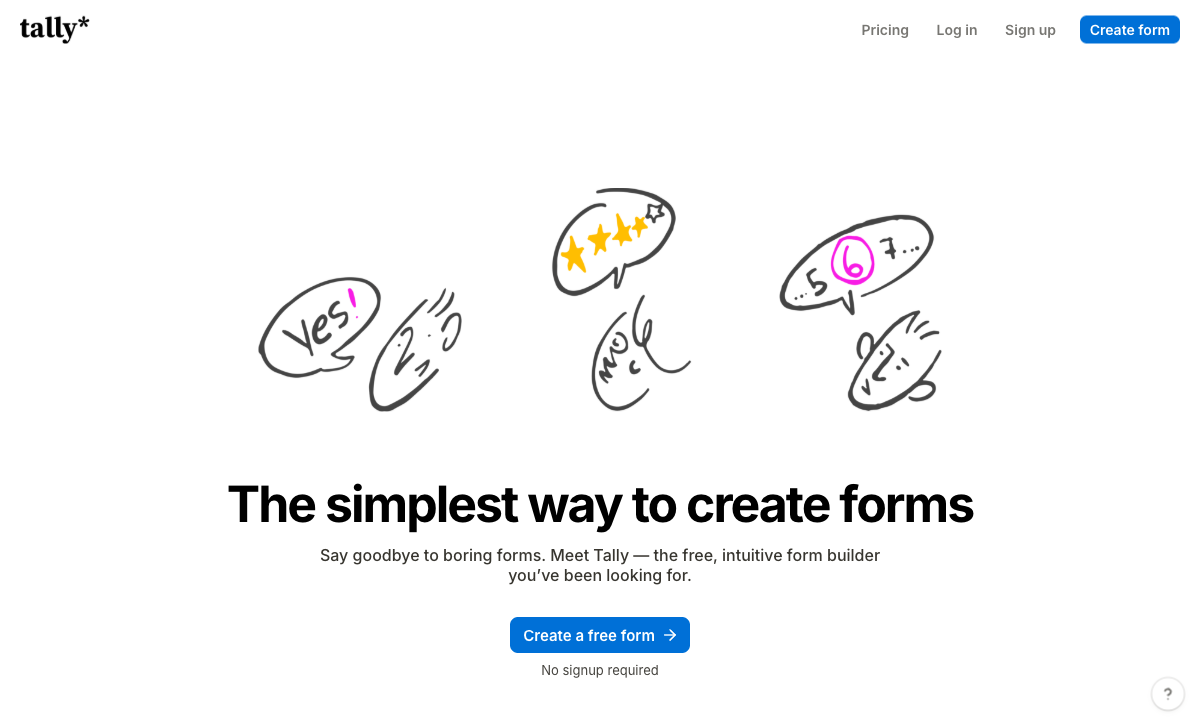
Tally's free plan carries unlimited forms and unlimited submissions, bounded only by a published fair use policy; Wufoo's free plan stops at 5 forms, 100 entries a month and 10 fields per form. The 10-field cap is the telling one, because it limits how much you are allowed to ask rather than how often people answer. Further up the range the shape stays the same. Wufoo Professional at $399 a year allows 5,000 entries and then charges five cents each, so a campaign that performs arrives as an invoice. Tally has no equivalent event.
Seats are not a line item
Wufoo allows one user on Free and Starter, five on Professional, 20 on Advanced and 60 on Ultimate, which means the sixth colleague who needs a login costs the jump from $399 to $999 a year. Tally includes unlimited team members on both Pro and Business, with workspaces, folders and access management on Pro. For a small marketing team or an agency where the designer, the copywriter and the account manager all touch the same form, that difference outweighs the headline price.
The editor belongs to this decade
Tally's block editor works like Notion: type on the page, insert a field with a slash command, and the result looks like something a designer approved. Wufoo's builder and its output are widely described as dated, and no visual refresh has shipped in years. Tally Pro then removes branding, adds a custom domain, custom CSS, custom email domains and a configurable link preview for $24 a month, where Wufoo's equivalent branding removal starts on Starter but leaves the form itself looking like 2010.
Logic, calculations and AI are free
Tally gives away question-level conditional logic, a formula editor for calculations, answer piping and hidden fields on the free plan, along with Tally AI, which builds, edits, brands and translates forms from a chat window at no cost on every tier. Wufoo has no AI features of any kind and caps form rules at 50, three of them on free. Tally also ships an MCP server and official ChatGPT and Claude connectors, so submissions can be pulled and analysed without opening the product.
It connects to where work actually happens
Tally lists over 1,000 integrations against Wufoo's 50-plus, and the native list reflects the difference in era: Notion, Airtable, Slack and Coda on one side, Salesforce, Mailchimp and Dropbox on the other. Both offer a REST API, and Wufoo deserves credit for exposing it even on the free plan, though at 100 calls a day. Tally adds SHA256-signed webhooks and one-click import from Typeform, PDF, image, JSON, CSV and Markdown.
Where Wufoo Wins
There is a compliance answer to give
Wufoo publishes SOC 2, PCI DSS, GDPR and CCPA compliance; Tally publishes GDPR and EU hosting and stops. When a procurement team sends a questionnaire, Wufoo has something to put in the boxes and Tally does not, at any tier, including Tally's $89 a month Business plan. This is the one dimension where the older product's institutional history clearly beats the newer one's momentum, and it is also the reason Wufoo still appears in universities, hospitals and government departments alongside Amazon, Disney and the American Red Cross. Be clear about the edges though: neither tool is HIPAA compliant, neither will sign a BAA, and Wufoo's SSO support is thin with no enterprise tier behind it.
Payments do not depend on Stripe
Wufoo accepts Stripe, PayPal and Authorize.net; Tally accepts Stripe alone. For a nonprofit whose donors expect a PayPal button, or an organisation with an existing Authorize.net merchant account, that is a hard requirement Tally cannot satisfy at any price. The cost of the advantage is where it sits. Payment collection needs Professional at $399 a year, and each transaction consumes one of that plan's 5,000 monthly entries.
Nineteen years of not breaking
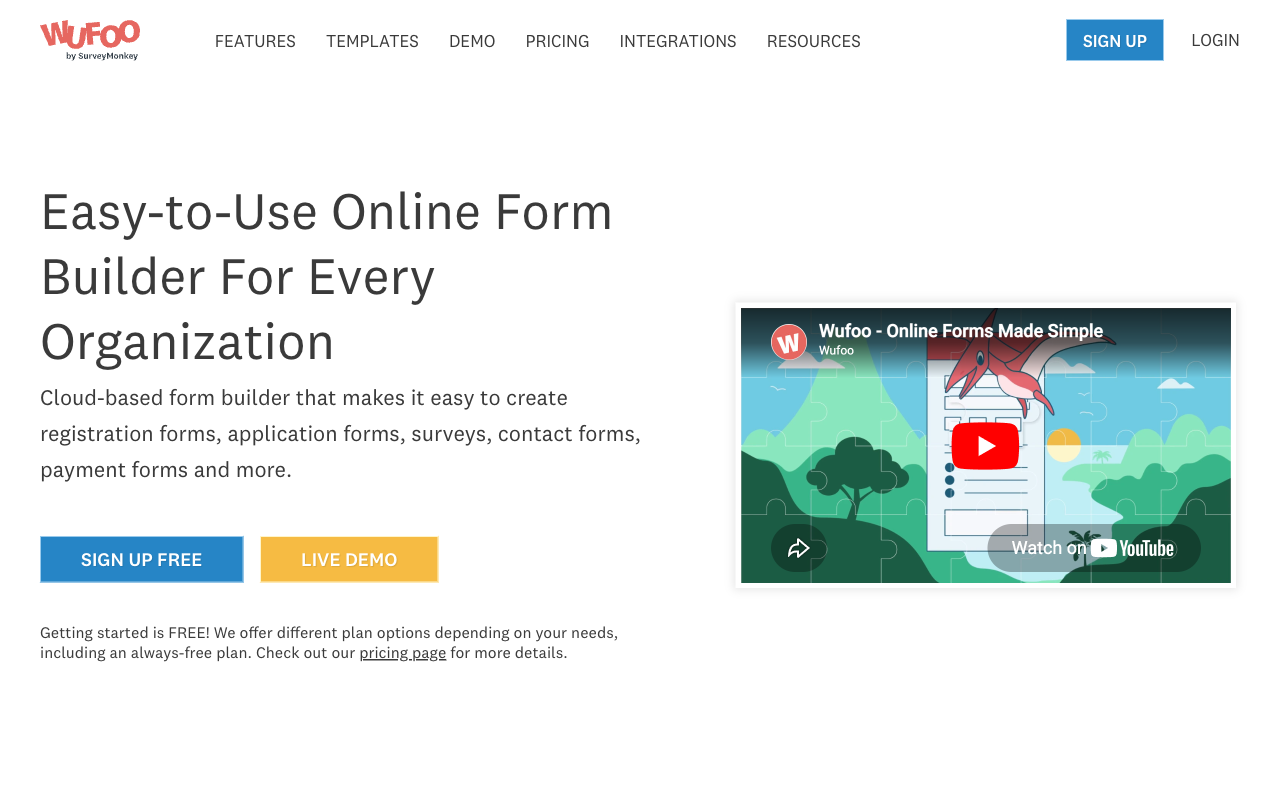
Wufoo has run since 2006 with more than three million users, and its ease-of-use ratings sit at 4.3 to 4.4 across G2, Capterra and GetApp for the simple reason that the drag-and-drop builder is obvious and nothing about it changes. Tally is five years old with a team of about ten. Both are honest positions. If your priority is a form that will behave identically in 2026 and in five years, and you are indifferent to new features, the mature product is a defensible choice.
Where Tally Falls Short
- Stripe or nothing: no PayPal, Square, Braintree or Google Pay, and no coupons, tax rules, quotes or invoicing around the charge.
- No compliance paperwork: no SOC 2, no ISO 27001, no HIPAA, and no SSO or 2FA even on the top Business tier.
- Analytics sit behind Pro: visit tracking, drop-off data and partial submissions all require the $24 a month plan.
- Logic is hard to debug at scale: no visual map of branching, which reviewers flag on large forms.
- Missing specialist fields: no appointment booking, no address autocomplete, no guided one-question-at-a-time mode, no save and resume.
- A ten-person support desk: email only, no tier to escalate to, and customer support is its weakest G2 sub-rating at 4.5.
Where Wufoo Falls Short
- Every entry is metered: $0.05 per submission over the plan limit, on every paid tier.
- Seats are capped and priced: 1, 1, 5, 20 and 60 users across the five tiers, so hiring triggers an upgrade.
- Fifty logic rules: a ceiling on process complexity that teams work around by splitting forms in two.
- No modern feature set: no AI, no calculations, no scoring, no answer piping, no save and resume, no signature field, no booking field.
- Payments gated to Professional: $399 a year before a single card can be charged.
- Development has stalled: dated release notes end in August 2020, under a parent company with larger products to fund.
See Tally in Action
Pricing Comparison
The two pricing models do not compare cleanly, because only one of them counts. Tally is free with unlimited submissions under fair use, $24 a month on Pro billed annually and $74 on Business, with unlimited seats on both. Wufoo runs five tiers from $195 to $2,523 a year, each defined by an entry allowance and a user cap, with $0.05 charged for every submission above the line. Wufoo Starter is the cheaper paid plan on paper. It is also single-user, payment-free and capped at 1,000 entries a month.

Tally
Wufoo
| Product | Plan | Monthly Price | Annual Price (per month) | Free Plan | Free Trial | Limits |
|---|---|---|---|---|---|---|
| Tally | Free | Free | Free | Yes | No | forms: Unlimited, submissions: Unlimited, storage: N/A, users: 1, file uploads: 10 MB per file |
| Tally | Pro | $29/mo | $24/mo billed annually | forms: Unlimited, submissions: Unlimited, storage: N/A, users: Unlimited, file uploads: Unlimited | ||
| Tally | Business | $89/mo | $74/mo billed annually | forms: Unlimited, submissions: Unlimited, storage: N/A, users: Unlimited | ||
| Wufoo | Free | Free | Free | Yes | No | forms: 5, submissions: 100/month, storage: N/A, users: 1 |
| Wufoo | Starter | $22/mo | $16.25/mo billed annually | forms: 10, submissions: 1,000/month, storage: 1 GB, users: 1 | ||
| Wufoo | Professional | $45/mo | $33.25/mo billed annually | forms: Unlimited, submissions: 5,000/month, storage: 5 GB, users: 5 | ||
| Wufoo | Advanced | $113/mo | $83.25/mo billed annually | forms: Unlimited, submissions: 25,000/month, storage: 10 GB, users: 20 | ||
| Wufoo | Ultimate | $286/mo | $210.25/mo billed annually | forms: Unlimited, submissions: 200,000/month, storage: 20 GB, users: 60 |
What Users Say
The gap is wide and consistent. Tally scores 4.8 on G2 across 97 reviews and 4.9 on Capterra, with value for money at 4.9, the highest number in this comparison. Wufoo sits at 4.2 on G2 across 296 reviews and 4.4 on Capterra, with value for money at 3.9 to 4.0 and support at 3.8 to 3.9, which is where the overage charges and the email-only helpdesk show up. Tally's Trustpilot score of 3.8 across 22 reviews is the one number that cuts the other way, and its own weakest sub-rating is also support, at 4.5.
When Neither One Is the Right Purchase
If the job is a form, take Tally. Collect the responses, make the page look good, send the answers to Notion or a spreadsheet, and pay nothing or $24 a month. For work that ends at the submit button, that is the correct answer and Paperform is not competing for it.
The wall arrives at a specific point, and it is the same wall for both products here. Several brands or clients that have to stay separate. Payments with real pricing logic behind them rather than one amount and one button. A contract that has to be signed and filed. An approval chain with a person at each step. A compliance checklist somebody else wrote. Wufoo answers those by capping you at 50 rules and charging per entry; Tally answers by handing the submission to Zapier, Make or n8n, at which point you personally become the integration between the form, the signing tool, the automation tool and three separate renewal dates.
Paperform's answer is one subscription covering forms, Papersign eSignatures and Stepper workflow automation on every plan. The Excel-style calculation engine is what changes the shape of the work: the same formulas that price a basket also decide which questions and pages appear, which conditional emails fire, what reaches an integration and what the success page says. Payments run through five gateways with products, subscriptions, coupons, tax and refunds, which covers both the PayPal requirement Tally cannot meet and the pricing logic Wufoo has never had. Compliance is SOC 2 Type II, GDPR and CCPA, with SAML SSO and enforced 2FA on Business, though like both tools here Paperform is not HIPAA compliant and signs no BAAs.
State the price without dressing it up: Pro is $59 a month, or $49 a month billed annually, with Business at $149 ($124 annually). Tally Pro at $24 and Wufoo Starter at $16.25 both undercut it, and for a low-volume single-person form they should. What the higher number removes is the meter. Submissions and seats are unlimited on paid plans within fair use, so a campaign that lands and a colleague who joins are both non-events on the invoice, where Wufoo charges for each and Tally charges for neither but also stops at the form. Support sits in the seat price rather than being sold back as an enablement fee, there are 4000+ integrations, and the company has been bootstrapped and profitable since 2016. The trial runs 7 days with no card.
For the direct matchups, see Paperform vs Tally and Paperform vs Wufoo. If you are leaving one of these specifically, start with Wufoo alternatives or Tally alternatives, or scan the wider field in our ranking of the best form builders.
The Verdict
Tally wins this comfortably. It builds better forms, prices them honestly, includes logic, calculations, AI and payments for nothing, and does not count submissions or seats. For a signup page, a lead form, a survey, a paid workshop registration or a client enquiry, there is no version of this comparison where Wufoo's dated builder and $0.05-per-entry model come out ahead.
Wufoo survives two specific cases. A security review that demands SOC 2 or PCI DSS in writing, and a payment requirement that is not Stripe. Both are real, both are common in nonprofits, education and the public sector, and Tally cannot answer either one. Outside those cases, the recommendation everyone else in this category makes is the one the evidence supports: an acquired product whose dated release notes stop in 2020 is not where a process should live.
The pattern underneath the comparison is that neither tool has anything to say about what happens after a response arrives. One of them at least makes the form free. If your answers then have to be priced, signed, approved and filed, that is a different purchase, and it is the one Paperform was built for.
Frequently Asked Questions
Is Wufoo ever cheaper than Tally?
Only in the narrow case where Tally Pro's features are required and the volume is tiny. Wufoo Starter is $195 a year, roughly $16.25 a month, against Tally Pro at $24 a month billed annually. But Starter allows 1,000 entries a month, one user and no payment collection, and every entry past the limit costs $0.05. Tally's free plan already carries unlimited submissions under a fair use policy, unlimited forms, logic, calculations and Stripe payments, so for most buyers the honest comparison is Wufoo Starter against Tally Free, and Tally does more for nothing.
Wufoo takes PayPal and Authorize.net, Tally only takes Stripe. Does that decide it?
It decides it for anyone who cannot use Stripe. Wufoo supports Stripe, PayPal and Authorize.net, which matters in markets and sectors where Stripe is not an option, and Wufoo is PCI DSS compliant. The catch is the plan: payments do not exist below Professional at $399 a year, and each order consumes one of that tier's 5,000 monthly entries before overage kicks in. Tally puts Stripe payments and subscriptions on the free plan with no entry meter behind them. Neither one handles coupons, tax rules, quotes or refunds.
Which one passes a procurement review, Tally or Wufoo?
Wufoo, on paper. Wufoo publishes SOC 2, PCI DSS, GDPR and CCPA compliance; Tally publishes GDPR and EU hosting and nothing else, with no SOC 2, no SSO and no 2FA on any plan including its $89 a month Business tier. Neither is HIPAA compliant and neither signs a BAA, so if protected health information is involved both are out. Wufoo's SSO story is also weak, and it has no enterprise tier to escalate into.
How much conditional logic can each one actually handle?
Wufoo caps branching at 50 rules per form, and three on the free plan. Reviewers describe splitting one form into several to work around the ceiling and stitching the results back together afterwards. Tally has no published rule limit, does question-level show and hide, answer piping and calculations through a formula editor, all free. Tally's weakness here is debugging rather than capacity: a Hackceleration review of fifteen users notes that large branching forms get hard to trace because there is no visual logic map.
Wufoo has been around since 2006. Is the older product the safer choice?
Age is usually a trust signal, but it depends on whether anyone is still building. Wufoo launched in 2006, was acquired by SurveyMonkey for $35M in 2011, and its dated release notes stop in August 2020. Tally launched in 2020, is bootstrapped and profitable at roughly $4M ARR with about ten people, and ships constantly. The trade is a mature platform inside a larger parent with other priorities, against a young independent one with a small support team and no tier to escalate to.
Do either of them handle signatures, approvals or multi-step processes?
Not really. Tally has an e-signature block and can export a submission as a PDF in the form's own theme, but no approval routing and no workflow builder, so anything past submit-and-notify goes to Zapier, Make or n8n. Wufoo has no eSignature capability at all and no workflow builder beyond notification emails and integrations. If the process has a person who has to approve something and a document that has to be countersigned and filed, both tools end before the work does.
Sources & References
- Tally Review 2026: Honest Verdict + 15 Real User Reviews — Hackceleration, 2026
- Wufoo Review 2026: Legacy Tool, Honest Look — Formester, 2026
- Honest Review of Tally Forms, from an AI SaaS developer — Medium (FireBird Technologies), 2026
- Wufoo Review: Features, Pricing & Alternatives (2026) — ColdIQ, 2026
Last updated September 22, 2026
Ready to try Paperform?
Create beautiful forms, payment pages, and workflows — no code required.