With a Date Selector field, you can ask your submitters to type a specific date or select a date from the dropdown calendar.
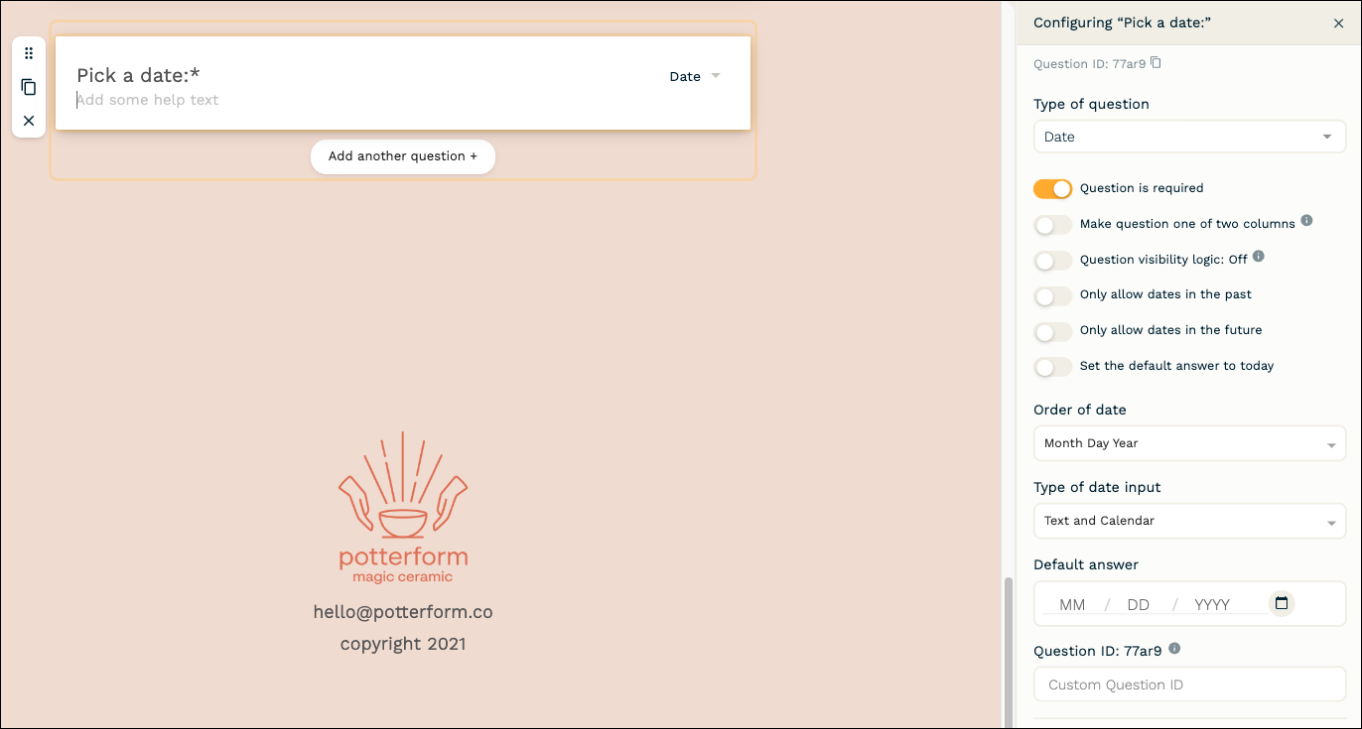 Date field configuration.
Adding a Date field to your form
Using slash commands
- Navigate to an empty line on your form and type
/date. - Select the Date field from the options shown.
- Edit the necessary details, e.g., question title and description.
- Select the configuration panel to the right to configure details such as logic, formatting, and date input.
Without using slash commands
- Navigate to an empty line in your form editor and select the "Add questions" icon to the editor's left.
- Choose "Date" as the field type using the dropdown menu.
- Edit the necessary details, e.g., question title and description.
- Select the configuration panel to the right of the field to configure details such as logic, formatting, and date input.
Date Formatting.
To configure how Date fields are formatted within reporting and results:
- Click your name at the bottom of the sidebar, then choose Team settings.
- Under Time and date, click Change next to Date format and choose your preferred order. This formats dates in your reports and submission results sent by email. If you want to format the Date field within the form itself, select the configuration panel to on the right of the field.