Scheduling and appointment form templates
622 templates
Scheduling forms let people book a time that suits them without the back-and-forth. These templates cover appointments, meetings, interviews, reservations and availability polls, using Paperform's built-in booking field connected to your calendar.
Browse by type
Meeting Scheduling
Schedule meetings and calls
67 templates
Appointment Scheduling
Book appointments and consultations
218 templates
Interview Scheduling
Schedule job interviews and screenings
72 templates
Availability Forms
Collect availability and scheduling preferences
83 templates
Reservation Forms
Table, room, and resource reservations
102 templates
Featured scheduling and appointment form templates
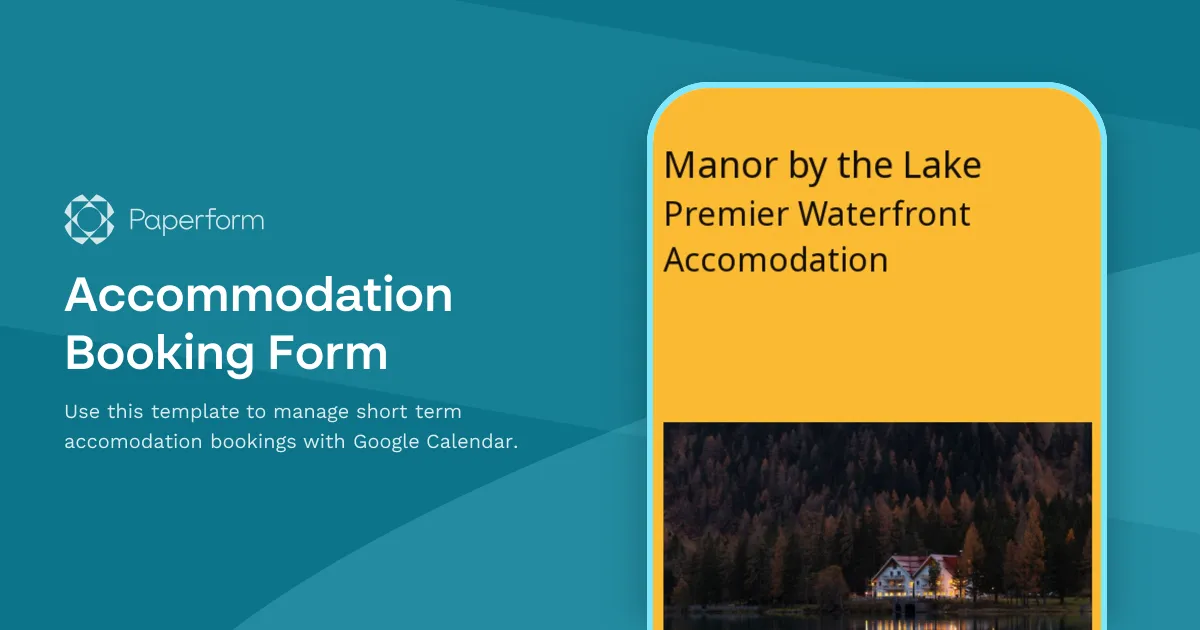
Accommodation Booking Form
Use this template to manage short term accomodation bookings with Google Calendar.
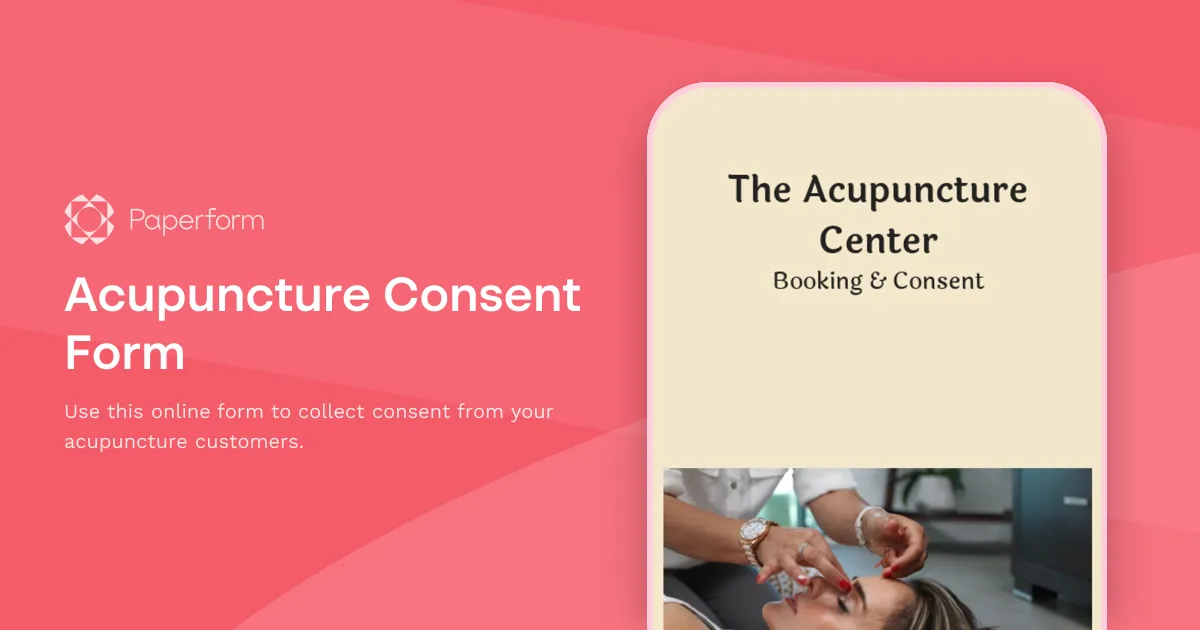
Acupuncture Consent Form
Use this online form to collect consent from your acupuncture customers.
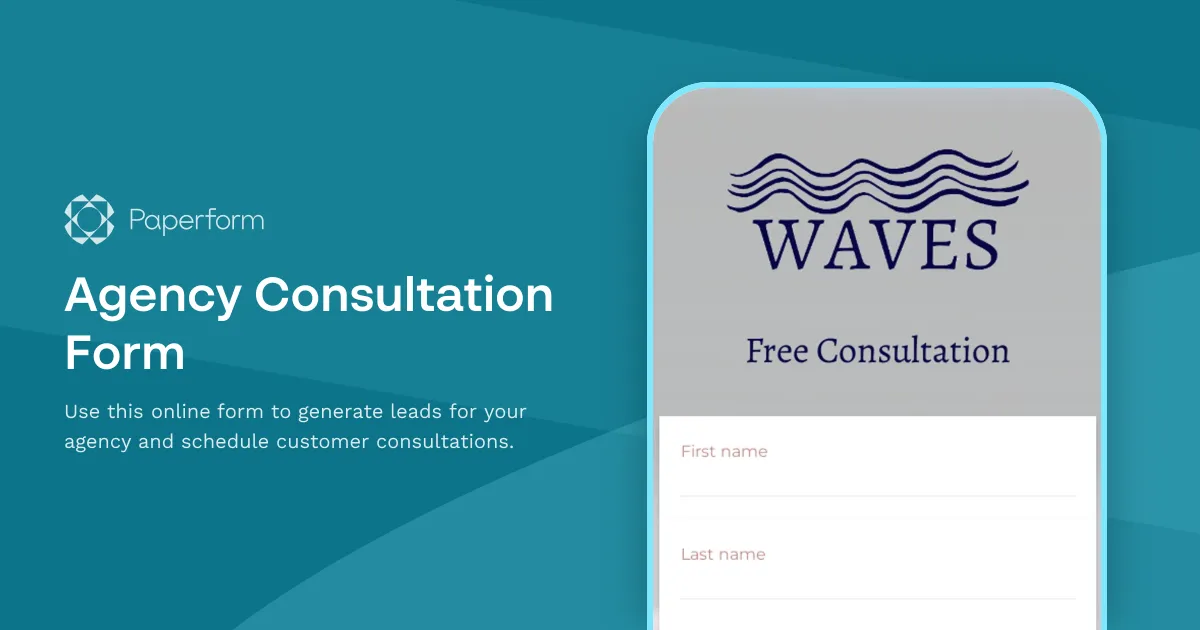
Agency Consultation Form
Use this online form to generate leads for your agency and schedule customer consultations.
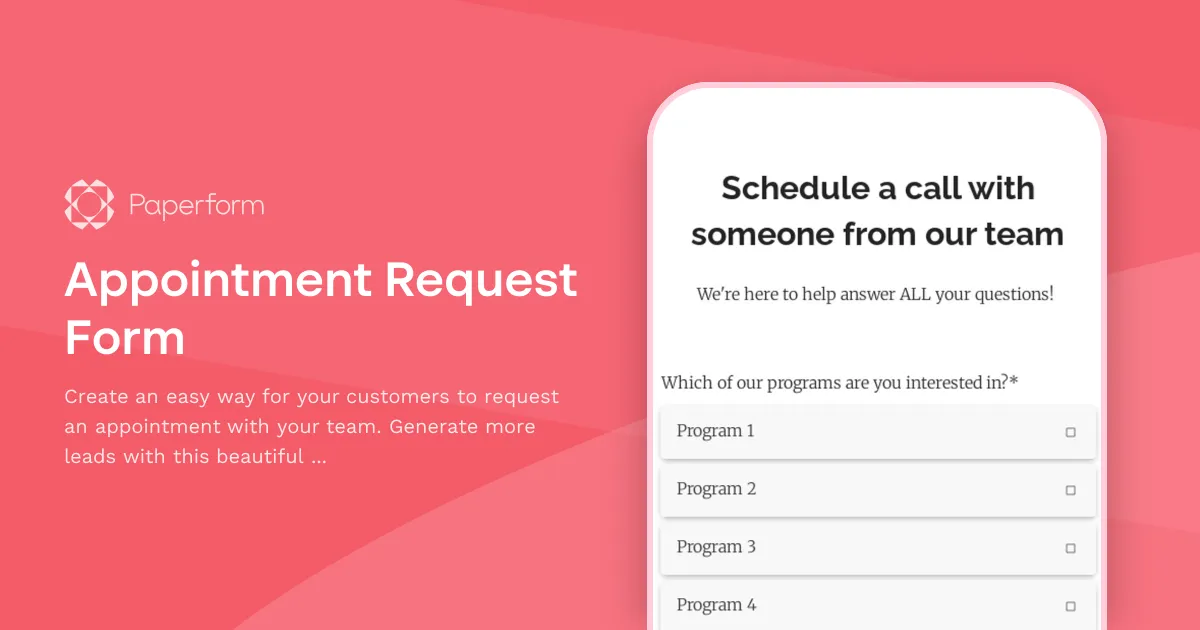
Appointment Request Form
Create an easy way for your customers to request an appointment with your team. Generate more leads with this beautiful Paperform template.
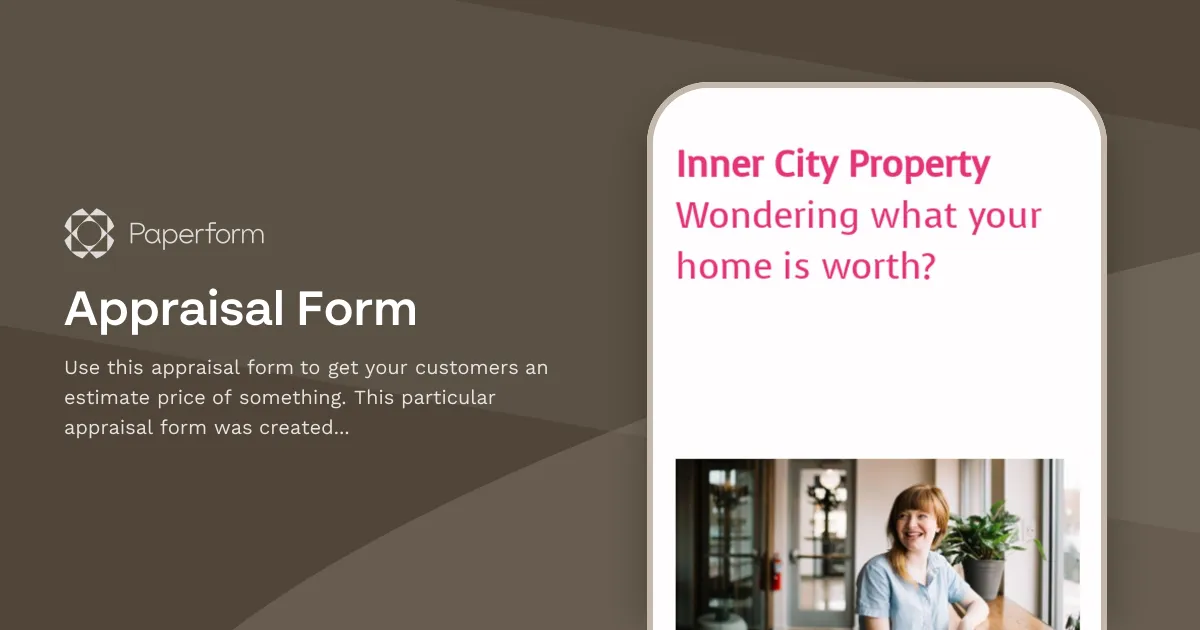
Appraisal Form
Use this appraisal form to get your customers an estimate price of something. This particular appraisal form was created for real estate agents — but you can easily make it yours.
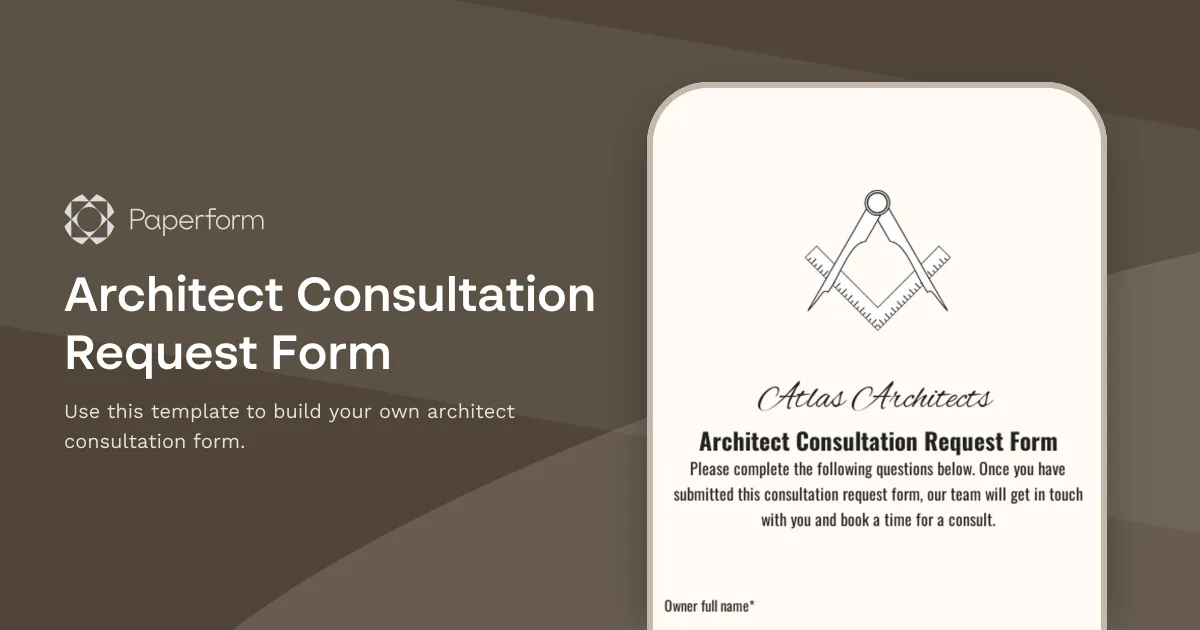
Architect Consultation Request Form
Use this template to build your own architect consultation form.

Barbershop Appointment Form
Use this online form to collect appointments at your barbershop.
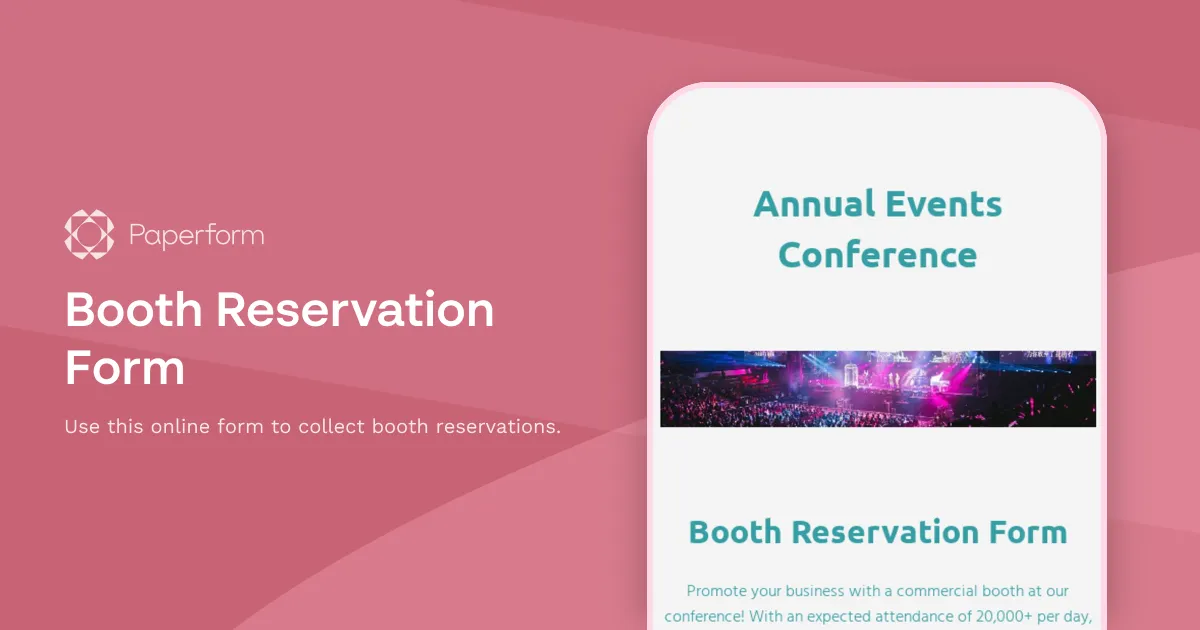
Booth Reservation Form
Use this online form to collect booth reservations.
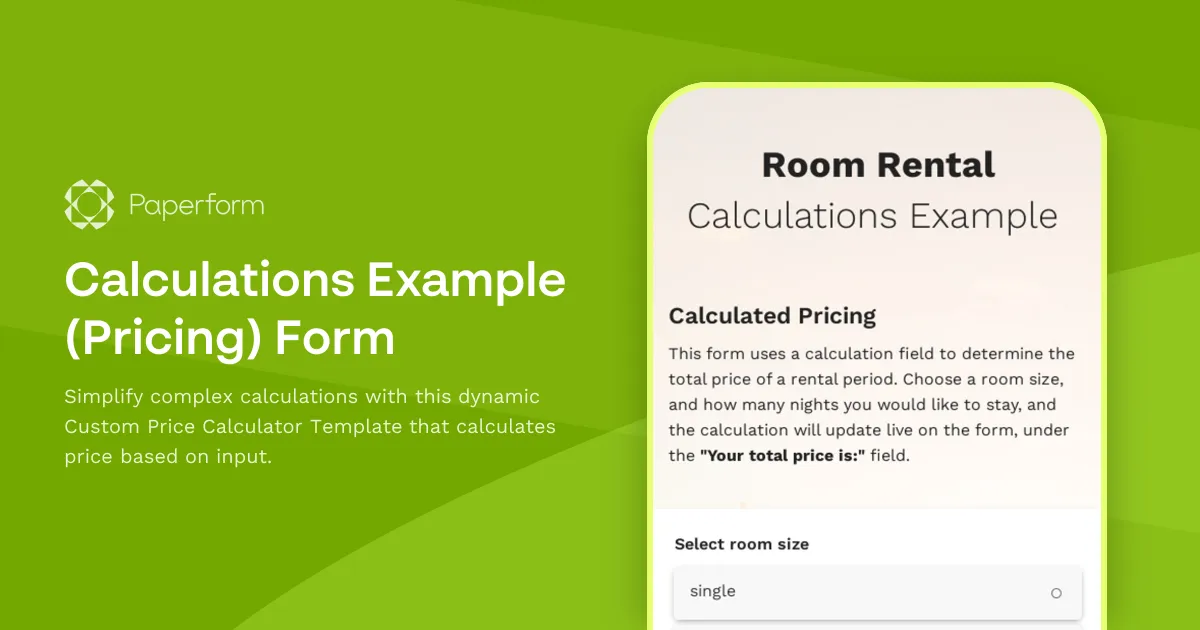
Calculations Example (Pricing) Form
Simplify complex calculations with this dynamic Custom Price Calculator Template that calculates price based on input.
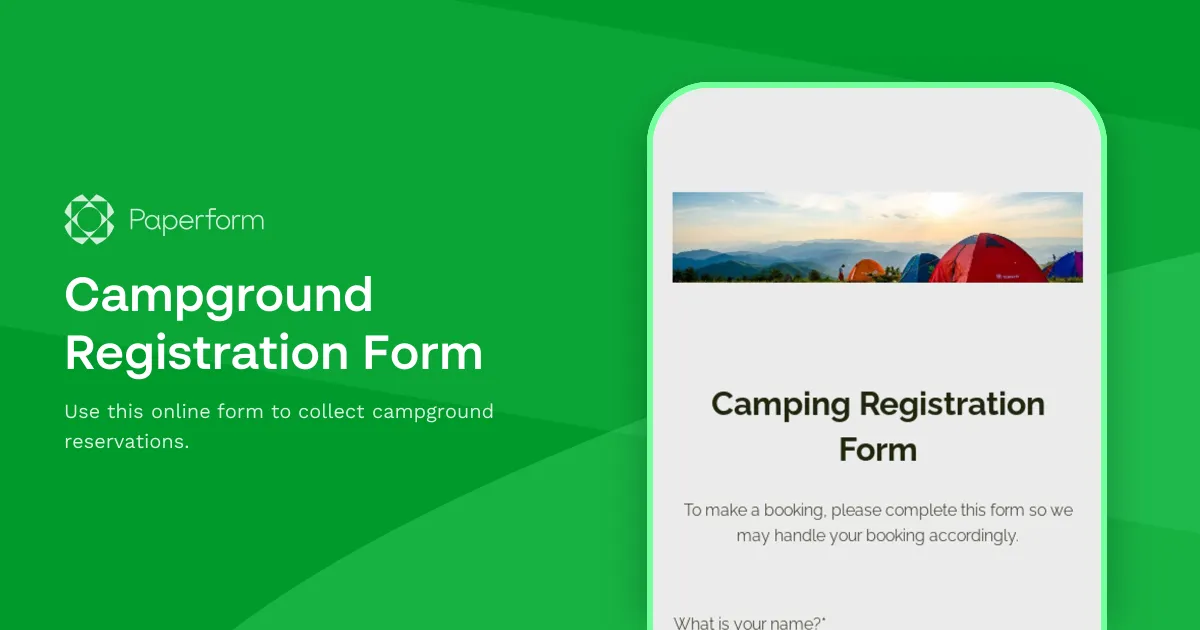
Campground Registration Form
Use this online form to collect campground reservations.
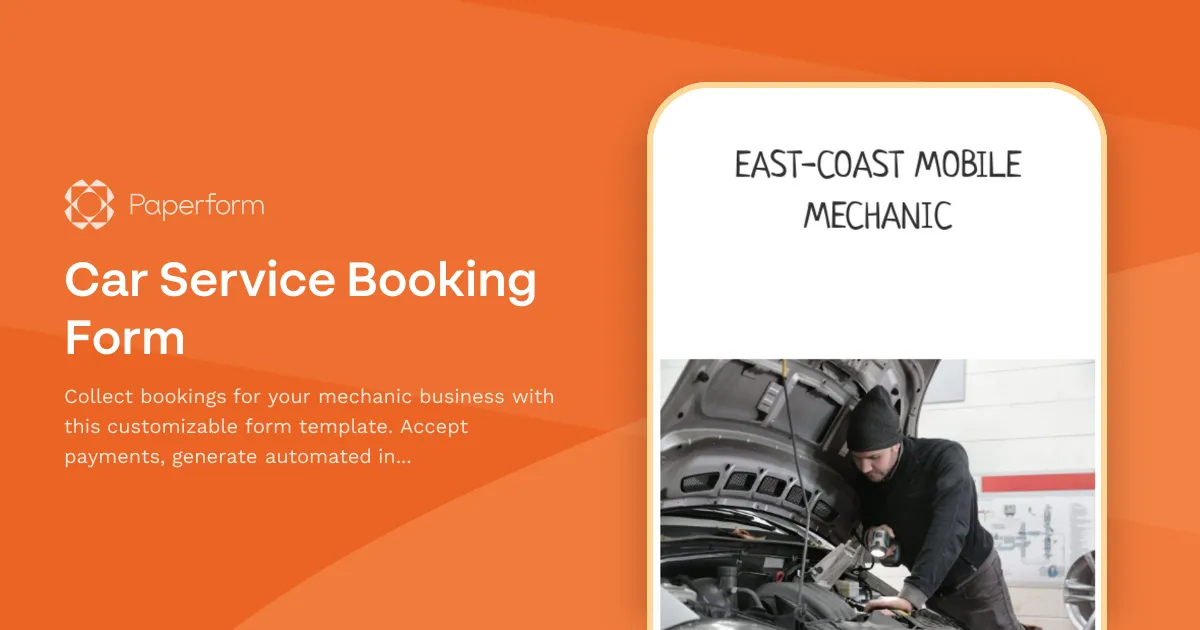
Car Service Booking Form
Collect bookings for your mechanic business with this customizable form template. Accept payments, generate automated invoices & more.
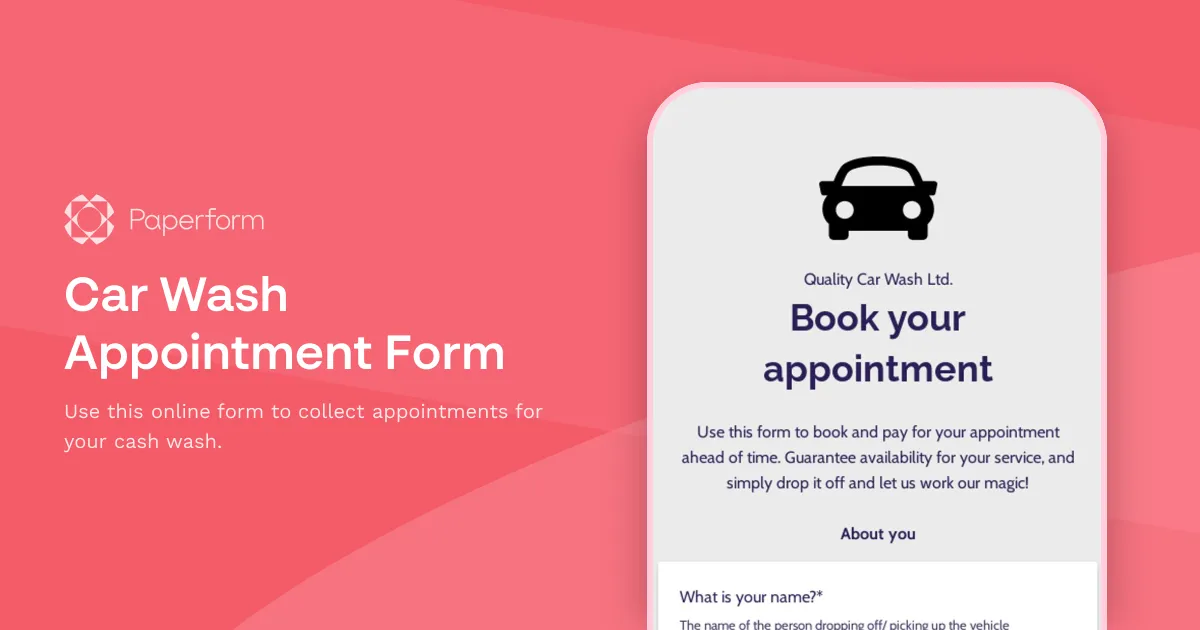
Car Wash Appointment Form
Use this online form to collect appointments for your cash wash.
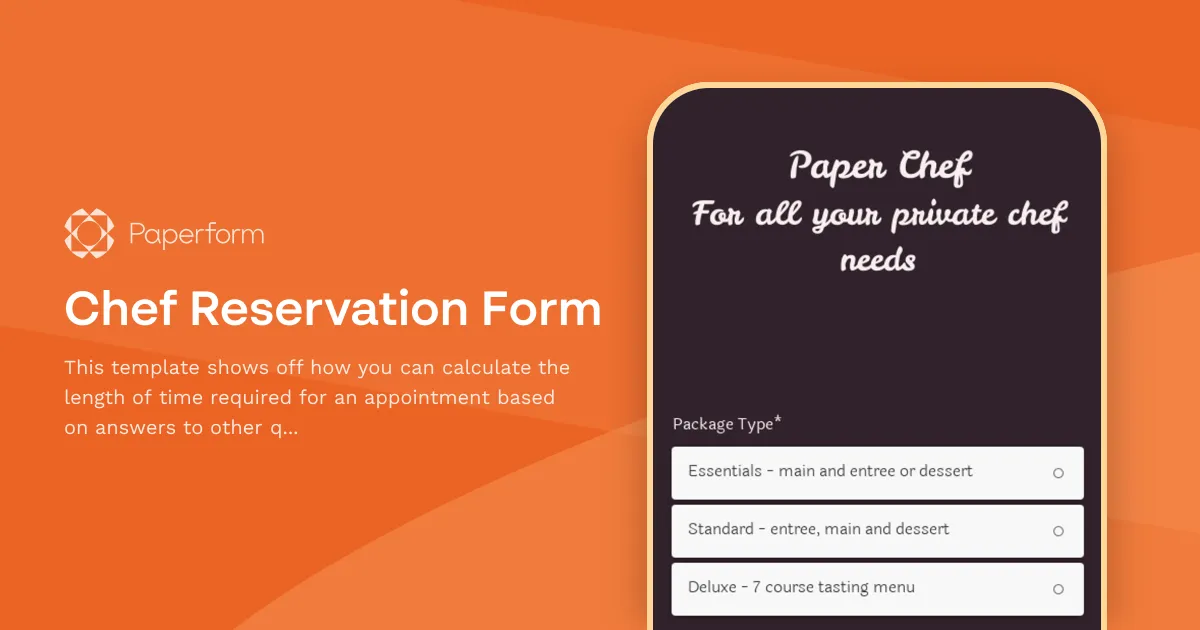
Chef Reservation Form
This template shows off how you can calculate the length of time required for an appointment based on answers to other questions.
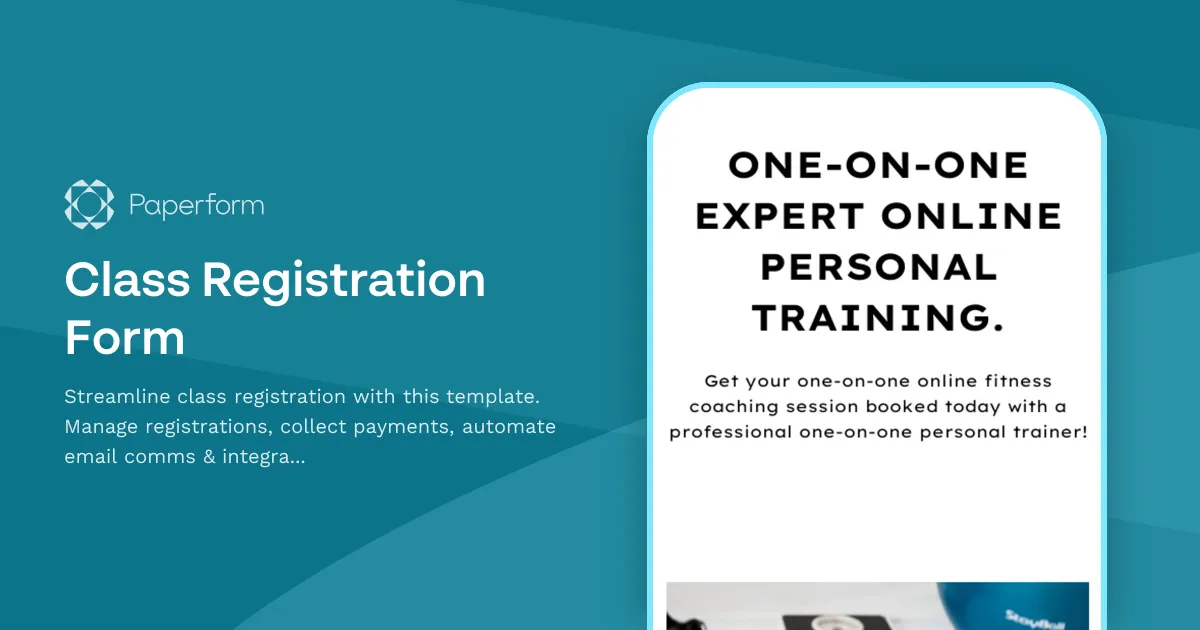
Class Registration Form
Streamline class registration with this template. Manage registrations, collect payments, automate email comms & integrate with your favourite apps.
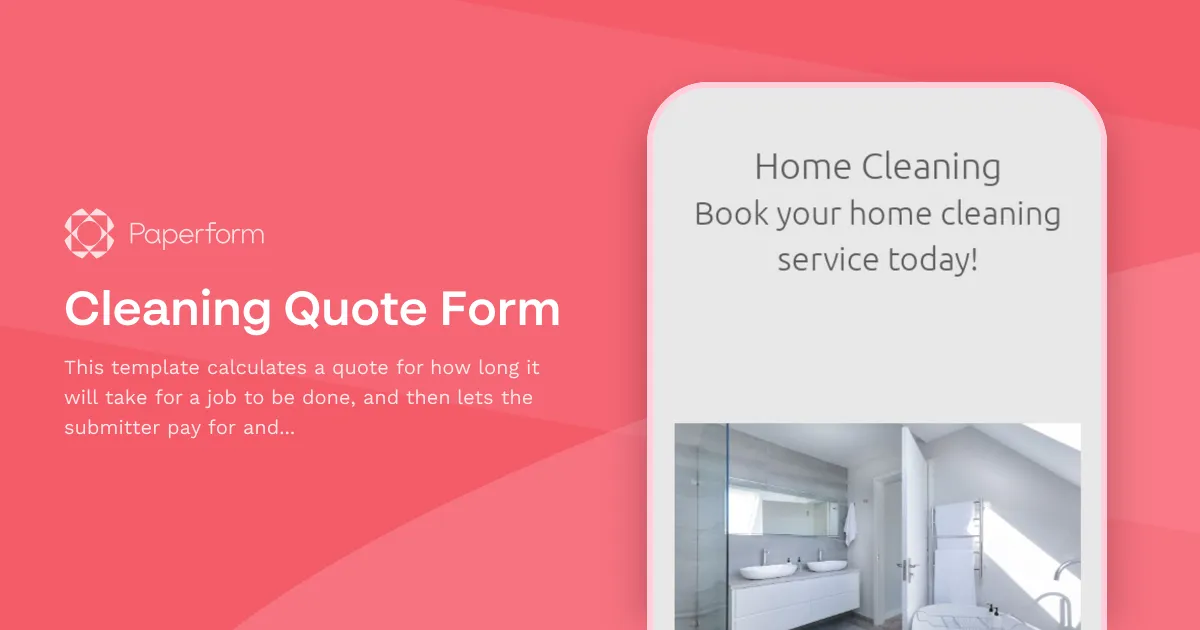
Cleaning Quote Form
This template calculates a quote for how long it will take for a job to be done, and then lets the submitter pay for and schedule the quoted time in the same submission.
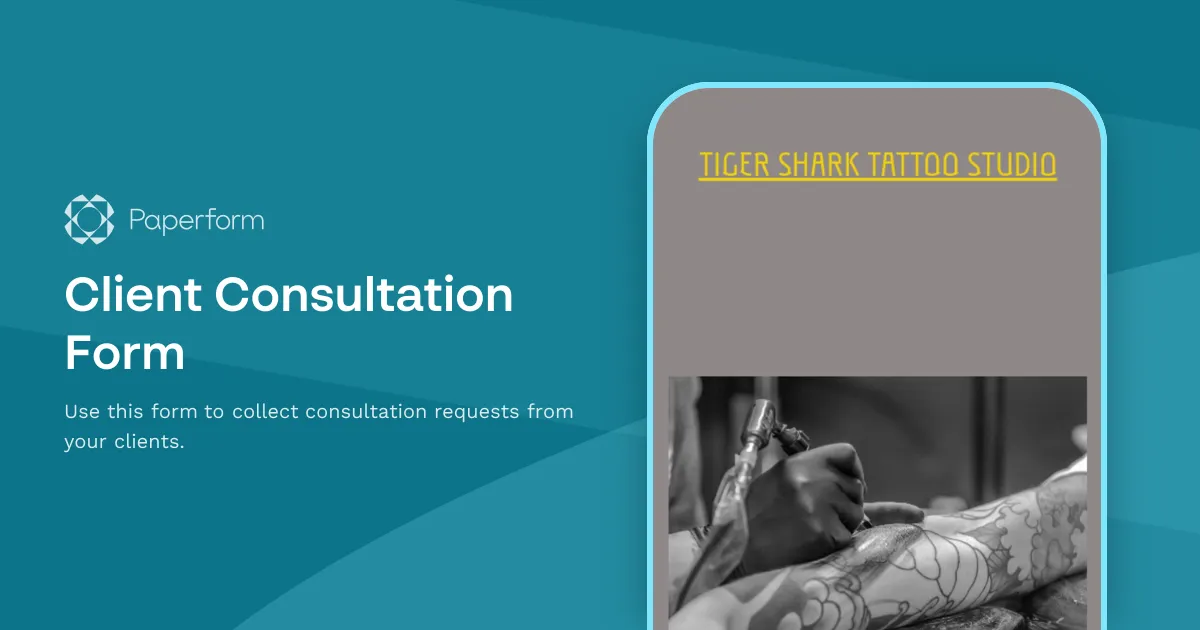
Client Consultation Form
Use this form to collect consultation requests from your clients.

Coaching Consultation Booking Form
Your clients might use this online form to schedule consultations with you.
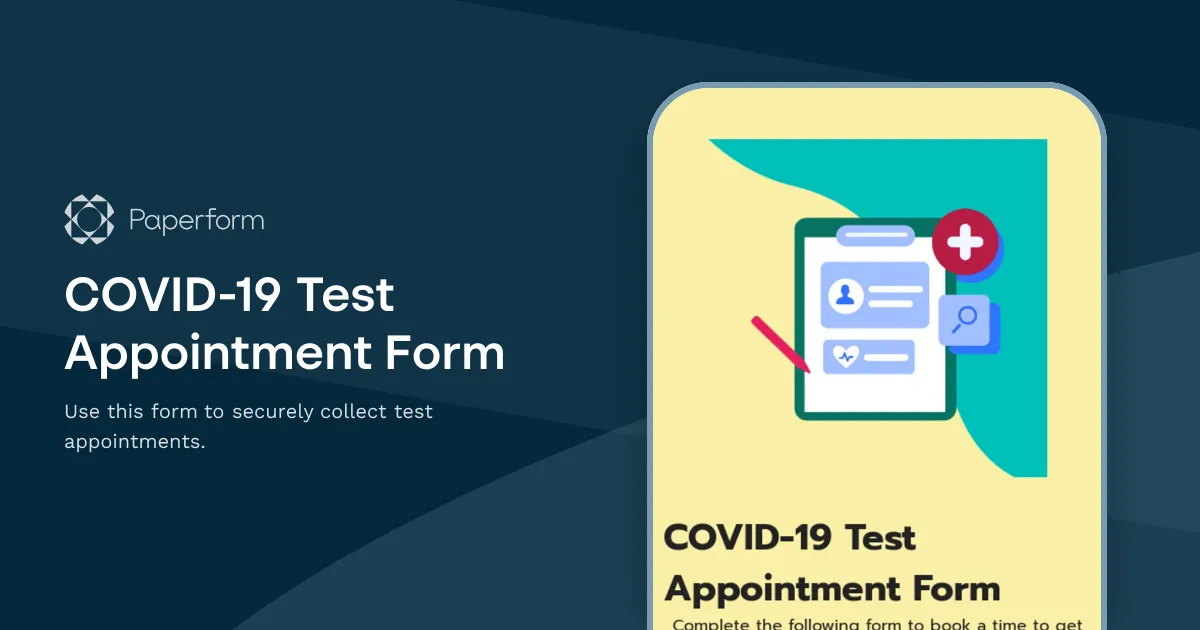
COVID-19 Test Appointment Form
Use this form to securely collect test appointments.
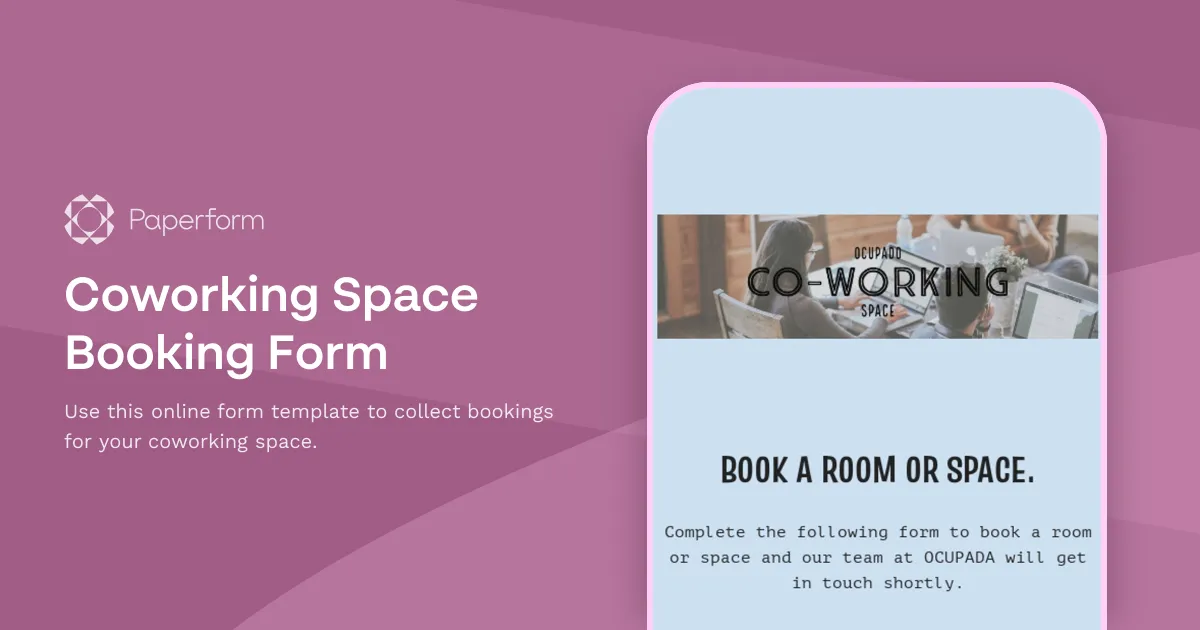
Coworking Space Booking Form
Use this online form template to collect bookings for your coworking space.
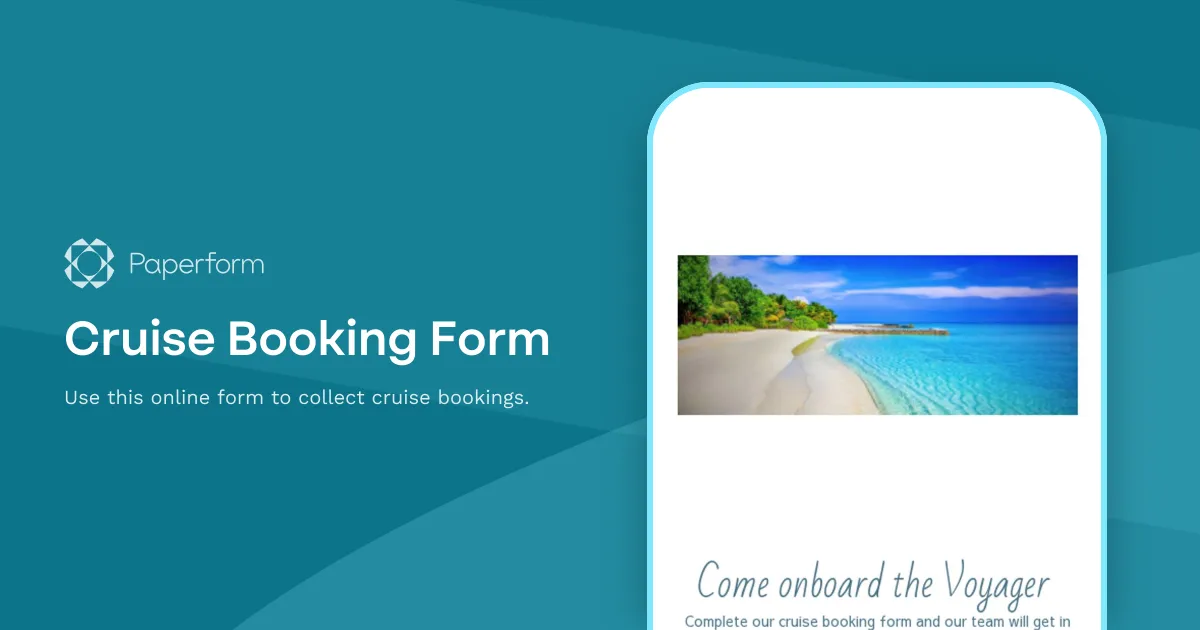
Cruise Booking Form
Use this online form to collect cruise bookings.
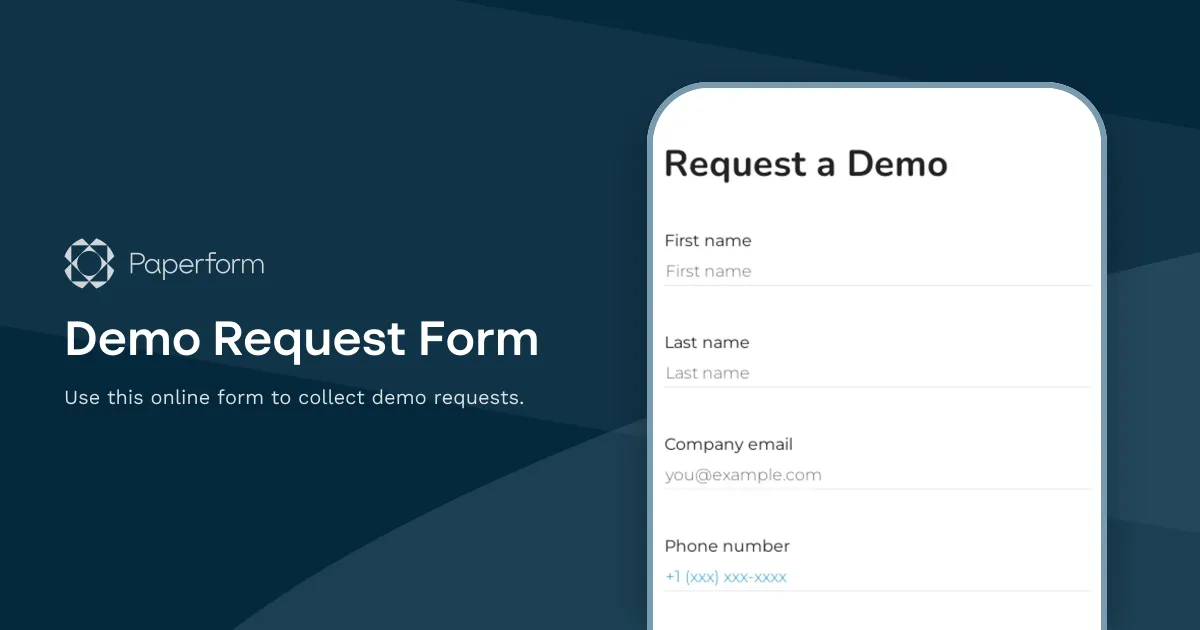
Demo Request Form
Use this online form to collect demo requests.
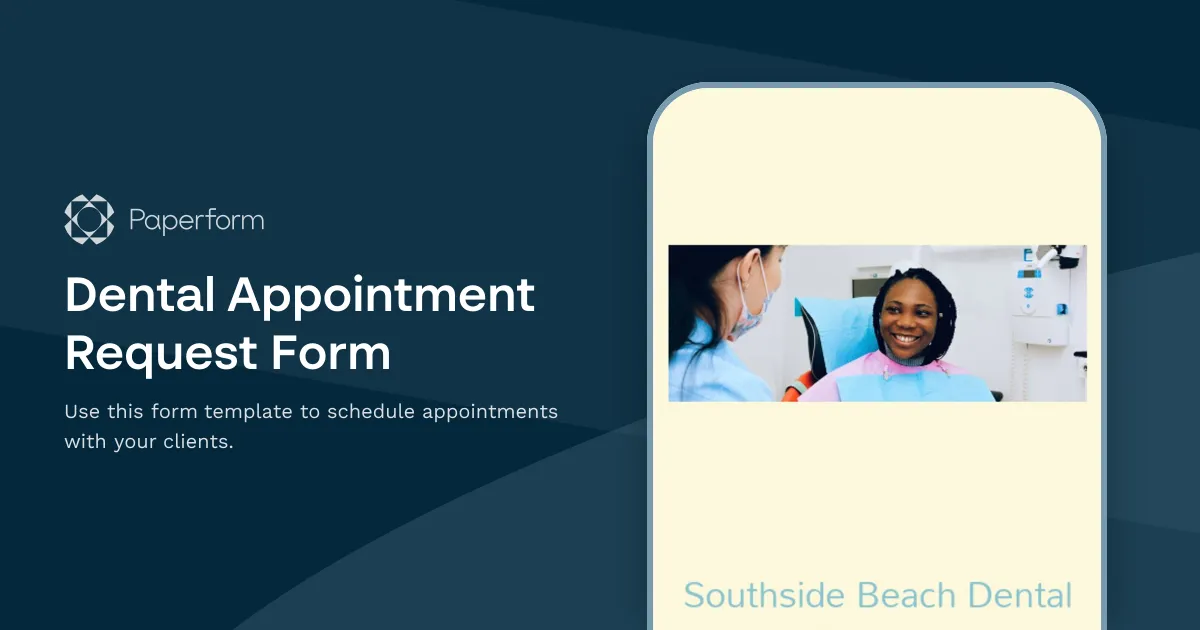
Dental Appointment Request Form
Use this form template to schedule appointments with your clients.

Dental Clinic Appointment Form
Use this online form to collect appointments in your dental clinic.
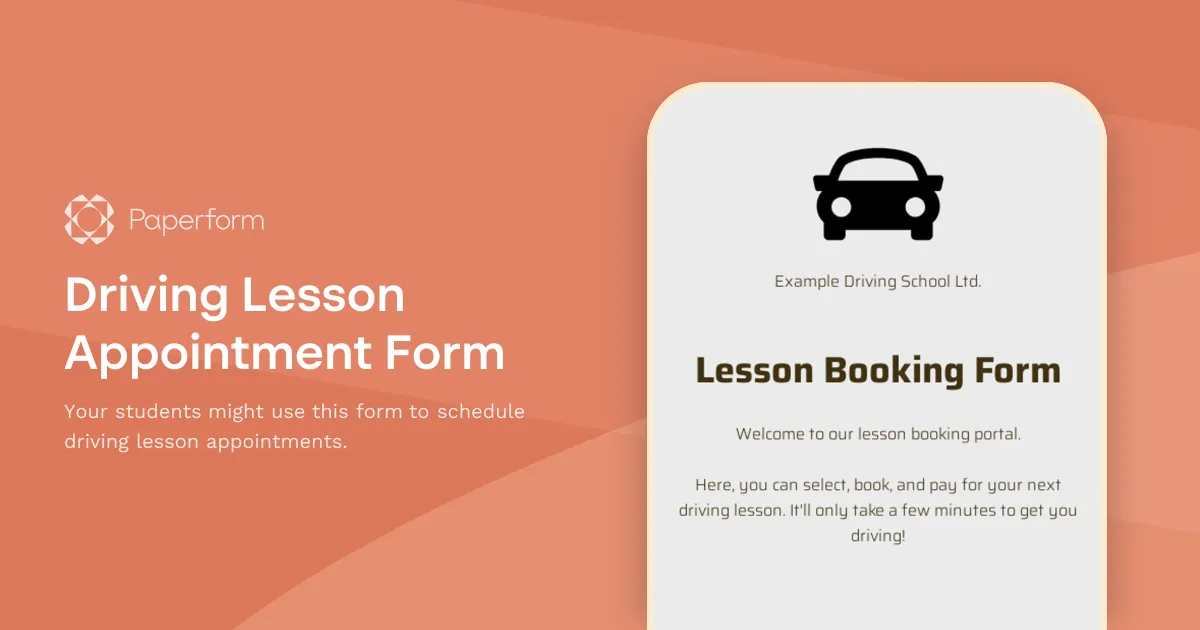
Driving Lesson Appointment Form
Your students might use this form to schedule driving lesson appointments.
Showing 24 of 622 templates. Pick a type above to see them all.
Scheduling & Appointment Form Templates
Managing appointments shouldn't be complicated. Whether you're booking client consultations, scheduling service appointments, or coordinating team meetings, our scheduling and appointment form templates make it easy to collect availability, confirm bookings, and keep your calendar organized.
Paperform's scheduling templates are designed for busy professionals and service-based businesses who need a streamlined way to manage their time. From healthcare practitioners and consultants to salon owners and fitness trainers, these templates help you eliminate back-and-forth emails and reduce no-shows with automated confirmations.
What makes these templates powerful:
- Smart calendar integration to sync bookings directly with your schedule
- Automated email confirmations and reminders to reduce no-shows
- Payment collection at the time of booking to secure appointments
- Customizable availability settings to control when clients can book
- Multi-step forms using Stepper for a professional booking experience
Each template is fully customizable to match your brand and specific scheduling needs. Add custom fields, set buffer times between appointments, require deposits, or collect important information before the appointment. With Paperform's intuitive editor, you can create a seamless booking experience that saves you time and keeps clients happy.
Start with a template and have your scheduling system up and running in minutes—no coding required.
Frequently asked questions
What is a scheduling form?
A scheduling form lets people pick an available time slot and book it without emailing back and forth. It shows open times based on your availability and confirms the booking straight away. Businesses use them for appointments, meetings, interviews and reservations.
What should an appointment booking form include?
Include the person's name, email and phone number, the service or meeting type, and a date and time picker that shows only available slots. Add any questions you need answered beforehand, such as the reason for the visit or preferred location. A confirmation email with the booking details helps people turn up on time.
How do I reduce no-shows for appointments?
Send a confirmation email straight after booking with the date, time and location. Ask for a phone number so you can follow up, and make it easy to reschedule instead of skipping. Some businesses take a deposit at booking to secure the slot.
What's the difference between an availability poll and a booking form?
An availability poll asks several people when they're free so you can find a time that suits the group. A booking form lets one person reserve a specific open slot in your calendar. Use a poll for group meetings and a booking form for one-on-one appointments.
Can I take bookings and payments in the same Paperform form?
Yes. Paperform's built-in booking field connects to your calendar to show available times, and you can add a payment through Stripe, PayPal, Square or Braintree on the same form. Paperform's scheduling form templates give you a starting point for appointments, interviews and reservations.