Lead Generation Forms That Capture, Qualify, and Convert
Build forms that do more than collect an email address. Score leads with Calculations, branch questions with conditional logic, and sync every submission straight to your CRM or email tool, with no code.
Every plan covers forms, e-signatures and workflows.
A lead generation form collects a prospect's details and scores how qualified they are before anyone follows up. Paperform scores each lead as they answer, branches questions with conditional logic, and syncs submissions to HubSpot, Mailchimp or your CRM in real time. Running lead capture across several campaigns, brands or regions? See marketing operations.
How it works

Start from a template
Pick one of the lead generation templates, or start with a blank form.

Add qualifying questions
Ask what you need to know, branch with conditional logic, and score each answer with Calculations.

Connect your CRM
Send every lead to HubSpot, Mailchimp, ActiveCampaign or another tool the moment it comes in.

Share it
Send a link, embed it on your site, or open it as a popup.
Turn form fills into qualified leads
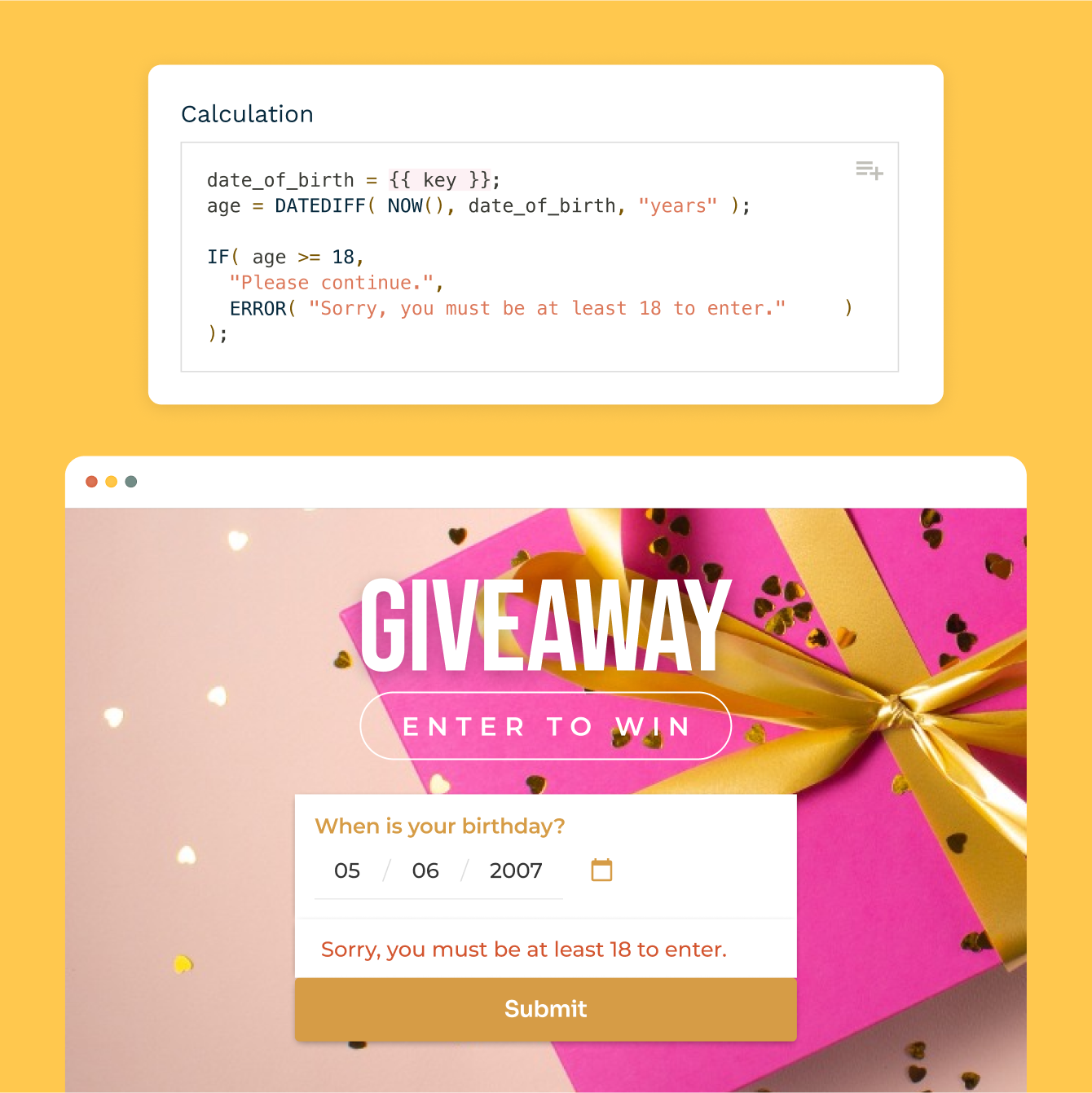
Score and qualify leads automatically
Assign point values to answers using Paperform's Calculations feature — budget, company size, urgency, whatever signals a good-fit lead. Route high scorers to sales and low scorers into a nurture sequence, all based on how they answered your form.
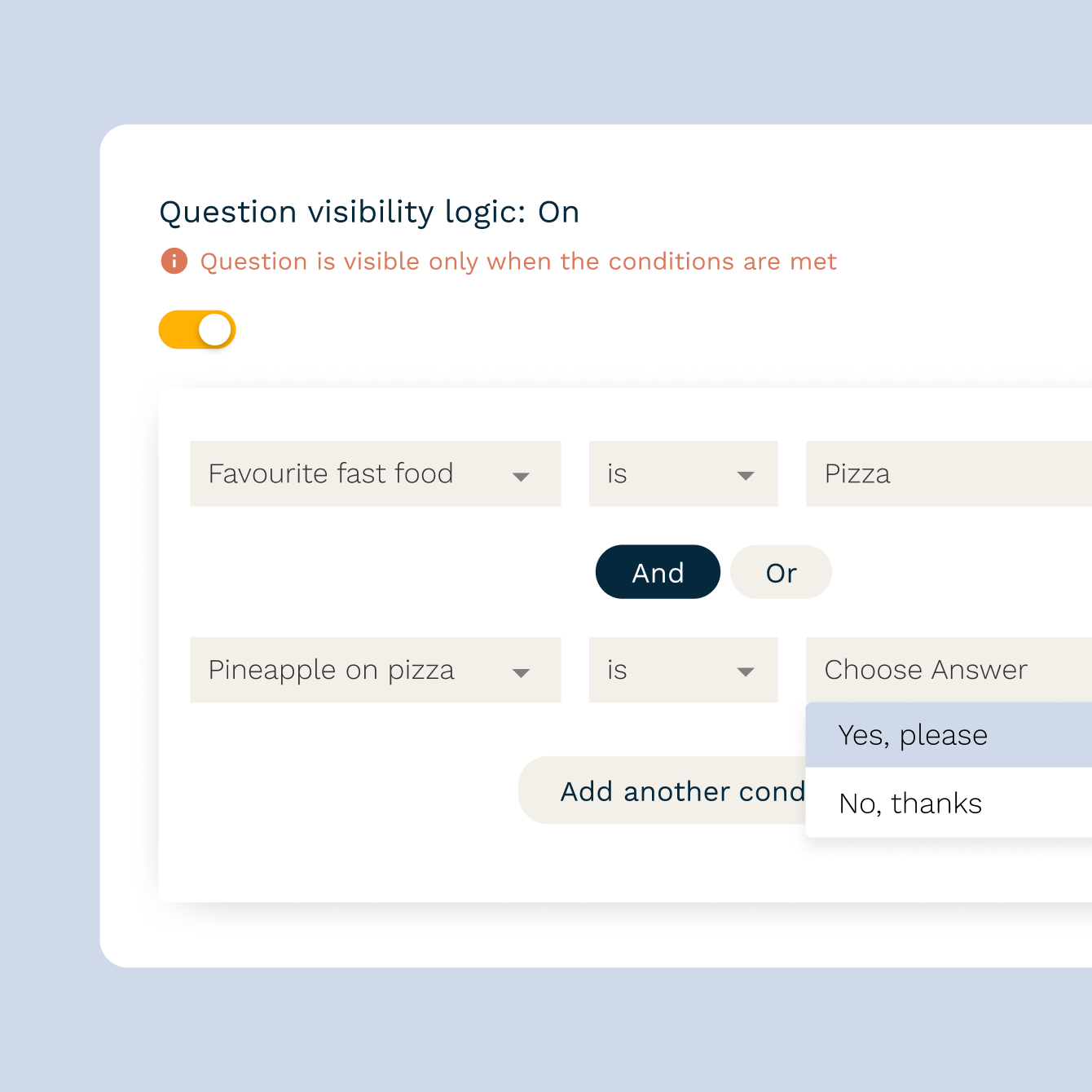
Branch questions with conditional logic
Show or hide questions based on how someone answers, so your form stays short for unqualified visitors and thorough for serious buyers. Conditional logic improves both completion rate and lead quality without you writing a single rule in code.
Sync leads to your CRM and email tool instantly
Every submission can push straight into HubSpot, Mailchimp, ActiveCampaign, or 9,800+ other tools the moment it comes in — no manual exports, no missed leads. Trigger a welcome email, add a tag, or kick off a nurture sequence automatically.

Segment leads with a quiz funnel
Turn a static form into an interactive quiz funnel that segments leads by need or personality type while it captures their email — a format that consistently outperforms plain opt-in forms for engagement and conversion.
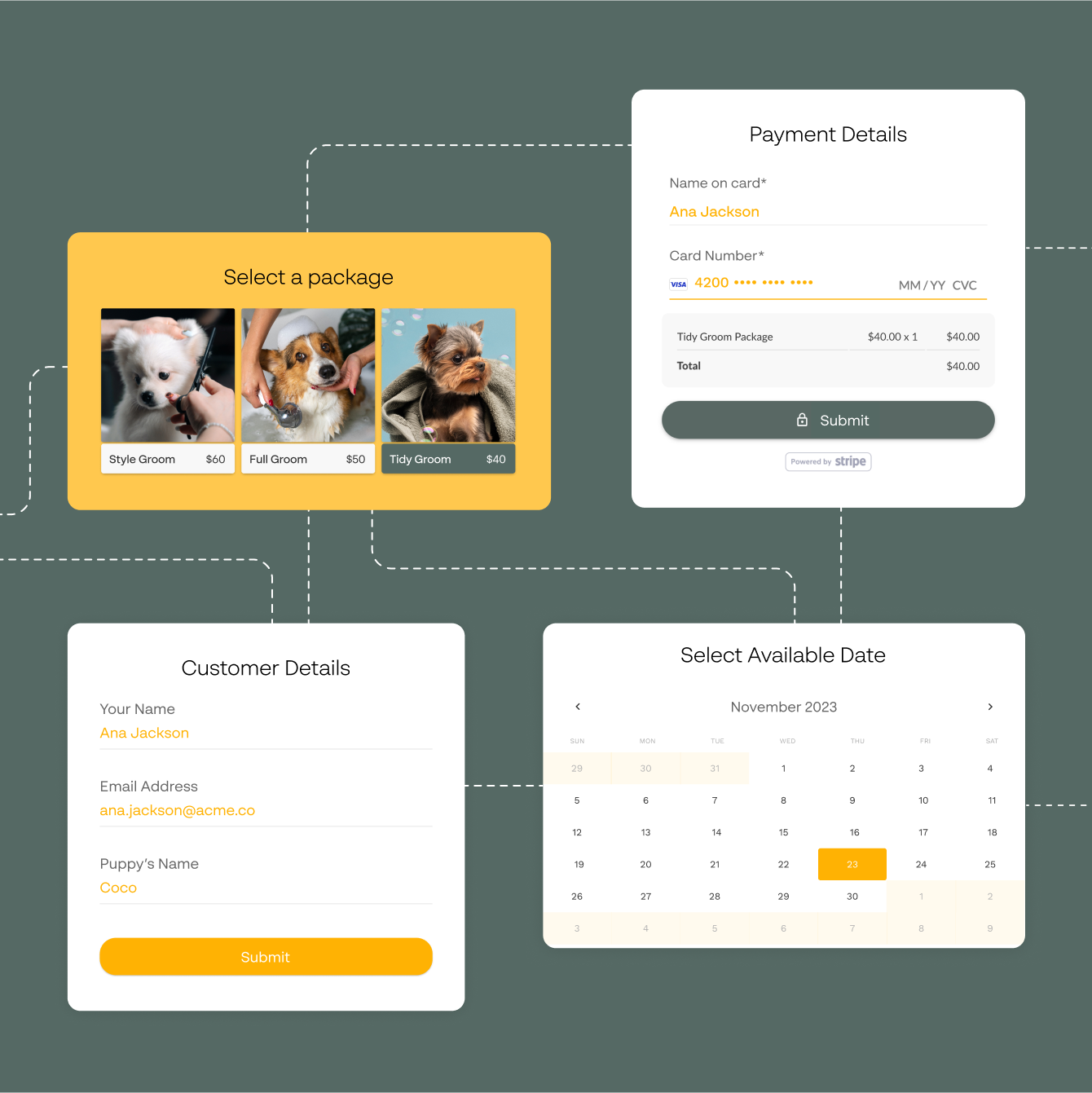
Capture leads without slowing down your site
Paperform forms are fully responsive and embed cleanly into any landing page, popup, or slide-in — so lead capture doesn't come at the cost of page speed or design.

Stay GDPR-compliant while collecting leads
Add consent checkboxes, double opt-in confirmation, and clear privacy language natively in the form. Paperform is GDPR-compliant and backed by SOC 2 Type II certification, so you can collect leads without adding legal risk.
Everything you need to build a lead generation funnel
From your first opt-in form to a fully automated nurture sequence — explore the guides below or jump straight into building your own lead form.
The fundamentals of turning visitors into leads.
Tactics for growing a list of people who actually convert.
Structuring a funnel from awareness to opt-in.
Using a quiz format to capture and segment at the same time.
Automating the follow-up so no lead goes cold.
Turning captured leads into paying customers.
Lead generation templates to start from
Opt-ins, waitlists, gated downloads, webinar sign-ups and demo requests, each ready to score and route leads.
“It's important for me to understand customer behaviour and to be able to change things without having to ask someone else.”
How Optispin Generates Thousands of Telecom Leads a Month With Paperform
Read case studyLead Generation Form FAQs
1. Can I score or qualify leads directly in the form?
Yes. Use Paperform's Calculations feature to assign point values to answers, like budget, company size, or urgency, and automatically flag or route high-scoring leads differently from low-scoring ones.
2. Does Paperform integrate with my CRM or email marketing tool?
Yes. Paperform connects directly to HubSpot, Mailchimp, ActiveCampaign and Klaviyo, and to thousands more apps, including other CRMs and email tools, through Zapier and Make. New leads sync in real time, so nobody exports a spreadsheet by hand.
3. Can I create multi-step or conditional lead forms?
Yes. Conditional logic lets you show or hide questions based on previous answers, so you can ask deeper qualifying questions only to leads who are a good fit, keeping the form short for everyone else.
4. Is Paperform GDPR-compliant for collecting leads?
Yes. Paperform is GDPR-compliant and SOC 2 Type II certified, and you can add consent checkboxes and double opt-in confirmation directly in your lead forms.
5. Can I embed a lead form on my landing page or website?
Yes. Paperform forms are responsive and can be embedded directly into any landing page or website, added as a popup or slide-in, or shared as a standalone link.
6. How does Paperform compare to other lead generation form builders?
Paperform combines lead capture with conditional logic, scoring, payment collection, and native CRM integrations — most standalone lead form builders handle only the capture step. It's also genuinely all-in-one, so you don't pay for a separate tool for e-signatures or workflow automation. For a detailed side-by-side, see our form builder comparison.
Start capturing better leads today
Build a form that qualifies leads while it collects them, then sync every submission to your CRM automatically.
Build your lead form