Microsoft Forms vs Tally: Which Is Better in 2026?
Microsoft Forms wins on compliance and on being free inside a Microsoft 365 tenant you already pay for. Tally wins on everything a respondent sees: a far better editor, question-level logic, calculations, Stripe payments, custom branding and 1,000+ integrations. Use Forms internally and Tally externally.
These two products answer different questions, which is why the comparison is less of a contest than it looks. Microsoft Forms exists because Microsoft 365 needed a survey field somewhere between Excel and Teams, and it fills that slot well. Tally was built in Ghent in 2020 by a handful of people who thought the rest of the category charged too much for too little, and it gives most of its feature set away.
So nobody really shortlists these two. What actually happens is that someone builds a form in Microsoft Forms because it was there, sends it to a customer, sees the Microsoft header and the office.com URL, and goes looking for something that does not announce which suite their employer buys. Tally is the tool they usually land on. Everything below is about where that instinct is correct and where it runs out.
Quick Verdict
Choose Microsoft Forms if:
- The respondents are colleagues, students or staff inside your tenant
- Procurement will ask for SOC 2, ISO 27001, FedRAMP, FERPA or a BAA
- You need SSO, admin policy and data residency on the form tool itself
- Results should land in Excel and Power BI without anyone configuring anything
- You are running an auto-graded quiz or a Teams meeting poll
Choose Tally if:
- Someone outside the organisation will fill the form in
- You need to take money without leaving the page
- The logic needs to hide individual questions or calculate a number
- Responses belong in Notion, Airtable or Slack rather than SharePoint
- You want your own domain and no vendor logo, for $24 a month
The Five Dimensions, Side by Side
| Dimension | Microsoft Forms | Tally |
|---|---|---|
| Pricing | Bundled with Microsoft 365. Business Basic $7/user/mo annually, Standard $14, Premium $22. Free with a personal account, capped at 200 responses per form | Free with unlimited forms and submissions under a fair use policy. Pro $24/mo annually ($29 monthly), Business $74/mo annually. Seats included, not metered |
| Integrations & API | Around 20 native, essentially all Microsoft. No public API, no webhooks. Power Automate is the only exit, licensed per user | 1,000+ including Notion, Airtable, Slack and Coda, plus a REST API, signed webhooks and an MCP server |
| Conditional logic | Section branching only. No calculation fields outside quiz scoring | Question-level show and hide, answer piping, hidden fields and a formula editor, all on the free plan |
| Payments | Zero processors. No payment field exists at any Microsoft 365 tier | One processor: Stripe, with subscriptions. No PayPal, Square, Braintree or Google Pay, and no coupons, tax or refunds |
| Compliance | GDPR, CCPA, SOC 2, ISO 27001, FERPA, FedRAMP and BAA coverage, plus SSO and data residency | GDPR and EU hosting only. No SOC 2, no ISO 27001, no HIPAA, and no SSO or 2FA on any plan |
Feature Comparison
The full side-by-side from our own testing of both products.
| Feature | Microsoft Forms | Tally |
|---|---|---|
| Form Building | ||
| Document-style editor | No | Yes |
| AI form creation | Yes copilot | Yes |
| Field types | No | 20+ |
| AI agent (Surveys Agent) | Yes copilot | No |
| Multi-page forms | Yes | Yes |
| Guided mode (one question at a time) | No | No |
| Conditional logic | Yes | Yes |
| Calculations field | No | Yes |
| AI calculations assistant | No | No |
| Scoring | Yes | Yes |
| Answer piping | No | Yes |
| Pre-filling and hidden fields | No | Yes |
| Save and resume | No | No |
| Auto-close by number | Yes | Yes |
| Auto-close by date | Yes | Yes |
| Appointment/booking field | No | No |
| Signature field | No | Yes |
| Color picker field | No | No |
| API-powered dropdowns | No | No |
| Google address search | No | No |
| Formula editor | No | Yes |
| File uploads | No | Yes |
| Import from other form builders | No | Yes |
| PDF generation | No | Yes |
| Payments | ||
| Stripe payments | No | Yes |
| PayPal payments | No | No |
| Square payments | No | No |
| Braintree payments | No | No |
| Google Pay | No | No |
| Product sales (eCommerce) | No | Yes |
| Subscriptions | No | Yes |
| Coupons and discounts | No | No |
| Custom pricing rules | No | Yes |
| Tax calculations | No | No |
| Quotes/invoices | No | No |
| Refunds | No | No |
| 3D Secure | No | No |
| Design & Customization | ||
| Template gallery | Yes | Yes |
| Rich media (images, GIFs, videos) | Yes | Yes |
| Unsplash and Giphy integration | No | No |
| Image editor | No | No |
| Adobe Creative Cloud | No | No |
| Language translation | Yes | Yes |
| Advanced theming | No | Yes pro |
| Custom form URL | No | Yes |
| Custom domains | No | Yes pro |
| Custom HTML & CSS | No | Yes pro |
| Remove branding | No | Yes pro |
| Custom email domains | No | Yes pro |
| Analytics | ||
| Submission results and reports | Yes | Yes |
| AI report insights | Yes | No |
| Paperform analytics | No | Yes pro |
| Google Analytics & Facebook Pixel | No | Yes pro |
| Custom analytics scripts | No | No |
| Partial submissions | No | Yes pro |
| Answer Insights | No | Yes |
| Collaboration | ||
| Multi-user accounts | Yes | Yes pro |
| User permissions and management | Yes | Yes pro |
| Advanced permissions & admin | Yes enterprise | No |
| Form sharing (templates) | Yes | Yes |
| Spaces and tag management | No | Yes pro |
| Security | ||
| SOC 2 Type II | Yes | No |
| GDPR compliant | Yes | Yes |
| SSL encryption | Yes | Yes |
| Two-factor authentication | Yes | No |
| Enforce 2FA for all users | Yes enterprise | No |
| SSO (SAML) | Yes | No |
| reCAPTCHA | No | Yes |
| Local data residency | Yes enterprise | Yes |
| Custom S3 storage (BYO) | No | No |
| Integrations & API | ||
| 4000+ integrations | No | No |
| Zapier | No | Yes |
| Make (Integromat) | No | Yes |
| Webhooks | No | Yes |
| Standard API | No | Yes |
| Business API | No | No |
| WordPress plugin | No | Yes |
| oEmbed support | Yes | Yes |
| Native integrations | No | 17+ |
| AI assistant connectors (MCP / ChatGPT / Claude) | No | Yes |
| Integration failure alerts | No | Yes |
What Microsoft Forms Gets Right
The compliance paperwork is already signed
Microsoft Forms carries GDPR, CCPA, SOC 2, ISO 27001, FERPA and FedRAMP, with BAA coverage available under Microsoft 365; Tally publishes GDPR and EU hosting and nothing else. For a school collecting student data, a public sector supplier questionnaire or an HR process a works council will review, that gap settles it before anyone opens an editor. Forms also inherits SAML SSO, conditional access policy and tenant data residency, none of which Tally offers at any price.
Nothing new appears on the invoice
Forms is included in every Microsoft 365 plan, from Business Basic at $7 per user per month billed annually up through E3, E5 and the E7 Frontier suite. If the organisation already pays for those seats, a form costs nothing incremental and needs no procurement conversation, which is a genuine advantage for anyone who has tried to get a $24 SaaS subscription approved. The personal free tier is capped at 200 responses per form, while an M365 licence lifts that to 5,000,000 per form across 400 forms.
The answers land where the work already happens
Responses sync to Excel automatically, forms can be launched inside a Teams meeting, results embed in SharePoint and feed Power BI, and several colleagues can co-author the same form at once. Tally exports CSV and pushes to Notion, Airtable and Google Sheets, which is the right set of destinations for a startup and the wrong set for a finance team that lives in Excel and SharePoint. Forms also has a real quiz engine with auto-grading, point values and feedback, and Tally has no equivalent.
What Tally Gets Right
It was designed for the person filling it in
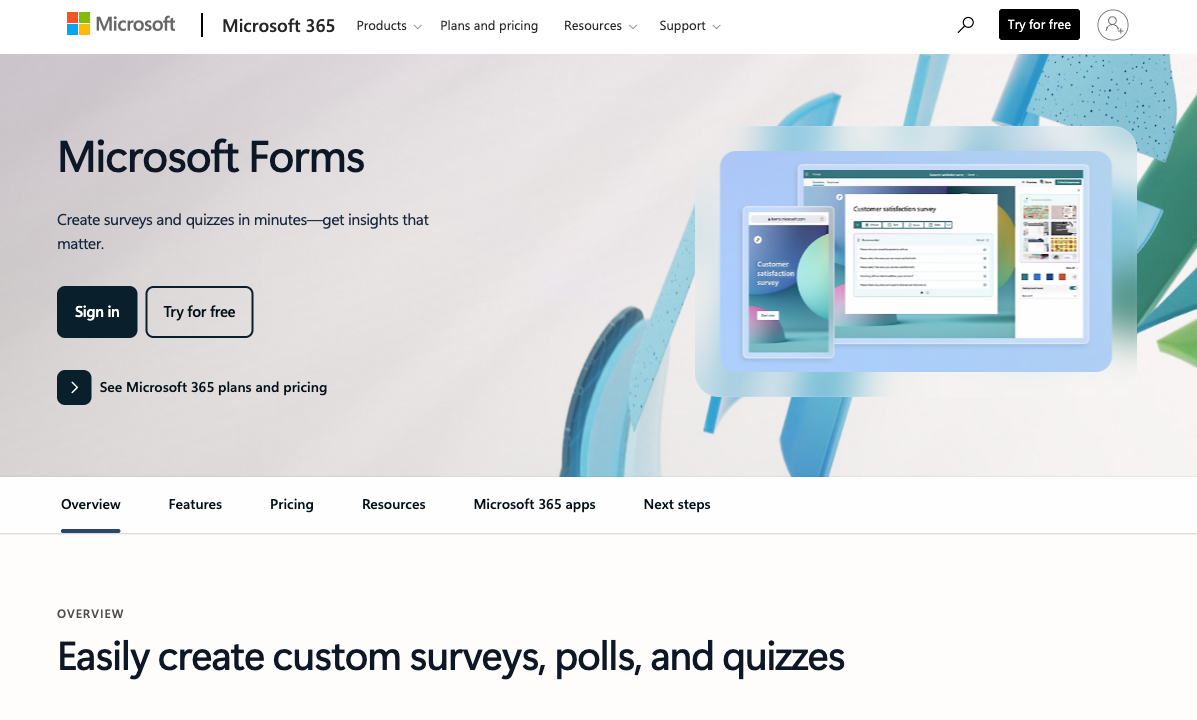
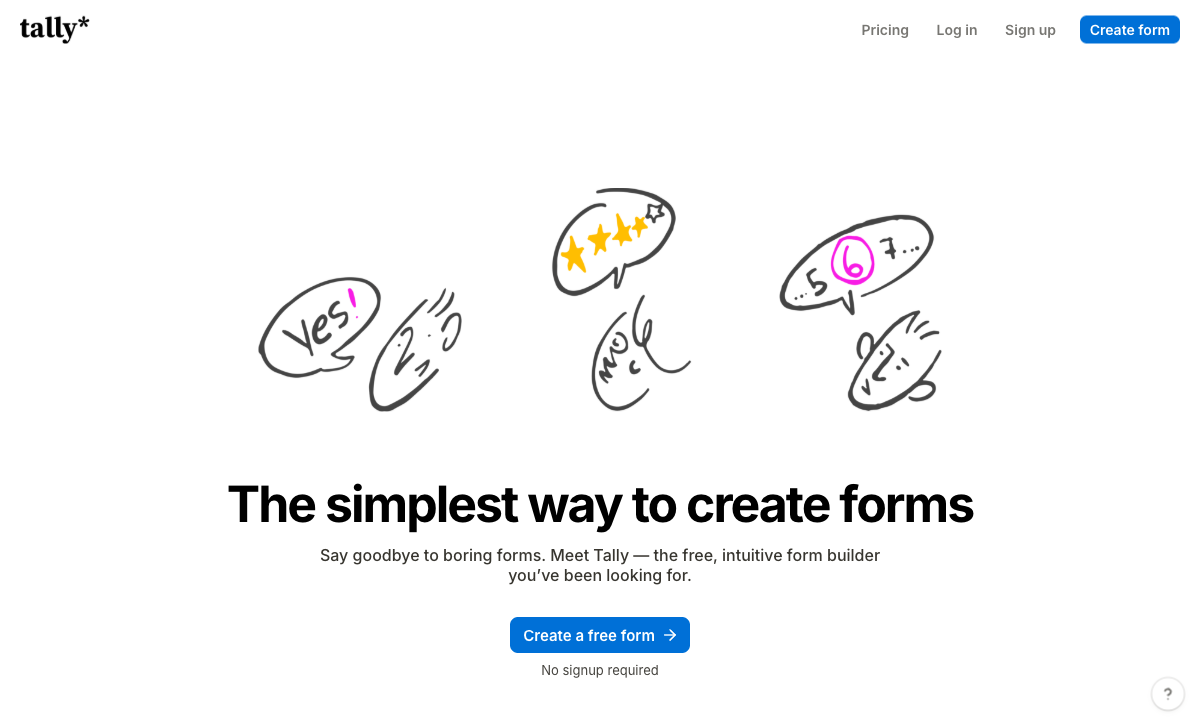
Microsoft Forms gives you a theme colour and a header image, and Microsoft's own documentation is candid that customisation largely means changing the picture. Tally's block editor works like Notion, and Pro removes Tally branding, adds custom domains, custom CSS, custom email domains and a configurable link preview. For a lead form, a job application or an event page, that difference decides whether the page looks like your company or like your IT department.
Logic and calculations, without a licence conversation
Tally does question-level conditional logic plus a formula editor for calculations on the free plan; Microsoft Forms can only branch between sections and has no calculation fields outside quiz scoring. That is the difference between a quote form that totals itself and a survey that forks. Tally's weak spot is debugging rather than capability. Reviewers consistently report that long branching forms get hard to follow because there is no visual logic map.
Money can actually change hands
Tally accepts Stripe payments and subscriptions on the free plan. Microsoft Forms accepts none, anywhere, at any price, which is the single cleanest gap between the two. A workshop ticket, a deposit or a paid application fee turns a Microsoft Forms project into a Power Apps build or a separate checkout page linked from a thank-you screen. In Tally it is a block.
It connects outward, where Forms connects inward
Microsoft Forms has roughly twenty native integrations, nearly all of them Microsoft, and the only way out is Power Automate, which is licensed per user with premium connectors gated above that. Tally has over a thousand destinations, native Notion, Airtable, Slack and Coda connections, a documented REST API, signed webhooks and an MCP server, all reachable on the free plan. Tally also ships a free AI builder that writes, edits and translates forms from a chat window, while the Copilot pane in Microsoft Forms requires a Copilot licence at $21 per user per month on Copilot Business or $30 on the enterprise SKU.
Nobody is counted
Tally's paid tiers include unlimited team members. Microsoft Forms is gated by who holds an M365 licence, so the contractor, the agency designer and the finance analyst who each need to touch one form cost $7 to $39 a month before they open anything.
Where Microsoft Forms Runs Out
- No payments: not one processor, not on Business Premium, not on E5.
- No API and no webhooks: Power Automate is the only route out, and the Forms Graph API has slipped repeatedly, now pointed at CY26H1.
- Branding is permanent: no custom domain, no logo removal, no custom CSS, so every external form reads as Microsoft's.
- Missing field types: no signature, no appointment booking, no answer piping, no pre-fill, no save and resume, no calculation fields.
- Analytics stop at Excel: no drop-off tracking, no partial submissions, no Google Analytics or Meta Pixel.
- 22 templates: enough for the internal survey cases Forms exists for, and nothing beyond them.
- The roadmap is not yours: Forms is a bundled feature, so capability arrives when M365 licensing says it does, and there is nobody to escalate a delay to.
Where Tally Runs Out
- Stripe or nothing: no PayPal, Square, Braintree or Google Pay, and no coupons, tax rules, quotes or invoicing around the charge.
- The security answer is short: no SOC 2, no ISO 27001, no HIPAA, and no SSO or 2FA even on the $89 a month Business plan, which is the top tier.
- Analytics are paywalled: visit tracking, drop-off data and partial submissions all sit on Pro.
- No workflow or approvals: submit-and-notify is the ceiling; anything past it goes to Zapier, Make or n8n.
- Specialist fields are absent: no appointment booking, no address autocomplete, no guided one-question-at-a-time mode, no save and resume.
- AI is build-time only: Tally AI writes and fixes forms, but analysing what came back means leaving for the MCP server or the ChatGPT connector.
- Around ten people: email-only support with no tier to escalate to, and support is Tally's softest G2 sub-rating at 4.5.
See Both in Action
Pricing Comparison
Comparing these two on price is awkward because one of them is not sold. Microsoft Forms has no price of its own: it rides on a Microsoft 365 seat, from $7 per user per month annually on Business Basic to $22 on Business Premium, with month-to-month billing carrying roughly a 20% premium. Tally charges nothing until you want the form to be yours, at which point Pro is $24 a month billed annually and Business is $74. Neither meters submissions. The real comparison is per-seat versus per-account: adding your tenth collaborator costs Microsoft money every month and costs Tally nothing.
Microsoft Forms
Tally
| Product | Plan | Monthly Price | Annual Price (per month) | Free Plan | Free Trial | Limits |
|---|---|---|---|---|---|---|
| Microsoft Forms | Free (Personal Microsoft Account) | Free | Free | Yes | 1 month | forms: 400, submissions: 200/form, storage: N/A, users: 1 |
| Microsoft Forms | Microsoft 365 Business Basic | $8.4/mo | $7/mo billed annually | forms: 400, submissions: 5,000,000/form, storage: 1 TB OneDrive per user, users: Per user (1-300 employees) | ||
| Microsoft Forms | Microsoft 365 Business Standard | $16.8/mo | $14/mo billed annually | forms: 400, submissions: 5,000,000/form, storage: 1 TB OneDrive per user, users: Per user (1-300 employees) | ||
| Microsoft Forms | Microsoft 365 Business Premium | $26.4/mo | $22/mo billed annually | forms: 400, submissions: 5,000,000/form, storage: 1 TB OneDrive per user, users: Per user (1-300 employees) | ||
| Microsoft Forms | Microsoft 365 Business Standard with Copilot | Not listed | $23.5/mo billed annually | forms: 400, submissions: 5,000,000/form, storage: 1 TB OneDrive per user, users: Per user (1-300 employees) | ||
| Microsoft Forms | Microsoft 365 Business Premium with Copilot | Not listed | $32/mo billed annually | forms: 400, submissions: 5,000,000/form, storage: 1 TB OneDrive per user, users: Per user (1-300 employees) | ||
| Microsoft Forms | Microsoft 365 Apps for business | Not listed | $10/mo billed annually | forms: 400, submissions: 5,000,000/form, storage: 1 TB OneDrive per user, users: Per user | ||
| Tally | Free | Free | Free | Yes | No | forms: Unlimited, submissions: Unlimited, storage: N/A, users: 1, file uploads: 10 MB per file |
| Tally | Pro | $29/mo | $24/mo billed annually | forms: Unlimited, submissions: Unlimited, storage: N/A, users: Unlimited, file uploads: Unlimited | ||
| Tally | Business | $89/mo | $74/mo billed annually | forms: Unlimited, submissions: Unlimited, storage: N/A, users: Unlimited |
What Users Say
Microsoft Forms sits at 4.4 on G2 across 436 reviews and 4.5 on Capterra across 330, with ease of use at 4.6 to 4.7 and features its weakest score at 4.3. That shape is the product: easy, and thin. Tally rates 4.8 on G2 and 4.9 on Capterra, with value for money at 4.9, though across roughly 140 reviews rather than several hundred, and a 3.8 Trustpilot average from a small sample pulls the other way. TechRadar's Microsoft Forms review lands where most do, praising the simplicity and flagging the absence of advanced features and third-party integrations.
When the Form Turns Into a Process
Take the honest version first. If the job is a form, use Tally. Collect the responses, make the page look right, send the answers to Notion or a spreadsheet, and pay $24 a month if you want your own domain on it. Its free plan is the most generous in the category, and for work that ends at the submit button it is a good choice. Paperform is not competing for that buyer, and pretending otherwise would waste your time.
The wall is specific, and it is in the same place for both tools here. Several brands or clients that have to stay separate. Payments with real pricing logic behind them: tiered quantities, an add-on, a discount code, tax by region, a deposit now and the balance later. A contract that has to be signed and filed against the submission that produced it. An approval chain with a named person at each step. A compliance checklist somebody else wrote. Microsoft's answer to all of that is more Microsoft licences plus DocuSign: Forms, then Power Automate premium, then a signing vendor, each metered per user. Tally's answer is Zapier, Make or n8n. Both answers make you the integration, and both put your process in a canvas nobody owns.
Paperform sells the other shape. One subscription covers Paperform for forms, Papersign for eSignatures and Stepper for workflow automation, on every plan, from one account. Payments run through five processors with products, subscriptions, coupons, tax, quotes and refunds. The Excel-style calculation engine is the piece that changes the work rather than the feature list: the same formulas that price an order also decide which questions and pages appear, which conditional emails fire, what gets pushed to an integration and what the success page says. On compliance, Paperform is SOC 2 Type II, GDPR and CCPA compliant with SAML SSO on Business. It is not HIPAA compliant and signs no BAAs, so for a healthcare intake form inside a Microsoft tenant, Microsoft Forms under an existing BAA remains the better answer.
The price, plainly: Pro is $59 a month or $49 billed annually, Business $149 or $124 annually. Microsoft Forms costs nothing extra on a seat you already own and Tally Pro is half of Paperform's entry, so both undercut it and you should expect a real increase. What that buys is the absence of meters on the way up. Submissions and seats are unlimited on paid plans within fair use, so a campaign that lands is not a billing event and the sixth person who needs access costs nothing to add. Support is in the seat price rather than sold back as an enablement engagement, with 4000+ integrations, 30,000+ templates and a 7-day trial that needs no card. Paperform has been building forms since 2016, bootstrapped and profitable, with no parent company deciding its roadmap and no investor clock running.
For the direct matchups, see Paperform vs Tally and Paperform vs Microsoft Forms. If you are leaving one of these specifically, start with Microsoft Forms alternatives or Tally alternatives, and our ranking of the best form builders covers the wider field.
The Verdict
Tally is the better form builder by a wide margin. Better editor, better logic, calculations, payments, branding control, a thousand integrations and a free AI builder, most of it available without paying. For anything a customer, candidate or supporter will see, it is the right pick, and Pro at $24 a month is an easy spend to justify.
Microsoft Forms is the better internal tool, and often the only permitted one. When the respondents are employees or students, the data has to satisfy an auditor, and the results need to be in Excel by Friday, its compliance posture and zero incremental cost win an argument Tally cannot enter.
Neither tool attempts what happens after the submit button. If the answer then has to be priced, signed, approved and filed somewhere it can be found again, that is a different purchase, and it is the one Paperform was built for.
Frequently Asked Questions
If my company already pays for Microsoft 365, is there any reason to add Tally?
Yes, whenever the form leaves the building. Microsoft Forms cannot remove Microsoft branding, cannot sit on your own domain, cannot take a payment and has no public API, so anything a customer, applicant or donor sees is your brand borrowing Microsoft's. Tally's free plan removes none of those constraints for free either, but Tally Pro at $24 a month billed annually gives you branding removal, a custom domain, custom CSS and a configurable link preview. The two tools are not really competing for the same form: keep Forms for the staff survey, add Tally for the public one.
Which one can accept payments, Microsoft Forms or Tally?
Tally, through Stripe, including one-off charges and subscriptions, on the free plan. Microsoft Forms supports zero payment processors at any Microsoft 365 tier, including E5. If you need payments in the Microsoft world, the usual route is a Power Apps build or a separate checkout page linked from the thank-you screen, which is a second product and a second bill. Tally's limit is that Stripe is the only option and there are no coupons, tax rules, quotes or refund handling around the charge.
Does Microsoft Forms have an API that Tally does not?
The reverse. Tally publishes a REST API, SHA256-signed webhooks and an MCP server, and connects to Zapier, Make, n8n and Pipedream on the free plan. Microsoft Forms has no public API and no webhooks; Power Automate is the only supported way to move data out, and premium connectors are licensed on top of the M365 seat. The Forms Graph API has been signposted and delayed repeatedly and is currently pointed at CY26H1.
Is Microsoft Forms HIPAA compliant, and is Tally?
Microsoft Forms inherits Microsoft 365 compliance including GDPR, CCPA, SOC 2, ISO 27001, FERPA, FedRAMP and BAA coverage. One caveat worth checking before you rely on it: Microsoft's HIPAA/HITECH offering page does not enumerate Forms as a named in-scope service, so confirm with your account team. Tally is GDPR compliant and EU-hosted, and that is the whole list. No SOC 2, no ISO 27001, no HIPAA, and no SSO or 2FA on any plan including the $89 a month Business tier.
Which has better conditional logic, Microsoft Forms or Tally?
Tally, comfortably. Microsoft Forms does branching, meaning an answer can send a respondent to a different section, and it has no calculation fields at all beyond quiz scoring. Tally does question-level show and hide plus a formula editor for real calculations, both free. The honest caveat from a Hackceleration review of fifteen Tally users is that big branching forms become hard to trace, because Tally has no visual map of the logic.
Can either one handle a signature and an approval after the form is submitted?
Neither one completes that job. Microsoft Forms has no eSignature capability, so the Microsoft path is Forms plus DocuSign or Adobe Sign plus Power Automate to move data between them: three renewals and three admin consoles. Tally has a basic e-signature block on the free plan but no approval routing, no template-driven document generation and no workflow builder, so anything past submit-and-notify goes to Zapier, Make or n8n. That is the point where a consolidated platform such as Paperform becomes the cheaper answer even at a higher sticker price.
Sources & References
- Microsoft Forms review — TechRadar, 2026
- Tally Review 2026: Honest Verdict + 15 Real User Reviews — Hackceleration, 2026
- Honest Review of Tally Forms, from an AI SaaS developer — Medium (FireBird Technologies), 2026
- Microsoft 365 plans and pricing — Microsoft, 2026
Last updated September 22, 2026
Ready to try Paperform?
Create beautiful forms, payment pages, and workflows — no code required.