 By Dean McPherson, Co-founder & CTO, Paperform · Updated
SurveyMonkey vs Typeform: Which Is Better in 2026?
SurveyMonkey and Typeform both build surveys, but they optimise for different outcomes. SurveyMonkey optimises for data quality: expert-designed question banks, benchmarking against industry norms, statistical significance testing, and analytics tools built for researchers. Typeform optimises for respondent experience, with one-question-at-a-time conversational flow, animated transitions, and visual design that makes people actually want to complete your survey. One treats surveys as research instruments. The other treats them as user experiences.
This distinction matters because survey quality has two dimensions: the rigour of what you ask and the willingness of people to answer. SurveyMonkey helps you ask the right questions in the right way. Typeform helps you get more people to answer them. The ideal tool would do both. These two platforms have chosen opposite sides of the trade-off, and the right choice depends on which dimension matters more for your specific use case.
This comparison breaks down where each platform's philosophy produces real advantages, where it creates blind spots, and what you're actually paying for at each price tier. Both are established platforms: SurveyMonkey is owned by private equity firm Symphony Technology Group, and Typeform has significant venture backing. Neither is going anywhere.
Quick Verdict
Choose SurveyMonkey if:
- Survey methodology and question design quality matter
- You need benchmarking against industry data
- You need Audience panels to reach targeted respondents
- Advanced analytics (cross-tabs, significance testing) are required
- You're conducting formal research: academic, market, or organisational
Choose Typeform if:
- Survey completion rates directly impact business outcomes
- Design quality and brand alignment are priorities
- You're surveying external audiences who might not be motivated to respond
- The conversational one-at-a-time format suits your content
- You need native integrations with marketing tools and CRMs
Feature Comparison
The feature comparison reveals two platforms with surprisingly little overlap in their strengths. SurveyMonkey dominates in research and analytics tools. Typeform dominates in design and respondent experience. The table below shows where each platform leads and where each has gaps.
| Feature | SurveyMonkey | Typeform |
|---|---|---|
| Form Building | ||
| AI form builder . Describe the form you need in plain language and the tool drafts the questions for you. | Yes | Yes |
| Templates . The number of ready-made form templates in the tool’s template gallery. | 500+ (Individual Standard) | 3,000+ |
| Field types . How many kinds of question or input field the form builder offers, such as text, dropdown, date, file upload and signature. | 20+ | 20+ |
| Conditional logic . Show, hide or skip questions and pages based on how someone has answered earlier questions. | Yes Individual Standard | Yes |
| Calculations . Compute totals, scores, prices or dates from answers while the form is being filled in. | No | Yes |
| Multi-page forms . Split a long form across several pages that respondents move through in order. | Yes | Yes |
| One question at a time . A conversational layout that shows a single question per screen, popular for surveys on mobile. | Yes | Yes |
| Answer piping . Insert a respondent’s earlier answer, such as their name, into later questions or text on the form. | Yes Individual Advantage | Yes |
| Pre-filling and hidden fields . Fill in answers ahead of time from a link or existing data, and pass along values the respondent never sees. | Yes Individual Advantage | Yes |
| File uploads . Let respondents attach files such as documents and photos to their submission. | Yes Individual Advantage | Yes basic |
| E-signatures . Collect a signature, either with a signature field on the form or by sending a document out to be signed. | No | Yes growth flow |
| Appointment booking . Let respondents pick and book a time slot directly in the form, with availability managed by the tool. | No | Yes business |
| Quiz scoring . Give answers point values so the form can score quizzes and assessments automatically. | Yes | Yes |
| Save and resume . Respondents can leave a form part-way through and come back later to finish it. | Yes Individual Advantage | Yes |
| Close forms by date or response limit . Stop accepting submissions automatically on a set date or once a set number of responses has arrived. | Yes Individual Advantage | Yes business |
| Payments | ||
| Payment gateways . The number of payment processors a form can take payments through. Where a vendor’s full count isn’t recorded, the cell lists the gateways we confirmed. | 2 (Individual Advantage) Stripe, PayPal | 2 (basic) Stripe, PayPal |
| Subscriptions and recurring payments . Charge respondents on a repeating schedule, such as monthly or annually, from a form. | No | Yes basic |
| Product sales . Sell products from a form, with product listings, quantities and an order total. | No | Yes basic |
| Conditional pricing . Change the price or add fees automatically based on the answers given in the form. | Yes Individual Advantage | Yes basic |
| Coupons and discounts . Offer discount codes that respondents can apply to a payment or subscription on the form. | No | Yes basic |
| Tax calculations . Add sales tax to payments on the form automatically. | No | Not recorded |
| Refunds . Refund a payment from inside the form tool rather than going to the payment processor. | No | No |
| Design & Customization | ||
| Custom themes . Set your own logo, colours and fonts on forms and save them as reusable themes. | Yes Individual Standard | Yes basic |
| Custom CSS . Add your own CSS (and in some tools HTML) for styling beyond the built-in theme options. | Yes enterprise | No |
| Remove vendor branding . Remove the form builder’s own logo or badge so forms carry only your branding. | Yes Individual Premier | Yes plus |
| Custom domain . Host forms on your own domain, such as forms.yourcompany.com, instead of the vendor’s. | No | Yes enterprise |
| Custom form URL . Choose a readable link for a form instead of a random string. | Yes Individual Standard | Yes plus |
| Emails from your own domain . Send notification and confirmation emails from your own email domain instead of the vendor’s. | Yes enterprise | Yes plus |
| Multi-language forms . Show a form’s questions, buttons and messages in languages other than English. | Yes Individual Premier | Yes business |
| Analytics | ||
| Response reports . Built-in summaries and charts of the answers a form has collected. | Yes | Yes |
| Form analytics (views and drop-off) . Track how many people view, start and finish a form, and where they abandon it. | Not recorded | Yes business |
| Partial submissions . See the answers people entered before leaving a form without submitting it. | Yes Individual Advantage | Yes basic |
| Google Analytics and Meta Pixel . Connect a form to Google Analytics or the Meta (Facebook) Pixel to track visits and conversions. | Not recorded | Yes business |
| Custom tracking scripts . Add your own analytics or conversion-tracking scripts to a form. | Not recorded | Yes business |
| AI response insights . AI-written summaries and insights generated from the responses a form has collected. | Yes Individual Advantage | Yes growth flow |
| Collaboration | ||
| Team members . Invite colleagues into the same account to build forms and work with responses together. | Yes Team Advantage | Yes plus |
| Roles and permissions . Give team members different levels of access, such as admin, editor or viewer. | Yes Team Advantage | Yes plus |
| Advanced permissions and admin controls . Fine-grained, organisation-wide controls over who can access what, usually on enterprise plans. | Yes enterprise | Yes enterprise |
| Workspaces . Separate spaces or folders for organising forms by team, client or project. | Yes | Yes |
| Security | ||
| Two-factor authentication . Users can protect their login with a second step, such as a code from an authenticator app. | Yes | Yes |
| Require 2FA for the whole team . Admins can make two-factor authentication mandatory for everyone in the account. | Yes enterprise | Not recorded |
| SSO (SAML) . Team members sign in through your company’s identity provider, such as Okta or Microsoft Entra ID, using SAML single sign-on. | Yes enterprise | Yes enterprise |
| HIPAA compliance . Whether the vendor supports collecting US protected health information under HIPAA, typically by signing a business associate agreement on an eligible plan. | Yes enterprise | Yes enterprise |
| SOC 2 . Whether the vendor holds a SOC 2 audit report covering its security controls. | Yes | Yes |
| GDPR . Whether the vendor states that it complies with the EU General Data Protection Regulation. | Yes | Yes |
| Data residency . Choose the region, such as the EU, where your form data is stored. | Yes enterprise | Yes enterprise |
| Spam protection (CAPTCHA) . Block bot and spam submissions with reCAPTCHA or a similar challenge. | Yes | Yes plus |
| Integrations & API | ||
| Native integrations . Apps the tool connects to directly, without going through a third-party connector such as Zapier or Make. | 200+ | 300+ |
| Zapier . Connect forms to thousands of other apps through Zapier. | Yes | Yes |
| Make . Connect forms to other apps through Make (formerly Integromat). | Yes | Yes |
| Workflow automation . A built-in builder for multi-step automations that act on submissions, such as approvals, routing and syncing data to other systems. | Not recorded | Yes growth flow |
| Webhooks . Send each new submission to a URL of your choice as soon as it arrives. | Yes enterprise | Yes basic |
| API access . A developer API for reading forms and submissions, or managing them, from your own code. | Yes enterprise | Yes |
| MCP server / AI assistant connector . An official connector, such as an MCP server, that lets AI assistants like Claude or ChatGPT work with your forms and responses. | Yes | Yes |
| WordPress plugin . A plugin for adding forms to a WordPress site. | No | No |
— means we haven't recorded it for that tool.
Where SurveyMonkey Wins
Survey Methodology and Question Science
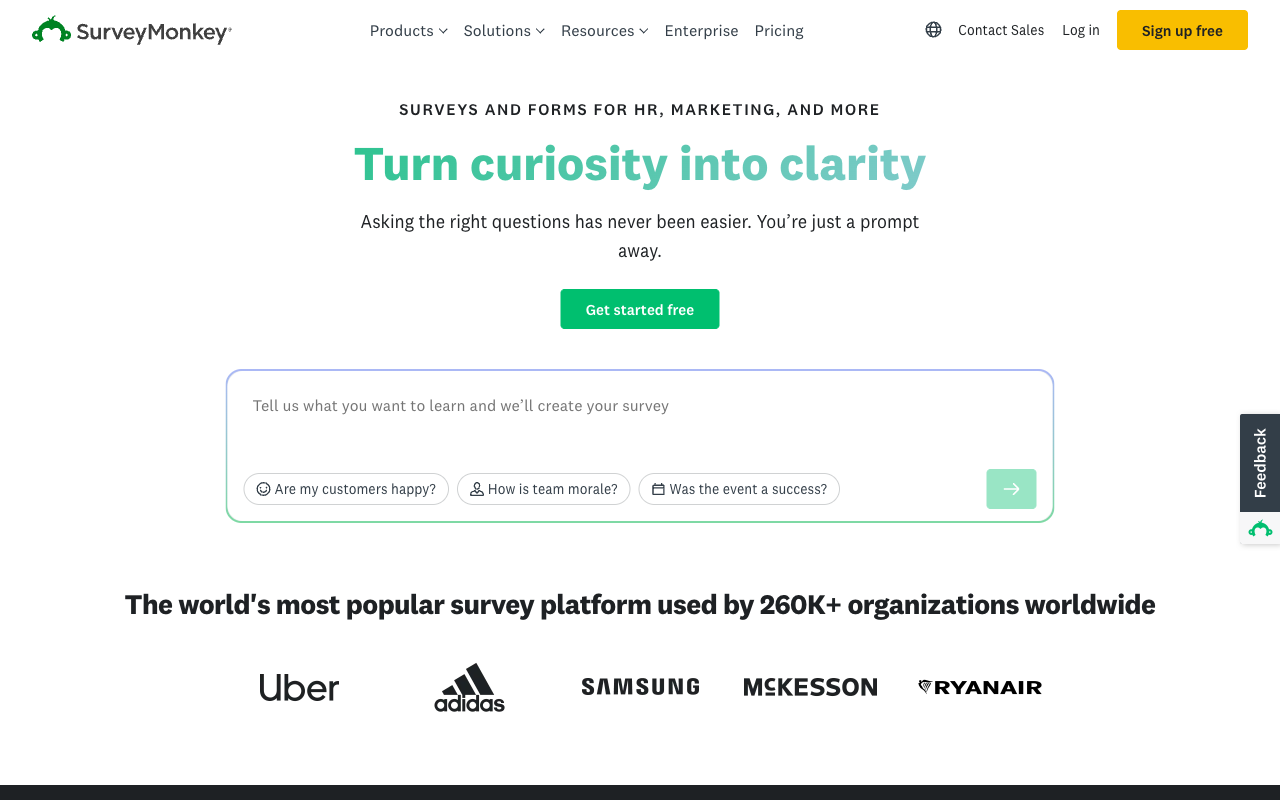
SurveyMonkey's Genius feature is genuinely impressive. It analyses your survey in real time: flagging leading questions, predicting completion rates based on length and complexity, and suggesting improvements grounded in data from billions of responses. The platform includes expert-designed question banks across NPS, CSAT, employee engagement, market research, and event feedback. Those questions are validated through rigorous methodology rather than written by a template designer. Typeform has question templates, but they're designed for visual appeal rather than methodological validity. For surveys where getting the questions right matters -- employee engagement programmes, brand tracking studies, product research -- SurveyMonkey's methodology toolkit has no equivalent at Typeform.
Benchmarking
SurveyMonkey's benchmarking feature compares your results against industry averages derived from its massive response database. Your NPS of 42 is meaningless in isolation. Knowing it's 12 points above the software industry average makes it actionable. Your employee engagement score tells a story when compared to companies of similar size. This contextual data is available across dozens of survey categories and industries. Typeform offers no benchmarking whatsoever, so your data exists in a vacuum without external reference points.
Audience Panels
SurveyMonkey Audience provides access to millions of pre-screened respondents filtered by demographics, geography, profession, income, and behaviour. To run a concept test, reach 500 consumers who match your target persona. To validate pricing, survey decision-makers in your industry. This distribution capability transforms SurveyMonkey from a survey builder into a market research platform. Typeform has no audience panel feature. You can only survey people you already have contact with.
Advanced Analytics
SurveyMonkey's analytical depth separates it from every other survey tool in this price range. Cross-tabulation reveals patterns across demographic segments. Sentiment analysis extracts meaning from open-ended responses. Statistical significance testing confirms whether differences between groups are real or random. Trend tracking shows how metrics change over time. Presentation-ready reports export data in formats designed for stakeholder communication. Typeform's analytics cover basic response summaries and charts, adequate for tracking submissions but insufficient for research-grade analysis.
Team and Enterprise Features
SurveyMonkey's team plans include shared survey libraries, brand-controlled templates, centralised billing, and admin controls for managing who can create and distribute surveys. Enterprise tiers add HIPAA compliance, SSO, and dedicated support. These features matter for organisations where survey quality and brand consistency need to be managed centrally. Typeform offers team features on higher plans but is less mature in enterprise governance tools.
Multi-Language Survey Support
SurveyMonkey supports survey creation in 70+ languages with built-in translation workflows. You can create one survey with multiple language versions and automatically route respondents based on browser language or manual selection. For global research programmes, this infrastructure reduces the manual effort of managing translations and consolidates multi-language data into a single analysis view. Typeform supports multiple languages but lacks the automated translation workflow and consolidated multi-language reporting.
Where Typeform Wins
Respondent Experience and Completion Rates
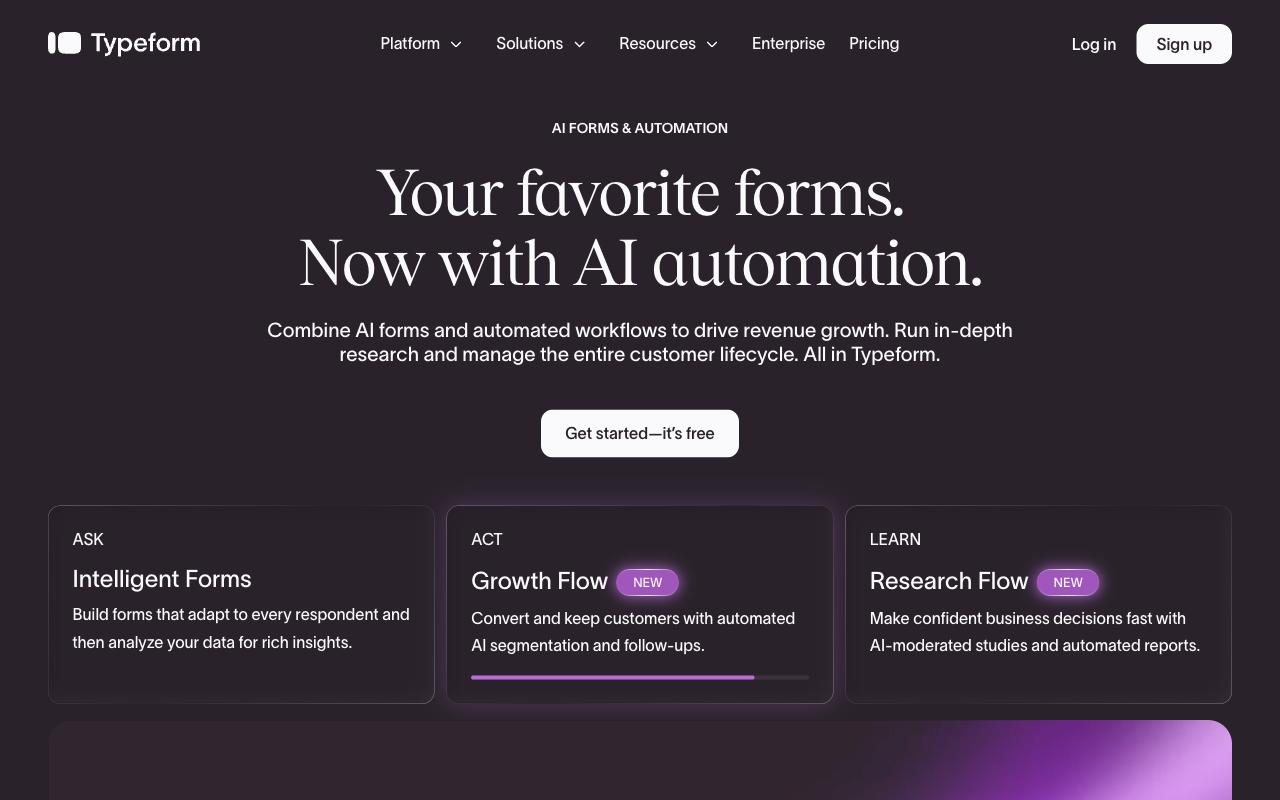
Typeform's one-question-at-a-time format is its defining advantage. Each question fills the screen with animated transitions guiding respondents forward. The experience feels like a conversation rather than a questionnaire, which reduces the psychological burden of seeing 20 questions at once. Typeform claims 2-3x higher completion rates compared to traditional survey formats, and UX research supports that focused, sequential interfaces reduce abandonment, particularly for external audiences who aren't obligated to respond. For customer feedback, lead qualification, and any survey where the respondent isn't internally motivated to complete it, Typeform's UX advantage is real and measurable.
Visual Design and Brand Alignment
Typeform surveys are beautiful. Custom fonts, full-bleed background images, brand colours, animated transitions, and layouts that feel like designed web experiences rather than data collection tools. SurveyMonkey offers custom themes and logos: professional and clean, but utilitarian. The visual gap matters for customer-facing touchpoints where the survey is part of the brand experience. A Typeform NPS survey sent after purchase reinforces brand quality. A SurveyMonkey NPS survey is functional but forgettable.
Conversational Logic and Personalisation
Typeform's Logic Jump creates branching paths that feel natural in the conversational format. Combined with answer recall (inserting previous responses into later questions), hidden fields, and URL parameters, Typeform builds personalised survey experiences that adapt in real time. "You mentioned you use Slack for team chat -- how satisfied are you with it?" feels more engaging than a generic follow-up. SurveyMonkey has skip logic and branching, but the traditional survey format makes personalisation feel less natural.
Integration Ecosystem
Typeform connects natively to HubSpot, Salesforce, Slack, Google Sheets, Mailchimp, Airtable, Notion, and hundreds more through Zapier and Make. The integrations are designed for marketing and sales workflows: push survey responses into your CRM, trigger email sequences, update customer records. SurveyMonkey integrates with similar tools but its integration philosophy is oriented toward data analysis (Tableau, Power BI) rather than workflow automation. If your surveys feed into marketing automation or CRM workflows, Typeform's integration design is more practical.
Interactive Content and Lead Generation
Typeform extends beyond traditional surveys into interactive content: product recommenders, personality quizzes, ROI calculators, and conversational landing pages. These marketing assets generate leads while engaging visitors. A Typeform quiz that recommends products based on preferences collects email addresses while providing value. SurveyMonkey is firmly a survey tool, effective for research but not designed for interactive marketing content. For teams that view surveys as a marketing channel rather than just a research instrument, Typeform's creative flexibility is a unique advantage.
Drop-Off Analytics
Typeform shows exactly where respondents abandon your survey: which question causes the most drop-offs, average time per question, and completion funnel visualisations. This data enables iterative optimisation: if 40% of respondents leave at question 7, you know to rework or remove it. SurveyMonkey shows completion rates but doesn't provide the same granular question-level drop-off data on standard plans. For teams actively optimising survey performance, Typeform's interaction analytics provide actionable insights.
Where SurveyMonkey Falls Short
- Dated visual design: Surveys look professional but uninspiring. The traditional question-list format feels utilitarian compared to Typeform's visual polish. For customer-facing surveys where brand impression matters, this is a real gap.
- Expensive per-seat pricing: Team plans at $30/user/month scale quickly. A 10-person research team pays $300/month -- steep for a survey tool, even a good one.
- Restrictive free tier: 10 questions per survey and a response cap SurveyMonkey no longer publishes make the Basic plan nearly useless for real work.
- Thin payment collection: Stripe and PayPal from the Advantage plan, but no real eCommerce features. Neither subscriptions, coupons, nor tax handling.
- Survey-only focus: Not a form builder. Limited capabilities for order forms, registration pages, or multi-purpose data collection beyond surveys.
- Completion rate concerns: The traditional format can feel like homework: a wall of questions that some respondents won't finish, especially for optional external surveys.
Where Typeform Falls Short
- No survey methodology tools: No question banks designed by researchers, no bias detection, no Genius-style analysis. Survey quality depends entirely on the creator's expertise.
- No benchmarking: Results exist in isolation. No industry comparisons, no contextual data, no way to know if your scores are good or bad relative to peers.
- No audience panels: You can only survey people you have direct contact with. No access to targeted respondent pools for market research.
- Basic analytics: Response summaries and charts but no cross-tabulation, no significance testing, no sentiment analysis. Insufficient for serious research.
- Low response limits: 100 responses/month on the $39 Basic plan. For active survey programmes, you'll hit the Business tier ($129/month) quickly.
- Conversational format limitations: One-at-a-time works for short surveys but frustrates respondents on longer ones. Not ideal for 30+ question research instruments.
- Basic calculations only: Logic can add up scores and prices, but there are no Excel-style formulas for complex survey logic.
Pricing Comparison
Both platforms are premium-priced, and both have restrictive free tiers. The pricing models differ: SurveyMonkey charges per user, Typeform charges per workspace with response limits. Both get expensive fast for active usage.
| Tier | SurveyMonkey | Typeform | Key Difference |
|---|---|---|---|
| Free | Basic: 10 questions, response cap unpublished | Free: 10 responses/mo, unlimited forms | Both are heavily restricted; neither is usable for real work |
| Individual | Advantage: $39/mo billed annually, unlimited surveys, 1 user | Basic: $28/mo billed annually ($39 monthly), 100 responses/mo | Typeform cheaper, but 100-response limit is low |
| Professional | Premier: $139/mo billed annually, 1 user, phone support | Plus: $56/mo billed annually ($79 monthly), 1,000 responses/mo | SurveyMonkey adds research tools; Typeform adds volume |
| Team/Business | Team Advantage: $30/user/mo (min 3 = $90/mo) | Business: $91/mo billed annually ($129 monthly), 10,000 responses/mo | SurveyMonkey scales per seat; Typeform scales per response |
What will it cost you?
SurveyMonkey plans
- Basic (Free)FreeForms Unlimited, Submissions Limited per survey (exact number now only shown after sign-up/login), Team 1, Storage N/A
- Individual Standard$149/momonthly onlyForms Unlimited, Submissions 1,000/month, Team 1, Storage N/A
- Individual Advantage$39/moForms Unlimited, Submissions 15,000 per year, Team 1, Storage N/A
- Individual Premier$139/moForms Unlimited, Submissions 40,000 per year, Team 1, Storage N/A
- Team AdvantageCheck limits$30/moForms Unlimited, Submissions 50,000 per year (shared), Team 3 minimum, Storage N/A
- Team Premier$92/moForms Unlimited, Submissions 100,000 per year (shared), Team 3 minimum, Storage N/A
| Plan | Price | Forms | Submissions | Team | Storage |
|---|---|---|---|---|---|
| Basic (Free) | Free | Unlimited | Limited per survey (exact number now only shown after sign-up/login) | 1 | N/A |
| Individual Standard | $149/momonthly only | Unlimited | 1,000/month | 1 | N/A |
| Individual Advantage | $39/mo | Unlimited | 15,000 per year | 1 | N/A |
| Individual Premier | $139/mo | Unlimited | 40,000 per year | 1 | N/A |
| Team AdvantageCheck limits | $30/mo | Unlimited | 50,000 per year (shared) | 3 minimum | N/A |
| Team Premier | $92/mo | Unlimited | 100,000 per year (shared) | 3 minimum | N/A |
Typeform plans
- FreeFreeForms Unlimited, Submissions 10/month, Team 1
- Basic$28/moForms Unlimited, Submissions 100/month, Team 1, Storage 1 GB
- PlusMatches$56/moForms Unlimited, Submissions 1,000/month, Team 3, Storage 2 GB
- Business$91/moForms Unlimited, Submissions 10,000/month, Team 5, Storage 4 GB
- Growth Flow$266/moForms Unlimited, Submissions 10,000/month, Team 5, Storage 4 GB
- Talent$119/moForms Unlimited, Submissions 3,000/month, Team 3
| Plan | Price | Forms | Submissions | Team | Storage |
|---|---|---|---|---|---|
| Free | Free | Unlimited | 10/month | 1 | — |
| Basic | $28/mo | Unlimited | 100/month | 1 | 1 GB |
| PlusMatches | $56/mo | Unlimited | 1,000/month | 3 | 2 GB |
| Business | $91/mo | Unlimited | 10,000/month | 5 | 4 GB |
| Growth Flow | $266/mo | Unlimited | 10,000/month | 5 | 4 GB |
| Talent | $119/mo | Unlimited | 3,000/month | 3 | — |
| Product | Plan | Monthly Price | Annual Price (per month) | Free Plan | Free Trial | Limits |
|---|---|---|---|---|---|---|
| SurveyMonkey | Basic (Free) | Free | Free | Yes | No | forms: Unlimited, submissions: Limited per survey (exact number now only shown after sign-up/login), storage: N/A, users: 1 |
| SurveyMonkey | Individual Standard | $149/mo | Not listed | forms: Unlimited, submissions: 1,000/month, storage: N/A, users: 1 | ||
| SurveyMonkey | Individual Advantage | Annual billing only | $39/mo billed annually | forms: Unlimited, submissions: 15,000 per year, storage: N/A, users: 1 | ||
| SurveyMonkey | Individual Premier | Annual billing only | $139/mo billed annually | forms: Unlimited, submissions: 40,000 per year, storage: N/A, users: 1 | ||
| SurveyMonkey | Team Advantage | Annual billing only | $30/mo billed annually | forms: Unlimited, submissions: 50,000 per year (shared), storage: N/A, users: 3 minimum | ||
| SurveyMonkey | Team Premier | Annual billing only | $92/mo billed annually | forms: Unlimited, submissions: 100,000 per year (shared), storage: N/A, users: 3 minimum | ||
| Typeform | Free | Free | Free | Yes | 14 days | forms: Unlimited, submissions: 10/month, users: 1 |
| Typeform | Basic | $39/mo | $28/mo billed annually | forms: Unlimited, submissions: 100/month, storage: 1 GB, users: 1 | ||
| Typeform | Plus | $79/mo | $56/mo billed annually | forms: Unlimited, submissions: 1,000/month, storage: 2 GB, users: 3 | ||
| Typeform | Business | $129/mo | $91/mo billed annually | forms: Unlimited, submissions: 10,000/month, storage: 4 GB, users: 5 | ||
| Typeform | Growth Flow | $379/mo | $266/mo billed annually | forms: Unlimited, submissions: 10,000/month, storage: 4 GB, users: 5 | ||
| Typeform | Talent | $169/mo | $119/mo billed annually | forms: Unlimited, submissions: 3,000/month, users: 3 |
What Users Say
SurveyMonkey earns strong ratings with users praising analytics depth, question bank quality, and benchmarking. Complaints focus on pricing and the restrictive free tier. Typeform earns similarly strong ratings, with users praising the beautiful design, conversational UX, and high completion rates. Complaints focus on pricing, response limits, and limited analytical depth. Both platforms have vocal users who love them for different reasons, which reinforces that the choice is about priorities rather than quality.
A telling review pattern: SurveyMonkey users who switch to Typeform often cite design frustrations and low completion rates. Typeform users who switch to SurveyMonkey often cite analytics gaps and the need for benchmarking. Neither group typically finds a single platform that satisfies both needs, which is exactly the gap that Paperform addresses with its combination of design quality and analytical capability.
Consider Paperform: Survey Capability Meets Form Versatility
The SurveyMonkey vs Typeform decision forces you to choose between survey science and survey experience. Paperform sidesteps this trade-off by combining capable survey features with full form versatility: payments, calculations, e-signatures, and workflow automation in one platform.
Paperform's document-style editor produces visually polished surveys and forms that sit closer to Typeform's design quality than SurveyMonkey's utility. Conditional logic, branching, and scoring handle survey workflows that both competitors support. But Paperform's Excel-style calculation engine adds a dimension neither matches: dynamic scoring that computes results across questions, weighted averages, risk assessments, and outcome calculations that flow into personalised success pages, emails, and 9,800+ integrations.
Paperform won't replace SurveyMonkey for academic research, Audience panels, or industry benchmarking. It won't match Typeform's one-question-at-a-time conversational UX. But for the majority of business surveys (customer feedback, NPS, event evaluations, lead qualification) combined with forms, payments, and calculations, Paperform does more than either competitor without metering what you collect. Both SurveyMonkey and Typeform price by responses and seats, so growth raises the bill; Paperform meters neither submissions nor seats on any paid plan, and one subscription covers forms, eSignatures (Papersign) and workflow automation (Stepper) instead of three vendors stitched together. Paperform starts at $49/month billed annually, which is not the cheapest entry price in this category -- several rivals undercut it -- but it is a flat one. If you're tired of choosing between a survey tool and a form builder, Paperform combines both.
The Verdict
SurveyMonkey wins for research-driven organisations. If survey data informs pricing, product, HR, or market strategy, SurveyMonkey's methodology tools, benchmarking, and analytical depth produce better outcomes than Typeform. The Audience panels are a unique capability no other platform in this comparison can match. The per-seat pricing is expensive but justified for teams that depend on survey quality.
Typeform wins for experience-driven organisations. If form completion rates impact revenue -- lead capture, customer onboarding, event registration -- Typeform's conversational UX produces measurably higher completion rates. The visual design creates brand-aligned experiences that reinforce quality. The premium pricing is justified when every completed response has direct monetary value.
Both platforms are premium-priced, and both have restrictive free tiers. The honest middle ground: for most business surveys that don't require academic-level methodology or conversational UX, a capable all-in-one platform like Paperform handles surveys, forms, payments, and calculations from $49/month billed annually, with unlimited submissions and seats rather than response quotas that grow with your usage.
Who Is Each Platform Best For?
SurveyMonkey is ideal for: research teams, HR departments, market researchers, and organisations that need survey methodology tools, benchmarking, audience panels, and advanced analytics. Best for formal research where data quality and statistical rigour drive decisions.
Typeform is ideal for: marketing teams, product teams, and customer experience managers who need beautiful, brand-aligned surveys with high completion rates. Best for lead capture, customer feedback, and external-facing surveys where the experience is part of the brand.
Neither is ideal if: you need surveys combined with payment collection, dynamic calculations, e-signatures, or form versatility. For the majority of businesses that need data collection tools -- not just surveys -- Paperform offers broader functionality without metering submissions, seats or automation runs, and covers forms, eSignatures and workflow automation under one subscription. For more options, see our SurveyMonkey alternatives analysis.
Related Comparisons
Considering other options? These related comparisons may help:
- Jotform vs SurveyMonkey -- general-purpose form builder vs survey specialist
- Microsoft Forms vs Typeform -- free ecosystem tool vs premium design tool
- Microsoft Forms vs SurveyMonkey -- free basic vs paid survey specialist
Frequently Asked Questions
Does Typeform have better completion rates than SurveyMonkey?
Typeform claims 2-3x higher completion rates with its one-question-at-a-time format, and independent UX research supports that focused, conversational interfaces reduce abandonment on shorter surveys. However, the advantage narrows for longer surveys. Respondents can find the one-at-a-time format tedious when there are 30+ questions. SurveyMonkey's traditional format lets respondents see multiple questions at once, which some prefer for longer surveys because they can gauge progress and skip ahead. For short surveys (5-15 questions) targeting external audiences, Typeform's completion advantage is real. For longer research surveys targeting motivated respondents, SurveyMonkey's format may actually perform equally well.
Can SurveyMonkey create forms as visually appealing as Typeform?
Not to the same level. SurveyMonkey offers custom themes, brand colours, logos, and professional layouts; surveys look clean and professional. But Typeform's design is in a different category: full-screen questions, animated transitions, custom fonts, background images, and a visual polish that feels like a designed experience rather than a data collection tool. If visual impact and brand experience are primary concerns, Typeform wins decisively. If "professional and clean" is sufficient, SurveyMonkey's design tools are adequate.
Which is better for academic or market research?
SurveyMonkey, clearly. Academic and market research requires methodological rigour that Typeform doesn't prioritise. SurveyMonkey offers expert-designed question banks, randomisation, A/B testing of questions, statistical significance testing, cross-tabulation, and Audience panels for reaching specific demographics. Typeform focuses on the respondent experience, making surveys engaging and visually appealing, but its analytical tools are basic compared to SurveyMonkey's. For research that needs to withstand peer review or inform million-dollar business decisions, SurveyMonkey's methodology tools are essential. Typeform treats surveys as experiences; SurveyMonkey treats them as instruments.
Which platform handles payment collection better?
Neither handles payments well, but Typeform has the edge. Typeform takes Stripe or PayPal within forms, supports recurring payments, and can build order totals and discount codes from calculation rules. SurveyMonkey also offers Stripe and PayPal from its Advantage plan, but with no subscriptions, coupons, or product catalogue. Neither offers a real coupon manager or full product management. If payment collection is important to your workflow, both SurveyMonkey and Typeform are poor choices. Consider Paperform, which offers 5 integrated payment gateways with full eCommerce capabilities -- subscriptions, coupons, tax handling, and refund processing -- built into every form.
Is there a platform that combines survey science with great design?
This is the fundamental tension in the SurveyMonkey vs Typeform comparison: you're choosing between methodology and experience. Paperform offers a compelling middle ground. Its document-style editor produces professionally designed forms and surveys with clean typography, rich content, and visual polish closer to Typeform than SurveyMonkey. Its conditional logic, scoring calculations, and branching handle survey logic well. And its Excel-style calculation engine adds capabilities neither SurveyMonkey nor Typeform matches: dynamic scoring, computed outcomes, and calculated values that flow into emails and integrations. Paperform won't match SurveyMonkey's benchmarking or Audience panels, but for most business surveys that need good design and solid logic, it's the platform that doesn't force you to choose between science and aesthetics.
Sources & References
- Best Online Survey Tools and Software in 2026 — Zapier, 2026
- Best Online Form Builder to Use in 2026 -- Top 20 Tools — EmailToolTester, 2026
- Typeform vs SurveyMonkey: Which Is Better? — Zapier, 2025
Updates
We re-audit the form builders we compare on a regular cadence and log every change here — a public record of what changed and when.
- Updated June 4, 2026 — Updated Typeform pricing throughout: the 'Basic' plan rose from $29 to $39/mo, 'Plus' from $59 to $79/mo, and 'Business' from $99 to $129/mo, correcting both the pricing table and the response-limit notes.
Unlimited plans are subject to each vendor's fair use policy.
Ready to try Paperform?
Create beautiful forms, payment pages, and workflows — no code required.