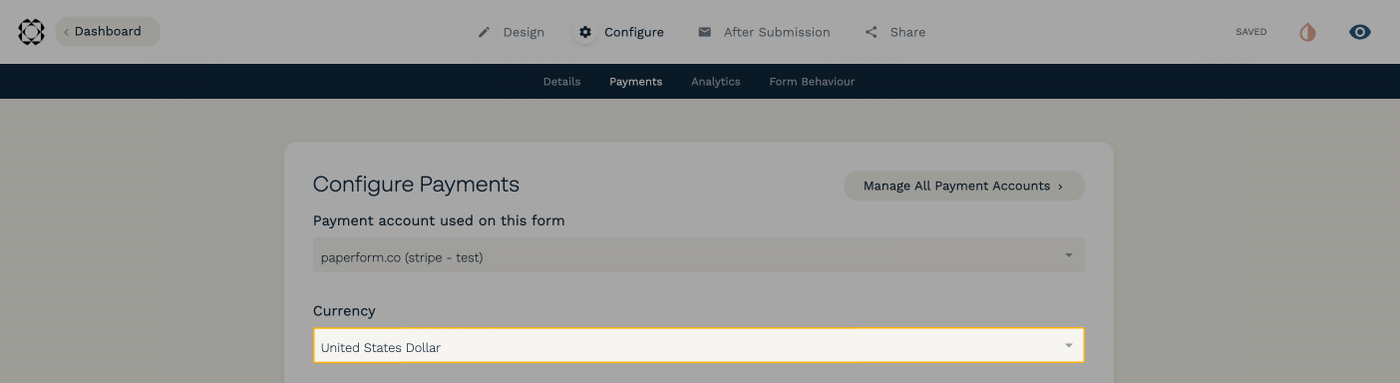
To choose the currency of the form:
- In the form editor, go to Configure → Payments.
- Choose the appropriate currency from the list.
Alternatively, you can set the currency you'd like to receive payments in in Forms > More > Form settings. Under Payments, set the default Currency for your team.
Forms will default to whatever your account’s default currency is when a new form is created.
The currencies available are dependent upon the payment provider you are using. You can find a list of supported currencies for each gateway here:
- Stripe
- Braintree
- PayPal Business
- Square Payments (currency is set on your account)