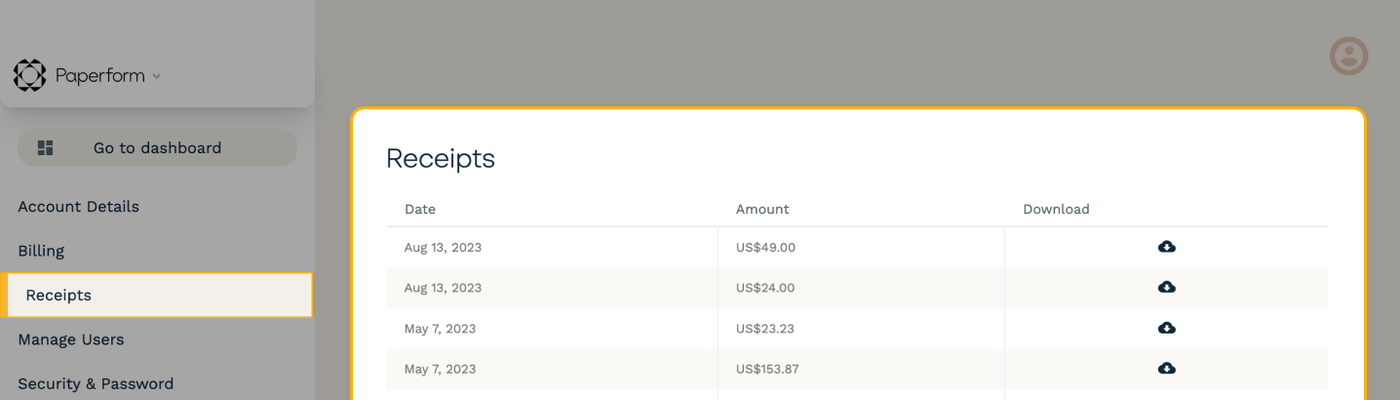
You can view and download your Paperform receipts from your team settings: https://paperform.co/account/receipts
- Click your name at the bottom of the sidebar to open the account menu, then choose Team settings.
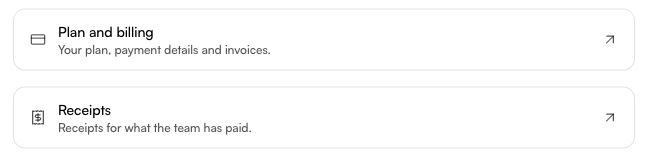
- Under Plan and billing, click Receipts.
You're also able to add your business info so that it appears on receipts. For more information about this article, see our article on customizing those receipts.