Best Form Builders for Enterprises in 2026
FormAssembly is the strongest enterprise form builder for regulated work, with HIPAA, PCI DSS Level 1, ISO 27001 and FedRAMP High coverage. Paperform ranks second and wins on cost predictability: unlimited seats and submissions from $49/month billed annually, with SOC 2 Type II, SSO and data residency.
Enterprise buying for a form builder is a different exercise from picking one for a team. The security questionnaire arrives before the feature list. Procurement wants a three-year total, legal wants a BAA or a data processing agreement, IT wants SAML and SCIM, and the business unit that actually needs the form wants it live this quarter. We ranked seven platforms against that sequence rather than against a features grid.
One structural point deserves stating early, because it decides more enterprise contracts than any feature. Most of these vendors bill for the two things that grow inside a large organisation: people and volume. FormAssembly includes one, three or five standard seats by tier. Formstack's entry plan includes a single builder user. SurveyMonkey requires three paid seats on Team and five on Enterprise, and charges $0.15 for every response past the annual allowance. HubSpot charges $45 per Core Seat past the three included on Professional. Every one of those is an invoice that rises because the rollout succeeded.
Pricing, compliance and feature data below was read live from each vendor's pricing and trust documentation on 22 September 2026. For a broader field see our full form builder ranking, or the narrower guide for large businesses.
| Feature | Paperform | FormAssembly | Jotform | Formstack | Microsoft Forms | SurveyMonkey | HubSpot Forms |
|---|---|---|---|---|---|---|---|
| Form Building | |||||||
| Document-style editor | Yes | No | No | No | No | No | No |
| AI form creation | Yes | Yes explorer | Yes starter | Yes forms | Yes copilot | Yes | No |
| Field types | 26+ | Yes explorer | 30+ (starter) | 15 | No | 15+ | No |
| File uploads | Yes | No | Yes starter | No | No | Yes | Yes |
| Guided mode (one question at a time) | Yes | No | Yes starter | Yes forms | No | Yes | No |
| Payments | |||||||
| Stripe payments | Yes | Yes explorer | Yes starter | Yes forms | No | Yes Individual Advantage | Yes starter |
| PayPal payments | Yes | Yes explorer | Yes starter | Yes forms | No | Yes Individual Advantage | No |
| Square payments | Yes | No | Yes starter | No | No | No | No |
| Braintree payments | Yes | No | Yes starter | No | No | No | No |
| Google Pay | Yes | No | Yes starter | No | No | No | No |
| Design & Customization | |||||||
| Template gallery | 30,000+ | Yes explorer | 20,000+ (starter) | Yes forms | Yes | 400+ | Yes |
| Rich media (images, GIFs, videos) | Yes | Yes explorer | Yes starter | Yes forms | Yes | Yes | No |
| Unsplash and Giphy integration | Yes | No | No | No | No | No | No |
| Image editor | Yes | No | No | No | No | No | No |
| Adobe Creative Cloud | Yes | No | No | No | No | No | No |
| Analytics | |||||||
| AI report insights | Yes pro | No | No | No | Yes | Yes Individual Advantage | No |
| Paperform analytics | Yes pro | No | No | Yes forms | No | No | No |
| Drop-off analysis | Yes pro | No | No | No | No | No | No |
| Google Analytics & Facebook Pixel | Yes pro | No | No | Yes forms | No | No | Yes |
| Custom analytics scripts | Yes pro | No | No | No | No | No | No |
| Collaboration | |||||||
| Form sharing (templates) | Yes | Yes explorer | No | Yes forms | Yes | Yes Team Advantage | Yes |
| Spaces and tag management | Yes | No | No | Yes forms | No | No | No |
| Workflow collaboration roles | No | Yes team | No | No | No | No | No |
| Workflow revisions (version history) | No | Yes team | No | No | No | No | No |
| Workflow Response ID on audit trail | No | Yes team | No | No | No | No | No |
| Security | |||||||
| SOC 2 Type II | Yes | Yes explorer | Yes enterprise | No | Yes | Yes | Yes |
| Enforce 2FA for all users | Yes business | Yes enterprise | No | Yes enterprise | Yes enterprise | Yes enterprise | No |
| reCAPTCHA | Yes | Yes explorer | Yes starter | Yes forms | No | Yes | No |
| Local data residency | Yes enterprise | Yes enterprise | No | No | Yes enterprise | Yes enterprise | No |
| Custom S3 storage (BYO) | Yes business | No | No | No | No | No | No |
| Integrations & API | |||||||
| Native integrations | 4,000+ | No | 150+ (starter) | No | No | 200+ | Yes |
| Zapier | Yes | No | Yes starter | Yes forms | No | Yes | Yes starter |
| Make (Integromat) | Yes | No | Yes starter | No | No | Yes | Yes starter |
| Webhooks | Yes pro | Yes explorer | Yes starter | Yes forms | No | Yes Individual Advantage | Yes starter |
| Standard API | Yes pro | Yes explorer | No | Yes forms | No | Yes Individual Advantage | No |
 #1 FormAssembly — Best for Regulated and Government Enterprises
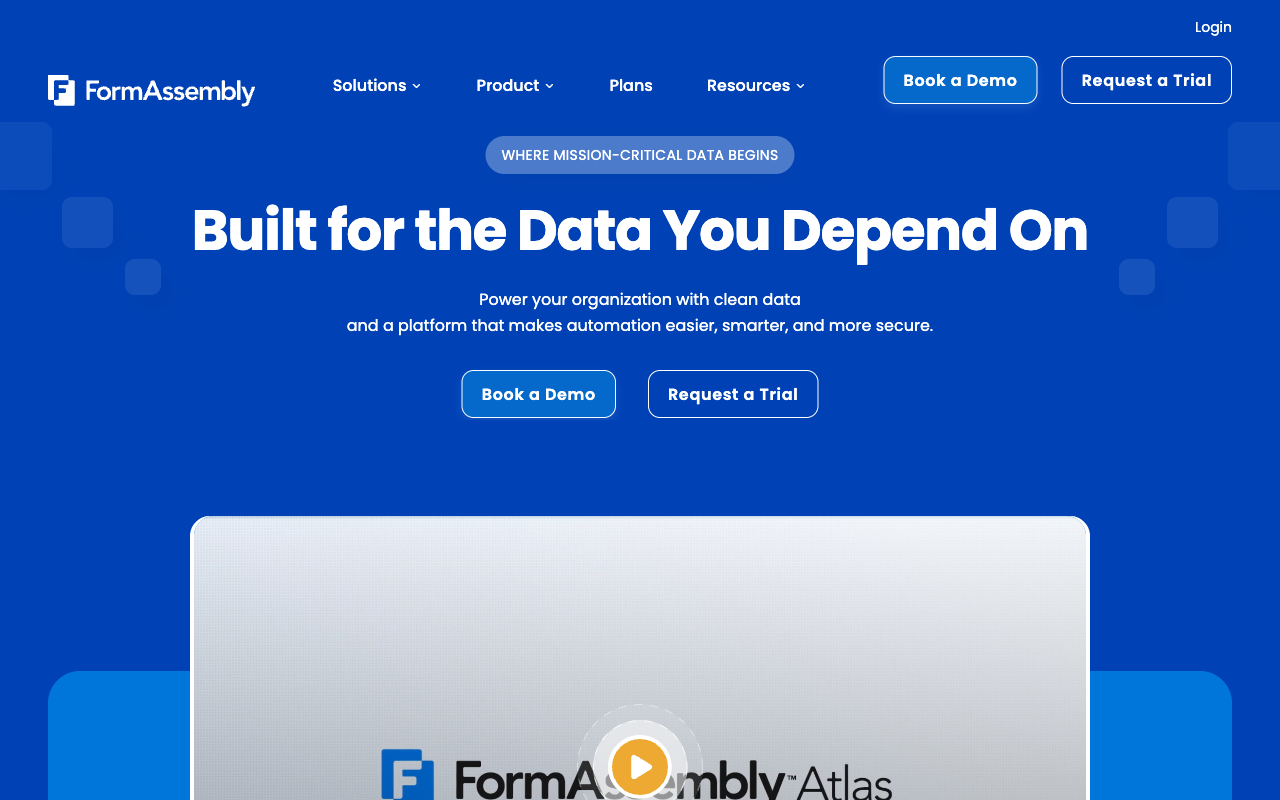
FormAssembly holds the broadest compliance coverage of any form builder on the market: HIPAA with a BAA, PCI DSS Level 1, ISO 27001, SOC 2, GDPR, CCPA, FERPA, 21 CFR Part 11, TX-RAMP, GLBA and Section 508, plus a Gov Cloud tier where a FedRAMP High authorized environment is available. Nothing else here reaches that far, and Paperform does not come close on this dimension.
The customer list reflects it. Southwest Airlines, Amazon, CVS Health and Harvard University all run on it, mostly through the Salesforce connector, which handles multi-object writes, prefill, dynamic picklists and Agentforce with a depth no general-purpose builder attempts. Data residency covers North America, the EU and APAC, and the Fai assistant now builds branded workflows from a conversational prompt and offers region-specific compliance guidance.
Two things should go in the business case. First, FormAssembly publishes no price on any of its four Atlas tiers as of September 2026, and the $59/month Explorer rate it advertised through mid-2026 is gone; every plan routes to a demo request. Second, the plan table now lists integrations, Salesforce included, as a paid add-on on all four tiers, with workflows, analytics and document generation similarly unbundled. Seats are capped at 1, 3 and 5. G2 rates ease of use 4.1 across 425 reviews, which in practice means a Salesforce admin sits between the business and the form.
- Pricing: No free plan and no published prices. Atlas Explorer, Team, Enterprise and Gov Cloud are all quote-only. 14-day trial, no card.
- Best for: Healthcare, financial services, higher education and government agencies whose intake sits inside a regulatory framework.
- Key limitation: Seats capped at 1, 3 and 5 by tier, integrations sold as add-ons, and roughly 20 native connectors with no Zapier support.
 #2 Paperform — Best for Enterprise-Wide Rollout at a Fixed Cost

Paperform is the only platform in this ranking with unlimited submissions and unlimited seats on every paid plan, under a fair use policy rather than a hard cap. Pro is $59/month, $49 billed annually. Business is $149/month, $124 annually, and adds 10 workspaces, per-member and per-product roles, SSO (SAML), enforced 2FA and the Business API. Enterprise is quoted to requirements and adds unlimited workspaces, custom roles, audit trails, local data residency in the EU or Australia, an SLA and a dedicated CSM.
For a rollout across several business units, that pricing shape is the argument. A department that runs 400 submissions a month and one that runs 400,000 cost the same. Onboarding the whole operations team costs nothing, and a seat covers forms, signatures and workflows together rather than three times. Support sits inside the seat price as well, which matters when the alternative quote arrives with a five-figure enablement line item attached to the licence.
The platform consolidation is the second argument. Papersign generates the contract from submission data and files the signed copy against the original response, with 25 signed documents a month on Pro, 100 on Business and unlimited on Enterprise. Stepper runs the approval chain, the CRM write and the handoff, with unlimited workflows on every plan and automation metered in credits rather than seats. Calculations are Excel-style and drive question and page visibility, conditional emails, integration payloads and success page content, so eligibility rules, quoting and scoring get built by the person who owns the policy. Integrations reach 4,000-plus across native connectors, Zapier, Make, webhooks and the API.
The honest limits: Paperform is SOC 2 Type II, GDPR and CCPA compliant but is not HIPAA compliant and signs no BAAs, and it holds no FedRAMP or StateRAMP authorisation. It also carries a smaller review footprint than the incumbents here. The company was founded in 2016, is bootstrapped and profitable, and its September 2026 pricing change removed metering rather than adding it.
- Pricing: Pro $59/month, $49 annually. Business $149/month, $124 annually. Enterprise on quote. 7-day trial, no card.
- Best for: Enterprises rolling one platform across departments who need a cost that does not move with headcount or volume.
- Key limitation: No HIPAA, no BAAs, no FedRAMP, and Stepper automation runs are metered in credits.
 #3 Jotform — Best Compliance Breadth Outside the Salesforce Ecosystem

Jotform's Enterprise tier carries HIPAA with a BAA, PCI DSS Level 1, ISO 27001, SOC 2, GDPR, FERPA, StateRAMP and HECVAT, alongside SSO, an SLA, local data residency and a dedicated instance. That combination clears most enterprise security reviews outside federal work, and it comes with the widest capability surface of any tool here: 40-plus payment processors, 150-plus native integrations, 20,000 templates and native iOS and Android apps for field data collection.
The reason it sits third rather than first is how the company sells everything below Enterprise. Submissions, forms, form views, submission storage, fields per form, payment submissions and signed documents each carry their own per-tier cap, and every self-serve plan from Starter through Gold at $129/month ($99 annually) is single-user. There is no button that adds a second seat. For an enterprise that means Enterprise pricing is not an upgrade path, it is the entry point, and it arrives through a sales conversation with no published anchor.
Jotform has been bootstrapped since 2006 and reported $144.9M in 2024 revenue, so vendor stability is not the concern. Budget forecasting is. Our Paperform vs Jotform comparison works through where the metered model crosses over.
- Pricing: Free Starter. Bronze $39/month, $34 annually. Silver $49/$39. Gold $129/$99. Enterprise on quote.
- Best for: Enterprises needing HIPAA, unusual payment processors or mobile field collection without a Salesforce dependency.
- Key limitation: Seven separate meters, single-user self-serve tiers, and unpublished Enterprise pricing.
See Them in Action
 #4 Formstack — Best for Document-Heavy Salesforce Workflows
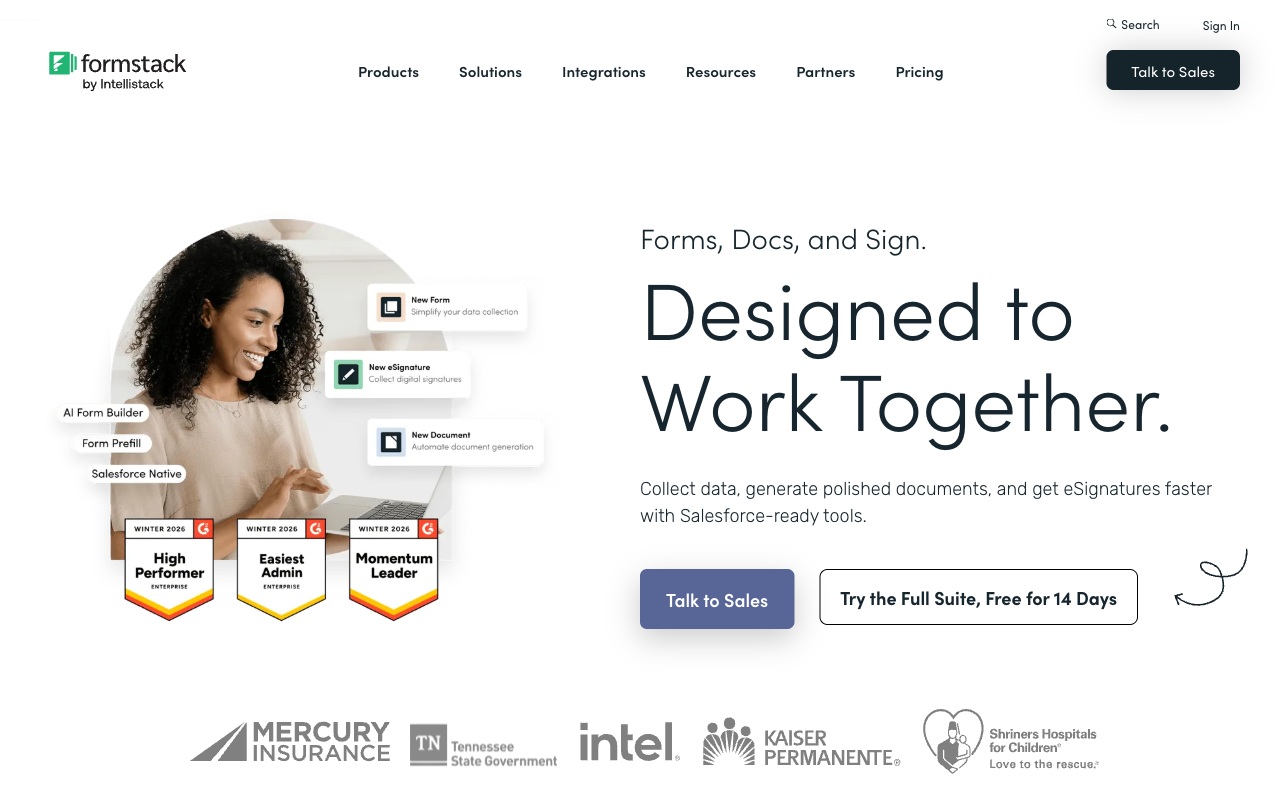
Formstack pairs 300-plus integrations with TX-RAMP Level 2, a PCI DSS attestation, SOC 2, GDPR, a Section 508 and WCAG 2.2 VPAT, and Salesforce-native form products sold under custom pricing. For an enterprise whose requirement is generate a document, route it for approval and file it against a Salesforce record, it does that job natively rather than through a chain of connectors.
Metering is the objection, and it is unusually granular: per builder user, per form, per submission on each form, and per document delivered. The Forms plan at $99/month ($83 annually) includes one user, 25 forms and 1,000 submissions per form. Suite at $299/month ($250 annually) adds document generation and eSignatures with three users and a 250-document-per-month delivery cap. HIPAA is a paid add-on on both plans at a price Formstack does not publish, and it is included only on the Salesforce and Enterprise solutions. There is no ISO 27001 certification.
The ownership question is worth raising in a multi-year review. Formstack is private-equity backed and now sits under Intellistack, which has launched a separate CLM product line. That is a reasonable prompt to ask where the forms roadmap sits in the portfolio.
- Pricing: No free plan. Forms $99/month, $83 annually. Suite $299/$250. Salesforce and Enterprise solutions on quote.
- Best for: Salesforce-centred enterprises with heavy document generation and signing volume.
- Key limitation: Four separate meters, HIPAA priced as an unpublished add-on, and no ISO 27001.
 #5 Microsoft Forms — Best for Internal Collection Inside an Existing Tenant
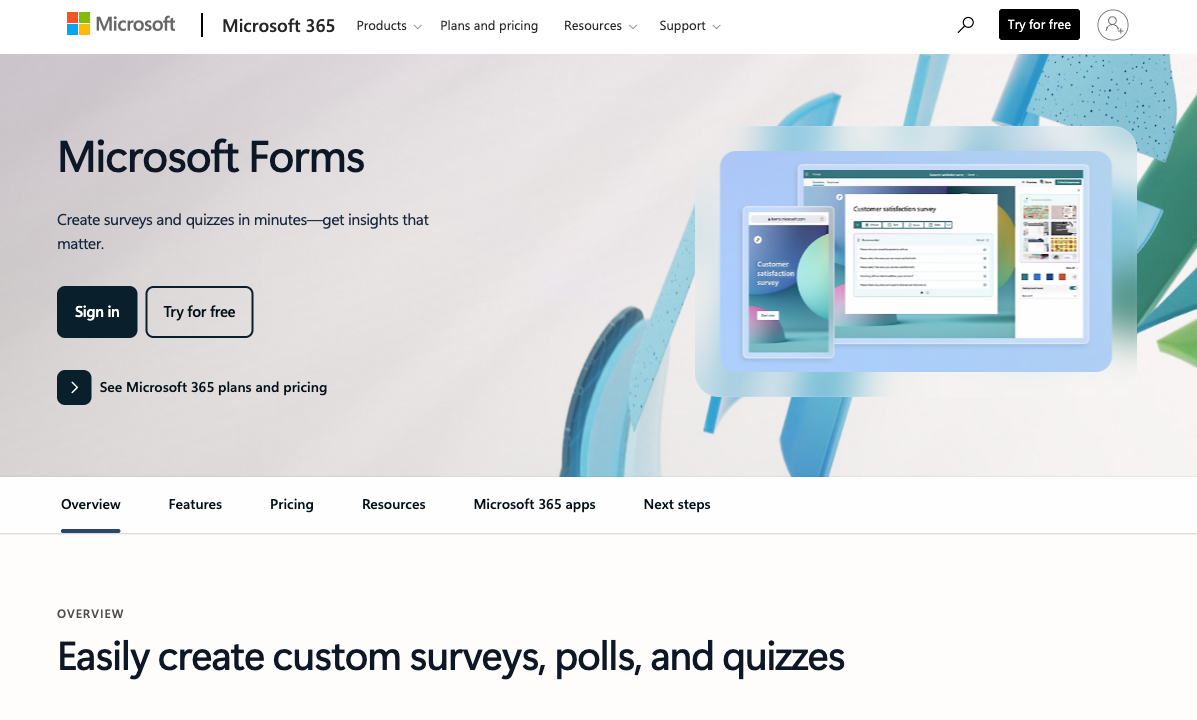
Microsoft Forms costs nothing beyond a Microsoft 365 licence and inherits the full Microsoft compliance estate: HIPAA under a BAA, SOC 2, ISO 27001, GDPR, FERPA and FedRAMP, with SSO, SLA, dedicated support and data residency all handled at tenant level. Paid tenants get 5,000,000 responses per form across up to 400 forms, and the Teams, SharePoint and Power Automate wiring is already in place. For employee engagement surveys, compliance attestations, training quizzes and internal requests, no procurement conversation is needed at all.
It ranks here because the moment the audience is external, it runs out. There are no payments, no calculation fields, no public API, almost no branding control and roughly 20 native integrations. A customer or partner sees a Microsoft internal tool. Everything after the submission becomes a separate licence: Power Automate for the routing, Adobe Sign or DocuSign for the contract, Excel for the analysis, and your team as the layer holding them together. That assembly is the real cost of the free option at enterprise scale.
- Pricing: Free with a personal Microsoft account (200 responses/form). Included in Microsoft 365 from $8.40/user/month, $7 annually.
- Best for: Internal surveys, quizzes and requests in an organisation already standardised on Microsoft 365.
- Key limitation: No payments, no calculations, no API, and no realistic branding for anything customer-facing.
 #6 SurveyMonkey — Best for Enterprise Research Programmes
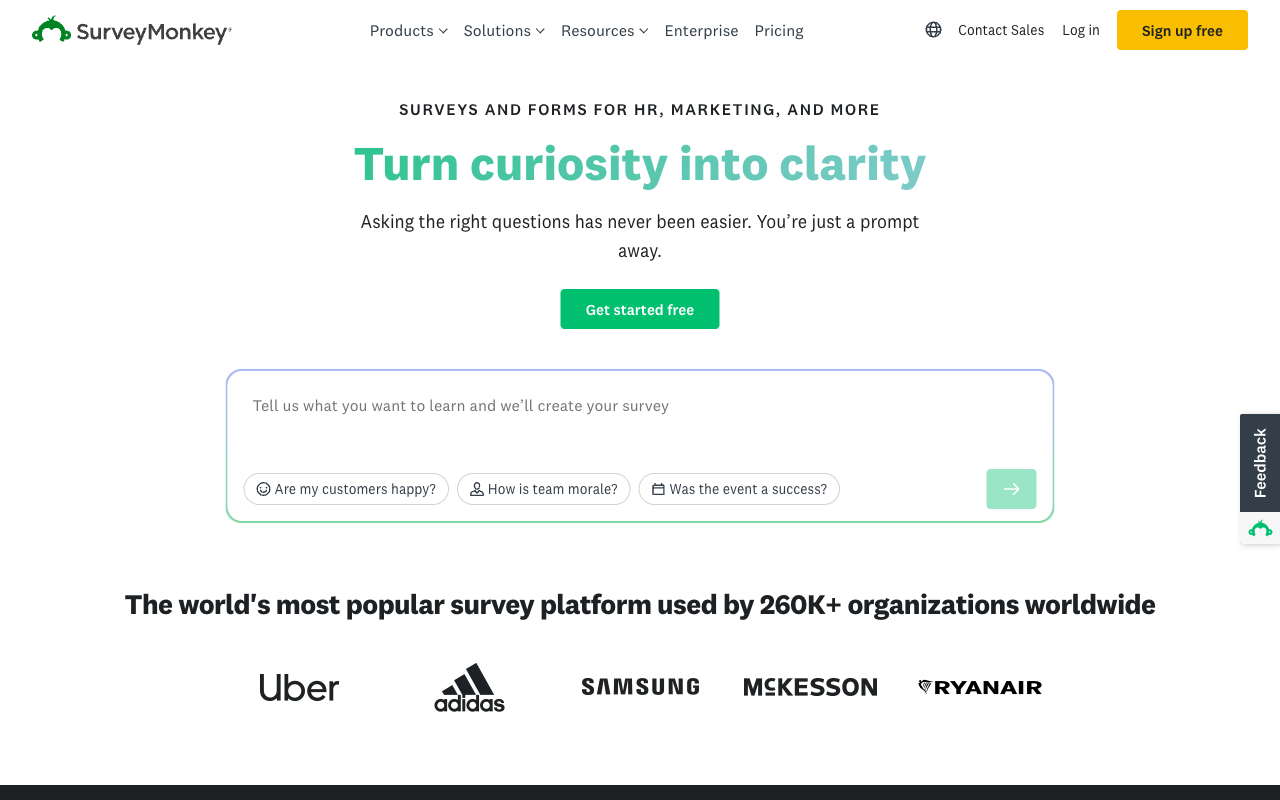
SurveyMonkey carries HIPAA, ISO 27001, SOC 2, GDPR, PCI DSS 4.0 and Section 508 compliance, with FedRAMP in progress, plus SSO and 200-plus integrations on its enterprise tiers. As a research instrument it is the strongest option on this page: question methodology, crosstabs, block randomisation, A/B testing, thematic analysis and a 335M-person respondent panel are capabilities the form builders here do not attempt. Twenty-seven years of operation and 23,500-plus G2 reviews make it an easy name to defend internally.
As the platform your business processes run on, it fits poorly. There are no calculation fields, payment support is thin and plan-dependent, and the commercial terms tightened in 2026: the month-to-month Standard plan was withdrawn in September, so every paid plan is now an annual commitment. Individual Advantage is $32/month annually with a 15,000 response-per-year cap. Team Advantage is $30 per user per month with a three-seat floor, giving a $1,080 minimum annual spend, and Enterprise states a five-seat minimum. Responses over the allowance cost $0.15 each. The company is owned by private equity firm Symphony Technology Group.
- Pricing: Free Basic. Individual Advantage $32/month annual. Individual Premier $99. Team Advantage $30/user/month, three-seat minimum. Enterprise on quote, five-seat minimum.
- Best for: Insights, CX and people teams running formal research at scale.
- Key limitation: Annual-only commitments, $0.15 per-response overages, seat floors, and no calculation fields.
 #7 HubSpot Forms — Best Only If the Enterprise Already Runs on HubSpot
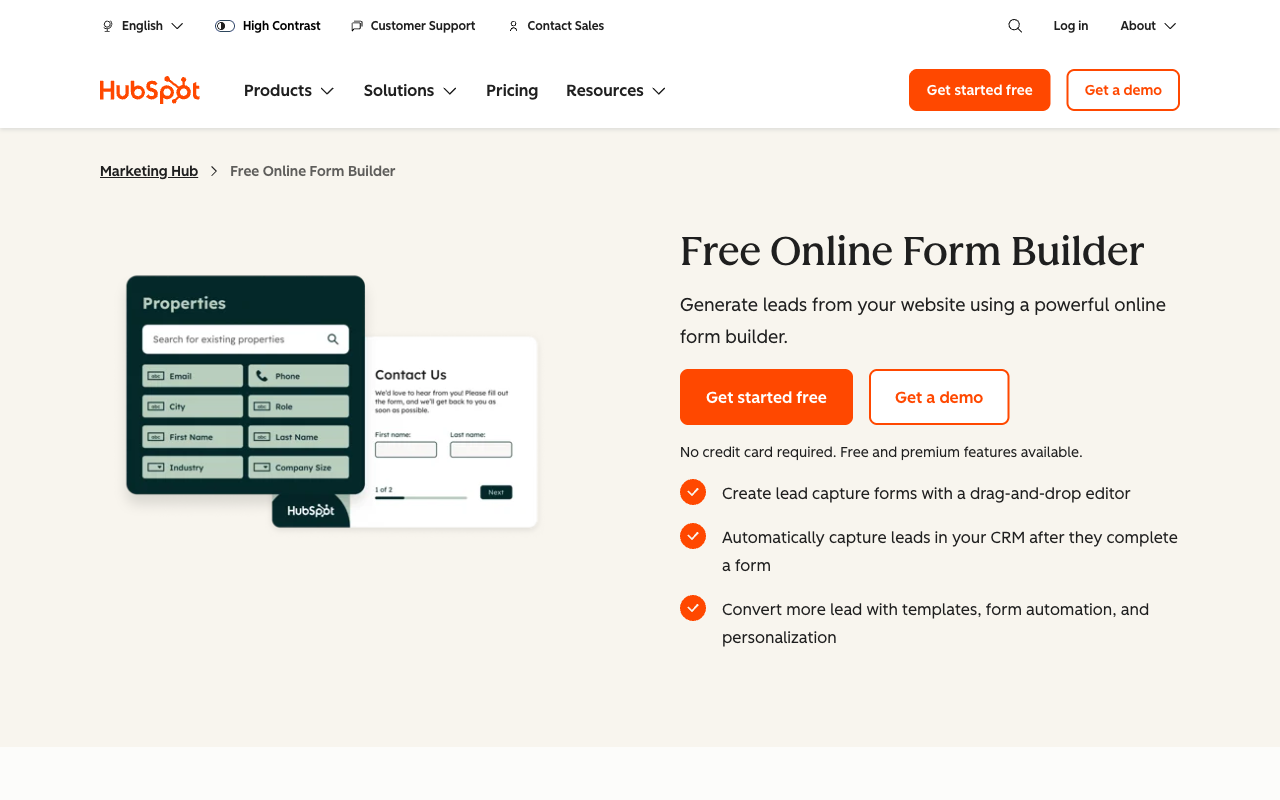
HubSpot Forms writes straight into HubSpot CRM with no connector, no sync lag and no field mapping to maintain, which is a genuine advantage nothing else here replicates. Smart fields, progressive profiling and A/B testing make it a capable lead-capture front end, and HubSpot holds SOC 1 Type II, SOC 2 Type II, SOC 3, GDPR and CCPA compliance with SSO, an SLA and data residency options.
The enterprise economics are the problem. The tier where forms become genuinely capable is Marketing Hub Professional at $890/month, $800 billed annually, with three Core Seats and a required $3,000 one-time onboarding fee; Enterprise is $3,600/month with five seats and a $7,000 onboarding fee. Additional seats run $45 and $75 per month. Marketing contacts are tiered, and AI and agent runs draw on metered HubSpot Credits, so three separate dimensions of growth move the invoice.
The form builder underneath is also thinner than the price suggests: around 15 CRM-aligned field types, no calculation or formula fields, no appointment booking in the form and no eSignature. HIPAA support exists only on Enterprise, where HubSpot will sign a BAA covering specified services for customers that enable sensitive data settings, so HIPAA-safe forms are unavailable on Free, Starter and Professional. Teams that want the CRM write-back without the Marketing Hub commitment typically keep HubSpot and connect a dedicated form platform to it.
- Pricing: Free (2 users). Starter $20/seat/month. Professional $890/month, $800 annually, plus $3,000 onboarding. Enterprise $3,600/month plus $7,000 onboarding.
- Best for: Marketing organisations already committed to Marketing Hub Professional or above.
- Key limitation: No calculations, no eSignature, HIPAA on Enterprise only, and mandatory onboarding fees.
The Five Dimensions Enterprise Buyers Should Score
Pricing model
Six of the seven platforms here meter seats, volume or both; Paperform meters neither on paid plans, with unlimited submissions and unlimited team members under fair use from $49/month billed annually. Three of the seven publish no enterprise price at all. Score the model rather than the sticker: take today's seat count and annual submission volume, multiply both by three, and ask each vendor to quote that scenario in writing before the shortlist closes.
Integrations and API
Native integration counts across this group span 20 to 4,000-plus. Paperform lists 4,000+ through native connectors, Zapier, Make, webhooks and a REST API, with the Business API on the $124/month annual tier. HubSpot reaches 1,600+ through its app marketplace, Formstack 300+, SurveyMonkey 200+ and Jotform 150+. FormAssembly and Microsoft Forms both sit near 20, and FormAssembly supports neither Zapier nor Make while listing integrations as a paid add-on. Microsoft Forms has no public API, which is usually disqualifying for anything systematic.
Conditional logic and calculations
Only two of the seven run a formula engine deep enough to carry a business rule. Paperform's Excel-style calculations control question and page visibility, conditional emails, integration payloads and success page content, with an AI assistant that turns a plain-English rule into a formula, and Formstack has calculating fields for quantities and totals. FormAssembly supports calculations and lookups within its connector model. SurveyMonkey, Microsoft Forms and HubSpot Forms have no calculation fields at all, which means eligibility scoring, dynamic quoting and tiered pricing have to live in another system.
Payments
Jotform leads the group with 40-plus payment processors. Paperform supports five (Stripe, PayPal, Square, Braintree and Google Pay) with subscriptions, coupons, custom pricing rules, tax and refunds handled inside the form and no transaction fee on top. Formstack supports five with PCI-compliant fields, FormAssembly two. HubSpot Forms takes payments through Stripe only on paid plans. Microsoft Forms takes no payments, and SurveyMonkey's payment support is thin and tier-dependent.
Compliance
Six of the seven can be made HIPAA compliant; Paperform cannot. FormAssembly, Jotform, Formstack, SurveyMonkey, Microsoft Forms and HubSpot Forms all offer a BAA, though Formstack's is an add-on and HubSpot's is Enterprise-only and scoped to specified services. All seven claim GDPR compliance and all seven hold SOC 2. ISO 27001 covers FormAssembly, Jotform, SurveyMonkey and Microsoft Forms, and is absent for Paperform, Formstack and HubSpot itself. FedRAMP is available through FormAssembly's Gov Cloud and Microsoft 365, in progress at SurveyMonkey, and unavailable elsewhere. Paperform's position is SOC 2 Type II, GDPR and CCPA with SSO, enforced 2FA and EU or Australian data residency on Enterprise, which satisfies most non-healthcare, non-federal checklists and none of the others.

Full Pricing Comparison
Every published tier across the seven platforms. Three of them publish no enterprise price, which is itself a data point for a procurement timeline.
Paperform
FormAssembly
| Product | Plan | Monthly Price | Annual Price (per month) | Free Plan | Free Trial | Limits |
|---|---|---|---|---|---|---|
| Paperform | Free | Free | Free | Yes | 7 days | forms: Unlimited, submissions: 30/month, storage: Unlimited, users: Unlimited, file uploads: 100 MB |
| Paperform | Pro | $59/mo | $49/mo billed annually | forms: Unlimited, submissions: Unlimited, storage: Unlimited, users: Unlimited, file uploads: 10 GB | ||
| Paperform | Business | $149/mo | $124/mo billed annually | forms: Unlimited, submissions: Unlimited, storage: Unlimited, users: Unlimited, file uploads: 100 GB | ||
| FormAssembly | FormAssembly Atlas Explorer | Not published | Not listed | No | 14 days | forms: Unlimited, submissions: Unlimited, storage: Unlimited, users: 1 standard / 0 limited |
| FormAssembly | FormAssembly Atlas Team | Custom | Not listed | forms: Unlimited, submissions: Unlimited, storage: Unlimited, users: 3 standard / 5 limited | ||
| FormAssembly | FormAssembly Atlas Enterprise | Custom | Not listed | forms: Unlimited, submissions: Unlimited, storage: Unlimited, users: 5 standard / 10 limited | ||
| FormAssembly | FormAssembly Gov Cloud | Custom | Not listed | forms: Unlimited, submissions: Unlimited, storage: Unlimited, users: 5 standard / 10 limited | ||
| Jotform | Starter | Free | Free | Yes | No | forms: 5, submissions: 100/month, storage: 100 MB, users: 1 |
| Jotform | Bronze | $39/mo | $34/mo billed annually | forms: 25, submissions: 1,000/month, storage: 1 GB, users: 1 | ||
| Jotform | Silver | $49/mo | $39/mo billed annually | forms: 50, submissions: 2,500/month, storage: 10 GB, users: 1 | ||
| Jotform | Gold | $129/mo | $99/mo billed annually | forms: 100, submissions: 10,000/month, storage: 100 GB, users: 1 | ||
| Formstack | Forms | $99/mo | $83/mo billed annually | No | 14 days | forms: 25, submissions: 1,000/form, storage: 2 GB, users: 1, file uploads: 2 GB |
| Formstack | Suite | $299/mo | $250/mo billed annually | forms: 100, submissions: 5,000/form, storage: 10 GB, users: 3, file uploads: 10 GB | ||
| Microsoft Forms | Free (Personal Microsoft Account) | Free | Free | Yes | 1 month | forms: 400, submissions: 200/form, storage: N/A, users: 1 |
| Microsoft Forms | Microsoft 365 Business Basic | $8.4/mo | $7/mo billed annually | forms: 400, submissions: 5,000,000/form, storage: 1 TB OneDrive per user, users: Per user (1-300 employees) | ||
| Microsoft Forms | Microsoft 365 Business Standard | $16.8/mo | $14/mo billed annually | forms: 400, submissions: 5,000,000/form, storage: 1 TB OneDrive per user, users: Per user (1-300 employees) | ||
| Microsoft Forms | Microsoft 365 Business Premium | $26.4/mo | $22/mo billed annually | forms: 400, submissions: 5,000,000/form, storage: 1 TB OneDrive per user, users: Per user (1-300 employees) | ||
| Microsoft Forms | Microsoft 365 Business Standard with Copilot | Not listed | $23.5/mo billed annually | forms: 400, submissions: 5,000,000/form, storage: 1 TB OneDrive per user, users: Per user (1-300 employees) | ||
| Microsoft Forms | Microsoft 365 Business Premium with Copilot | Not listed | $32/mo billed annually | forms: 400, submissions: 5,000,000/form, storage: 1 TB OneDrive per user, users: Per user (1-300 employees) | ||
| Microsoft Forms | Microsoft 365 Apps for business | Not listed | $10/mo billed annually | forms: 400, submissions: 5,000,000/form, storage: 1 TB OneDrive per user, users: Per user | ||
| SurveyMonkey | Basic (Free) | Free | Free | Yes | No | forms: Unlimited, submissions: Limited per survey (exact number now only shown after sign-up/login), storage: N/A, users: 1 |
| SurveyMonkey | Individual Advantage | Free | $32/mo billed annually | forms: Unlimited, submissions: 15,000 per year, storage: N/A, users: 1 | ||
| SurveyMonkey | Individual Premier | Free | $99/mo billed annually | forms: Unlimited, submissions: 40,000 per year, storage: N/A, users: 1 | ||
| SurveyMonkey | Team Advantage | Free | $30/mo billed annually | forms: Unlimited, submissions: 50,000 per year (shared), storage: N/A, users: 3 minimum | ||
| SurveyMonkey | Team Premier | Free | $92/mo billed annually | forms: Unlimited, submissions: 100,000 per year (shared), storage: N/A, users: 3 minimum | ||
| HubSpot Forms | Free | Free | Free | Yes | 14 days | forms: Unlimited, submissions: Unlimited, users: 2 |
| HubSpot Forms | Marketing Hub Starter | $20/mo | $20/mo billed annually | forms: Unlimited, submissions: Unlimited, users: Per seat | ||
| HubSpot Forms | Marketing Hub Professional | $890/mo | $800/mo billed annually | forms: Unlimited, submissions: Unlimited, users: 3 Core Seats included (additional Core Seats from $45/mo) | ||
| HubSpot Forms | Marketing Hub Enterprise | $3600/mo | $3600/mo billed annually | forms: Unlimited, submissions: Unlimited, users: 5 Core Seats included (additional Core Seats from $75/mo) |
Full Feature Comparison
Every tracked capability across the seven platforms, grouped by category.
| Feature | Paperform | FormAssembly | Jotform | Formstack | Microsoft Forms | SurveyMonkey | HubSpot Forms |
|---|---|---|---|---|---|---|---|
| Form Building | |||||||
| Document-style editor | Yes | No | No | No | No | No | No |
| AI form creation | Yes | Yes explorer | Yes starter | Yes forms | Yes copilot | Yes | No |
| Field types | 26+ | Yes explorer | 30+ (starter) | 15 | No | 15+ | No |
| File uploads | Yes | No | Yes starter | No | No | Yes | Yes |
| Multi-page forms | Yes | Yes explorer | Yes starter | Yes forms | Yes | Yes | Yes starter |
| Guided mode (one question at a time) | Yes | No | Yes starter | Yes forms | No | Yes | No |
| Conditional logic | Yes | Yes explorer | Yes starter | Yes forms | Yes | Yes Individual Advantage | Yes professional |
| Calculations field | Yes pro | Yes explorer | Yes starter | Yes forms | No | No | No |
| AI calculations assistant | Yes pro | No | No | No | No | No | No |
| Scoring | Yes pro | No | Yes starter | No | Yes | Yes | No |
| Answer piping | Yes | Yes explorer | Yes starter | Yes forms | No | Yes Individual Advantage | No |
| Pre-filling and hidden fields | Yes pro | Yes explorer | Yes starter | Yes forms | No | Yes Individual Advantage | Yes |
| Save and resume | Yes | Yes explorer | Yes starter | Yes forms | No | Yes Individual Advantage | No |
| Auto-close by number | Yes pro | Yes explorer | Yes starter | No | Yes | Yes Individual Advantage | No |
| Auto-close by date | Yes pro | Yes explorer | Yes starter | No | Yes | Yes Individual Advantage | No |
| Appointment/booking field | Yes | No | Yes starter | No | No | No | No |
| Signature field | Yes | Yes explorer | Yes starter | Yes suite | No | No | No |
| Color picker field | Yes | No | No | No | No | No | No |
| API-powered dropdowns | Yes business | Yes team | No | Yes forms | No | No | No |
| Google address search | Yes business | No | No | No | No | No | No |
| AI workflow generation | No | Yes explorer | No | No | No | No | No |
| AI compliance guidance | No | Yes explorer | No | No | No | No | No |
| Drag-and-drop builder | No | No | Yes starter | Yes forms | No | No | No |
| Form widgets | No | No | Yes starter | No | No | No | No |
| Template gallery | No | No | 20,000+ (starter) | No | No | No | No |
| AI agent (Surveys Agent) | No | No | No | No | Yes copilot | No | No |
| AI chat survey editing | No | No | No | No | No | Yes | No |
| AI form shortening (Breeze Intelligence) | No | No | No | No | No | No | Yes professional |
| AI agents (Agent Hub / Agent Builder) | No | No | No | No | No | No | Yes starter |
| Question types | No | No | No | No | No | No | Yes |
| Form unpublishing | No | No | No | No | No | No | Yes |
| Automatic lead enrichment | No | No | No | No | No | No | Yes professional |
| Automatic deal creation from forms | No | No | No | No | No | No | Yes professional |
| Payments | |||||||
| Stripe payments | Yes | Yes explorer | Yes starter | Yes forms | No | Yes Individual Advantage | Yes starter |
| PayPal payments | Yes | Yes explorer | Yes starter | Yes forms | No | Yes Individual Advantage | No |
| Square payments | Yes | No | Yes starter | No | No | No | No |
| Braintree payments | Yes | No | Yes starter | No | No | No | No |
| Google Pay | Yes | No | Yes starter | No | No | No | No |
| Product sales (eCommerce) | Yes pro | Yes explorer | Yes starter | No | No | No | No |
| Subscriptions | Yes pro | No | Yes starter | No | No | No | No |
| Coupons and discounts | Yes pro | No | Yes starter | Yes forms | No | No | No |
| Custom pricing rules | Yes pro | Yes explorer | Yes starter | Yes forms | No | No | No |
| Tax calculations | Yes | No | Yes starter | No | No | No | No |
| Quotes/invoices | Yes | No | No | No | No | No | No |
| Refunds | Yes | No | No | No | No | No | No |
| 3D Secure | Yes | No | No | No | No | No | No |
| 40+ payment gateways | No | No | Yes starter | No | No | No | No |
| No transaction fees | No | No | Yes starter | No | No | No | No |
| Design & Customization | |||||||
| Template gallery | 30,000+ | Yes explorer | 20,000+ (starter) | Yes forms | Yes | 400+ | Yes |
| Rich media (images, GIFs, videos) | Yes | Yes explorer | Yes starter | Yes forms | Yes | Yes | No |
| Unsplash and Giphy integration | Yes | No | No | No | No | No | No |
| Image editor | Yes | No | No | No | No | No | No |
| Adobe Creative Cloud | Yes | No | No | No | No | No | No |
| Language translation | Yes | No | Yes starter | No | Yes | Yes Individual Premier | No |
| Advanced theming | Yes pro | Yes team | Yes starter | Yes forms | No | Yes Individual Advantage | Yes starter |
| Custom form URL | Yes pro | Yes explorer | No | Yes forms | No | Yes Individual Advantage | No |
| Custom domains | Yes pro | No | Yes enterprise | Yes forms | No | No | No |
| Custom HTML & CSS | Yes pro | Yes team | Yes starter | Yes forms | No | No | Yes starter |
| Remove branding | Yes pro | Yes team | Yes bronze | Yes forms | No | Yes Individual Advantage | Yes starter |
| Custom email domains | Yes business | No | No | No | No | No | No |
| Form themes | No | No | Yes starter | No | No | No | No |
| Analytics | |||||||
| Submission results and reports | Yes | Yes explorer | Yes starter | Yes forms | Yes | Yes | Yes |
| AI report insights | Yes pro | No | No | No | Yes | Yes Individual Advantage | No |
| Paperform analytics | Yes pro | No | No | Yes forms | No | No | No |
| Drop-off analysis | Yes pro | No | No | No | No | No | No |
| Google Analytics & Facebook Pixel | Yes pro | No | No | Yes forms | No | No | Yes |
| Custom analytics scripts | Yes pro | No | No | No | No | No | No |
| Partial submissions | Yes pro | No | No | Yes forms | No | Yes Individual Advantage | No |
| Workflow analytics | No | Yes explorer | No | No | No | No | No |
| Form analytics | No | No | Yes starter | No | No | No | No |
| Google Analytics integration | No | No | Yes starter | No | No | No | No |
| Benchmarks | No | No | No | No | No | No | No |
| Conversion analytics | No | No | No | No | No | No | Yes professional |
| Collaboration | |||||||
| Multi-user accounts | Yes pro | Yes team | Yes bronze | Yes forms | Yes | Yes Team Advantage | Yes |
| User permissions and management | Yes pro | Yes team | Yes enterprise | Yes forms | Yes | Yes Team Advantage | Yes starter |
| Advanced permissions & admin | Yes enterprise | Yes enterprise | Yes enterprise | Yes enterprise | Yes enterprise | Yes enterprise | Yes enterprise |
| Form sharing (templates) | Yes | Yes explorer | No | Yes forms | Yes | Yes Team Advantage | Yes |
| Spaces and tag management | Yes | No | No | Yes forms | No | No | No |
| Workflow collaboration roles | No | Yes team | No | No | No | No | No |
| Workflow revisions (version history) | No | Yes team | No | No | No | No | No |
| Workflow Response ID on audit trail | No | Yes team | No | No | No | No | No |
| All Workflows admin management | No | Yes enterprise | No | No | No | No | No |
| Per-workflow error notifications | No | Yes team | No | No | No | No | No |
| Form sharing | No | No | Yes starter | No | No | No | No |
| Assign forms | No | No | Yes enterprise | No | No | No | No |
| Review Sessions | No | No | No | No | No | Yes Team Advantage | No |
| Persistent Magic Link | No | No | No | No | No | Yes Team Advantage | No |
| Workspace organization | No | No | No | No | No | No | No |
| Security | |||||||
| SOC 2 Type II | Yes | Yes explorer | Yes enterprise | No | Yes | Yes | Yes |
| GDPR compliant | Yes | Yes explorer | Yes starter | Yes forms | Yes | Yes | Yes |
| SSL encryption | Yes | Yes explorer | Yes starter | Yes forms | Yes | Yes | Yes |
| Two-factor authentication | Yes | Yes explorer | Yes starter | Yes forms | Yes | Yes | Yes |
| Enforce 2FA for all users | Yes business | Yes enterprise | No | Yes enterprise | Yes enterprise | Yes enterprise | No |
| SSO (SAML) | Yes business | Yes enterprise | Yes enterprise | Yes enterprise | Yes | Yes enterprise | Yes enterprise |
| reCAPTCHA | Yes | Yes explorer | Yes starter | Yes forms | No | Yes | No |
| Local data residency | Yes enterprise | Yes enterprise | No | No | Yes enterprise | Yes enterprise | No |
| Custom S3 storage (BYO) | Yes business | No | No | No | No | No | No |
| ISO 27001 | No | Yes explorer | No | No | No | No | No |
| Accessibility (Section 508, WCAG 2.1) | No | Yes explorer | No | No | No | No | No |
| Field-level masking of sensitive data | No | Yes explorer | No | No | No | No | No |
| Script integrity verification | No | Yes explorer | No | No | No | No | No |
| HIPAA compliant | No | No | Yes gold | No | No | No | Yes enterprise |
| 256-bit SSL | No | No | Yes starter | No | No | No | No |
| Data residency | No | No | Yes enterprise | No | No | No | Yes enterprise |
| Form encryption | No | No | Yes starter | No | No | No | No |
| PCI DSS | No | No | Yes starter | No | No | No | No |
| Custom S3 storage | No | No | No | No | No | No | No |
| Integrations & API | |||||||
| Native integrations | 4,000+ | No | 150+ (starter) | No | No | 200+ | Yes |
| Zapier | Yes | No | Yes starter | Yes forms | No | Yes | Yes starter |
| Make (Integromat) | Yes | No | Yes starter | No | No | Yes | Yes starter |
| Webhooks | Yes pro | Yes explorer | Yes starter | Yes forms | No | Yes Individual Advantage | Yes starter |
| Standard API | Yes pro | Yes explorer | No | Yes forms | No | Yes Individual Advantage | No |
| Business API | Yes business | No | No | Yes enterprise | No | Yes enterprise | No |
| WordPress plugin | Yes | Yes explorer | Yes starter | Yes forms | No | No | Yes |
| oEmbed support | Yes | Yes explorer | No | No | Yes | No | No |
| 4000+ integrations | No | No | No | No | No | No | No |
| API | No | No | Yes starter | No | No | No | Yes |
| Smartsheet integration | No | No | Yes starter | No | No | No | No |
| Canvas LMS integration | No | No | Yes enterprise | No | No | No | No |
| Salesforce AppExchange | No | No | Yes starter | No | No | No | No |
| Embed options | No | No | Yes starter | No | No | No | Yes |
| Mobile apps | No | No | Yes starter | No | No | No | No |
| Claude (Anthropic) integration | No | No | No | No | No | Yes Individual Advantage | No |
| ChatGPT integration | No | No | No | No | No | Yes | No |
| Gemini integration | No | No | No | No | No | No | No |
| HRIS integrations (Workday, BambooHR) | No | No | No | No | No | Yes | No |
Review Ratings Across Platforms
Aggregated ratings from G2, Capterra, GetApp, Trustpilot and TrustRadius, weighted by review count so small samples do not distort the picture.
How We Ranked These Platforms for Enterprise Fit
Five weighted criteria were applied identically to all seven platforms:
- Security and compliance (30%): HIPAA and BAA availability, SOC 2, ISO 27001, PCI DSS, FedRAMP and StateRAMP, SSO, enforced 2FA, audit trails and data residency options, taken from each vendor's published trust documentation rather than its marketing pages.
- Cost predictability (25%): Whether a price is published at all, and what moves it. Seat caps, seat minimums, per-response overages, contact tiers, credit meters and mandatory onboarding fees were all scored against the vendor. Unlimited seats and submissions scored highest.
- Workflow and platform depth (20%): How much of the process after the submission ships inside the subscription. Calculation engines, document generation, eSignature, approval routing and automation that need no second vendor scored highest.
- Integration and API surface (15%): Native connector counts, Zapier and Make support, webhooks, REST API availability and whether any of those sit behind an add-on.
- Vendor stability and direction (10%): Company age, ownership structure, profitability and the direction of recent packaging changes. Vendors that removed metering scored above vendors that added it, regardless of founding date.
Each platform was assessed against four enterprise jobs: a multi-department intake form with role-based access, a customer-facing application with branching logic and dynamic pricing, a submission that must produce a signed document and an approval chain, and a security review requiring SSO, SOC 2 evidence and a data residency answer. Pricing and compliance data was read live on 22 September 2026; where a vendor publishes no price, that is stated rather than estimated.
If your shortlist has narrowed, the head-to-head pages go further. Paperform vs FormAssembly covers the compliance-versus-cost tradeoff in detail, and FormAssembly alternatives looks at where Salesforce-centred teams move when the quote lands.
Frequently Asked Questions
Which of these form builders can a regulated enterprise actually buy?
On compliance breadth, FormAssembly is the widest: HIPAA with a BAA, PCI DSS Level 1, ISO 27001, SOC 2, GDPR, FERPA, 21 CFR Part 11, TX-RAMP and a FedRAMP High authorized Gov Cloud environment. Jotform covers HIPAA, PCI DSS Level 1, ISO 27001, SOC 2, FERPA, StateRAMP and HECVAT on its Enterprise tier. Microsoft Forms inherits the whole Microsoft 365 compliance estate including a BAA and FedRAMP.
Paperform holds SOC 2 Type II, GDPR and CCPA, with SSO (SAML), enforced 2FA and data residency in the EU or Australia on Enterprise. It is not HIPAA compliant and signs no BAAs, so if protected health information touches the form, buy FormAssembly or Jotform instead. Most enterprise procurement checklists outside healthcare and federal stop at SOC 2, GDPR and SSO.
How should an enterprise compare cost when three vendors won't publish a price?
Model the second year, not the first quote. FormAssembly publishes no number on any of its four tiers as of September 2026, Formstack quote-gates Enterprise, and HubSpot's Enterprise tier lists $3,600/month plus a required $7,000 one-time onboarding fee. The variables that move those numbers are seats, workflows, document merges and add-on integrations.
Paperform's are published and do not move with headcount: Pro at $59/month, $49 billed annually, and Business at $149/month, $124 annually, both with unlimited submissions and unlimited team members under fair use. Build a spreadsheet with your real seat count and your real annual submission volume, then ask each vendor to price that exact shape in writing.
Do seat caps really matter at enterprise scale?
They are usually the largest hidden line. FormAssembly's tiers include 1, 3 and 5 standard users, so a twenty-person operations team is a negotiation rather than a setting. Formstack's Forms plan includes one builder user and Suite includes three. SurveyMonkey Team plans start at three paid seats and Enterprise states a five-seat minimum. HubSpot charges $45 per additional Core Seat on Professional and $75 on Enterprise.
Paperform does not meter seats on any plan, and one seat covers forms, eSignatures and workflow automation together, so a person who uses all three counts once. Handing a contractor access for a fortnight changes nothing on the invoice.
Which tool is the best fit for a Salesforce-centred enterprise?
FormAssembly, with Formstack second. FormAssembly's Salesforce connector handles multi-object writes, prefill, dynamic picklists and Agentforce, which nothing else on this page matches. Formstack sells Salesforce-native form and document products under custom pricing and adds document generation and signing in its Suite plan.
The caveat worth putting in the business case is dependency. Most of what you pay FormAssembly for evaporates if the CRM changes. Paperform connects to Salesforce, HubSpot and roughly 4,000 other applications through native connectors, Zapier, Make, webhooks and an API, and works the same whichever CRM wins the next review.
Can we just use Microsoft Forms since it is already in our tenant?
For internal surveys, staff polls, quizzes and room bookings, yes, and we would not try to talk you out of it. It costs nothing on top of a Microsoft 365 licence, it handles 5,000,000 responses per form on paid tenants, and your security team has already approved it.
It stops at the tenant boundary. There are no payments, no calculation fields, no public API, around 20 native integrations and almost no branding control, so anything customer-facing looks like an internal tool. The workflow then goes to Power Automate, the contract to a separate signature vendor, and the analysis to Excel, each licensed separately and each stitched together by your team.
What does an enterprise give up by choosing Paperform?
Three concrete things. HIPAA compliance and BAAs, which rules out protected health information entirely. FedRAMP and StateRAMP authorisation, which rules out most federal and some state government work; FormAssembly's Gov Cloud is the answer there. And brand footprint, since Paperform has roughly 498 reviews across G2, Capterra, GetApp and Trustpilot against SurveyMonkey's 23,000-plus, which occasionally matters to a committee that wants a familiar name on the paper.
Automation credits are also metered: 20,000 a month on Pro and 100,000 on Business, with overflow sold in blocks. A high-volume automation programme belongs on Business or Enterprise, and the numbers are published so you can model it before signing.
Is a bootstrapped vendor a sensible bet for a multi-year enterprise contract?
It is worth weighing against who else is on the shortlist. Paperform is ten years old, bootstrapped and profitable, with no investor clock forcing revenue out of the existing customer base. Jotform has been bootstrapped since 2006 and reported $144.9M in 2024 revenue. Both have unusual freedom to leave pricing alone.
Compare that with the direction of travel elsewhere. SurveyMonkey is owned by private equity firm Symphony Technology Group and removed its last month-to-month paid plan in September 2026. Formstack sits under Intellistack, which has launched a separate CLM product line. FormAssembly withdrew all published pricing, reclassified integrations as a paid add-on and cut Atlas Team's included document merges from 1,000 a year to 250. Over a three-year commitment, the direction a vendor unbundles in matters more than its founding date.
Does any of these replace the eSignature and workflow tools we already license?
Partly, and the packaging differs sharply. Formstack includes document generation and eSignatures only in its Suite plan at $299/month, $250 annually, capped at 250 document deliveries a month. FormAssembly includes multi-signer document generation from Atlas Team, with 250 merges a year on Team and 1,000 on Enterprise. Jotform has signed-document allowances tied to each tier. SurveyMonkey, Microsoft Forms and HubSpot Forms have no native eSignature at all.
Paperform includes Papersign and Stepper in the subscription with nothing to add on: 25 signed documents a month on Pro, 100 on Business, unlimited on Enterprise, with unlimited workflows on every plan. For a team currently paying for a form builder plus DocuSign plus Zapier, that is three renewals collapsing into one.
Sources & References
- FormAssembly Atlas Supercharges the Next Era of Data Collection — Database Trends and Applications, 2026
- SurveyMonkey Pricing Guide 2026: Costs, Plans, and Hidden Fees — Featurebase, 2026
- HubSpot Forms Review (2026): Features, Pricing & Limitations — Knock AI, 2026
- Formstack Review 2026: Features, Pricing, Pros, and Cons — Signeasy, 2026
- Jotform Review 2026: Pricing, Features, Pros & Cons, Ratings & More — Research.com, 2026
Updates
We re-audit the form builders we compare on a regular cadence and log every change here — a public record of what changed and when.
- Updated September 22, 2026 — First publication. Ranked seven platforms on enterprise fit against a live pricing and compliance audit. Notes FormAssembly's withdrawal of all published pricing and reclassification of integrations as an add-on, SurveyMonkey's move to annual-only paid plans, and Paperform's September 2026 change to unlimited submissions and seats on Pro and Business.
Last updated September 22, 2026
Ready to try Paperform?
Create beautiful forms, payment pages, and workflows — no code required.