 By Dean McPherson, Co-founder & CTO, Paperform · Updated
involve.me vs Jotform: Which Is Better in 2026?
involve.me and Jotform represent two very different approaches to collecting information online. Jotform is a traditional form builder, arguably the most feature-complete one available, with 20 years of development, 20,000+ templates, 30+ payment gateways, and a feature list that covers nearly every form use case imaginable. involve.me is an interactive content platform that builds quizzes, calculators, product recommenders, and lead funnels designed to qualify prospects through engagement.
This is a niche-versus-breadth comparison. involve.me does a few things exceptionally well (interactive lead qualification). Jotform does nearly everything adequately (and some things very well). The right choice depends entirely on whether you need a specialised conversion tool or a general-purpose form platform. Understanding that distinction is what this comparison is about.
Quick Verdict
Choose involve.me if:
- You need interactive quizzes, calculators, or product recommenders
- Lead qualification through engaging content is your strategy
- You want personalised outcome pages that convert
- You run a few high-traffic funnels rather than many separate forms
Choose Jotform if:
- You need a general-purpose form builder for diverse use cases
- Payment collection is important (30+ gateways)
- You need HIPAA compliance, e-signatures, or PDF generation
- You want the largest template library and integration ecosystem
Feature Comparison
This table highlights the niche-vs-breadth dynamic. involve.me wins in interactive content categories; Jotform wins in traditional form capabilities. The gap between them is widest in payments, compliance, and template volume.
| Feature | involve.me | Jotform |
|---|---|---|
| Form Building | ||
| AI form builder . Describe the form you need in plain language and the tool drafts the questions for you. | Yes start | Yes starter |
| Templates . The number of ready-made form templates in the tool’s template gallery. | Yes | 20,000+ (starter) |
| Field types . How many kinds of question or input field the form builder offers, such as text, dropdown, date, file upload and signature. | Yes | 30+ (starter) |
| Conditional logic . Show, hide or skip questions and pages based on how someone has answered earlier questions. | Yes start | Yes starter |
| Calculations . Compute totals, scores, prices or dates from answers while the form is being filled in. | Yes start | Yes starter |
| Multi-page forms . Split a long form across several pages that respondents move through in order. | Yes | Yes starter |
| One question at a time . A conversational layout that shows a single question per screen, popular for surveys on mobile. | Yes | Yes starter |
| Answer piping . Insert a respondent’s earlier answer, such as their name, into later questions or text on the form. | Yes start | Yes starter |
| Pre-filling and hidden fields . Fill in answers ahead of time from a link or existing data, and pass along values the respondent never sees. | Yes grow | Yes starter |
| File uploads . Let respondents attach files such as documents and photos to their submission. | Yes | Yes starter |
| E-signatures . Collect a signature, either with a signature field on the form or by sending a document out to be signed. | Yes scale | Yes starter |
| Appointment booking . Let respondents pick and book a time slot directly in the form, with availability managed by the tool. | No | Yes starter |
| Quiz scoring . Give answers point values so the form can score quizzes and assessments automatically. | Yes | Yes starter |
| Save and resume . Respondents can leave a form part-way through and come back later to finish it. | Not recorded | Yes starter |
| Close forms by date or response limit . Stop accepting submissions automatically on a set date or once a set number of responses has arrived. | Yes | Yes starter |
| Payments | ||
| Payment gateways . The number of payment processors a form can take payments through. Where a vendor’s full count isn’t recorded, the cell lists the gateways we confirmed. | 4 (start) Stripe, PayPal, Square, Google Pay | 34 (starter) options in its builder, incl. Stripe, PayPal, Square, Braintree |
| Subscriptions and recurring payments . Charge respondents on a repeating schedule, such as monthly or annually, from a form. | Yes start | Yes starter |
| Product sales . Sell products from a form, with product listings, quantities and an order total. | Not recorded | Yes starter |
| Conditional pricing . Change the price or add fees automatically based on the answers given in the form. | Yes start | Yes starter |
| Coupons and discounts . Offer discount codes that respondents can apply to a payment or subscription on the form. | Yes start | Yes starter |
| Tax calculations . Add sales tax to payments on the form automatically. | Not recorded | Yes starter |
| Refunds . Refund a payment from inside the form tool rather than going to the payment processor. | Not recorded | No |
| Design & Customization | ||
| Custom themes . Set your own logo, colours and fonts on forms and save them as reusable themes. | Yes | Yes starter |
| Custom CSS . Add your own CSS (and in some tools HTML) for styling beyond the built-in theme options. | Yes scale | Yes starter |
| Remove vendor branding . Remove the form builder’s own logo or badge so forms carry only your branding. | Yes grow | Yes bronze |
| Custom domain . Host forms on your own domain, such as forms.yourcompany.com, instead of the vendor’s. | Yes grow | Yes enterprise |
| Custom form URL . Choose a readable link for a form instead of a random string. | Yes | Yes starter |
| Emails from your own domain . Send notification and confirmation emails from your own email domain instead of the vendor’s. | Yes grow | Yes starter |
| Multi-language forms . Show a form’s questions, buttons and messages in languages other than English. | Yes | Yes starter |
| Analytics | ||
| Response reports . Built-in summaries and charts of the answers a form has collected. | Yes | Yes starter |
| Form analytics (views and drop-off) . Track how many people view, start and finish a form, and where they abandon it. | Yes scale | Yes starter |
| Partial submissions . See the answers people entered before leaving a form without submitting it. | Yes scale | No |
| Google Analytics and Meta Pixel . Connect a form to Google Analytics or the Meta (Facebook) Pixel to track visits and conversions. | Yes | Yes starter |
| Custom tracking scripts . Add your own analytics or conversion-tracking scripts to a form. | Yes grow | No |
| AI response insights . AI-written summaries and insights generated from the responses a form has collected. | Yes start | Yes starter |
| Collaboration | ||
| Team members . Invite colleagues into the same account to build forms and work with responses together. | Yes grow | Yes enterprise |
| Roles and permissions . Give team members different levels of access, such as admin, editor or viewer. | Yes grow | Yes enterprise |
| Advanced permissions and admin controls . Fine-grained, organisation-wide controls over who can access what, usually on enterprise plans. | Yes enterprise | Yes enterprise |
| Workspaces . Separate spaces or folders for organising forms by team, client or project. | Yes | Yes enterprise |
| Security | ||
| Two-factor authentication . Users can protect their login with a second step, such as a code from an authenticator app. | Yes | Yes starter |
| Require 2FA for the whole team . Admins can make two-factor authentication mandatory for everyone in the account. | Not recorded | Yes enterprise |
| SSO (SAML) . Team members sign in through your company’s identity provider, such as Okta or Microsoft Entra ID, using SAML single sign-on. | Yes enterprise | Yes enterprise |
| HIPAA compliance . Whether the vendor supports collecting US protected health information under HIPAA, typically by signing a business associate agreement on an eligible plan. | No | Yes gold |
| SOC 2 . Whether the vendor holds a SOC 2 audit report covering its security controls. | Yes | Yes enterprise |
| GDPR . Whether the vendor states that it complies with the EU General Data Protection Regulation. | Yes | Yes starter |
| Data residency . Choose the region, such as the EU, where your form data is stored. | No | Yes starter |
| Spam protection (CAPTCHA) . Block bot and spam submissions with reCAPTCHA or a similar challenge. | Yes grow | Yes starter |
| Integrations & API | ||
| Native integrations . Apps the tool connects to directly, without going through a third-party connector such as Zapier or Make. | 60+ | 150+ (starter) |
| Zapier . Connect forms to thousands of other apps through Zapier. | Yes start | Yes starter |
| Make . Connect forms to other apps through Make (formerly Integromat). | No | Yes starter |
| Workflow automation . A built-in builder for multi-step automations that act on submissions, such as approvals, routing and syncing data to other systems. | Yes start | Yes starter |
| Webhooks . Send each new submission to a URL of your choice as soon as it arrives. | Yes scale | Yes starter |
| API access . A developer API for reading forms and submissions, or managing them, from your own code. | Yes business | Yes starter |
| MCP server / AI assistant connector . An official connector, such as an MCP server, that lets AI assistants like Claude or ChatGPT work with your forms and responses. | Yes | Yes starter |
| WordPress plugin . A plugin for adding forms to a WordPress site. | Yes | Yes starter |
— means we haven't recorded it for that tool.
Where involve.me Wins
Interactive Content That Converts
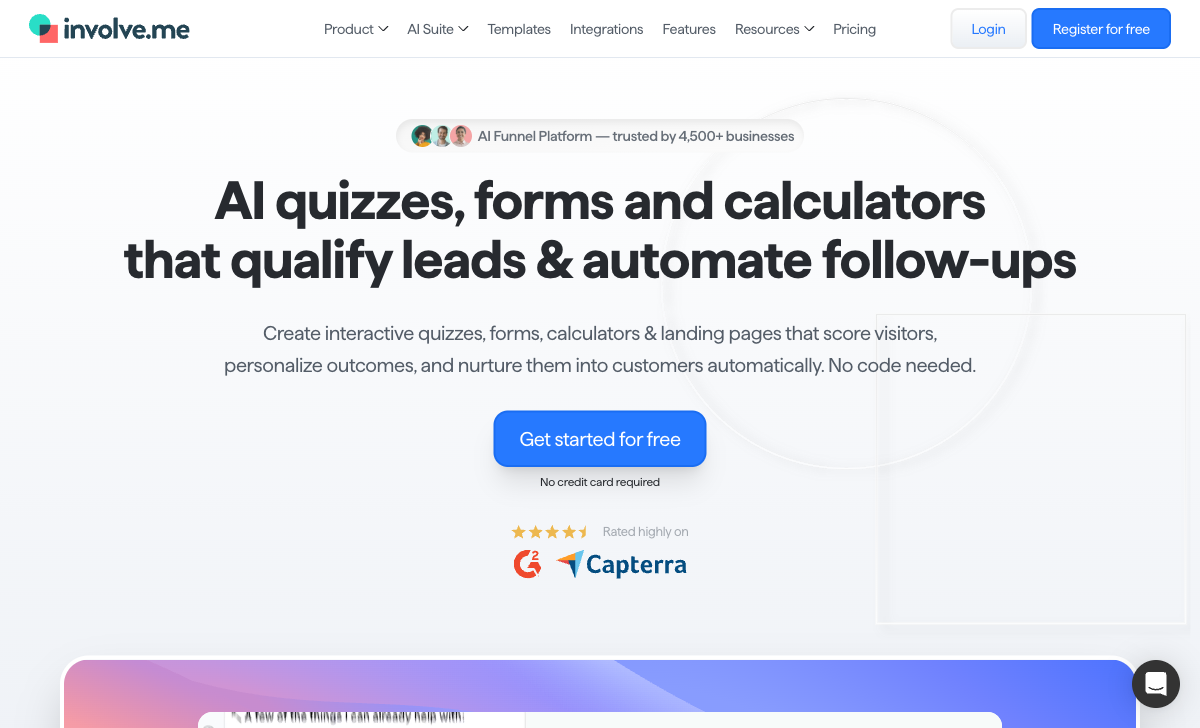
involve.me's core product is interactive content designed to qualify leads. Quiz funnels ("What type of X are you?"), calculators ("Calculate your ROI"), product recommenders ("Find your perfect plan"), and assessments ("Score your readiness") are all first-class content types with dedicated builders, scoring logic, and personalised outcomes. Jotform can create surveys and collect data, but it doesn't have a native quiz engine, calculator builder, or product recommendation framework. Building a scored quiz in Jotform requires conditional logic workarounds; in involve.me, it's the product's primary purpose.
Personalised Outcome Pages
Every involve.me funnel can end with personalised outcome pages: different content, recommendations, CTAs, and offers based on how someone answered. A lead qualifier might show "You're an Enterprise fit -- book a demo" or "Start with our Starter plan -- here's a discount code." The outcome page is where conversion happens, and involve.me gives you full control over what each segment sees. Jotform's thank-you pages are static or minimally conditional. For conversion-focused interactive content, involve.me's outcome engine is a genuine competitive advantage.
Pricing by Funnel, Not by Submission
involve.me's paid plans are priced by live funnels: 3 on Start ($29/month), 5 on Grow ($69/month) and 25 on Scale ($139/month), with no monthly submission cap published for paid plans. Jotform's Bronze plan ($39/month) caps you at 1,000 submissions and 25 forms, Silver ($49/month) at 2,500, and the free Starter tier at just 100. For marketing teams running a few campaigns that generate volume, involve.me's model can be more sustainable, though it's worth confirming volume limits with involve.me before relying on it.
Focused User Experience
Because involve.me does fewer things, its interface is more focused. Creating a quiz, calculator, or lead funnel follows a clear, direct workflow without the feature clutter that comes with Jotform's 20 years of accumulated capabilities. Jotform reviewers consistently mention interface complexity and difficulty finding specific settings. involve.me's narrower scope means a cleaner, more intuitive building experience for its core use cases.
Where Jotform Wins
Unmatched Feature Breadth
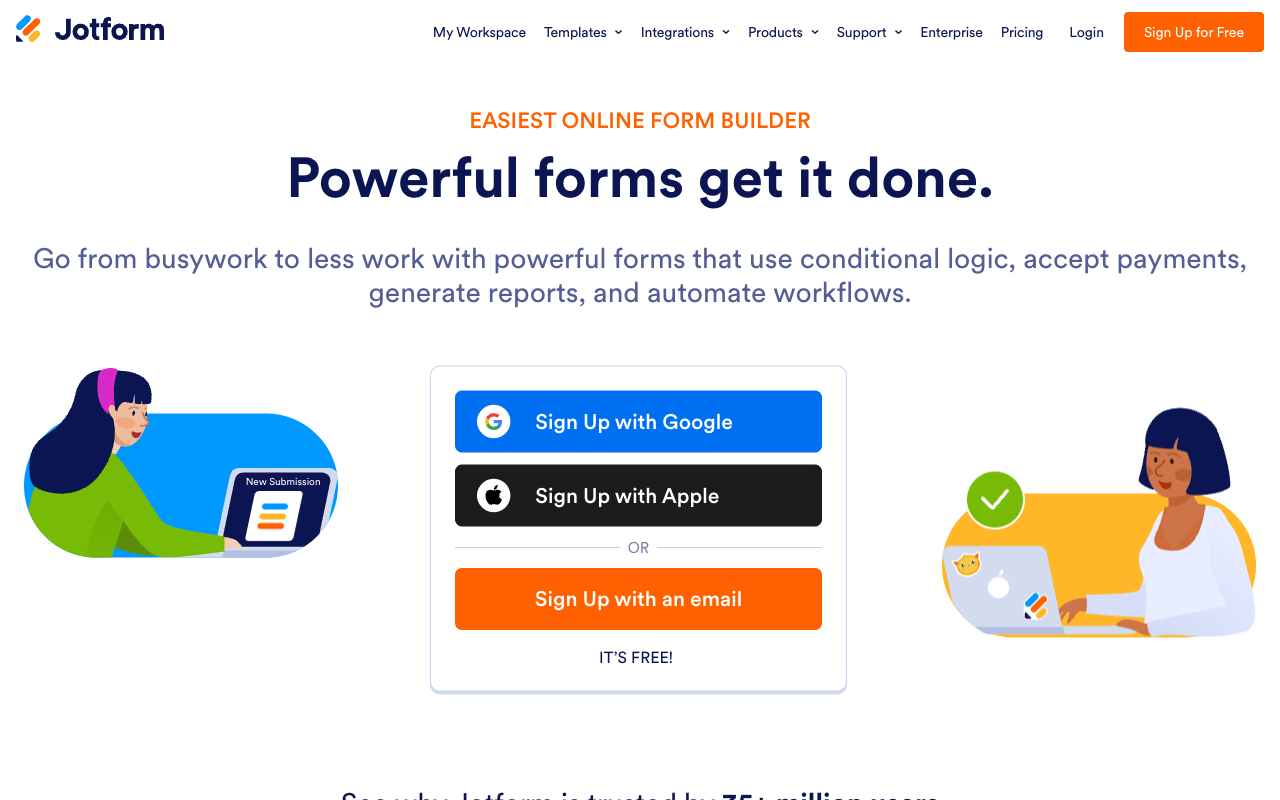
Jotform does essentially everything. Contact forms, order forms, registration forms, intake questionnaires, payment forms, booking forms, application forms, approval workflows, e-signatures, PDF generation, mobile forms, offline forms, kiosk mode, tables, reports, and apps. The 20,000+ template library covers industries from healthcare to real estate. involve.me does quizzes, calculators, and funnels -- that's it. If your organisation needs diverse form types across multiple departments, Jotform covers use cases that involve.me was never designed to handle.
30+ Payment Gateways
Jotform supports over 30 payment processors: Stripe, PayPal, Square, Mollie, Payfast, Authorize.net, and dozens of regional gateways. You can sell products, manage subscriptions, process donations, handle invoicing, and accept payments in virtually any currency through virtually any processor. involve.me supports Stripe, PayPal and Square: functional, but limited. For businesses with specific payment gateway requirements (particularly regional processors or enterprise-grade needs), Jotform's gateway variety is unmatched.
HIPAA Compliance
Jotform offers HIPAA compliance with Business Associate Agreements on paid plans, enabling healthcare organisations to collect Protected Health Information through web forms. Medical intake forms, patient surveys, telehealth consent forms -- all compliant. involve.me has no HIPAA compliance pathway. For healthcare, therapy practices, or any organisation collecting protected health data, Jotform is compliant and involve.me simply isn't an option.
E-Signatures and PDF Generation
Jotform includes Jotform Sign for legally binding e-signatures and automated PDF generation from form submissions. Contracts, consent forms, waivers, agreements, and signed documents are all handled natively. involve.me has no PDF generation and keeps its e-signature element for the Scale plan ($139/month billed annually). For organisations that need signed documents as part of their form workflow, Jotform provides that tooling on every plan.
Mobile App and Offline Forms
Jotform has dedicated mobile apps (iOS and Android) for form creation, submission management, and offline data collection. Field workers, event staff, and mobile teams can collect data without internet connectivity and sync when back online. involve.me is web-based with no native mobile app and no offline capability. For teams that collect data in the field (trade shows, site inspections, patient intake), Jotform's mobile toolkit is a significant advantage.
Bootstrapped Stability
Jotform has been operating since 2006 (nearly 20 years) as a bootstrapped, profitable company with $144.9 million in annual revenue and no venture capital. That's exceptional longevity and financial independence in the SaaS space. involve.me, founded in 2016 in Vienna, Austria, is a younger company. Both are viable, but Jotform's track record as a profitable, independent company spanning two decades provides a stronger long-term platform bet.
Where involve.me Falls Short
- Not a general form builder: involve.me can't replace a traditional form builder for contact forms, registrations, applications, or complex data collection. Its focus is interactive marketing content.
- Limited payment gateways: Stripe, PayPal and Square only. No regional processors, no deep eCommerce. For serious payment collection, the options are thin.
- Limited compliance features: No HIPAA, no BAA. Regulated industries can't use it for sensitive data collection.
- Limited document tools: E-signatures only on the Scale plan and no PDF generation, so document workflows usually require external tools.
- Smaller template library: Focused on interactive content types. No traditional form templates for the hundreds of standard use cases Jotform covers.
Where Jotform Falls Short
- No interactive content engine: Jotform can create surveys and basic quizzes via workarounds, but it has no native quiz scoring, calculator builder, or product recommender. For conversion-focused interactive content, it's the wrong tool.
- Low submission limits for the price: 100 submissions on the free Starter plan and 1,000 on the $39/month Bronze plan. Marketing campaigns can exhaust these quickly. The per-submission cost is among the highest in the industry.
- Interface complexity: 20 years of features create a cluttered building experience. G2 and Capterra reviews consistently mention difficulty navigating settings and finding specific capabilities.
- Performance on complex forms: Multiple reviews cite lag, slow loading, and rendering issues on forms with many fields or heavy conditional logic.
- Feature breadth over depth: Jotform has many features, but individual capabilities don't always match dedicated tools. The gap between "feature exists" and "feature excels" is real across the platform.
Pricing Comparison
The pricing story is clear: involve.me prices by live funnels; Jotform prices by forms and submissions and gives you more features per dollar. Your priority determines which represents better value.
| Tier | involve.me | Jotform | Key Difference |
|---|---|---|---|
| Free | 50 submissions/mo (or 500 visits), involve.me branding | 5 forms, 100 submissions/mo, 100 MB storage | Jotform allows more submissions and forms on free |
| Entry Paid | Start: $29/mo, 3 live funnels, payments (no published submission cap) | Bronze: $39/mo, 1,000 submissions, 25 forms, payments | involve.me $10 cheaper; Jotform allows more forms and publishes its submission cap |
| Mid-Tier | Grow: $69/mo, 5 live funnels, 2 users, remove branding | Silver: $49/mo, 2,500 submissions, remove branding, 10 GB storage | Jotform $20 cheaper; involve.me adds a second user |
| Top Tier | Scale: $139/mo, 25 live funnels, 5 users, e-signatures | Gold: $129/mo, 10,000 submissions, HIPAA, 100 GB | Similar price; involve.me adds seats and e-signatures; Jotform adds HIPAA |
What will it cost you?
involve.me plans
- FreeFreeForms 2 live funnels, Submissions 50/month or 500 visits/month, Team 1, Storage 100MB
- Start$29/moForms 3 live funnels, Submissions Not published on the pricing page, Team 1, Storage 500MB
- Grow$69/moForms 5 live funnels, Submissions Not published on the pricing page, Team 2, Storage 1GB
- Scale$139/moForms 25 live funnels, Submissions Not published on the pricing page, Team 5, Storage 5GB
| Plan | Price | Forms | Submissions | Team | Storage |
|---|---|---|---|---|---|
| Free | Free | 2 live funnels | 50/month or 500 visits/month | 1 | 100MB |
| Start | $29/mo | 3 live funnels | Not published on the pricing page | 1 | 500MB |
| Grow | $69/mo | 5 live funnels | Not published on the pricing page | 2 | 1GB |
| Scale | $139/mo | 25 live funnels | Not published on the pricing page | 5 | 5GB |
Jotform plans
- StarterFreeForms 5, Submissions 100/month, Team 1, Storage 100 MB
- Bronze$34/moForms 25, Submissions 1,000/month, Team 1, Storage 1 GB
- Silver$39/moForms 50, Submissions 2,500/month, Team 1, Storage 10 GB
- Gold$99/moForms 100, Submissions 10,000/month, Team 1, Storage 100 GB
| Plan | Price | Forms | Submissions | Team | Storage |
|---|---|---|---|---|---|
| Starter | Free | 5 | 100/month | 1 | 100 MB |
| Bronze | $34/mo | 25 | 1,000/month | 1 | 1 GB |
| Silver | $39/mo | 50 | 2,500/month | 1 | 10 GB |
| Gold | $99/mo | 100 | 10,000/month | 1 | 100 GB |
| Product | Plan | Monthly Price | Annual Price (per month) | Free Plan | Free Trial | Limits |
|---|---|---|---|---|---|---|
| involve.me | Free | Free | Free | Yes | 14 days | forms: 2 live funnels, submissions: 50/month or 500 visits/month, storage: 100MB, users: 1 |
| involve.me | Start | $49/mo | $29/mo billed annually | forms: 3 live funnels, submissions: Not published on the pricing page, storage: 500MB, users: 1 | ||
| involve.me | Grow | $99/mo | $69/mo billed annually | forms: 5 live funnels, submissions: Not published on the pricing page, storage: 1GB, users: 2 | ||
| involve.me | Scale | $199/mo | $139/mo billed annually | forms: 25 live funnels, submissions: Not published on the pricing page, storage: 5GB, users: 5 | ||
| Jotform | Starter | Free | Free | Yes | No | forms: 5, submissions: 100/month, storage: 100 MB, users: 1 |
| Jotform | Bronze | $39/mo | $34/mo billed annually | forms: 25, submissions: 1,000/month, storage: 1 GB, users: 1 | ||
| Jotform | Silver | $49/mo | $39/mo billed annually | forms: 50, submissions: 2,500/month, storage: 10 GB, users: 1 | ||
| Jotform | Gold | $129/mo | $99/mo billed annually | forms: 100, submissions: 10,000/month, storage: 100 GB, users: 1 |
What Users Say
Jotform averages 4.7/5 across G2 and Capterra with thousands of reviews. Users praise template variety and feature breadth while noting interface complexity and performance issues. involve.me averages around 4.7/5 on G2 with a smaller review base. Users praise the quiz and calculator builders, noting particularly strong results for lead qualification campaigns. The review gap reflects market presence: Jotform has been around for 20 years; involve.me is a newer, more specialised player.
Consider Paperform: The Best of Niche and Breadth
If you want involve.me's interactive capabilities without sacrificing Jotform's form-building breadth, Paperform delivers both -- and without the meters. Both involve.me and Jotform meter usage (live funnels and contacts at involve.me, forms and submissions at Jotform), so a campaign that works costs you more than one that doesn't. Paperform doesn't meter submissions, seats or automation runs at all: Pro is $59/month, or $49/month billed annually, with unlimited submissions and unlimited seats. Several rivals start cheaper on paper; none of them stop charging you for growth. Paperform's Excel-style calculation engine powers quizzes, calculators, scoring and dynamic pricing natively (the same interactive experiences involve.me specialises in) inside a full form platform.
One subscription also covers three products rather than three vendors: Paperform for forms, Papersign for eSignatures and Stepper for workflow automation. Matching that with involve.me or Jotform means stitching separate tools together. Paperform handles traditional forms (contact, registration, intake), payment collection (5 deeply integrated gateways: Stripe, PayPal, Square, Braintree, Google Pay) and 9,800+ integrations, with a document-style editor that makes forms look like designed landing pages. One caveat: Paperform is SOC 2 Type II, GDPR and CCPA compliant but is not HIPAA compliant and signs no BAAs, so healthcare teams collecting PHI should stay with Jotform. See our Paperform vs Jotform and Paperform vs involve.me comparisons.
The Verdict
involve.me is the right choice when interactive lead qualification is the primary goal. Quiz funnels, calculators, product recommenders, and scored assessments with personalised outcome pages: if this describes what you're building, involve.me's purpose-built platform will outperform Jotform's general-purpose approach. Pricing by live funnel suits teams running a few high-traffic campaigns, and the focused tooling means less time configuring and more time converting.
Jotform is the right choice when you need a versatile form builder for diverse use cases. Payment collection across 30+ gateways, HIPAA compliance, e-signatures, PDF generation, mobile forms, and 20,000+ templates covering every industry. If your organisation needs multiple form types across departments, not just marketing funnels, Jotform's breadth is hard to match. The trade-off is higher per-submission costs and an interface that's accumulated 20 years of complexity.
These tools serve different primary purposes and compete only at the margins. For most teams, the choice is clear based on their primary use case. For a platform that combines both approaches, see our involve.me alternatives or the full best form builders ranking.
Frequently Asked Questions
Can involve.me replace Jotform for general form building?
Not really. involve.me is an interactive content platform optimised for quizzes, calculators, and lead funnels, not a general-purpose form builder. It lacks Jotform's breadth: 20,000+ templates, 30+ payment gateways, HIPAA compliance, PDF generation, mobile app, and the sheer variety of field types needed for complex data collection forms. If you need standard business forms (applications, registrations, order forms, intake questionnaires), Jotform handles these natively while involve.me would require workarounds. involve.me excels at interactive marketing content; Jotform excels at being a Swiss Army knife for form-based workflows.
Which is better for lead generation: involve.me or Jotform?
It depends on your approach. involve.me is purpose-built for lead qualification through interactive content: quizzes that segment leads, calculators that demonstrate value, and product recommenders that guide purchase decisions. Every interaction is designed to convert. Jotform generates leads through traditional forms (contact forms, demo request forms, gated content forms) with the advantage of 30+ payment gateways and deep integration options. involve.me generates more qualified leads through engagement; Jotform casts a wider net with more form types and payment options. For B2C marketing funnels, involve.me's quiz approach often outperforms. For B2B lead capture at scale, Jotform's breadth is more practical.
How do involve.me and Jotform compare on pricing value?
They meter different things. involve.me's Start plan ($29/month) is priced by live funnels (3) and no longer publishes a monthly submission cap for paid plans. Jotform's Bronze plan ($39/month) includes 1,000 submissions and 25 forms, and its free Starter tier includes only 100 submissions. Jotform's free tier is more generous (5 forms, 100 submissions vs involve.me's 2 live funnels and 50 submissions a month), and Jotform includes features involve.me doesn't have at any price (HIPAA compliance, 30+ payment gateways, PDF generation). The value equation depends on what you need: if it's a few high-traffic interactive funnels, involve.me can win. If it's feature breadth and compliance, Jotform justifies its premium.
Does involve.me have as many integrations as Jotform?
No. Jotform has a significantly larger integration ecosystem: 100+ native integrations plus thousands via Zapier. It connects directly to CRMs (HubSpot, Salesforce), payment processors (30+), storage services, project management tools, and marketing platforms. involve.me integrates with major tools (Zapier, HubSpot, Mailchimp, ActiveCampaign, Google Sheets) but the native list is smaller. For teams with complex tech stacks that need form data flowing into multiple systems without middleware, Jotform's integration breadth is a clear advantage.
Sources & References
- Jotform Reviews: Pricing, Pros & Cons — G2, 2026
- Best Interactive Content Tools for Lead Generation — EmailToolTester, 2026
Updates
We re-audit the form builders we compare on a regular cadence and log every change here — a public record of what changed and when.
- Updated June 4, 2026 — Refreshed pricing after a June 2026 audit: involve.me's entry tier is now the 'Start' plan ($29) and Jotform's $39 'Bronze' plan now correctly shows 1,000 submissions (not 100); mid and top tiers updated to involve.me 'Grow' ($69) and 'Scale' ($139) versus Jotform 'Silver' ($49) and 'Gold' ($129). Corrected involve.me to Stripe-only payments, a 50-submission free tier, and a 2016 founding date, and updated review ratings to 4.7/5.
Unlimited plans are subject to each vendor's fair use policy.
Ready to try Paperform?
Create beautiful forms, payment pages, and workflows — no code required.