You can change the day/month/year order for your reports and submission summaries. By default, the value is in the format YYYY-MM-DD.
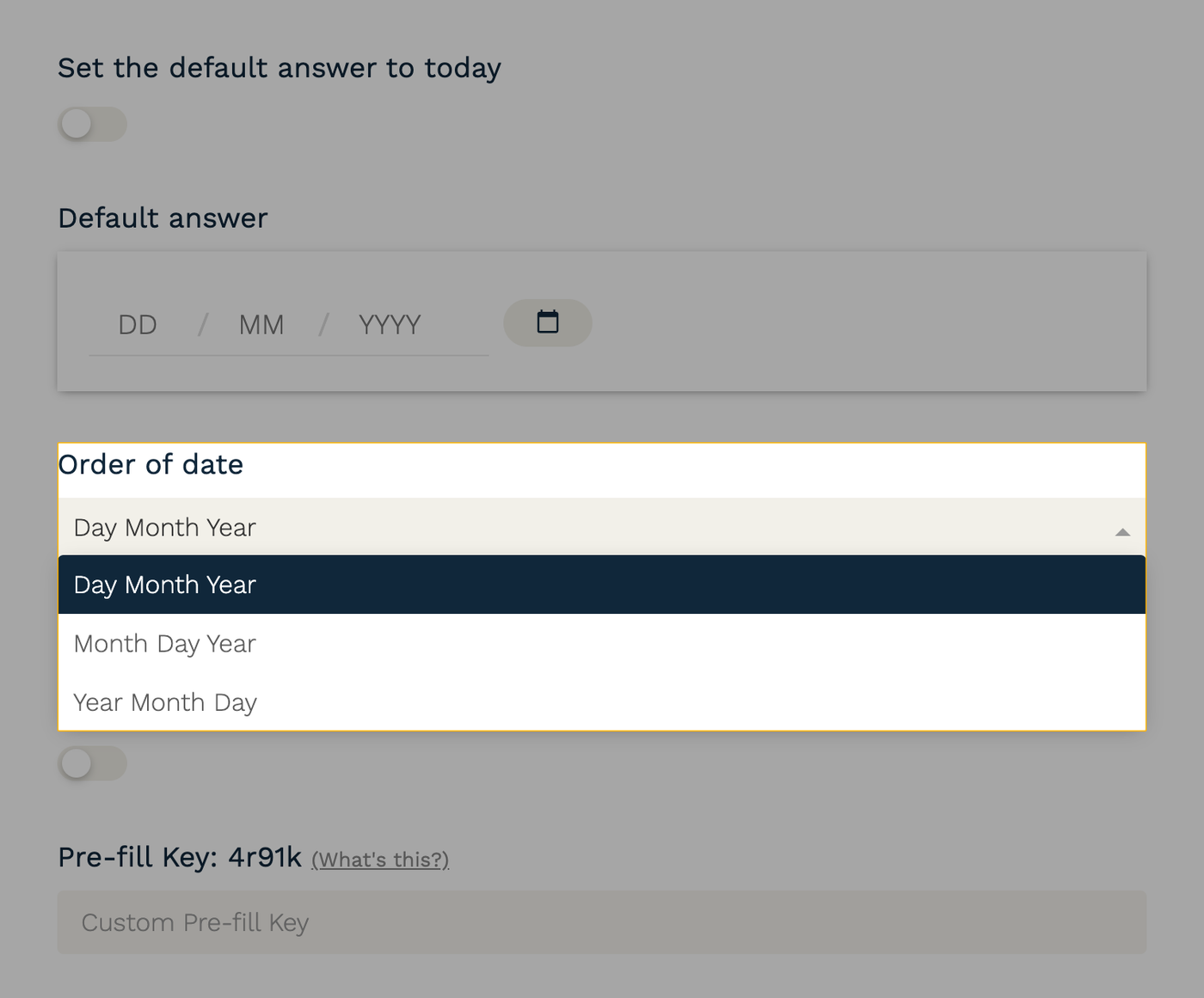
Date format is a team setting. To change it:
- Click your name at the bottom of the sidebar to open the account menu, then choose Team settings. You can also go straight to Team settings.
- Under Time and date, click Change next to Date format and choose your preferred order.
Team settings are available to team owners and admins. This changes the date order across your team's forms, documents and workflows, including reports and submission results sent by email. If you want to change the display order of a date field on a form, click the Configure cog to the right of your date field, and select the desired format from the "Order of date" dropdown.