 By Dean McPherson, Co-founder & CTO, Paperform · Updated
Google Forms vs HubSpot Forms: Which Is Better in 2026?
Google Forms and HubSpot Forms look like they compete, but they barely share a problem. Google Forms is the tool you reach for when you need a form in the next two minutes — free, unremarkable, and so familiar that most people have filled one out without noticing. HubSpot Forms is the tool you reach for when you're already inside HubSpot and you want every submission to become a tracked contact the instant it lands. One is a free utility. The other is a lead-capture funnel with its own pricing ladder.
The honest framing is this: both products are "basic form builders" in the sense that neither is especially flexible, beautiful, or powerful on its own. Where they differ is what happens after submission. Google Forms hands you a spreadsheet. HubSpot Forms hands you a contact record wired into an enterprise marketing stack you're either excited about or paying $890 a month for begrudgingly. This page is for anyone trying to work out which of those endings fits their situation, and whether either is the right call at all.
Quick Verdict
Choose Google Forms if:
- You want up to 500,000 free responses per form with no branding on the form
- Your primary use is surveys, quizzes, RSVPs, or internal feedback
- You live in Google Workspace and responses going to Sheets is a feature, not a limitation
- You need auto-grading or quiz scoring out of the box
- Speed and zero learning curve outrank CRM integration
Choose HubSpot Forms if:
- HubSpot CRM is already — or is about to be — your source of truth
- Lead capture, lead scoring, and automation matter more than form design
- You want progressive profiling that asks returning visitors new questions
- Your forms need to feed nurture sequences and sales notifications without glue code
- You can justify paying for Marketing Hub to unlock the features worth having
Feature Comparison
The table below aligns both tools across form building, design, analytics, and payments. A lot of the rows look identical at a glance, "basic" versus "basic", because neither product is positioned as a flexible form builder. The differences show up in where the basics live: free and forever in Google's case, tiered behind Marketing Hub in HubSpot's.
| Feature | Google Forms | HubSpot Forms |
|---|---|---|
| Form Building | ||
| AI form builder . Describe the form you need in plain language and the tool drafts the questions for you. | Yes Business Standard | No |
| Templates . The number of ready-made form templates in the tool’s template gallery. | 20+ | Yes |
| Field types . How many kinds of question or input field the form builder offers, such as text, dropdown, date, file upload and signature. | 12 | Yes |
| Conditional logic . Show, hide or skip questions and pages based on how someone has answered earlier questions. | Yes | Yes professional |
| Calculations . Compute totals, scores, prices or dates from answers while the form is being filled in. | No | No |
| Multi-page forms . Split a long form across several pages that respondents move through in order. | Yes | Yes starter |
| Pre-filling and hidden fields . Fill in answers ahead of time from a link or existing data, and pass along values the respondent never sees. | Yes | Yes |
| File uploads . Let respondents attach files such as documents and photos to their submission. | Yes | Yes |
| E-signatures . Collect a signature, either with a signature field on the form or by sending a document out to be signed. | Yes Business Standard | No |
| Appointment booking . Let respondents pick and book a time slot directly in the form, with availability managed by the tool. | Yes | No |
| Quiz scoring . Give answers point values so the form can score quizzes and assessments automatically. | Yes | No |
| Save and resume . Respondents can leave a form part-way through and come back later to finish it. | Yes | No |
| Close forms by date or response limit . Stop accepting submissions automatically on a set date or once a set number of responses has arrived. | Yes | Not recorded |
| Payments | ||
| Payment gateways . The number of payment processors a form can take payments through. Where a vendor’s full count isn’t recorded, the cell lists the gateways we confirmed. | No | 2 processors, incl. Stripe |
| Subscriptions and recurring payments . Charge respondents on a repeating schedule, such as monthly or annually, from a form. | No | Yes |
| Product sales . Sell products from a form, with product listings, quantities and an order total. | No | Yes |
| Conditional pricing . Change the price or add fees automatically based on the answers given in the form. | No | Yes professional |
| Coupons and discounts . Offer discount codes that respondents can apply to a payment or subscription on the form. | No | Yes |
| Tax calculations . Add sales tax to payments on the form automatically. | No | Yes |
| Refunds . Refund a payment from inside the form tool rather than going to the payment processor. | No | Yes |
| Design & Customization | ||
| Custom themes . Set your own logo, colours and fonts on forms and save them as reusable themes. | Yes | Yes starter |
| Custom CSS . Add your own CSS (and in some tools HTML) for styling beyond the built-in theme options. | No | Yes professional |
| Remove vendor branding . Remove the form builder’s own logo or badge so forms carry only your branding. | No | Yes starter |
| Custom domain . Host forms on your own domain, such as forms.yourcompany.com, instead of the vendor’s. | No | Not recorded |
| Custom form URL . Choose a readable link for a form instead of a random string. | No | Not recorded |
| Emails from your own domain . Send notification and confirmation emails from your own email domain instead of the vendor’s. | Yes Business Starter | Yes starter |
| Multi-language forms . Show a form’s questions, buttons and messages in languages other than English. | Not recorded | Yes |
| Analytics | ||
| Response reports . Built-in summaries and charts of the answers a form has collected. | Yes | Yes |
| Form analytics (views and drop-off) . Track how many people view, start and finish a form, and where they abandon it. | No | Yes |
| Partial submissions . See the answers people entered before leaving a form without submitting it. | No | No |
| Google Analytics and Meta Pixel . Connect a form to Google Analytics or the Meta (Facebook) Pixel to track visits and conversions. | Not recorded | Yes |
| AI response insights . AI-written summaries and insights generated from the responses a form has collected. | Yes Business Standard | No |
| Collaboration | ||
| Team members . Invite colleagues into the same account to build forms and work with responses together. | Yes | Yes |
| Roles and permissions . Give team members different levels of access, such as admin, editor or viewer. | Yes | Yes |
| Advanced permissions and admin controls . Fine-grained, organisation-wide controls over who can access what, usually on enterprise plans. | Yes Business Starter | Yes enterprise |
| Workspaces . Separate spaces or folders for organising forms by team, client or project. | Yes | Yes |
| Security | ||
| Two-factor authentication . Users can protect their login with a second step, such as a code from an authenticator app. | Yes | Yes |
| Require 2FA for the whole team . Admins can make two-factor authentication mandatory for everyone in the account. | Yes Business Starter | Yes |
| SSO (SAML) . Team members sign in through your company’s identity provider, such as Okta or Microsoft Entra ID, using SAML single sign-on. | Yes Business Starter | Yes professional |
| HIPAA compliance . Whether the vendor supports collecting US protected health information under HIPAA, typically by signing a business associate agreement on an eligible plan. | Yes Business Starter | Yes enterprise |
| SOC 2 . Whether the vendor holds a SOC 2 audit report covering its security controls. | Yes Business Starter | Yes |
| GDPR . Whether the vendor states that it complies with the EU General Data Protection Regulation. | Yes Business Starter | Yes |
| Data residency . Choose the region, such as the EU, where your form data is stored. | Yes Business Standard | Yes starter |
| Store files in your own S3 bucket . Send uploaded files and exports to your own Amazon S3 storage instead of the vendor’s. | No | Not recorded |
| Spam protection (CAPTCHA) . Block bot and spam submissions with reCAPTCHA or a similar challenge. | Not recorded | Yes |
| Integrations & API | ||
| Native integrations . Apps the tool connects to directly, without going through a third-party connector such as Zapier or Make. | Yes | Yes |
| Zapier . Connect forms to thousands of other apps through Zapier. | Yes | Yes |
| Make . Connect forms to other apps through Make (formerly Integromat). | Yes | Yes starter |
| Workflow automation . A built-in builder for multi-step automations that act on submissions, such as approvals, routing and syncing data to other systems. | Yes Business Starter | Yes starter |
| Webhooks . Send each new submission to a URL of your choice as soon as it arrives. | No | No |
| API access . A developer API for reading forms and submissions, or managing them, from your own code. | Yes | Yes |
| WordPress plugin . A plugin for adding forms to a WordPress site. | No | Yes |
— means we haven't recorded it for that tool.
Strengths of Google Forms
Truly free, practically unlimited
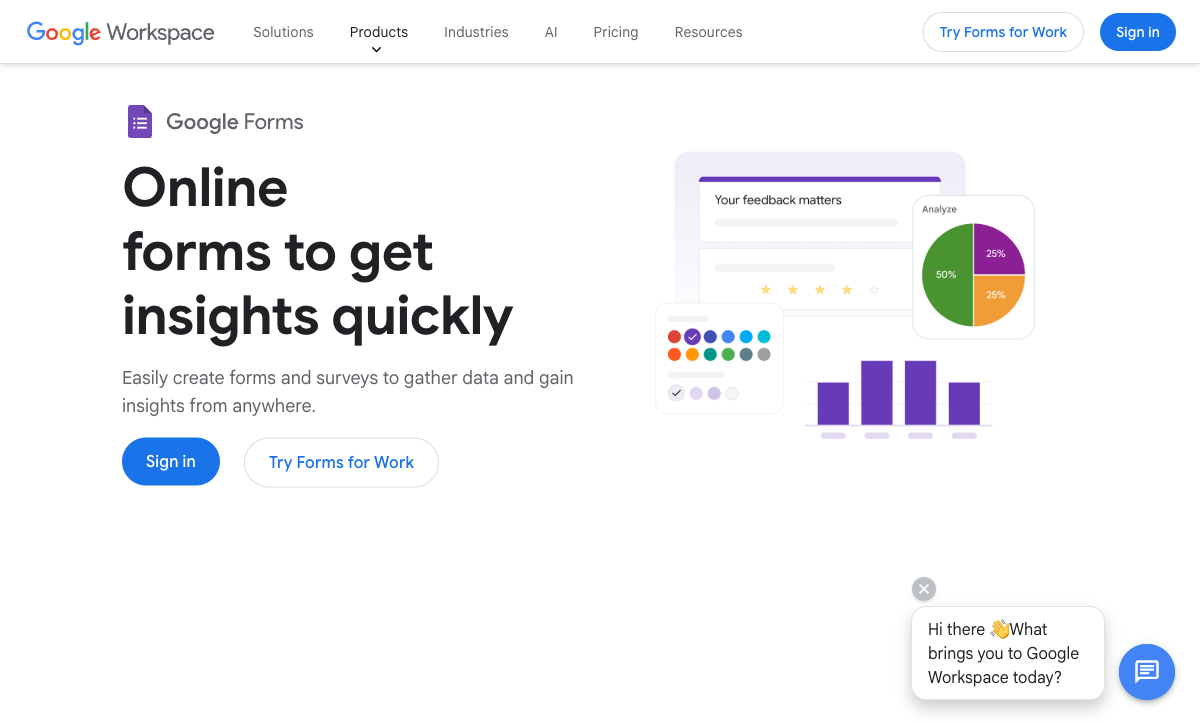
Google Forms is free for anyone with a Google account, with no form cap, up to 500,000 responses per form, no branding shown to respondents beyond a small Google footer, and no "upgrade" nag screens. Google Workspace plans at $7–$22/user/mo add storage and admin controls, plus Gemini AI features from Business Standard, but do not change Forms' core features. HubSpot's free plan caps marketing contacts and shows HubSpot branding on every embedded form until you reach Marketing Hub Starter. For any use case where form count or submission volume is unpredictable, that "you will almost never hit a wall" property is genuinely valuable and surprisingly rare.
Quiz mode and built-in reporting
Google Forms is the only one of the two with a real quiz engine: per-question point values, automatic grading, answer keys, score release options, and immediate result summaries. Combined with Google Classroom integration, it is the de facto tool for educators globally. HubSpot Forms have nothing in this category. Scoring inside HubSpot refers to lead scoring, which operates on contact attributes post-submission, not on quiz answers. If the form's job is to test, assess, or grade, Google wins before the comparison starts.
Real-time collaboration and near-zero ramp-up
Multiple editors can work in the same Google Form simultaneously, with the same live-cursor experience Google Docs users already know. There's no "admin" concept to learn, no role hierarchy, and no pricing tier to unlock collaboration. For small teams and classrooms, this is the closest thing to frictionless form editing on the market. HubSpot Forms live inside HubSpot, so collaboration assumes every editor has a HubSpot seat, which on a paid plan is billed per user and governed by HubSpot's role permissions.
Deep Google Workspace gravity
Responses flow into Google Sheets with one click; Sheets then connect to Looker Studio for dashboards, Apps Script for automation, Drive for file storage, and Gmail for notifications. For organisations already running on Google, the integration is simply the absence of friction. HubSpot exists outside that gravity well; getting HubSpot Forms data into Sheets requires a native-ish connector and still leaves you curating two systems of record.
Strengths of HubSpot Forms
CRM wiring with zero integration work
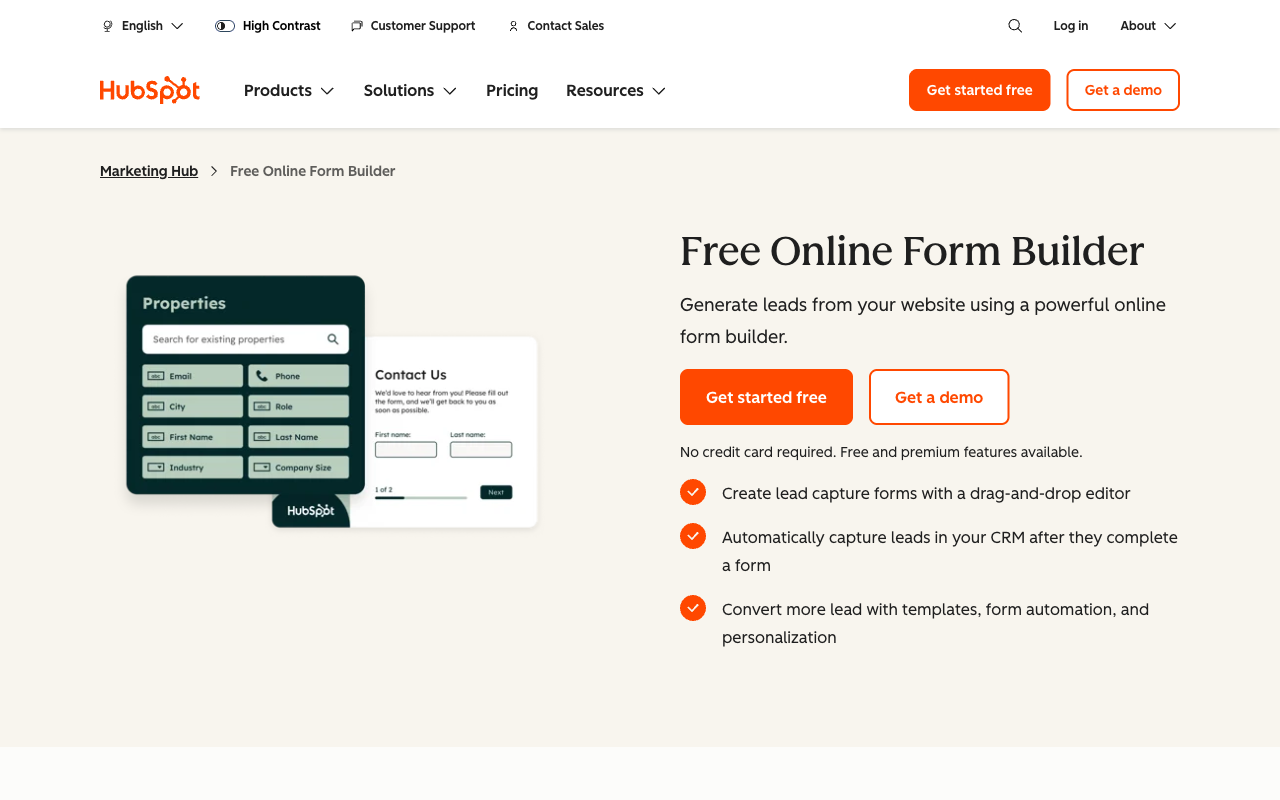
Every HubSpot form submission creates or updates a contact in HubSpot CRM and maps to the properties you already have. Returning visitors are recognised by cookie and their existing records are enriched. For a marketing team running demos, webinars, or gated content, that eliminates an entire class of plumbing: no Zapier steps, no field-mapping dashboards, no drifted data between tools. This is the singular reason most companies pick HubSpot Forms over anything else, and it's a real reason.
Workflow triggers on submit
A form submission in HubSpot is an event that can trigger a workflow: send an email, assign a sales rep, create a task, update deal stage, ping a Slack channel, set a lifecycle stage. Google Forms treats a submission as a row and a notification email. Anything further is your problem. For teams whose lead-response time materially affects conversion (every industry study confirms faster responses win more deals), HubSpot's automation is the meaningful upgrade over Google.
Progressive profiling and smart fields
On Marketing Hub Professional, HubSpot Forms can show different questions to returning visitors based on what's already in the CRM. If the record has a job title, ask about budget. If it has budget, ask about timeline. Over three or four form fills, you build a rich contact profile without ever showing a 20-field form. Google Forms shows the same fields to everyone, every time. This is the feature that justifies HubSpot Forms' existence in a lot of enterprise B2B stacks, and it's unavailable anywhere free.
Form types the marketing team actually wants
HubSpot Forms can render as embedded forms, pop-ups, slide-ins, or dropdown banners, all configured inside HubSpot with no additional tooling. Google Forms effectively has one render mode: iframe. For marketing-led sites where exit-intent pop-ups and inline lead magnets are part of the playbook, HubSpot's native variety is a real advantage, even if the form designs themselves are visually unremarkable.
Where Google Forms Falls Short
- No CRM and no native automation. Submissions go to a spreadsheet and stop. Any downstream action — CRM update, follow-up email, Slack notification — requires a third-party tool and usually a subscription.
- No payment processing, at all. Despite being a Google product, there's no Google Pay support inside Forms, no Stripe hook, no way to sell anything. Paid events, deposits, or order forms are immediately off the table.
- Section-level branching only. You can jump between sections based on a multiple-choice answer, but you can't show or hide individual questions, chain conditions, or drive logic from calculated values.
- ~11 field types and fixed design. No signature field, no appointment booking, no color picker, no API-powered dropdowns. Customisation is limited to a header image, a theme colour, and four font choices. Every Google Form looks like a Google Form.
- No custom domain, no white-label. Forms are permanently hosted on docs.google.com with a forms.gle short link. If your brand matters on the form, Google Forms will undermine it.
- No partial submissions or drop-off analytics. If someone abandons halfway, you have no record and no insight into where they dropped off.
Where HubSpot Forms Falls Short
- Advanced features live behind expensive tiers. Progressive profiling, smart forms, A/B testing, and conditional logic require Marketing Hub Professional at $890/mo for three seats, over 18× the cost of most standalone form builders' Pro plans.
- HubSpot branding on free forms. Every free-plan form embeds "Powered by HubSpot". Removal requires Marketing Hub Starter at $20/seat/mo.
- Payments only through payment links. Stripe on every plan, or HubSpot Payments from Starter; no PayPal, Square, Braintree, or Google Pay. Checkout happens on a payment link attached to the form, not inside the form itself.
- Form design is functional, not beautiful. Custom CSS only from Professional, no rich media between fields, no document-style editor. Forms look like HubSpot forms, which is fine for lead capture but a weakness for public-facing brand experiences.
- CRM complexity for non-marketing use cases. Creating a simple anonymous feedback form still forces you through CRM property concepts, form types, and submission-behavior settings. Overkill if you're not doing marketing.
- Vendor lock-in by design. HubSpot Forms aren't a standalone product. They're a feature of Marketing Hub. Switching CRMs later means rebuilding every form.
- HIPAA only on Enterprise. HubSpot signs a BAA only for Enterprise customers with sensitive data settings turned on. Google Workspace (and therefore Google Forms on eligible plans with a BAA) can handle HIPAA workloads from $7/user/mo.
Pricing Comparison
At the free tier, Google Forms is the more generous of the two: unlimited forms with up to 500,000 responses each, no branding on the form itself, no feature gating. The divergence starts the moment you want features. Google's paid tiers barely add to Forms; they add to Workspace. HubSpot's paid tiers are where HubSpot Forms actually becomes powerful, and where the bill climbs fast.
| Tier | Google Forms | HubSpot Forms | What it actually buys you |
|---|---|---|---|
| Free | Unlimited forms, 500,000 responses per form, 15 GB Drive storage | Up to 10,000 forms, CRM contact creation, HubSpot branding on forms, 2 users | Google: volume without strings. HubSpot: the CRM ladder begins. |
| Entry paid | Workspace: $7/user/mo: adds business email, admin, storage (not Forms features) | Marketing Hub Starter: $20/seat/mo: remove branding, HubSpot Payments, simple automation | Google's paid tier leaves Forms unchanged. HubSpot's starts unlocking the product. |
| Professional | Business Standard ($14/user/mo) adds Gemini in Forms; core Forms is identical at every tier | Marketing Hub Professional: $890/mo for 3 seats: smart forms, progressive profiling, full workflows | The features most people associate with "HubSpot Forms" live here. |
| Enterprise | Enterprise Workspace (custom): DLP, Vault, advanced compliance | Marketing Hub Enterprise: $3,600/mo for 5 seats: custom objects, HIPAA BAA | Both are credible at scale; cost structures are very different. |
What will it cost you?
Google Forms plans
- Free (Personal)FreeForms Unlimited, Submissions 500,000 per form, Team 1, Storage 15 GB (shared across Google Drive)
- Business Starter$7/moForms Unlimited, Submissions 500,000 per form, Team Up to 300, Storage 30 GB per user
- Business Standard$14/moForms Unlimited, Submissions 500,000 per form, Team Up to 300, Storage 2 TB per user
- Business Plus$22/moForms Unlimited, Submissions 500,000 per form, Team Up to 300, Storage 5 TB per user
| Plan | Price | Forms | Submissions | Team | Storage |
|---|---|---|---|---|---|
| Free (Personal) | Free | Unlimited | 500,000 per form | 1 | 15 GB (shared across Google Drive) |
| Business Starter | $7/mo | Unlimited | 500,000 per form | Up to 300 | 30 GB per user |
| Business Standard | $14/mo | Unlimited | 500,000 per form | Up to 300 | 2 TB per user |
| Business Plus | $22/mo | Unlimited | 500,000 per form | Up to 300 | 5 TB per user |
HubSpot Forms plans
- FreeFreeForms 10,000, Submissions Unlimited, Team 2
- Marketing Hub StarterCheck limits$20/moForms 10,000, Submissions Unlimited, Team Per seat
- Marketing Hub Professional$800/moForms 10,000, Submissions Unlimited, Team 3 Core Seats included (additional Core Seats from $45/mo billed annually, $50/mo billed monthly)
- Marketing Hub Enterprise$3,600/moForms 10,000, Submissions Unlimited, Team 5 Core Seats included (additional Core Seats from $75/mo)
| Plan | Price | Forms | Submissions | Team | Storage |
|---|---|---|---|---|---|
| Free | Free | 10,000 | Unlimited | 2 | — |
| Marketing Hub StarterCheck limits | $20/mo | 10,000 | Unlimited | Per seat | — |
| Marketing Hub Professional | $800/mo | 10,000 | Unlimited | 3 Core Seats included (additional Core Seats from $45/mo billed annually, $50/mo billed monthly) | — |
| Marketing Hub Enterprise | $3,600/mo | 10,000 | Unlimited | 5 Core Seats included (additional Core Seats from $75/mo) | — |
| Product | Plan | Monthly Price | Annual Price (per month) | Free Plan | Free Trial | Limits |
|---|---|---|---|---|---|---|
| Google Forms | Free (Personal) | Free | Free | Yes | 14 days | forms: Unlimited, submissions: 500,000 per form, storage: 15 GB (shared across Google Drive), users: 1, file uploads: Count against the owner's 15 GB Google Account storage |
| Google Forms | Business Starter | $8.4/mo | $7/mo billed annually | forms: Unlimited, submissions: 500,000 per form, storage: 30 GB per user, users: Up to 300, file uploads: Count against the owner's pooled Drive storage | ||
| Google Forms | Business Standard | $16.8/mo | $14/mo billed annually | forms: Unlimited, submissions: 500,000 per form, storage: 2 TB per user, users: Up to 300, file uploads: Count against the owner's pooled Drive storage | ||
| Google Forms | Business Plus | $26.4/mo | $22/mo billed annually | forms: Unlimited, submissions: 500,000 per form, storage: 5 TB per user, users: Up to 300, file uploads: Count against the owner's pooled Drive storage | ||
| HubSpot Forms | Free | Free | Free | Yes | 14 days | forms: 10000, submissions: Unlimited, users: 2 |
| HubSpot Forms | Marketing Hub Starter | $20/mo | $20/mo billed annually | forms: 10000, submissions: Unlimited, users: Per seat | ||
| HubSpot Forms | Marketing Hub Professional | $890/mo | $800/mo billed annually | forms: 10000, submissions: Unlimited, users: 3 Core Seats included (additional Core Seats from $45/mo billed annually, $50/mo billed monthly) | ||
| HubSpot Forms | Marketing Hub Enterprise | $3600/mo | $3600/mo billed annually | forms: 10000, submissions: Unlimited, users: 5 Core Seats included (additional Core Seats from $75/mo) |
What Users Say
Google Forms draws the review-platform equivalent of "so ubiquitous nobody reviews it". Capterra rates it 4.7/5 across 11,000+ reviews, praising ease of use and value; G2 rates it 4.6/5 as part of Google Workspace. Complaints cluster around limited design, no payments, and shallow analytics. HubSpot Marketing Hub (the umbrella product that includes Forms) sits at 4.4/5 on G2 with 13,000+ reviews. Praise centers on CRM integration and automation, and criticism focuses overwhelmingly on pricing complexity and the learning curve. Neither product is reviewed as a form builder specifically because neither is sold primarily as one.
The Third Option: Paperform
If you've read this far and concluded that Google Forms is too primitive but HubSpot Forms is too tied to one CRM (and too expensive once the useful features unlock), Paperform is the middle path a lot of teams end up on. Paperform's Pro plan is $59/month, or $49/month billed annually. It's not the cheapest entry price in this category, and Google Forms is obviously free, but nothing on it is metered: submissions are unlimited, seats are unlimited, and you are never rationing responses at the end of a good month. Metered submissions, seats and automation runs are a tax on growth, and the more successful a form is the more that tax costs. What the money buys is a document-style editor that produces forms people actually enjoy filling out, Excel-style calculations powering logic across questions and emails, 26+ field types including signatures and appointment booking, and five payment gateways (Stripe, PayPal, Square, Braintree, Google Pay) with full eCommerce: subscriptions, coupons, products, tax rules.
Critically, Paperform doesn't force a CRM choice on you. The native HubSpot integration means every submission becomes a HubSpot contact, the same CRM outcome HubSpot Forms gives you, without locking you into HubSpot's form builder. It also connects to Salesforce, Pipedrive, Google Sheets, and 9,800+ other tools through native connectors, Zapier, Make, and webhooks. And it is one subscription rather than three vendors stitched together: Papersign handles eSignatures and Stepper handles workflow automation, both covered by the same plan, so the form, the contract and the follow-up automation don't each arrive with their own bill and their own seat count. There's a permanent free plan with no card. For deeper side-by-sides, see our Paperform vs Google Forms and Paperform vs HubSpot Forms comparisons.
The Verdict
Google Forms wins whenever the job is "collect answers". Surveys, quizzes, RSVPs, class polls, internal feedback — anywhere the output is data rather than a lead. The generous free tier, the quiz engine, and the Google Workspace gravity make it the default choice for millions of users for good reason. It will never be the right tool for lead generation, payments, or brand-critical forms, and that's fine. It doesn't pretend to be.
HubSpot Forms wins whenever the job is "turn this submission into a tracked contact". If HubSpot is already your CRM, the free form tier is the path of least resistance, and the paid tiers unlock real marketing automation. The trade-off is ecosystem lock-in and pricing that goes from $0 to $890/mo as soon as you want the features the product is actually known for. For teams already committed to HubSpot, that math usually works; for everyone else, it's a lot to pay for forms.
Neither is a good general-purpose form builder. If you need forms that handle design, payments, signatures, appointments, or anything beyond "submit and store", start with dedicated options: see our Google Forms alternatives, HubSpot Forms alternatives, or the best form builders ranking for 2026.
Frequently Asked Questions
Is Google Forms or HubSpot Forms better for lead generation?
HubSpot Forms is purpose-built for lead generation; Google Forms is not. HubSpot creates a CRM contact the moment someone submits, kicks off nurture workflows, fires a lead-assignment notification, and can pre-fill fields for returning visitors through progressive profiling. Google Forms drops responses into a spreadsheet and stops there. There's no contact record, no lifecycle stage, no follow-up automation. To replicate HubSpot's lead gen flow from Google Forms you'd need Zapier ($19.99/mo+), a CRM of your choice, and an email tool to glue it all together. For serious B2B lead capture, HubSpot Forms eliminates the middleware; for anonymous feedback, Google Forms stays out of the way.
Does Google Forms have a submission cap like HubSpot Forms?
Practically, no. This is one of Google Forms' biggest practical advantages. Google Forms allows up to 500,000 responses per form on every plan, including the free personal tier, with no limit on how many forms you create. HubSpot's free CRM tier limits marketing contacts and shows "Powered by HubSpot" branding on every form, and high-volume use eventually pushes you toward Marketing Hub Starter ($20/seat/mo) or higher. For a public survey expecting 10,000+ responses, university course feedback, or an open community poll, Google Forms is the more predictable choice: no upgrade prompts, no branding on the form, and no risk of hitting a wall mid-campaign.
Can HubSpot Forms do quizzes, scoring, and auto-grading like Google Forms?
No. Google Forms has a dedicated quiz mode with point values per question, automatic grading, answer keys, score release timing, and built-in response summaries, all free. HubSpot has lead scoring (a different concept: ranking contacts for sales prioritisation), but HubSpot Forms themselves have no quiz mode, no auto-grading, and no per-answer point logic. Teachers, trainers, and anyone running assessments or certification exams should stay with Google Forms or move to a form builder that supports Excel-style calculations and conditional scoring.
Can I connect Google Forms to HubSpot CRM without using HubSpot Forms?
Not natively. Google Forms has no direct HubSpot integration. The typical bridge is Zapier, Make, or a Google Apps Script that calls the HubSpot API on form submission. That works, but it adds a monthly subscription, a configuration step, and a failure point between the submission and the CRM. HubSpot Forms skip this entirely because they are the CRM entry point. If you want a real form builder with a native HubSpot connection, giving you Google Forms' flexibility and HubSpot's CRM plumbing, Paperform integrates directly with HubSpot without any middleware.
Which is cheaper long-term: Google Forms or HubSpot Forms?
Google Forms is dramatically cheaper at every tier because its core feature set doesn't change when you pay. Google Forms is free forever, and Google Workspace plans ($7–$22/user/mo) add little that is form-specific beyond Gemini AI features from Business Standard; you pay for email, storage, and admin tools. HubSpot Forms are free in name, but advanced features are gated: removing branding requires Marketing Hub Starter ($20/seat/mo), progressive profiling and smart forms require Professional ($890/mo for 3 seats), and custom reporting is a $200/mo add-on. A team that just needs "forms" pays zero with Google. A team that wants form automation and CRM wiring pays $890/mo with HubSpot.
Can Google Forms or HubSpot Forms collect payments?
Neither is a good payment tool. Google Forms has no payment processing at all, one of its most-cited limitations. HubSpot Forms take payment through a payment link attached to the form, via Stripe on every plan or HubSpot Payments from Starter, with no PayPal, Square, Braintree, or Google Pay. Payment links can carry recurring line items, discount codes, taxes and products from the HubSpot product library, but it's still a payment link tacked onto a form, not a form-native checkout. If you need to collect payments through a form, both options will frustrate you quickly. A dedicated form builder with multi-gateway payments is the better fit here.
Is HubSpot Forms HIPAA compliant?
Only on Enterprise. HubSpot signs a Business Associate Agreement (BAA) only with Marketing Hub Enterprise customers that turn on its sensitive data settings, and the BAA covers only specified services; Free, Starter and Professional do not qualify. Google Forms, through Google Workspace, can be used with a BAA on eligible plans from $7/user/mo, making it the far cheaper compliant choice between the two for healthcare use. However, neither is purpose-built for clinical intake. Healthcare teams typically need signature capture, appointment scheduling, and payment processing alongside HIPAA, and neither form builder handles all three inside the form.
Sources & References
- Google Forms vs HubSpot Forms Usage & Pricing Comparison — wmtips, 2026
- HubSpot Surveys vs Google Forms: Which is Best for Your Business? — Aspiration Marketing, 2026
- HubSpot Marketing Hub Reviews — G2, 2026
- Google Forms Review: Pros, Cons & Real-World Use Cases — BrightSEO Tools, 2025
- Full HubSpot Review: Features, Pricing, Pros & Cons — LaGrowthMachine, 2026
- Google Forms Tutorial for Beginners (2M+ views) — Kevin Stratvert (YouTube), 2023
Updates
We re-audit the form builders we compare on a regular cadence and log every change here — a public record of what changed and when.
- Updated June 4, 2026 — Refreshed HubSpot Marketing Hub's G2 review count from 12,000+ to 13,000+ to reflect the June 2026 competitor data audit.
Unlimited plans are subject to each vendor's fair use policy.
Ready to try Paperform?
Create beautiful forms, payment pages, and workflows — no code required.