You are welcome to request an application to integrate with Stepper. You can do this from the app search in the Stepper editor, or from the Private apps page if your plan includes it.
App Search
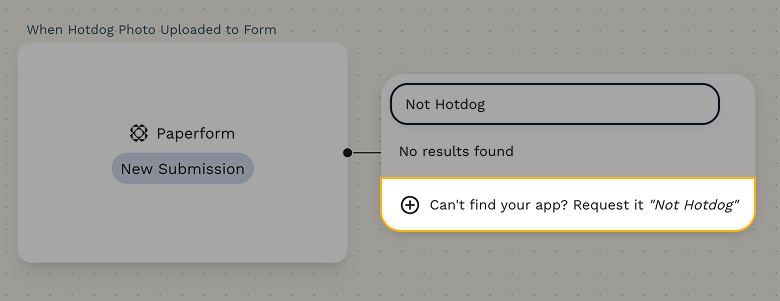
While editing a workflow, you can utilise the search bar to search for the app you’d like to connect. If it isn't listed, click Can’t find your app? Request it below the search results.
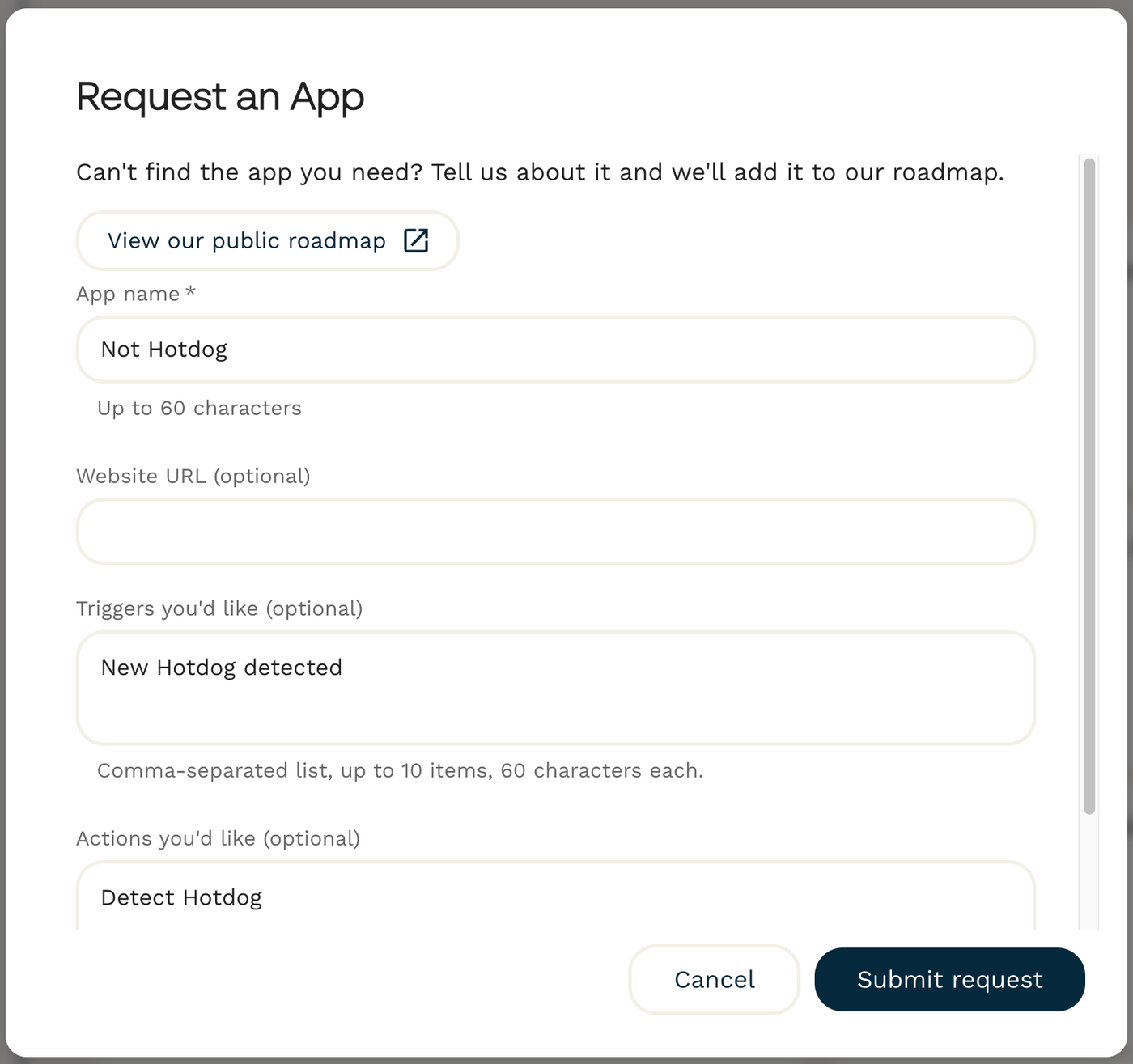
This opens the Request an App form. Here, you can provide details about the application you'd like added to Stepper, along with any specific triggers or actions you'd like the integration to support.
Private apps page
If your plan includes private apps, go to Workflows > More > Private apps in the sidebar and click Request an app. Fill in the App name, and optionally its website, what should start a workflow and what a workflow should be able to do in the app.
What happens next
After you submit your request, the app will be added to the Stepper Roadmap, where you can track its progress.