Updating your password when logged in
- Click your name at the bottom of the sidebar to open the account menu, then choose Account settings. You can also go straight to Account settings.
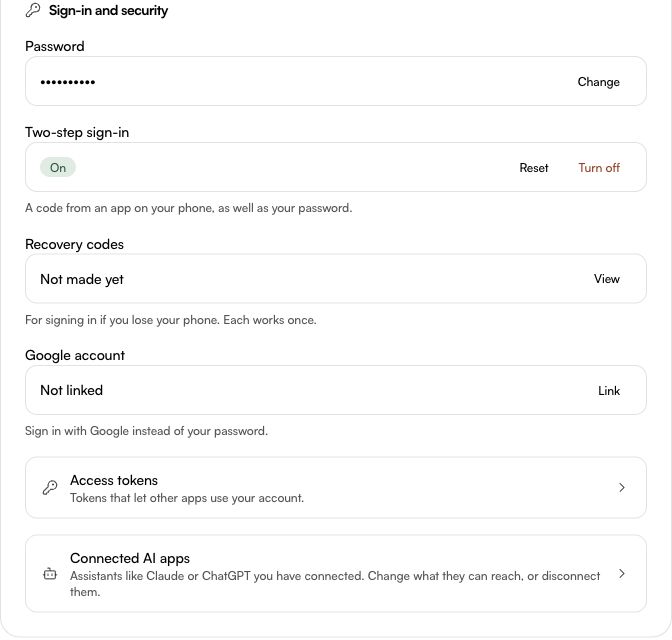
- Under Sign-in and security, click Change next to Password.
- Enter your new password and save it.
Resetting your password when logged out
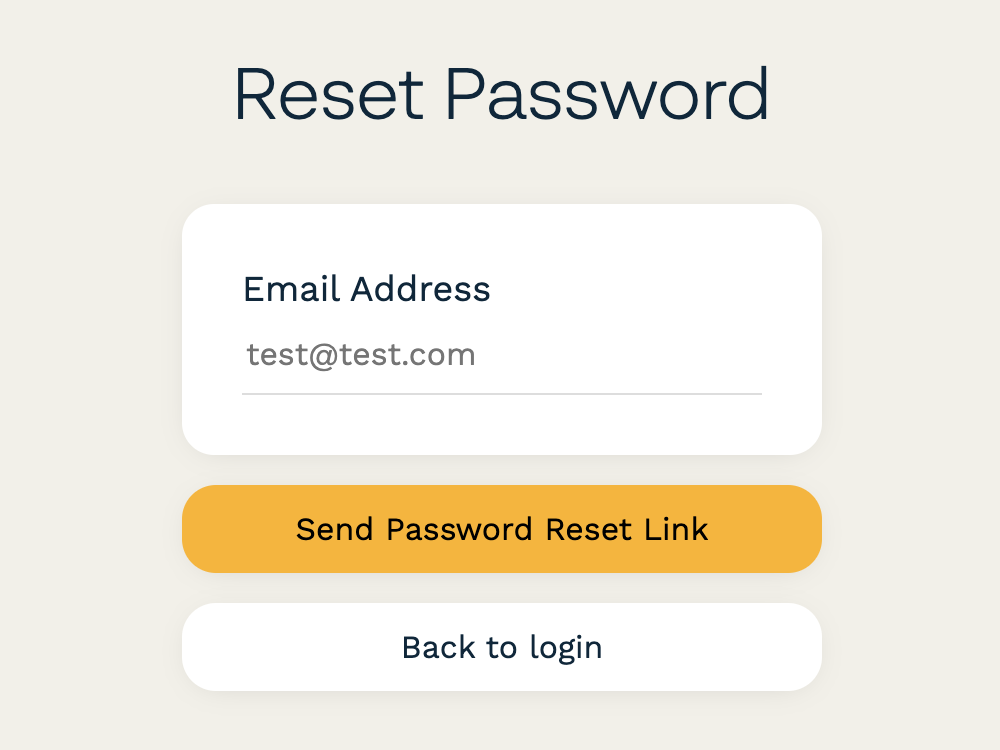
- Go to paperform.co/password/reset, or click "Forgot Your Password" below the login window.
- Add the email address associated with your Paperform account, then click "Send password reset link."
- We'll send you an email containing a link to reset your password. This will prompt you to create a new password.
If you've forgotten your email address, please get in touch with us via live chat in the bottom right corner.