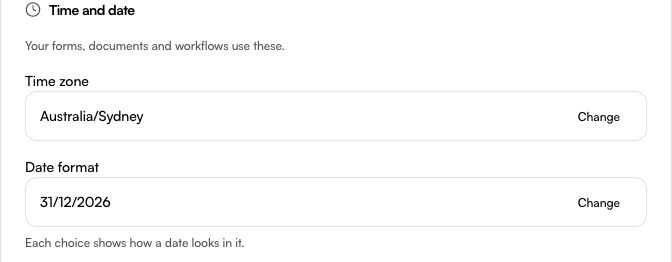
Your time zone is a team setting. Set it in Team settings > Time and date so that submission results, reports and more are shown in your time zone. Your forms, documents and workflows all use it.
To do this:
- Click your name at the bottom of the sidebar to open the account menu, then choose Team settings. You can also go straight to Team settings.
- Under Time and date, click Change next to Time zone and choose your time zone.
Team settings are available to team owners and admins. If you can't see them, ask your team owner to change the time zone.
Gotchas
Changing the time zone will affect the "submitted_at" time in the Results and anything that relies on this time stamp, ie: Reports and Integrations.